Screenshot appears after consentScreenshot appears after consentScreenshot appears after consentScreenshot appears after consentScreenshot appears after consentScreenshot appears after consentScreenshot appears after consentScreenshot appears after consentScreenshot appears after consentScreenshot appears after consent
Summary
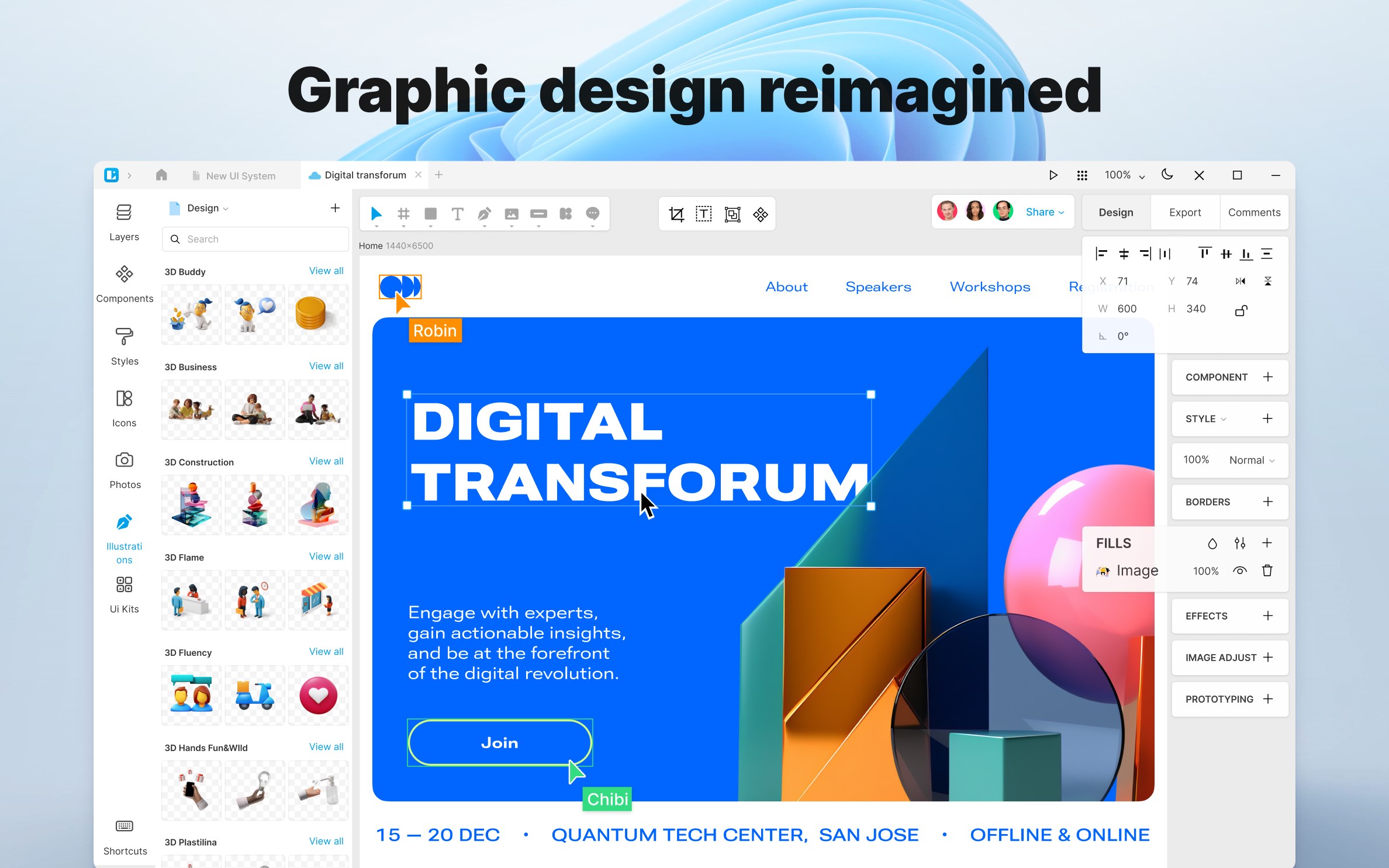
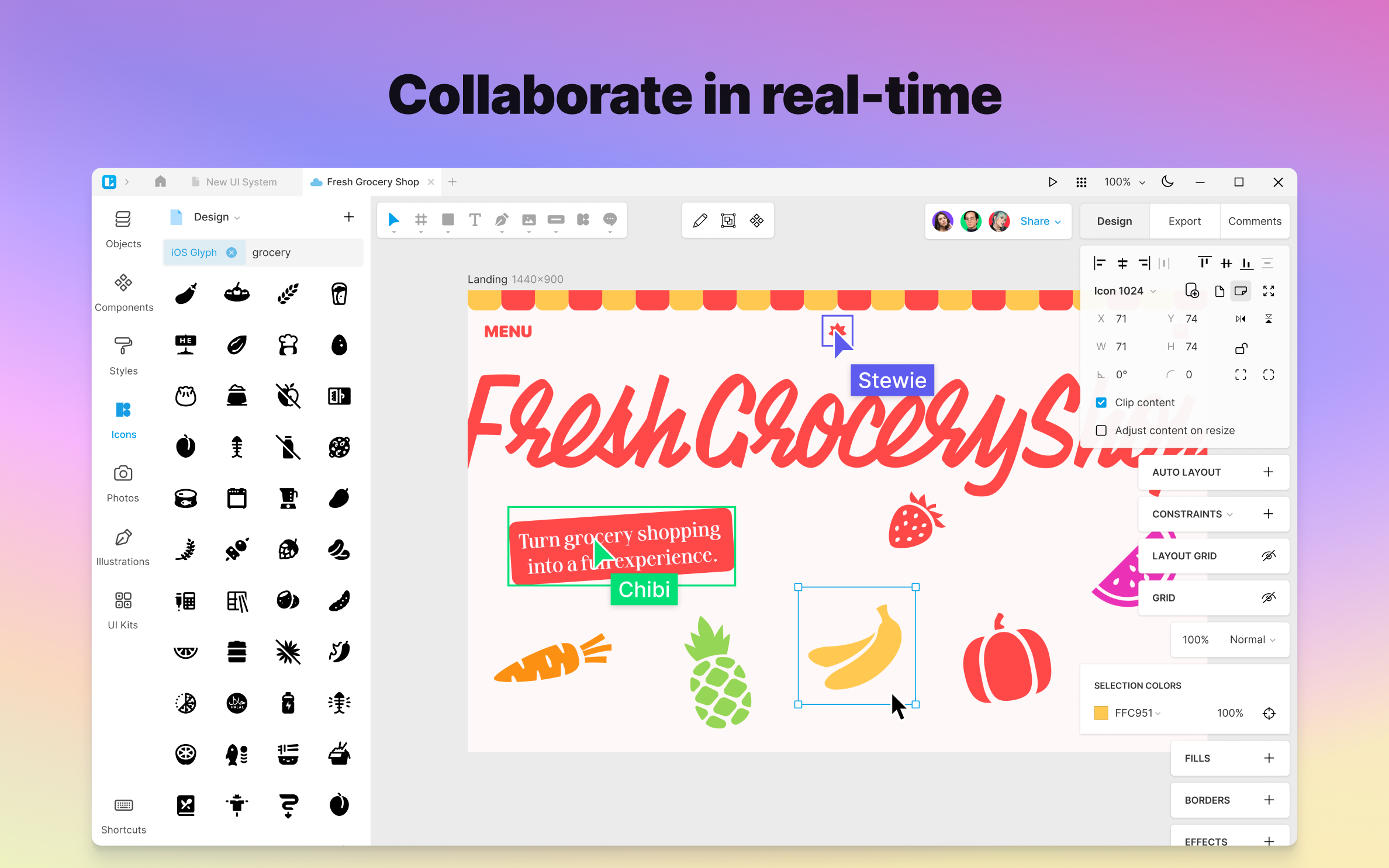
Lunacy - Graphic Design Tool for UI/UX and Web is a design tool for UI, UX and web design. It supports real-time collaboration with other users across platforms, including comments, stickers and audio messages. A built-in library provides icons, photos and illustrations, and AI tools can remove image backgrounds, enhance images, generate user avatars and create placeholder text. The app natively supports Sketch files and allows importing and exporting Figma projects, and it lets users switch between cloud and offline work. Designs can be exported as CSS code or in formats such as PNG, SVG, JPEG and PDF. Lunacy is free for personal and commercial use.
Show the developer's original descriptionHide the original description
Meet Lunacy, your ultimate design tool!
Key features include:
— real-time worldwide collaboration
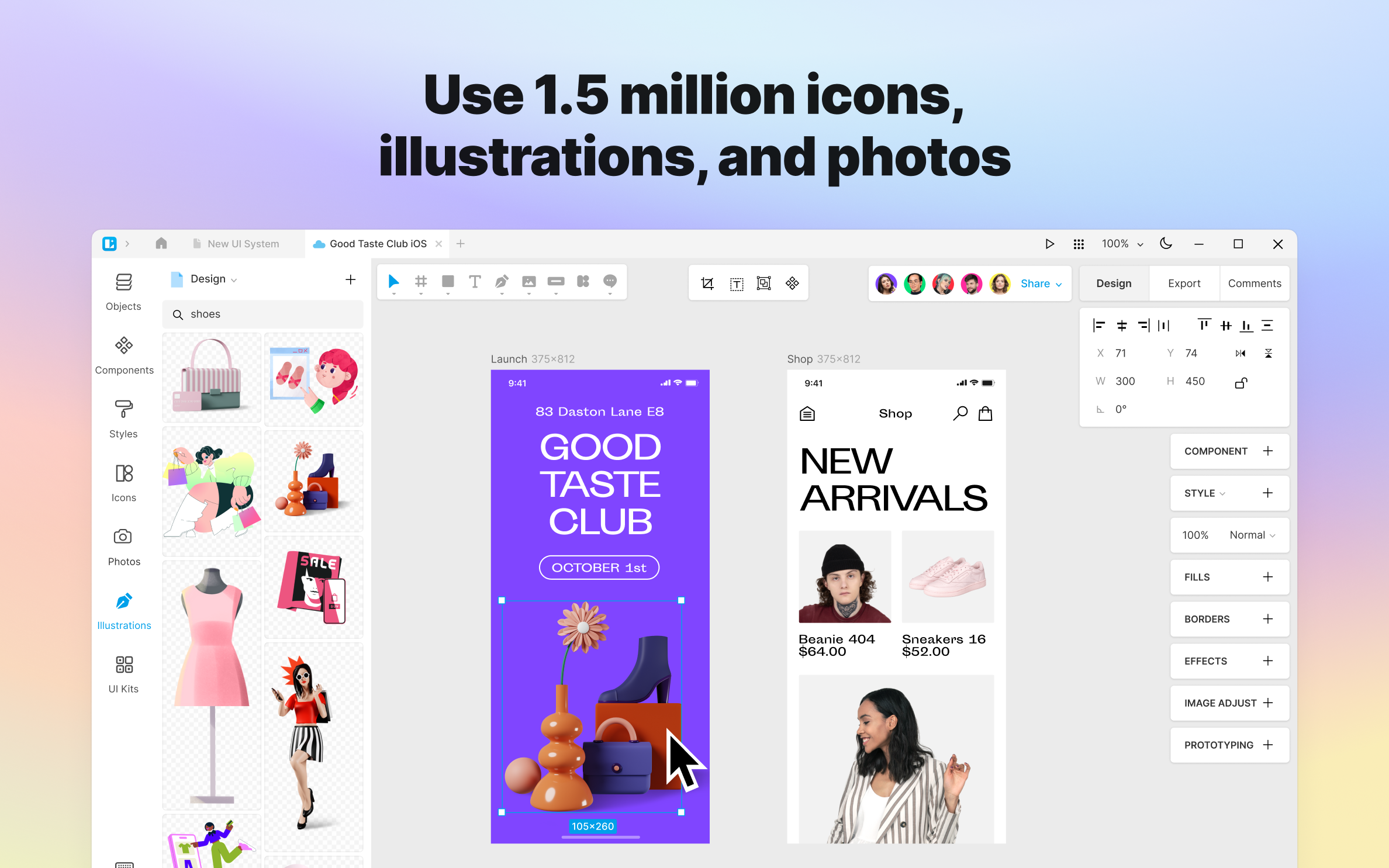
— 1 500 000 icons, photos, and illustrations
— powerful AI tools
— Figma & Sketch support
— Cloud storage
— private offline mode
— low system requirements
— 25 languages
And much more!
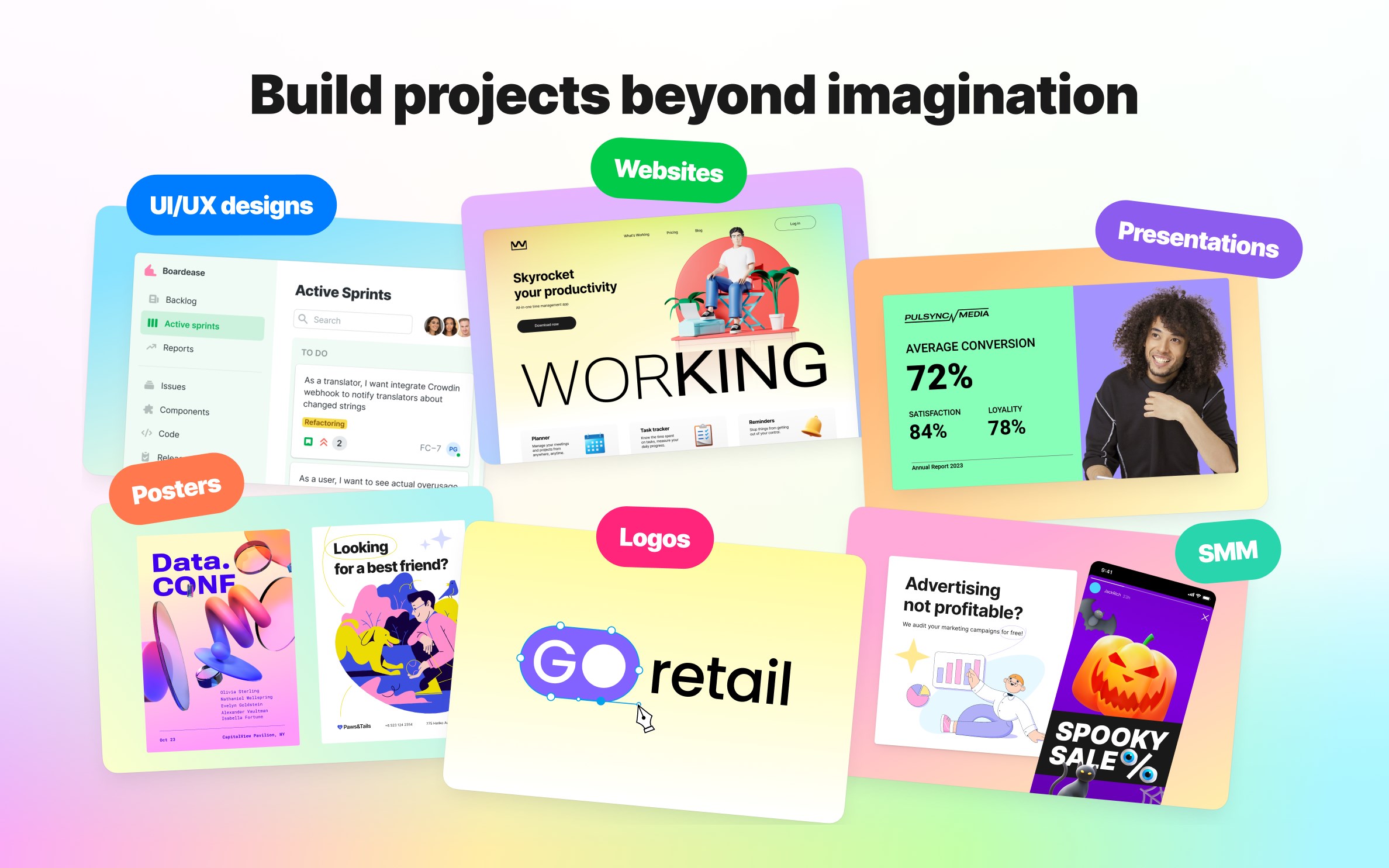
Lunacy is a next-gen vector graphic design app for UI, UX, and Web. It combines the best features of all the designer apps to help you optimize your workflow and minimize distractions. Take advantage of the built-in graphics library, use powerful AI tools, and collaborate on projects with your team on several platforms simultaneously! Lunacy also offers cross-app format support, offline use, and cloud storage.
100% FREE
Lunacy is free for both personal and commercial use.
EASY TO LEARN
Ever tried Sketch or Figma? If you have, then with Lunacy you’ll feel right at home!
REAL-TIME COLLABORATION
Collaborate in real-time with other users on different platforms. Leave comments, stickers, and audio messages!
STUNNING GRAPHIC ASSETS
— 1 300 000 icons
— 140 000 photos
— 71 000 illustrations
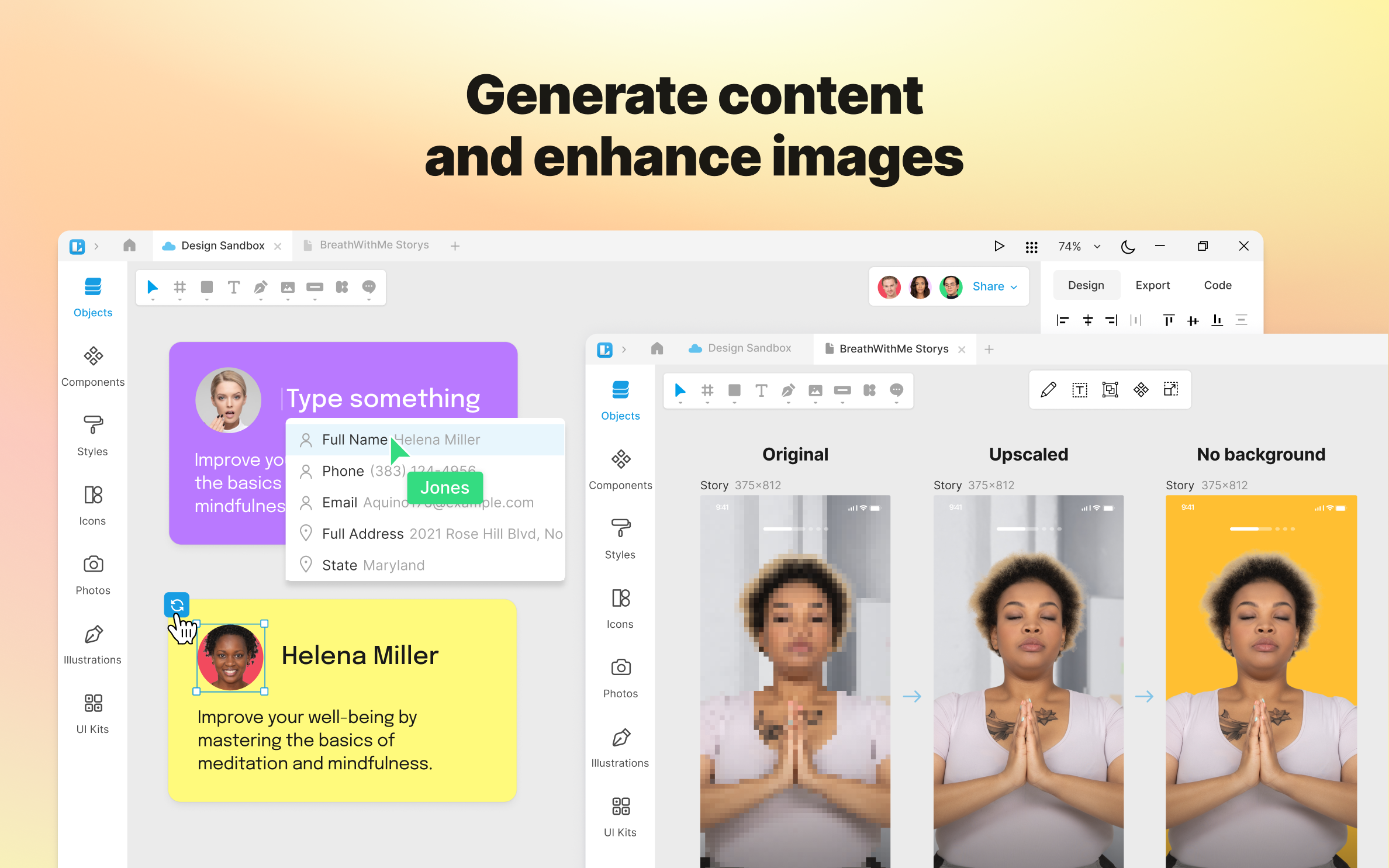
AI ROUTINE KILLERS
— remove backgrounds
— enhance images
— create placeholder texts — generate user avatars
INNOVATION IN EVERY DETAIL
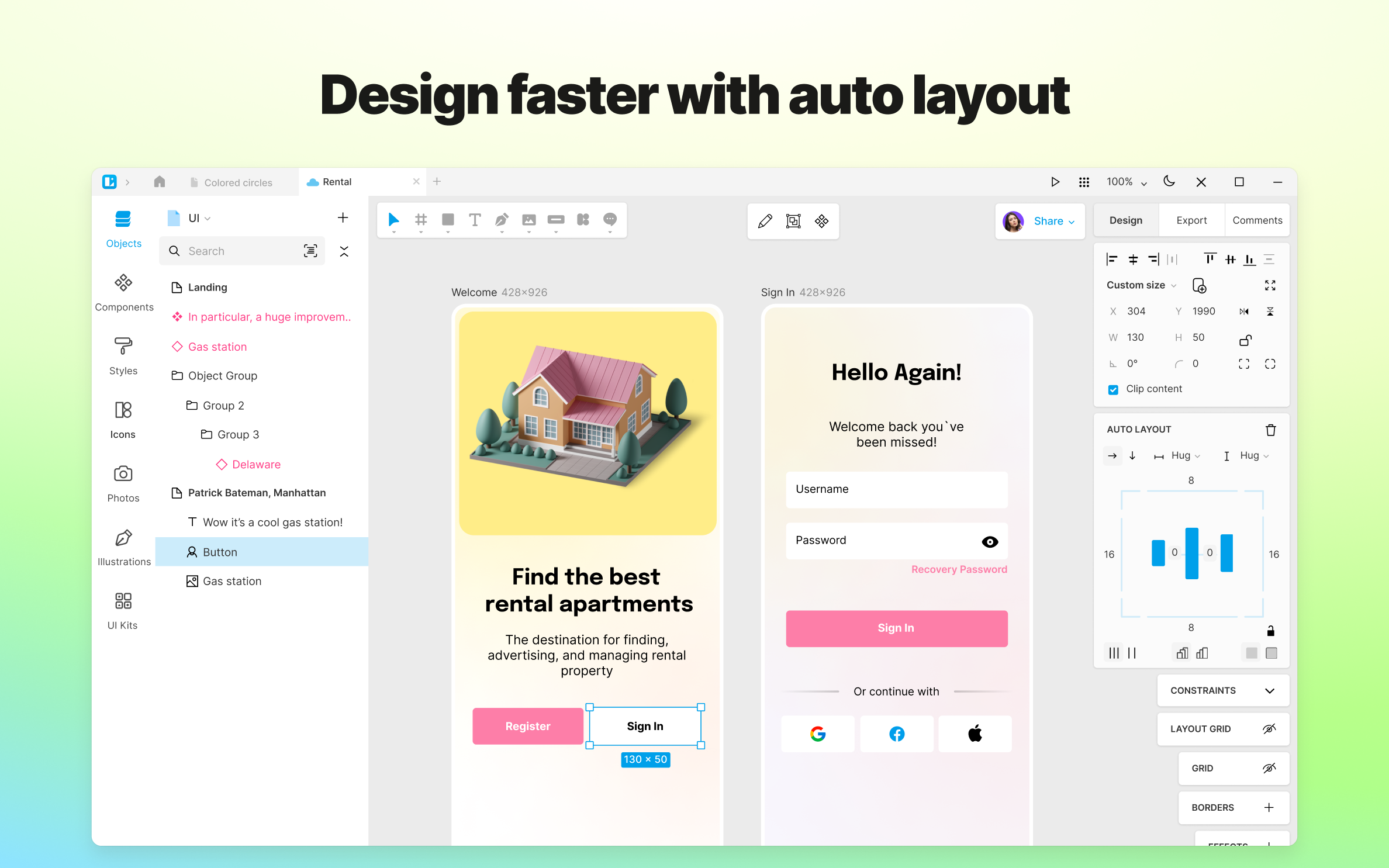
Don’t let other apps limit the flow of your imagination, design unique experiences with Auto Layout, Arc Editor, Auto Z-index, automatic shape coloring, and linked web design.
FIGMA IMPORT
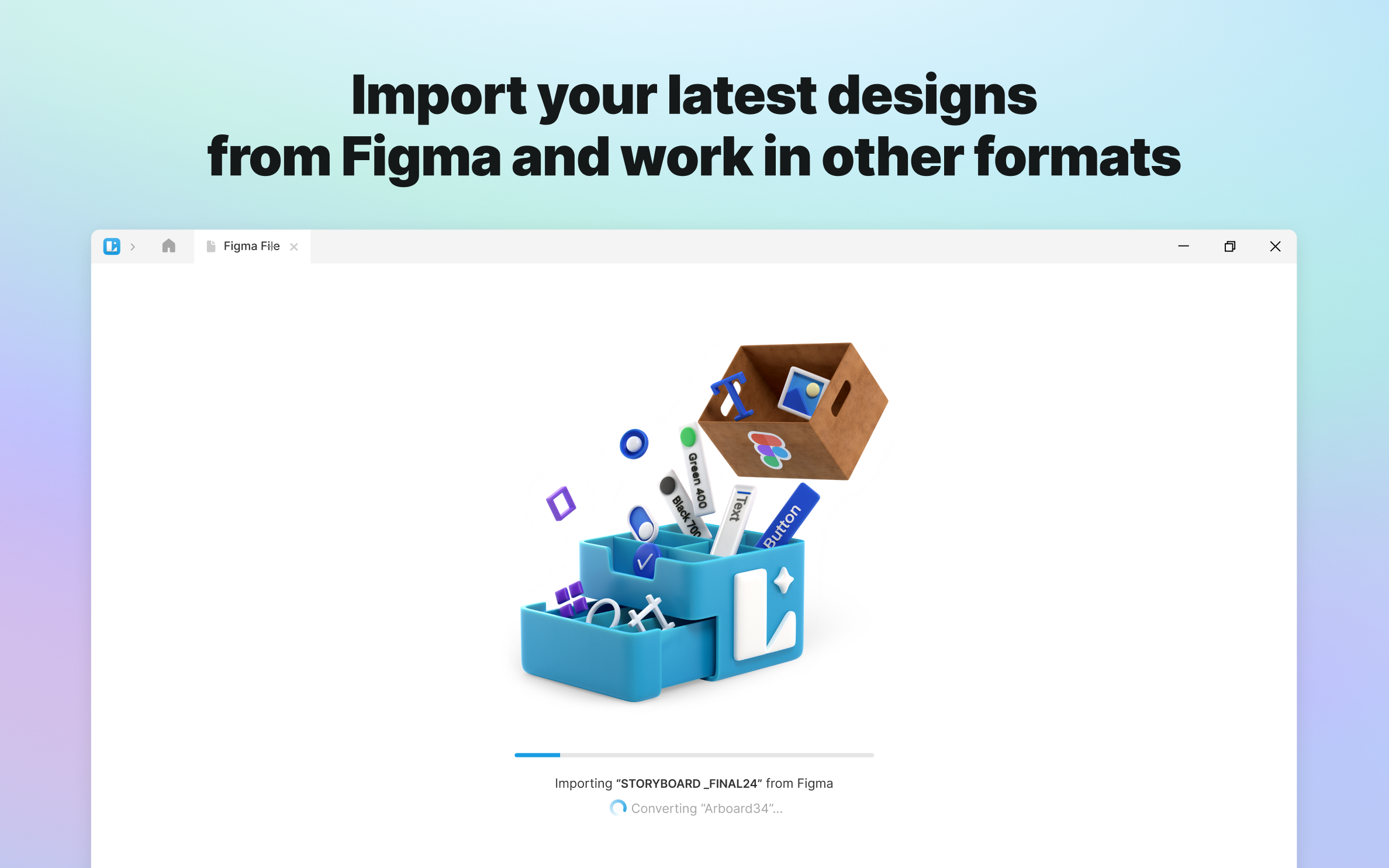
You've just come from Figma? No need to waste your time rebuilding your projects — with Figma Import, you can transfer files in and out.
FULL .sketch FILE SUPPORT
Lunacy natively works with the Sketch format. Open, edit, and save .sketch files however and whenever you want. Lunacy can handle both dusty kits from SketchAppSources and the latest versions of .sketch files.
BOUNDLESS EXPORT
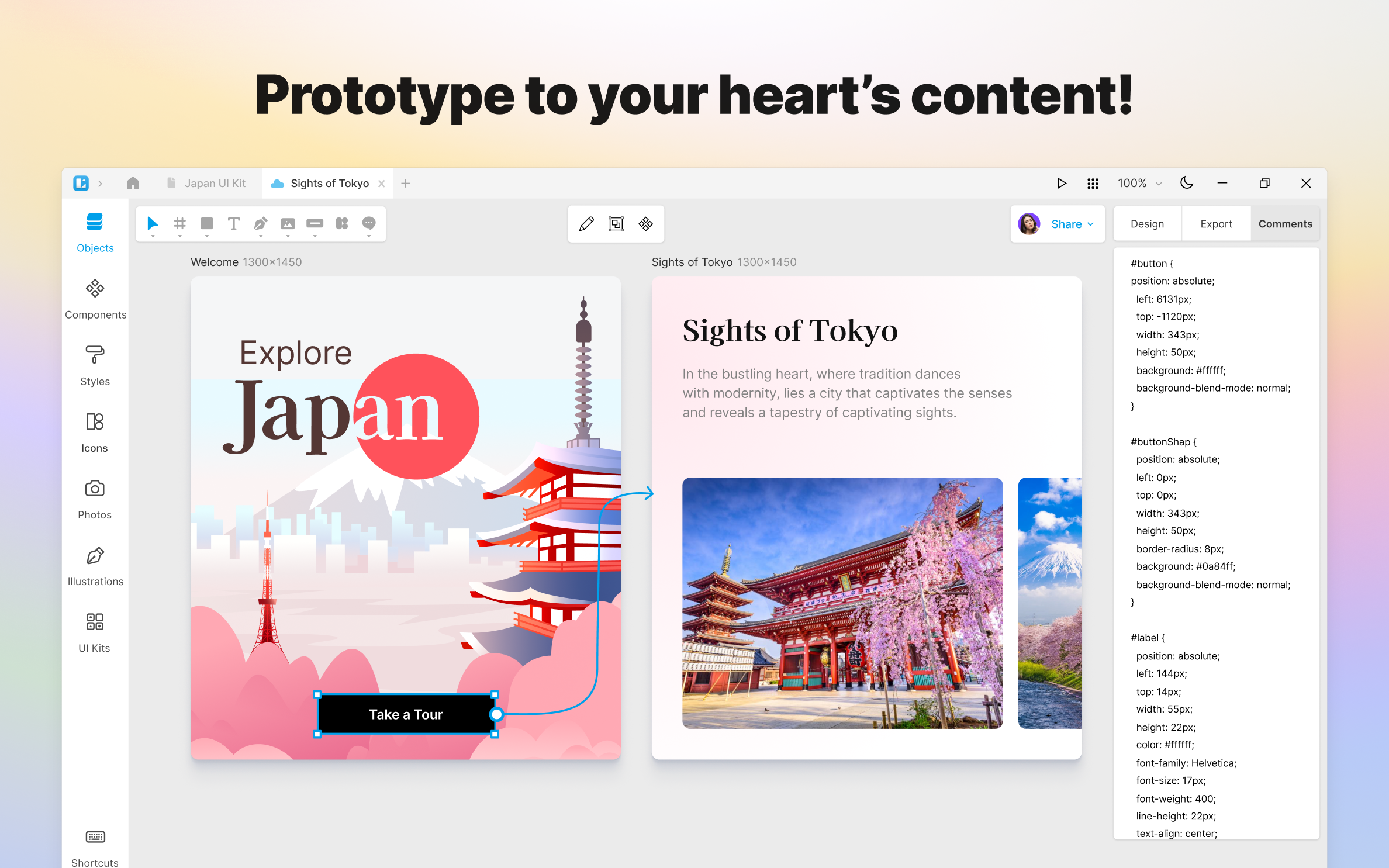
Transform your designs into CSS code and export assets in PNG, SVG, JPEG, PDF, WEBP, TIFF, GIF, and ICO formats in any resolution.
ONLINE AND OFFLINE
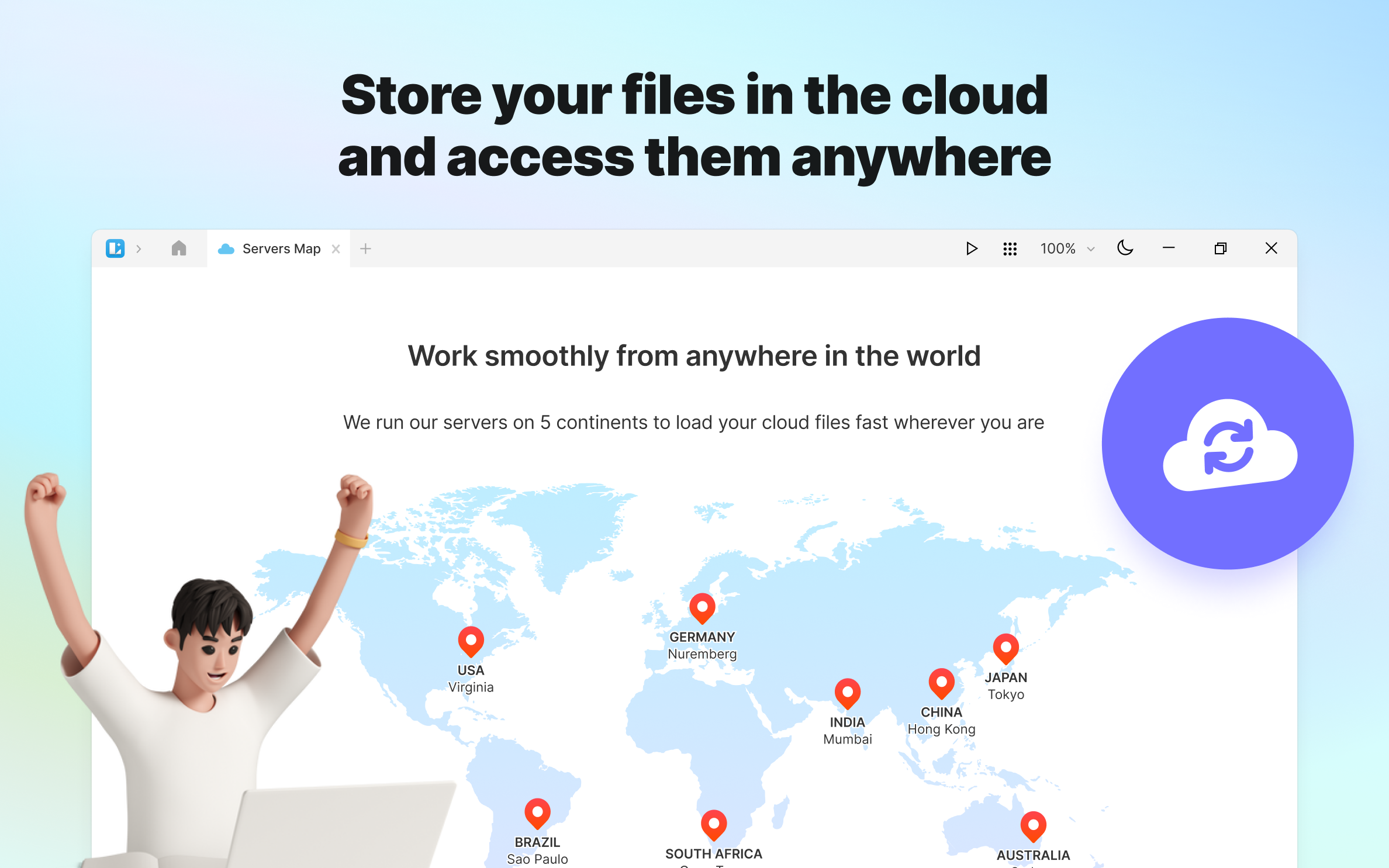
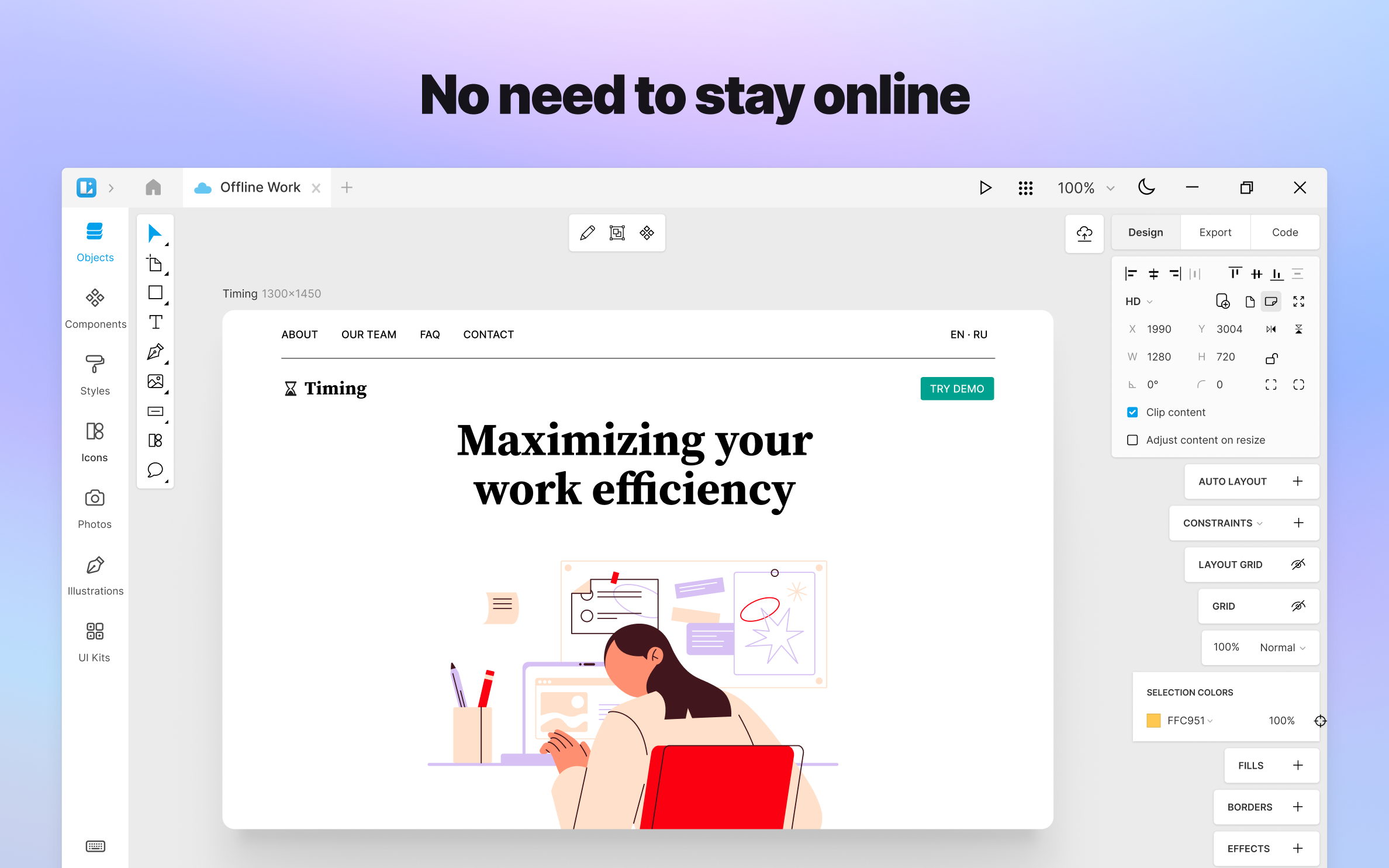
Switch anytime between cloud and local docs! Access cloud files and collaborate from anywhere, or just take a break from the team hustle and save some traffic.
PERFECT FOR DEVELOPMENT
Thanks to the native support of the .sketch format, you can use Lunacy with all major hand-off and version control tools like Avocode, Zeplin, Abstract, Simpli, etc. You can easily import .sketch files into Figma or XD if needed.
Join our growing community of Design Lunatics!
— Our X: https://twitter.com/Icons8_Lunacy
— Request a feature: https://lunatics.icons8.com/discussions
— Report a bug: https://community.icons8.com/c/lunacy/7
Play Store URL for "Lunacy - Graphic Design Tool for UI/UX and Web"
If there is a version of this app for iOS/Mac or Windows we don't know about, paste the store link here — we'll auto-detect the store.
How to find the URL:1. Open the app in its store. 2.In the App Store app: tap the Share icon → “Copy Link”. In the browser: copy the URL from the address bar — it contains apps.apple.com/…/id… or apps.microsoft.com/detail/…. 3. Paste it here.
Paste the original link from the Apple App Store or Microsoft Store. We fetch all details automatically.
How to find the URL:
1. Open the app in its store. 2.In the App Store app: tap the Share icon → “Copy Link”. In the browser: copy the URL from the address bar — it contains apps.apple.com/…/id… or apps.microsoft.com/detail/…. 3. Paste it here.
Android apps can only be listed by their developer.



 Logoist 6 – Graphic Design
Create vector graphics and designs with AI support
 OmniGraffle 7
Design and create graphics, diagrams, and wireframes
 Amadine: Vector Design and Art
Vector design app for illustrations, logos and icons
 Sketch
Design and prototyping tools with cloud sharing
 Design Lab: Logo Graphic Maker
Create designs with templates, photos and graphics
 OmniGraffle 3
Create diagrams, sketches and designs with pro tools