Screenshot appears after consentScreenshot appears after consentScreenshot appears after consentScreenshot appears after consentScreenshot appears after consent
Summary
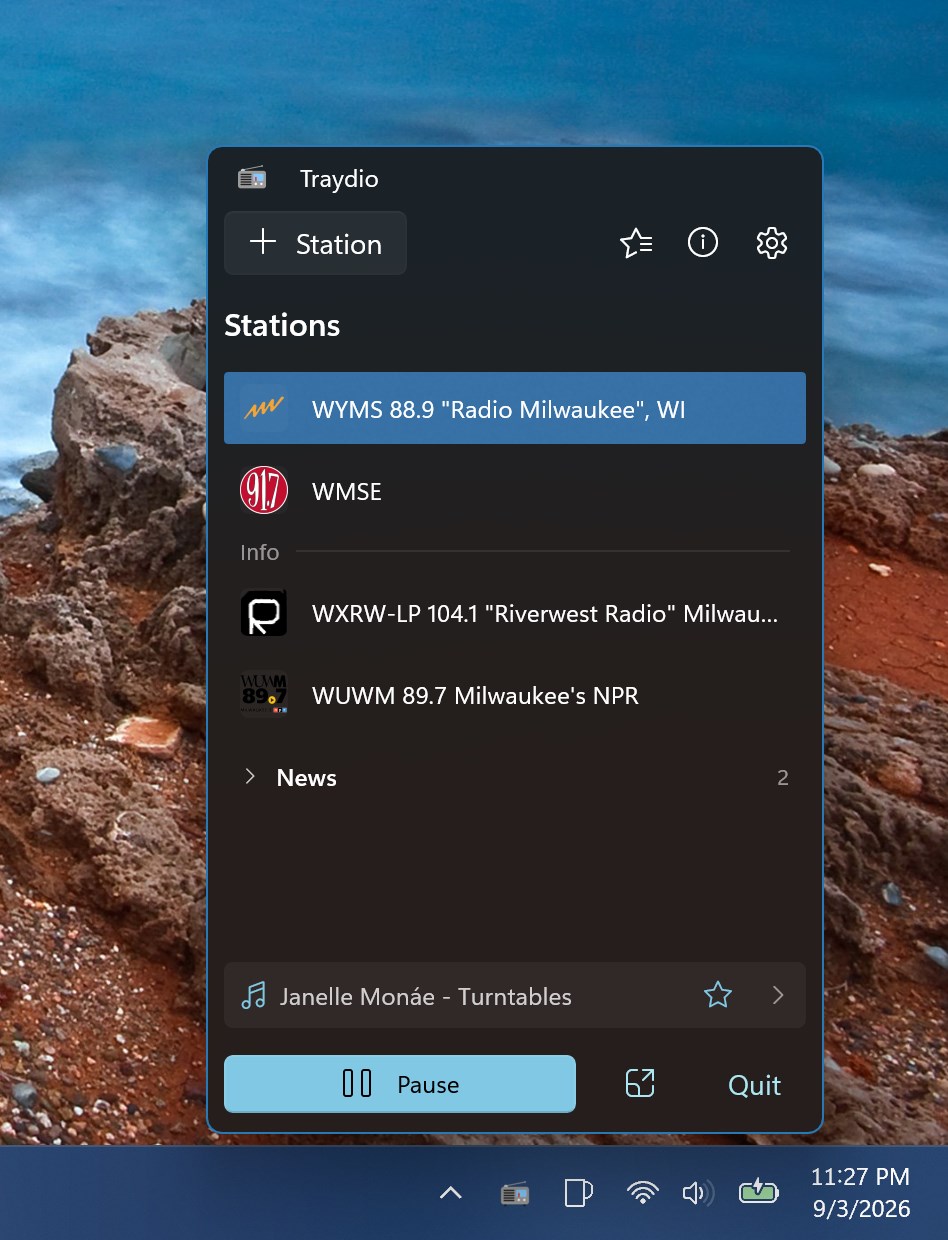
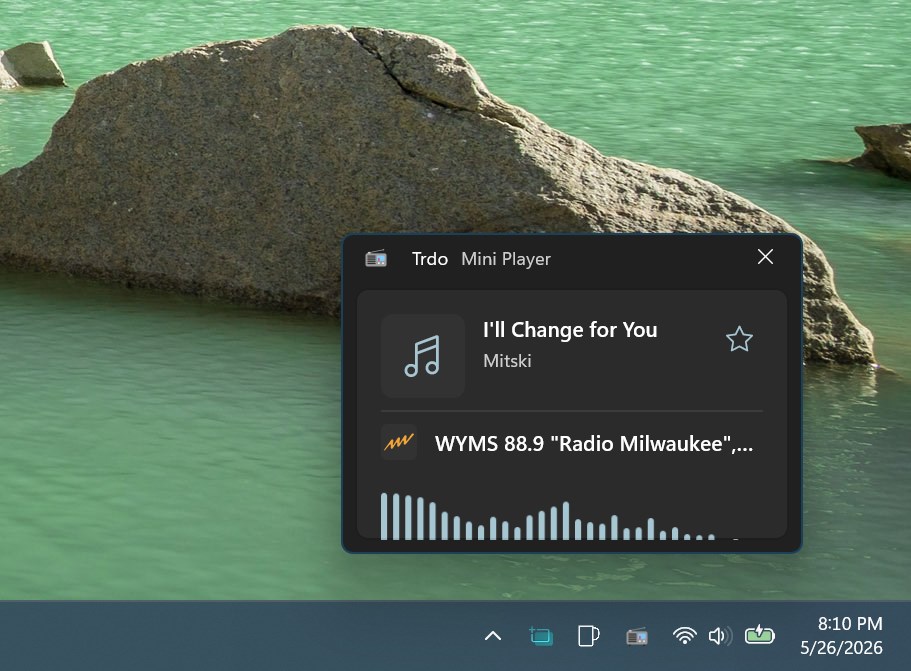
Traydio is an application that lives in the system tray, giving instant access to favorite stations without cluttering the desktop. Playback and pause happen with a single click, and the app remembers volume settings and the last station played. Users can add and organize an unlimited number of custom radio stations. The tray icon adapts to the system theme and shows playback status at a glance while running quietly in the background with minimal resource use. A stream watchdog monitors connection health and automatically reconnects if a stream drops. The app is free and uses a WinUI 3 interface.
Show the developer's original descriptionHide the original description
Your favorite radio stations, always just a click away.
Remember the simplicity of your car radio? A handful of preset buttons, each one perfectly tuned to your favorite stations. News on 1, classic rock on 2, jazz on 3. No scrolling through endless menus, no complicated interfaces—just reach out, press a button, and instantly switch between the stations you love. Traydio brings back that effortless experience for your desktop. Your favorite internet radio stations are always just one click away in your system tray, ready to fill your workspace with music, news, or talk radio. It's the same instant satisfaction, reimagined for the modern age.
Traydio is a lightweight, elegant radio player that lives in your system tray, giving you instant access to your favorite internet radio stations without cluttering your desktop.
🎵 Effortless Playback
• One-click play/pause directly from the system tray
• Clean, distraction-free interface when you need it
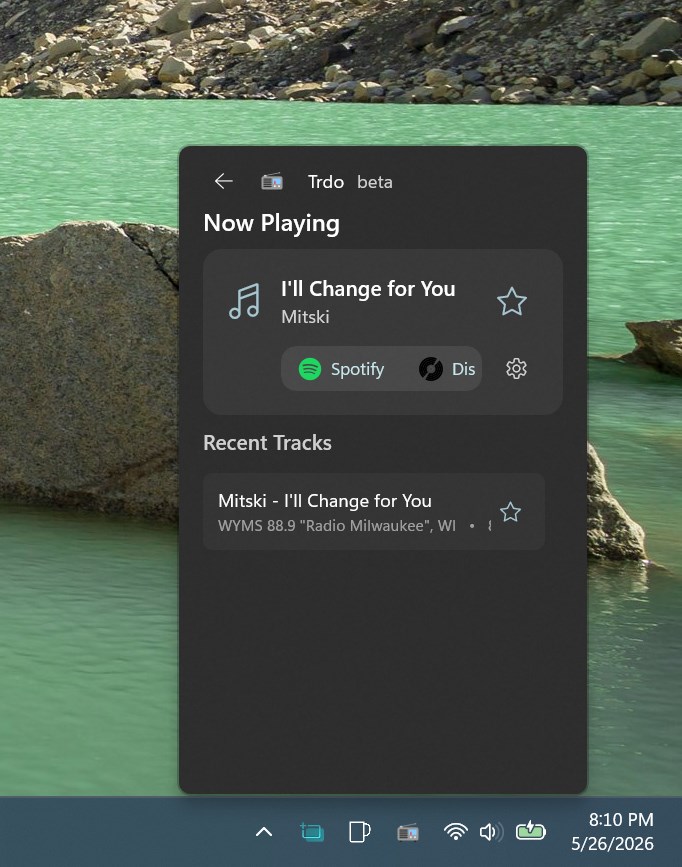
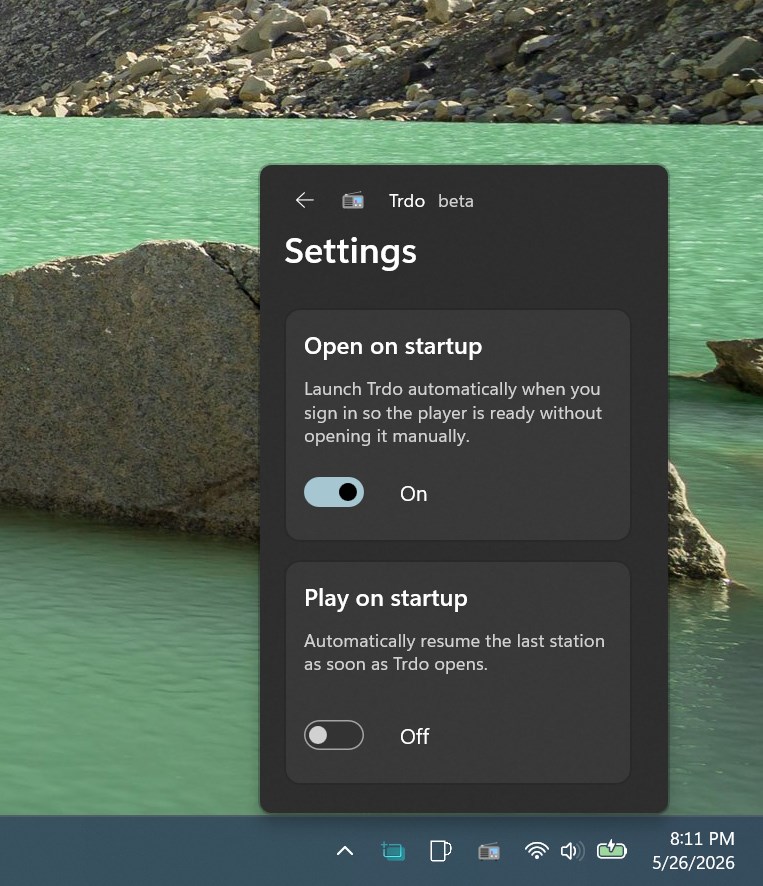
• Remembers your volume preferences and last played station
📻 Manage Your Stations
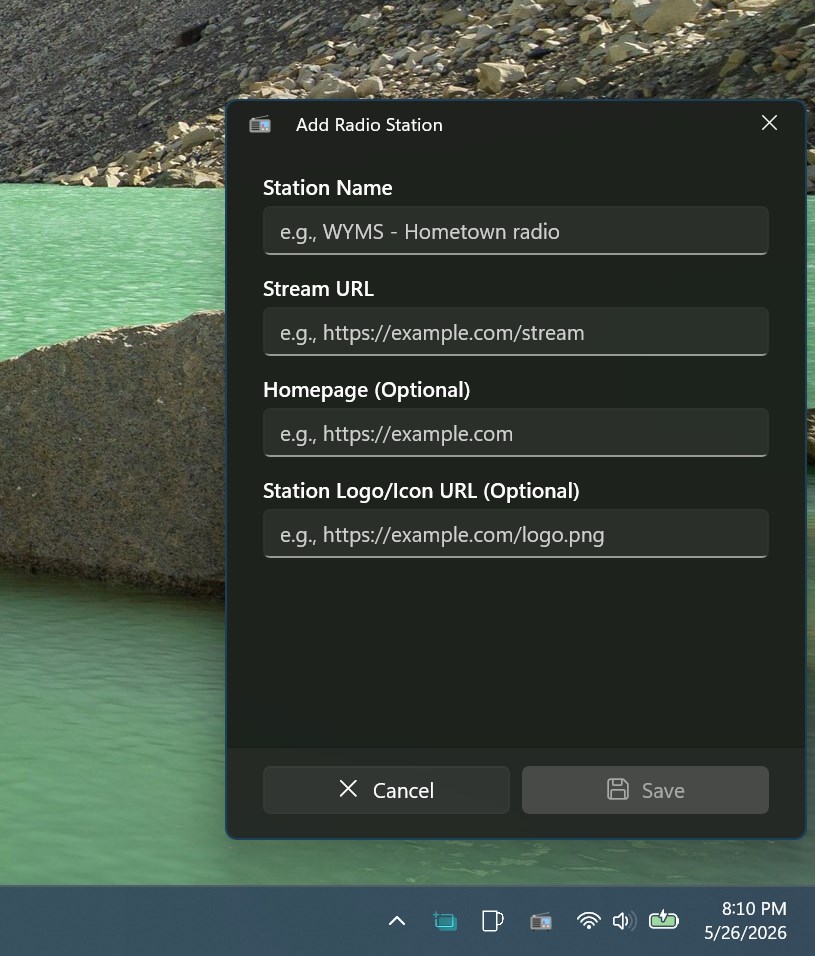
• Add unlimited custom radio stations
• Edit and organize your collection with ease
🎨 Smart System Integration
• Adaptive tray icon that responds to your system theme (Light/Dark mode)
• Visual indicators show playback status at a glance
• Runs quietly in the background, using minimal resources
🛡️ Stream Watchdog
• Automatic monitoring of stream health
• Intelligent reconnection when streams drop
• Never miss a beat with built-in reliability features
⚡ Lightweight & Fast
• Minimal memory footprint
• Instant startup and responsive controls
• Modern WinUI 3 interface that feels native to Windows 11
Perfect For
• Music lovers who want their radio always accessible
• Internet radio enthusiasts
• Anyone who appreciates clean, focused software
• Users who prefer keyboard-free, tray-based control
No complicated setup. No subscription fees. Just pure, simple radio streaming.
---
Traydio keeps it simple: pick a station, click to play, and enjoy your audio. Everything else stays out of your way.
If there is a version of this app for iOS/Mac or Windows we don't know about, paste the store link here — we'll auto-detect the store.
How to find the URL:1. Open the app in its store. 2.In the App Store app: tap the Share icon → “Copy Link”. In the browser: copy the URL from the address bar — it contains apps.apple.com/…/id… or apps.microsoft.com/detail/…. 3. Paste it here.
Paste the original link from the Apple App Store or Microsoft Store. We fetch all details automatically.
How to find the URL:
1. Open the app in its store. 2.In the App Store app: tap the Share icon → “Copy Link”. In the browser: copy the URL from the address bar — it contains apps.apple.com/…/id… or apps.microsoft.com/detail/…. 3. Paste it here.
Android apps can only be listed by their developer.


 VRadio Online Radio & Recorder
Stream, record and favorite radio stations worldwide
 iRadio Free
Listen to over 50,000 radio stations worldwide
 phonostar Radio-App
Stream and record over 40,000 radio stations
 radio.de - Radio und Podcast
Listen to radio stations and podcasts in one app
 RadioRemote
Remote control DAB and internet radios via app
 Pandora
Music and podcast streaming with personalized stations