Screenshot appears after consentScreenshot appears after consentScreenshot appears after consentScreenshot appears after consentScreenshot appears after consentScreenshot appears after consentScreenshot appears after consentScreenshot appears after consentScreenshot appears after consentScreenshot appears after consent
Summary
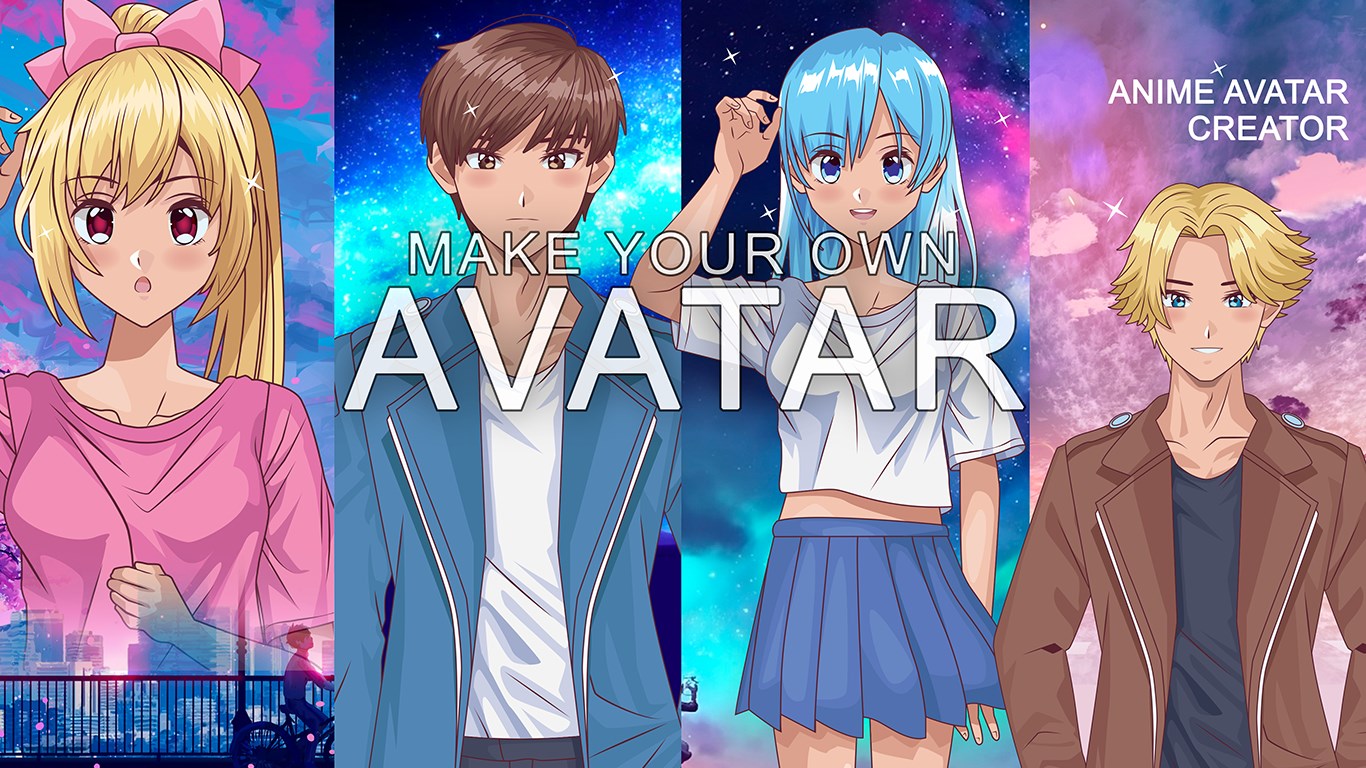
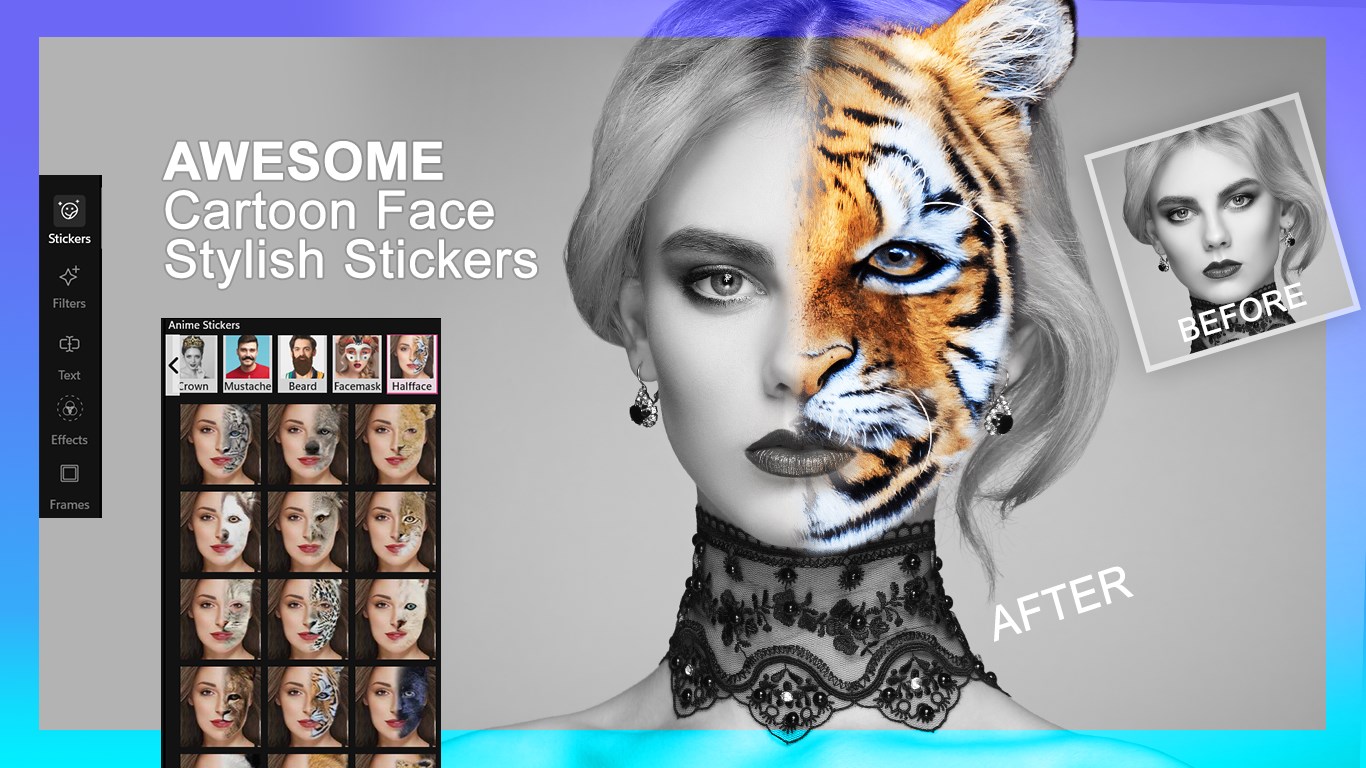
Avatars+ Anime Maker is a face-changing app that transforms photos with animal masks, anime styles and personalized avatars. It lets users capture selfies or choose gallery images, then crop, rotate and resize them for editing. Custom anime characters can be built by adjusting facial features, hairstyles, outfits and accessories, while full avatars can be created by picking gender, face color, eye style, body shape and clothing. The app also offers animal masks, crowns, mustaches and stickers, along with filters, text overlays and background effects. Finished creations can be saved as JPG, PNG, GIF or MP4 and shared on social media. Some features require in-app purchases.
Show the developer's original descriptionHide the original description
Avatars+ Anime Maker is a fun and engaging face-changing app that transforms your appearance from cute, funny, or scary animal faces to stylish anime and personalized avatars.
** Whether you want to create hilarious animal masks, elegant crowns, mustaches, or a full anime character, this app provides all the tools you need to express your creativity.
** Anime has captivated audiences worldwide with its diverse genres, including action, comedy, romance, and teen-centric stories. With Avatars+ Anime Maker, you can bring your favorite anime characters to life or design your own unique avatar. Instantly blend animal face masks, hairstyles, beards, and snap stickers to create stunning or hilarious results in just a few taps.
****Tutorial Link :- https://myexpressapps.com/avatars-anime-maker-tutorial/
Key Features:-
1. Camera & Gallery Access
• Capture selfies and apply avatar stickers and filters instantly.
• Choose images from your gallery for editing and avatar creation.
• Crop, rotate, and resize images to get the perfect framing.
2. Anime Avatars
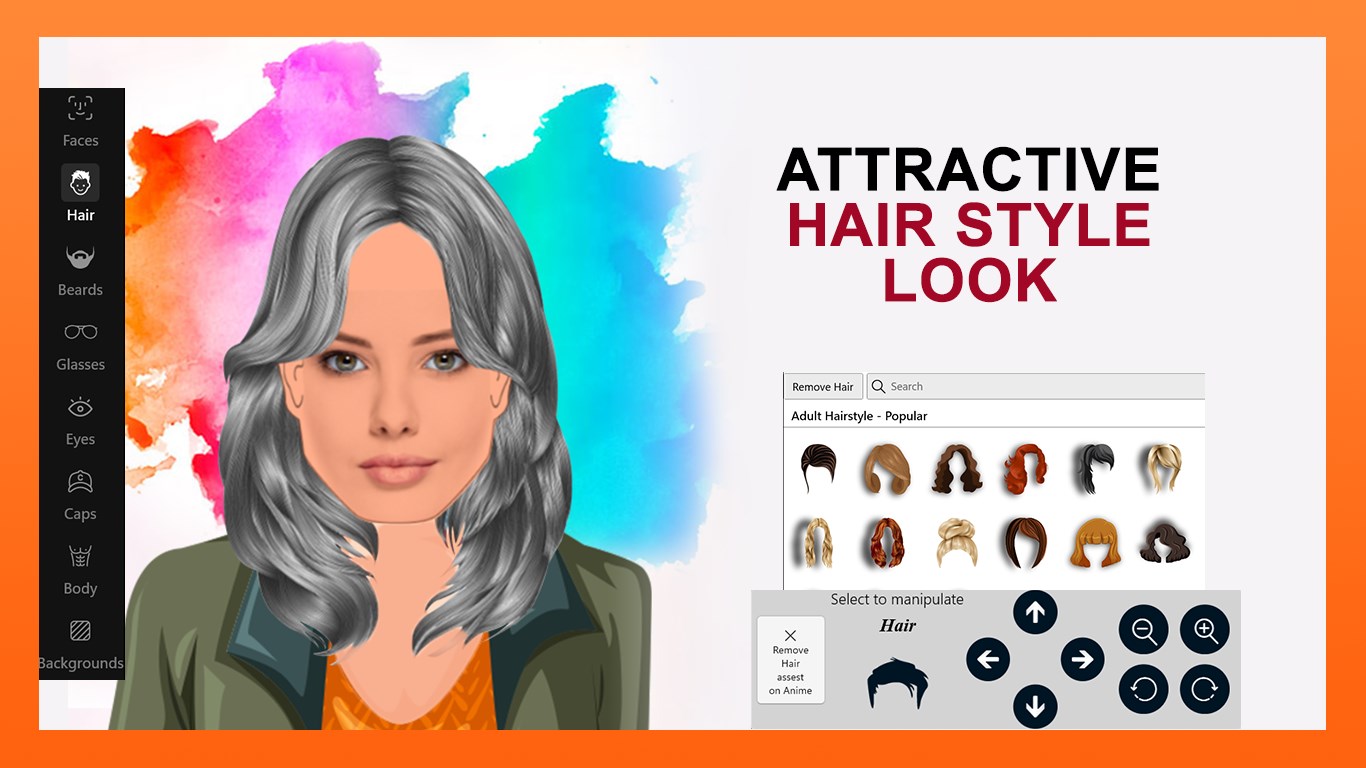
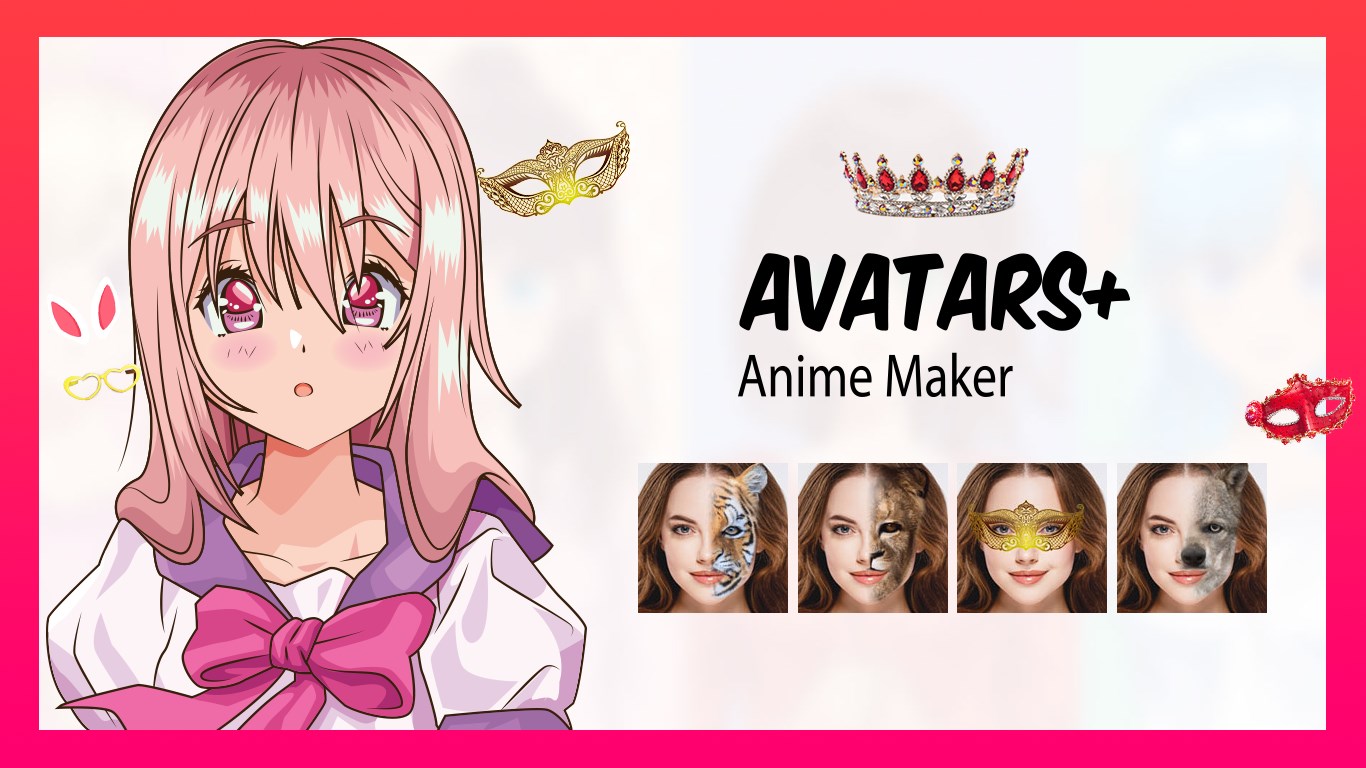
• Create custom anime characters with detailed facial features, hairstyles, outfits, and accessories.
• Customize eyes, eyebrows, mouth, nose, blush, and more to achieve your desired look.
• Add horns, sunglasses, and unique clothing for fully personalized anime avatars.
• Change backgrounds with a variety of vibrant options.
3. Avatar Creation
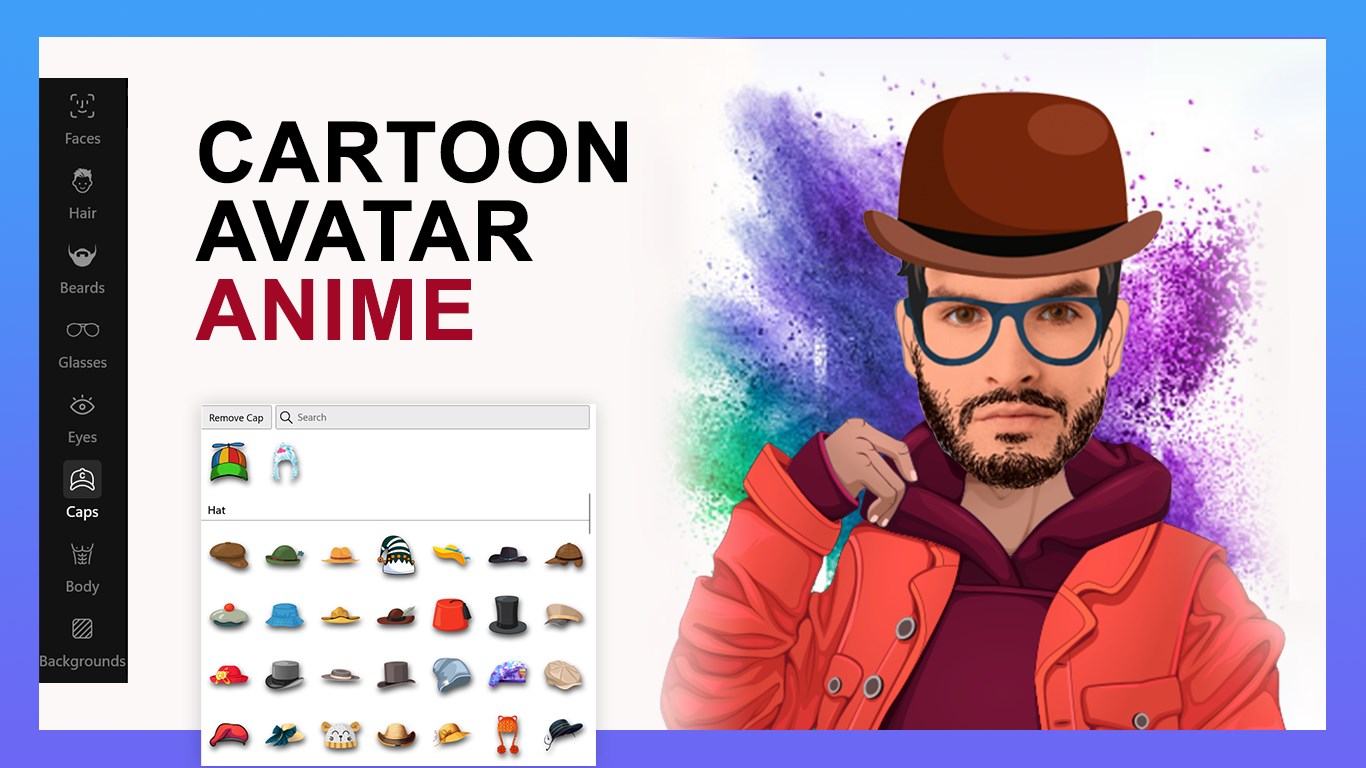
• Build unique avatars by choosing gender, face color, eye style, hairstyle, body shape, and accessories.
• Apply stylish glasses, caps, and outfits to your avatar.
• Personalize avatars with backgrounds, frames, and artistic effects.
4. Face Mask & Stickers
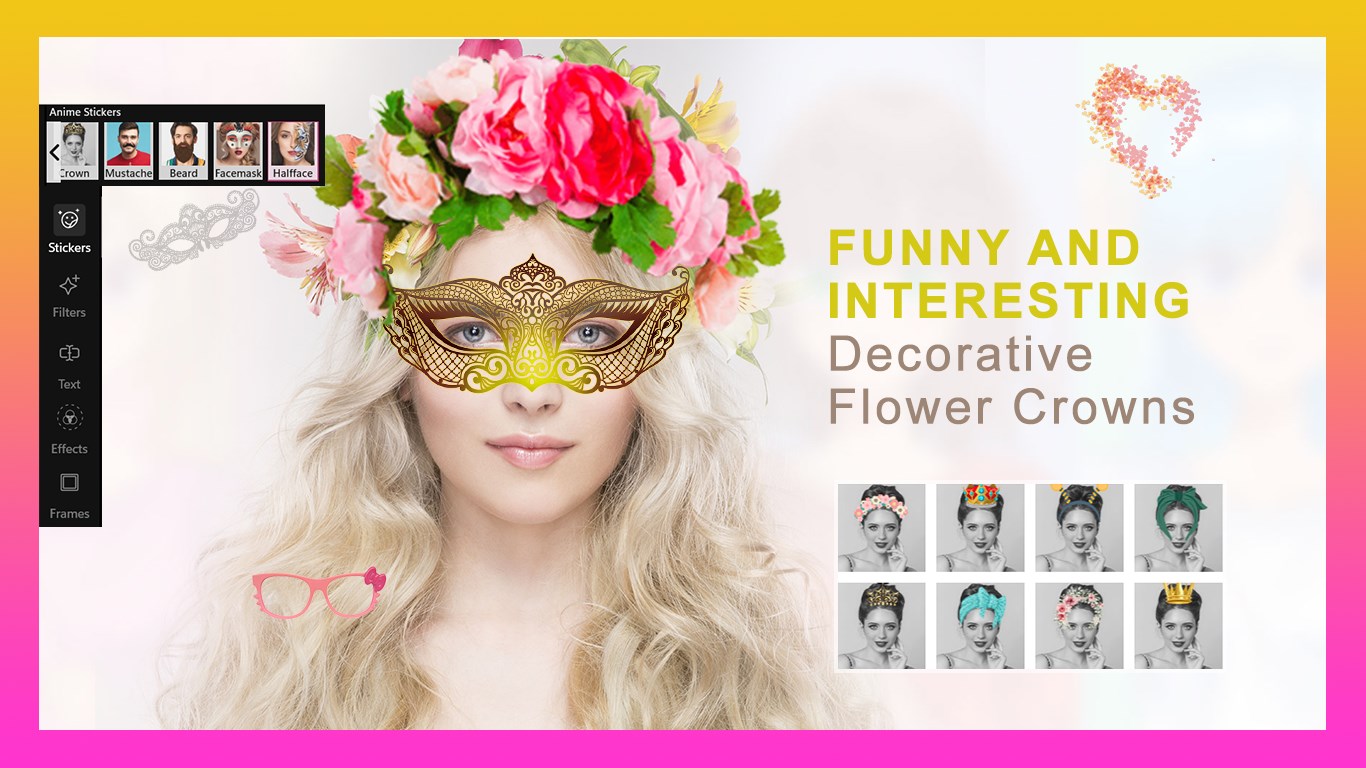
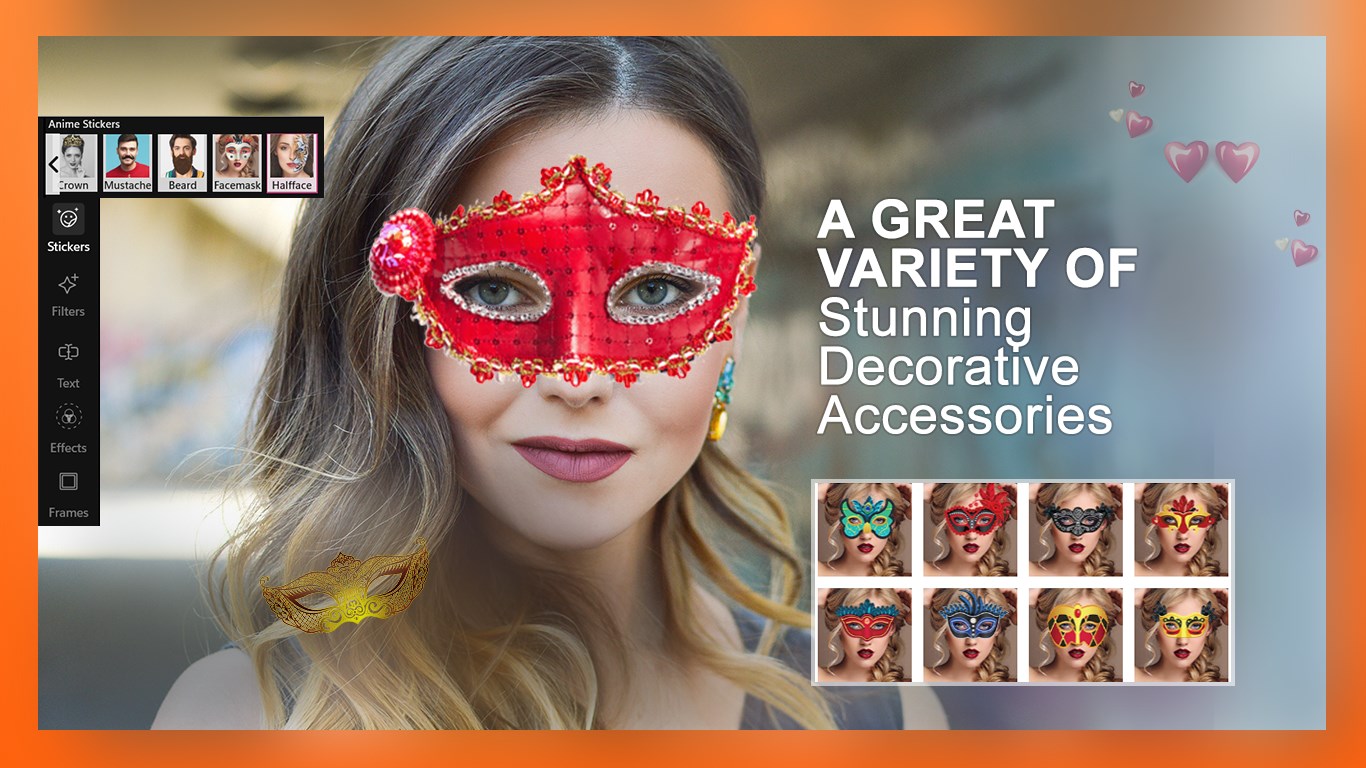
• Apply animal masks, funny hairstyles, crowns, and mustaches.
• Adjust mask size and rotation to fit your photo perfectly.
• Use stickers and snap masks to add fun or creative details.
5. Filters, Text & Effects
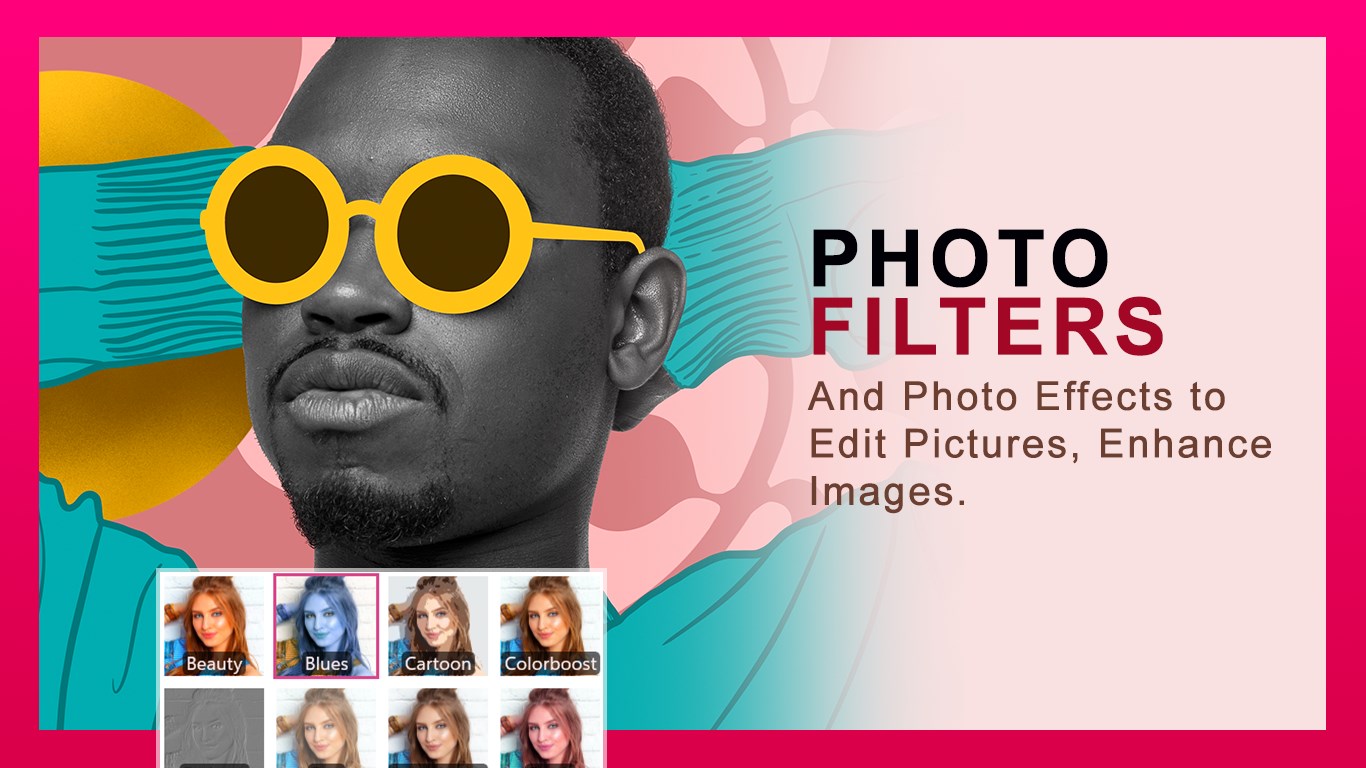
• Add artistic filters such as Lomo, Beauty, Mirror, and more.
• Insert text with customizable fonts, colors, opacity, alignment, and shadow effects.
• Apply effects and frames to enhance your avatars and anime characters.
6. Save & Share
• Save creations in multiple formats including JPG, PNG, GIF, MP4, and more.
• Share your avatars and anime characters easily across social media platforms.
You will love changing your picture again and again by using new Avatars, download all these avatars and have fun sharing your wildest pictures.
★Please note: Some of the features, come with IAP’s (In App Purchase), means you have to buy certain features of the app before using them. So, if your subscription expires, these features will be locked again. We will update the app regularly, so that you get more of the premium features each time.
★★★★CONTACT US★★★★
Web: https://myexpressapps.com
Tutorial: https://myexpressapps.com/avatars-anime-maker-tutorial/
Facebook: @myexpressapps
Instagram: @myexpressapps
Twitter: @myexpressapps
Support: freebestapps@hotmail.com
If there is a version of this app for iOS/Mac or Windows we don't know about, paste the store link here — we'll auto-detect the store.
How to find the URL:1. Open the app in its store. 2.In the App Store app: tap the Share icon → “Copy Link”. In the browser: copy the URL from the address bar — it contains apps.apple.com/…/id… or apps.microsoft.com/detail/…. 3. Paste it here.
Paste the original link from the Apple App Store or Microsoft Store. We fetch all details automatically.
How to find the URL:
1. Open the app in its store. 2.In the App Store app: tap the Share icon → “Copy Link”. In the browser: copy the URL from the address bar — it contains apps.apple.com/…/id… or apps.microsoft.com/detail/…. 3. Paste it here.
Android apps can only be listed by their developer.



 Bitmoji
Create a personal cartoon avatar with sticker library
 Auto Face Swap
Swap or morph faces automatically with AI
 Xbox Original Avatars
Create, customize and photograph your avatar to share
 Kling AI: AI Image&Video Maker
Generate and edit videos and images with AI
 Animotica - Movie Maker
Edit, join and enhance videos with effects
 Pencil Sketch Master
Transform photos into pencil sketches, paintings, or anime