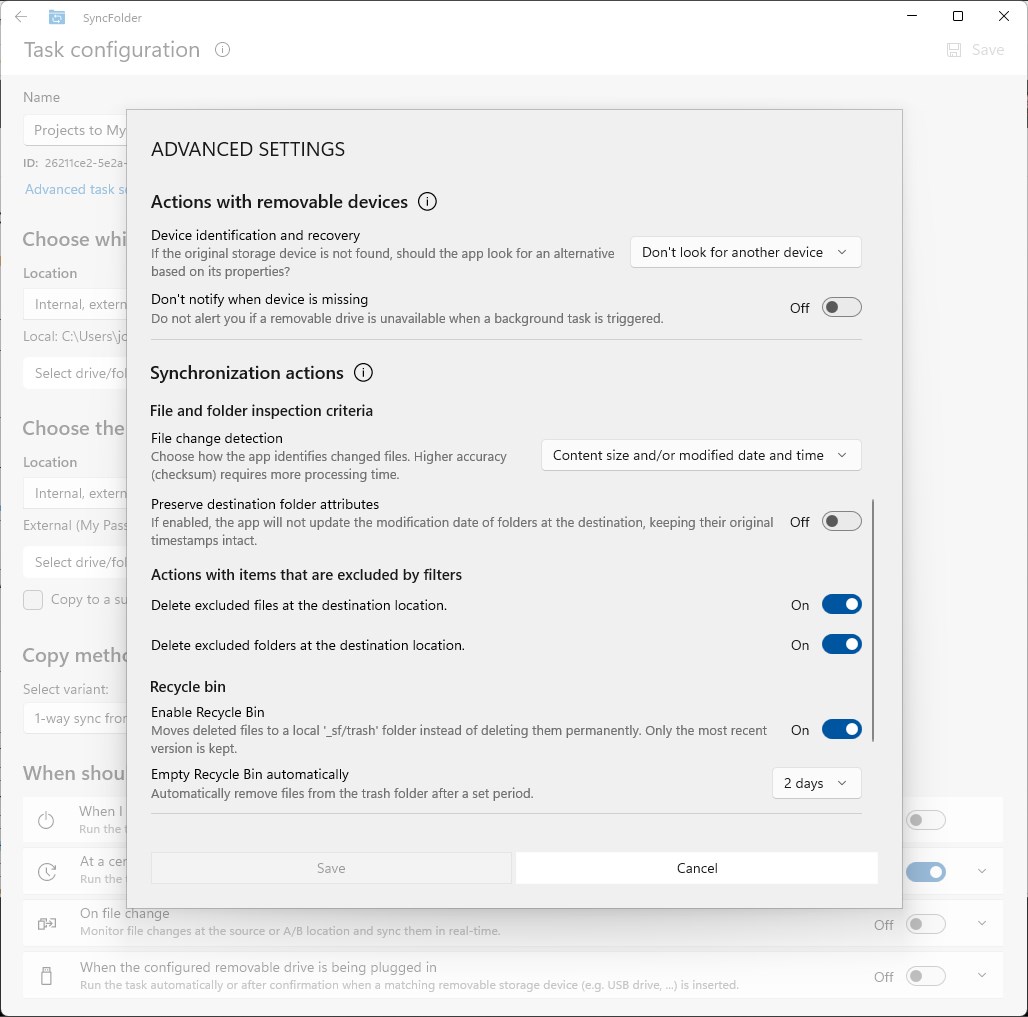
Screenshot appears after consentScreenshot appears after consentScreenshot appears after consentScreenshot appears after consentScreenshot appears after consentScreenshot appears after consent
Screenshot appears after consentScreenshot appears after consentScreenshot appears after consent
Screenshot appears after consentScreenshot appears after consentScreenshot appears after consentScreenshot appears after consentScreenshot appears after consentScreenshot appears after consentScreenshot appears after consent
Summary
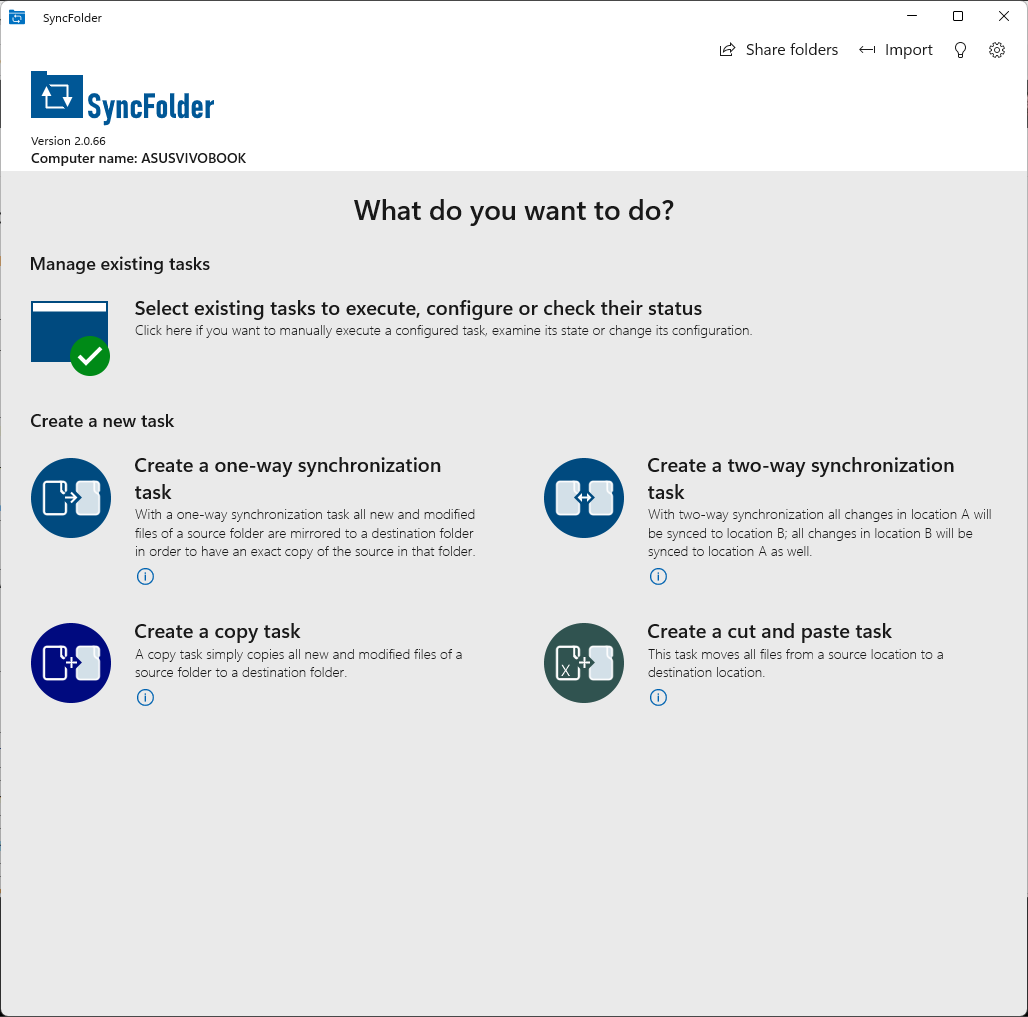
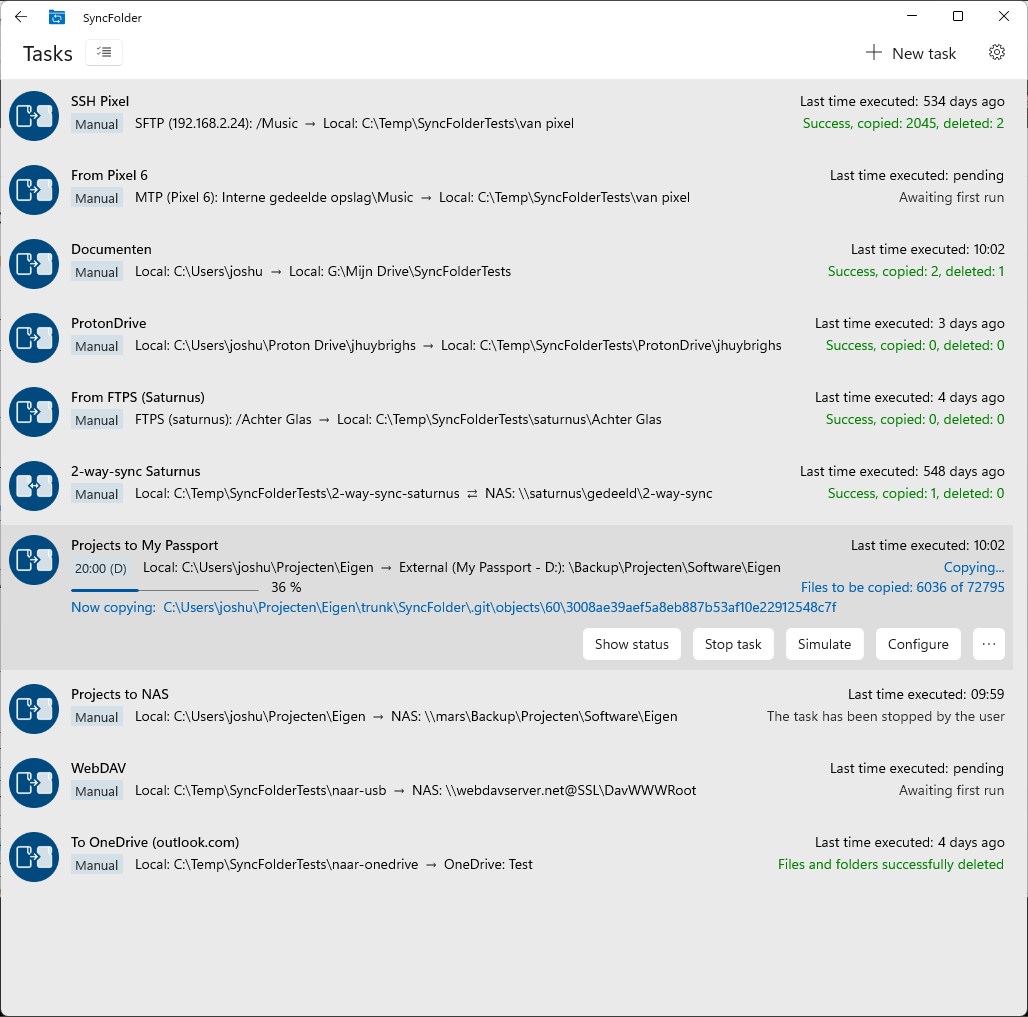
SyncFolder is a backup and synchronization app for Windows that keeps folders mirrored to external drives, network drives, FTP or SFTP servers, MTP devices and cloud storage. Tasks can run on a schedule, periodically, when changes are detected, or on demand, with incremental copying and the option to keep up to ten recent versions of selected files. Files can be synced one-way, two-way, copied, or moved, with filters to include or exclude subfolders, hidden folders and file types. It also exchanges files with Android or iOS devices via USB or WiFi, using a companion mobile app for wireless transfers. The app is free and installs through the Microsoft Store.
Show the developer's original descriptionHide the original description
SyncFolder – Simple Backup & Sync for Windows
A straightforward app to back up and synchronize folders on Windows 10 and later, and to exchange files with mobile devices connected via USB or WiFi.
SyncFolder makes it easy to keep your important files safe. Changes in your source folders are automatically mirrored to external hard drives, USB flash drives, network drives, FTP(S)/SFTP servers, MTP devices, cloud services, and more.
Designed for simplicity, SyncFolder is primarily intended for home use. It's free, and installs and updates securely through the Microsoft Store.
Backup & Sync:
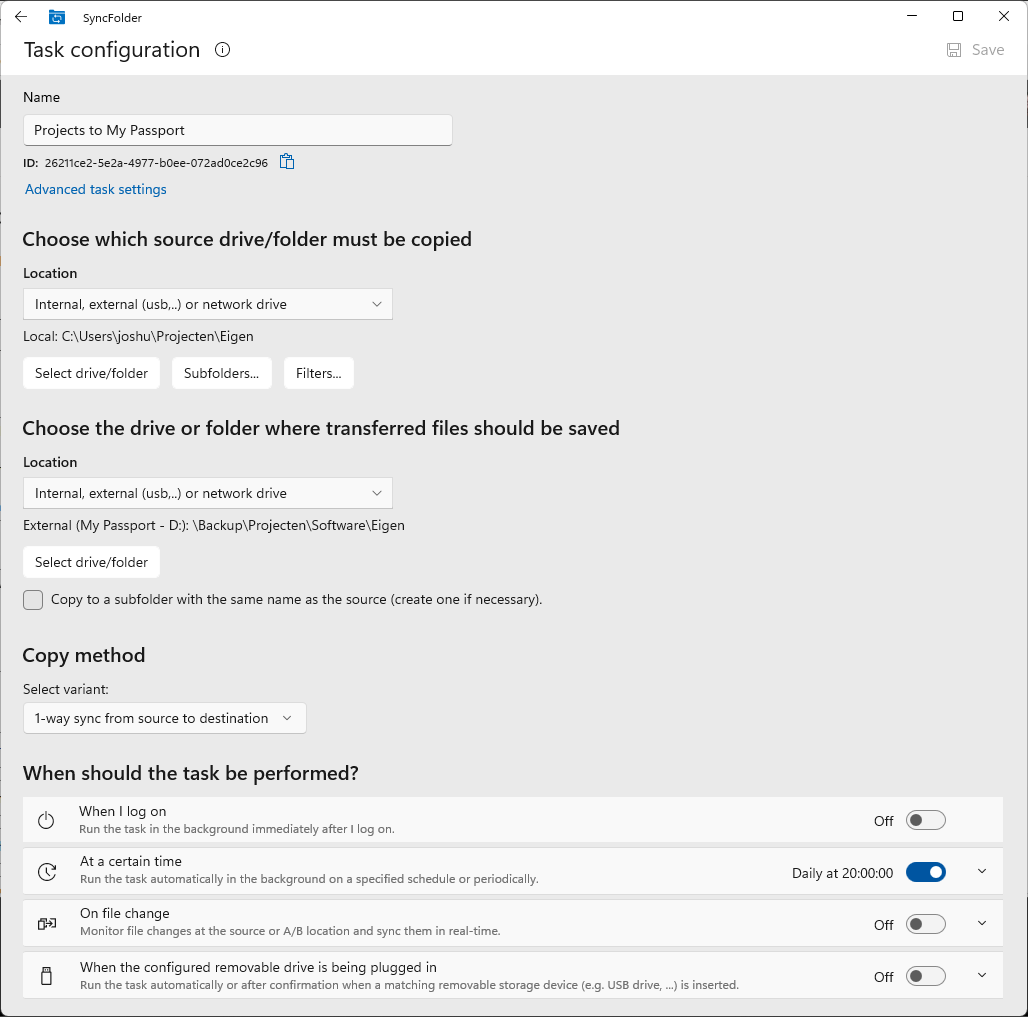
Each task can run automatically at a scheduled time, periodically, when file changes are detected, or on demand. Only new and changed files are copied — incremental copying keeps things fast. Optionally, the app can retain up to 10 recent versions of selected files.
You can copy in four ways:
• 1-way sync (mirror): The destination is kept as an exact copy of the source. Files deleted at the source are also deleted at the destination.
• 2-way sync: Both locations A and B are kept in sync with each other.
• Copy: All new and changed files are copied, but files no longer present at the source are not removed from the destination.
• Cut & Paste (move): Files are moved from the source to the destination.
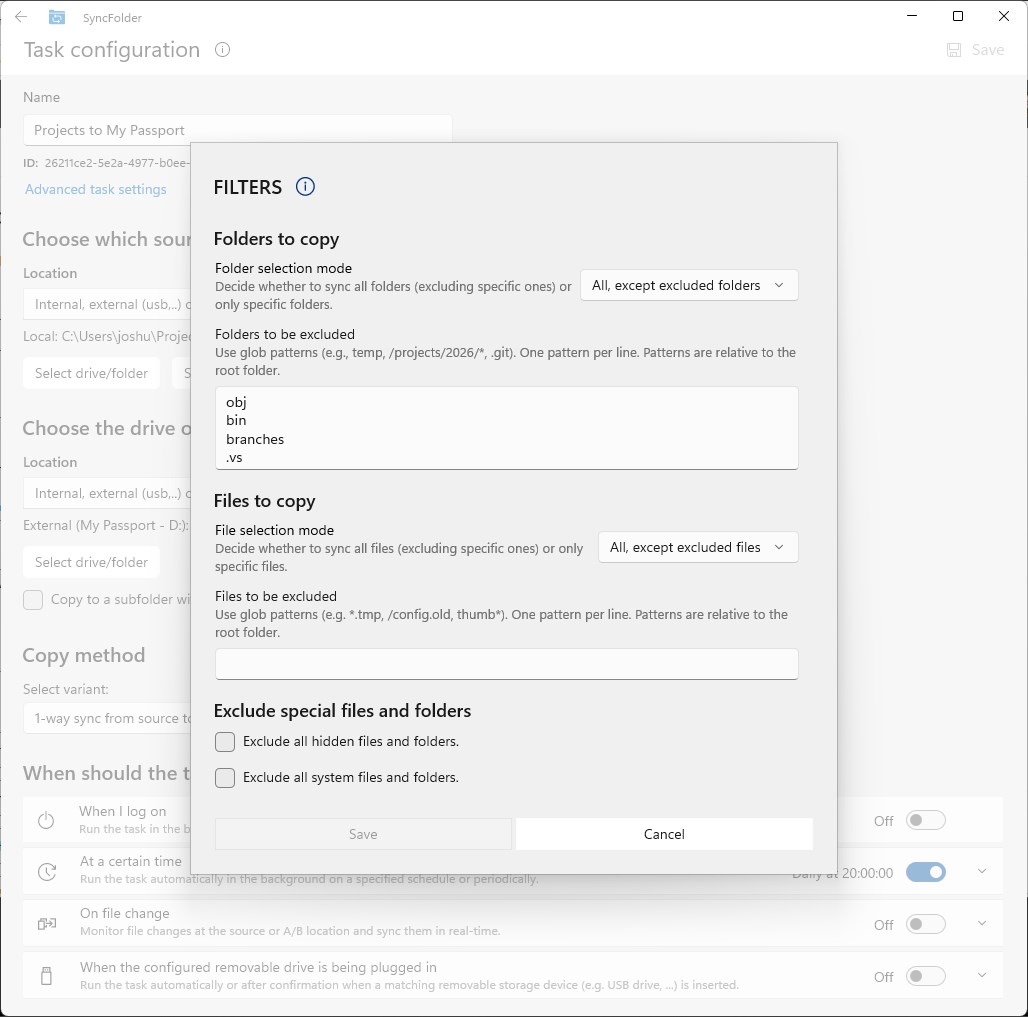
Per-task filters let you include or exclude specific subfolders, hidden folders, file types, and more.
Supported storage locations:
• Internal and external hard drives, USB sticks and SSDs
• Network drives and NAS devices
• OneDrive and other cloud storage mapped as a drive
• FTP and FTPS servers
• SFTP (SSH) servers
• MTP devices (smartphones, tablets) via USB or WiFi
Mobile Device Support:
SyncFolder offers two ways to exchange files with your Android or iOS device:
• Via USB: Connect your device via USB cable for full two-way file synchronization — photos, videos, music, documents, and any other file type. Files can be copied both to and from the mobile device.
• Via WiFi: Using the companion SyncFolder app on your Android or iOS device, you can upload files from your mobile device to your computer and download files from your computer to your mobile device — all wirelessly, without a cable. All file types are supported.
In both cases, files can be saved to a default folder or any folder of your choice.
Paste the original link from the Apple App Store or Microsoft Store. We fetch all details automatically.
How to find the URL:
1. Open the app in its store. 2.In the App Store app: tap the Share icon → “Copy Link”. In the browser: copy the URL from the address bar — it contains apps.apple.com/…/id… or apps.microsoft.com/detail/…. 3. Paste it here.
Android apps can only be listed by their developer.






 Sync Folders Pro
Sync and back up folders across devices and storage
 PhotoSync – transfer photos
Transfer and back up photos & videos between devices, PC
 Quick Share
Quickly share files with nearby devices securely
 Dropbox
Store files and photos in the cloud and access them anywhere
 Parachute Backup Mobile
Backs up iCloud Photos and files to storage you control
 Samsung Flow
Connect devices, share content and sync across them