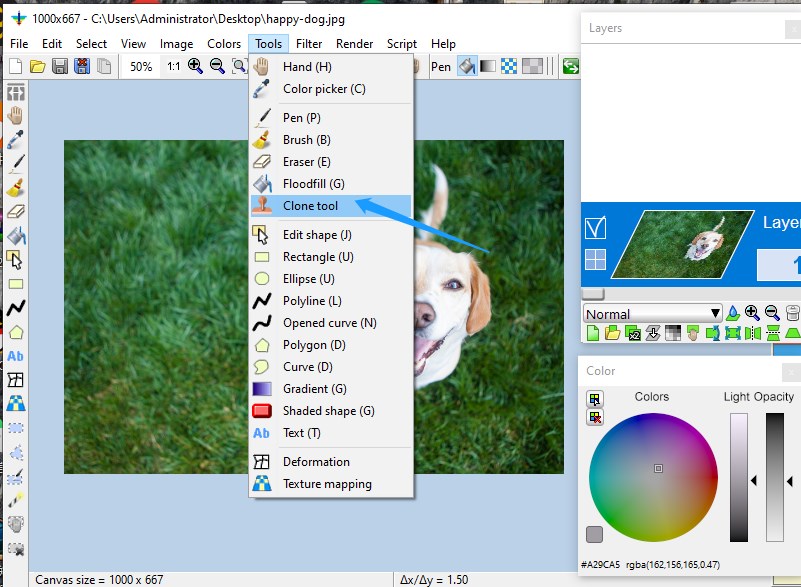
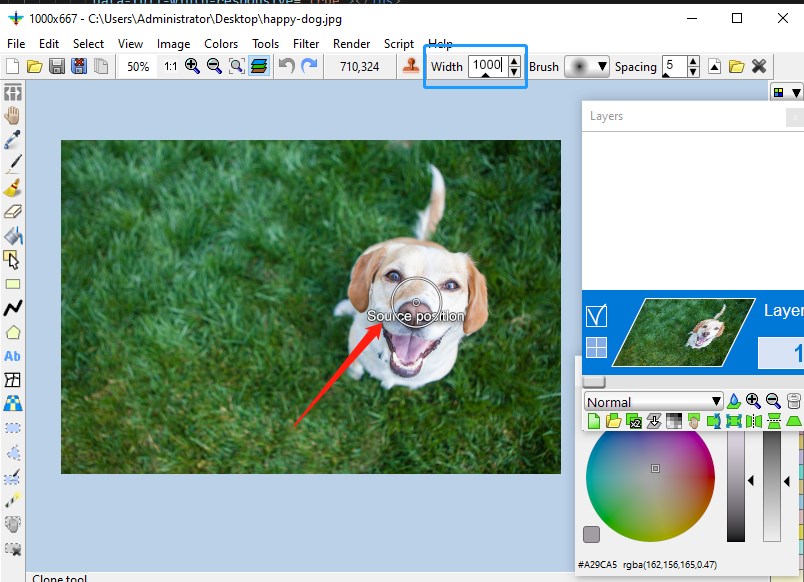
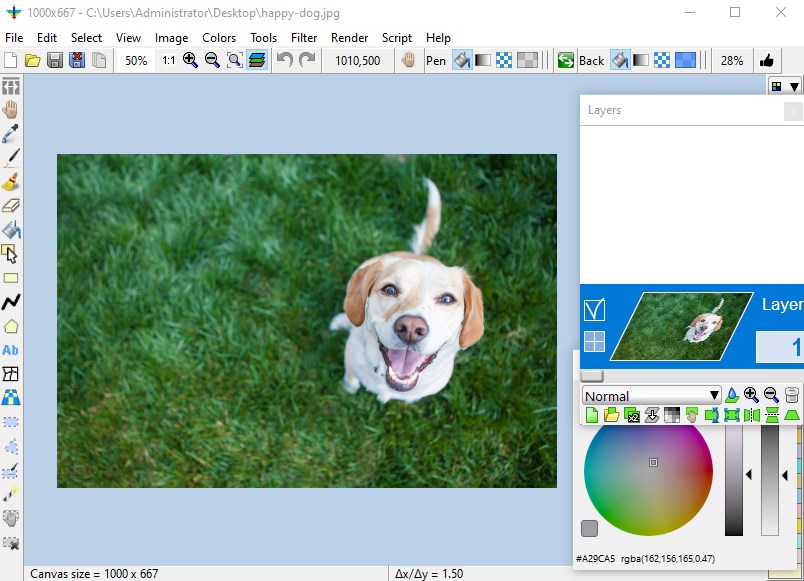
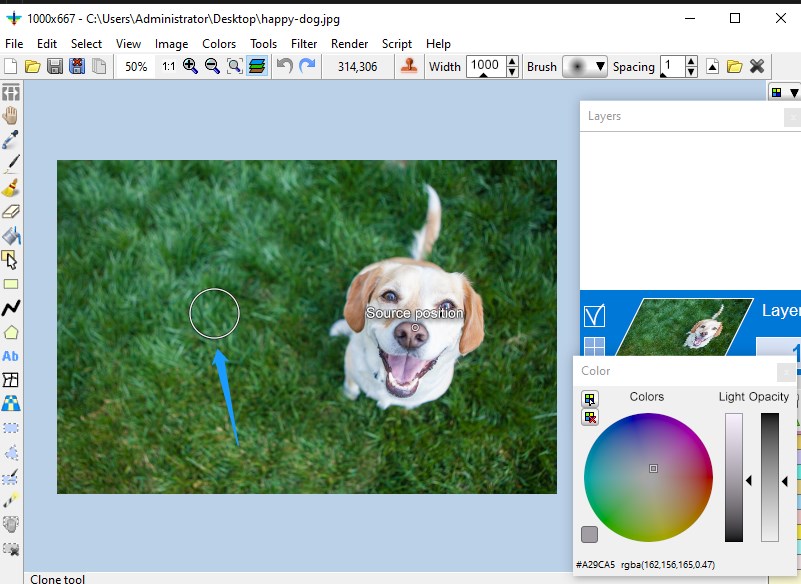

Screenshot appears after consentScreenshot appears after consentScreenshot appears after consentScreenshot appears after consentScreenshot appears after consentScreenshot appears after consentScreenshot appears after consentScreenshot appears after consent
Summary
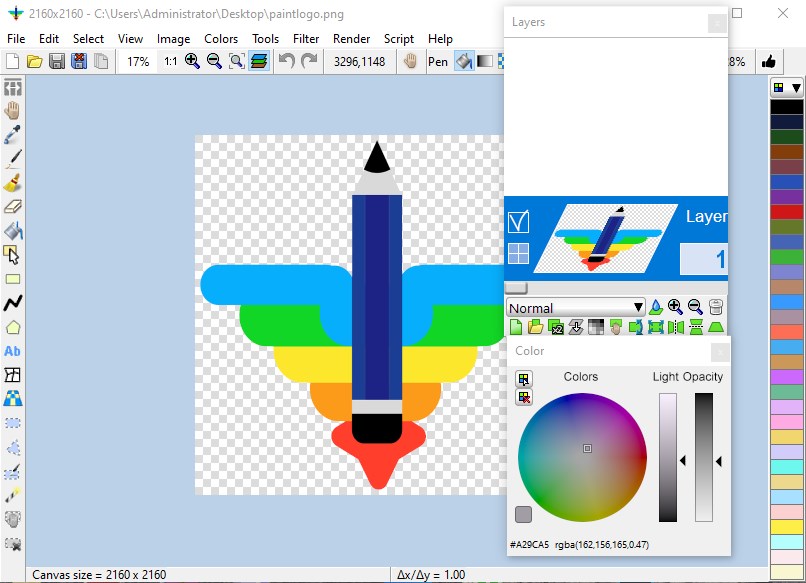
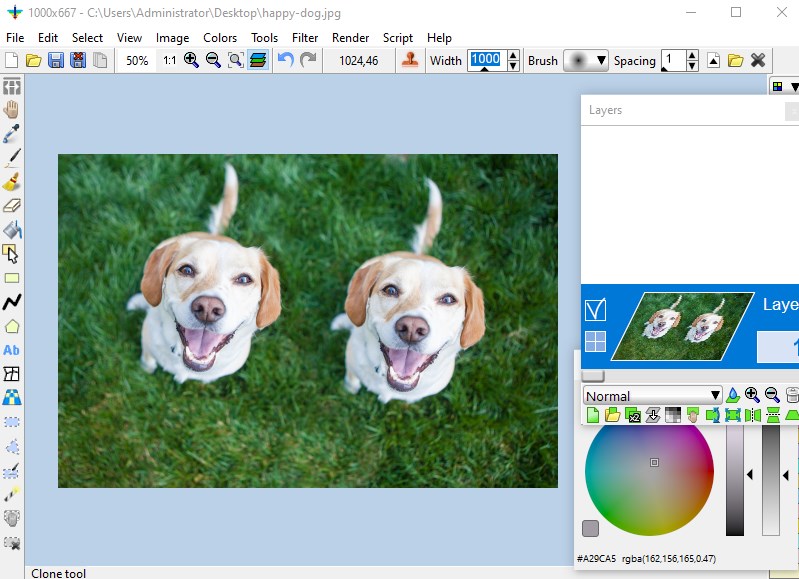
Coolle Image Editor is an image editor with support for layers and transparency. It supports the OpenRaster format, allowing interoperation with MyPaint, Gimp and Krita. It reads and writes a wide variety of file formats, including layered bitmaps and 3D files, as well as many camera raw formats. It offers a range of drawing tools for working on layers, along with selection tools that support antialiasing and editable masks. Separate windows are provided for color, the layer stack and the toolbox. The app can also be called from a console, and scripts, including custom Python scripts, can be used to apply layer effects.
Show the developer's original descriptionHide the original description
This is an image editor with layers and transparency. It supports the OpenRaster format so it can interoperate with MyPaint, Gimp and Krita.
This is modified from LazPaint which is free and open source licensed under GPLv3.
Then LazPaint official website:
https://wiki.freepascal.org/LazPaint
https://github.com/bgrabitmap/lazpaint
Our source code and tutorial:
https://coolleget.com/Products-Info/CoolleImageEditor/CoolleImageEditor.html
Image Editor was started to demonstrate the capabilities of the graphic library BGRABitmap. It provides advanced drawing functions in Lazarus development environment.
Features:
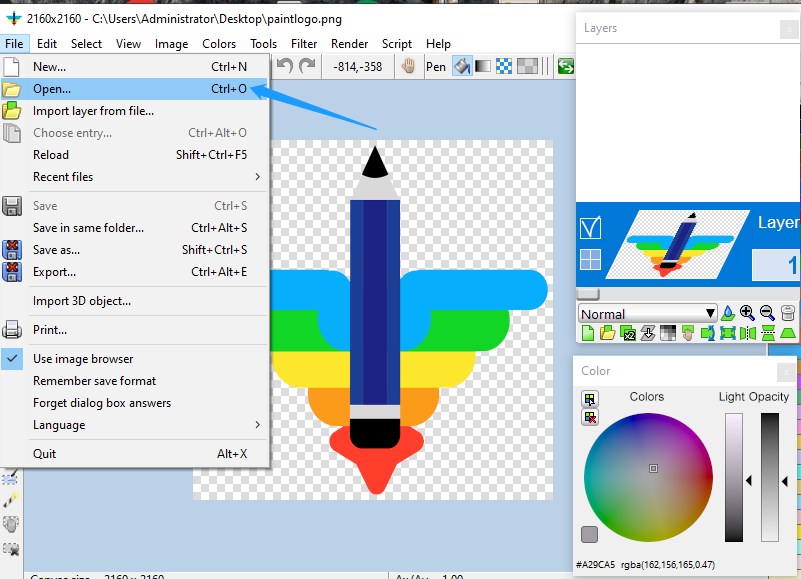
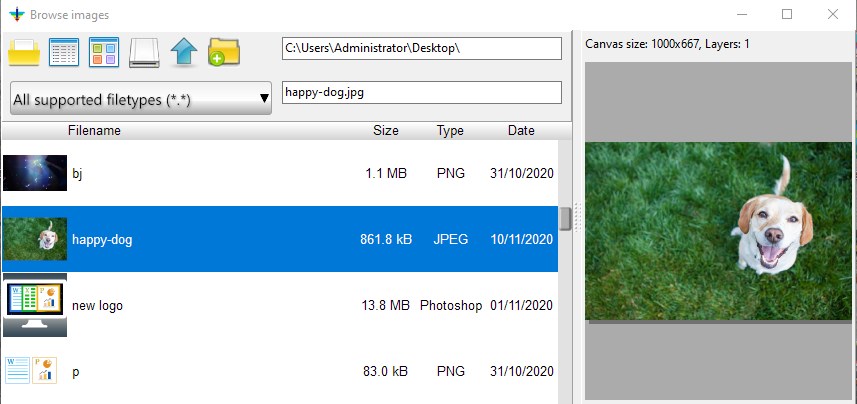
Files: read and write a variety of file formats, including layered bitmaps and 3D files.
Tools: many tools are available to draw on the layers.
Edit/Select: select parts of an image with antialiasing and modify the selection as a mask.
View: color window, layer stack window and toolbox window.
Command line: call LazPaint from a console.
Scripts: scripts are provided to do layer effects. You can as well write your own Python scripts.
Support formats:
.LZP .ORA .PDN .PSD
.BMP
.GIF
.ICO
.JPEG
.PCX
.PNG
.TGA
.TIFF
.XPM
.XWD
.SVG
.arw
.cr2
.dng
.mef
.tga
.pdn
.oXo
.tif
.webp
.xpm
.pbm
.pgm
.ppm
.xwd
.mrw
.nef
.orf
.pef
.raf
.cri
.raw
.sr2
.braw
.bay
.x3f
.3fr
.ari
.srf
.crw
.cr3
.cap
.iiq
.eip
.dcs
.dcr
.drf
.k25
.kdc
.erf
.fff
.gpr
.mdc
.mos
.nrw
.ptx
.pxn
.R3D
.rw2
.rwl
.rwz
.srw
If there is a version of this app for iOS/Mac or Windows we don't know about, paste the store link here — we'll auto-detect the store.
How to find the URL:1. Open the app in its store. 2.In the App Store app: tap the Share icon → “Copy Link”. In the browser: copy the URL from the address bar — it contains apps.apple.com/…/id… or apps.microsoft.com/detail/…. 3. Paste it here.
Paste the original link from the Apple App Store or Microsoft Store. We fetch all details automatically.
How to find the URL:
1. Open the app in its store. 2.In the App Store app: tap the Share icon → “Copy Link”. In the browser: copy the URL from the address bar — it contains apps.apple.com/…/id… or apps.microsoft.com/detail/…. 3. Paste it here.
Android apps can only be listed by their developer.