
Screenshot appears after consentScreenshot appears after consentScreenshot appears after consentScreenshot appears after consent
Summary
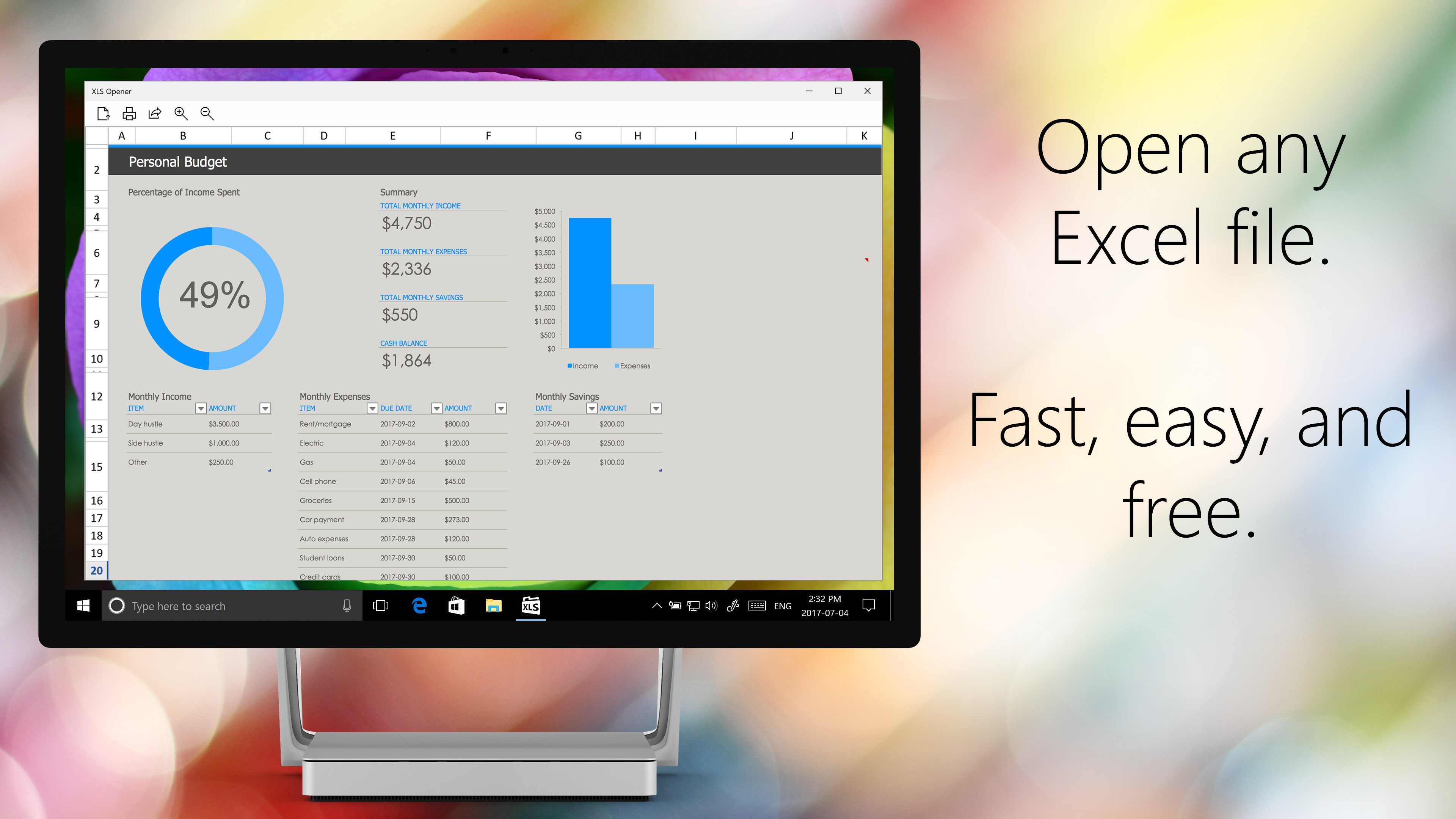
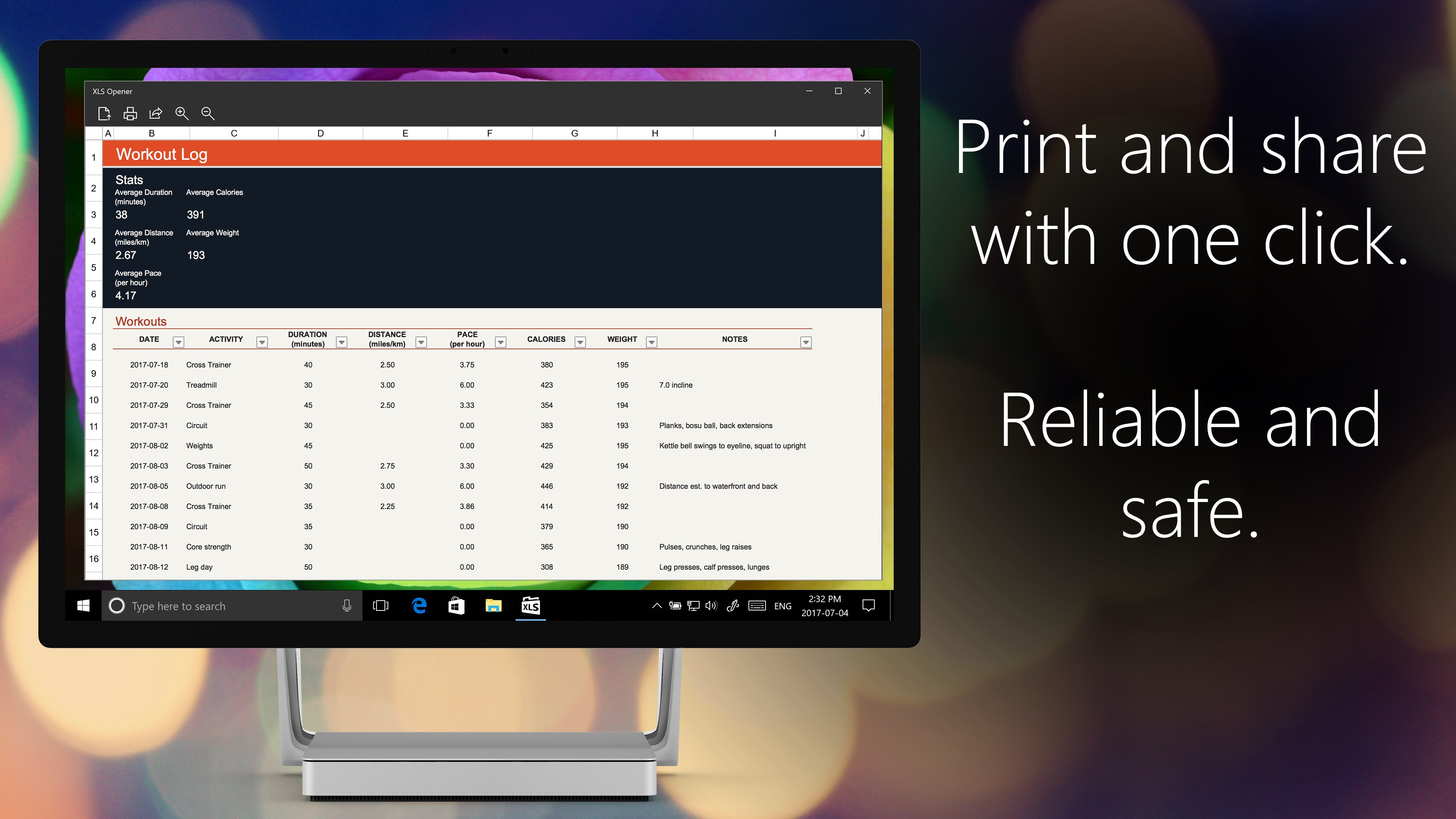
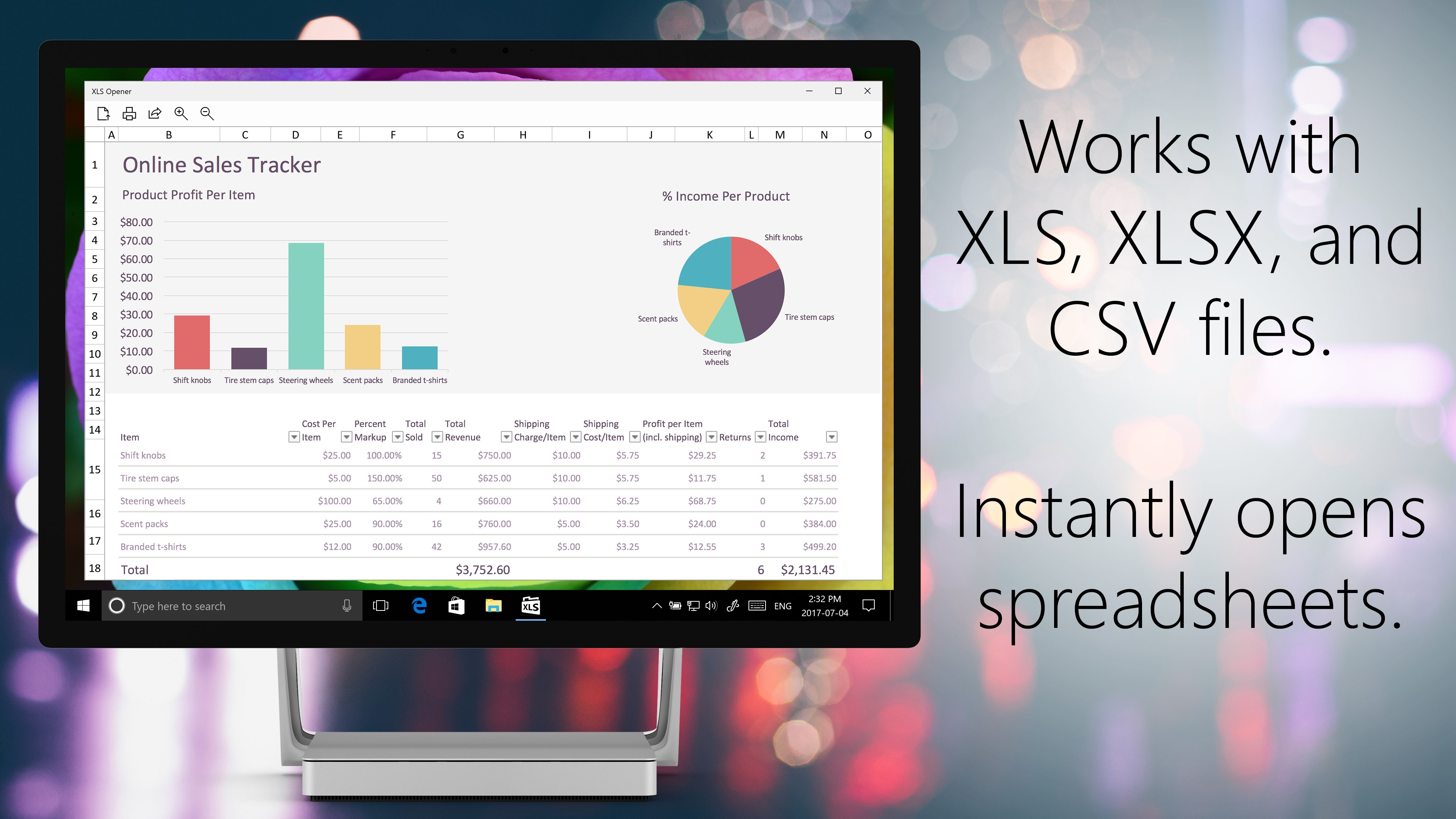
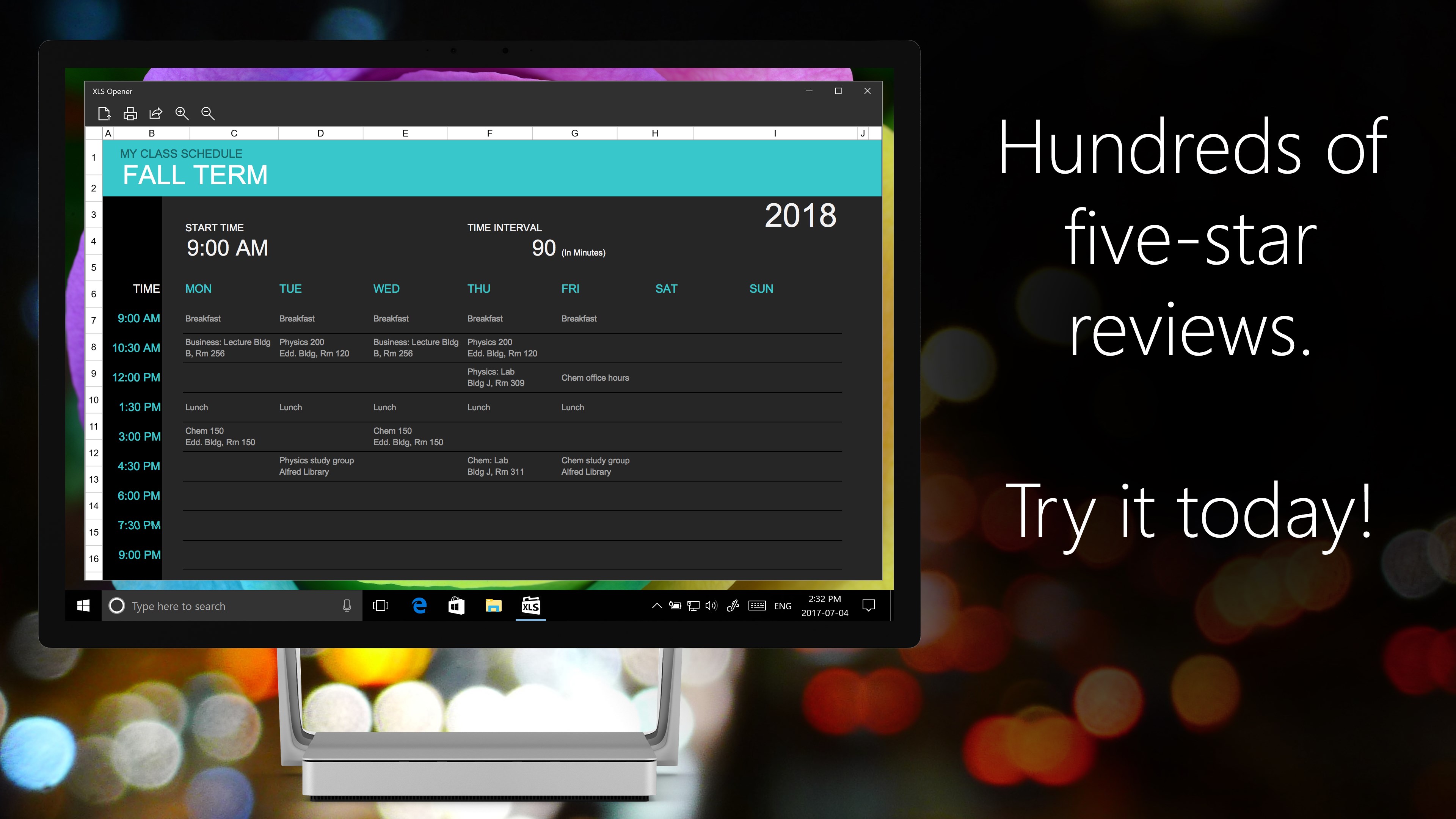
XLS Opener is a spreadsheet viewer for Excel XLS, XLSX, and CSV files. It lets users open, view, print, and share spreadsheets without needing Excel installed. Text and values can be copied directly out of a file, and the app can be pinned to the Start menu for quick access to the most recently used spreadsheet. A dark theme is available for viewing files at night.
Show the developer's original descriptionHide the original description
Open Excel XLS, XLSX, and CSV spreadsheet files with this simple app.
XLS Opener lets you view, print, and share any spreadsheet.
XLS Opener is built for simplicity and speed. Quickly open any spreadsheet, print it out, or copy the text and values you need out of it - no Excel needed. Pin it to your Start menu to get instant access to your most-recently used spreadsheet. Working late? Turn on XLS Opener's dark theme to give your eyes a break.
After more than one thousand five-star reviews and a half-million downloads, XLS Opener is one of the most popular and best-rated spreadsheet utilities for Windows.
If there is a version of this app for iOS/Mac or Windows we don't know about, paste the store link here — we'll auto-detect the store.
How to find the URL:1. Open the app in its store. 2.In the App Store app: tap the Share icon → “Copy Link”. In the browser: copy the URL from the address bar — it contains apps.apple.com/…/id… or apps.microsoft.com/detail/…. 3. Paste it here.
Paste the original link from the Apple App Store or Microsoft Store. We fetch all details automatically.
How to find the URL:
1. Open the app in its store. 2.In the App Store app: tap the Share icon → “Copy Link”. In the browser: copy the URL from the address bar — it contains apps.apple.com/…/id… or apps.microsoft.com/detail/…. 3. Paste it here.
Android apps can only be listed by their developer.