Screenshot appears after consentScreenshot appears after consentScreenshot appears after consentScreenshot appears after consentScreenshot appears after consentScreenshot appears after consentScreenshot appears after consentScreenshot appears after consentScreenshot appears after consent
Summary
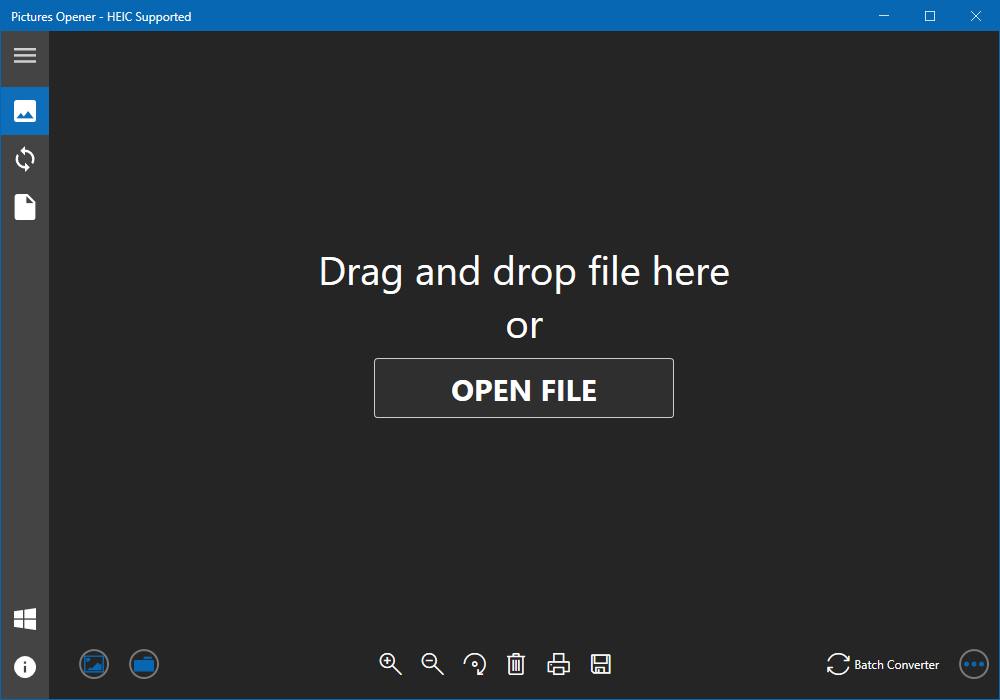
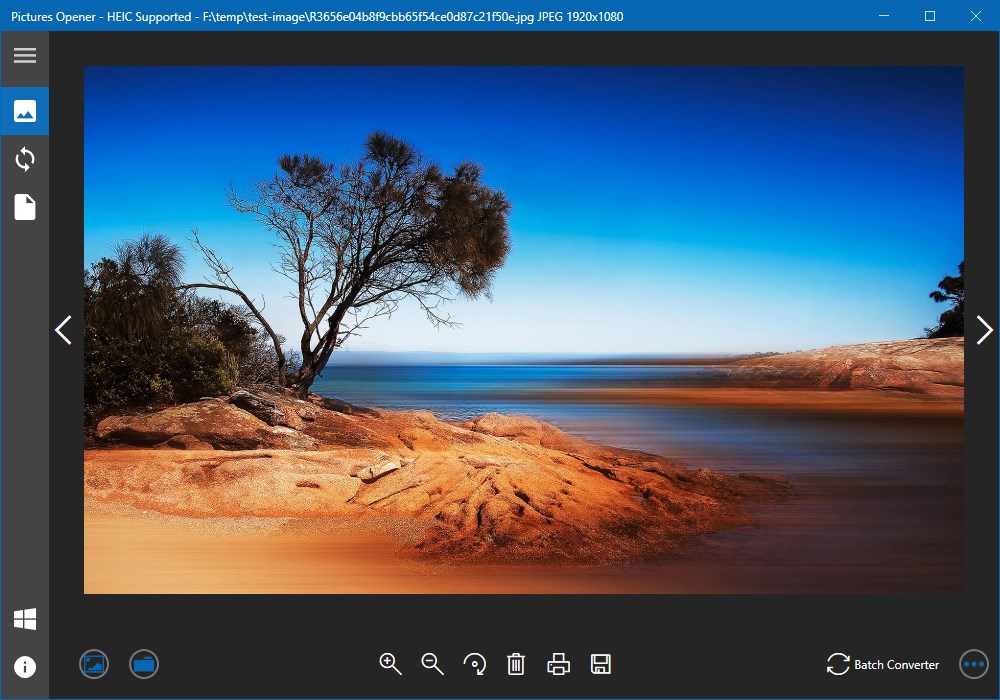
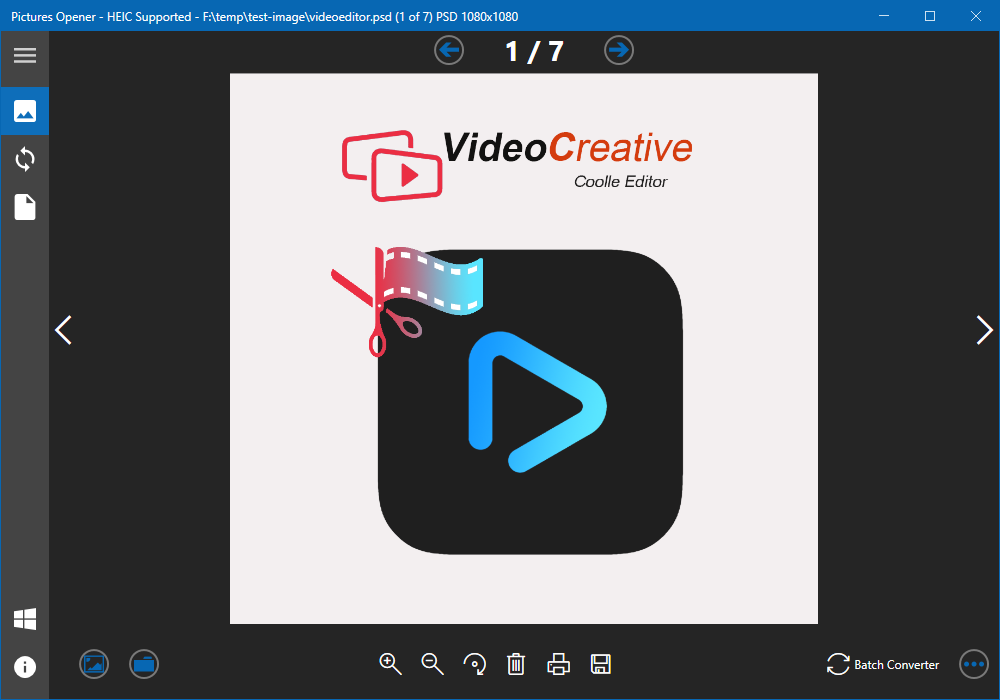
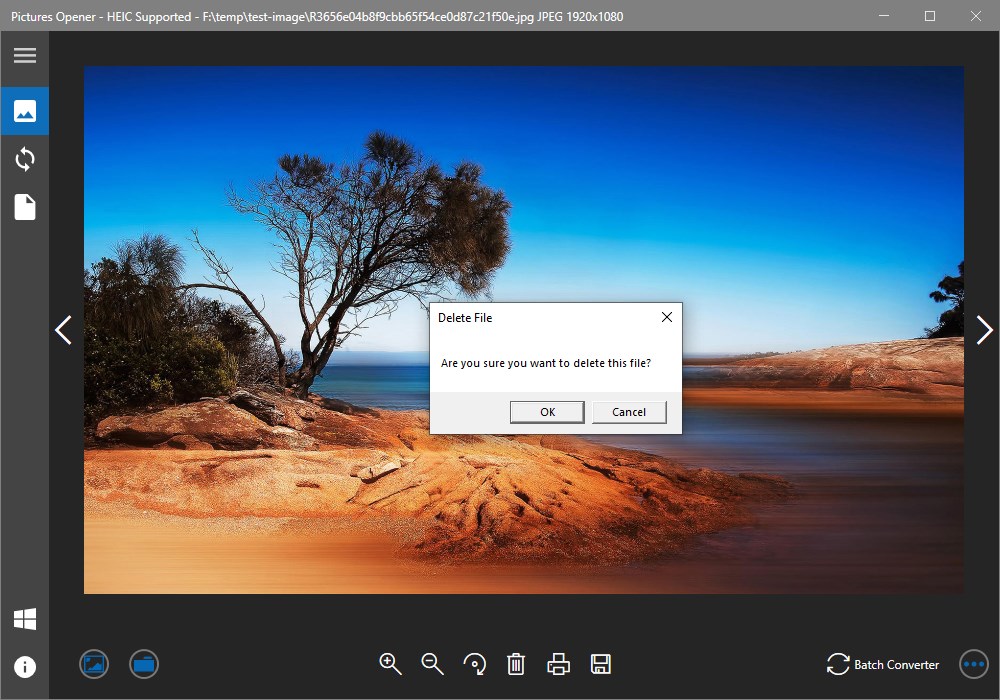
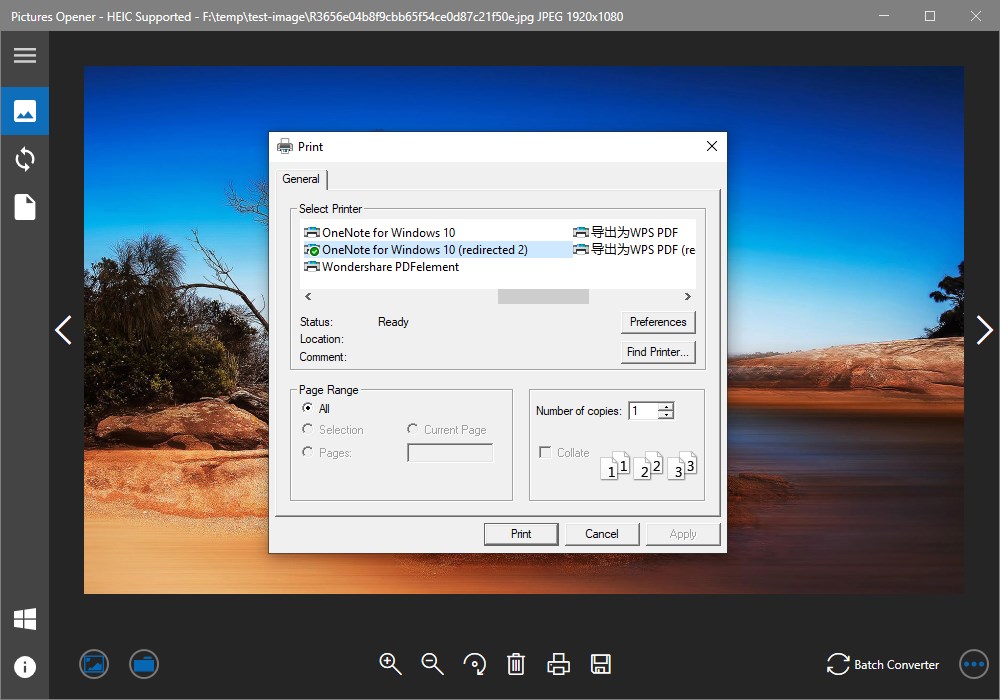
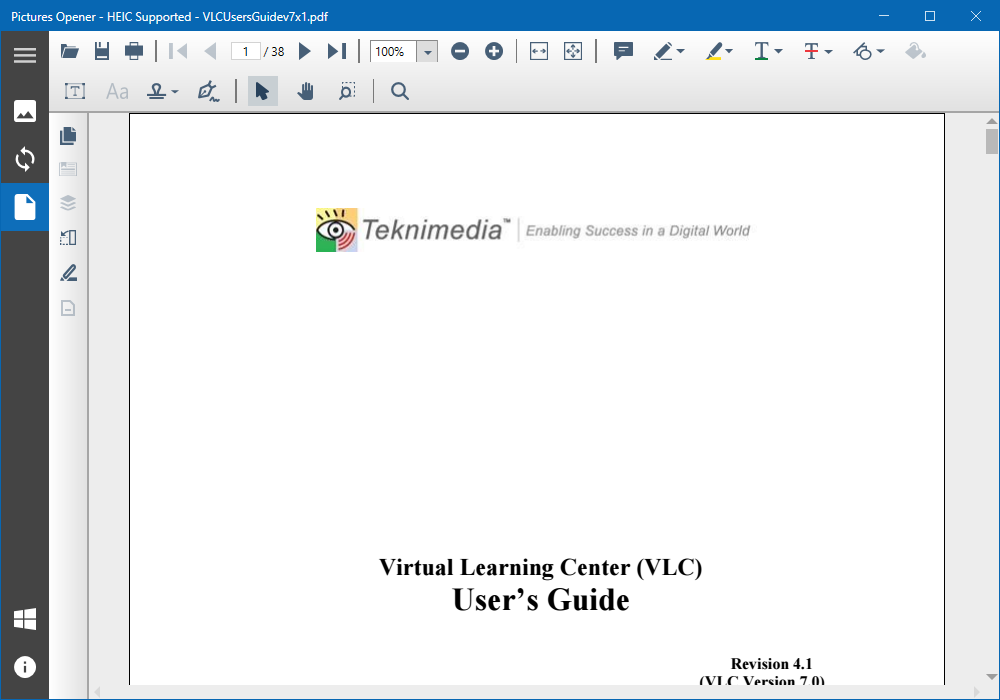
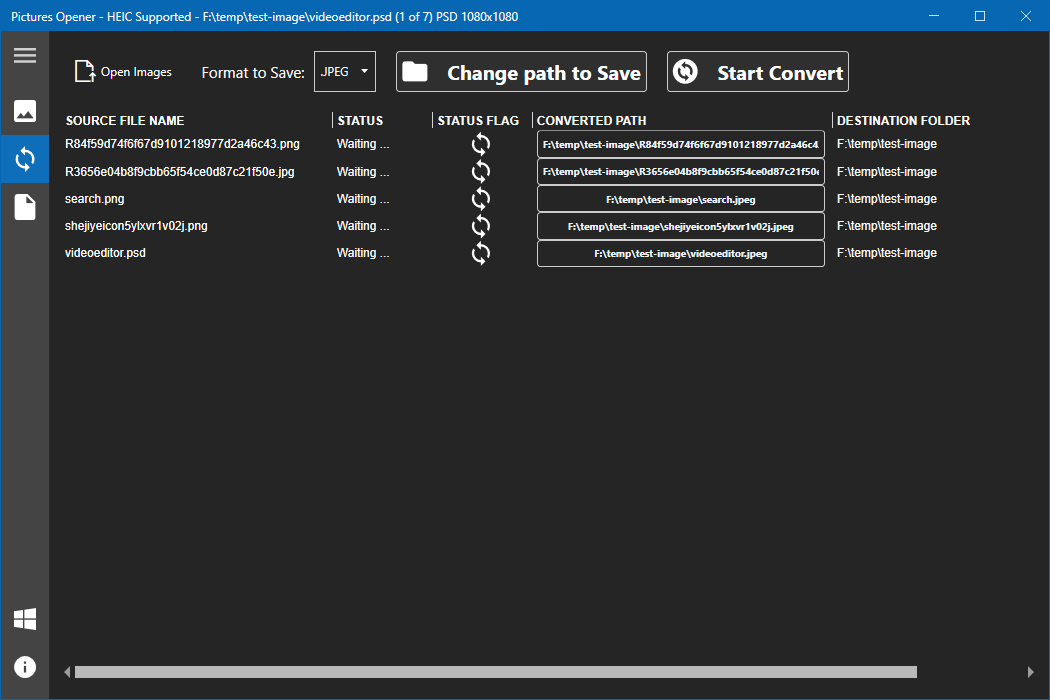
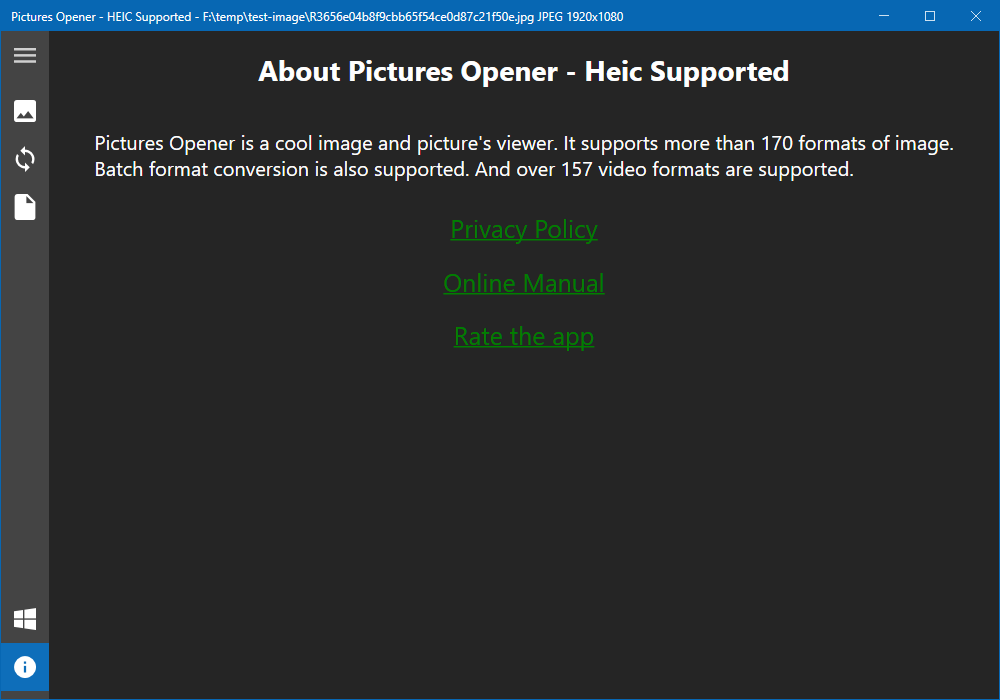
Pictures Opener - HEIC Supported is an image viewer and converter app that supports more than 170 image formats and over 157 video formats, including HEIC. It opens single images or entire folders for gallery previews, and its viewer allows zooming, dragging to inspect details, rotating, deleting files from disk, and printing. Images can be saved in a chosen format, with one-click navigation between files in a folder. A batch converter lets users select multiple images, pick an output format, set a saving path, and convert them together while tracking each file's progress. Printing, saving and batch conversion require a paid add-on.
Show the developer's original descriptionHide the original description
Picture Opener is a cool image viewer and converter.
Printing, Saving and Batch-Converting need to purchase the add-on, which cost ($2.99).
It supports more than 170 formats of image.
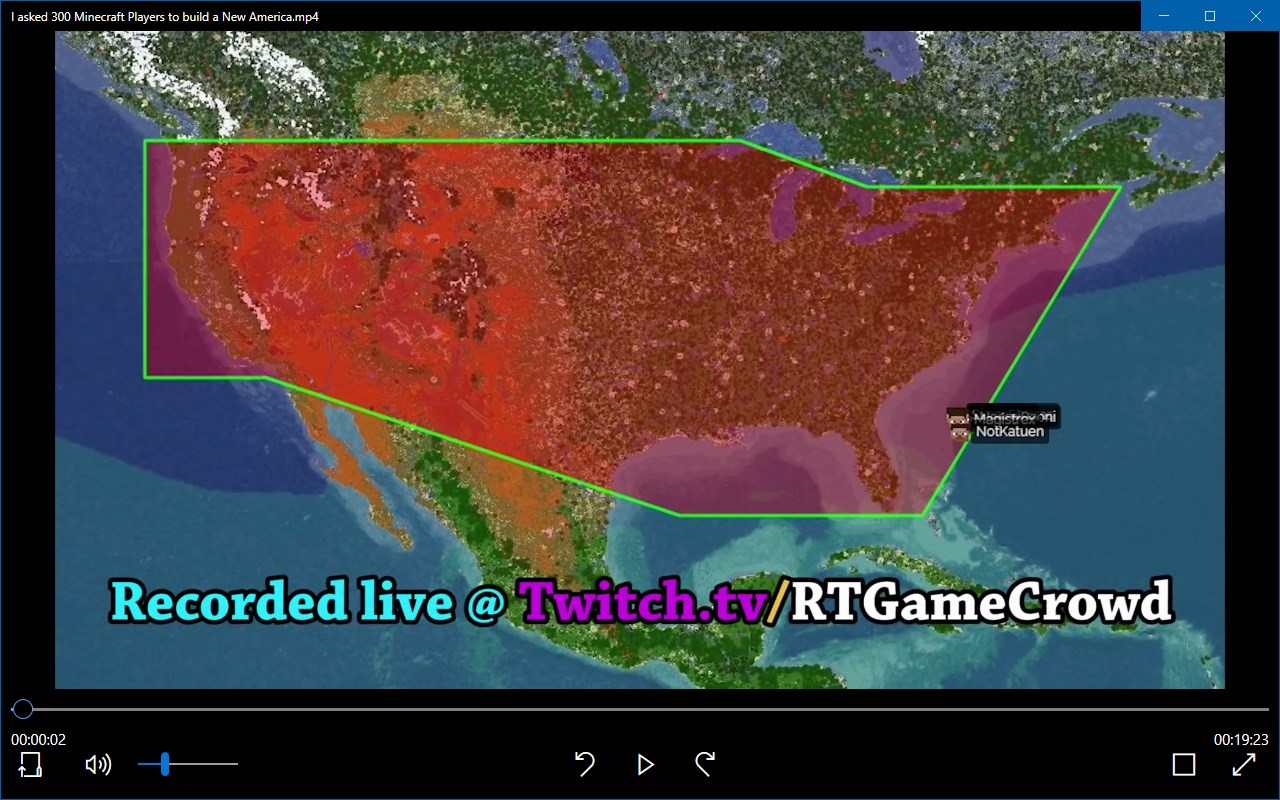
And over 157 video formats are supported.
It has three features:
1.Open single image.
2.Open folder to preview the images in a gallery.
3.Batch convert images to a format as you want. Such as jpg, jpeg.(This feature will be opened in the next version )
The Viewer:
1. Zoom in and zoom out the image as you want.
2. Drag and drop the image to see part of the content.
3. Open next image just one-click.
4. Delete the image from disk just by one-click.
5. Save as the image to the format you want.
6. Preview images from a folder.
7. Rotate the image.
8. Print the image.
Batch Converter:
1. Select images as many as you want.
2. Choose the format you want to save as.
3. Change the saving path.
4. Batch convert just by one-click.
5. See the converting status of every image.
6. Enjoy the fast converting.
The list of supported formats is as follows:
PDF;heic; svg; svgz; ttf; tiff; tif; tga; svgz; bmp; jpg;
jpeg; png; gif;jp2;ppm;nef;svg;arw;crw;bmp2;
threefr; threeg2; threegp; a;arw;avs; b; bgr; bgra;
bgro; bmp; bmp2; bmp3; c; cal; cals; canvas; caption; cin;
clip; cmyk; cmyka; cr2; crw; cur; cut; dcm; dcr; dcx;
dds; dfont; dib; dng; dpx; dxt1; dxt5; epdf; epi; eps;
epsf; epsi; ept; ept2; ept3; erf; fax; file; fits; fractal;
ftp; fts; g; g3; g4; gif; gif87; gradient; gray; graya;
group4; hald; hdr; heic; hrz; http; https; icb; ico;
icon; iiq; inline; ipl; j2c; j2k; jng; jnx; jp2; jpc; jpe;
jpeg; jpg; jpm; jps; jpt; k; k25; kdc; label; m; m2v;
mac; map; mask; mat; mef; miff;mng; mono; mpc;
mrw; msl; msvg; mtv; mvg; nef; nrw; null; o; orf; otb;
otf; pal; palm; pam; pango; pattern; pbm; pcd; pcds;
pcl; pct; pcx;pdfa; pef; pes; pfa; pfb; pfm; pgm; pgx;
picon; pict; pix; pjpeg; plasma; png; png00; png24;
png32; png48; png64; png8; pnm; ppm;ptif; pwp;
r; radialgradient; raf; ras; raw; rgb; rgba; rgbo; rgf;
rla; rle; rmf; rw2; scr; screenshot; sct; sfw; sgi; six;
sixel; sr2;stegano; sun; text; tga; tif; tiff; tiff64; tile;
tim; ttc; ttf; txt; uyvy; vda; vicar; vid; viff; vips; vst;
wbmp; wpg; x3f; xbm; xc; xcf; xpm; xv; y; ycbcr;
ycbcra; yuv;emf; exr; flif; wmf; webp
Play Store URL for "Pictures Opener - HEIC Supported"
If there is a version of this app for iOS/Mac or Windows we don't know about, paste the store link here — we'll auto-detect the store.
How to find the URL:1. Open the app in its store. 2.In the App Store app: tap the Share icon → “Copy Link”. In the browser: copy the URL from the address bar — it contains apps.apple.com/…/id… or apps.microsoft.com/detail/…. 3. Paste it here.
Paste the original link from the Apple App Store or Microsoft Store. We fetch all details automatically.
How to find the URL:
1. Open the app in its store. 2.In the App Store app: tap the Share icon → “Copy Link”. In the browser: copy the URL from the address bar — it contains apps.apple.com/…/id… or apps.microsoft.com/detail/…. 3. Paste it here.
Android apps can only be listed by their developer.



 HEIC Converter- HEIC to JPG & Photo Viewer, Printer
Convert, view and print HEIC images to JPG, PNG or BMP
 HEIC Viewer
View, convert and print HEIC image files
 Pro Image Converter: HEIC to JPEG
Convert images between different formats
 Real HEIC File Viewer
View HEIC photos and many formats, convert to JPG, PNG
 HEIC to JPEG - The HEIC to JPG Converter
Convert HEIC photos to JPEG, PNG and other formats
 HEIC Converter - Any Image Convert
Convert HEIC/HEIF images to PNG, JPG or TIFF