Screenshot appears after consentScreenshot appears after consentScreenshot appears after consentScreenshot appears after consentScreenshot appears after consentScreenshot appears after consent
Summary
Noteshelf is a note-taking app for handwriting, typing and annotating documents. It reproduces natural handwriting with a range of pens and highlighters, including a fountain pen, and lets handwritten notes be searched or converted to text through handwriting recognition in 65 languages. PDFs and images can be imported and marked up with highlights, underlines and written notes. Text can also be typed with formatting options such as bulleted and numbered lists, and audio can be recorded alongside handwritten notes for later playback. Notes can be organized into folders and groups, bookmarked, personalized with covers, and shared with others, with auto-backup to Dropbox.
Show the developer's original descriptionHide the original description
Digital note-taking, simplified! Student, working professional, or a bullet journalist, Noteshelf is a perfect note-taking app for you. Take beautiful notes in your natural handwriting just as you would on a notepad, but only better. You can type, annotate PDFs & record audio.
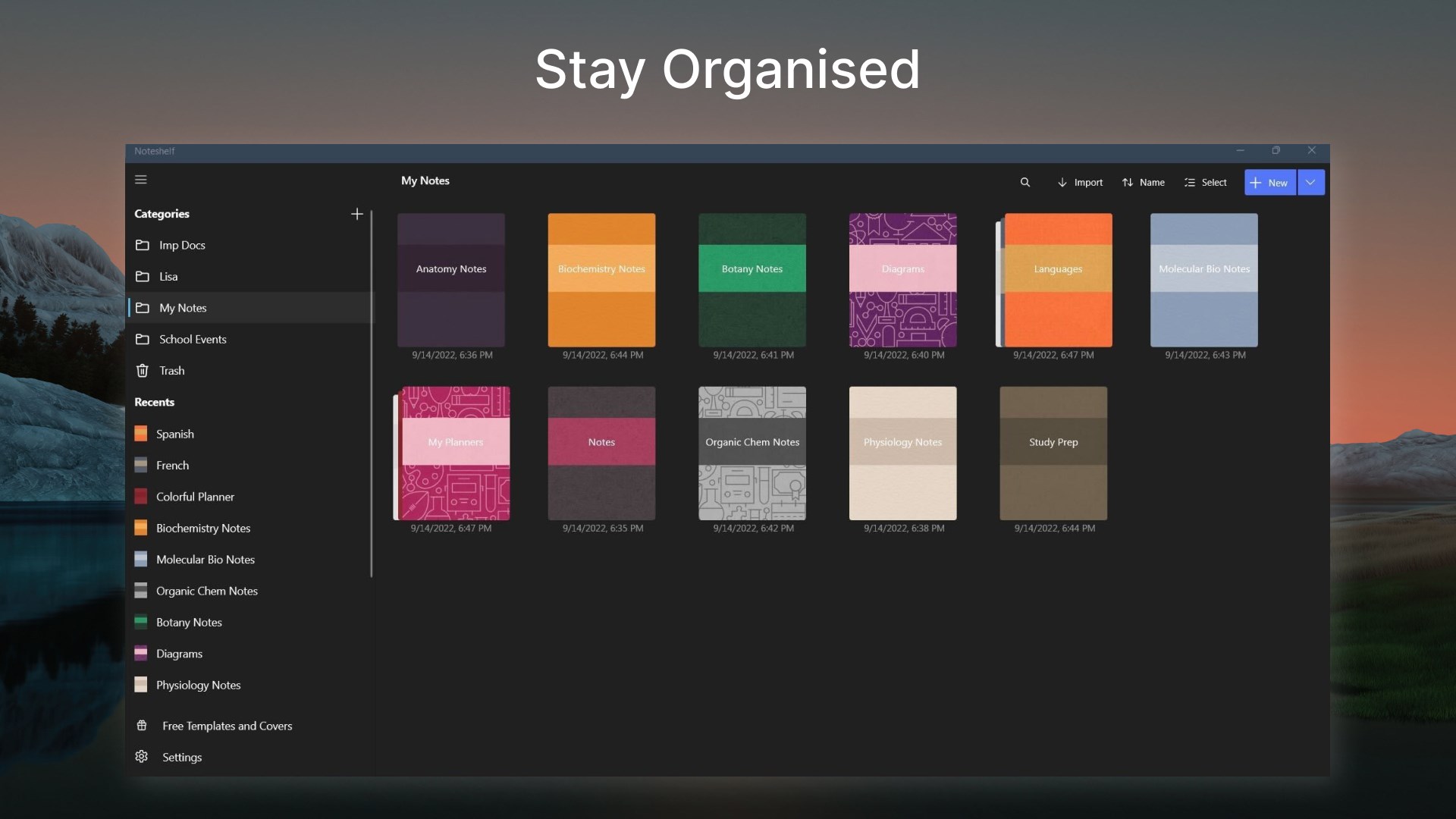
You can also personalize your notes with beautiful covers and organize them the way you want. What's more - you can share them with your colleagues, friends, and family!
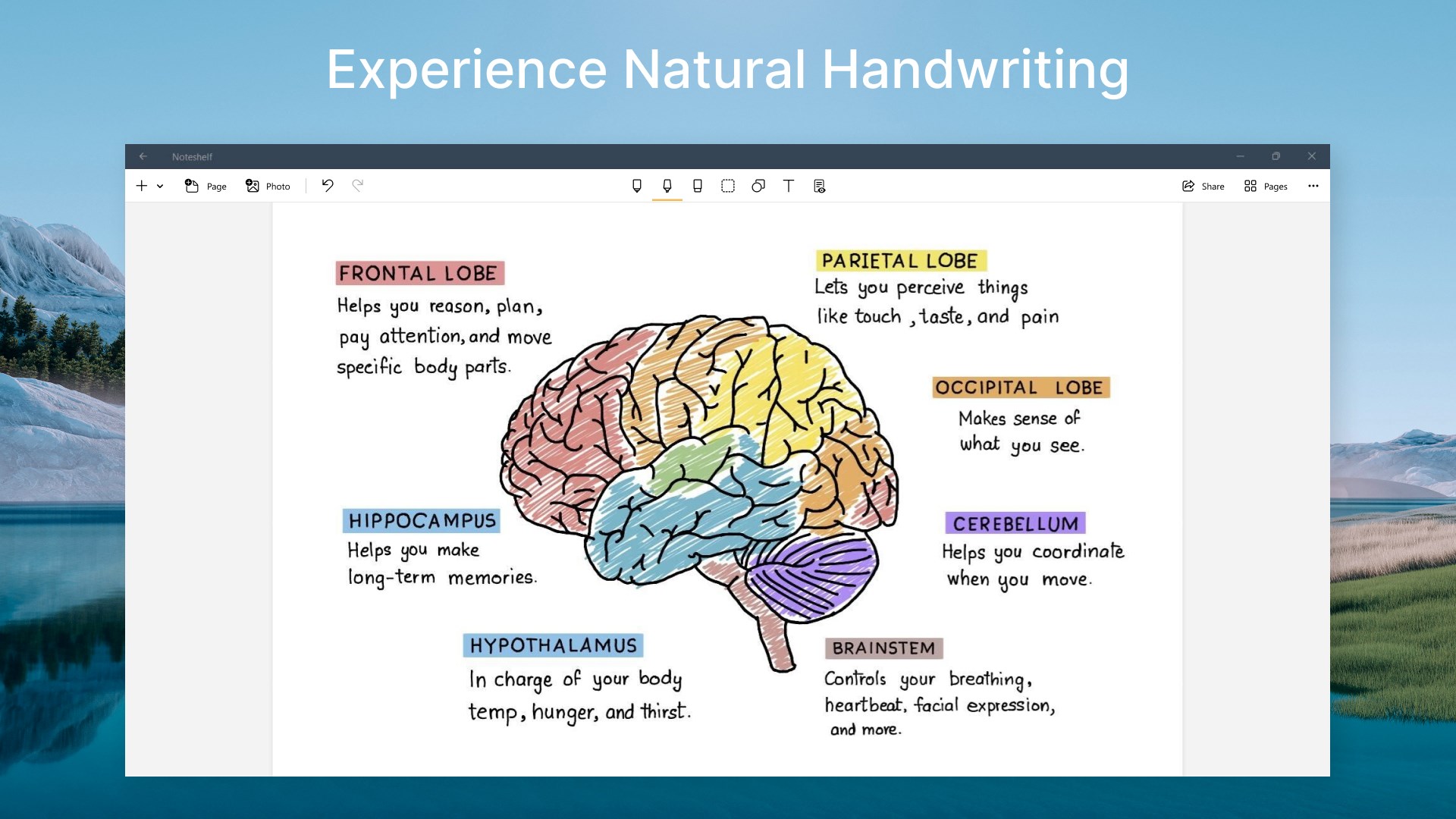
FLUID HANDWRITING
Experience natural writing in Noteshelf—as smooth and fluid as writing on a notepad. Choose from a range of pens and highlighters; a wider range of colors and sizes to suit your needs. Our fountain pen makes your handwriting look gorgeous!
SEARCH/ CONVERT HANDWRITTEN NOTES/ OCR
You can search through the notes taken in your handwriting and even convert handwriting to text. We provide handwriting recognition in 65 different languages.
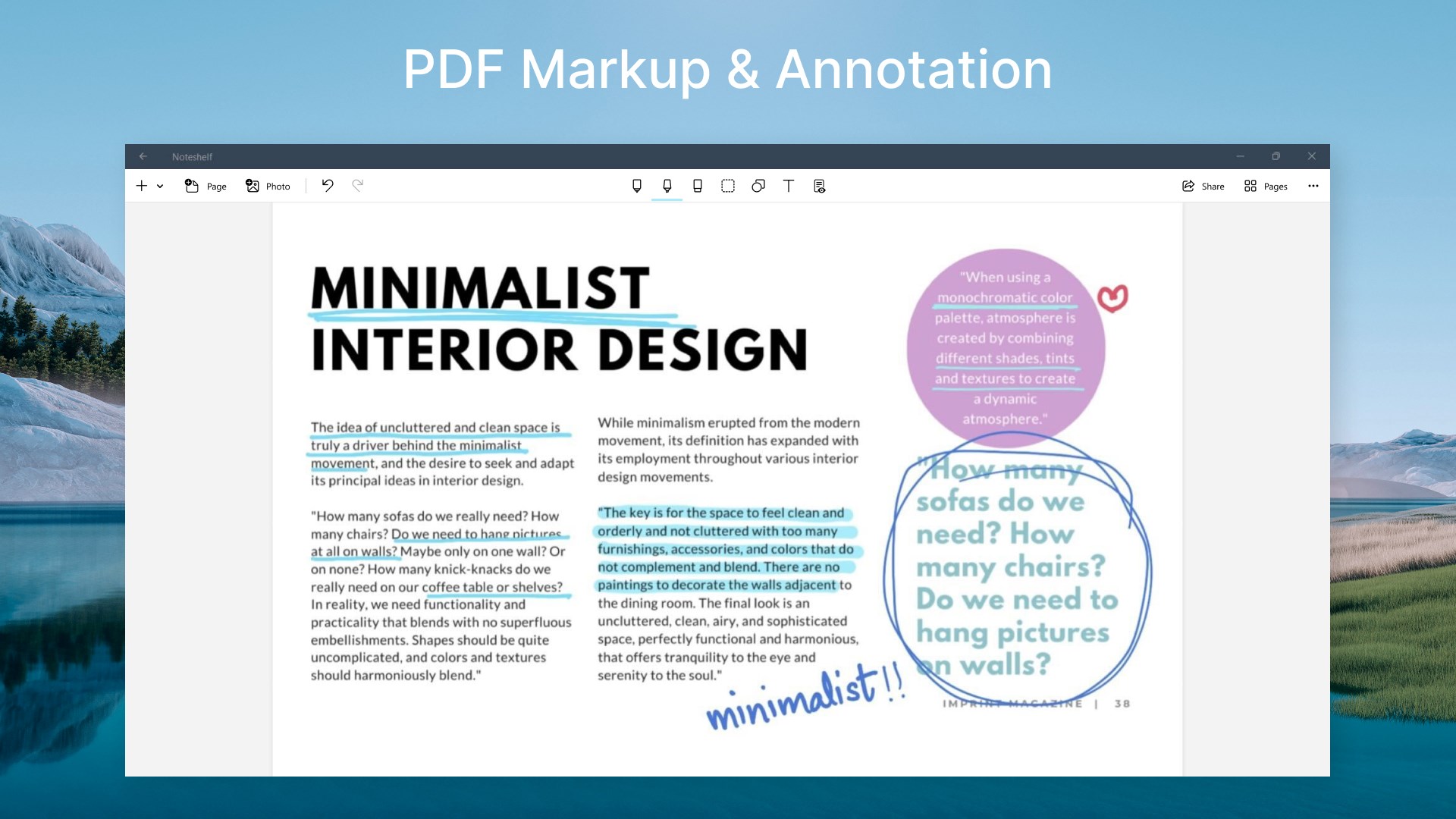
MARKUP DOCUMENTS & IMAGES
Import PDFs; or add them to your existing notebooks. Highlight, underline or write notes on your documents.
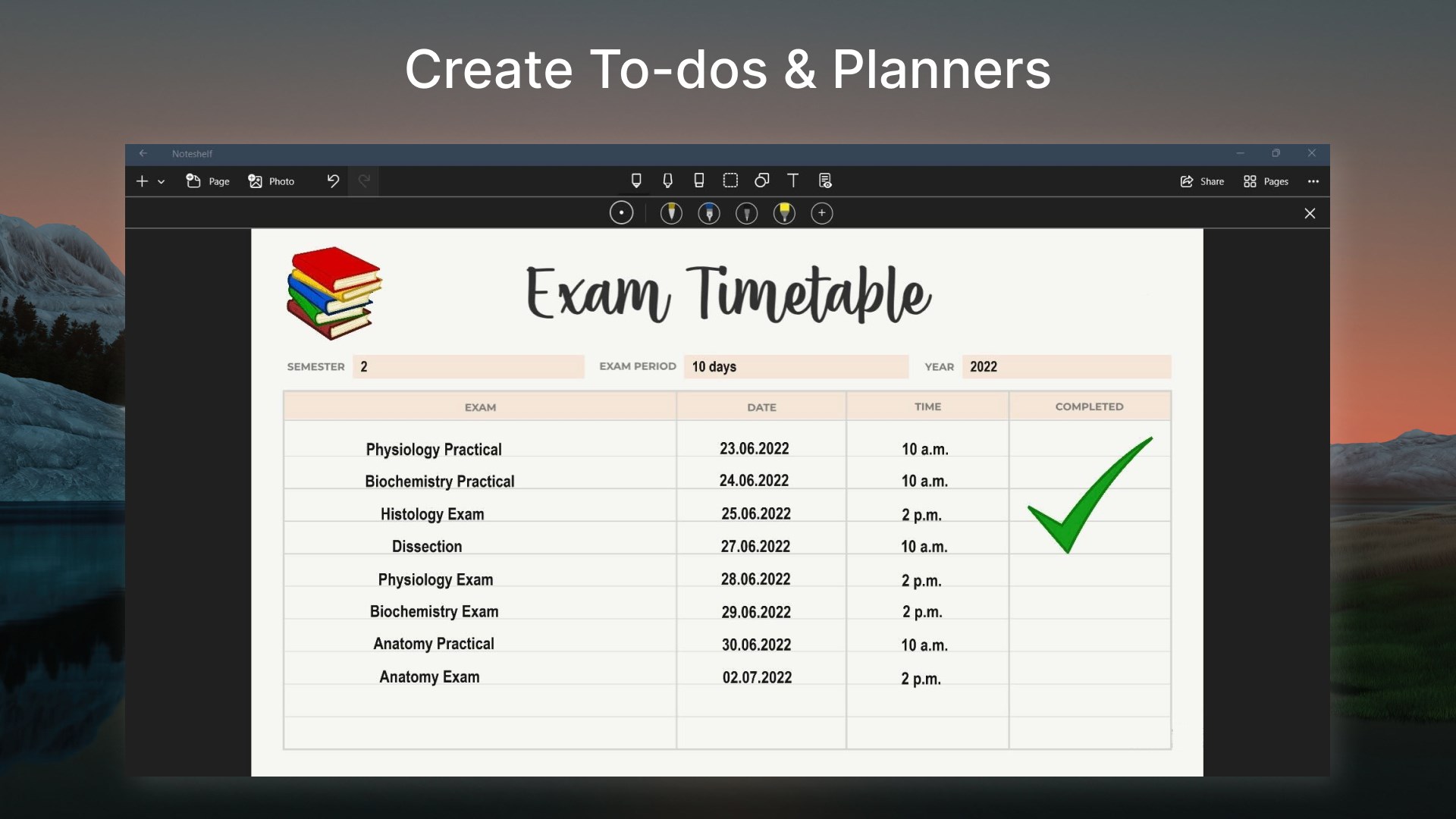
TYPE TEXT, CREATE OUTLINES & CHECKLISTS
Noteshelf brings you the convenience of typing too. You can choose many styles and formatting options like bulleted/ numbered lists.
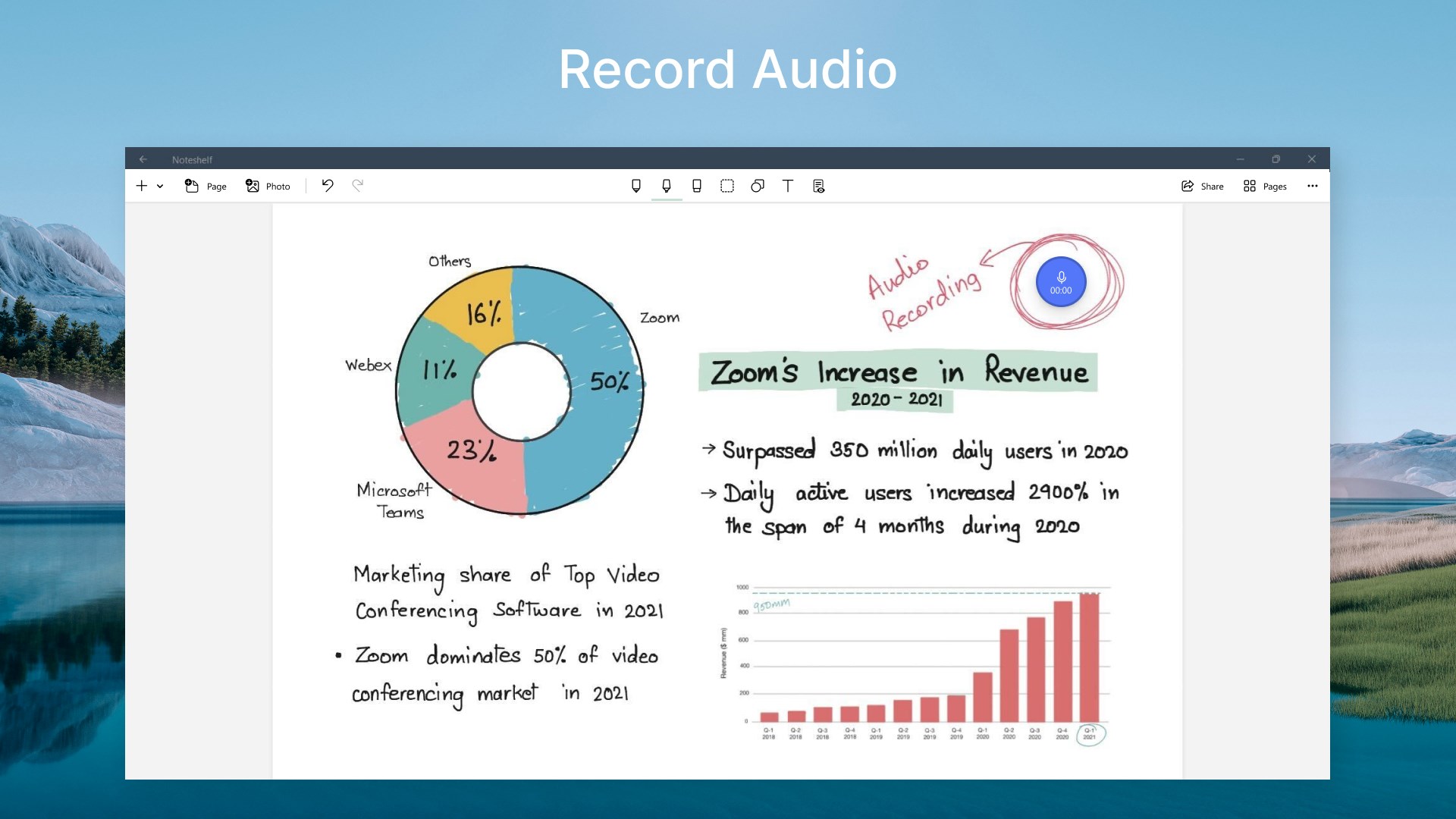
RECORD AUDIO NOTES
Record audio as you take notes, so you never miss anything important at school or work. Add as many recordings as you want and play them back anytime, even as you take handwritten notes. Loved by students while taking lecture notes!
DO MORE THAN JUST BOOKMARK
Sometimes notebooks might run into hundreds of pages. So, bookmark important pages, name and color them to search with ease.
NOTESHELF CLUB
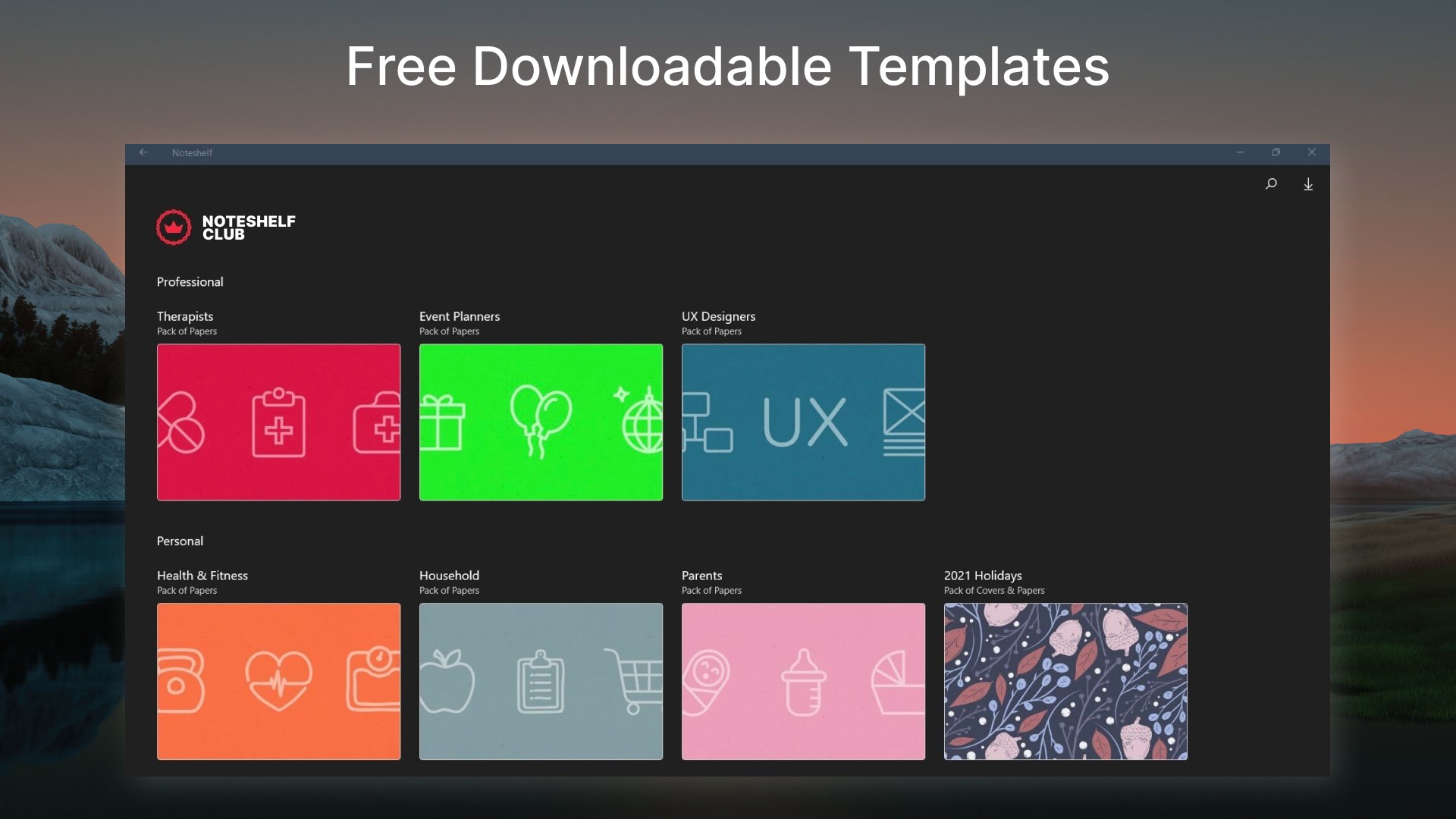
100s of beautifully crafted paper templates and notebook covers to go with your good notes. Get them for free when you signup for the Noteshelf Club! Find paper templates for student notes, meetings memos, to-do lists, shopping lists, personal health trackers, journals, and many more!
SOME MORE FEATURES
Squares, circles, or triangles to draw perfect geometrical shapes with ease.
Auto-backup to Dropbox.
Share your notes with colleagues, friends, and family. We support - Dropbox.
Create multiple folders to keep your notes organized.
Keep your personal and business notes separate. Drag and drop notebooks into groups or categories easily.
We now support a dark color scheme - as beautiful as the system-wide dark mode.
Noteshelf is on the way to delight its users with amazing features, which makes it your go-to app for note-taking.
Got a suggestion? We'd love to hear from you—write to us at noteshelf(at)fluidtouch.biz!
Happy note-taking!
If there is a version of this app for iOS/Mac or Windows we don't know about, paste the store link here — we'll auto-detect the store.
How to find the URL:1. Open the app in its store. 2.In the App Store app: tap the Share icon → “Copy Link”. In the browser: copy the URL from the address bar — it contains apps.apple.com/…/id… or apps.microsoft.com/detail/…. 3. Paste it here.
Paste the original link from the Apple App Store or Microsoft Store. We fetch all details automatically.
How to find the URL:
1. Open the app in its store. 2.In the App Store app: tap the Share icon → “Copy Link”. In the browser: copy the URL from the address bar — it contains apps.apple.com/…/id… or apps.microsoft.com/detail/…. 3. Paste it here.
Android apps can only be listed by their developer.



 Notability: AI Notes & PDF
Write notes, annotate PDFs and record audio
 Nebo
Handwrite notes and convert them into typed text
 Notepad: Easy Notes & Memos
Notes and task lists with handwriting and formatting
 LiquidText
Read, annotate and visually connect notes across PDFs
 Inkodo
Take notes, sketch and annotate PDFs with stylus or finger
 Scrivano for Handwritten Notes
Write notes by hand on infinite canvas