Screenshot appears after consentScreenshot appears after consentScreenshot appears after consentScreenshot appears after consent
Summary
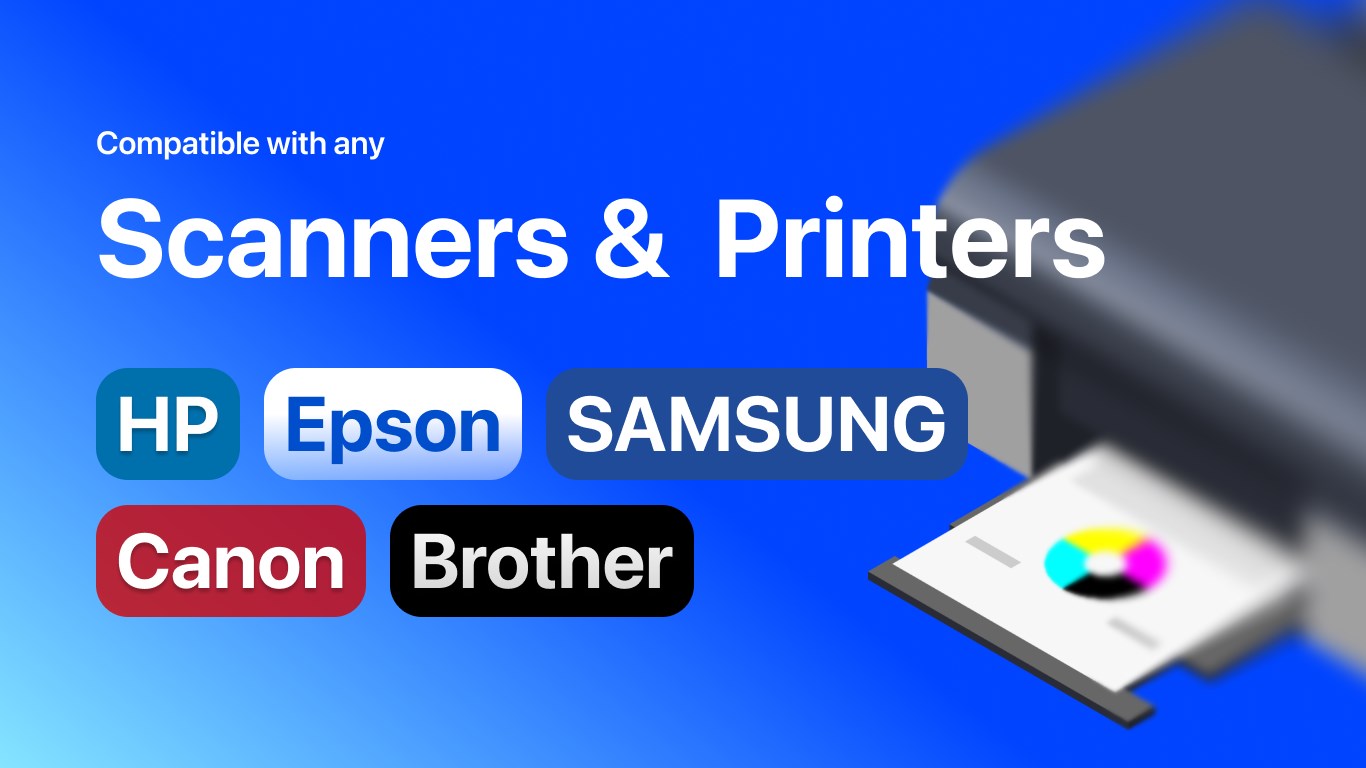
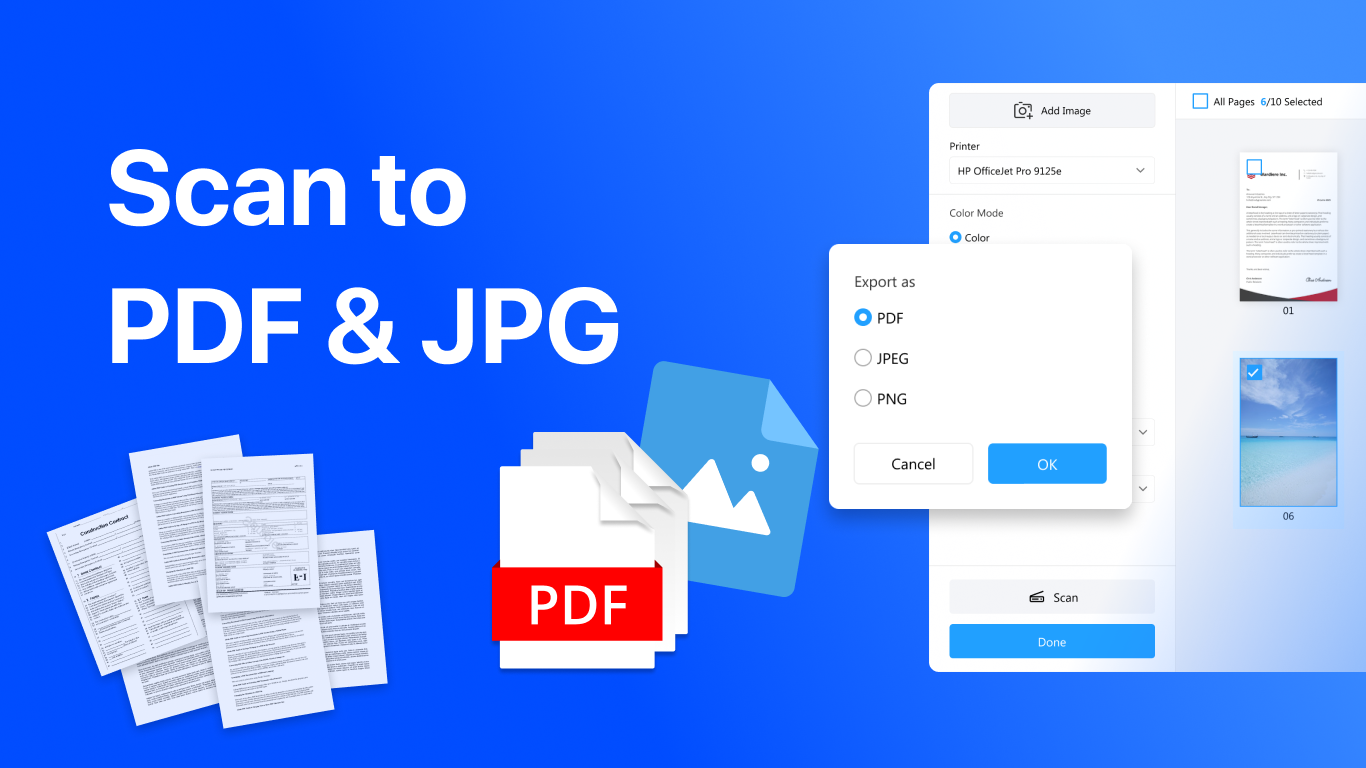
Scan & Printer is a printing and scanning tool for Windows that brings document scanning, exporting and printing together in one place. It scans documents and images and exports them to PDF, JPG, PNG or TIFF, with customizable color settings, DPI resolution, scanning area and feeding mode. It prints Word, Excel, PowerPoint, PDF, image, text and email files, supporting more than 300 file formats, and works with major printer and scanner brands including HP, Canon, Epson, Brother, Samsung and Xerox. Print jobs can be adjusted for orientation, double-sided printing, multiple copies and print preview, suiting home, office and school use.
Show the developer's original descriptionHide the original description
Scan & Printer – The All-in-One Printing & Scanning Solution
Scan & Printer is a powerful and user-friendly printing and scanning software designed for Windows users who need a fast, reliable, and versatile solution for all their document needs. Whether you want to scan, export, or print files, this app brings everything together in one seamless experience.
[Key Features]
- Scan and Export to PDF or Image
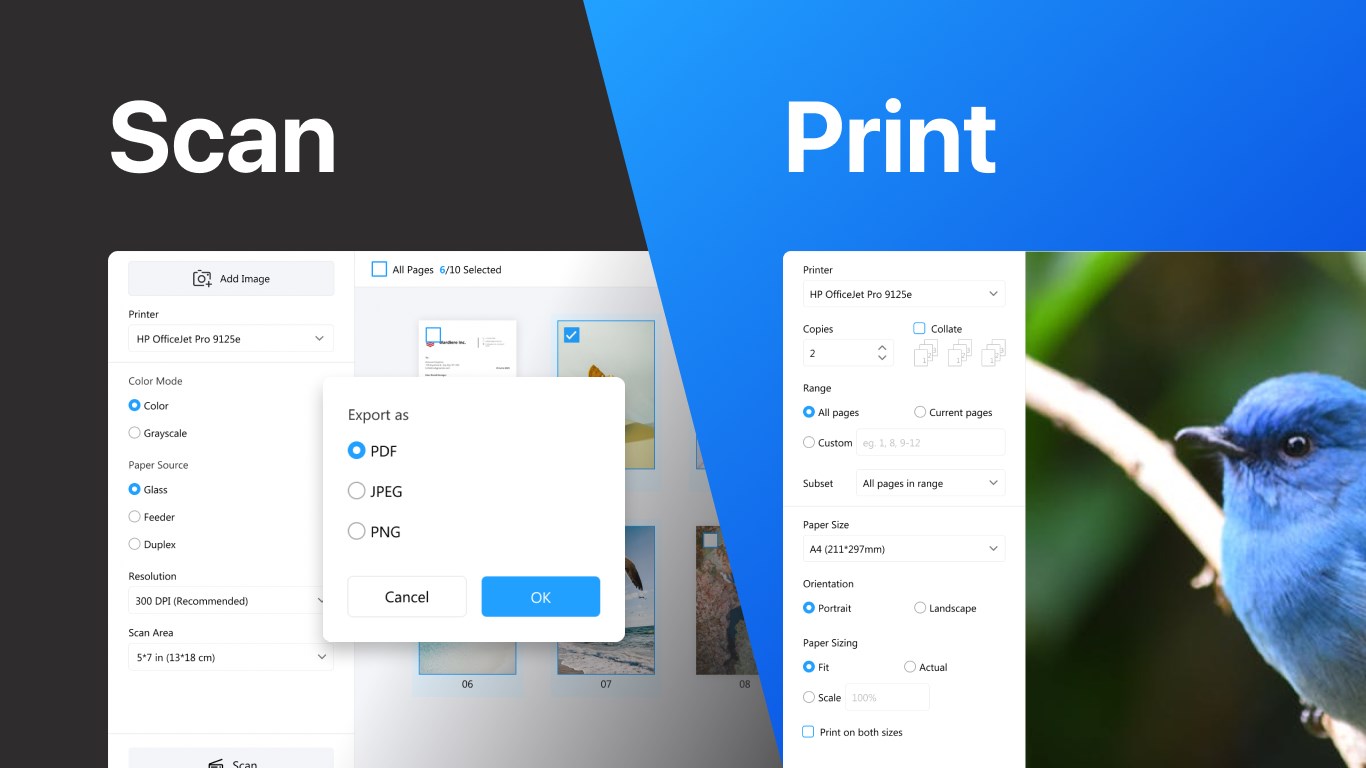
Easily scan documents and images directly from your scanner. Export them to PDF, JPG, PNG, or TIFF formats with customizable options, including color settings (grayscale, color), DPI resolution, scanning area, and feeding mode for maximum flexibility.
- Print All Popular File Types
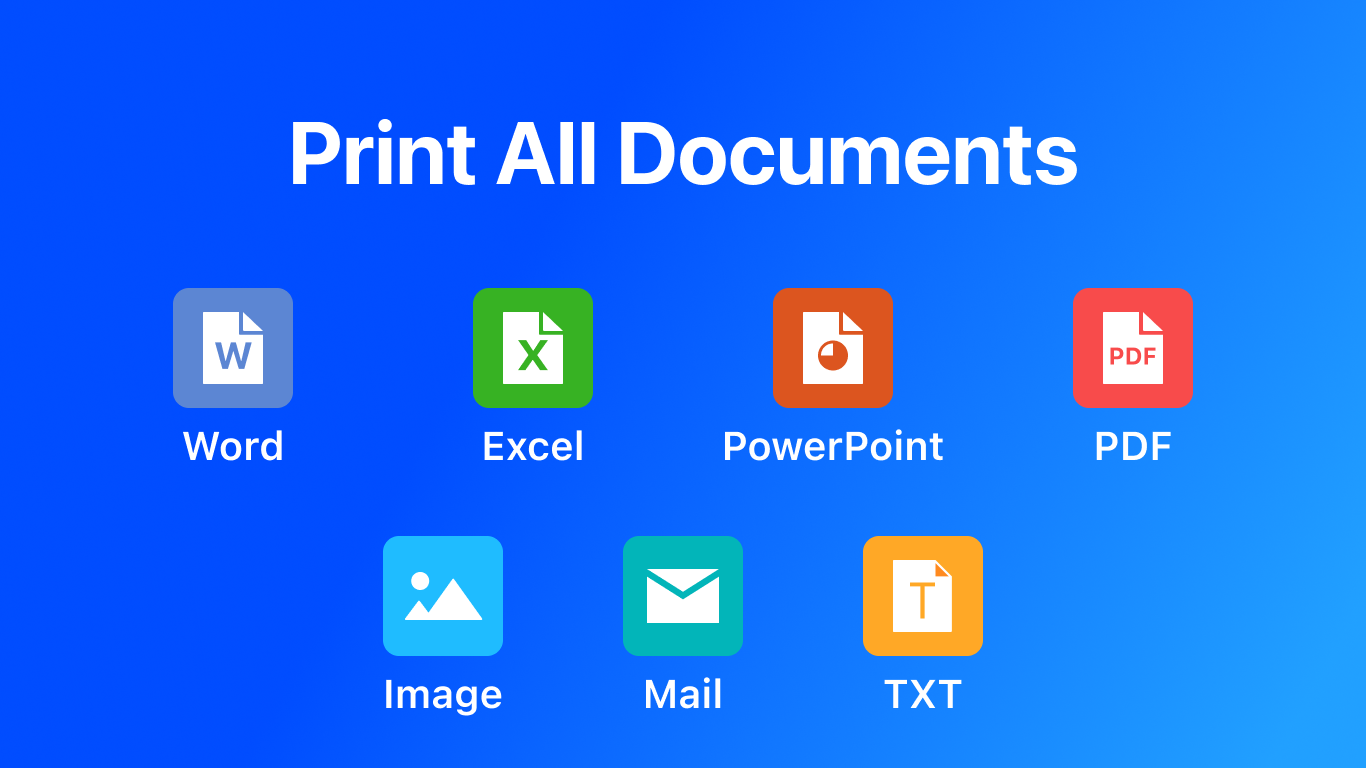
Print directly from your computer with support for Word, Excel, PowerPoint, PDF, image, text, and email files. With compatibility for 300+ file formats, Scan & Printer is your complete document printing solution.
- Universal Printer & Scanner Support
The app works with all major printer and scanner brands, including HP, Canon, Epson, Brother, Samsung, Xerox, and many more. No matter your device, Scan & Printer ensures seamless compatibility.
- Flexible Print Options
Customize your print jobs with support for landscape and portrait orientation, double-sided (duplex) printing, multiple copies, and print preview to check your documents before sending them to the printer.
- One App for All Your Needs
From office documents and school assignments to images and scanned receipts, Scan & Printer makes it easy to scan, manage, and print documents anytime you need.
Why Choose Scan & Printer?
- Works with all printers and scanners on the market
- Supports over 300 file types for printing
- Delivers professional print quality with DPI and color adjustments
- Ideal for home, office, and school use
- Simple, fast, and reliable printing and scanning solution
With Scan & Printer, you’ll never struggle with printer drivers, format issues, or limited compatibility again. It’s the ultimate Scan & Printer and scanner app for Windows that ensures smooth performance, no matter what you need to print or scan.
If there is a version of this app for iOS/Mac or Windows we don't know about, paste the store link here — we'll auto-detect the store.
How to find the URL:1. Open the app in its store. 2.In the App Store app: tap the Share icon → “Copy Link”. In the browser: copy the URL from the address bar — it contains apps.apple.com/…/id… or apps.microsoft.com/detail/…. 3. Paste it here.
Paste the original link from the Apple App Store or Microsoft Store. We fetch all details automatically.
How to find the URL:
1. Open the app in its store. 2.In the App Store app: tap the Share icon → “Copy Link”. In the browser: copy the URL from the address bar — it contains apps.apple.com/…/id… or apps.microsoft.com/detail/…. 3. Paste it here.
Android apps can only be listed by their developer.



 Print and Scan - Document Scanner App
Scan documents and photos, save as PDF or image files
 Scanner App: PDF Scan
Scan, edit and manage documents as PDF files
 Clear Scan: Doc Scanner App
Scan documents with your phone and convert them to text
 Doc Scan PDF Scanner
Scan documents and images, save as PDF or image format
 CamScanner - PDF Scanner App
Scan documents with camera and save as PDF
 EasyScan - PDF Scan
Digitize documents and photos with your scanner