
Screenshot appears after consentScreenshot appears after consentScreenshot appears after consentScreenshot appears after consentScreenshot appears after consentScreenshot appears after consentScreenshot appears after consentScreenshot appears after consentScreenshot appears after consentScreenshot appears after consentScreenshot appears after consentScreenshot appears after consentScreenshot appears after consentScreenshot appears after consentScreenshot appears after consentScreenshot appears after consentScreenshot appears after consent
Summary
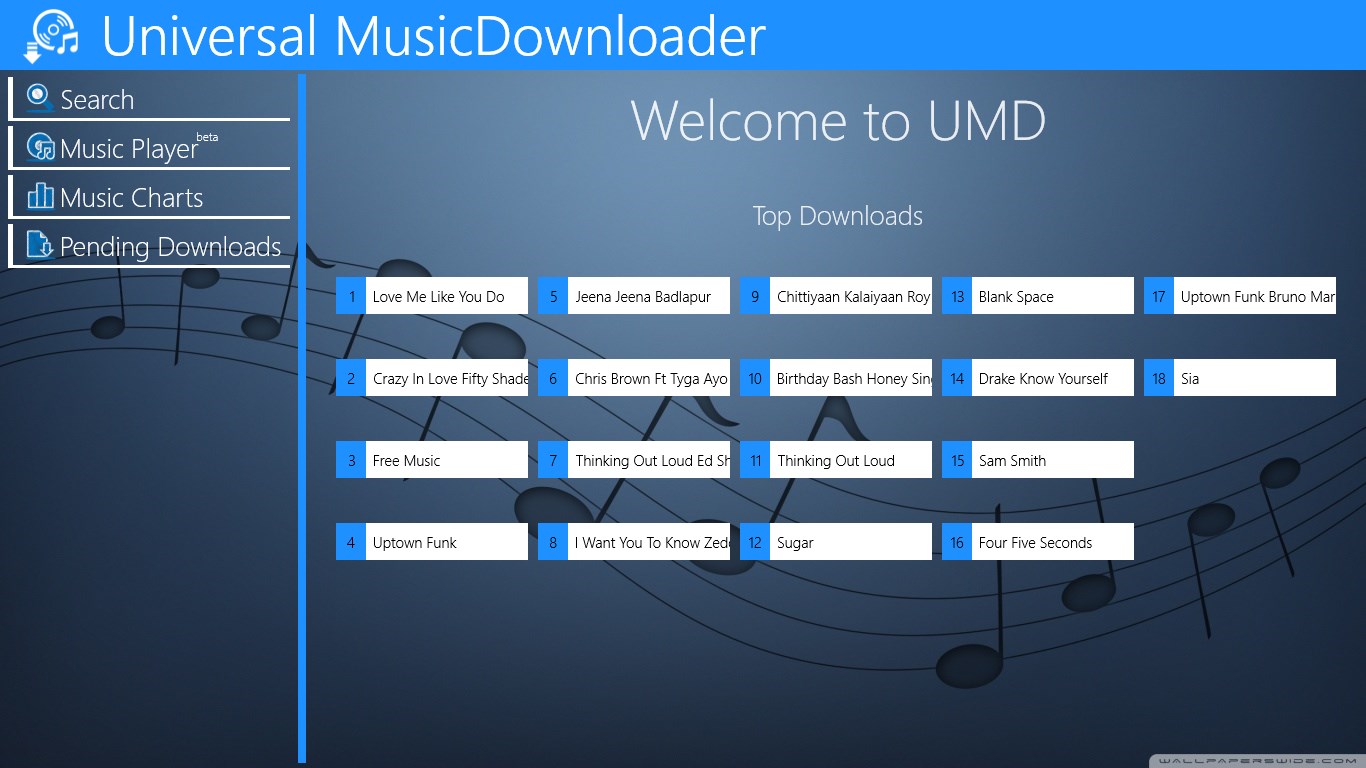
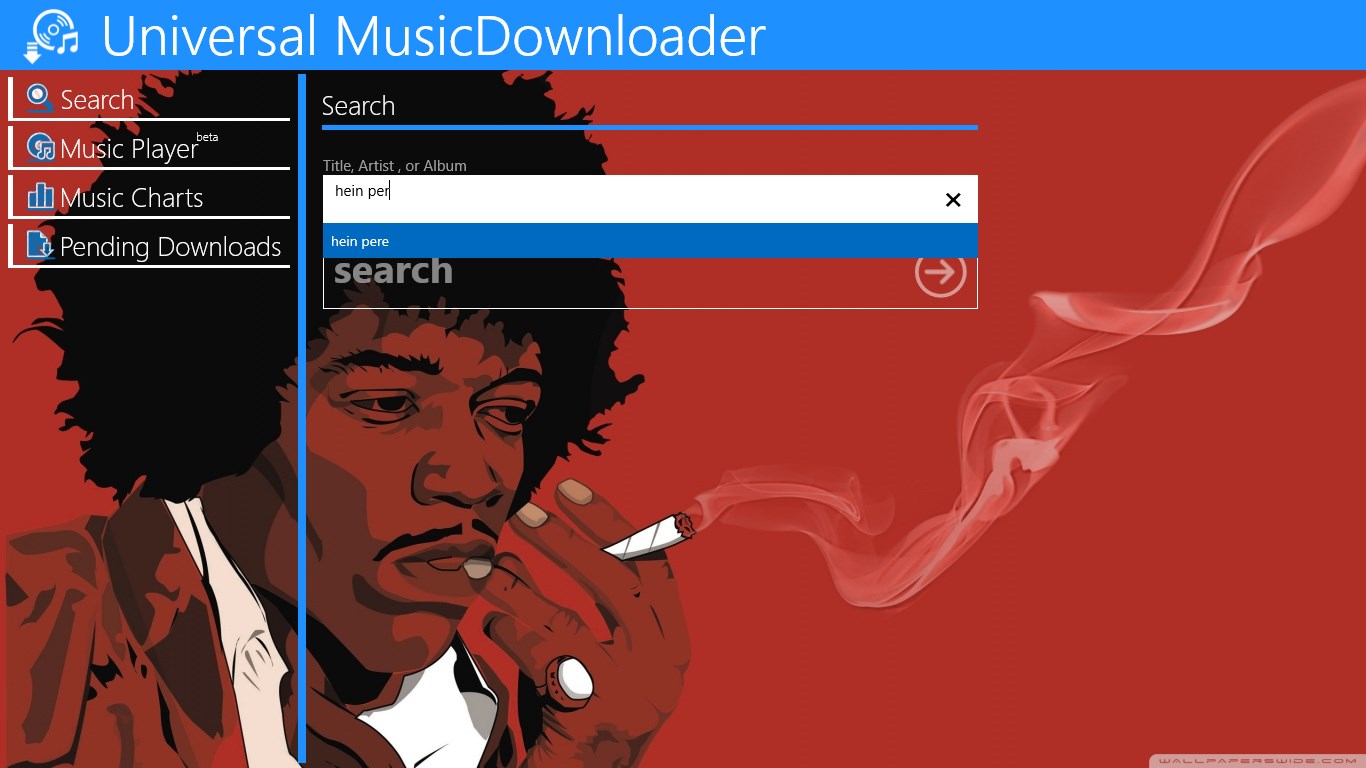
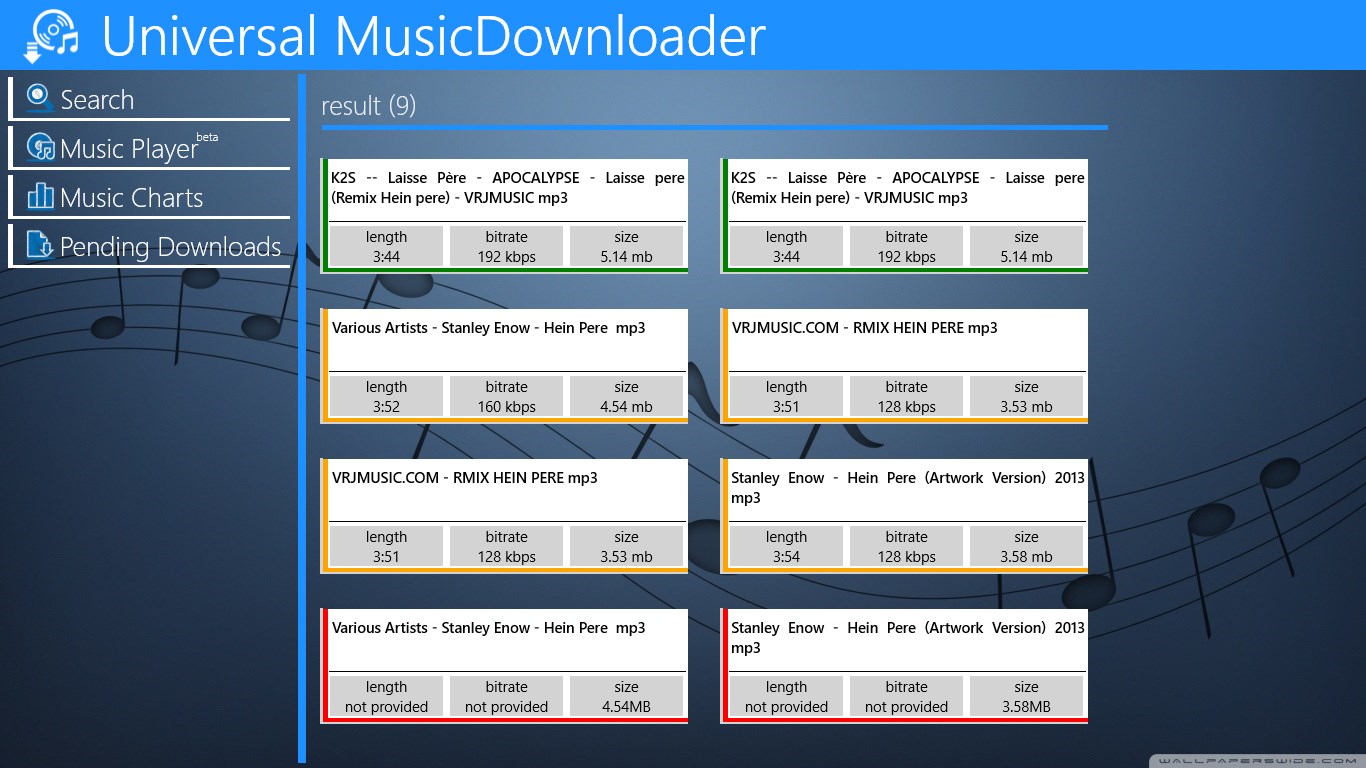
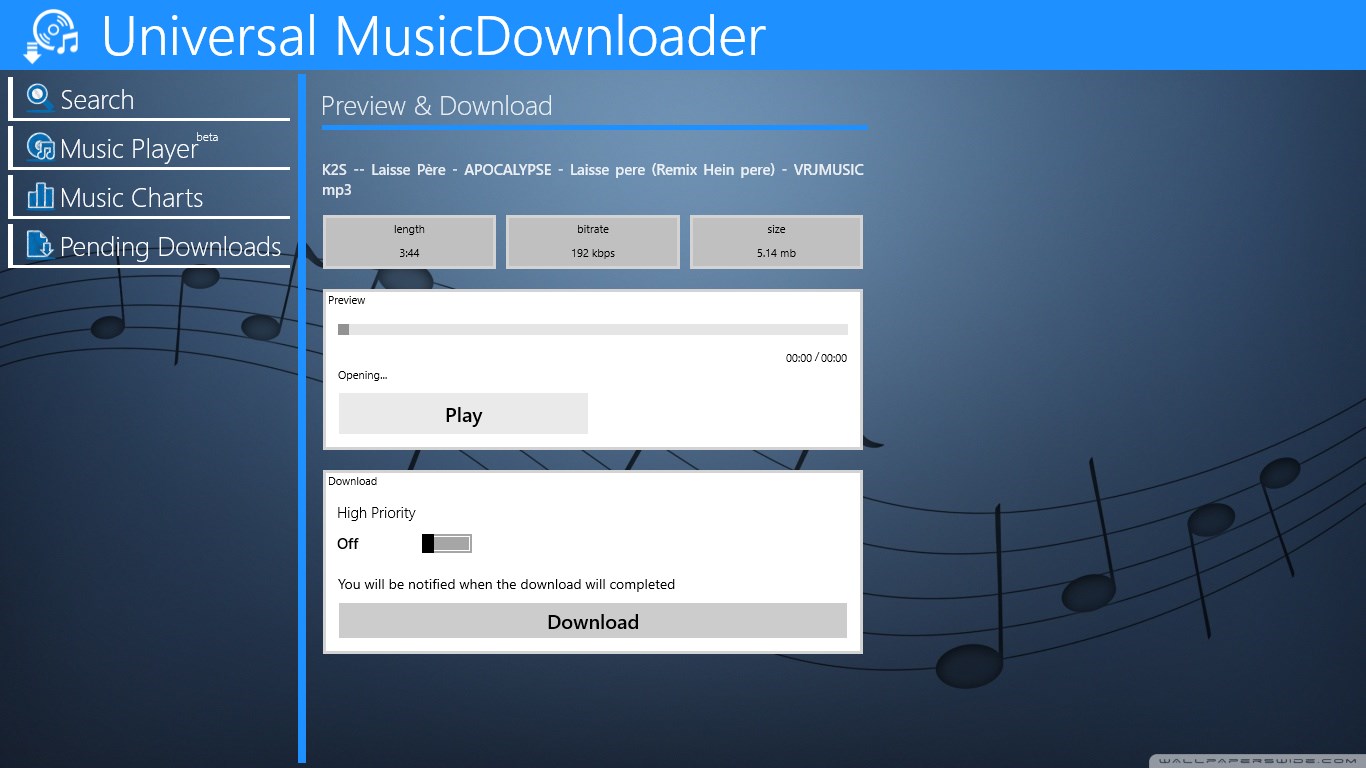
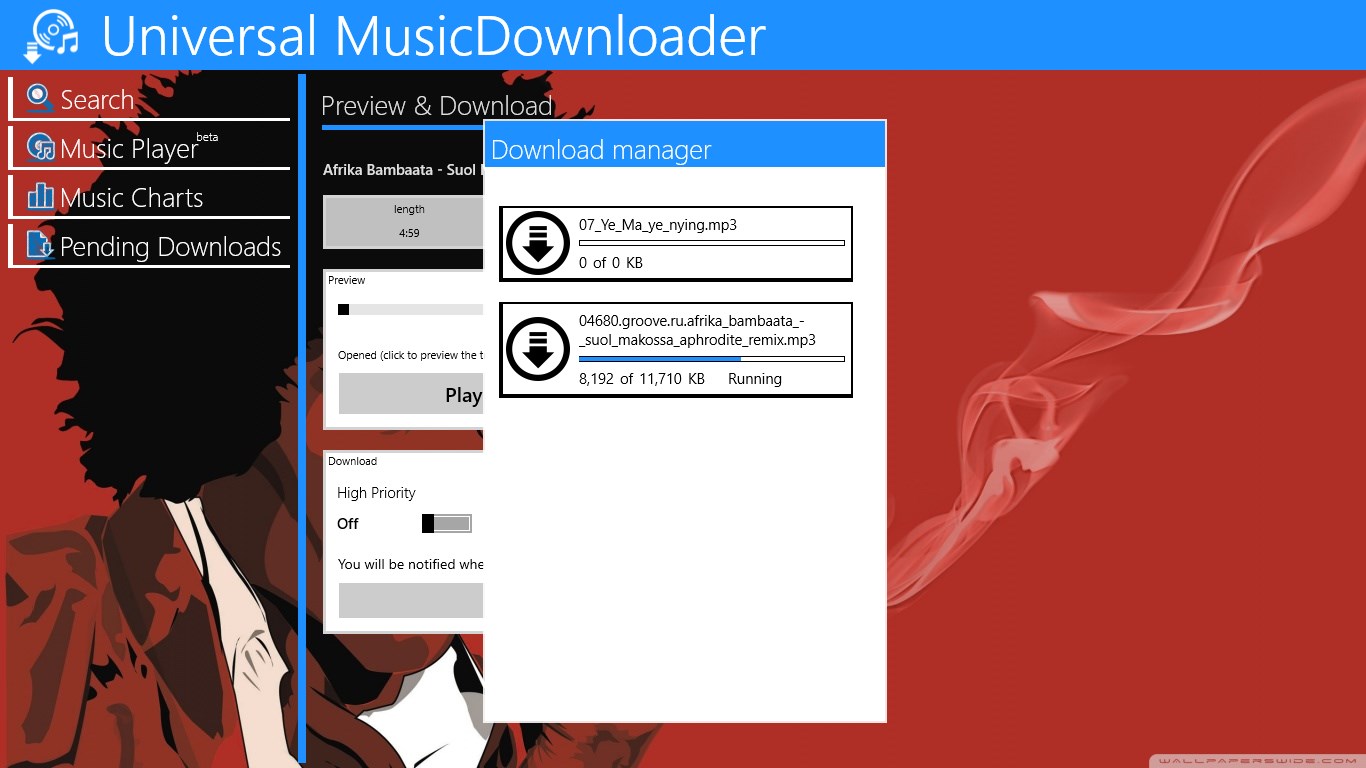
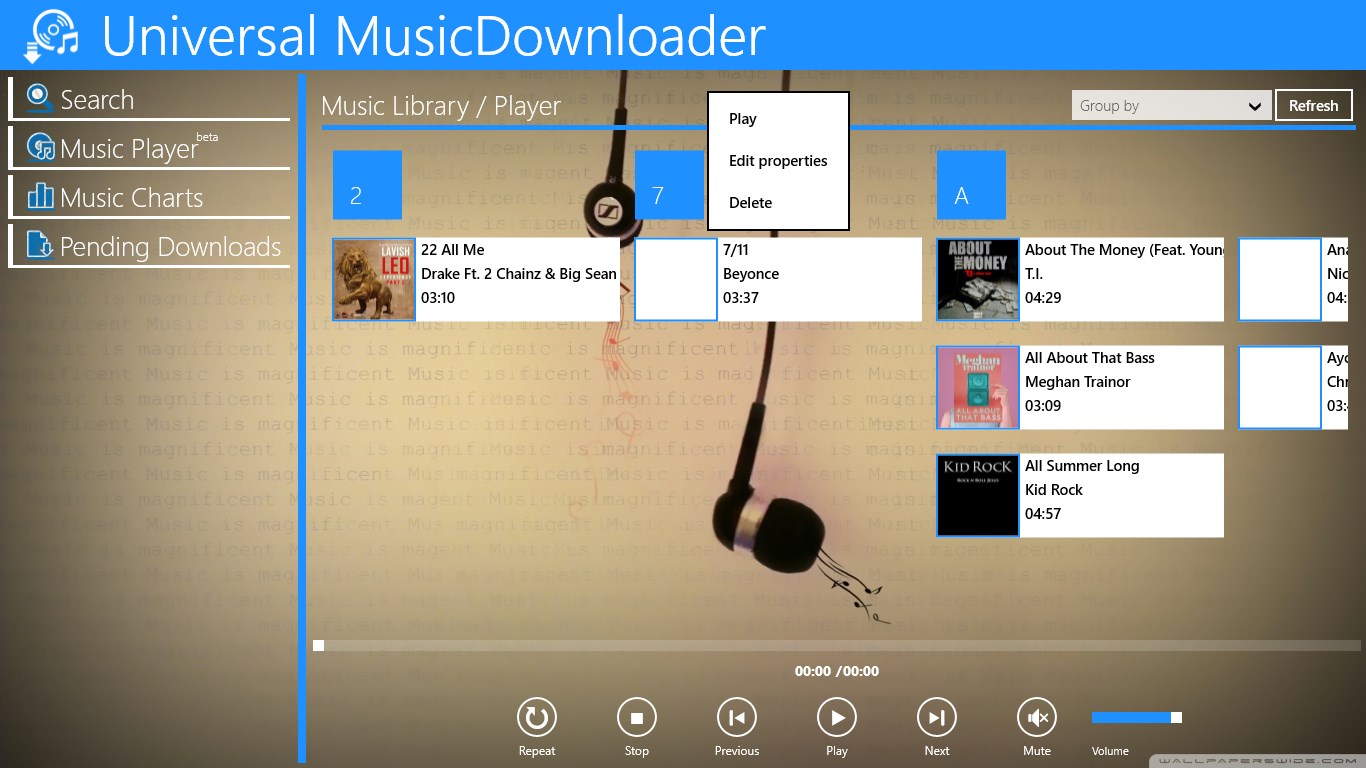
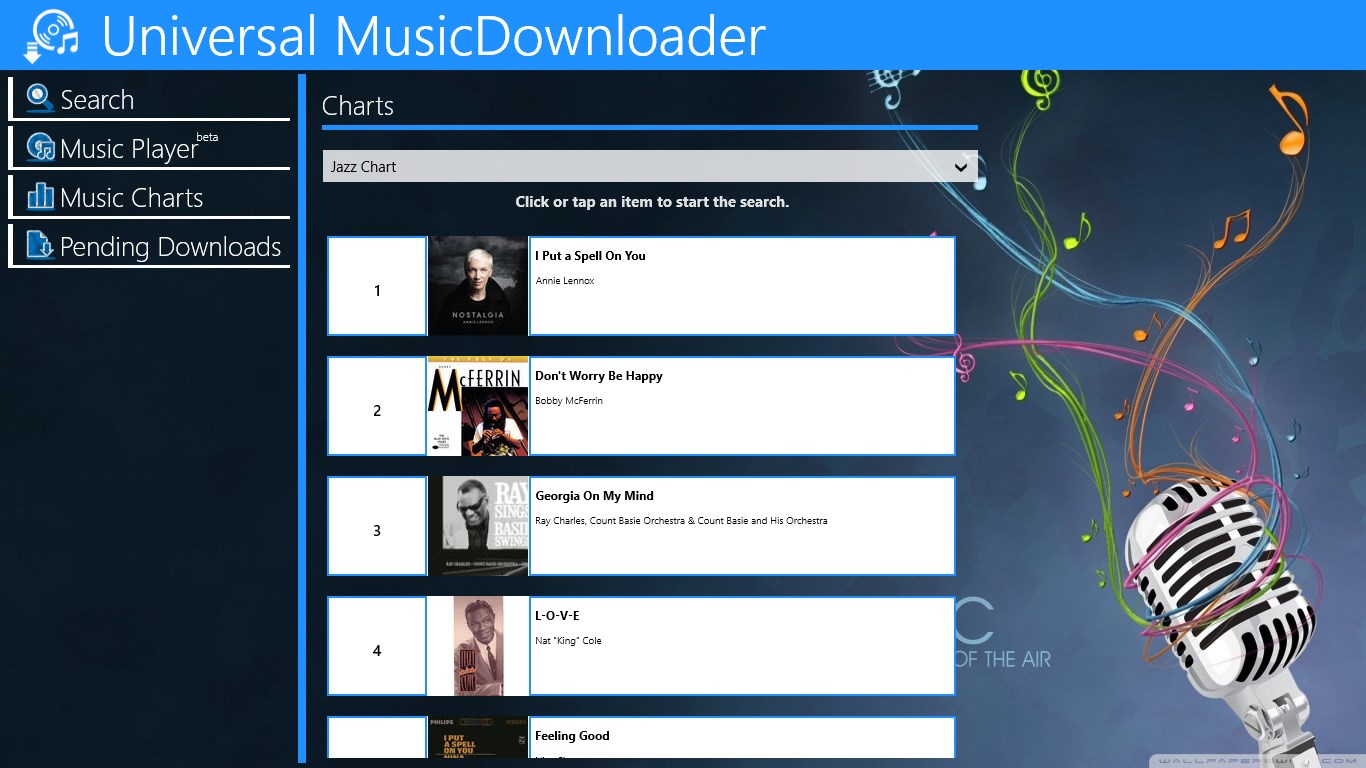
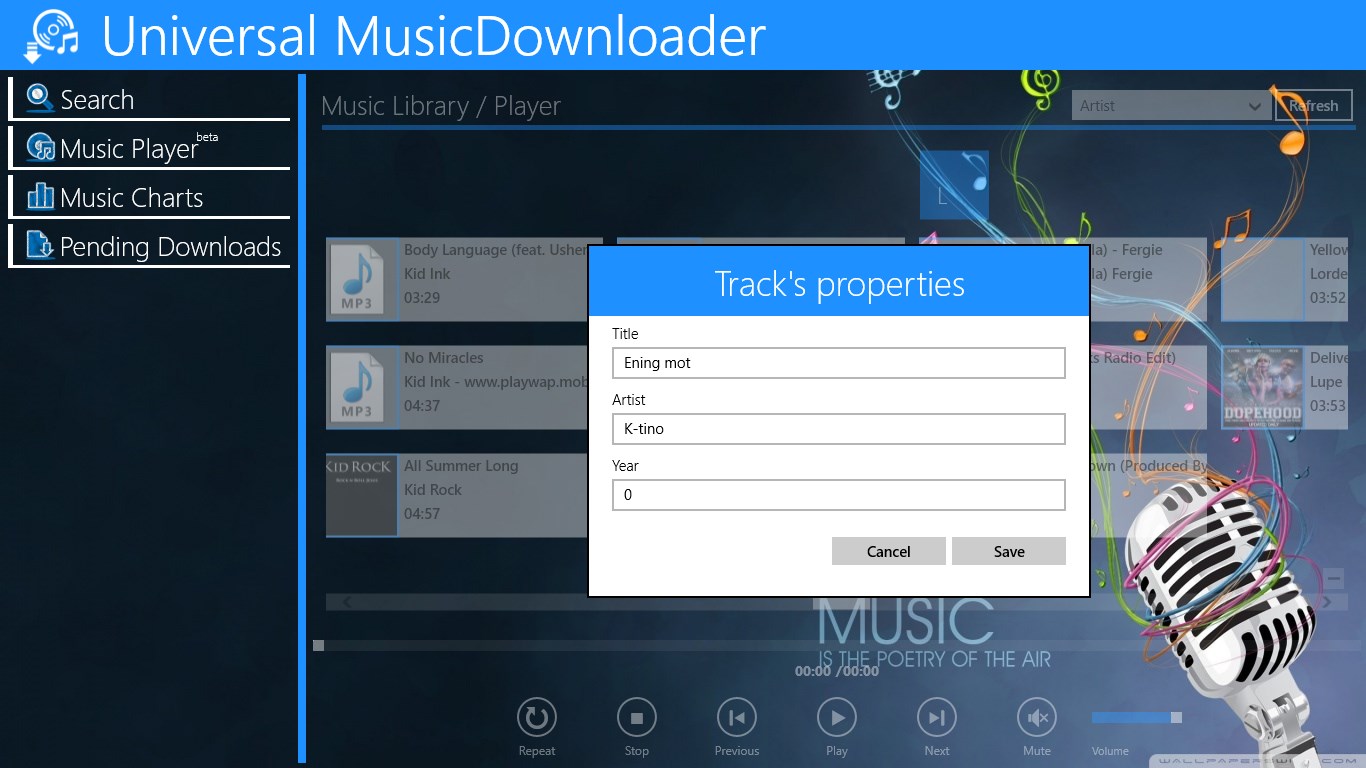
Universal MusicDownloader is a music downloader that lets users find and save favorite tracks directly into the music library. It offers unlimited previews of songs before downloading, shows toast notifications, and includes a music charts section for browsing popular tracks. The app also features a built-in music player. According to the provider, it does not host any music files itself but uses a search engine while respecting copyright laws.
Show the developer's original descriptionHide the original description
Download your favorite music
Preview first before downloading. (unlimited)
Toast Notification
Music Charts
Music Player
Disclaimer:
Universal MusicDownloader does not host any of the music files displayed in the App.
Universal MusicDownloader use a search engine, but we respect an Copyright Laws.
If there is a version of this app for iOS/Mac or Windows we don't know about, paste the store link here — we'll auto-detect the store.
How to find the URL:1. Open the app in its store. 2.In the App Store app: tap the Share icon → “Copy Link”. In the browser: copy the URL from the address bar — it contains apps.apple.com/…/id… or apps.microsoft.com/detail/…. 3. Paste it here.
Paste the original link from the Apple App Store or Microsoft Store. We fetch all details automatically.
How to find the URL:
1. Open the app in its store. 2.In the App Store app: tap the Share icon → “Copy Link”. In the browser: copy the URL from the address bar — it contains apps.apple.com/…/id… or apps.microsoft.com/detail/…. 3. Paste it here.
Android apps can only be listed by their developer.