
Screenshot appears after consentScreenshot appears after consentScreenshot appears after consentScreenshot appears after consentScreenshot appears after consentScreenshot appears after consent
Summary
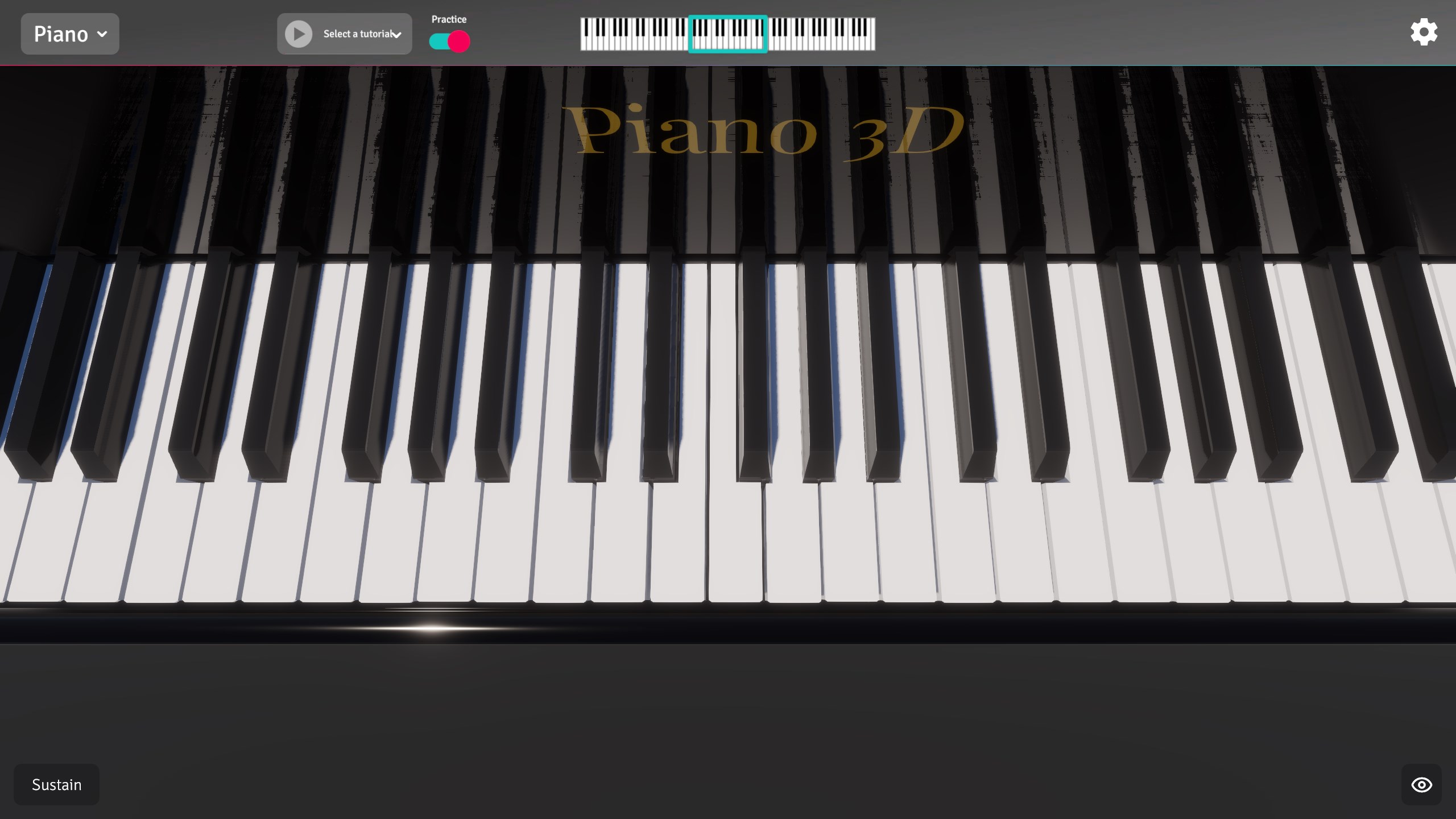
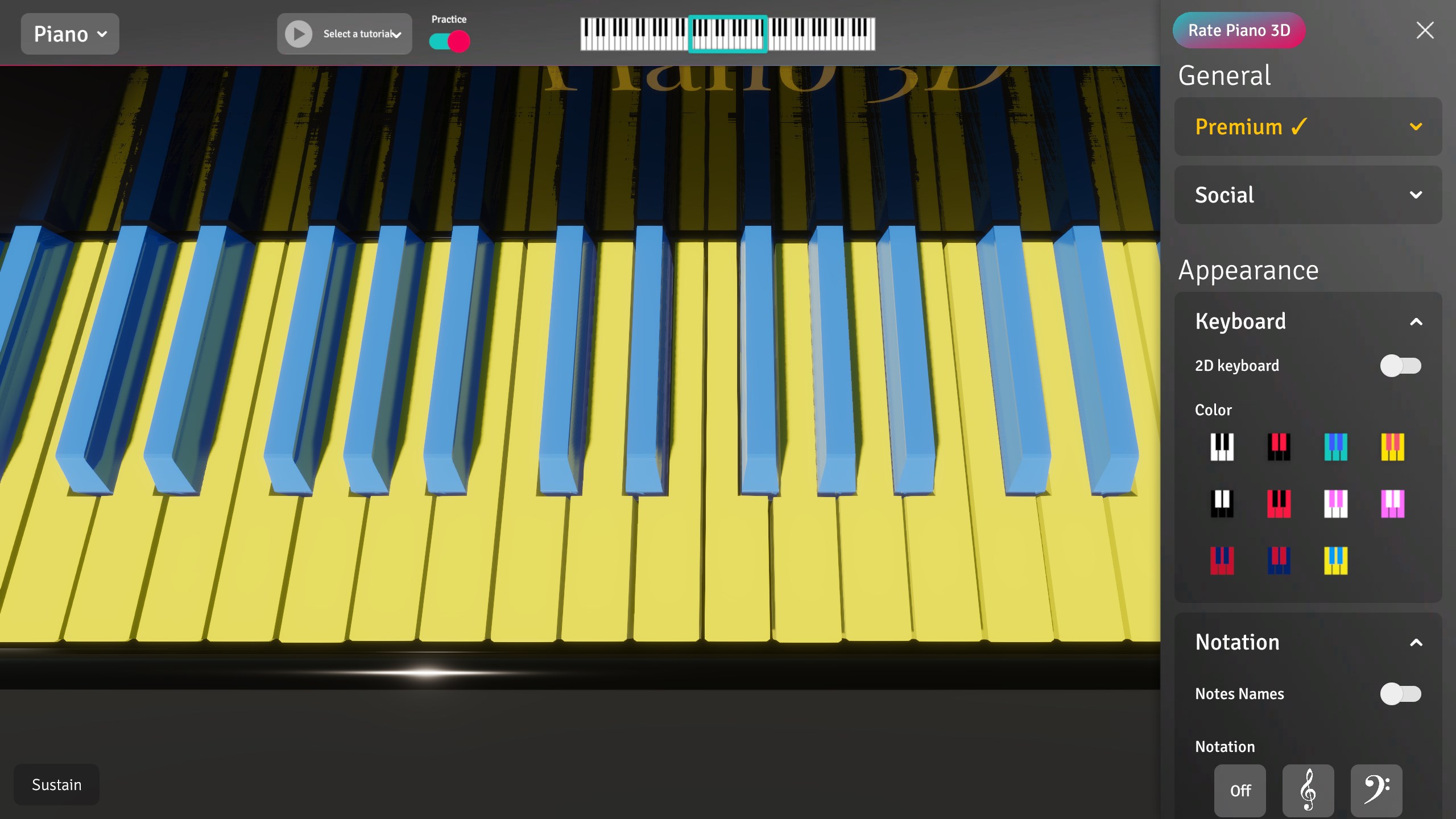
Piano 3D is a virtual instrument app that simulates a piano keyboard with realistic animations, dynamic shadows and high-quality recorded sounds shaped in real time with an ADSR filter. It allows switching between piano, guitar and saxophone sounds or creating custom sounds using amplitude and frequency modulation together with adjustable ADSR parameters. Built-in tutorials help beginners learn the keyboard, notes and simple songs. The keyboard can be scrolled and scaled, and its color can be changed instead of the standard black and white look. Playing is possible with mouse, keyboard or multitouch input.
Show the developer's original descriptionHide the original description
A piano app that works well on your tablet and desktop. Realistic animations, dynamic shadows and, of course, high-quality recordered sounds modified with ADSR filter in real time give you real-life instrument experience on your device.
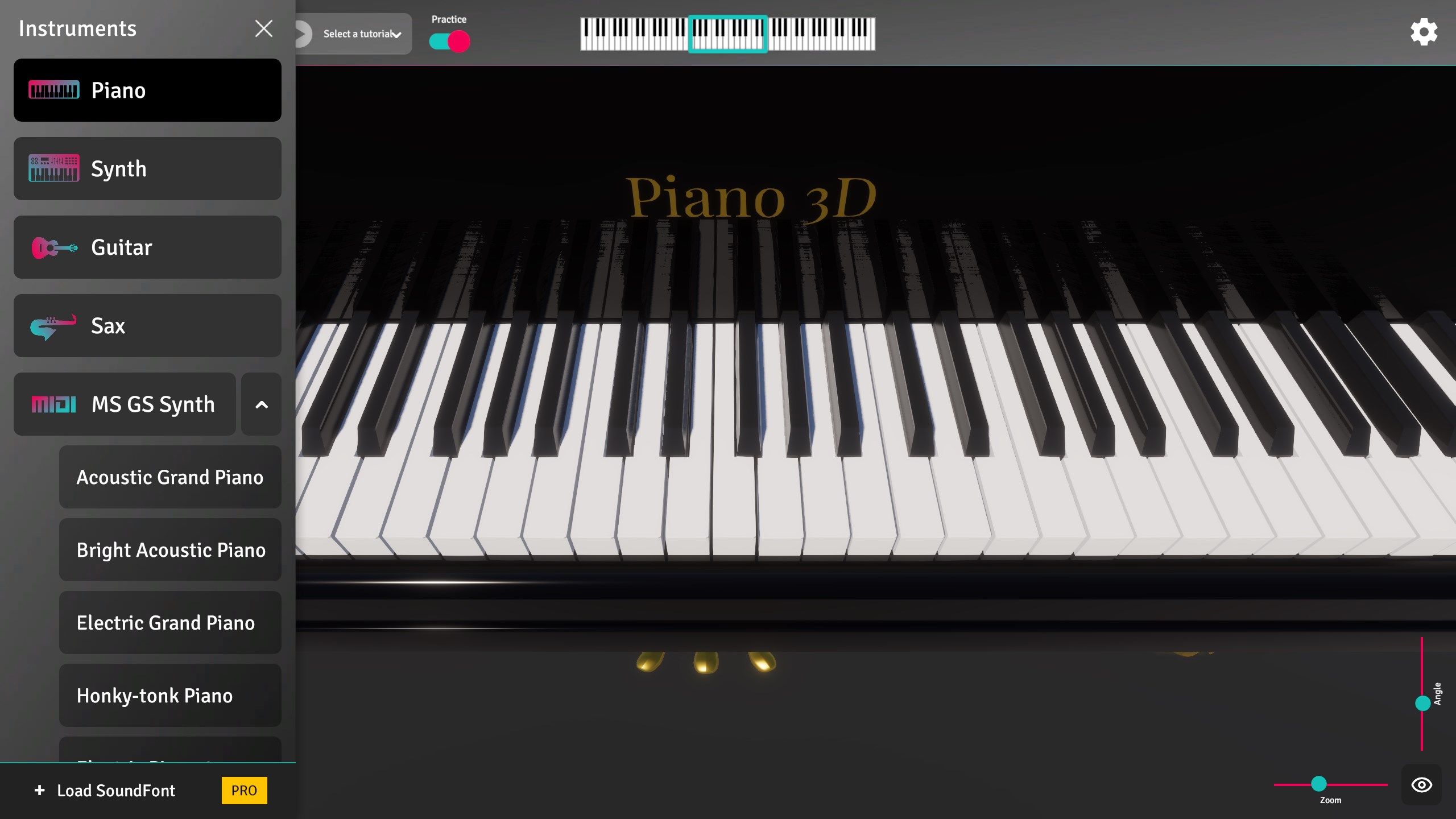
You can switch between piano, guitar or sax sounds or even create your own with advanced synthesis capabilities available in the app. Explore Amplitude and Frequency modulation, ADSR (Attack-Decay-Sustain-Release) filters with all parameters controlled by you!
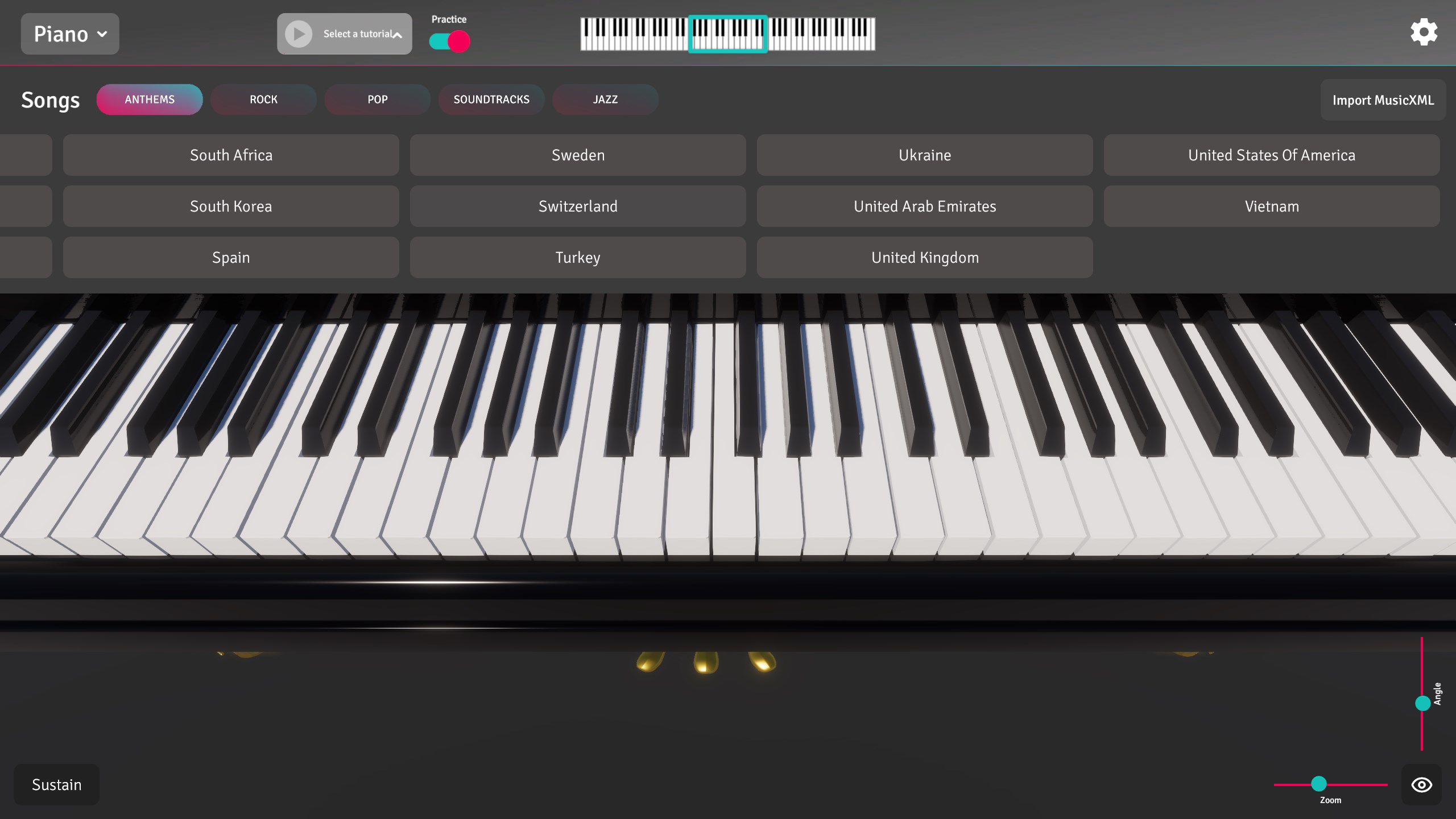
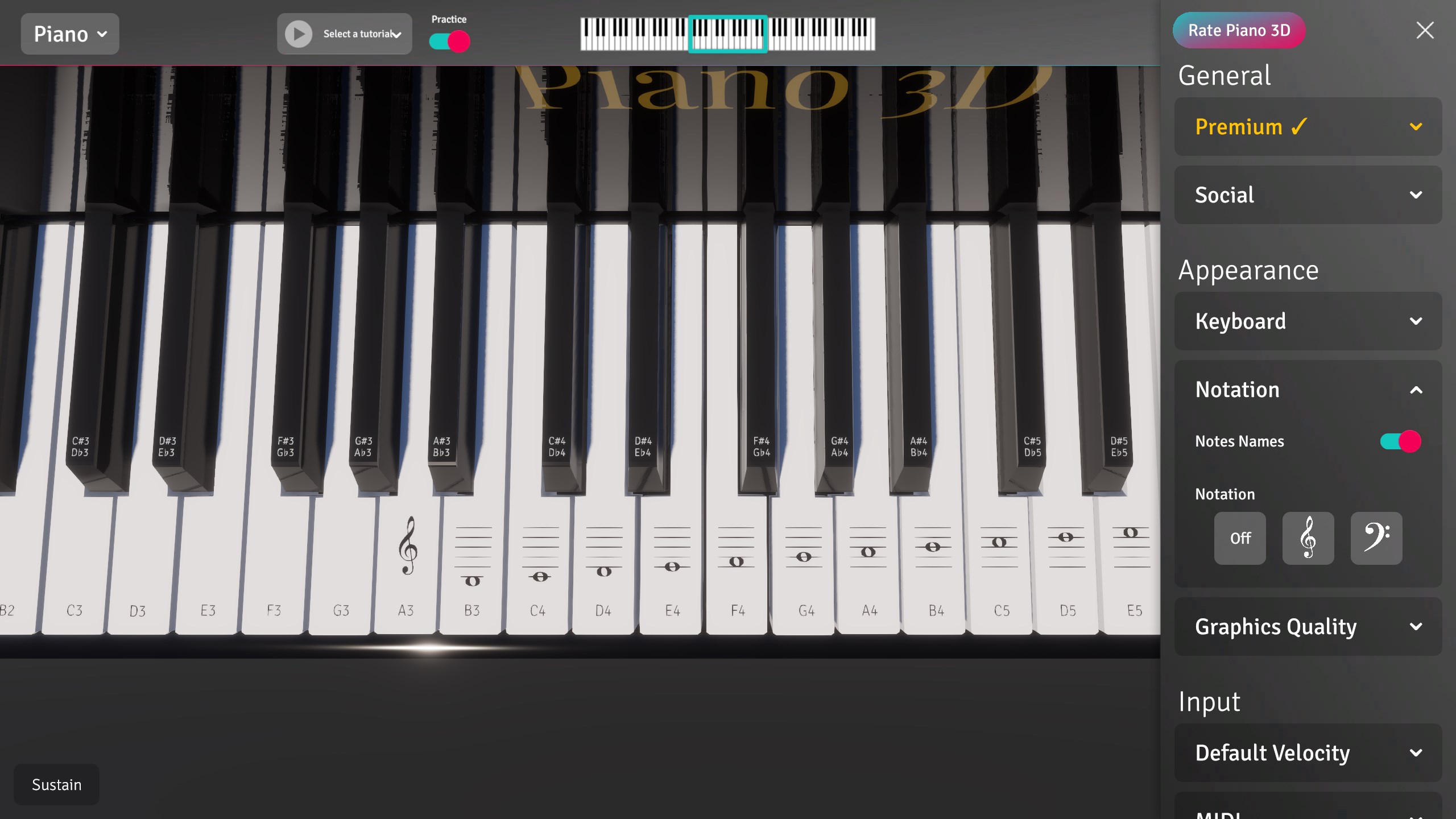
Beginners can learn the keyboard, notes and utilize built-in tutorials functionality to learn simple songs. Get the app and impress your friends with your national anthem played by you on a real piano or with this application!
Scrolling and scaling make Piano 3D even more convenient.
Bored with black-white keyboard? You can change the keyboard's color in the menu!
Play with mouse, keyboard or touch (multitouch included).
If there is a version of this app for iOS/Mac or Windows we don't know about, paste the store link here — we'll auto-detect the store.
How to find the URL:1. Open the app in its store. 2.In the App Store app: tap the Share icon → “Copy Link”. In the browser: copy the URL from the address bar — it contains apps.apple.com/…/id… or apps.microsoft.com/detail/…. 3. Paste it here.
Paste the original link from the Apple App Store or Microsoft Store. We fetch all details automatically.
How to find the URL:
1. Open the app in its store. 2.In the App Store app: tap the Share icon → “Copy Link”. In the browser: copy the URL from the address bar — it contains apps.apple.com/…/id… or apps.microsoft.com/detail/…. 3. Paste it here.
Android apps can only be listed by their developer.