Screenshot appears after consentScreenshot appears after consentScreenshot appears after consentScreenshot appears after consent
Summary
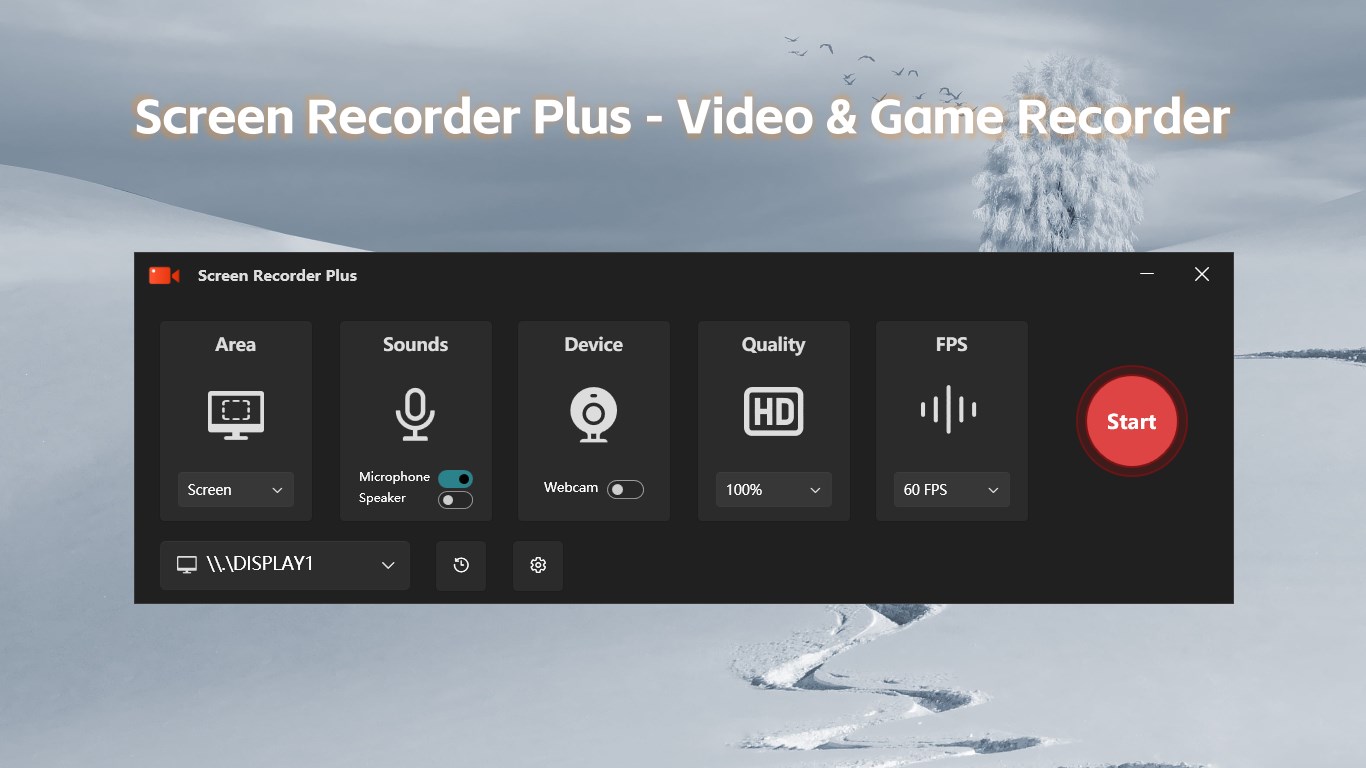
Screen Recorder Plus - Screen & Webcam Recorder is a screen recorder for capturing and sharing screen content, suited for tutorials, gameplay, software demonstrations and presentations. It records in high definition and syncs system audio with microphone sound for a professional result. Users can record the full screen or a custom selection, with webcam footage captured alongside. The interface is simple, requiring no special skills, and runs without ads. It uses low CPU resources for smooth, stable recording. Recording is free up to three minutes, or one video of unlimited length, while unlimited recording requires an in-app purchase.
Show the developer's original descriptionHide the original description
Welcome to Screen Recorder Plus, your best companion for recording and sharing screen content. Whether you are creating tutorials, capturing exciting game moments, demonstrating software operations, or conducting online education and business presentations, Screen Recorder Master is here to help. It is powerful yet easy to use, making it the ideal choice for capturing screen content.
Key Features:
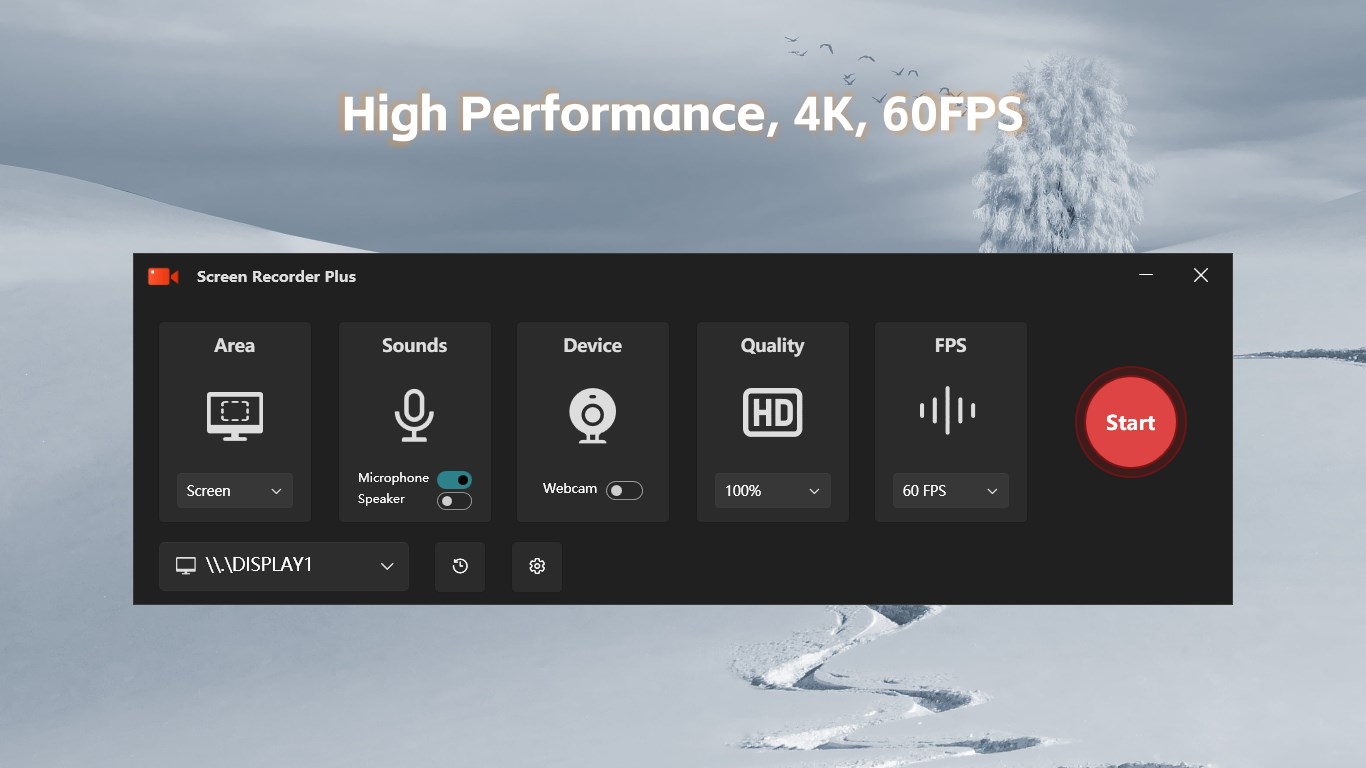
HD Recording: Screen Recorder Master supports high-definition recording to ensure your videos are clear and sharp.
Audio Sync: Record system audio and microphone sound simultaneously for a more professional video experience.
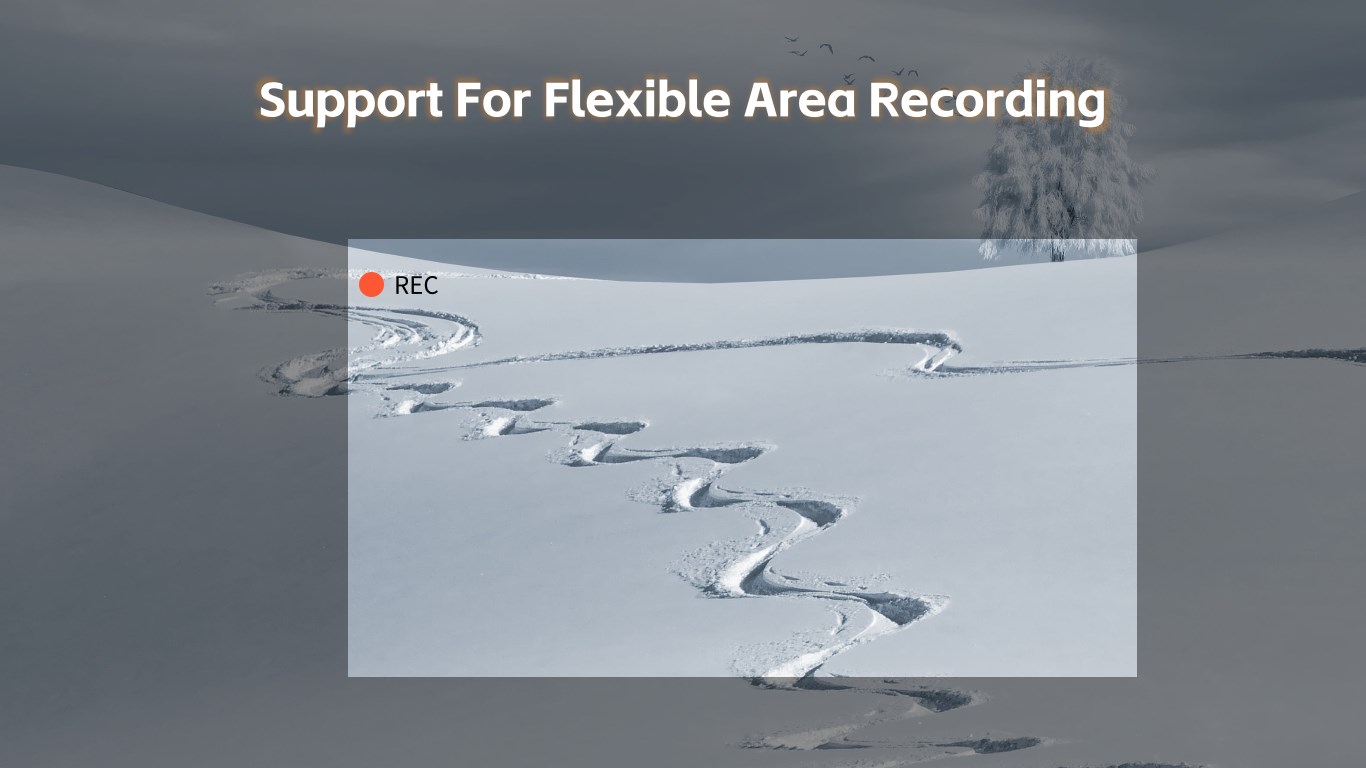
Region Recording: Supports full-screen recording and custom recording areas to meet various screen recording needs.
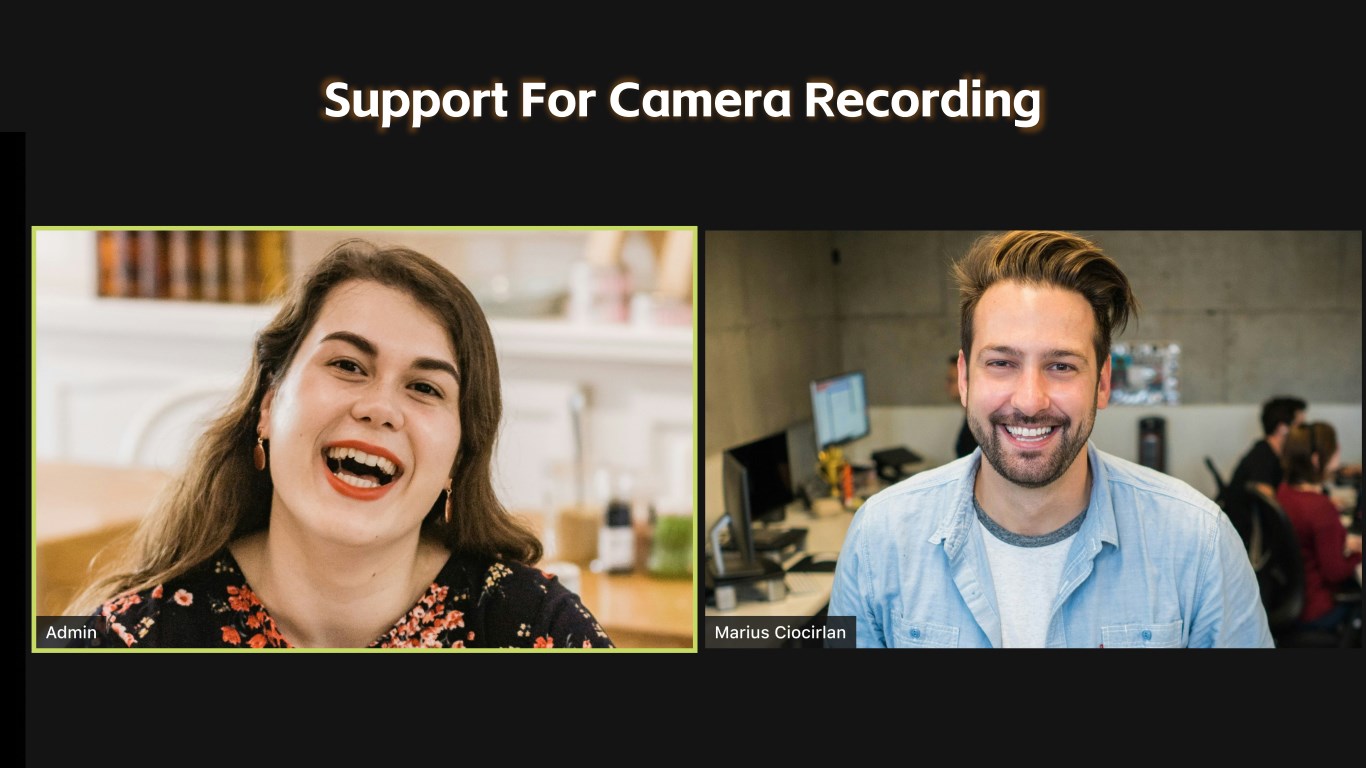
Webcam Recording: Capture webcam footage along with your screen recording, perfect for video demonstrations and presentations.
User-Friendly Interface: The simple and intuitive interface design requires no professional skills, allowing anyone to get started quickly.
Ad-Free Experience: Enjoy a pure, ad-free experience so you can focus on your creation.
Why Choose Screen Recorder Master?
Superior Performance: Low CPU usage ensures no lag or frame drops, providing a smooth and stable recording process.
Safe and Reliable: No malicious plugins, protecting your privacy and data security.
Versatile Use: Whether for work, study, or entertainment, Screen Recorder Master provides an excellent recording experience.
User Reviews:
"Screen Recorder Master makes it easy for me to create professional-level video tutorials. I recommend it to anyone who needs screen recording!"
"Simple to use and powerful features. It's the best screen recording software I've ever used."
"Whether recording games or work presentations, Screen Recorder Master has always been satisfactory."
Free Download:
Download Screen Recorder Master now and start creating your amazing videos! Screen Recorder Master, capturing every brilliant moment!
You can record videos up to 3 minutes for free, or record one video of any length for free. If you want unlimited video recording, you can purchase in-app items to unlock all features. After purchase, you can use any feature without limitation during the membership period.
This app requires Microsoft Visual C++ Redistributable to run properly.
Play Store URL for "Screen Recorder Plus - Screen & Webcam Recorder"
If there is a version of this app for iOS/Mac or Windows we don't know about, paste the store link here — we'll auto-detect the store.
How to find the URL:1. Open the app in its store. 2.In the App Store app: tap the Share icon → “Copy Link”. In the browser: copy the URL from the address bar — it contains apps.apple.com/…/id… or apps.microsoft.com/detail/…. 3. Paste it here.
Paste the original link from the Apple App Store or Microsoft Store. We fetch all details automatically.
How to find the URL:
1. Open the app in its store. 2.In the App Store app: tap the Share icon → “Copy Link”. In the browser: copy the URL from the address bar — it contains apps.apple.com/…/id… or apps.microsoft.com/detail/…. 3. Paste it here.
Android apps can only be listed by their developer.



 Screen Video Recorder Express
Record screen and share videos quickly
 TapRecord: Screen Recorder
Record screen, audio and webcam in HD, then trim videos
 Record Screen - Video & Audio Recorder
Record screen in Full HD up to 60 fps
 Screenbits - Screen Recorder
Record screen, audio and webcam in HD or 4K
 Screen Recorder - App
Record screen and audio with customizable settings
 Screen recorder - Screen record & Screen capture
Record screen activity with audio and video