

Screenshot appears after consentScreenshot appears after consentScreenshot appears after consent
Summary
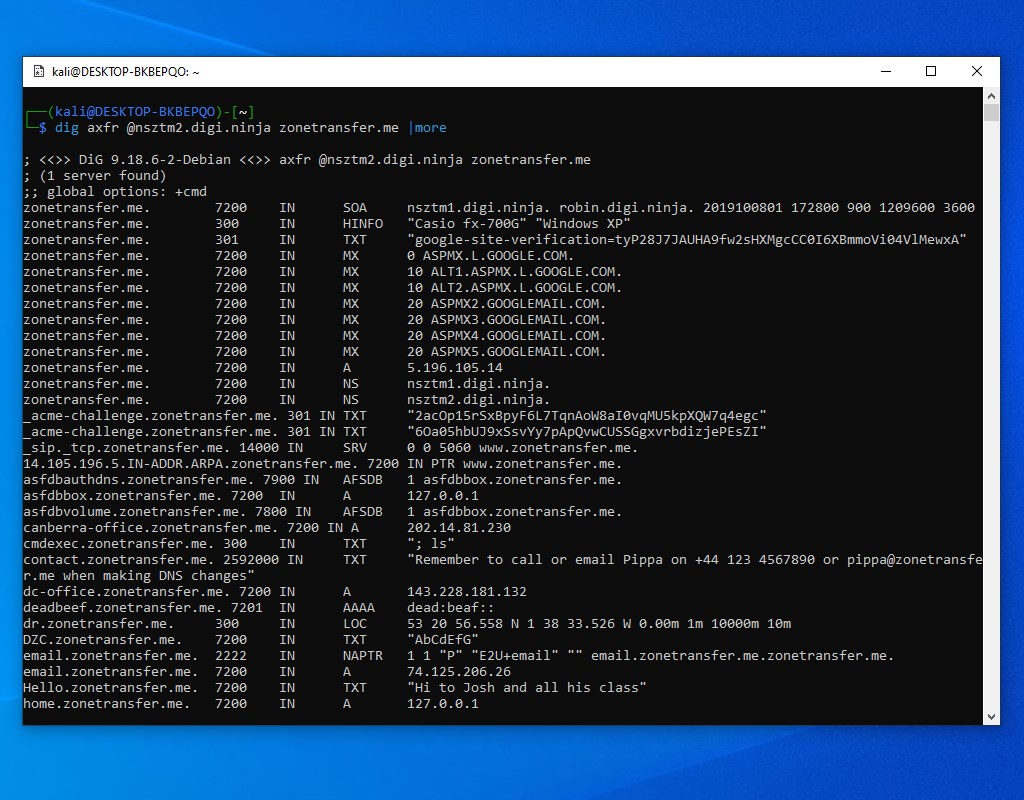
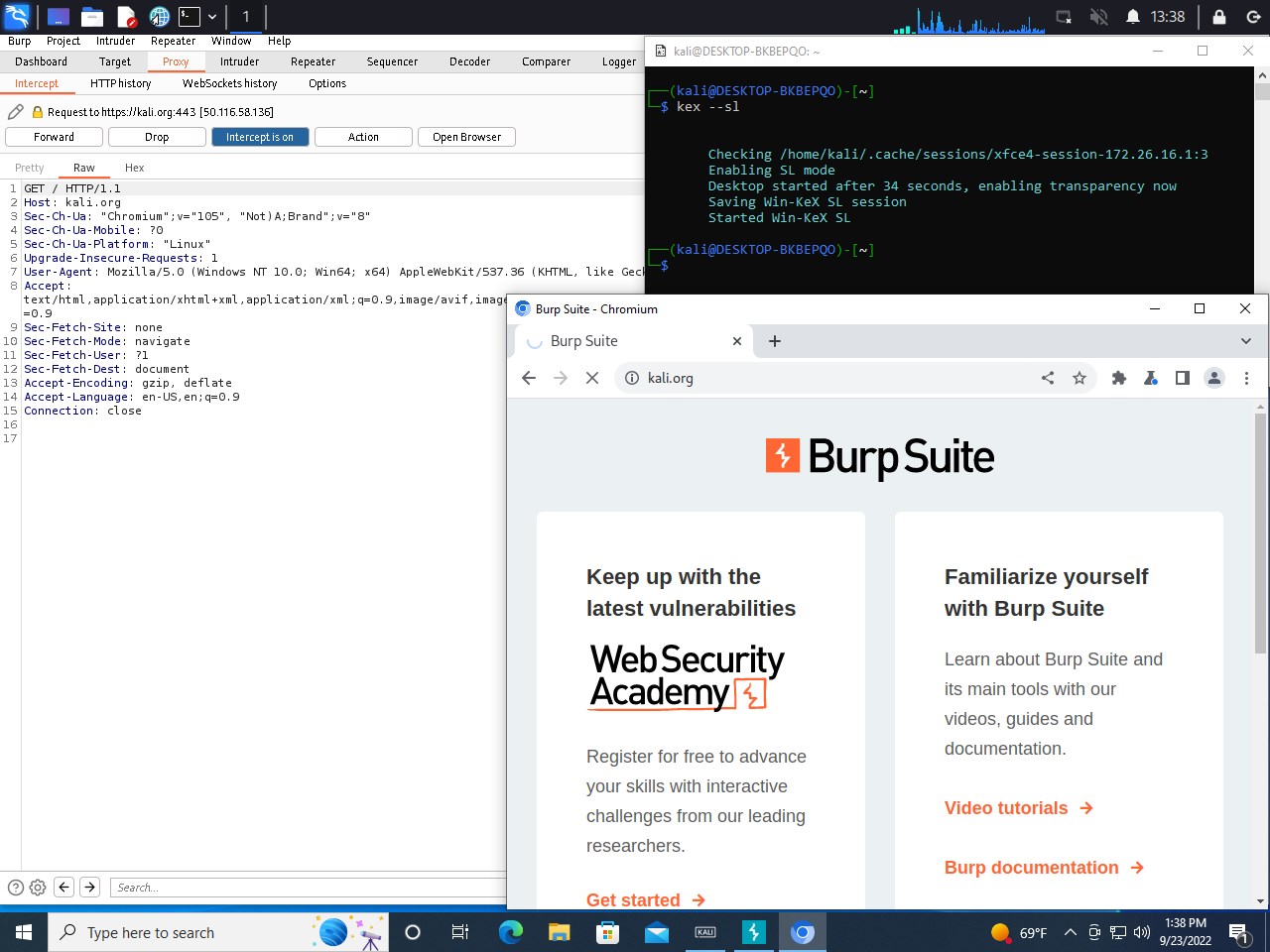
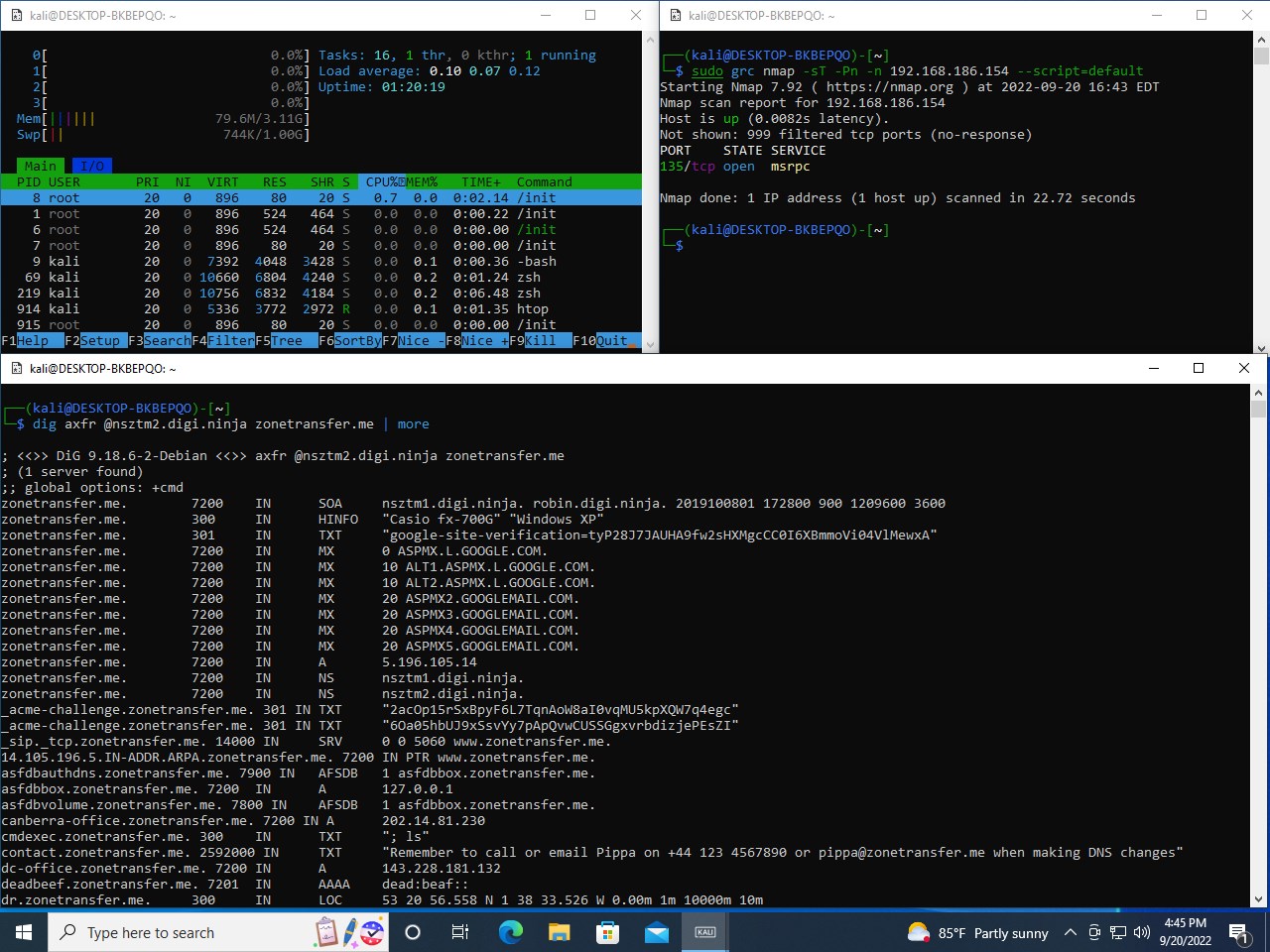
Kali Linux for Windows is a penetration testing distribution that installs and runs natively on Windows 10 through the Windows Subsystem for Linux. The Kali shell can be launched by typing "kali" at the command prompt or by clicking the Kali tile in the Start Menu. The base image ships without tools or a graphical interface to keep it small, and additional tools can be installed easily through apt commands. Some tools may trigger antivirus warnings once installed. The Windows Subsystem for Linux optional feature must be enabled before installing the app.
Show the developer's original descriptionHide the original description
The Kali for Windows application allows one to install and run the Kali Linux open-source penetration testing distribution natively, from the Windows 10 OS. To launch the Kali shell, type "kali" on the command prompt, or click on the Kali tile in the Start Menu.
The base image does not contain any tools, or a graphical interface in order to keep the image small, however these can be installed via apt commands very easily. For more information about what you can do with this app, check https://www.kali.org/blog/kali-linux-in-the-windows-app-store/.
Note: Some tools may trigger Antivirus warnings when installed, please plan ahead accordingly. Make sure to visit our Kali on WSL tutorial page at https://www.kali.org/blog/kali-linux-in-the-windows-app-store/.
Be sure to enable the Windows Subsystem for Linux optional feature before installing the Kali Linux app!
If there is a version of this app for iOS/Mac or Windows we don't know about, paste the store link here — we'll auto-detect the store.
How to find the URL:1. Open the app in its store. 2.In the App Store app: tap the Share icon → “Copy Link”. In the browser: copy the URL from the address bar — it contains apps.apple.com/…/id… or apps.microsoft.com/detail/…. 3. Paste it here.
Paste the original link from the Apple App Store or Microsoft Store. We fetch all details automatically.
How to find the URL:
1. Open the app in its store. 2.In the App Store app: tap the Share icon → “Copy Link”. In the browser: copy the URL from the address bar — it contains apps.apple.com/…/id… or apps.microsoft.com/detail/…. 3. Paste it here.
Android apps can only be listed by their developer.