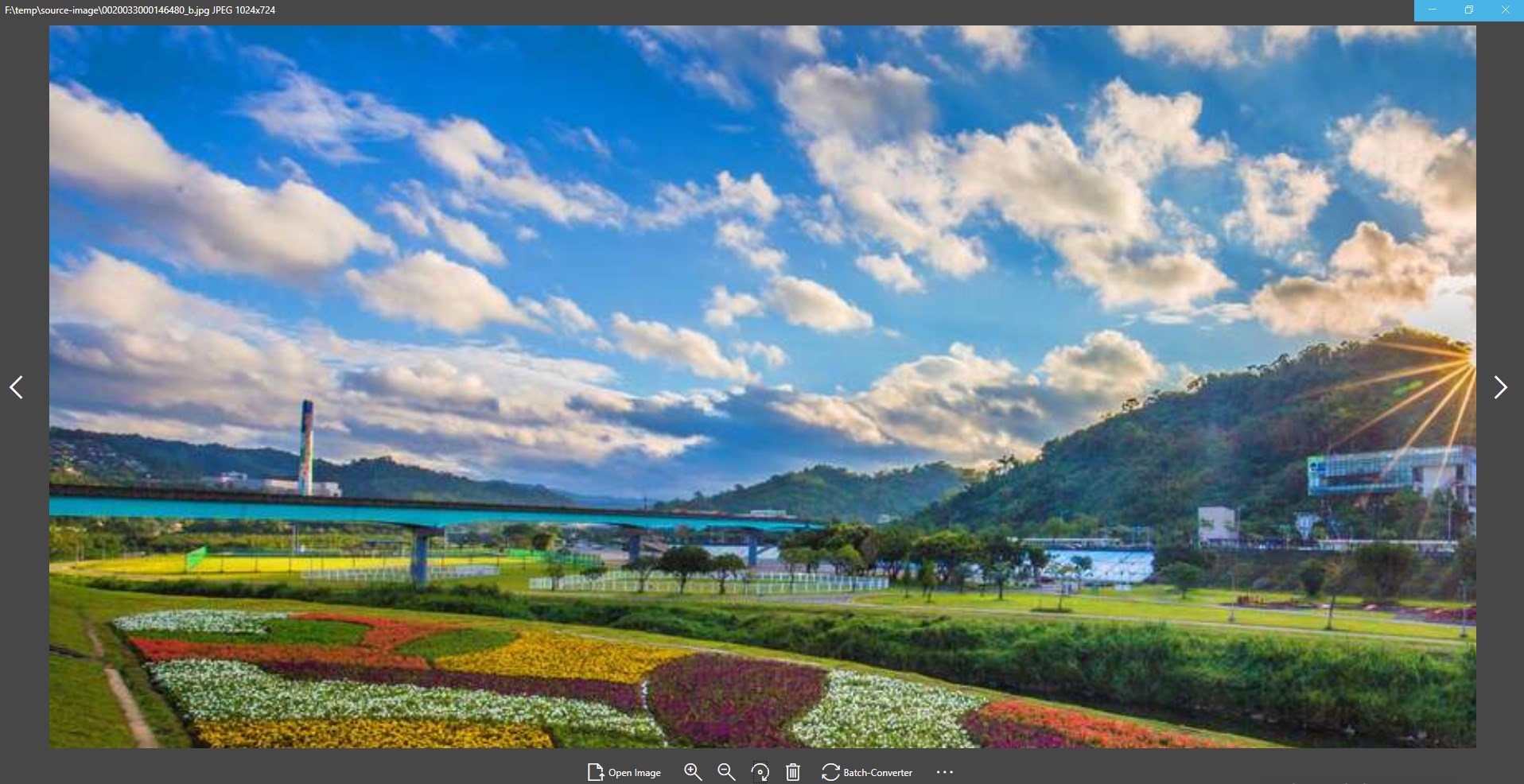
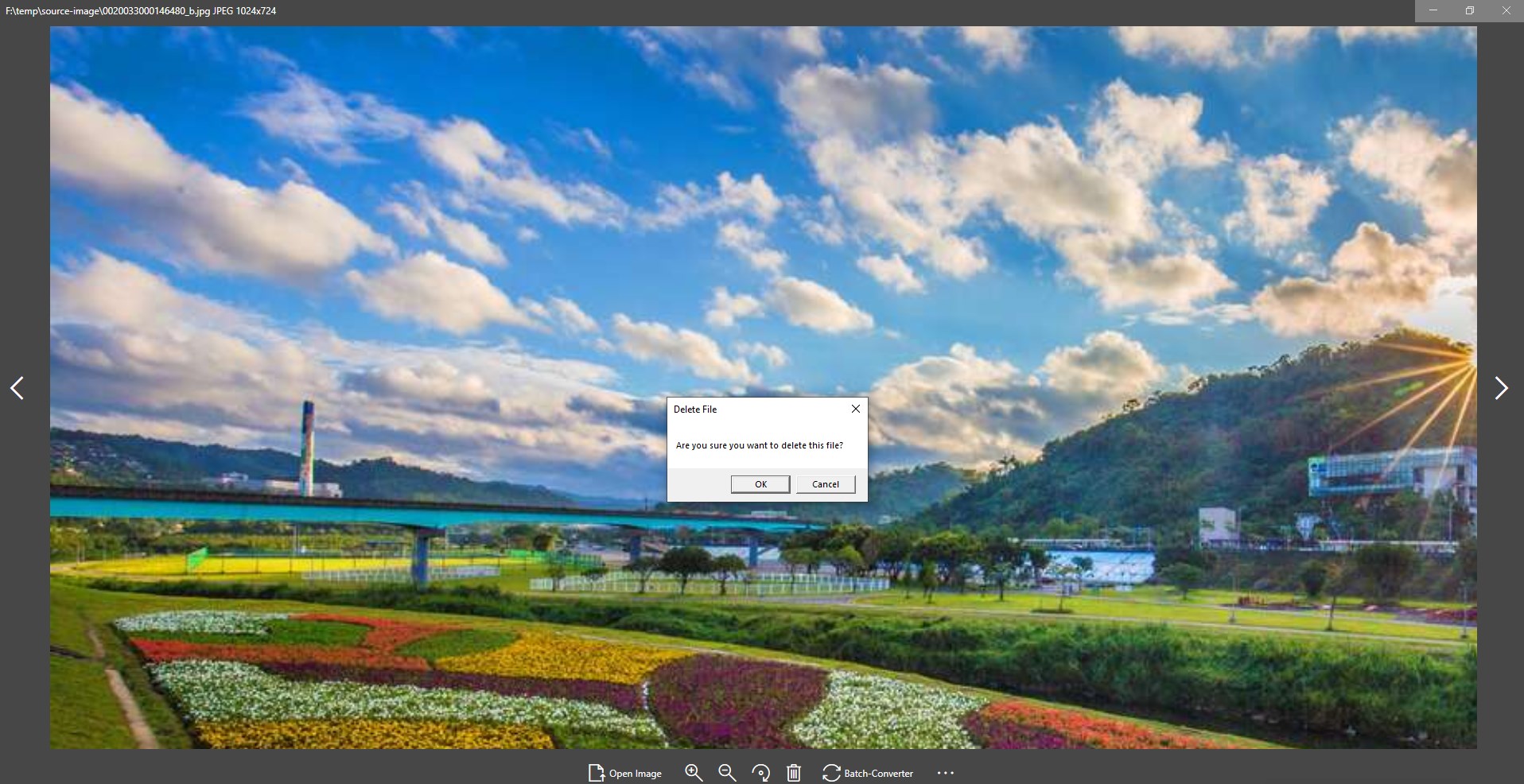
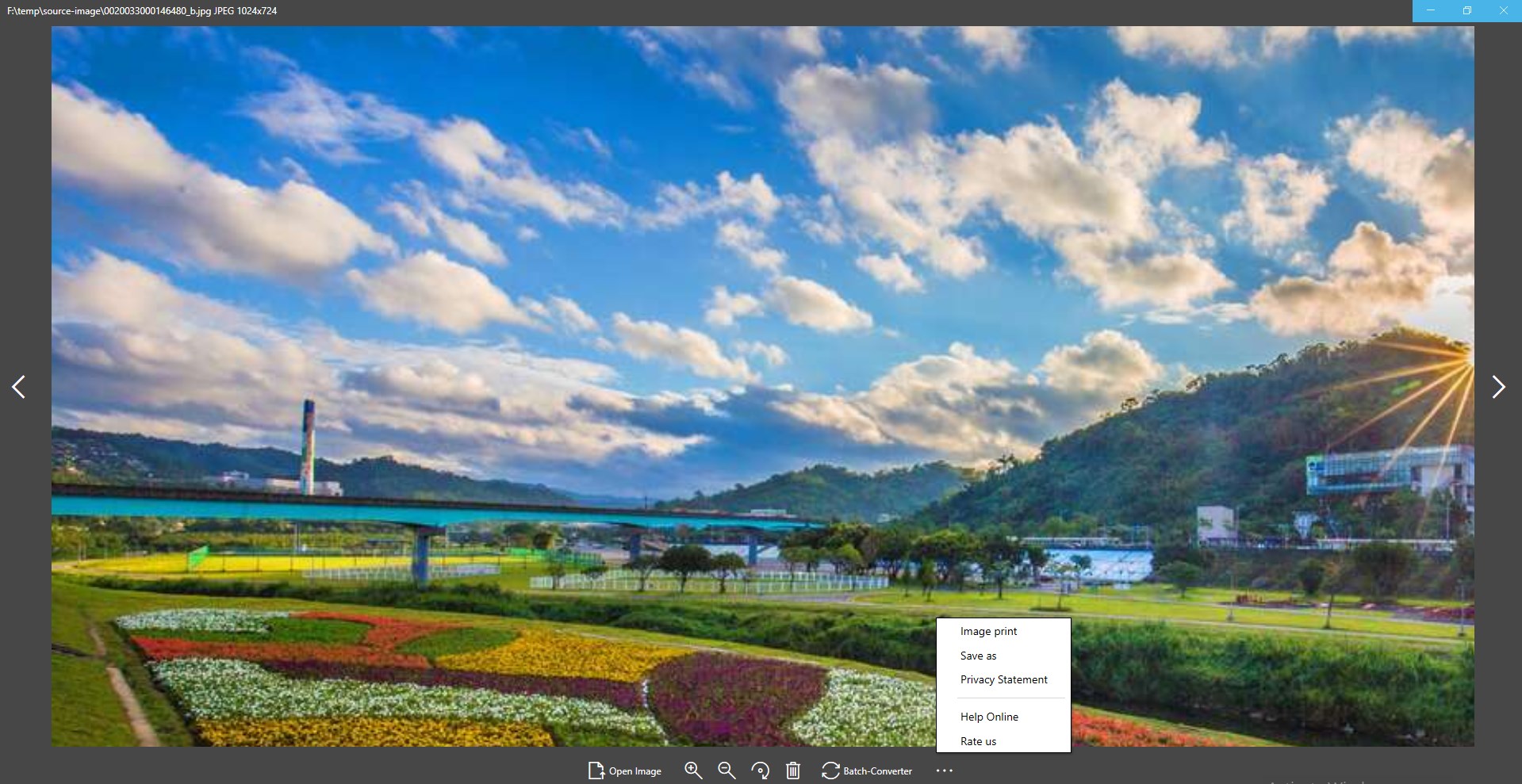
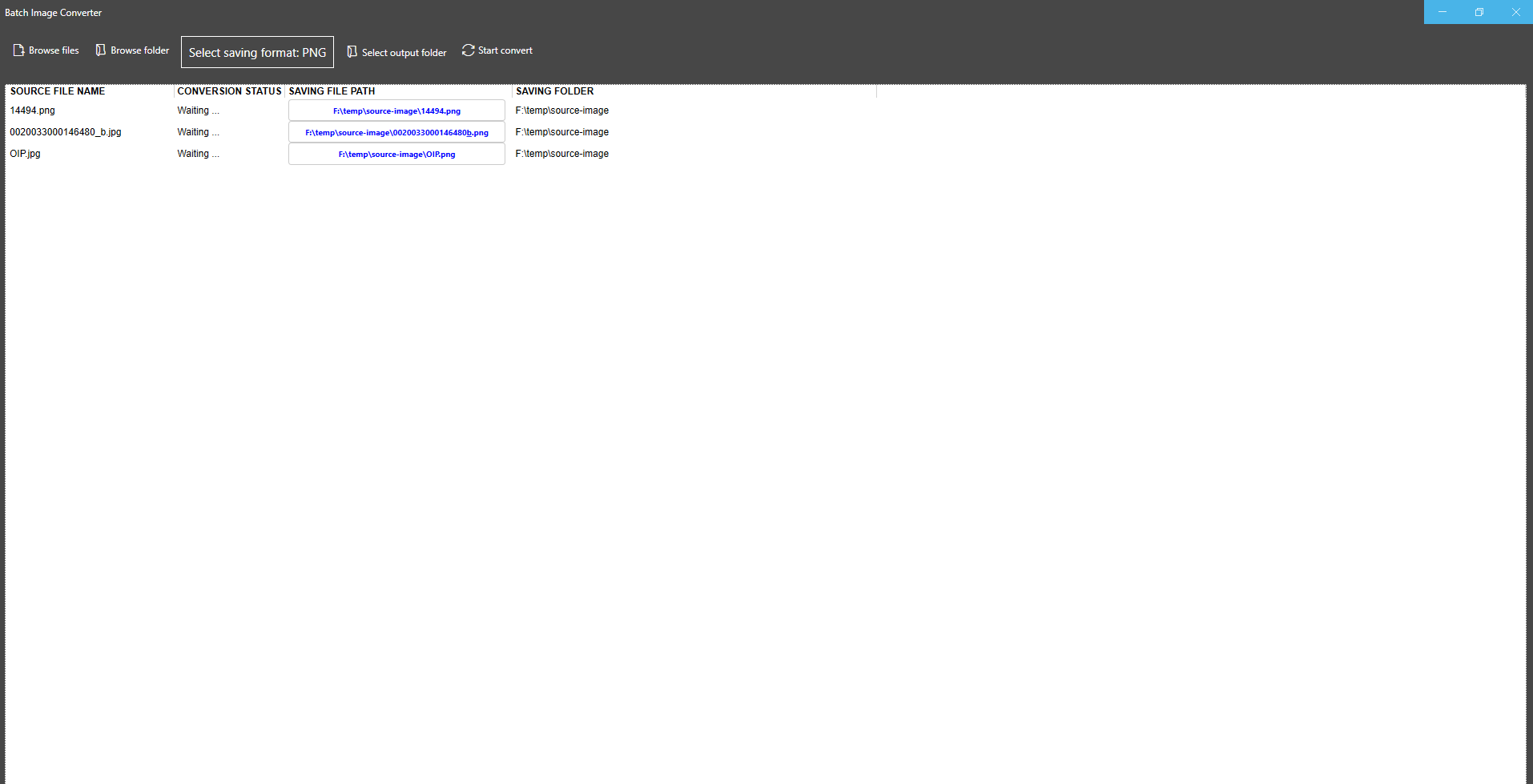


Screenshot appears after consentScreenshot appears after consentScreenshot appears after consentScreenshot appears after consentScreenshot appears after consentScreenshot appears after consentScreenshot appears after consent
Summary
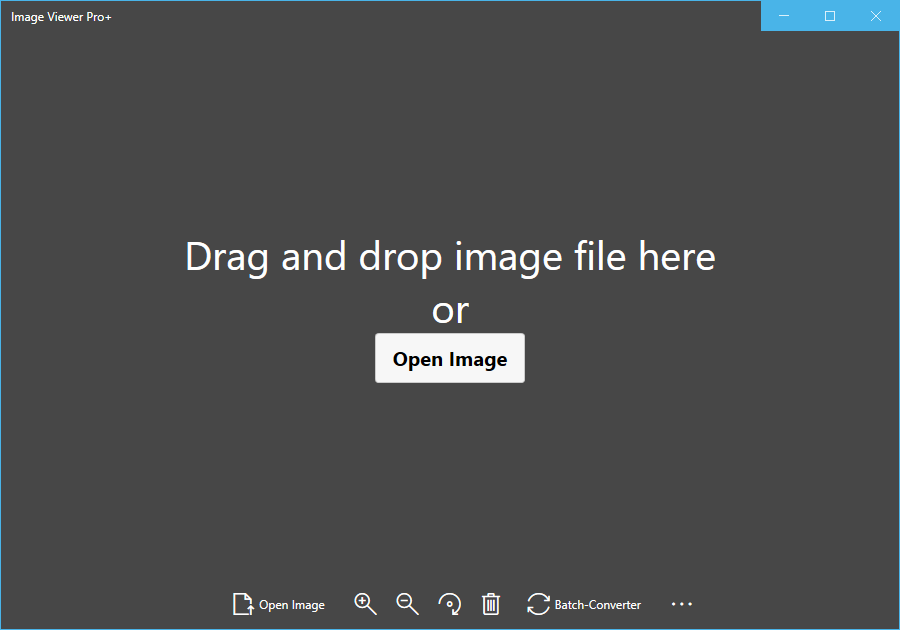
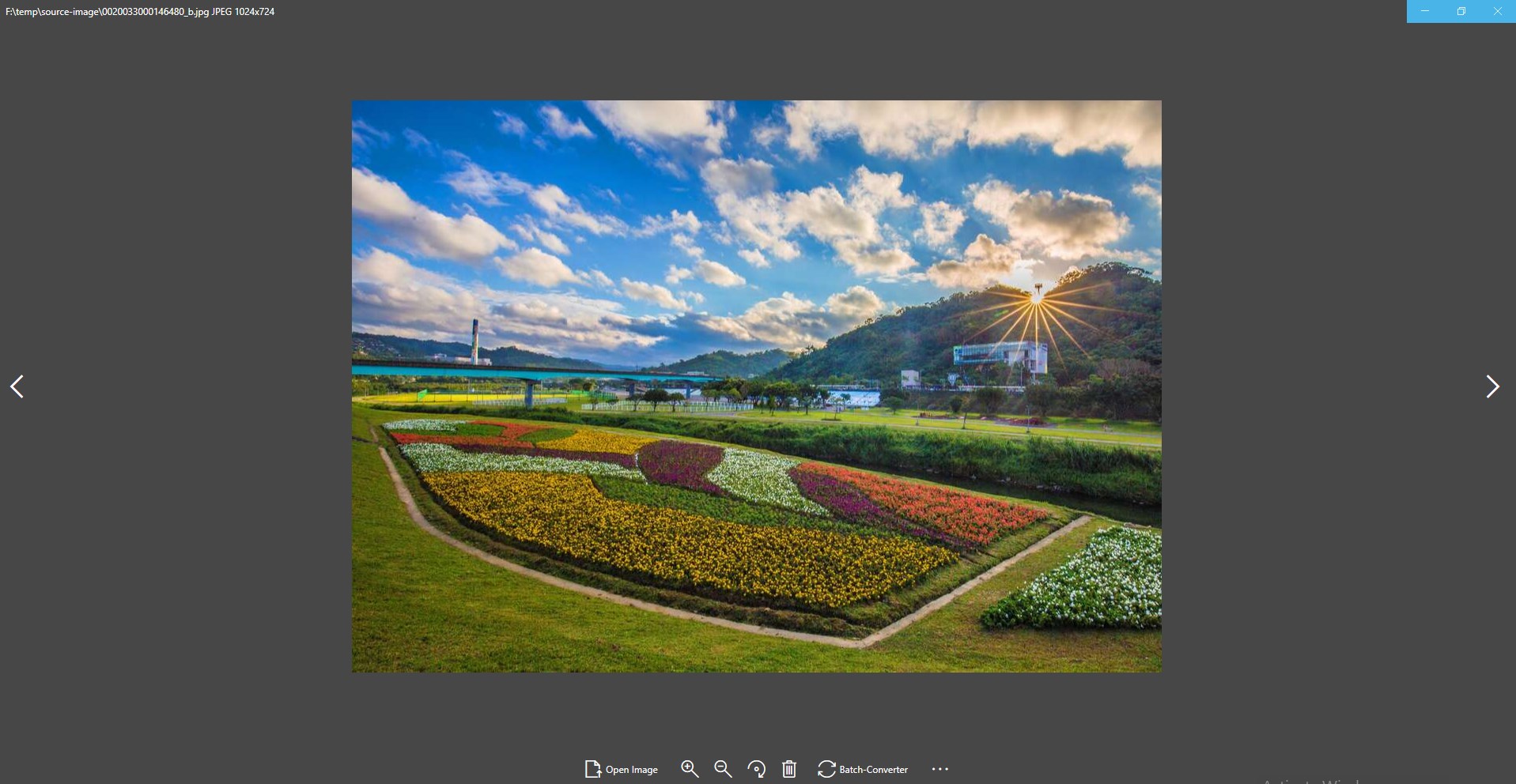
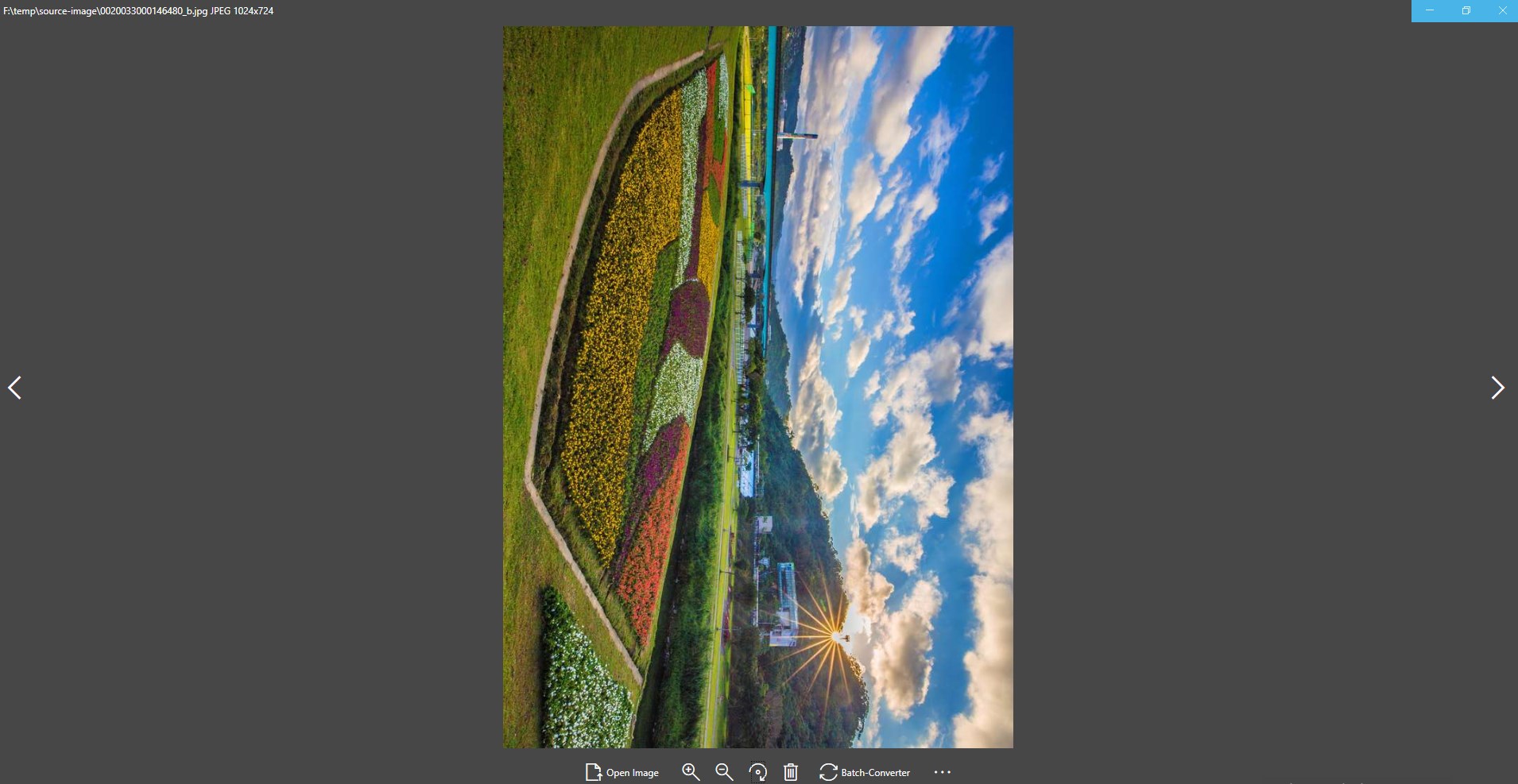
Image Viewer Pro+ is an image viewer that opens more than 170 image formats, including HEIC, SVG, RAW formats such as NEF, CR2 and ARW, TIFF, PNG, JPEG and many others. Viewing images in any supported format is free. Printing and converting images between formats requires upgrading to the full version, which is a paid one-time purchase.
Show the developer's original descriptionHide the original description
The product (Image Viewer Pro) is a universal image viewer for you.
It supports over 170 formats of image.
It is free to view images of any format. If you want to Print and Convert your images, you might need upgrade to the full version which costs $6.99.
The formats that support opening and conversion are as follows:
heic; svg; svgz; ttf; tiff; tif; tga; svgz; bmp; jpg;
jpeg; png; gif;jp2;ppm;nef;svg;arw;crw;bmp2;
threefr; threeg2; threegp; a;arw;avs; b; bgr; bgra;
bgro; bmp; bmp2; bmp3; c; cal; cals; canvas; caption; cin;
clip; cmyk; cmyka; cr2; crw; cur; cut; dcm; dcr; dcx;
dds; dfont; dib; dng; dpx; dxt1; dxt5; epdf; epi; eps;
epsf; epsi; ept; ept2; ept3; erf; fax; file; fits; fractal;
ftp; fts; g; g3; g4; gif; gif87; gradient; gray; graya;
group4; hald; hdr; heic; hrz; http; https; icb; ico;
icon; iiq; inline; ipl; j2c; j2k; jng; jnx; jp2; jpc; jpe;
jpeg; jpg; jpm; jps; jpt; k; k25; kdc; label; m; m2v;
mac; map; mask; mat; mef; miff;mng; mono; mpc;
mrw; msl; msvg; mtv; mvg; nef; nrw; null; o; orf; otb;
otf; pal; palm; pam; pango; pattern; pbm; pcd; pcds;
pcl; pct; pcx;pdfa; pef; pes; pfa; pfb; pfm; pgm; pgx;
picon; pict; pix; pjpeg; plasma; png; png00; png24;
png32; png48; png64; png8; pnm; ppm;ptif; pwp;
r; radialgradient; raf; ras; raw; rgb; rgba; rgbo; rgf;
rla; rle; rmf; rw2; scr; screenshot; sct; sfw; sgi; six;
sixel; sr2;stegano; sun; text; tga; tif; tiff; tiff64; tile;
tim; ttc; ttf; txt; uyvy; vda; vicar; vid; viff; vips; vst;
wbmp; wpg; x3f; xbm; xc; xcf; xpm; xv; y; ycbcr;
ycbcra; yuv;emf; exr; flif; wmf; webp
If there is a version of this app for iOS/Mac or Windows we don't know about, paste the store link here — we'll auto-detect the store.
How to find the URL:1. Open the app in its store. 2.In the App Store app: tap the Share icon → “Copy Link”. In the browser: copy the URL from the address bar — it contains apps.apple.com/…/id… or apps.microsoft.com/detail/…. 3. Paste it here.
Paste the original link from the Apple App Store or Microsoft Store. We fetch all details automatically.
How to find the URL:
1. Open the app in its store. 2.In the App Store app: tap the Share icon → “Copy Link”. In the browser: copy the URL from the address bar — it contains apps.apple.com/…/id… or apps.microsoft.com/detail/…. 3. Paste it here.
Android apps can only be listed by their developer.