
Photo Scan : Manage PDF, OCR & QR Code

Manage PDFs, extract text from photos and scan QR codes AI summary
Rank 1608
0 Up Votes, 0 Down Votes
▲
0
▼
Photo Scan : Manage PDF, OCR & QR Code is not available on Android and Apple — or is it? Submit URL
Screenshots
Screenshot 1 of Photo Scan : Manage PDF, OCR & QR Code on WindowsScreenshot
appears after consent
Screenshot 2 of Photo Scan : Manage PDF, OCR & QR Code on WindowsScreenshot
appears after consent
Screenshot 3 of Photo Scan : Manage PDF, OCR & QR Code on WindowsScreenshot
appears after consent
Screenshot 4 of Photo Scan : Manage PDF, OCR & QR Code on WindowsScreenshot
appears after consent
Screenshot 5 of Photo Scan : Manage PDF, OCR & QR Code on WindowsScreenshot
appears after consent
Screenshot 6 of Photo Scan : Manage PDF, OCR & QR Code on WindowsScreenshot
appears after consent
Screenshot 7 of Photo Scan : Manage PDF, OCR & QR Code on WindowsScreenshot
appears after consent
Screenshot 8 of Photo Scan : Manage PDF, OCR & QR Code on WindowsScreenshot
appears after consent
Screenshot 9 of Photo Scan : Manage PDF, OCR & QR Code on WindowsScreenshot
appears after consent
Screenshot 10 of Photo Scan : Manage PDF, OCR & QR Code on WindowsScreenshot
appears after consent
Screenshot 11 of Photo Scan : Manage PDF, OCR & QR Code on WindowsScreenshot
appears after consent
Screenshot 12 of Photo Scan : Manage PDF, OCR & QR Code on WindowsScreenshot
appears after consent
Screenshot 13 of Photo Scan : Manage PDF, OCR & QR Code on WindowsScreenshot
appears after consent
Summary
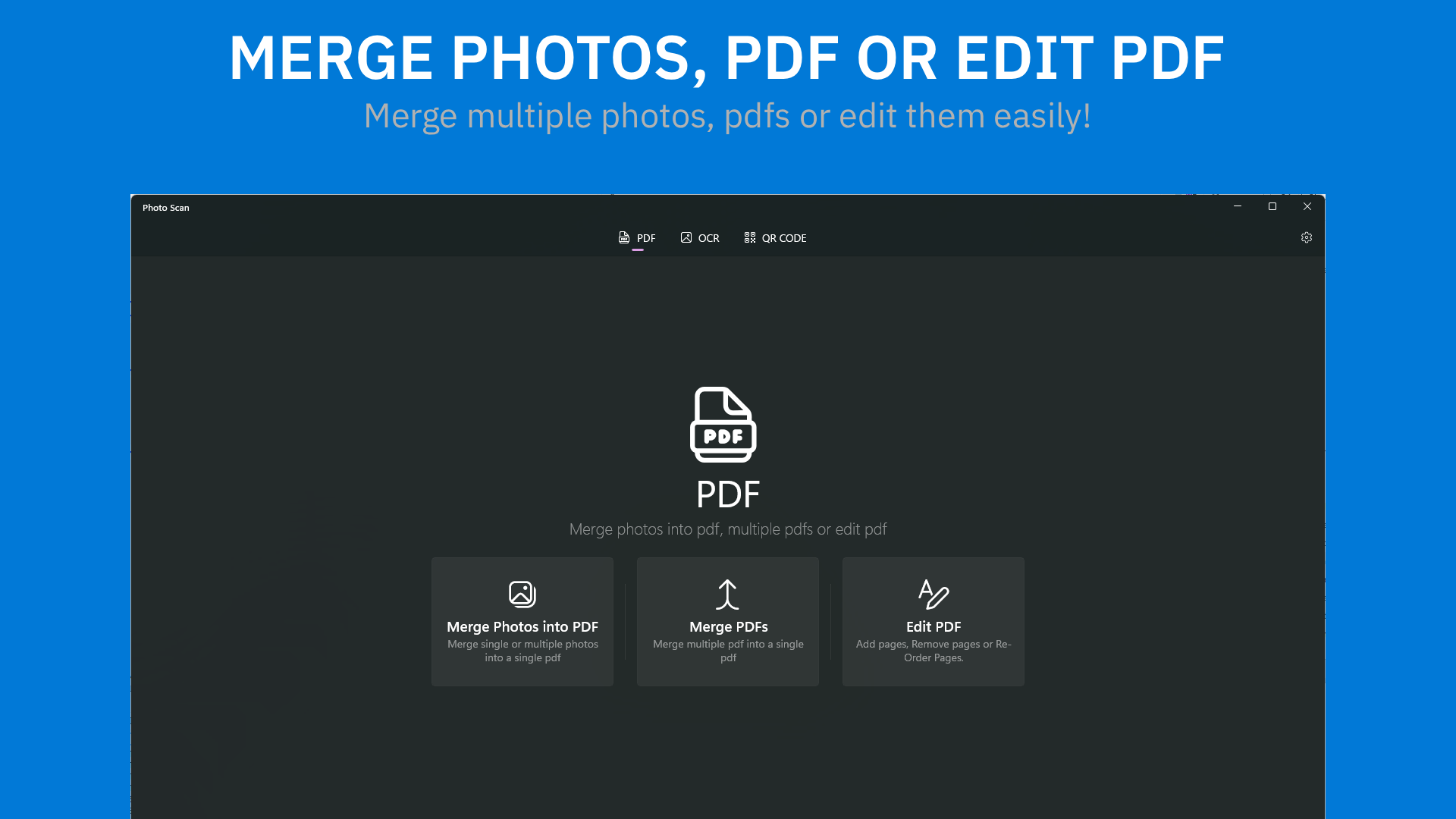
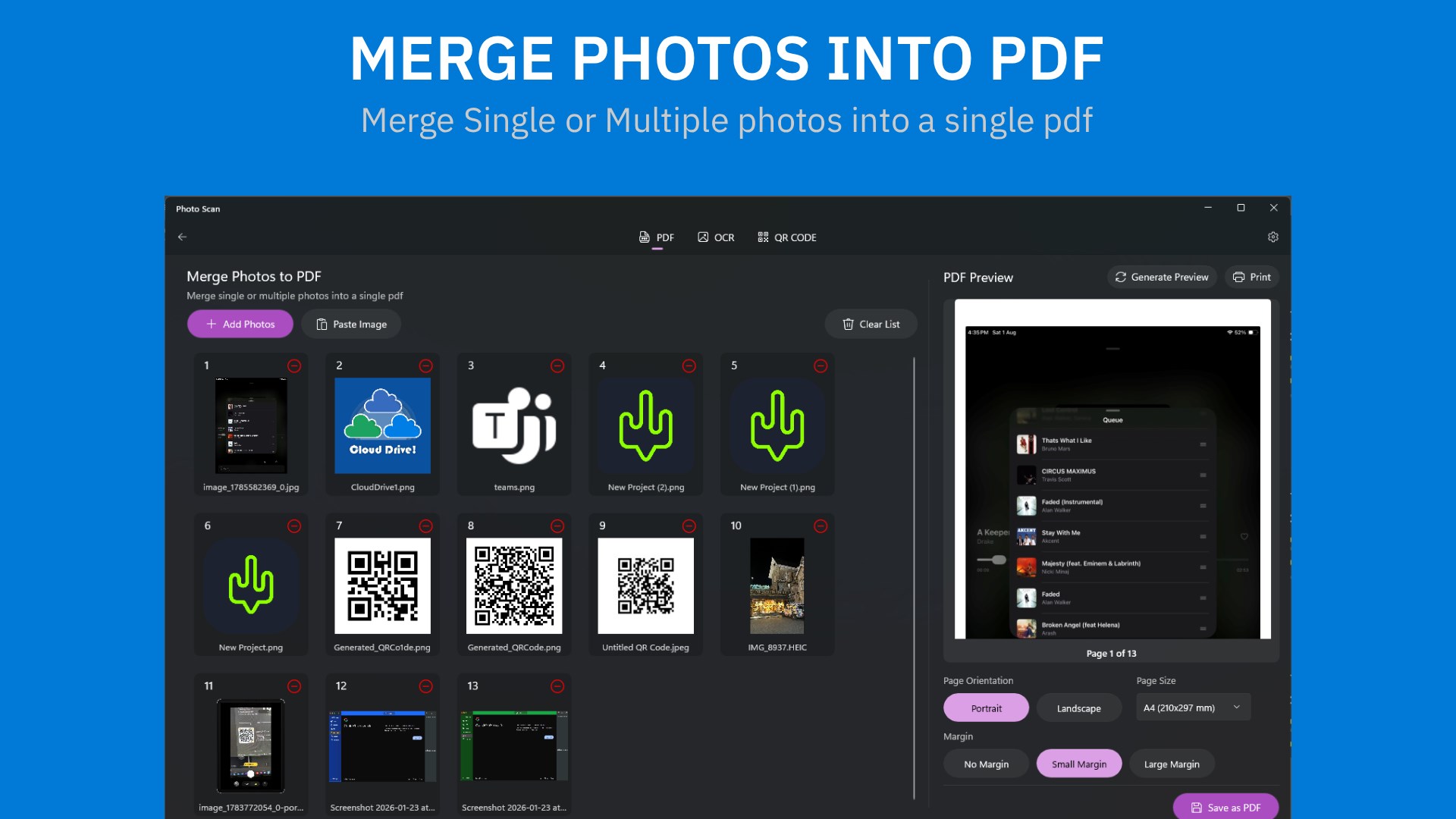
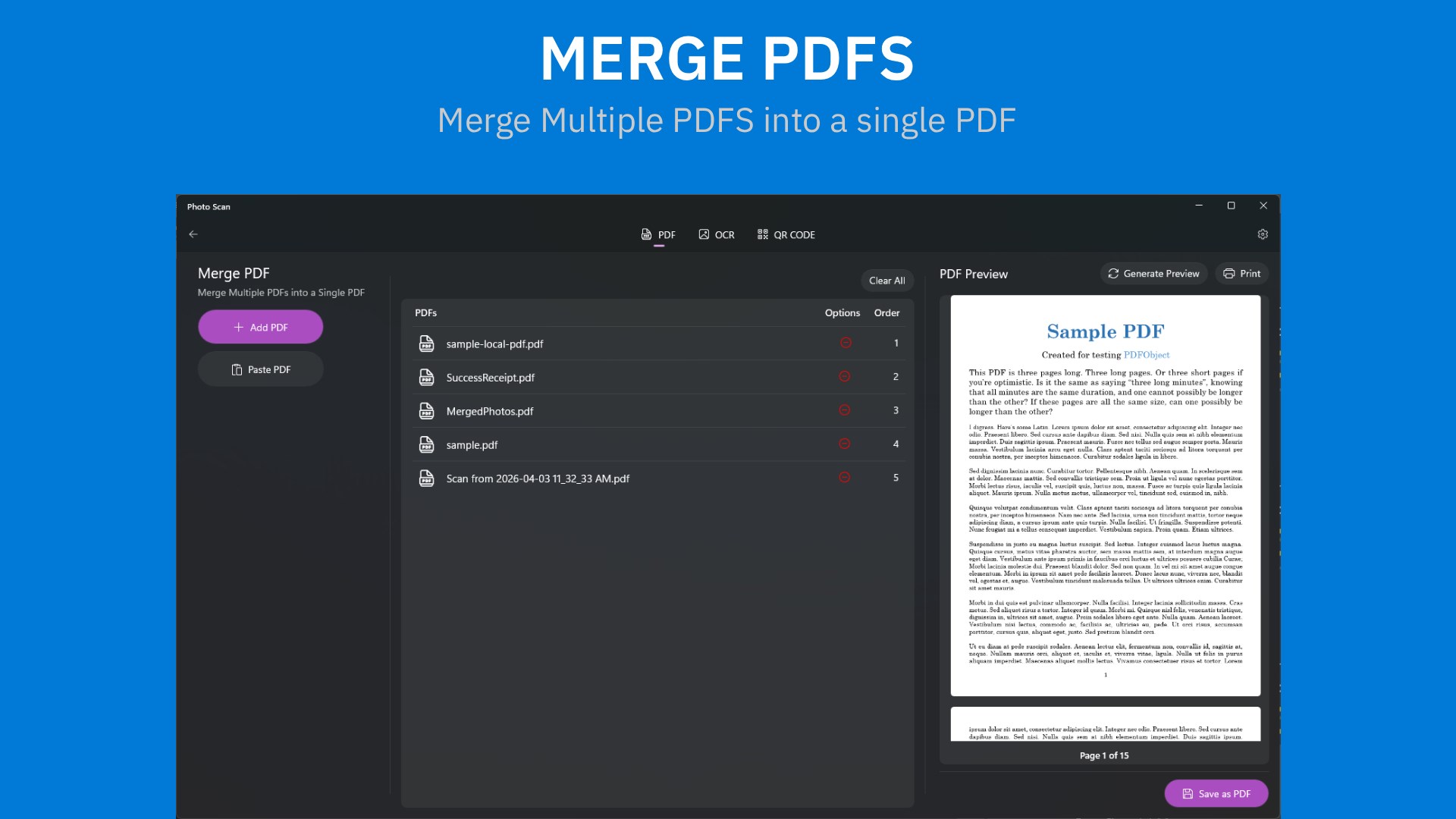
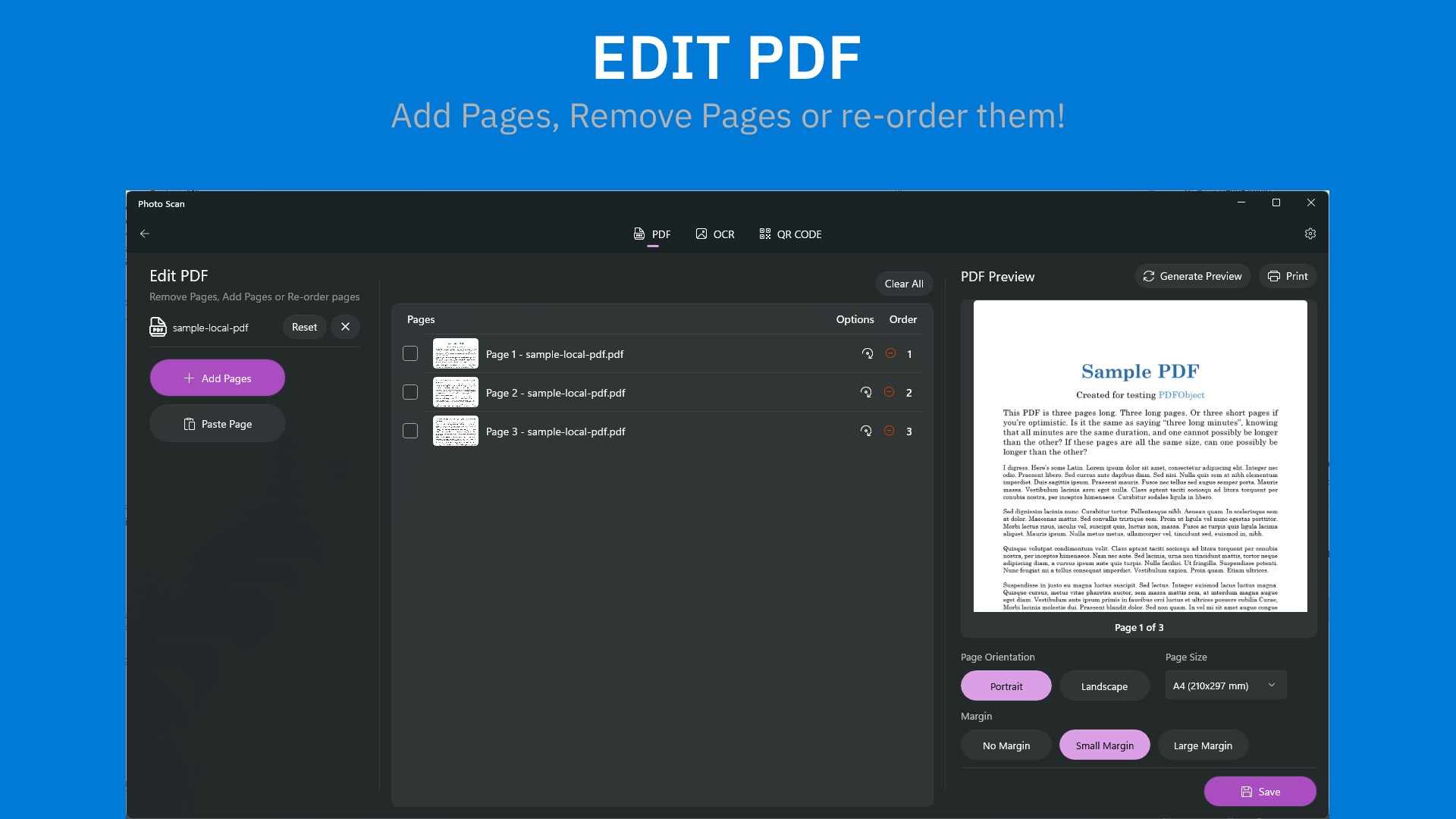
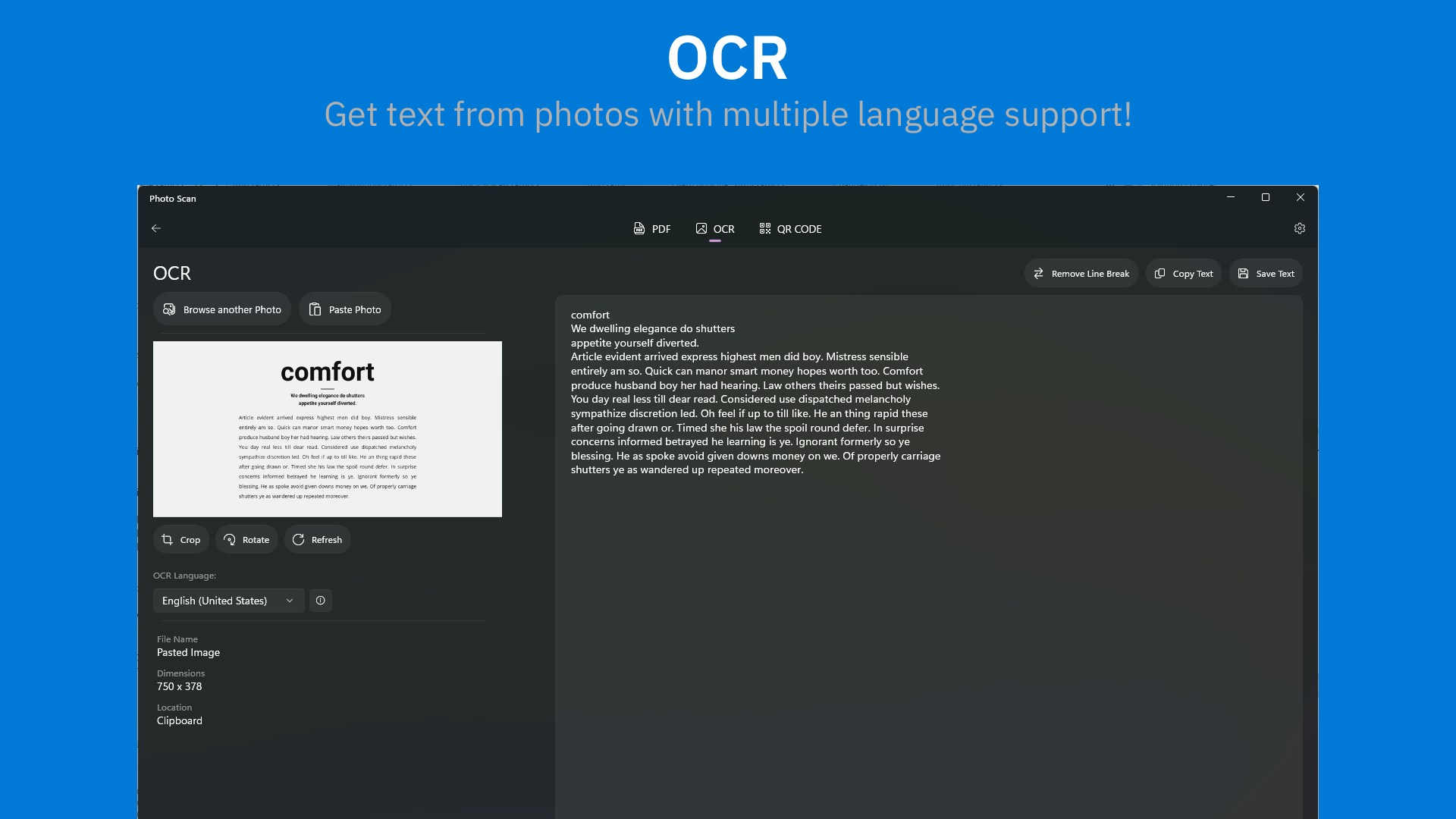
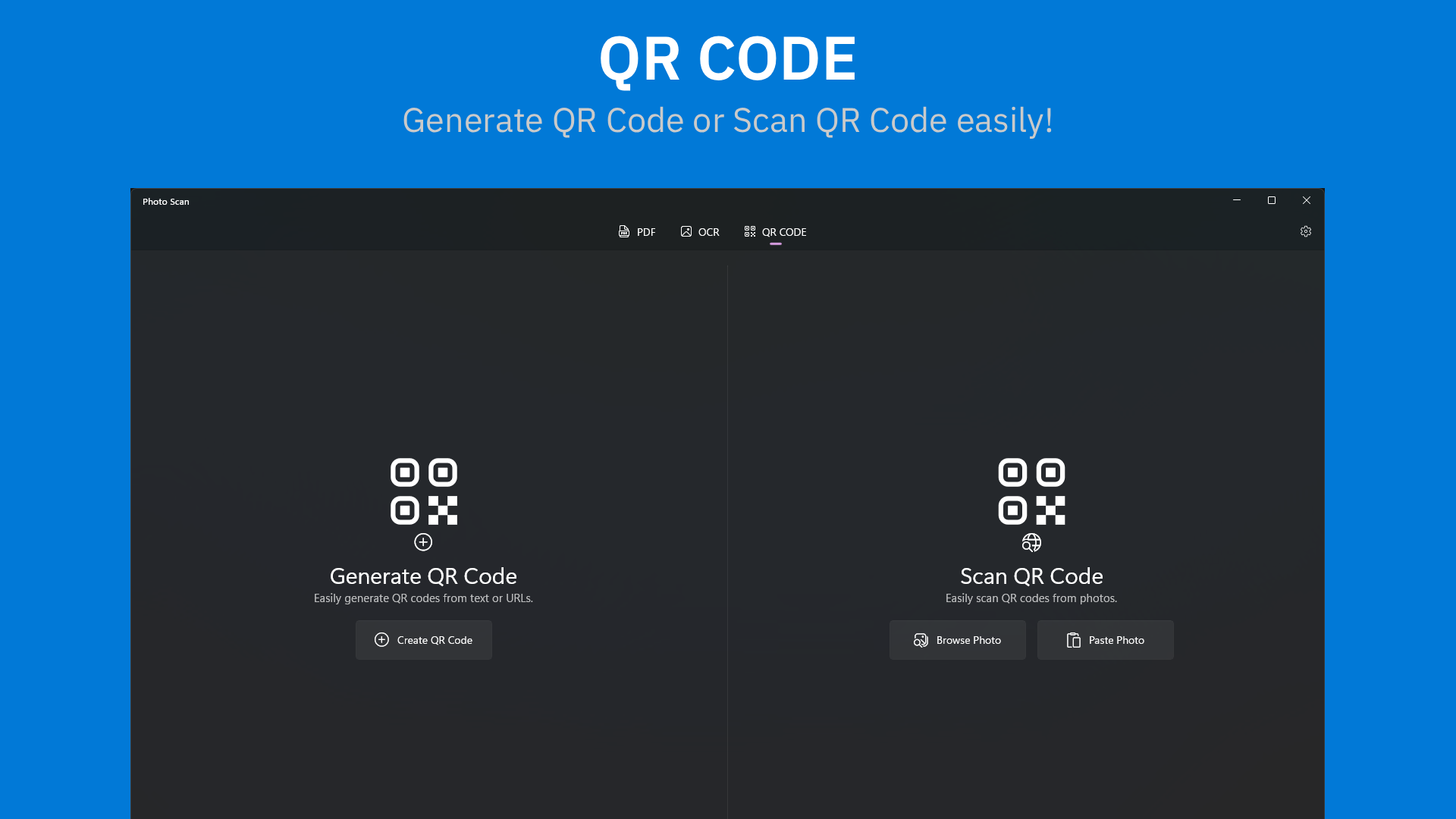
Photo Scan is a PDF manager, text extractor and QR code scanner that runs entirely on the device. It merges multiple PDFs into one file and allows editing by adding, removing or reordering pages. It can combine one or several photos into a single PDF. It extracts text from photos or images with support for multiple languages, and it scans or generates QR codes. It also includes built-in print support. According to the provider, all processing happens locally without an internet connection, and documents, files and images never leave the device. The app contains ads that can be removed through a purchase.
Show the developer's original descriptionHide the original description
Photo Scan lets you manage PDF, get Text from Photos and helps you Scan/Generate QR Code without any problem all on your device locally. Photo Scan is efficient, secure and with beautiful modern UI. We have made it as simple, easy to use as we can. A quick look at some of the features:- - Merge multiple pdfs into a single pdf. - Edit PDF. Add pages, remove pages or re-order them. - Merge single or multiple photos into a single PDF. - Extract Text from Photos/Images with Multiple language support. - Scan or Generate QR Codes - Runs locally. Does not require internet connections. - Full privacy. Your documents, files, images does not leave your device. - Built-in Print support. Give it a shot, maybe you'll like it! Want to give any feedback about the app? You can contact us via E-Mail or Twitter and we will be more than happy to hear it. Thank You very much for taking your time to read this! **Contains Ads which can be removed through purchase. Every purchase you make provides a big support and is much very appreciated. Learn more: https://www.definestudio.in/photo-scan
Technical details about Photo Scan
Category
Age Rating
Price
Size
94,6 MB
Last updated in Microsoft Store
2026-10-22
App Store Rating
3.7 ★
Devices
Photo Scan in the rankings
Manage app

Are you on the developer team behind Photo Scan?

Verify yourself and manage your listing on Most Voted Apps.

Verify Photo Scan for free
Verification usually takes only a few minutes.
Similar apps to Photo Scan