
Screenshot appears after consentScreenshot appears after consentScreenshot appears after consentScreenshot appears after consentScreenshot appears after consentScreenshot appears after consent
Summary
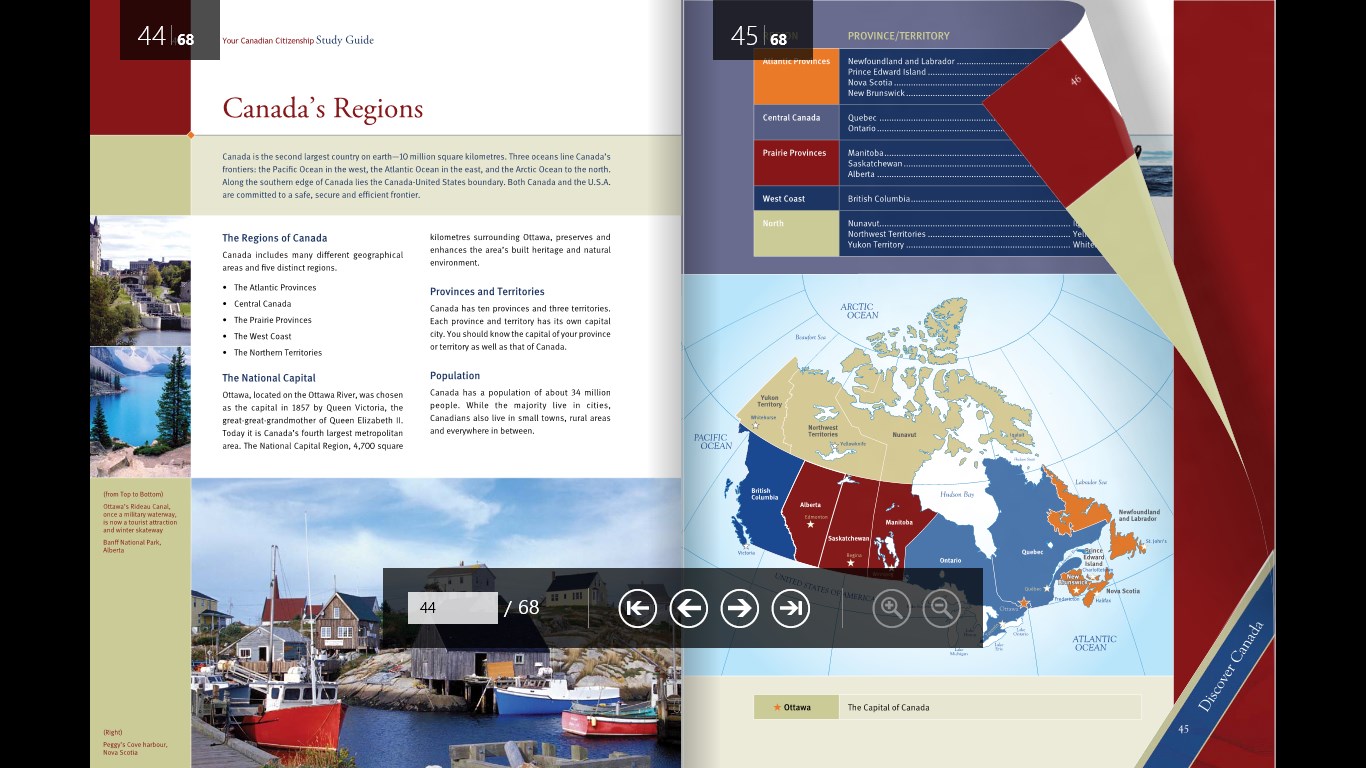
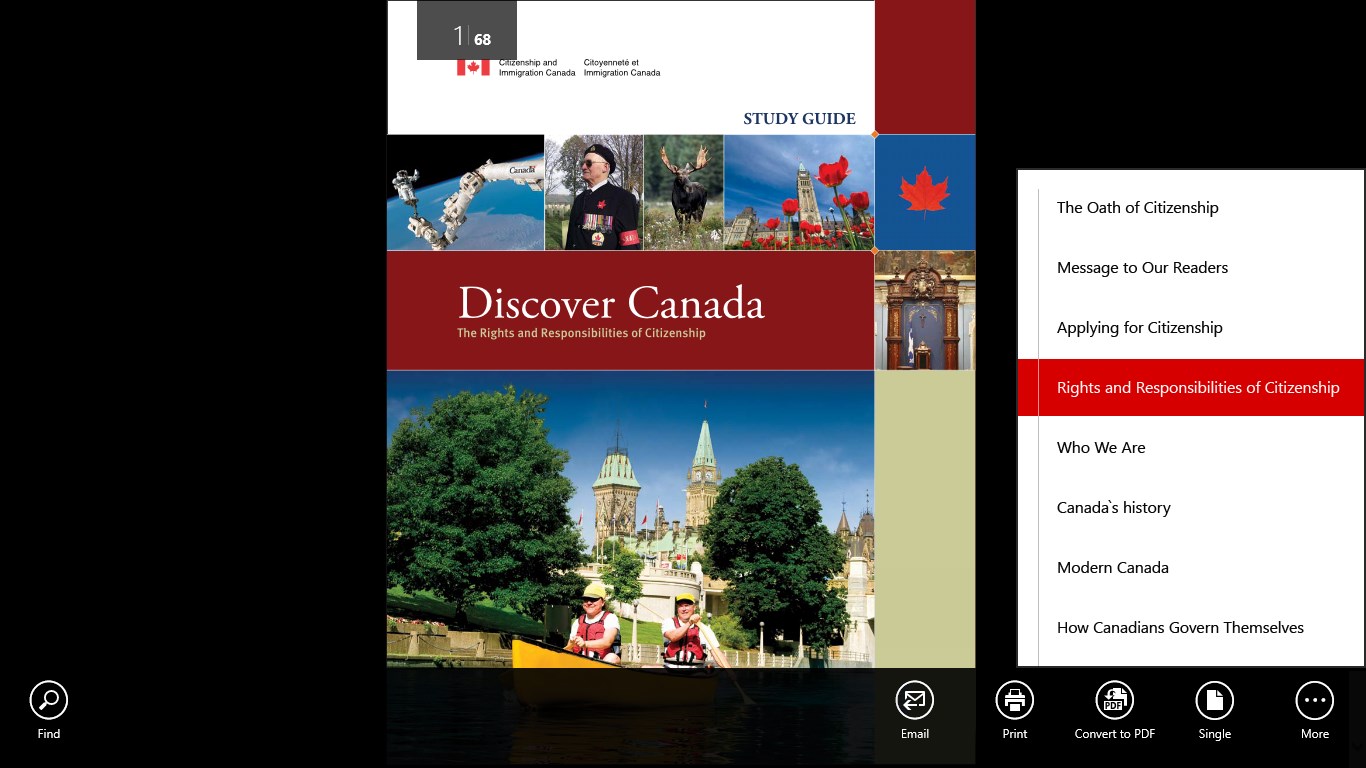
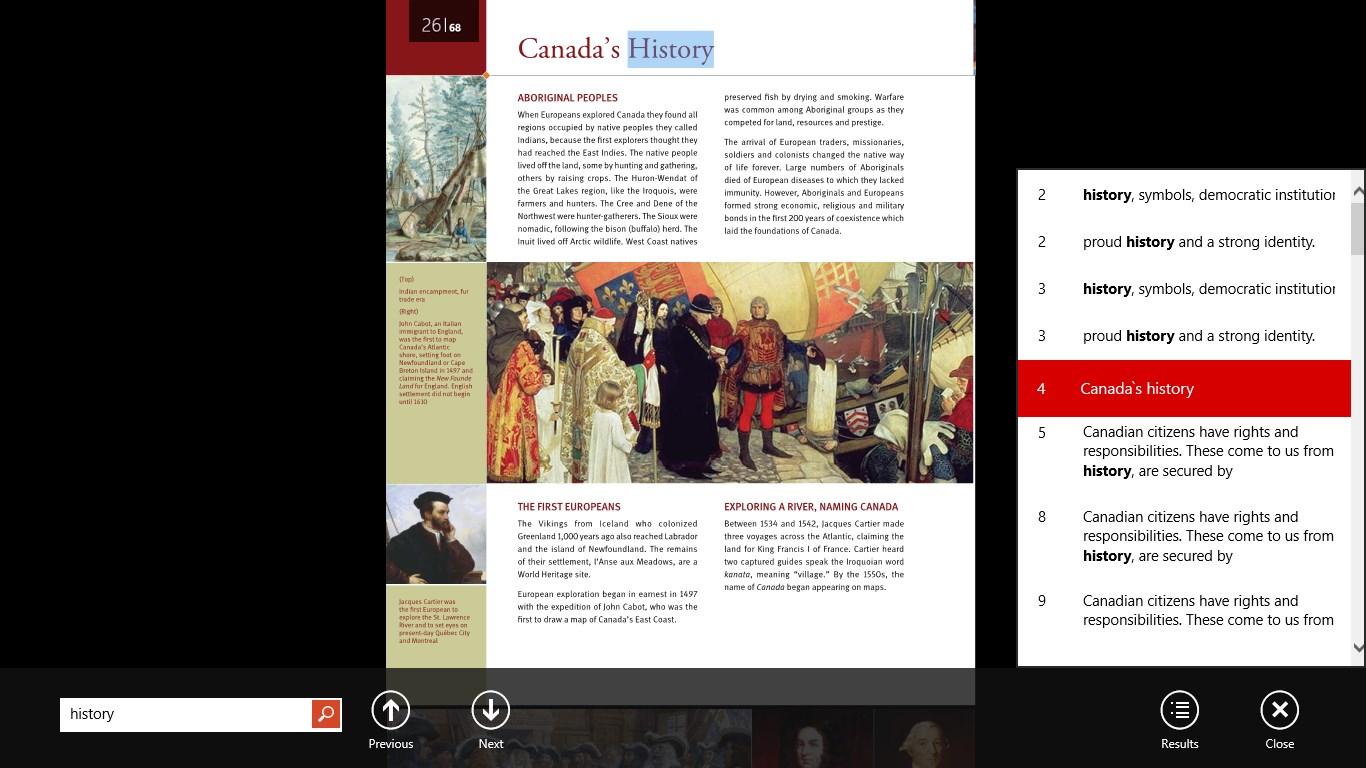
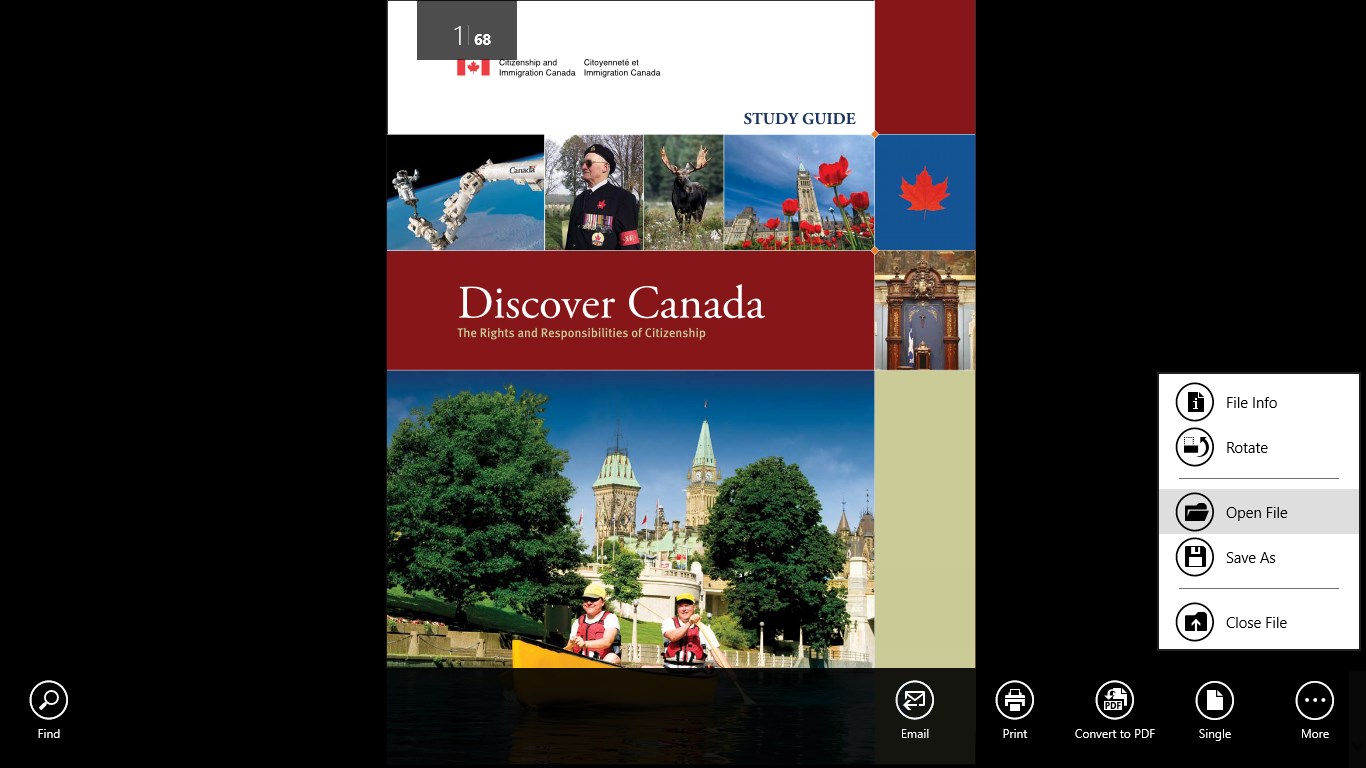
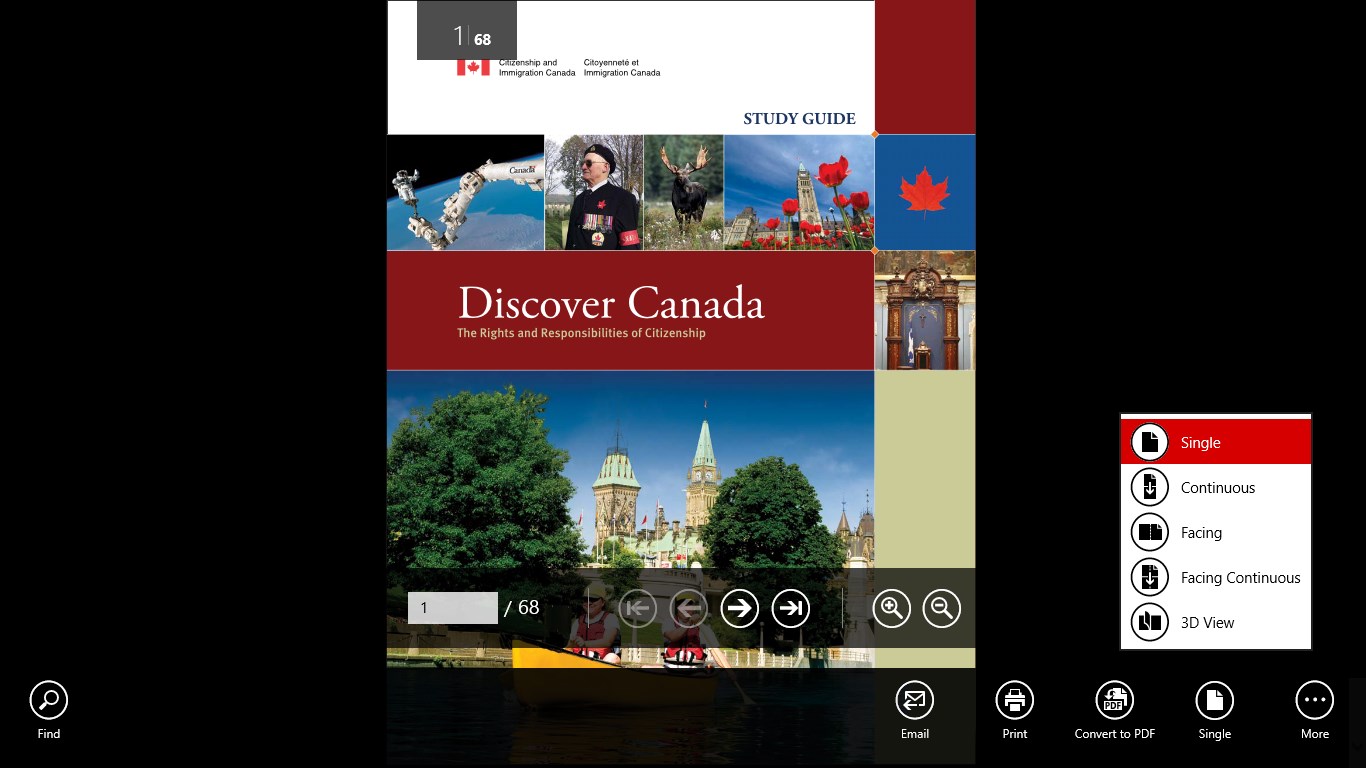
Soda PDF 3D Reader is a PDF reader that lets pages be viewed and flipped through in a three-dimensional mode resembling a real paper book, without converting the file into another format. Alongside this 3D view, the app offers several other viewing modes, including single page, continuous, facing and facing continuous, allowing the reading style to be chosen freely. This makes it suited to anyone who wants more flexibility in how PDF documents are displayed and browsed, beyond a standard flat page view.
Show the developer's original descriptionHide the original description
Take your PDF experience to the next level and view your PDF documents in a whole new way. Soda PDF 3D Reader is the only PDF reader equipped with a 3D View mode. Use this patent-pending technology to flip through the pages of a PDF document just like you would with a real paper book with no need to transform the file into another format. If you don’t want to use 3D view, no problem – there are several other viewing modes to choose from like: single, continuous, facing and facing continuous. You decide how you want to read your documents!
If there is a version of this app for iOS/Mac or Windows we don't know about, paste the store link here — we'll auto-detect the store.
How to find the URL:1. Open the app in its store. 2.In the App Store app: tap the Share icon → “Copy Link”. In the browser: copy the URL from the address bar — it contains apps.apple.com/…/id… or apps.microsoft.com/detail/…. 3. Paste it here.
Paste the original link from the Apple App Store or Microsoft Store. We fetch all details automatically.
How to find the URL:
1. Open the app in its store. 2.In the App Store app: tap the Share icon → “Copy Link”. In the browser: copy the URL from the address bar — it contains apps.apple.com/…/id… or apps.microsoft.com/detail/…. 3. Paste it here.
Android apps can only be listed by their developer.