

Screenshot appears after consentScreenshot appears after consentScreenshot appears after consentScreenshot appears after consentScreenshot appears after consentScreenshot appears after consentScreenshot appears after consentScreenshot appears after consentScreenshot appears after consentScreenshot appears after consentScreenshot appears after consentScreenshot appears after consentScreenshot appears after consentScreenshot appears after consentScreenshot appears after consentScreenshot appears after consent
Summary
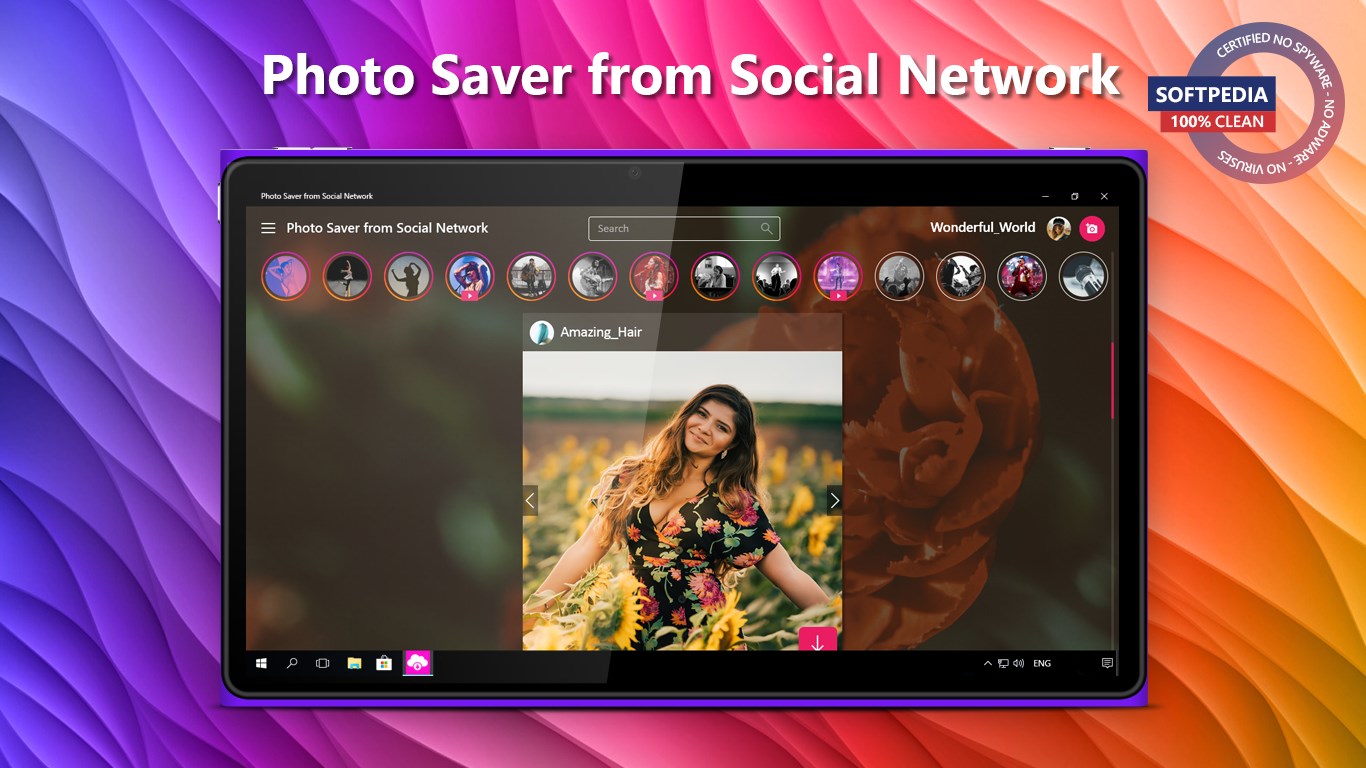
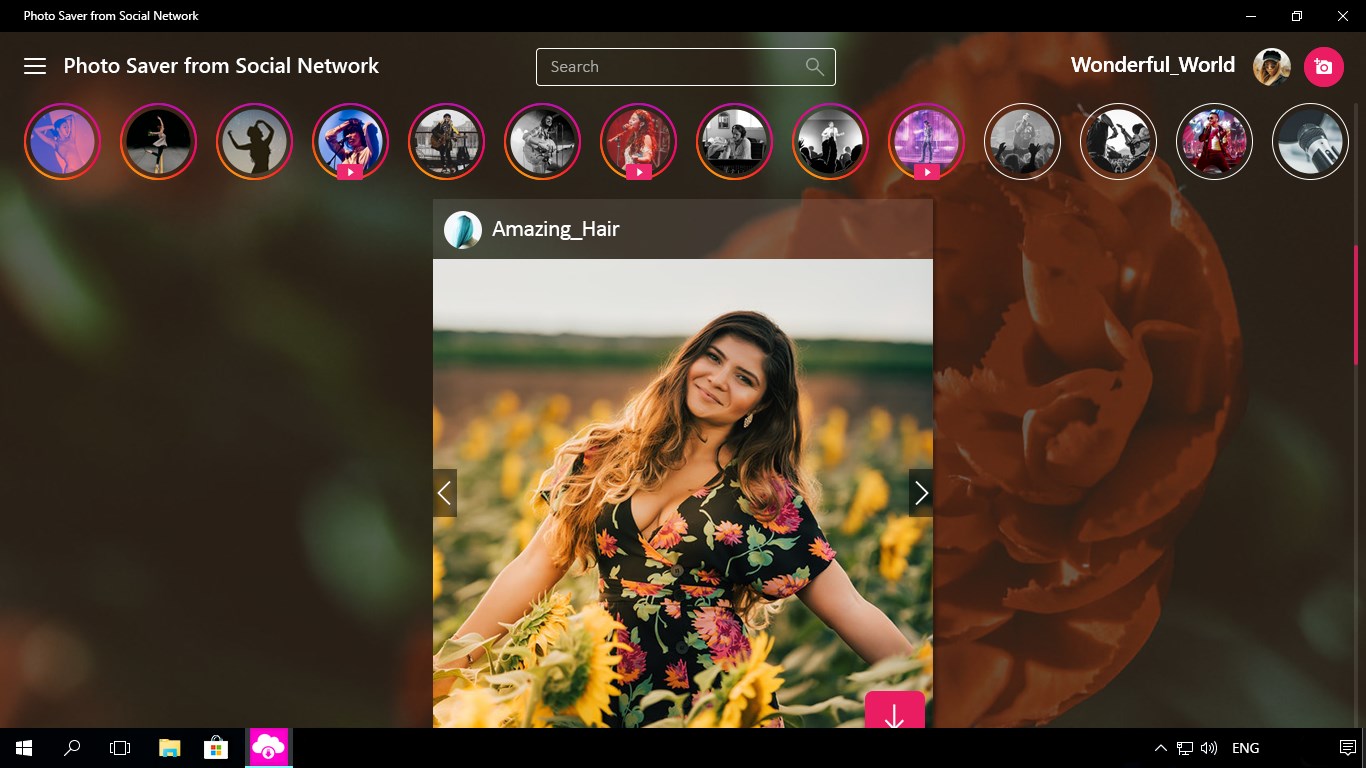
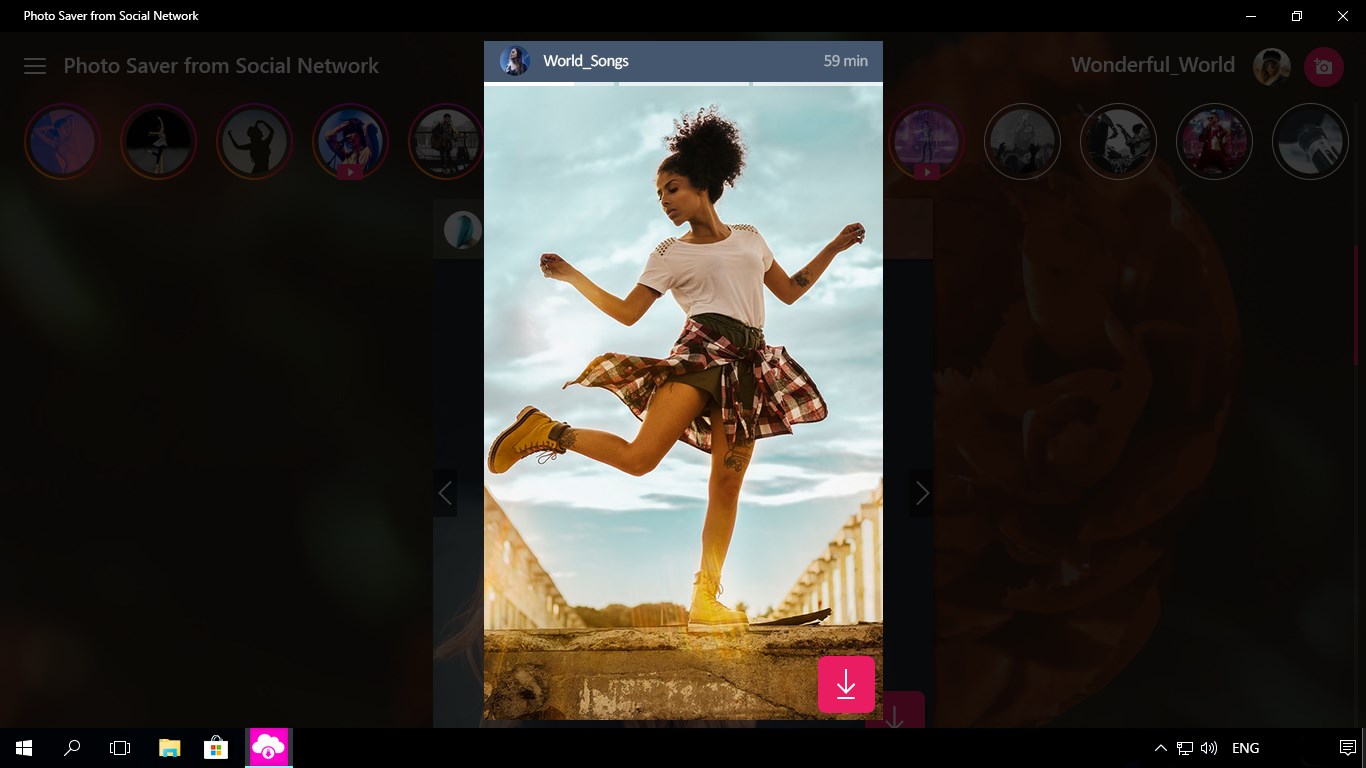
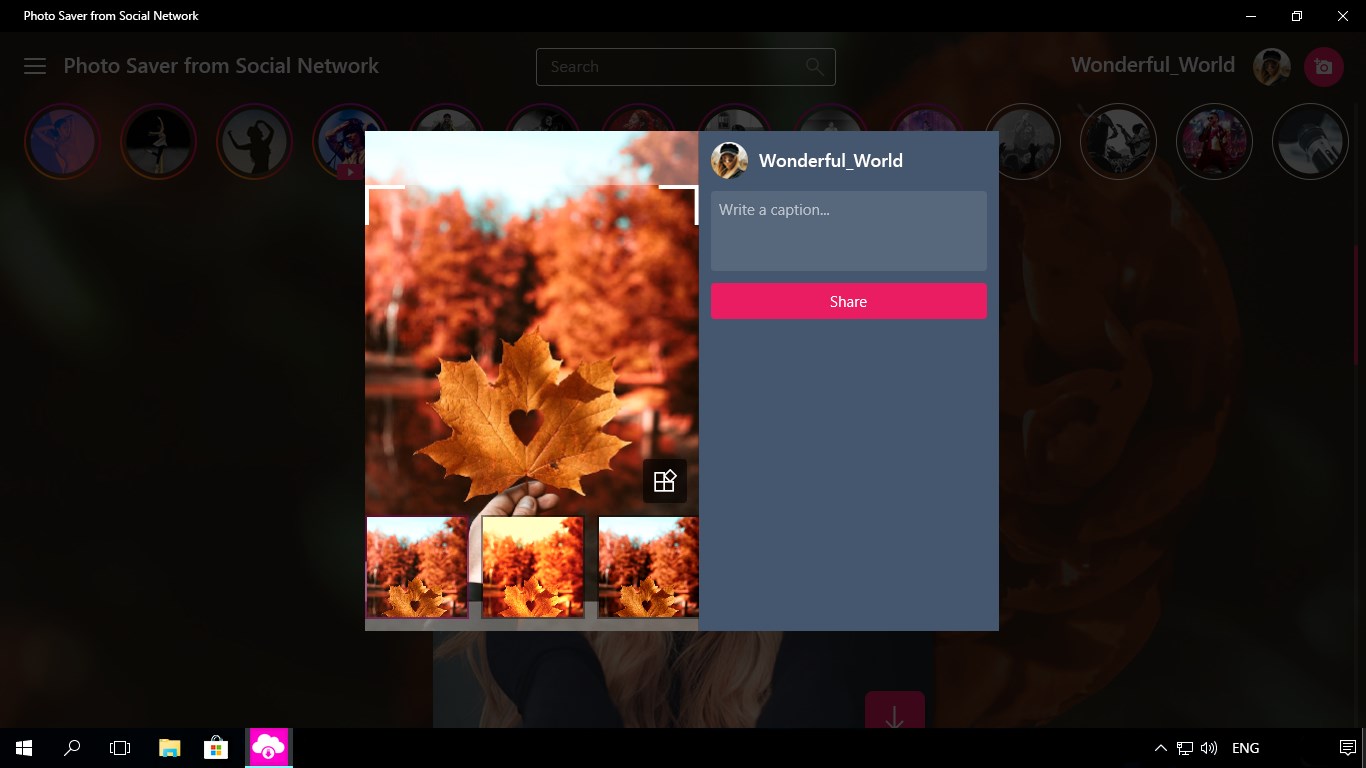
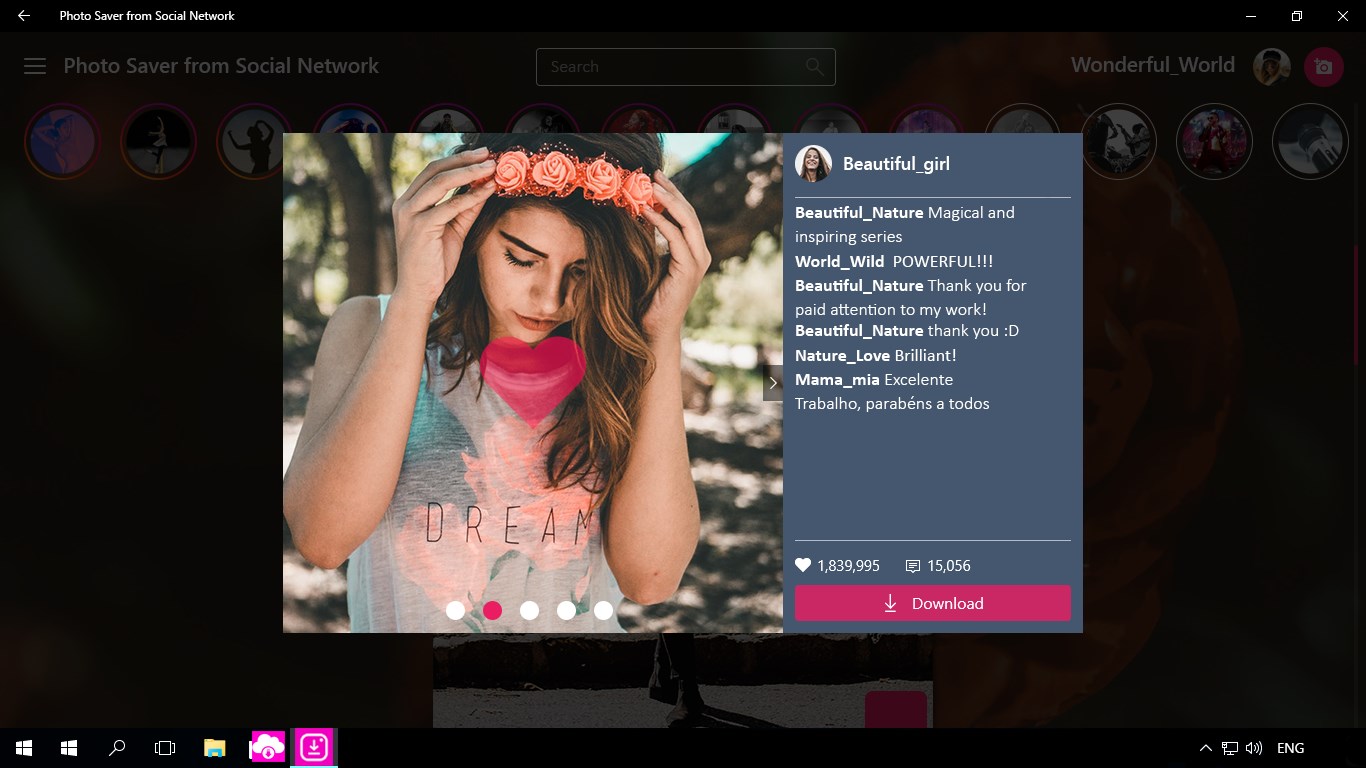
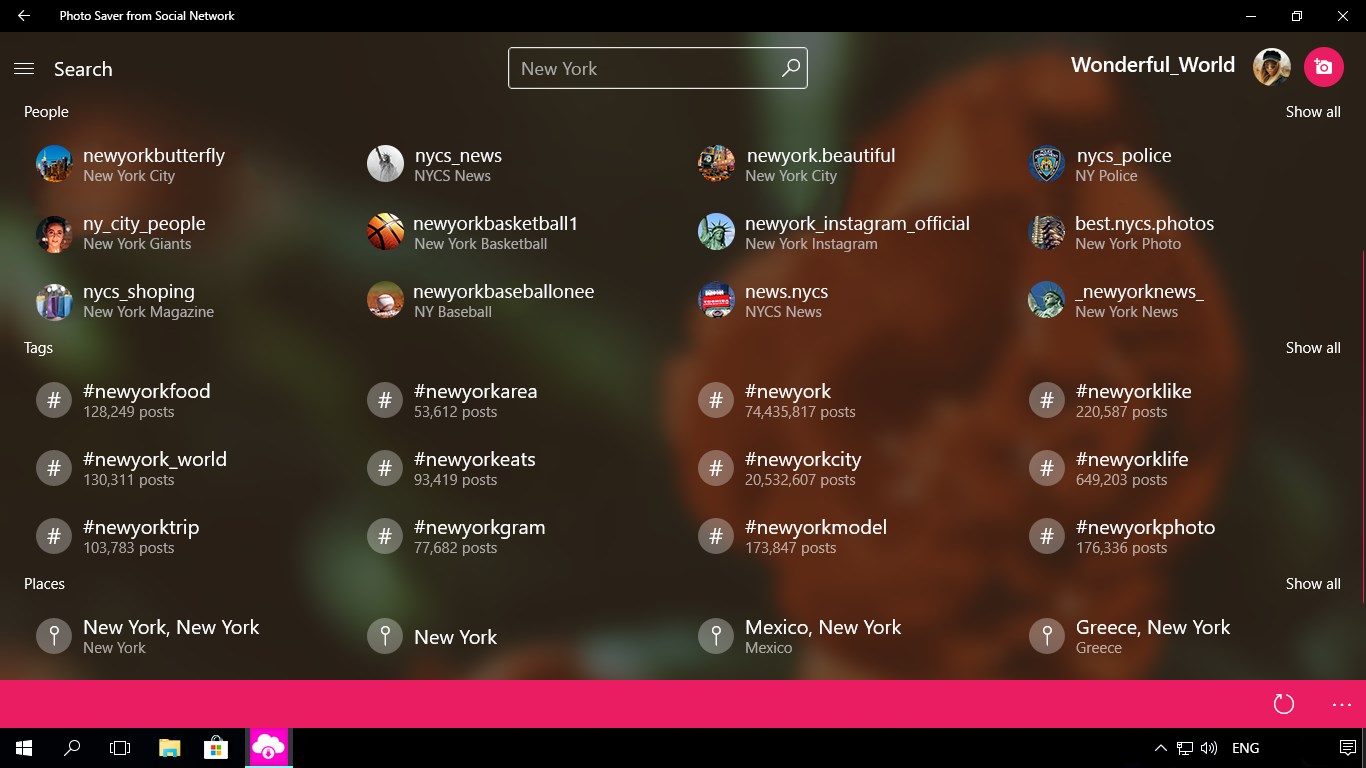
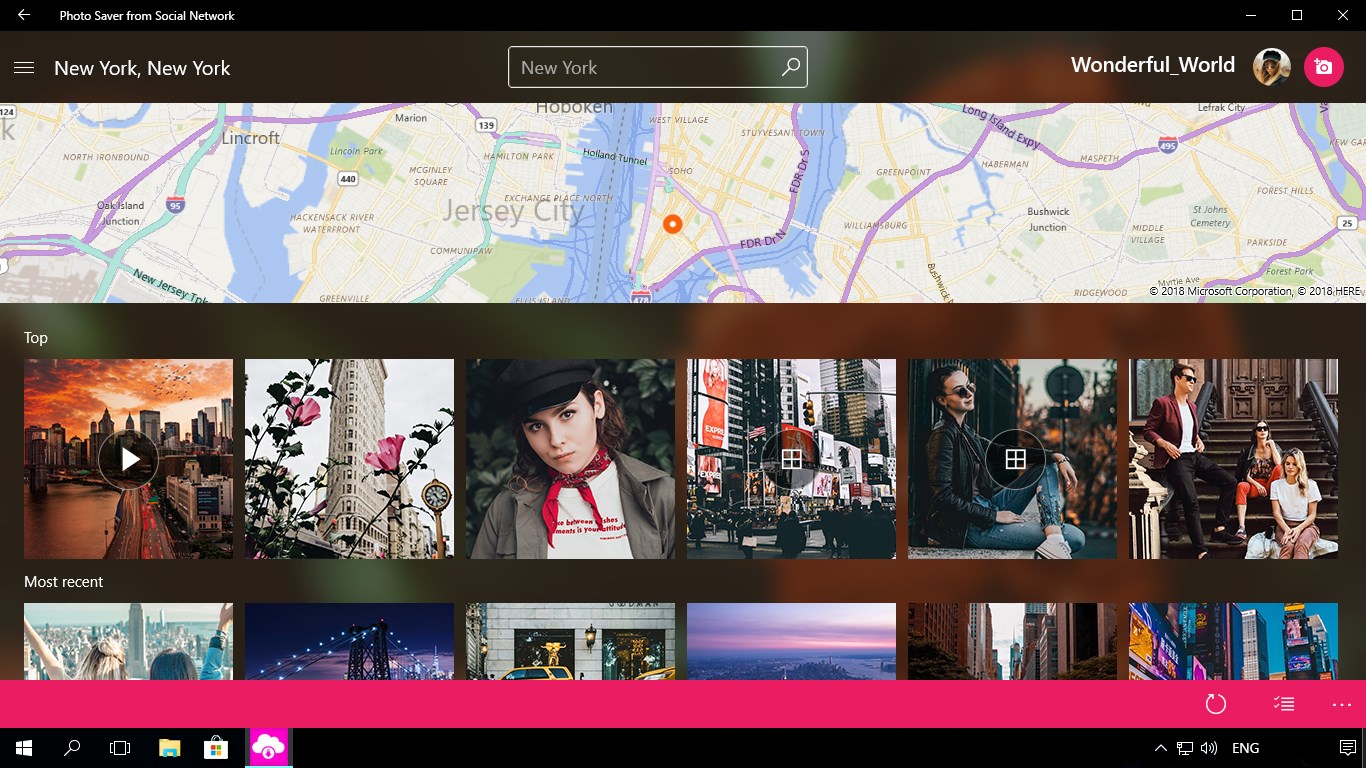
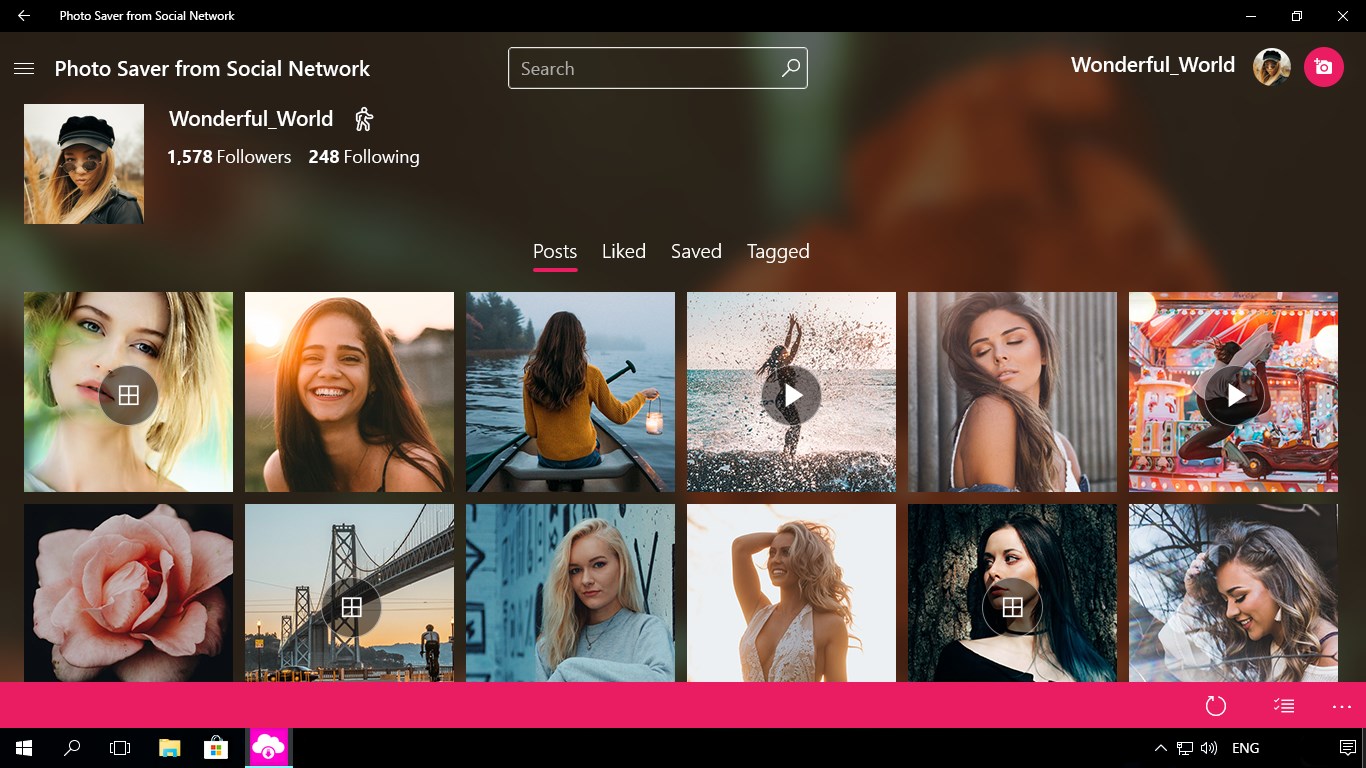
Photo Saver from Social Network is a downloader for Instagram content. It lets users log in to their Instagram account and download photos, videos and stories posted by the accounts they follow and by their followers. Using the app requires an existing Instagram account, or creating one beforehand.
Show the developer's original descriptionHide the original description
Photo Saver from Social Network lets you download all content in a click!
Just log in to your account, then download Photos, Videos, Stories of your Followers & Following.
Please Note: You need an Instagram account to use the app. If you have no account yet, please create it and enjoy the best performance of Photo Saver from Social Network.
Quick to Find & Easy to Save!
Get the original Photo Saver from Social Network!
🏆 Photo Saver from Social Network has been tested by Softpedia team and granted with the "100% CLEAN" software award. Using our app, you'll forget about strange and unsafe web-based downloaders!
⚠️ Instagram is a registered trademark and all rights belong to Instagram, LLC.
Technical details about Photo Saver from Social Network
Play Store URL for "Photo Saver from Social Network"
If there is a version of this app for iOS/Mac or Windows we don't know about, paste the store link here — we'll auto-detect the store.
How to find the URL:1. Open the app in its store. 2.In the App Store app: tap the Share icon → “Copy Link”. In the browser: copy the URL from the address bar — it contains apps.apple.com/…/id… or apps.microsoft.com/detail/…. 3. Paste it here.
Paste the original link from the Apple App Store or Microsoft Store. We fetch all details automatically.
How to find the URL:
1. Open the app in its store. 2.In the App Store app: tap the Share icon → “Copy Link”. In the browser: copy the URL from the address bar — it contains apps.apple.com/…/id… or apps.microsoft.com/detail/…. 3. Paste it here.
Android apps can only be listed by their developer.