Screenshot appears after consentScreenshot appears after consentScreenshot appears after consentScreenshot appears after consentScreenshot appears after consentScreenshot appears after consentScreenshot appears after consentScreenshot appears after consentScreenshot appears after consentScreenshot appears after consent
Summary
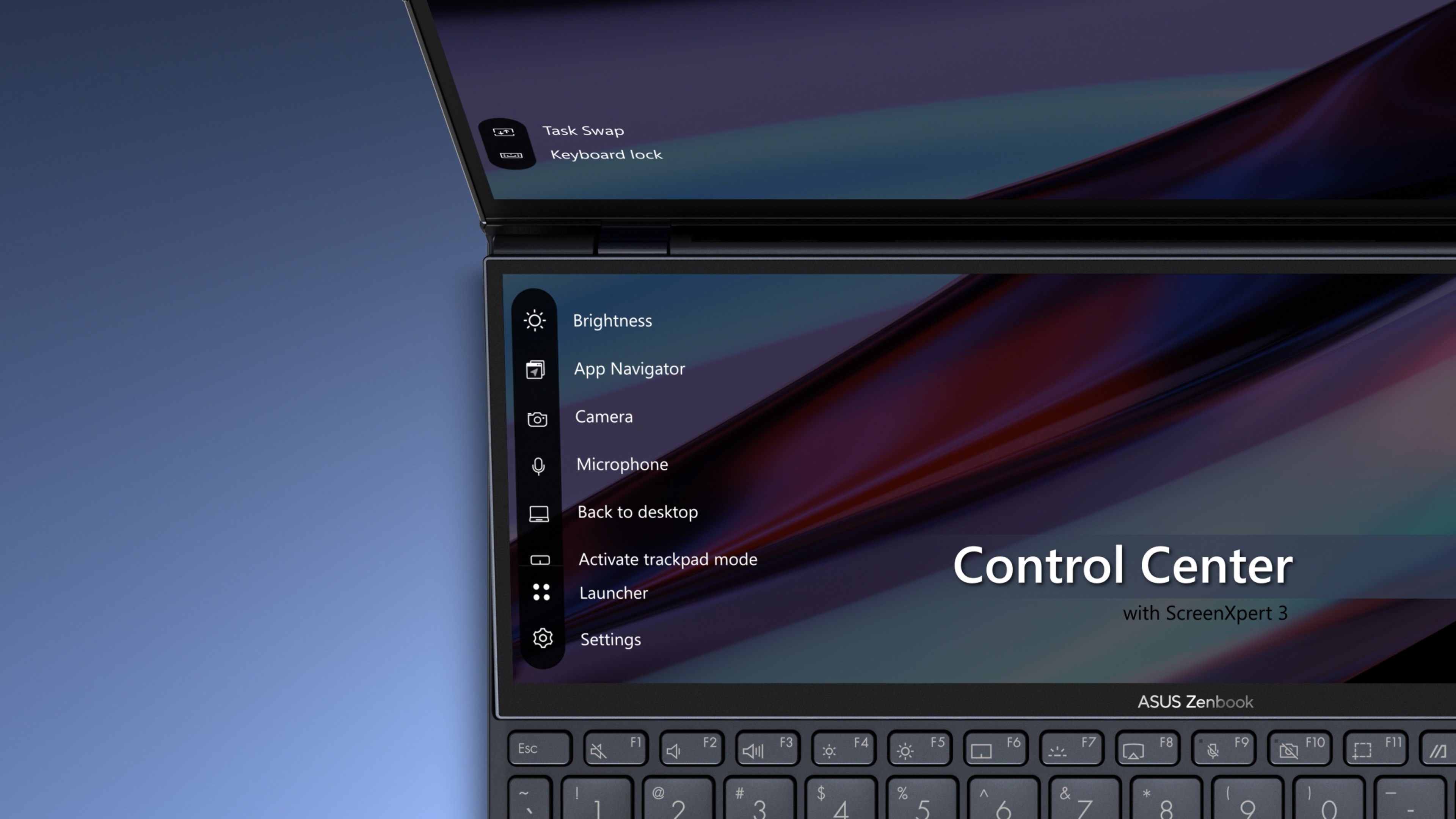
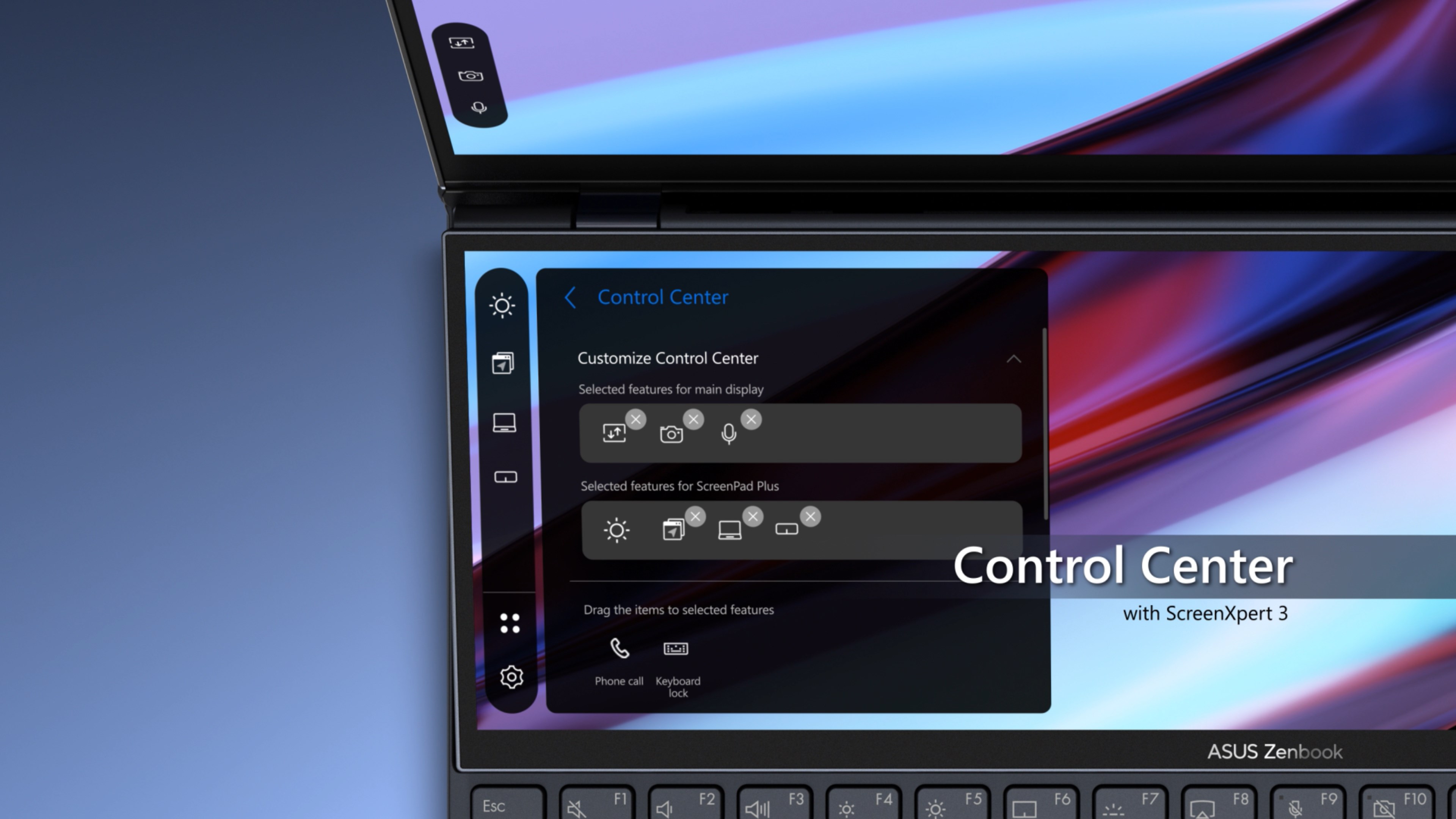
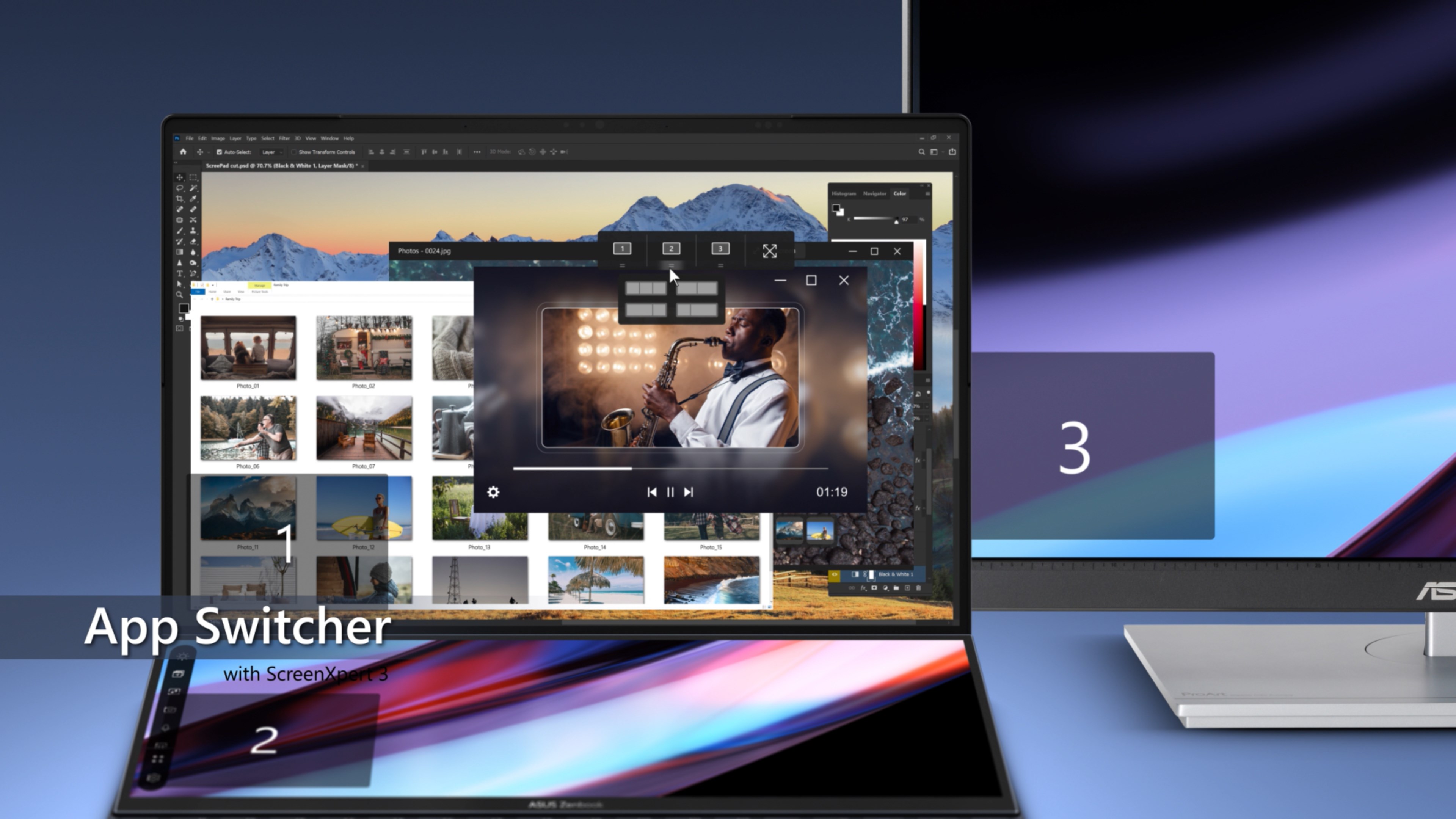
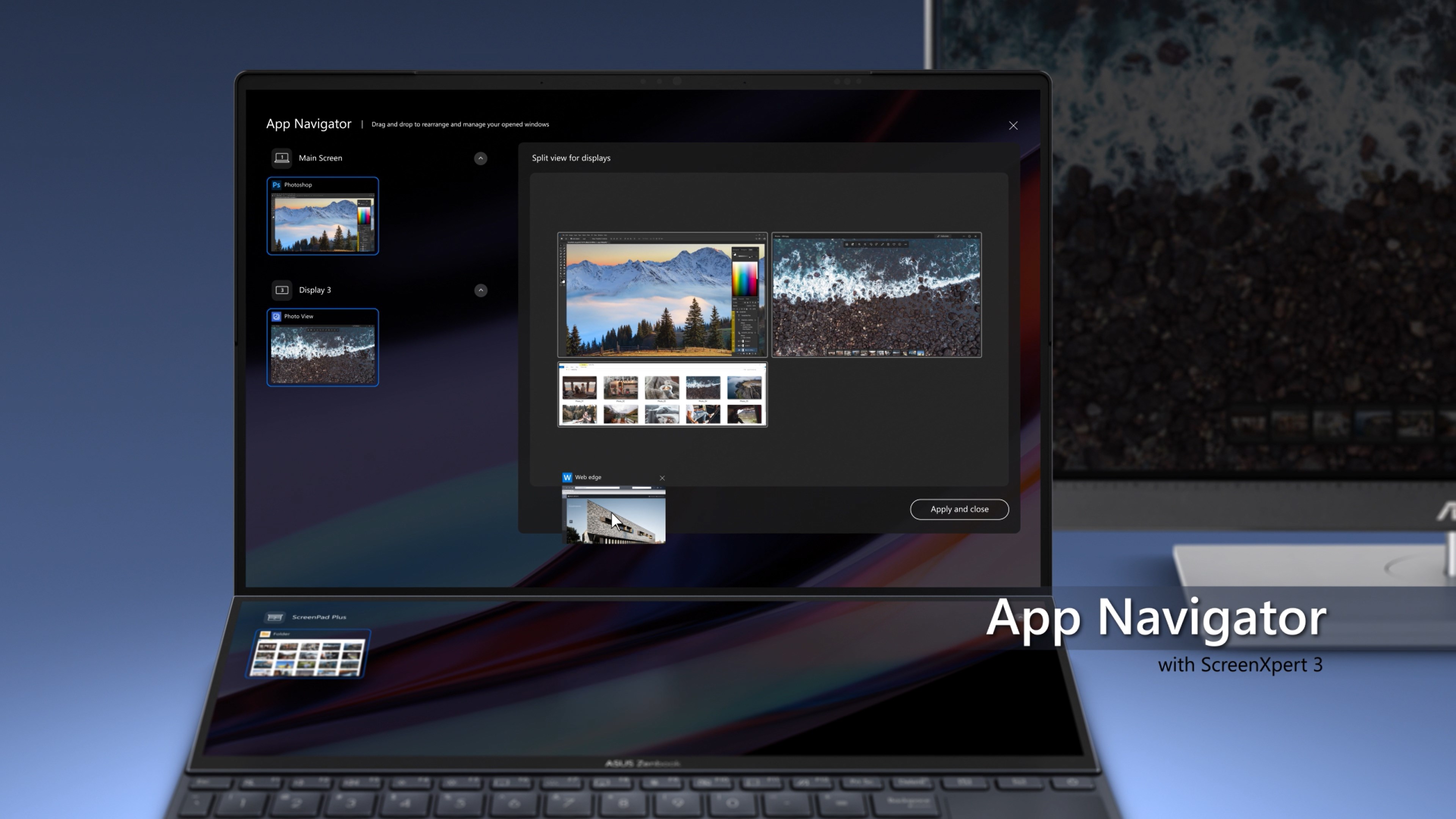
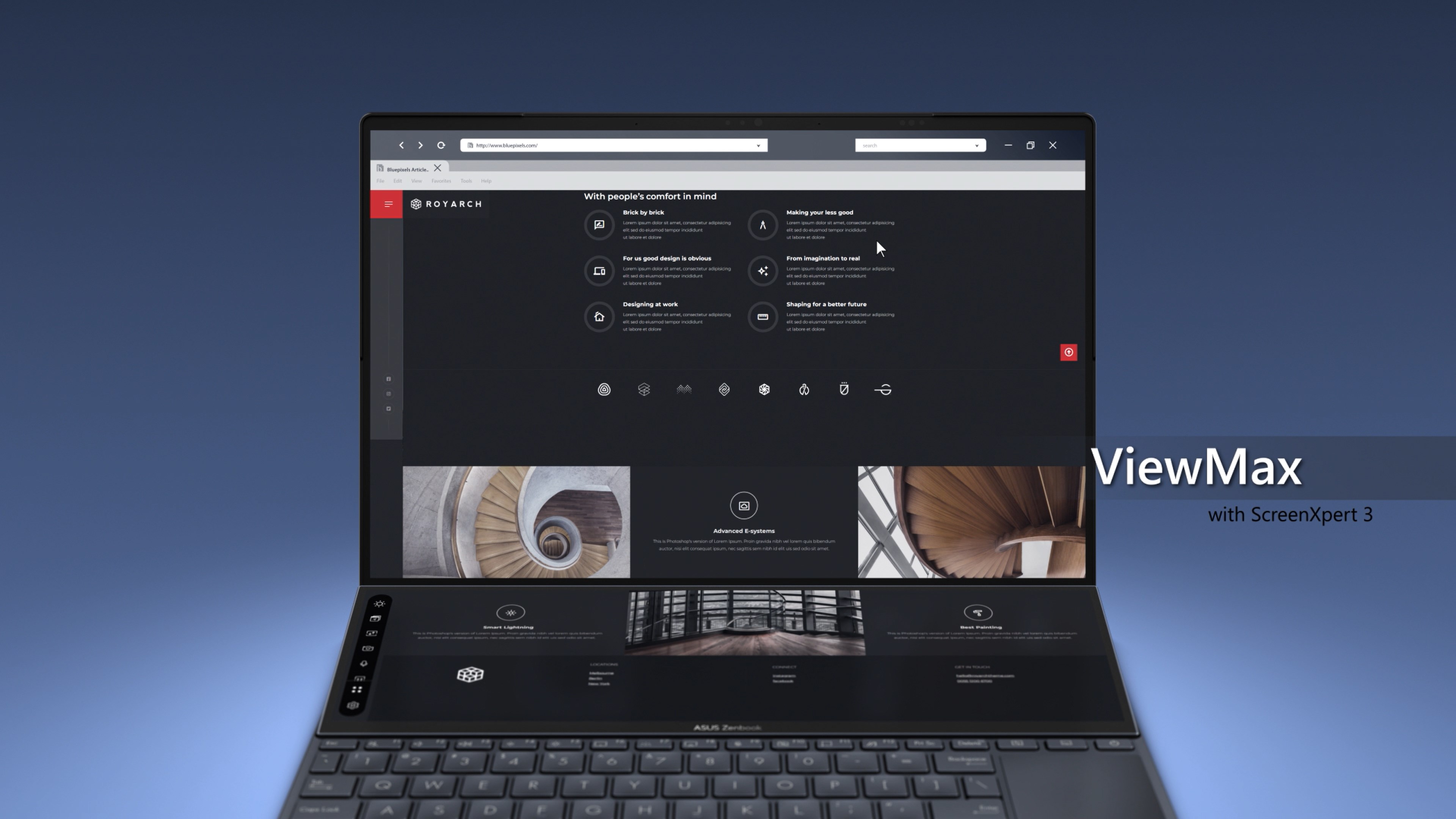
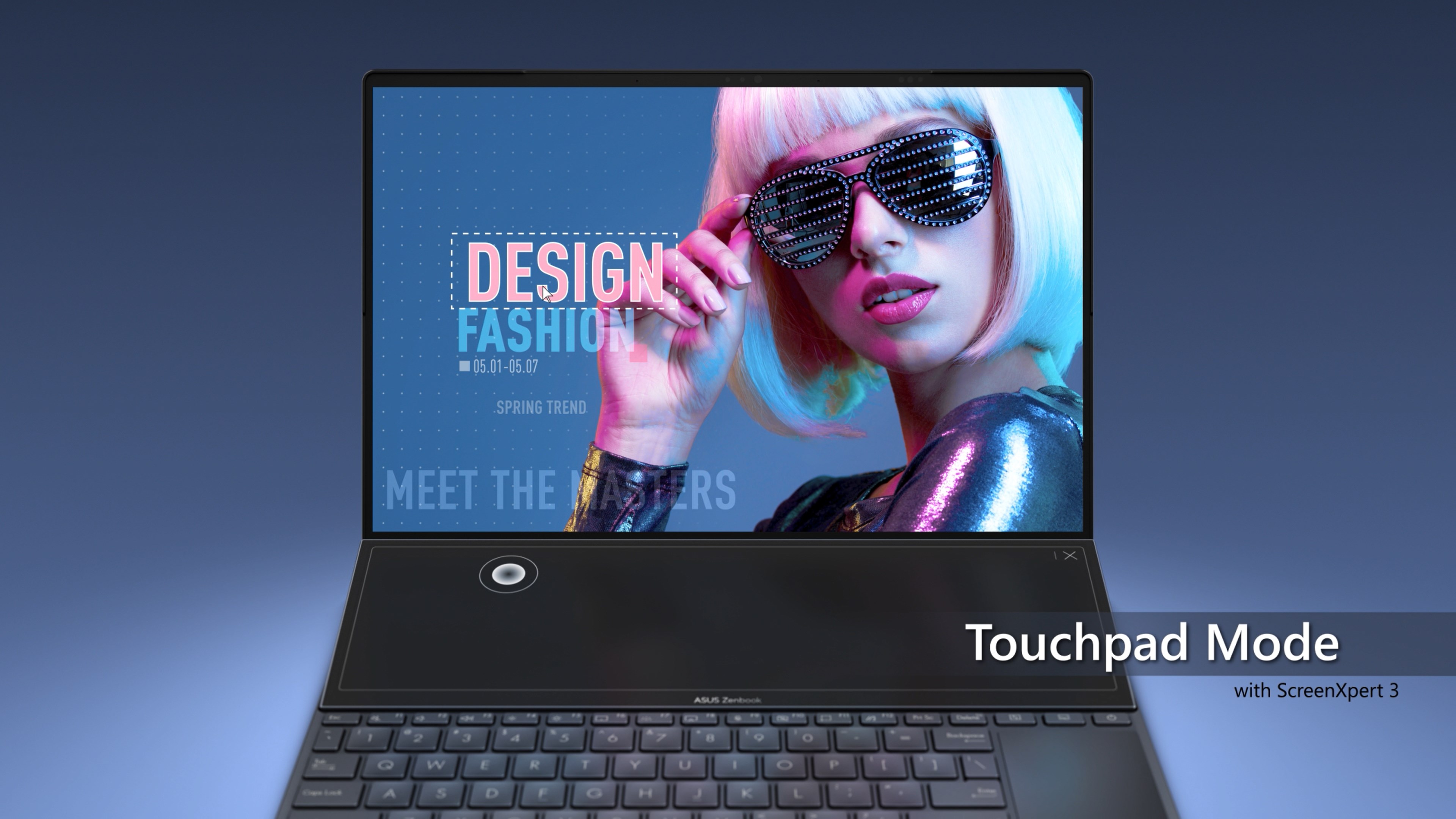
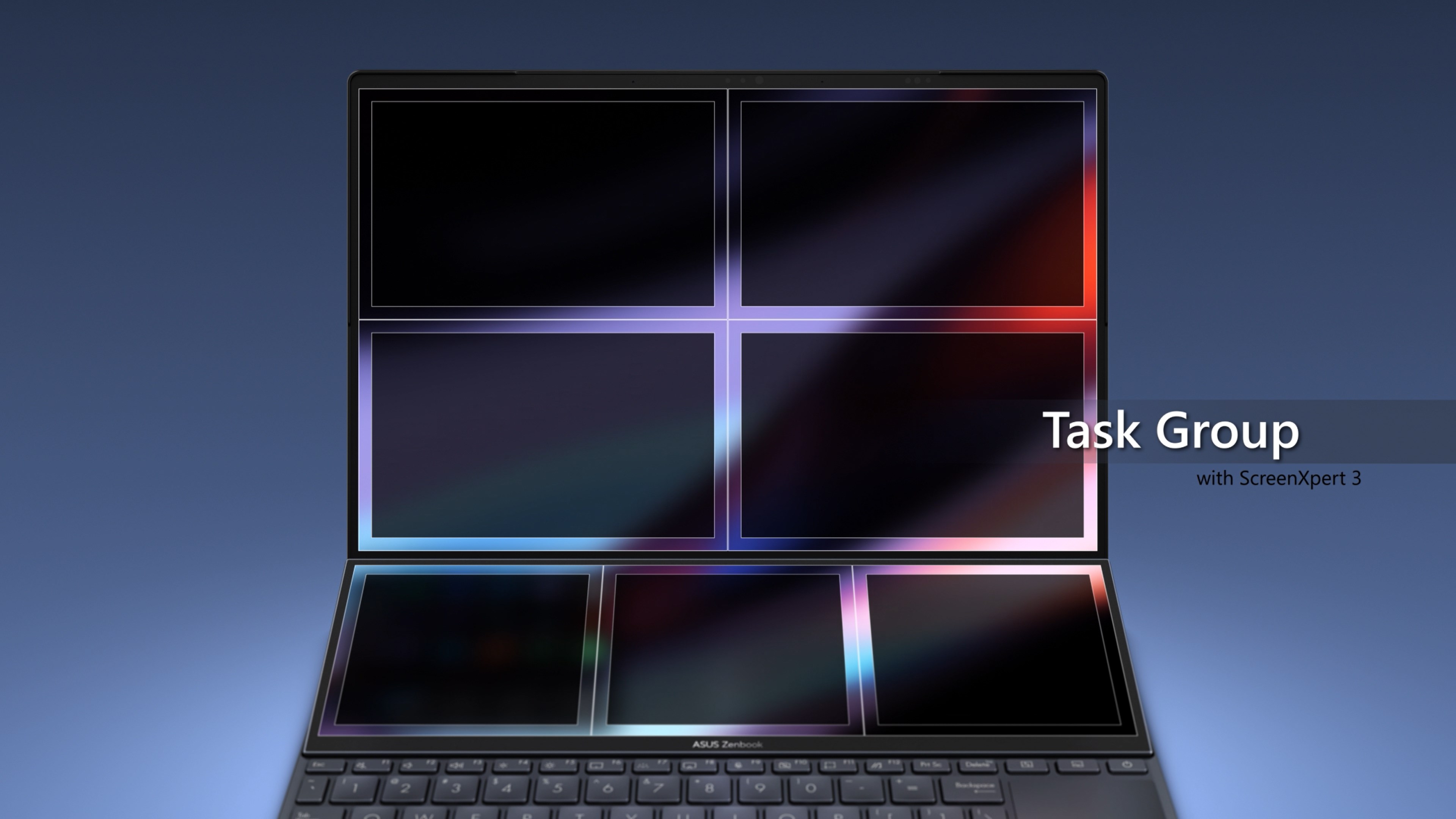
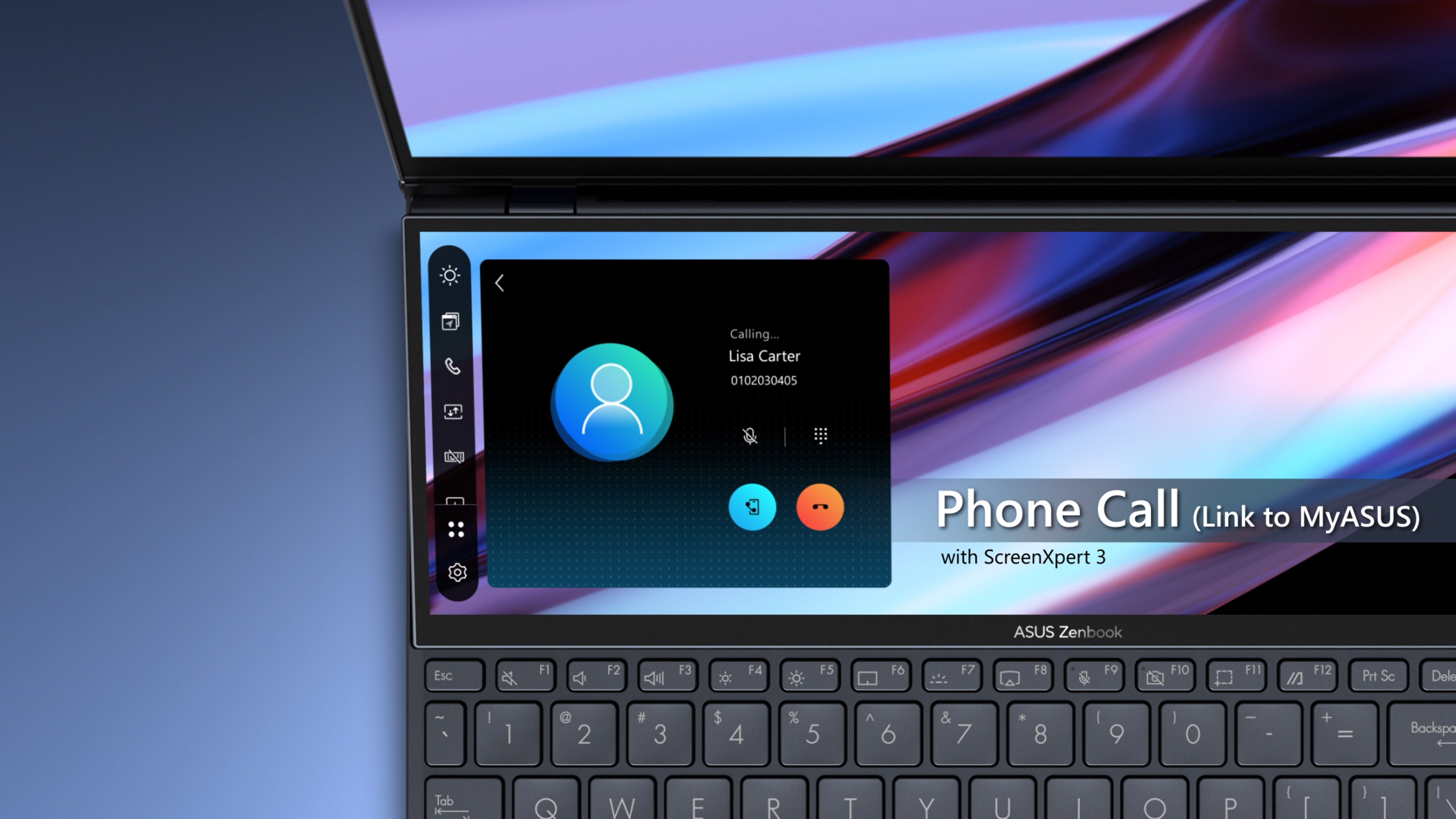
ScreenXpert is a system utility for ASUS laptops and desktop PCs that manages multi-window tasks and secondary-screen productivity. On devices with a ScreenPad Plus secondary touchscreen, it allows apps or in-app toolbars to be dragged onto the second screen to free up space on the main display. On devices with a ScreenPad, it offers a smartphone-like interface along with utility apps such as Phone Call, Task Group and Handwriting, letting apps like video or chat windows run on the secondary screen without interrupting main-display work.
Show the developer's original descriptionHide the original description
ASUS PC with ScreenXpert 3
ASUS initially developed ScreenXpert 2 to support ASUS dual-screen products, but now, with ScreenXpert 3, its support has expanded to include general single-screen models. We aim to provide all ASUS users a more efficient experience when dealing with multi-window tasks. In ScreenXpert 3 for single-screen products, we combine the most popular design language with the functional elements of ScreenXpert in previous versions with quick access to all the ScreenXpert functions from the user's home screen. Moreover, you can customize the list of functions from settings to give you added flexibility for a better overall experience.
ScreenPad Plus™ with ScreenXpert 3
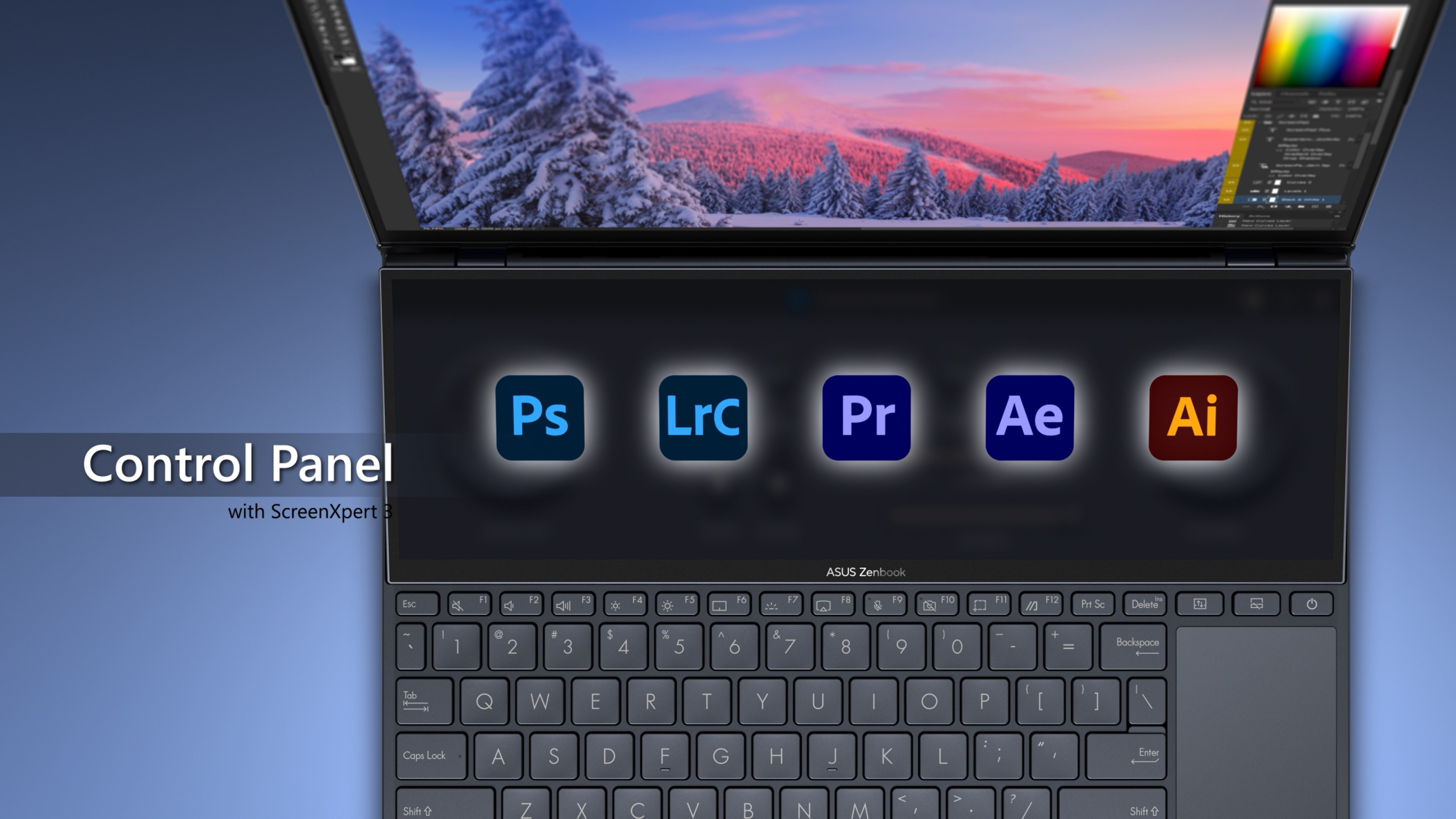
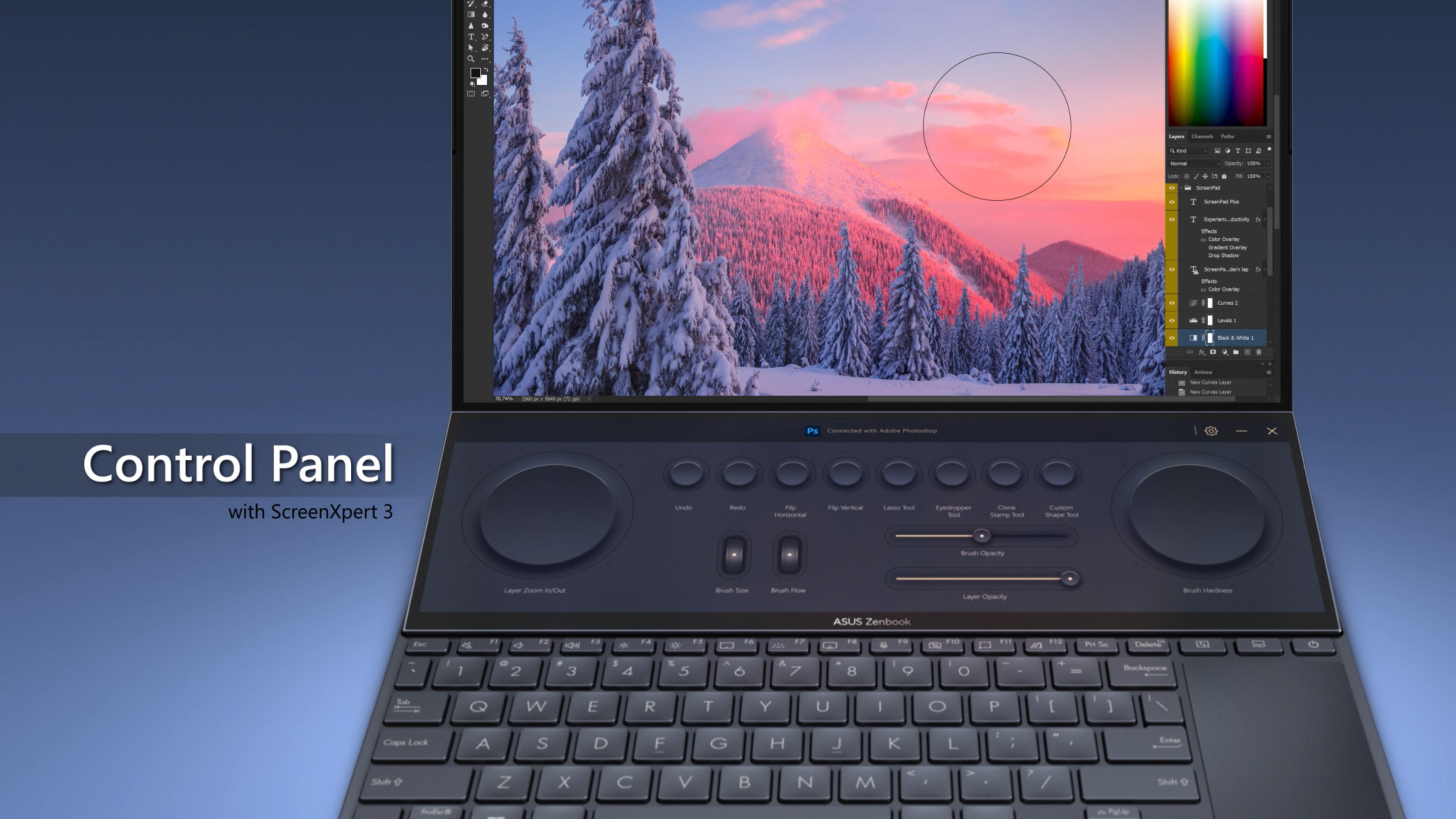
Designed to give you the ultimate edge in workflow efficiency, the unique full-width ASUS ScreenPad™ Plus secondary touchscreen works seamlessly with the main display. The interactive ScreenPad Plus boosts your productivity with an enhanced collection of handy, quick controls for intuitive interactions with the main display. Now you can drag any app or in-app toolbar onto your ScreenPad Plus to free up space on the main display.
ScreenPad™ with ScreenXpert 3
The new ScreenPad™ with ScreenXpert 3 elevates the traditional laptop experience, adding an interactive secondary touchscreen that enhances your productivity with more possibilities. Its intuitive smartphone-like interface lets you easily manage tasks and create your own seamless multitasking workflow. A collection of handy ASUS utility apps, including Phone Call, Task Group, and Handwriting, is readily available to boost your productivity. Useful quick controls have improved, making the interaction between the main display and ScreenPad much easier. For example, you can now launch a video or chat box — or many other apps — onto ScreenPad to take advantage of the extra space without interrupting your work on the main display.
*Only ASUS laptops and desktop PCs support this app.
If there is a version of this app for iOS/Mac or Windows we don't know about, paste the store link here — we'll auto-detect the store.
How to find the URL:1. Open the app in its store. 2.In the App Store app: tap the Share icon → “Copy Link”. In the browser: copy the URL from the address bar — it contains apps.apple.com/…/id… or apps.microsoft.com/detail/…. 3. Paste it here.
Paste the original link from the Apple App Store or Microsoft Store. We fetch all details automatically.
How to find the URL:
1. Open the app in its store. 2.In the App Store app: tap the Share icon → “Copy Link”. In the browser: copy the URL from the address bar — it contains apps.apple.com/…/id… or apps.microsoft.com/detail/…. 3. Paste it here.
Android apps can only be listed by their developer.



 Pocket Screen - Window PiP
Keep two Mac windows visible as floating PiP views
 BetterSnapTool
Snap and resize windows by dragging to screen edges
 QSpace
Multi-pane file manager with tabs, color themes
 ASUS GlideX
Mirror phone screen on PC and control with mouse
 spacedesk
Turn a Windows device into an extra display for your PC
 Clover: Window & File Manager
File manager with tabs, multiple panes and bookmark groups