Screenshot appears after consentScreenshot appears after consentScreenshot appears after consentScreenshot appears after consentScreenshot appears after consentScreenshot appears after consentScreenshot appears after consentScreenshot appears after consentScreenshot appears after consentScreenshot appears after consentScreenshot appears after consentScreenshot appears after consentScreenshot appears after consentScreenshot appears after consentScreenshot appears after consent
Summary
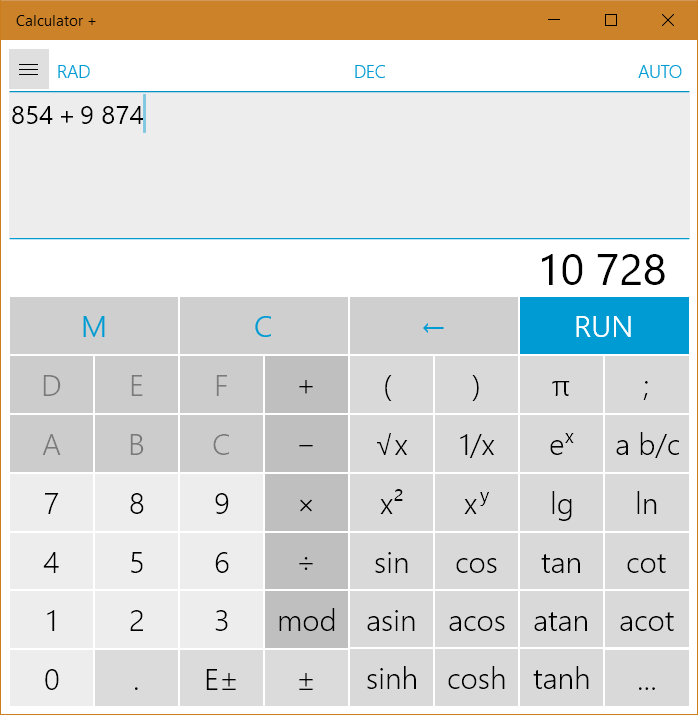
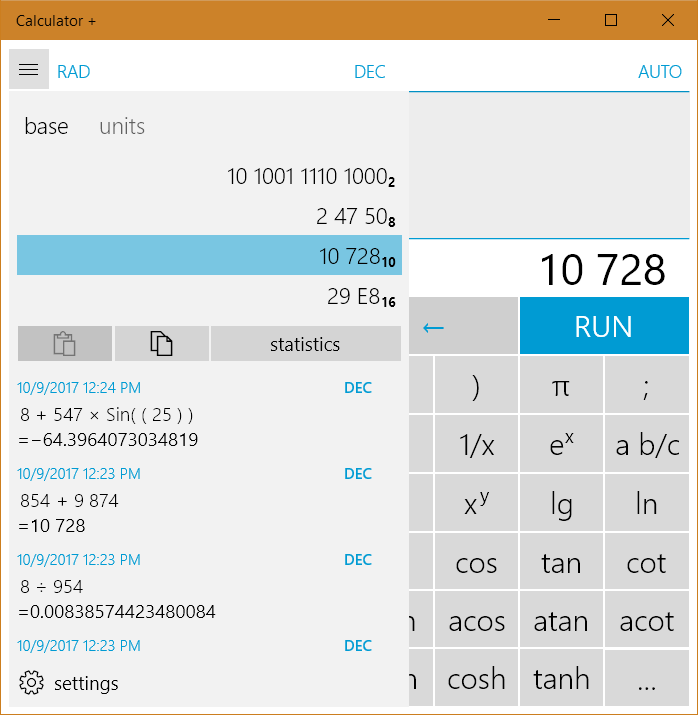
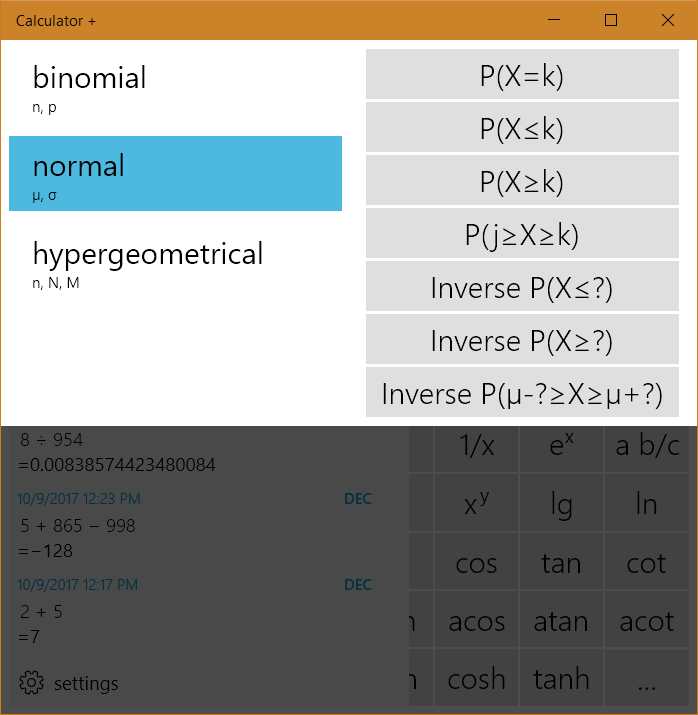
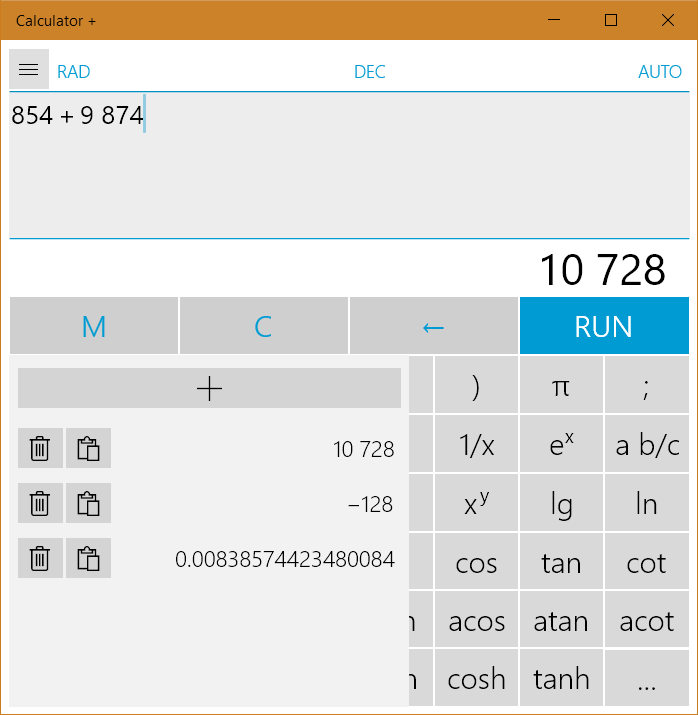
Calculator + is a calculator app for Windows and Windows Phone that follows the order of operations. It offers a choice between two interfaces, one optimized for touch and one for keyboard input, both giving access to the same functions. The entered calculation can be edited freely since the cursor can be moved at will, and a history of recent operations can be restored at any time, while intermediate values can be stored and remain available after restarting. It also supports trigonometric functions, statistical distributions and their inverses, unit and currency conversion, and calculations in binary, octal, and hexadecimal systems with conversion between them.
Show the developer's original descriptionHide the original description
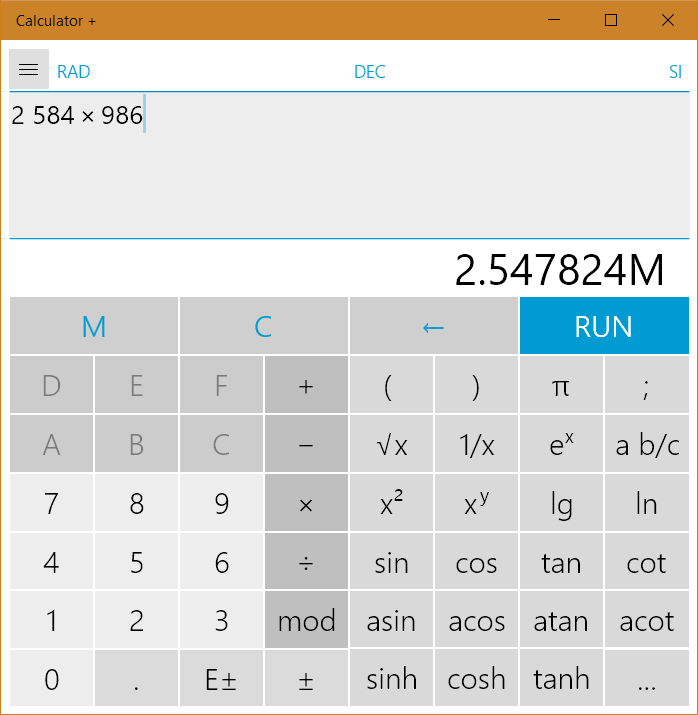
Calculator + is the only app in the Windows Store, which can replace your regular calculator completely. It has an user interface to be used like your normal calculator but giving you a lot of helpful features. Additionally Calculator + follows the order of operation rule.
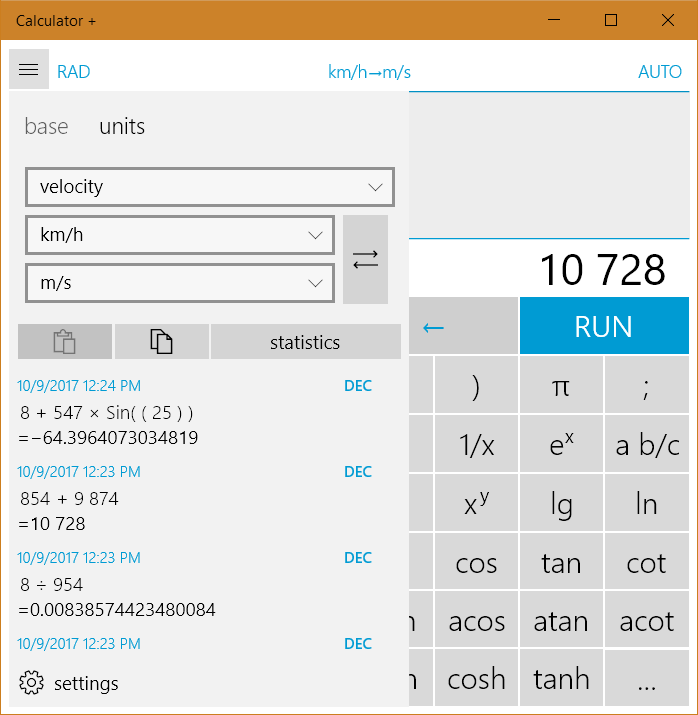
After you have calculated your result you can convert it in another unit or currency, you can convert it to another base, you can round it to a specific amount of digits etc. Calculator + supports lengths, areas, volumes, temperatures, weights, velocities and angles. There are eight currencys with daily exchange rates.
The result can be always used for another mode. Furthermore almost all buttons are supported in the different modes. So Calculator + is the best tool for physical calculating but can be also used for every other prupose.
Calculator +…
...follows the order of operation rule
...converts lengths, areas, volumes, temperatures, weights, velocities and angles
...shows 14 digits
...calculates with binary, octal, decimal and hexadecimal values
...supports the most important trigonometrical functions(sine, cosine, tangent and cotangent)
...can buffer until six values
...calculates the logarithm and root to an arbitrary base
...and this alltogether in the same moment
If there is a version of this app for iOS/Mac or Windows we don't know about, paste the store link here — we'll auto-detect the store.
How to find the URL:1. Open the app in its store. 2.In the App Store app: tap the Share icon → “Copy Link”. In the browser: copy the URL from the address bar — it contains apps.apple.com/…/id… or apps.microsoft.com/detail/…. 3. Paste it here.
Paste the original link from the Apple App Store or Microsoft Store. We fetch all details automatically.
How to find the URL:
1. Open the app in its store. 2.In the App Store app: tap the Share icon → “Copy Link”. In the browser: copy the URL from the address bar — it contains apps.apple.com/…/id… or apps.microsoft.com/detail/…. 3. Paste it here.
Android apps can only be listed by their developer.





 Calculator₊
Calculator with unit, currency and fraction conversion
 Calculator²
Scientific, financial and currency calculator with constants
 Calculator‰
Basic calculator with large buttons and display
 Calculator ∞
Scientific calculator with algebra engine and photo solver
 Calzy
Calculator with memory, history, and saved calculations