
Screenshot appears after consentScreenshot appears after consentScreenshot appears after consentScreenshot appears after consentScreenshot appears after consentScreenshot appears after consentScreenshot appears after consentScreenshot appears after consentScreenshot appears after consentScreenshot appears after consentScreenshot appears after consent
Summary
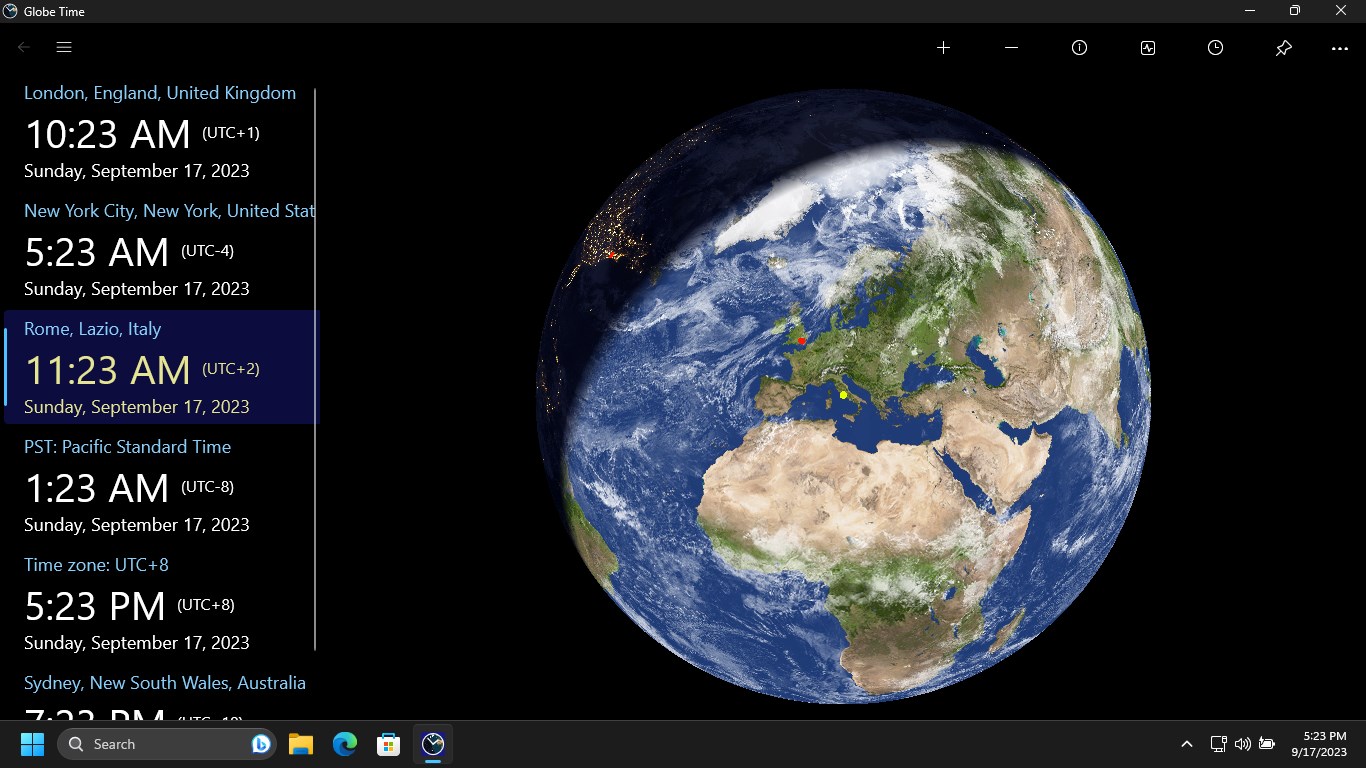
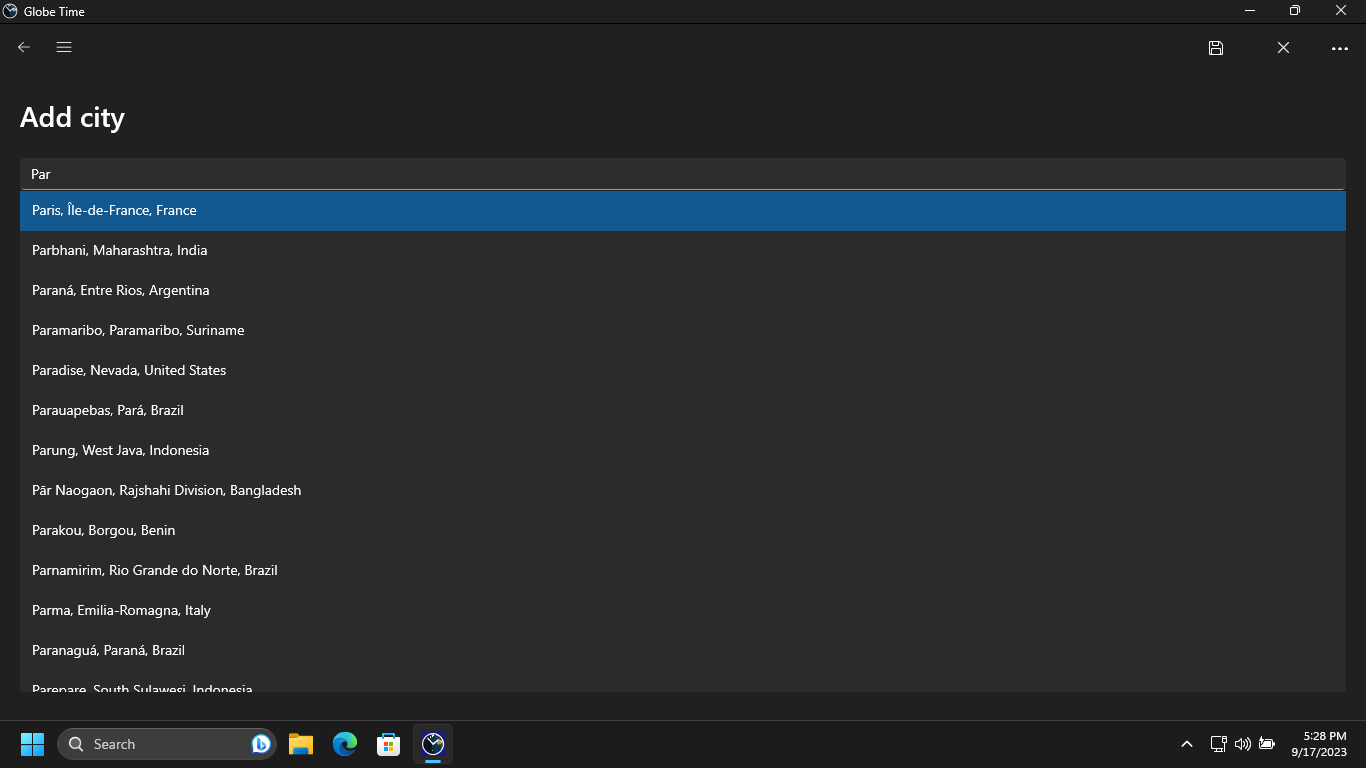
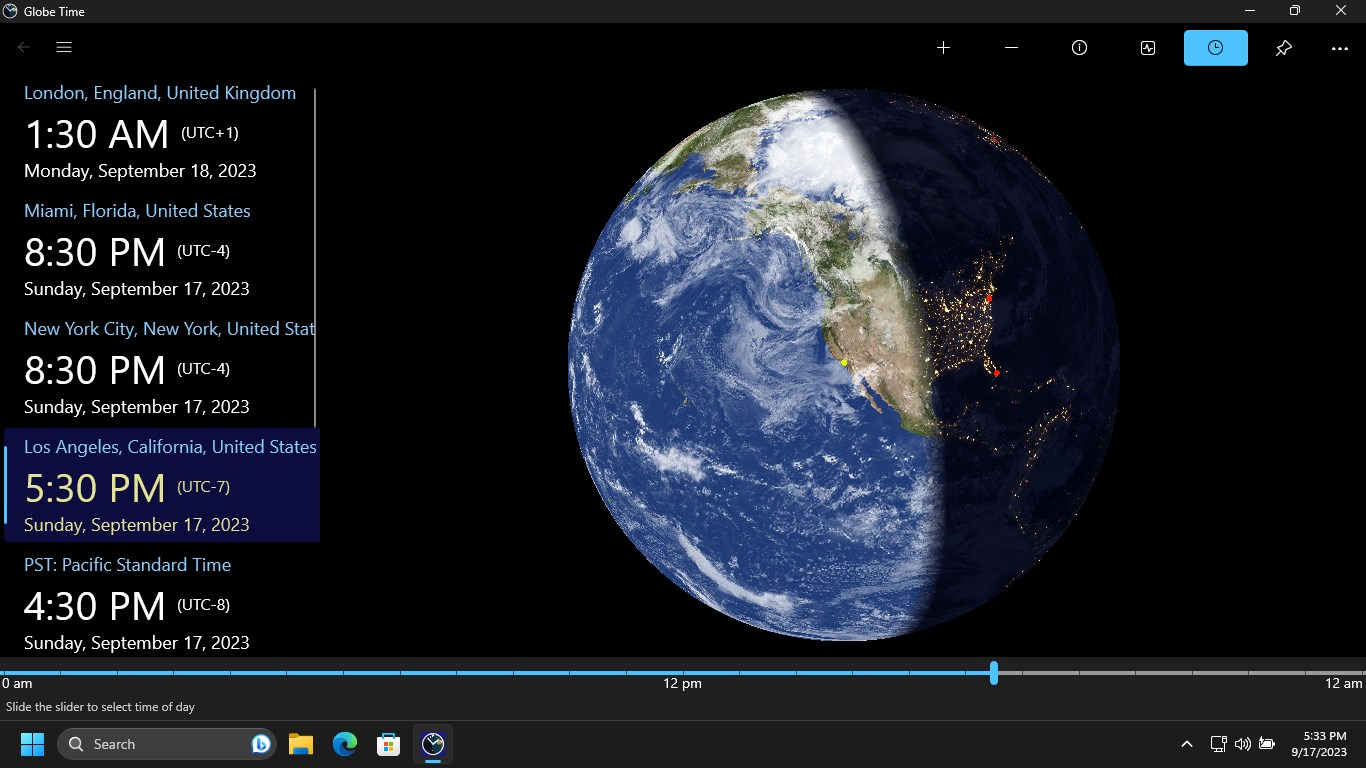
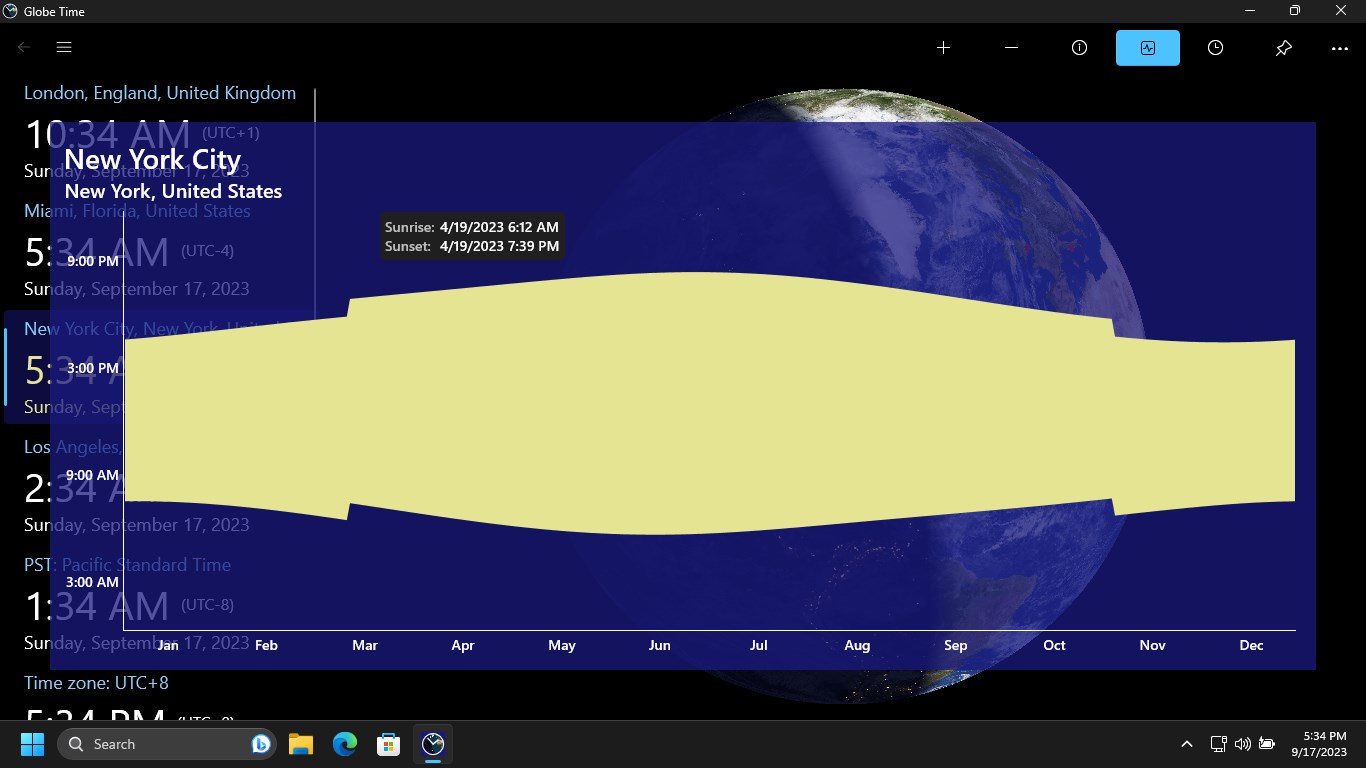
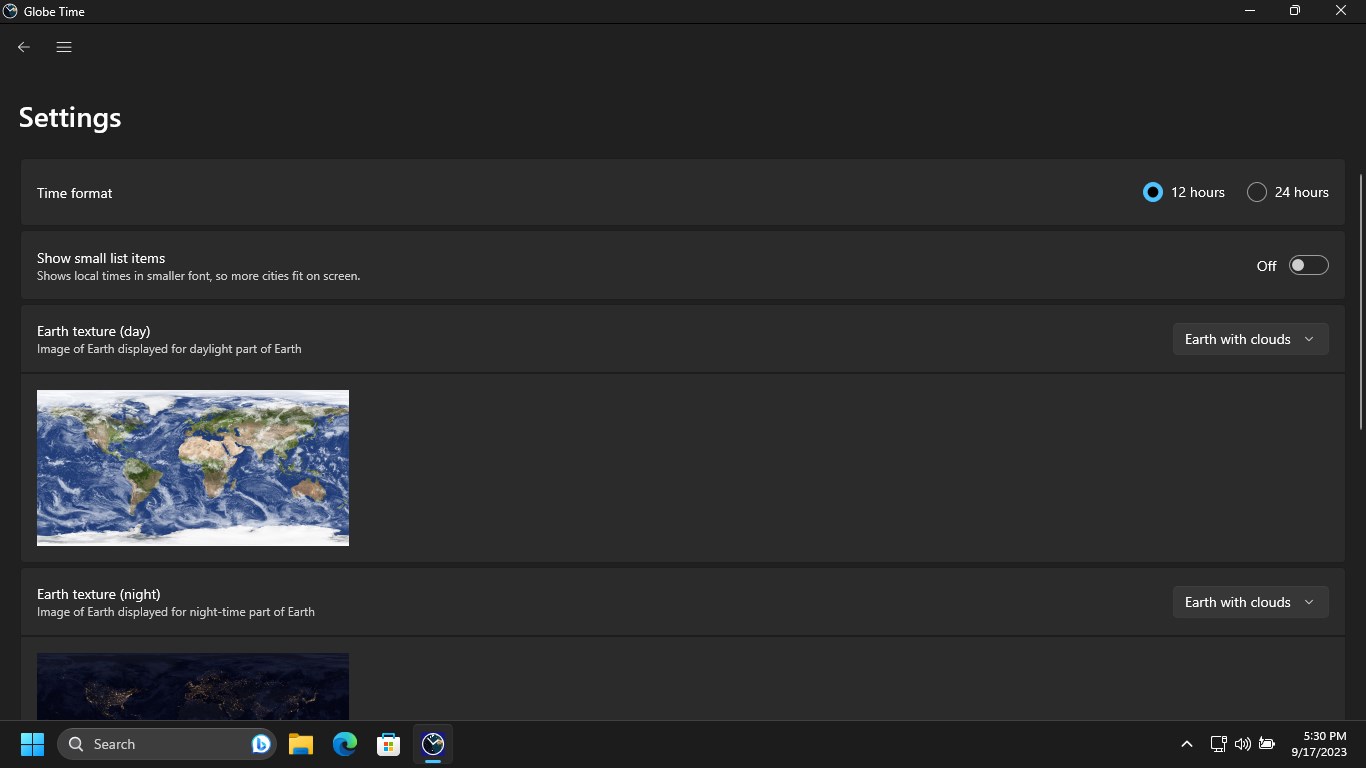
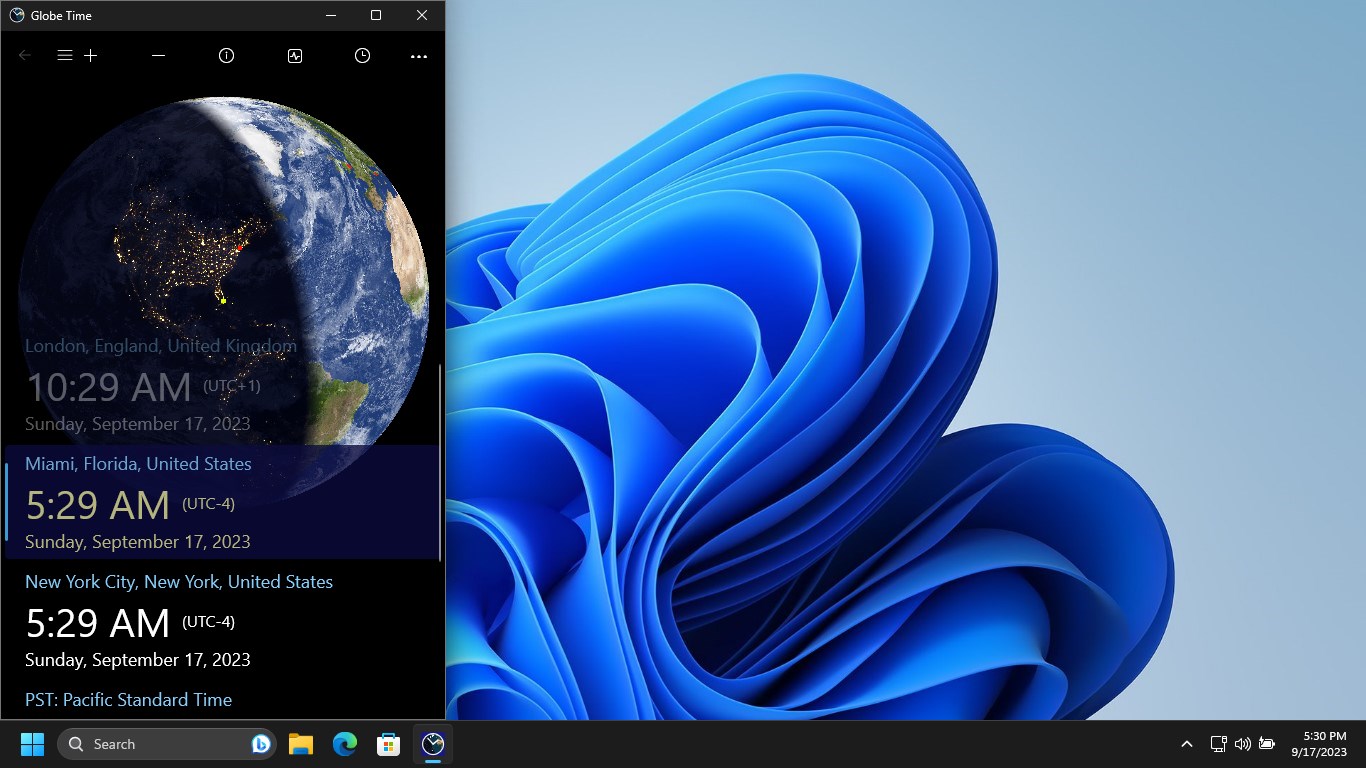
Globe Time is a world clock app that shows local times in cities around the world alongside a rotating globe indicating day and night at specific locations. Selecting a city rotates the globe to center it. The app also provides information on regional time zones such as Pacific Standard Time, daylight saving time details, and sunrise and sunset times. All local time data is stored locally and works without an internet connection, with internet access used only for advertisements. The app is free with ads, and an in-app purchase removes advertisements across devices and unlocks additional live tiles for the start screen.
Show the developer's original descriptionHide the original description
This application provides you information about local times in cities around the world. Additionally it shows Earth so it is very easy to find out, if it is day-time or night at specific locations. It is possible to select a city and the globe rotates, so that selected city is in the center.
The application also provides other time zone related information. For example, time in regional time zones like Pacific Standard Time, information about daylight saving time, or sunrise and sunset times.
All data are stored locally and no internet connection is needed for local time information. Internet connection is used for advertisement only.
The application is free of charge, but displays advertisements. It is possible to unlock features (remove advertisements, more live tiles at start screen) via in-app purchase. Just one purchase is necessary to remove advertisements on all devices (Windows and Windows Phone).
Stay tuned, there is plan for new features.
If there is a version of this app for iOS/Mac or Windows we don't know about, paste the store link here — we'll auto-detect the store.
How to find the URL:1. Open the app in its store. 2.In the App Store app: tap the Share icon → “Copy Link”. In the browser: copy the URL from the address bar — it contains apps.apple.com/…/id… or apps.microsoft.com/detail/…. 3. Paste it here.
Paste the original link from the Apple App Store or Microsoft Store. We fetch all details automatically.
How to find the URL:
1. Open the app in its store. 2.In the App Store app: tap the Share icon → “Copy Link”. In the browser: copy the URL from the address bar — it contains apps.apple.com/…/id… or apps.microsoft.com/detail/…. 3. Paste it here.
Android apps can only be listed by their developer.