










Screenshot appears after consentScreenshot appears after consentScreenshot appears after consentScreenshot appears after consentScreenshot appears after consentScreenshot appears after consentScreenshot appears after consentScreenshot appears after consentScreenshot appears after consentScreenshot appears after consentScreenshot appears after consentScreenshot appears after consentScreenshot appears after consentScreenshot appears after consentScreenshot appears after consentScreenshot appears after consentScreenshot appears after consentScreenshot appears after consentScreenshot appears after consentScreenshot appears after consentScreenshot appears after consentScreenshot appears after consentScreenshot appears after consentScreenshot appears after consentScreenshot appears after consent
Summary
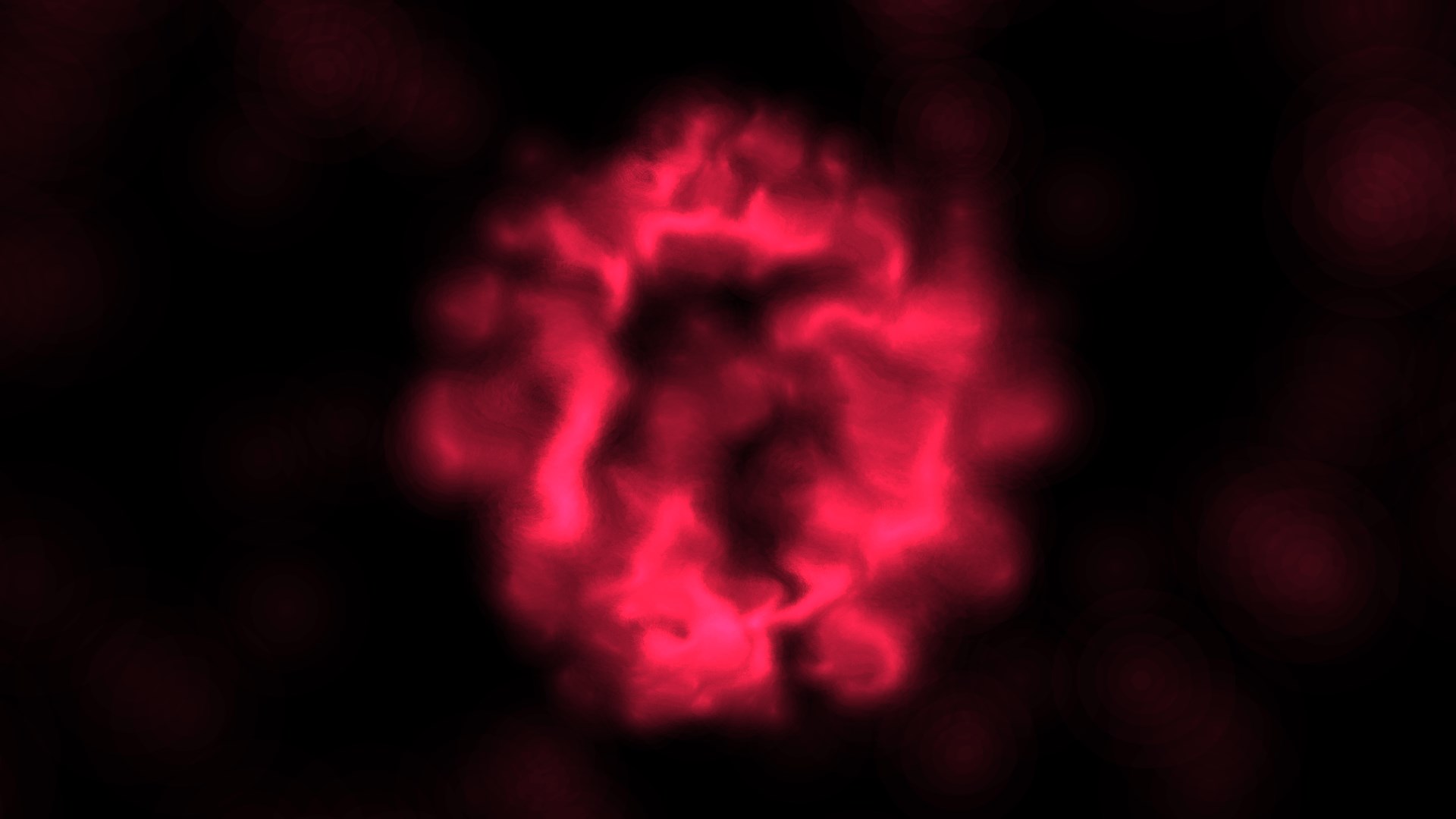
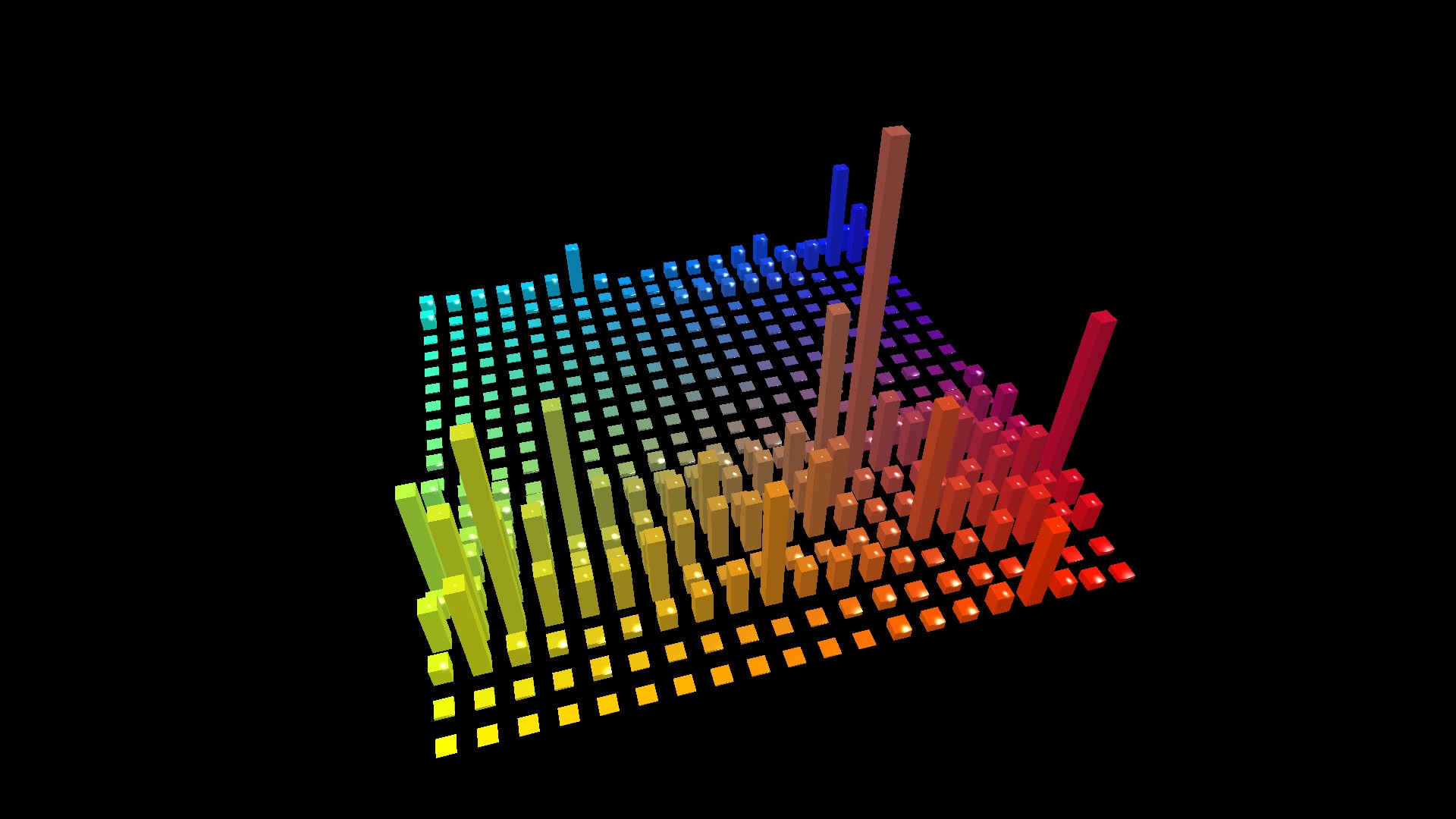
Kauna is a music visualizer that renders sound playing on the system or captured from a microphone as animated graphics. It offers several visualization styles, including a wave view showing frequencies as fine lines, a confetti effect with colored discs that change size, a rainbow spectrum bar analyzer, a bright cloud simulation, a classic plasma effect with flowing colors, a sound level meter for measuring volume in decibels, and a triangular light ring design. Settings allow adjusting sound level sensitivity, choosing the audio source, and setting visualizations to change automatically on a timer.
Show the developer's original descriptionHide the original description
Kauna is a music visualizer. Kauna renders any sound reproduction in system. It can also capture audio from a microphone.
There are different dynamic and beautiful visualizations available:
Wave - frequencies as fine lines;
Confetti - colored discs, changing its size;
Bars - rainbow spectrum analyzer;
Burning clouds - bright visualization simulates illuminated clouds;
Plasma - old school effect with smooth transition of colors;
Sound level meter - virtual device for the measurement of volume (DB);
Triangular - light ring with triangles in the background;
and more...
Settings - sound level sensitivity, automatic change of visualizations on a timer, select the sound card.
If there is a version of this app for iOS/Mac or Windows we don't know about, paste the store link here — we'll auto-detect the store.
How to find the URL:1. Open the app in its store. 2.In the App Store app: tap the Share icon → “Copy Link”. In the browser: copy the URL from the address bar — it contains apps.apple.com/…/id… or apps.microsoft.com/detail/…. 3. Paste it here.
Paste the original link from the Apple App Store or Microsoft Store. We fetch all details automatically.
How to find the URL:
1. Open the app in its store. 2.In the App Store app: tap the Share icon → “Copy Link”. In the browser: copy the URL from the address bar — it contains apps.apple.com/…/id… or apps.microsoft.com/detail/…. 3. Paste it here.
Android apps can only be listed by their developer.