
Screenshot appears after consentScreenshot appears after consentScreenshot appears after consentScreenshot appears after consentScreenshot appears after consentScreenshot appears after consent
Summary
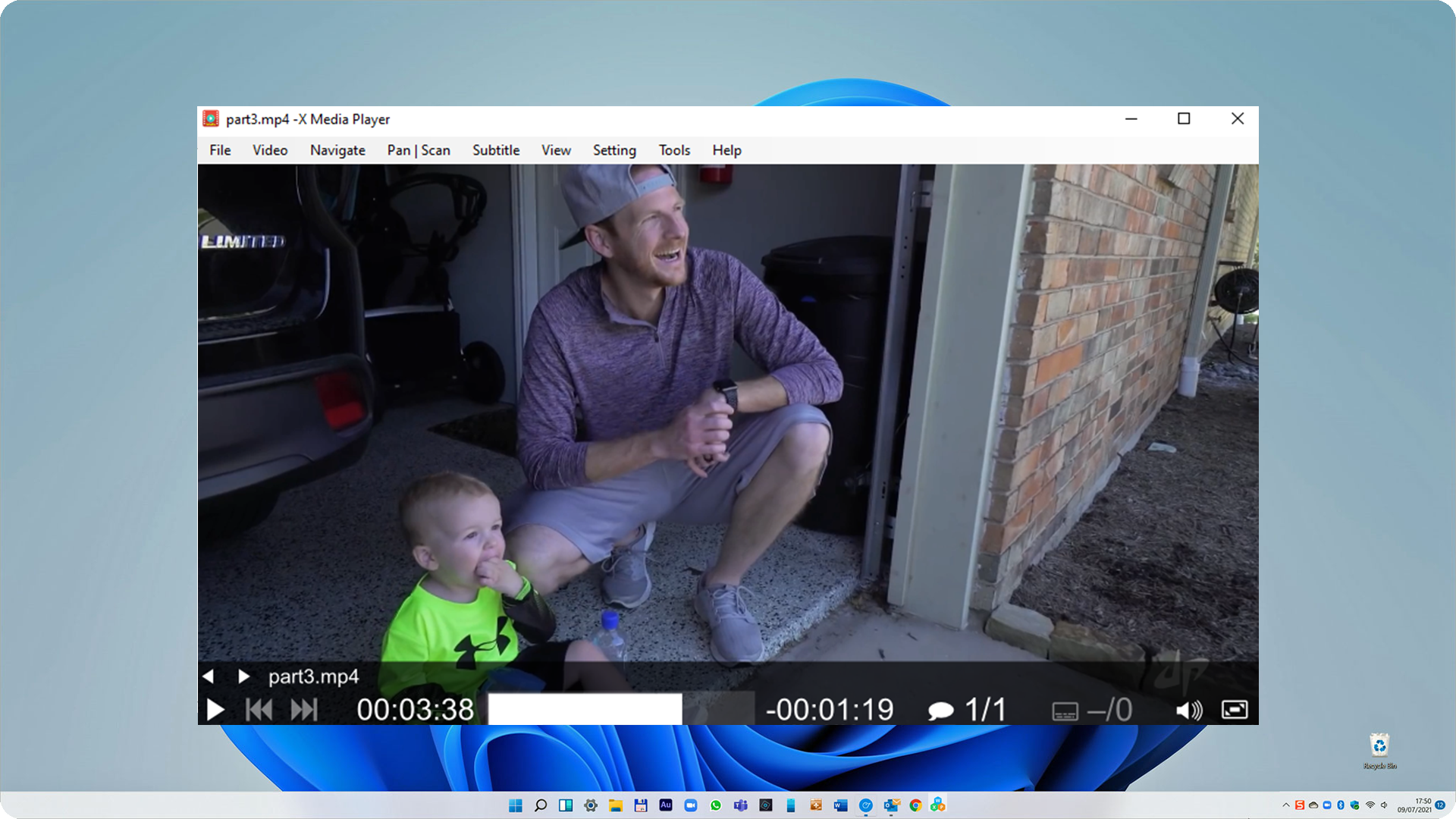
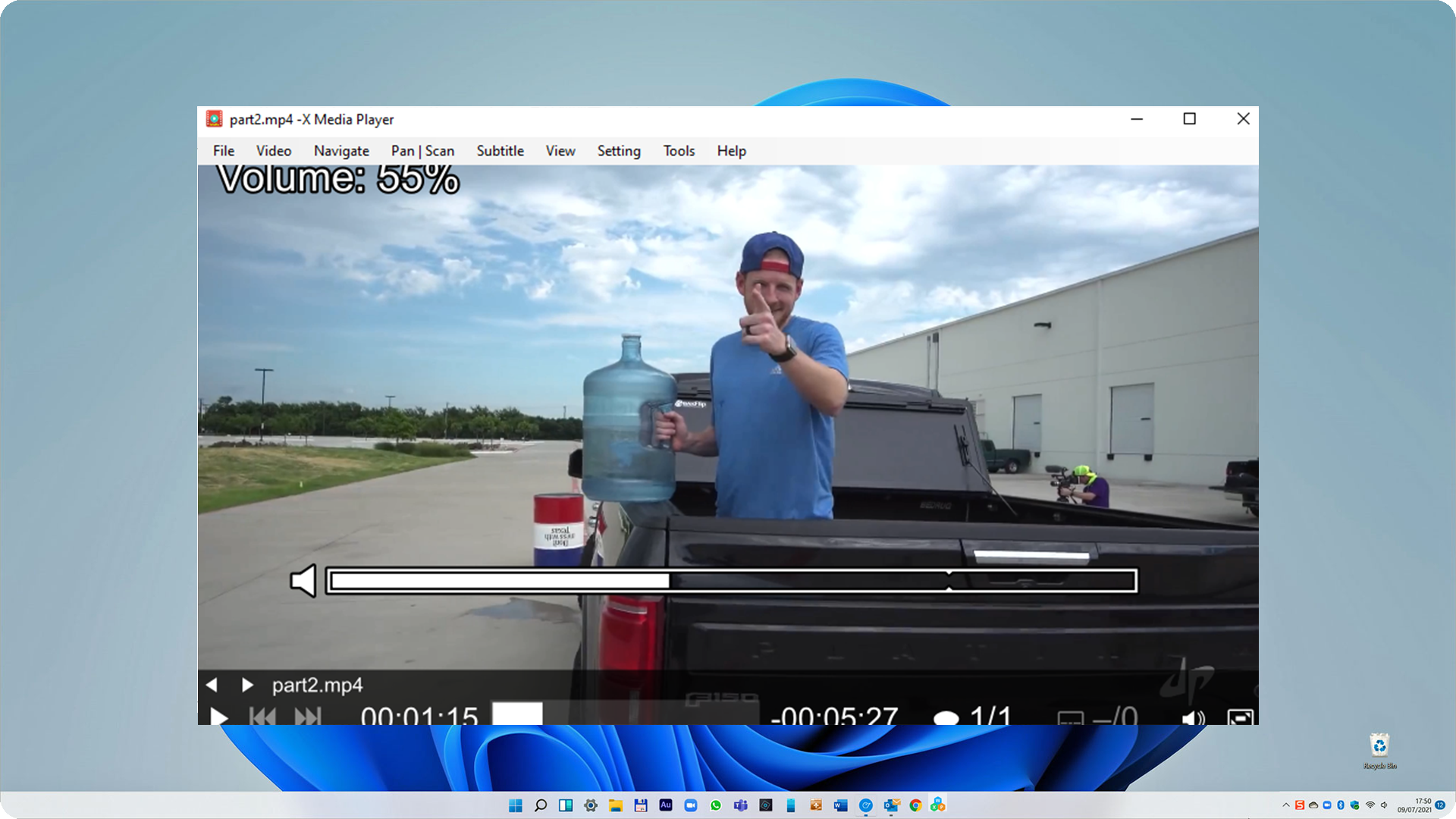
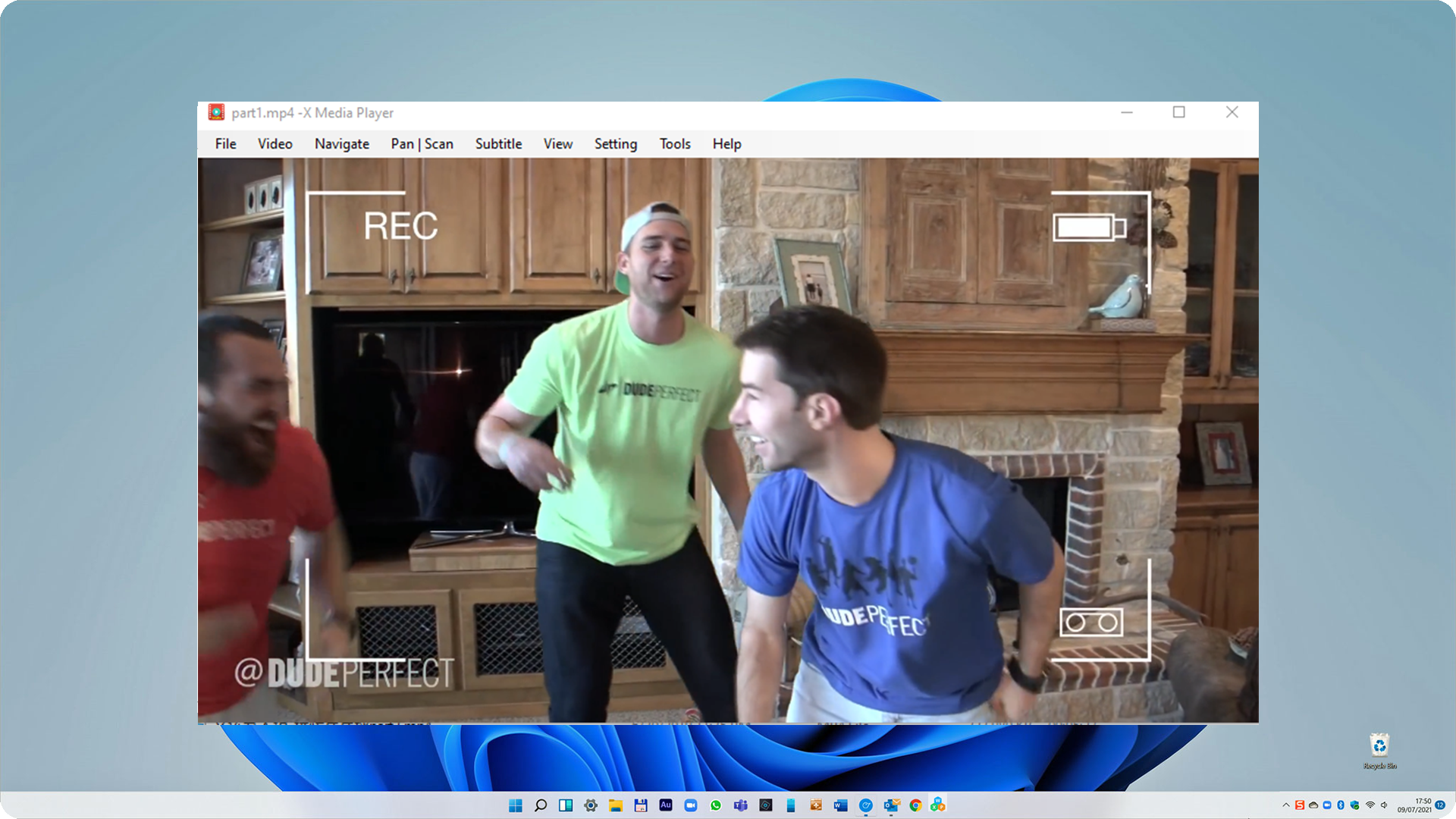
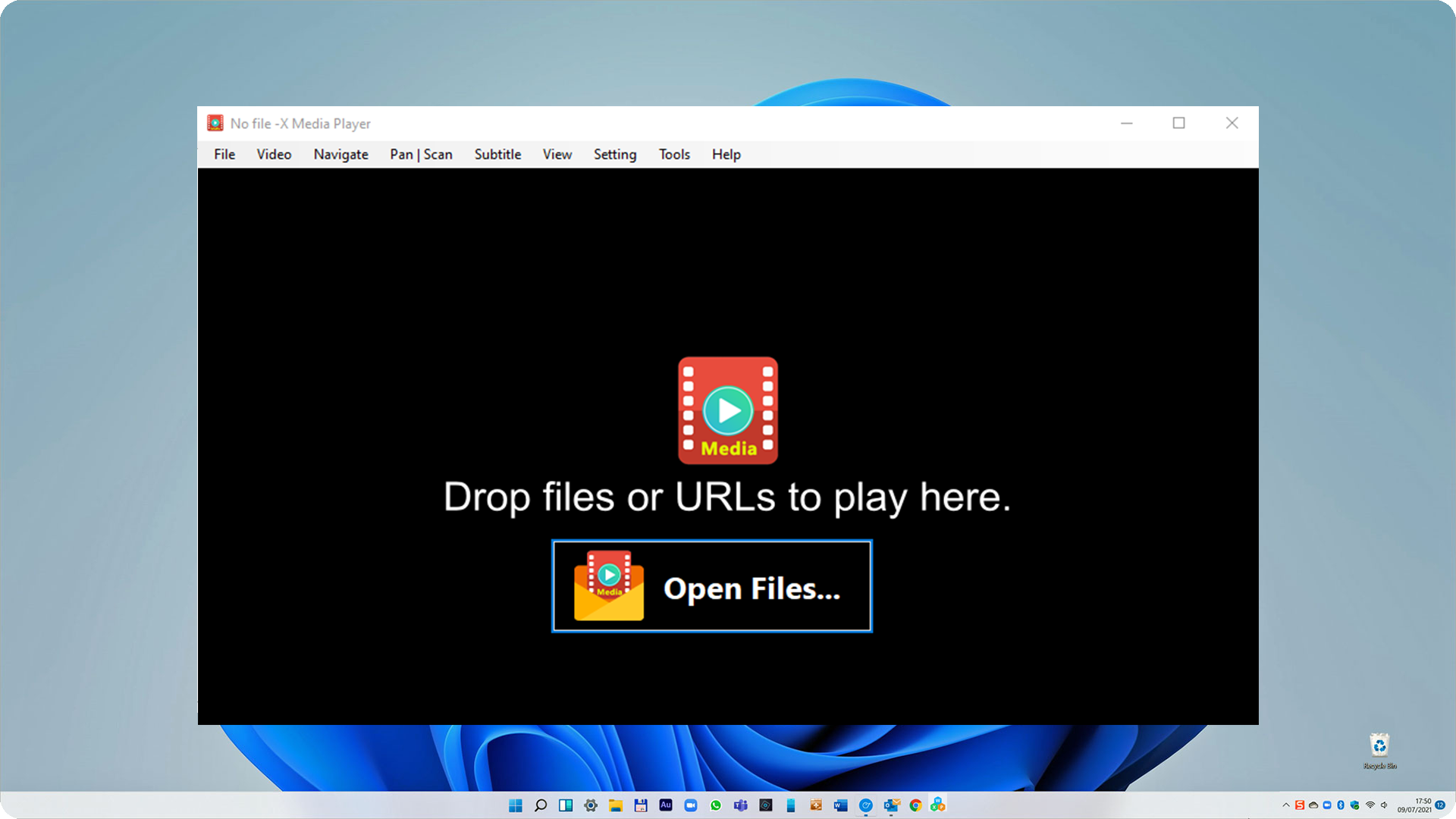
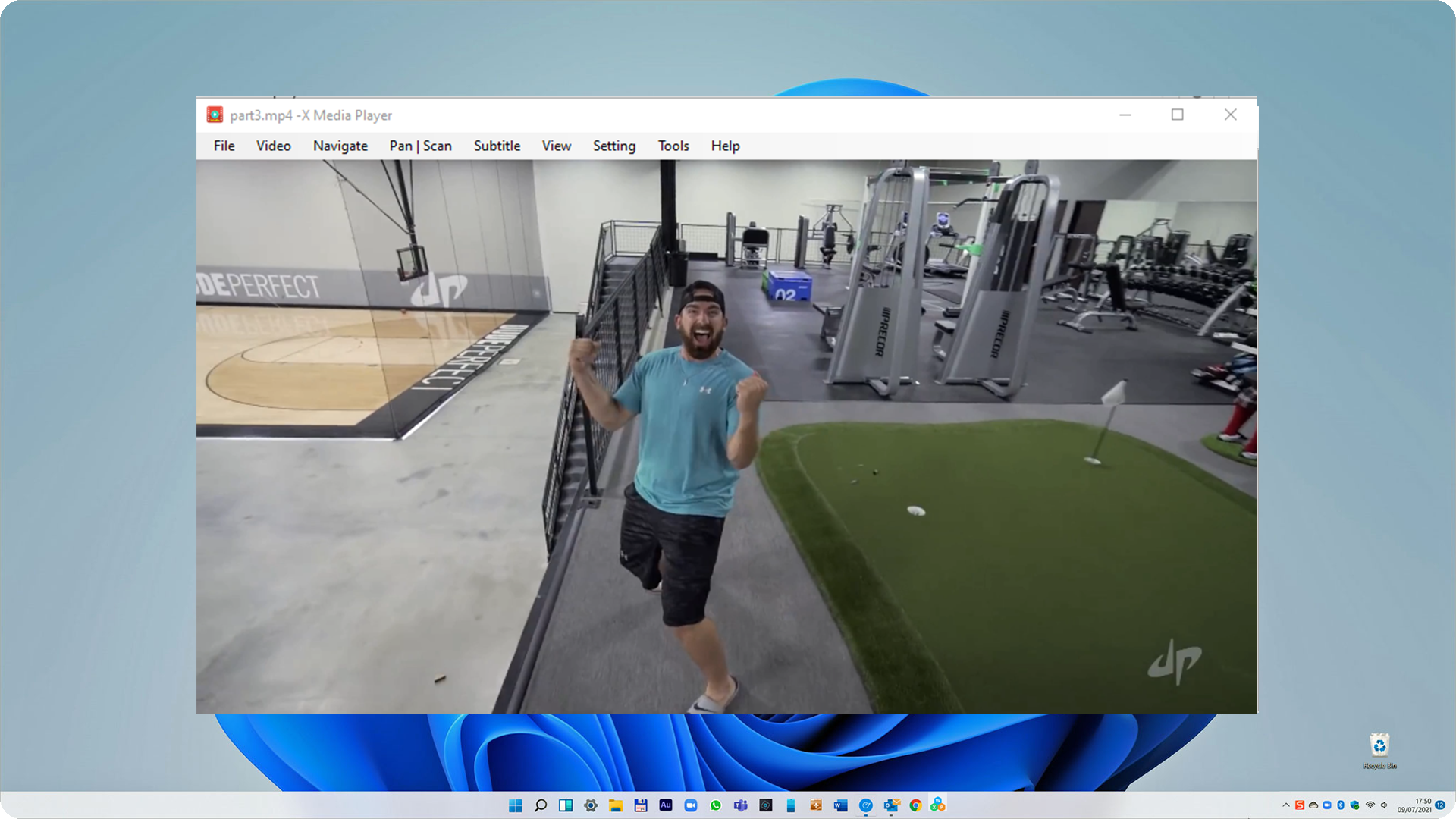
X Media Player - Supports URL, DVD is a video player built on mpv.net and libmpv that plays DVDs and online video from a provided URL. It supports a wide variety of media file formats, audio and video codecs, and subtitle types, including mp4, vob and avi. Video output is handled through an OpenGL-based engine offering video scaling, color management, frame timing, interpolation and HDR, along with GPU video decoding. An on-screen controller with a flat design provides playback controls. It does not run on Windows 10 S.
Show the developer's original descriptionHide the original description
This doesn't support Windows 10 S.
X Media Player is modified from mpv.net which is free and open source and using libmpv. You could learn more about the source code and license information on our website:
https://www.winappcenter.com/products/ecms/X_Media_Player/
The mpv.net official website:
https://mpv-net.github.io/mpv.net-web-site/
The mpv official website:
https://mpv.io/
X Media Player provides high-quality video output; libmpv has an OpenGL-based video output capable of many features loved by videophiles, such as video scaling with popular high-quality algorithms, color management, frame timing, interpolation, HDR, and more. It also includes an on-screen controller that offers play controls with a modern flat design.
Features:
-Play DVD
-Play the video online, just provide your url.
-Supports a wide variety of media file formats, audio and video codecs, and subtitle types, etc, mp4, vob, avi.
-High quality video output.
-GPU video decoding.
Play Store URL for "X Media Player - Supports URL, DVD"
If there is a version of this app for iOS/Mac or Windows we don't know about, paste the store link here — we'll auto-detect the store.
How to find the URL:1. Open the app in its store. 2.In the App Store app: tap the Share icon → “Copy Link”. In the browser: copy the URL from the address bar — it contains apps.apple.com/…/id… or apps.microsoft.com/detail/…. 3. Paste it here.
Paste the original link from the Apple App Store or Microsoft Store. We fetch all details automatically.
How to find the URL:
1. Open the app in its store. 2.In the App Store app: tap the Share icon → “Copy Link”. In the browser: copy the URL from the address bar — it contains apps.apple.com/…/id… or apps.microsoft.com/detail/…. 3. Paste it here.
Android apps can only be listed by their developer.