
Screenshot appears after consentScreenshot appears after consentScreenshot appears after consentScreenshot appears after consent
Summary
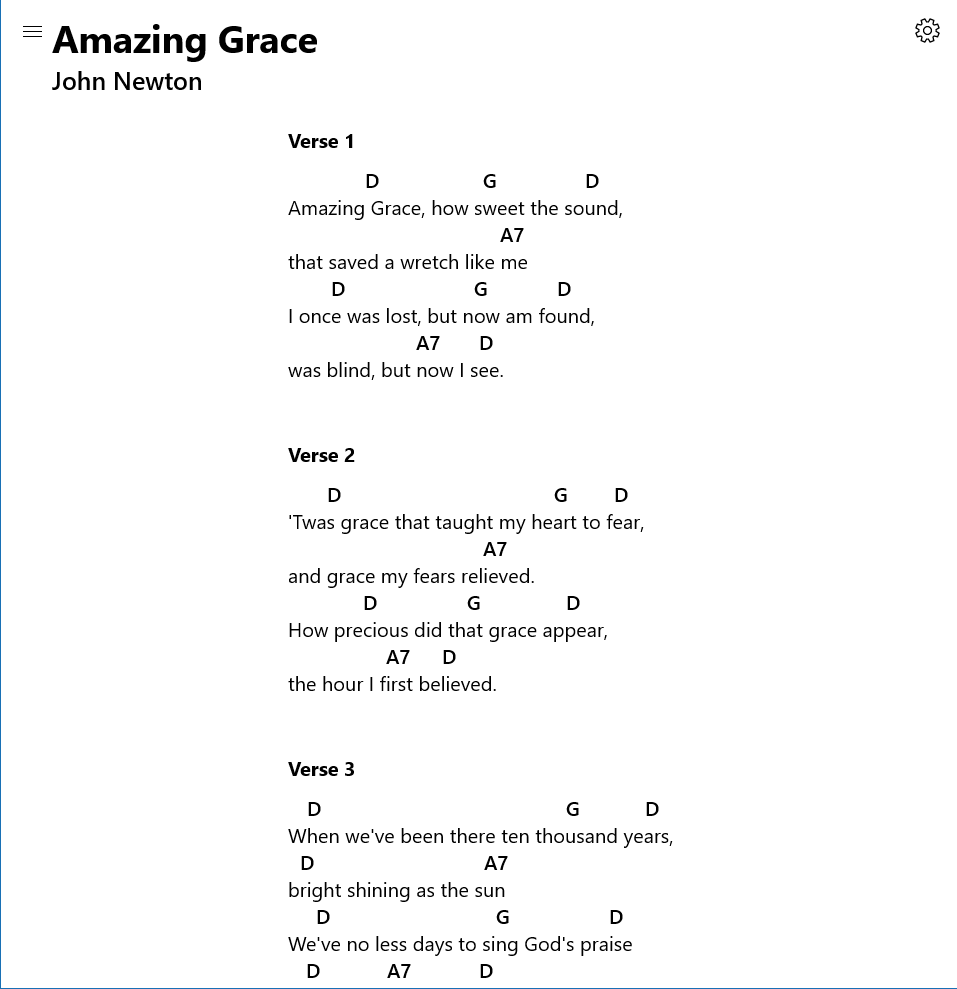
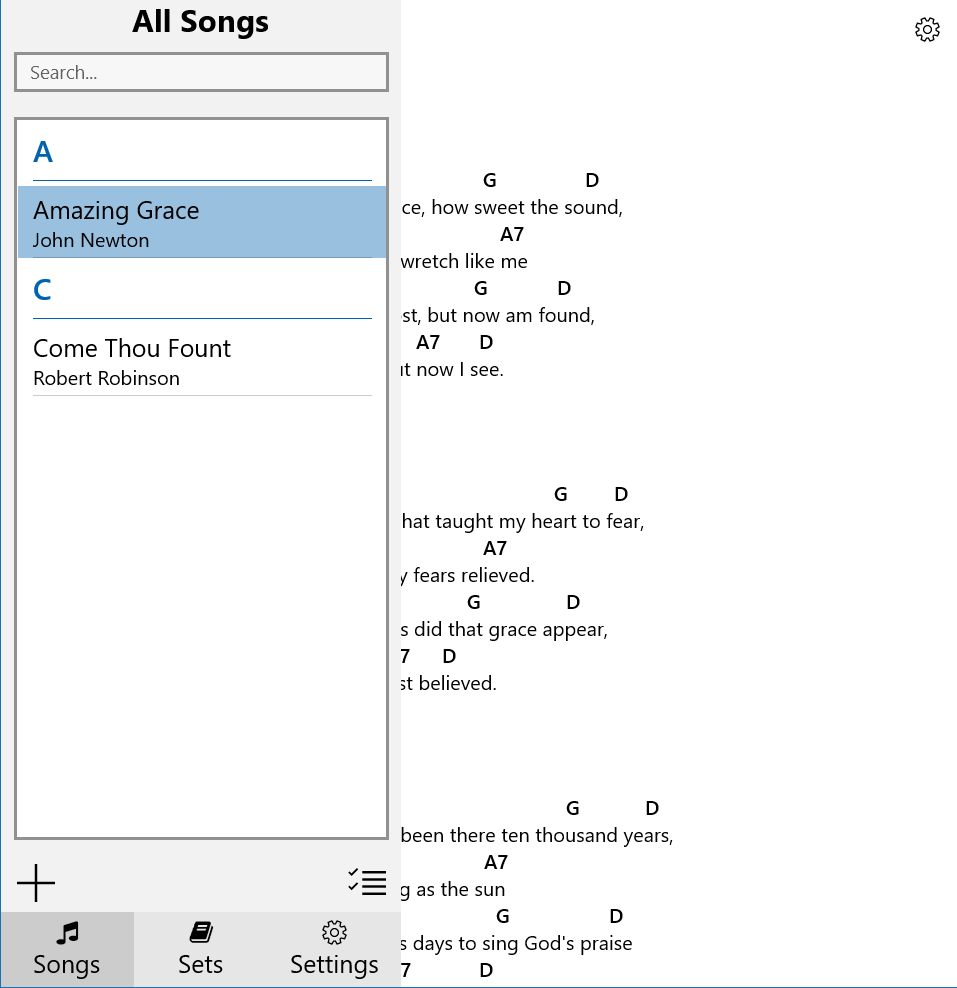
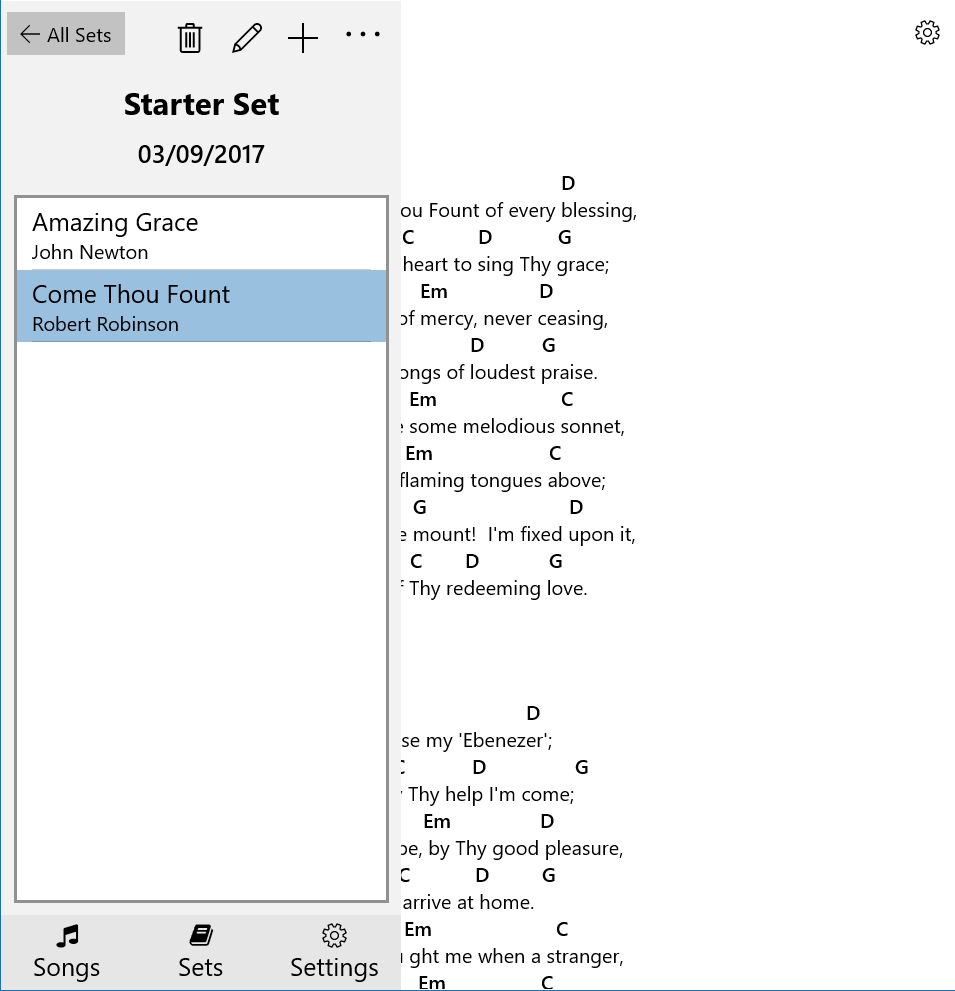
SongbookPro is an app for organizing chord charts, lyrics and sheet music on a Windows laptop or tablet, replacing paper songbooks. It displays chords and lyrics clearly for easy playing and offers full PDF support for reading from sheet music. Songs can be grouped into sets for quick switching during live performances, and keys and capo settings can be adjusted easily for transposing. It supports importing songs in ChordPro, .onsong or OpenSong format, as PDF documents, or directly from UltimateGuitar.com and WorshipTogether.com, and allows simple sharing of songs and sets between SongbookPro users. A free trial with 12 songs is available.
Show the developer's original descriptionHide the original description
*** 12 song free trial ***
SongbookPro replaces all the hassle of carrying and organizing your chord charts and lyrics with a simple app on your windows laptop or tablet.
A fantastic tool for guitarists, bassists, vocalists or anybody using chord charts, lyrics or sheet music, SongbookPro easily allows you to get rid of all that paper.
Features include:
- Displays chords and lyrics clearly and concisely for easy playing
- Full pdf support for playing from sheet music
- Grouping songs into sets for easy switching between songs when playing live
- Quick and easy key and capo adjustments
- Import songs in the ChordPro, .onsong or opensong format, as PDF documents or directly from UltimateGuitar.com and WorshipTogether.com
- Simple sharing of songs and sets between SongbookPro users
- Designed for laptop and tablet use
If there is a version of this app for iOS/Mac or Windows we don't know about, paste the store link here — we'll auto-detect the store.
How to find the URL:1. Open the app in its store. 2.In the App Store app: tap the Share icon → “Copy Link”. In the browser: copy the URL from the address bar — it contains apps.apple.com/…/id… or apps.microsoft.com/detail/…. 3. Paste it here.
Paste the original link from the Apple App Store or Microsoft Store. We fetch all details automatically.
How to find the URL:
1. Open the app in its store. 2.In the App Store app: tap the Share icon → “Copy Link”. In the browser: copy the URL from the address bar — it contains apps.apple.com/…/id… or apps.microsoft.com/detail/…. 3. Paste it here.
Android apps can only be listed by their developer.