








Screenshot appears after consentScreenshot appears after consentScreenshot appears after consentScreenshot appears after consentScreenshot appears after consentScreenshot appears after consentScreenshot appears after consentScreenshot appears after consentScreenshot appears after consentScreenshot appears after consent
Summary
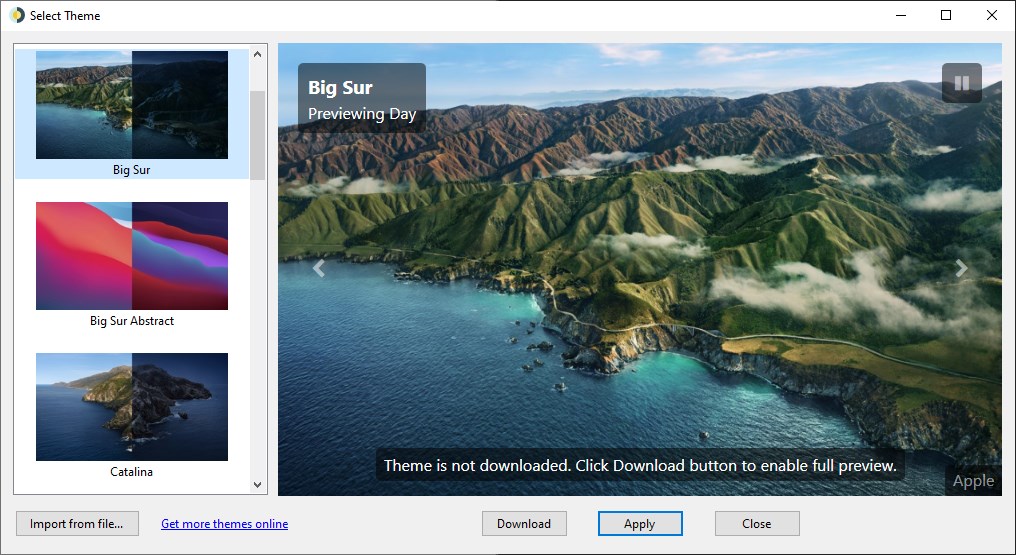
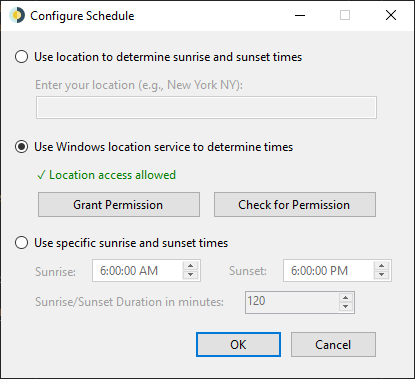
WinDynamicDesktop is a wallpaper app that brings the Dynamic Desktop feature from macOS Mojave to Windows 10 and 11. It uses the entered or detected location to calculate sunrise and sunset times and changes the desktop wallpaper automatically according to the time of day. A theme and location are chosen on first launch, after which the app minimizes to the system tray and continues updating the wallpaper in the background. Custom themes can be imported or created, and the app can also automatically change the Windows 10 theme color or update the location periodically.
Show the developer's original descriptionHide the original description
Experience Dynamic Desktop on Windows 10 and 11!
WinDynamicDesktop ports the Dynamic Desktop feature from macOS Mojave to Windows. It uses your location to determine the times of sunrise and sunset, and changes your desktop wallpaper based on the time of day. Choose a theme and enter your location the first time you run the app, then it will minimize to your system tray and change the wallpaper in the background. You can import custom themes or create your own, and customize the app to automatically change the Windows 10 theme color or update your location periodically.
Note: This app uses the LocationIQ API to convert your location to latitude and longitude, or the Windows location API if permission is granted. Location data is anonymous and never saved without your consent.
If there is a version of this app for iOS/Mac or Windows we don't know about, paste the store link here — we'll auto-detect the store.
How to find the URL:1. Open the app in its store. 2.In the App Store app: tap the Share icon → “Copy Link”. In the browser: copy the URL from the address bar — it contains apps.apple.com/…/id… or apps.microsoft.com/detail/…. 3. Paste it here.
Paste the original link from the Apple App Store or Microsoft Store. We fetch all details automatically.
How to find the URL:
1. Open the app in its store. 2.In the App Store app: tap the Share icon → “Copy Link”. In the browser: copy the URL from the address bar — it contains apps.apple.com/…/id… or apps.microsoft.com/detail/…. 3. Paste it here.
Android apps can only be listed by their developer.