Screenshot appears after consentScreenshot appears after consentScreenshot appears after consentScreenshot appears after consentScreenshot appears after consentScreenshot appears after consentScreenshot appears after consentScreenshot appears after consent
Screenshot appears after consentScreenshot appears after consentScreenshot appears after consentScreenshot appears after consentScreenshot appears after consentScreenshot appears after consent
Screenshot appears after consentScreenshot appears after consentScreenshot appears after consent
Screenshot appears after consentScreenshot appears after consentScreenshot appears after consentScreenshot appears after consentScreenshot appears after consent
Summary
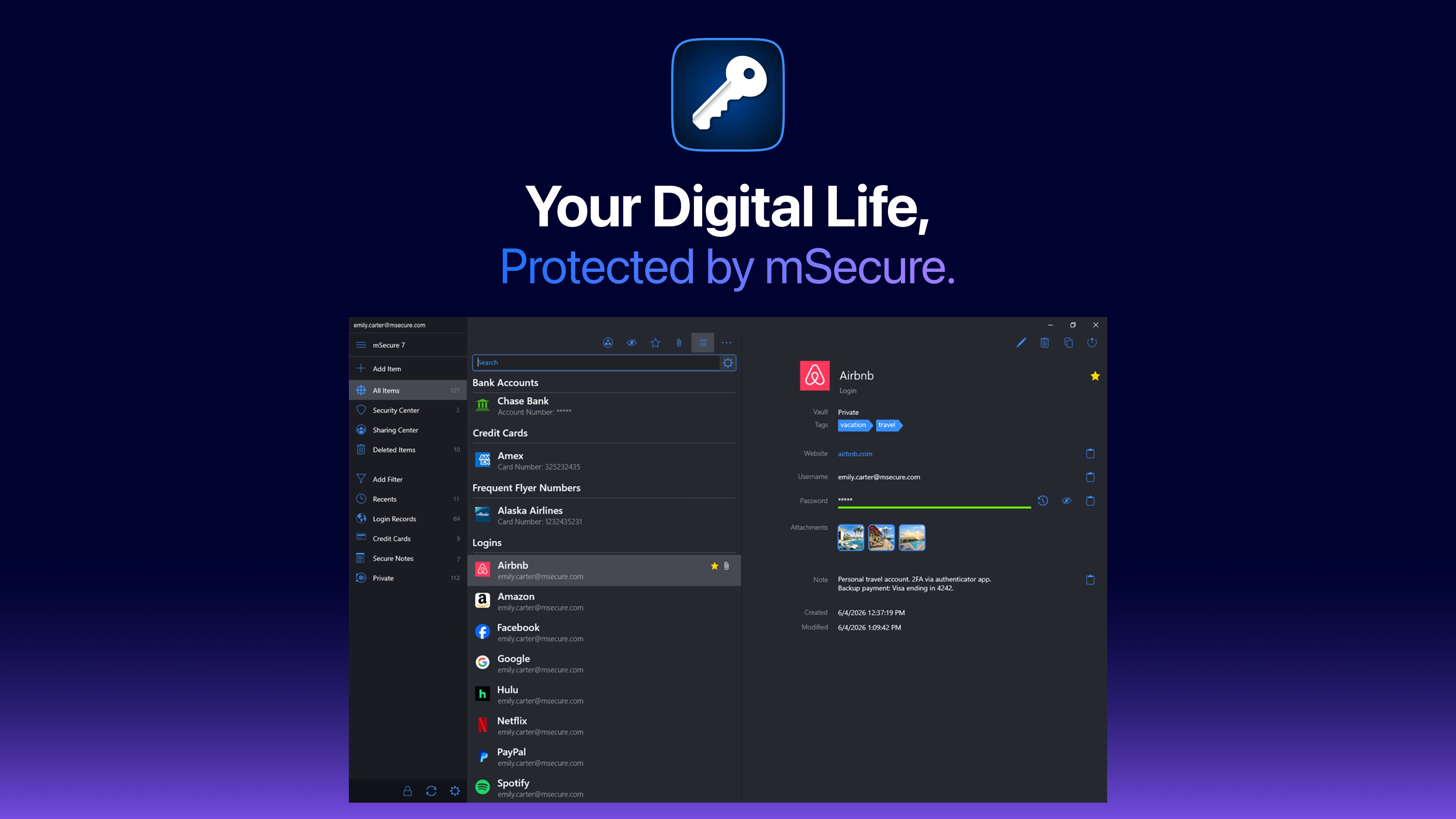
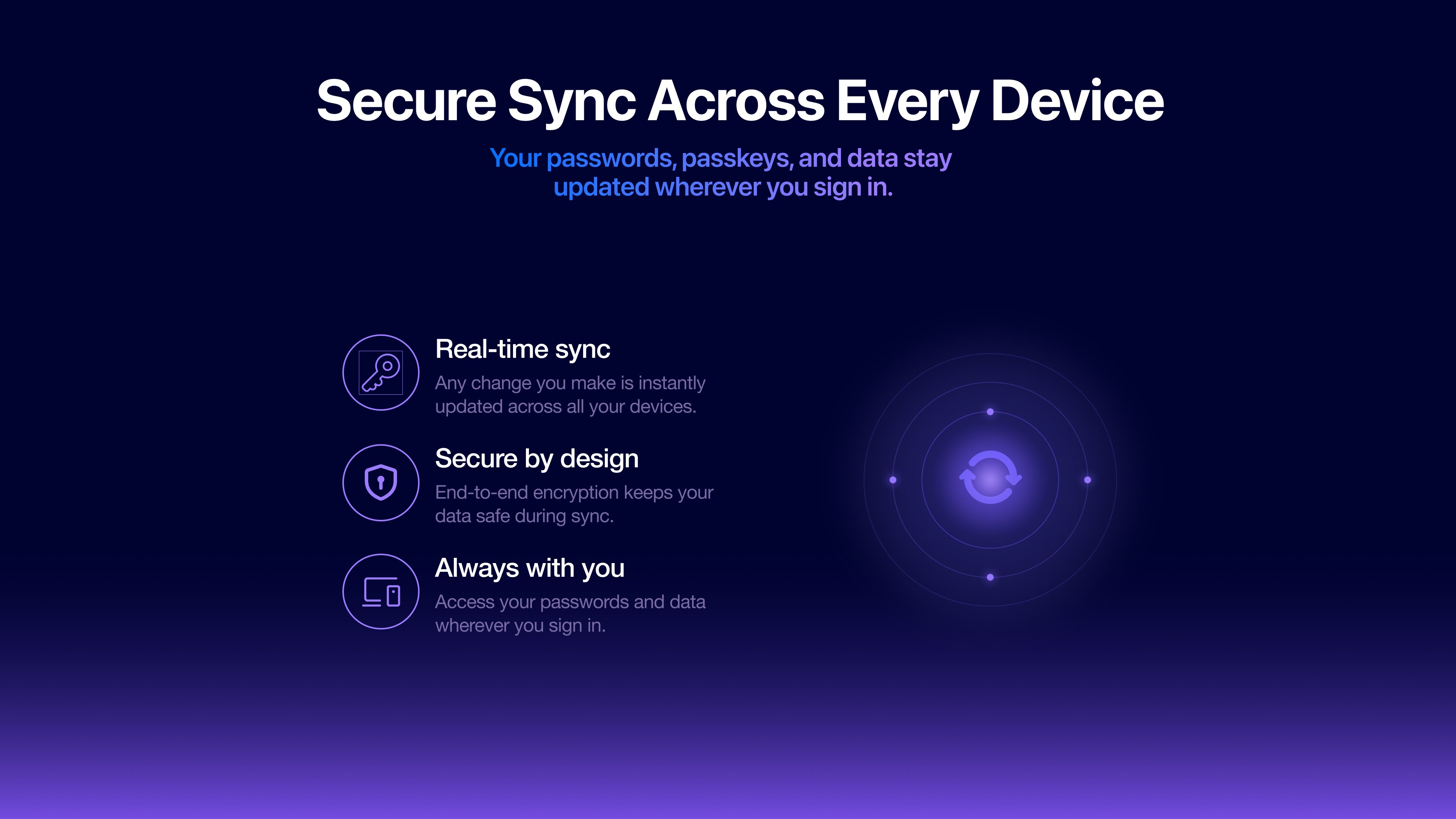
mSecure - Password Manager and Digital Wallet is an application that stores, generates, autofills, and organizes passwords, passkeys, one-time passwords, and other sensitive information across devices. It includes a security center that identifies weak, reused, or old passwords and flags accounts supporting two-factor authentication. A sharing center allows shared vaults and records to be managed from one place. Data syncs across devices through mSecure Cloud, Dropbox, iCloud, or Wi-Fi, protected by AES-256 encryption and a zero-knowledge architecture. The app is free, with additional features offered through paid plans.
Show the developer's original descriptionHide the original description
Protect your passwords and personal information with mSecure 7.
mSecure is the secure, easy-to-use password manager that helps you store, generate, autofill, and organize passwords, one-time passwords (OTP), and sensitive information across all your devices. Your data is protected by industry-standard AES-256 encryption and a zero-knowledge architecture, ensuring only you can access your information.
WHAT'S NEW IN MSECURE 7
● Built-in one-time passwords (OTPs) — keep your 2FA codes alongside your logins with no separate authenticator app required
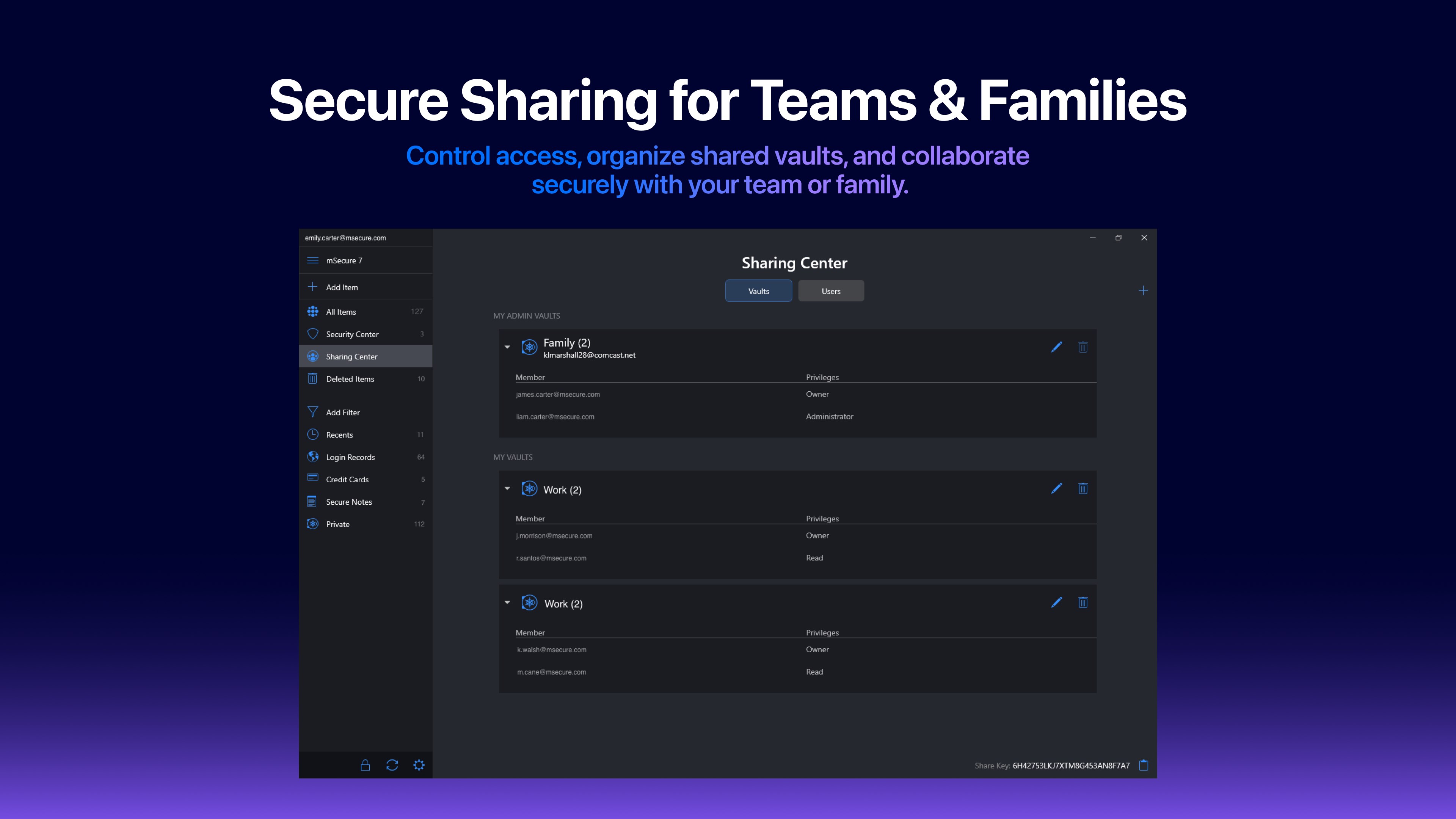
● Sharing Center — easily manage shared vaults and records from one central location
● Redesigned Record Details, Edit, and Recents views
● Custom filters — save and quickly access your most important records
● Enhanced search with faster access to the information you need
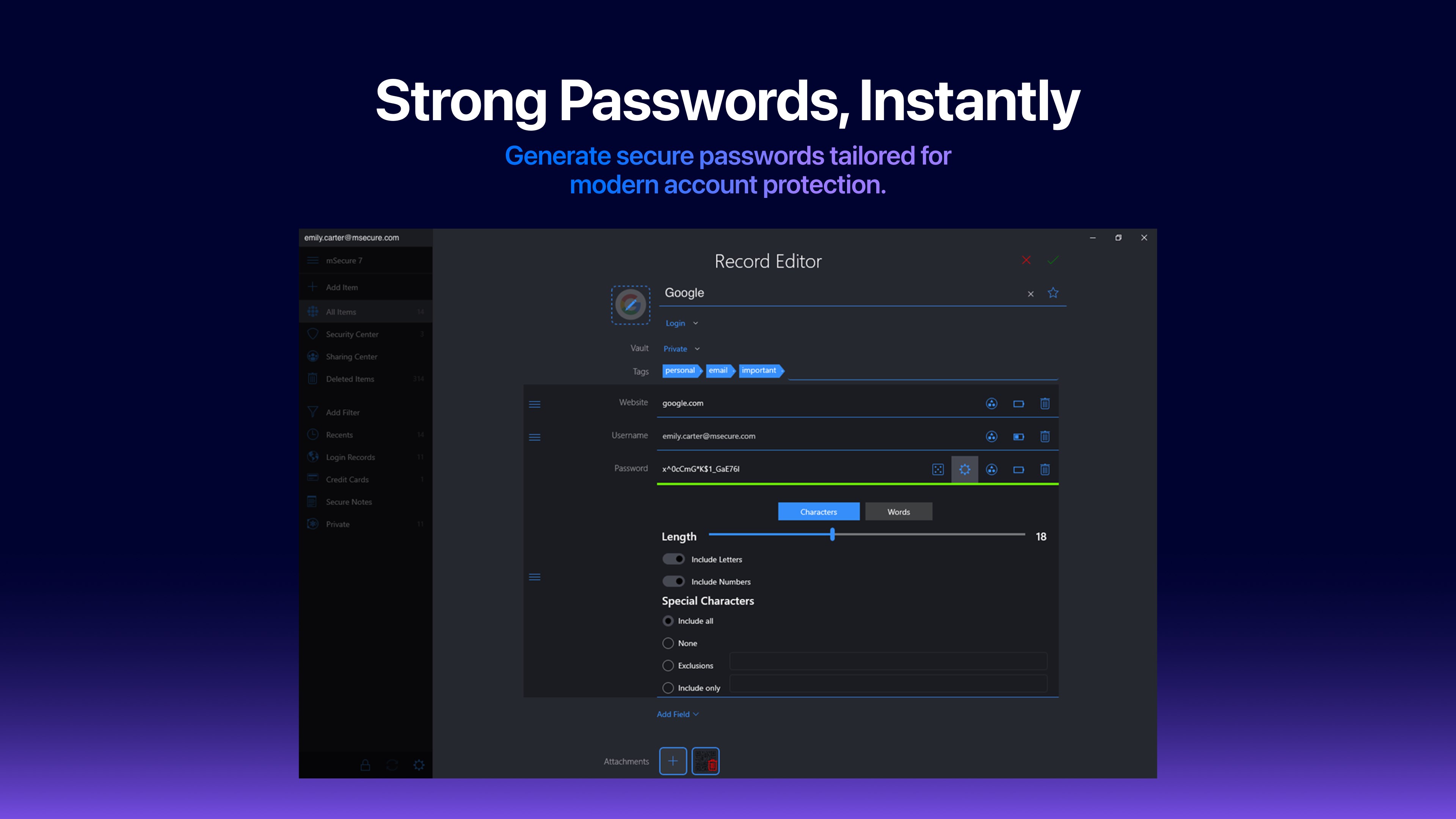
● Improved password generator and refreshed user experience
● Performance improvements and numerous enhancements throughout the app
────────────────────
CHOOSE THE PLAN THAT FITS
Every plan includes the same AES-256 encryption and zero-knowledge architecture.
Free:
● Unlimited records
● Password generator
● AutoFill support
● Customizable templates
● Enhanced search
Essentials:
● All Free features
● Cloud syncing via mSecure Cloud, Dropbox or Wi-Fi
● Biometric unlock on supported devices
● Built-in OTP authentication
● Security Center
● Backup and CSV import/export
Premium:
● All Essentials features
● Sharing Center
● Custom filters
● Advanced field settings
● Multiple tags per record
● File attachments, including documents and images
Family:
● All Premium features
● Up to 5 family members
● Shared vaults
────────────────────
SECURE
Protect your information with confidence.
● AES-256 encryption
● Zero-knowledge architecture
● Biometric unlock on supported devices
● Auto-lock protection
● Security Center identifies weak, reused, and compromised passwords
● Powerful password generator with customizable settings
────────────────────
SIMPLE
Manage your information without friction.
● AutoFill passwords and passkeys in supported apps and browsers
● Over 20 built-in templates plus custom templates
● Powerful search, smart sorting, tags, and custom filters
● Quickly organize passwords, identities, payment cards, notes, and more
● Redesigned record views streamline editing and management
────────────────────
SEAMLESS
Access your information wherever you need it. Sync your data securely across devices using mSecure Cloud, Dropbox or Wi-Fi. Whether you're using Android, Windows, Mac, or iOS, your information is always available when you need it.
────────────────────
SUPPORT
Questions or feedback? Visit support.msecure.com or contact support@msevensoftware.com
Privacy Policy: msecure.com/privacy-statement
Paste the original link from the Apple App Store or Microsoft Store. We fetch all details automatically.
How to find the URL:
1. Open the app in its store. 2.In the App Store app: tap the Share icon → “Copy Link”. In the browser: copy the URL from the address bar — it contains apps.apple.com/…/id… or apps.microsoft.com/detail/…. 3. Paste it here.
Android apps can only be listed by their developer.







 SecureSafe Password Manager
Cloud storage with password manager and strong encryption
 Keeper® Password Manager
Encrypted password vault with sync across devices
 Password Manager: Safe
Store and sync encrypted passwords and logins securely
 Bitwarden
Password manager with encrypted vault and passkey support
 KeePassXC
Store passwords and sensitive data encrypted
 Strongbox - Password Manager
Password manager with encryption and cloud sync