

Screenshot appears after consentScreenshot appears after consentScreenshot appears after consentScreenshot appears after consentScreenshot appears after consentScreenshot appears after consentScreenshot appears after consentScreenshot appears after consentScreenshot appears after consentScreenshot appears after consentScreenshot appears after consentScreenshot appears after consentScreenshot appears after consentScreenshot appears after consentScreenshot appears after consentScreenshot appears after consentScreenshot appears after consent
Summary
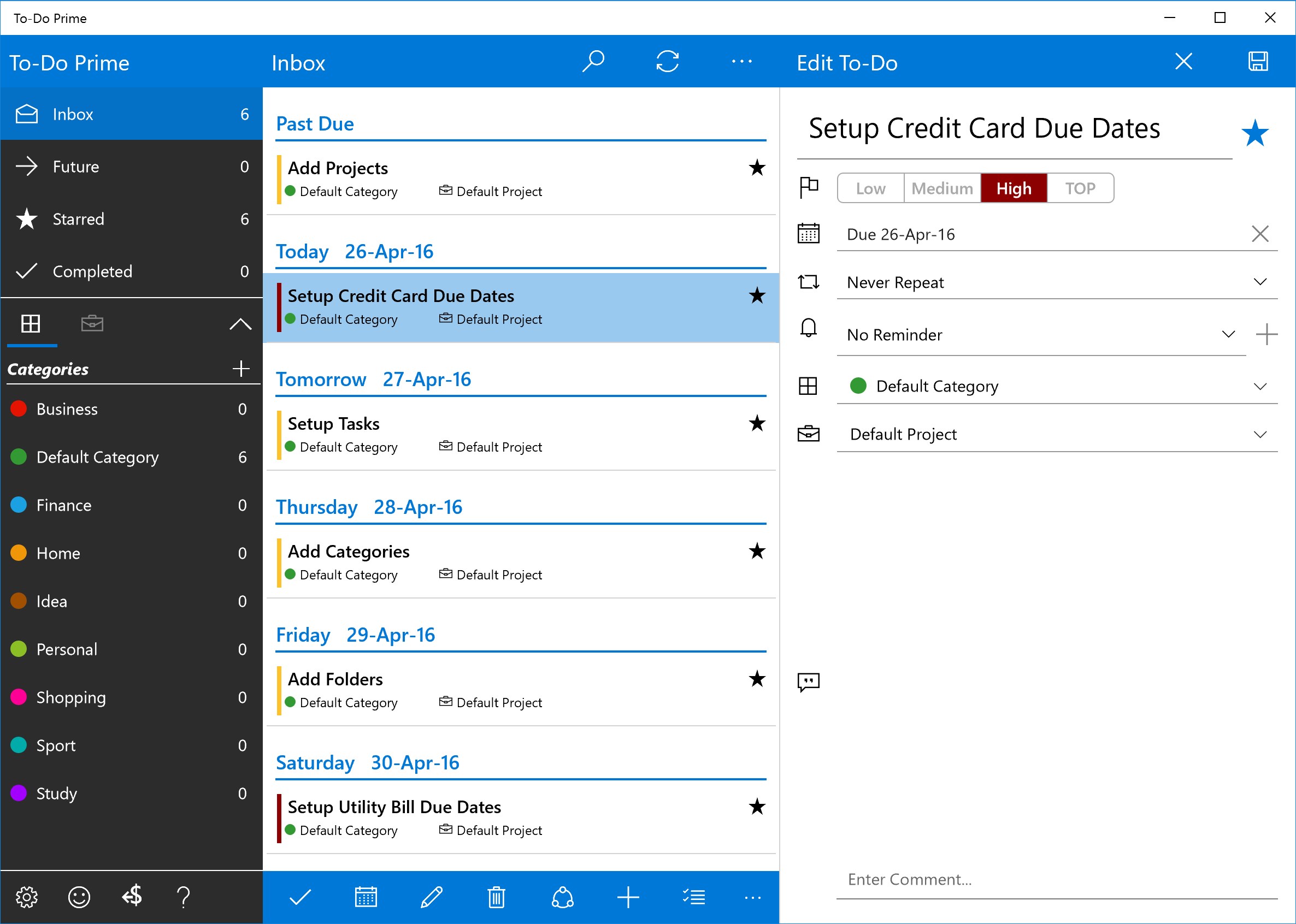
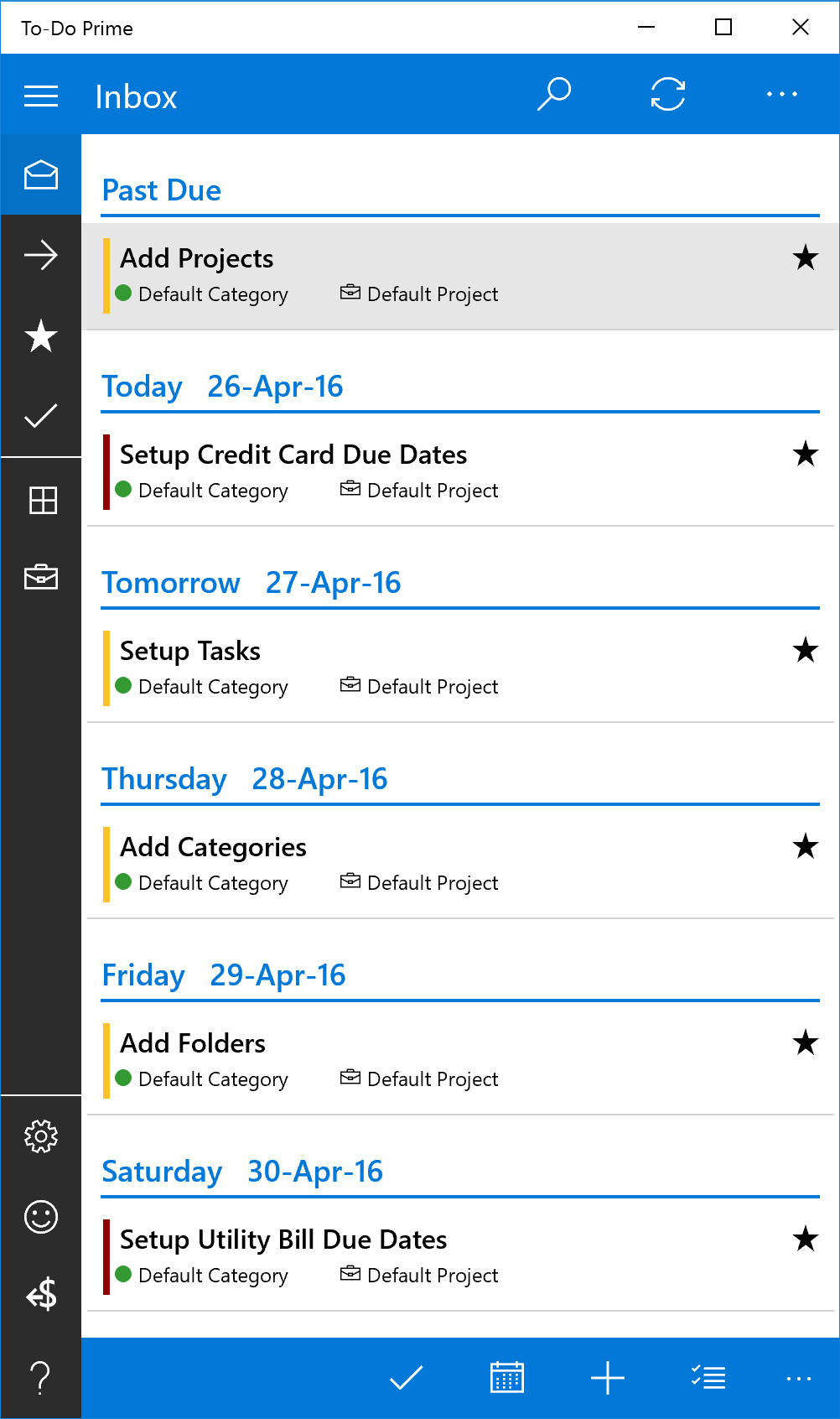
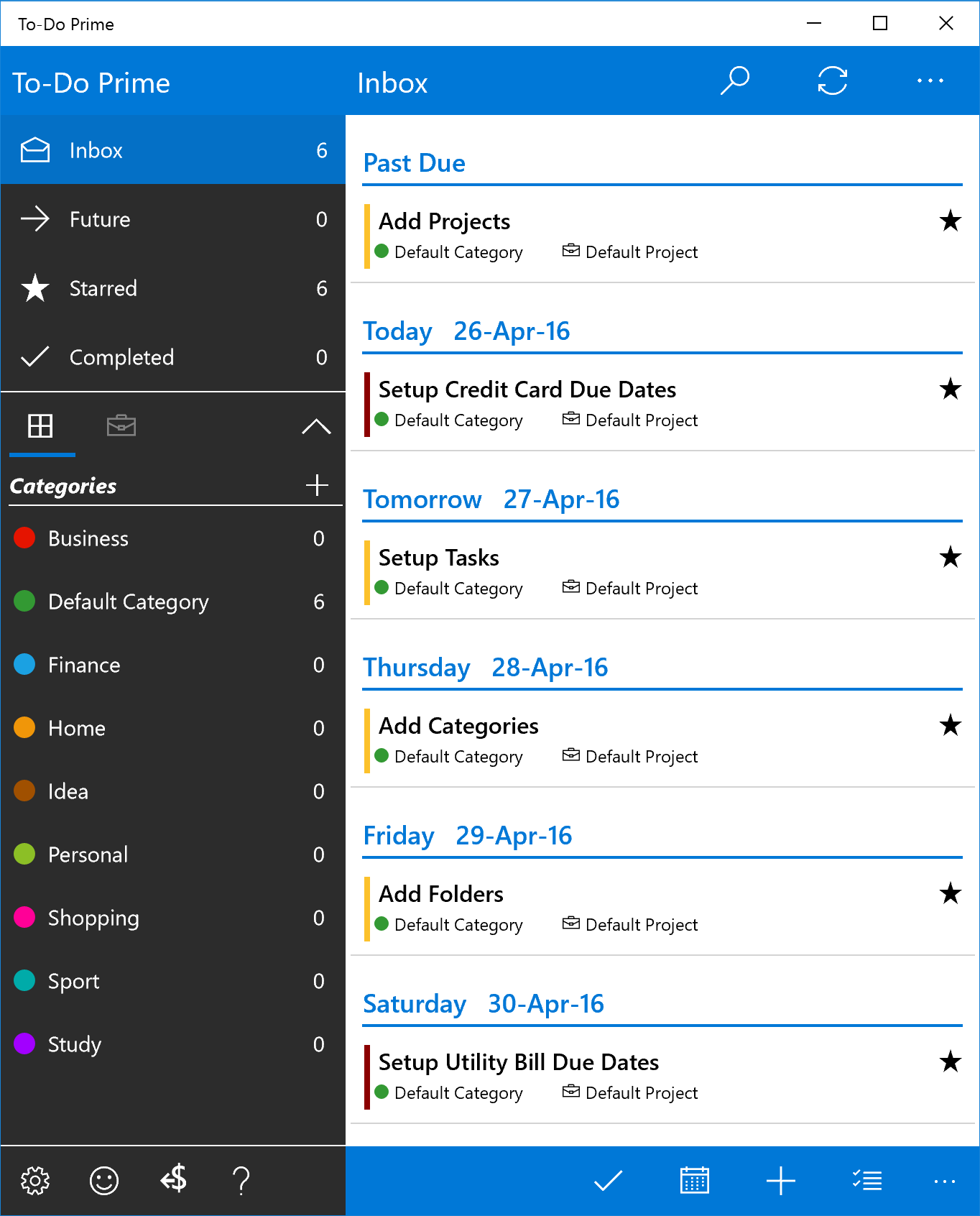
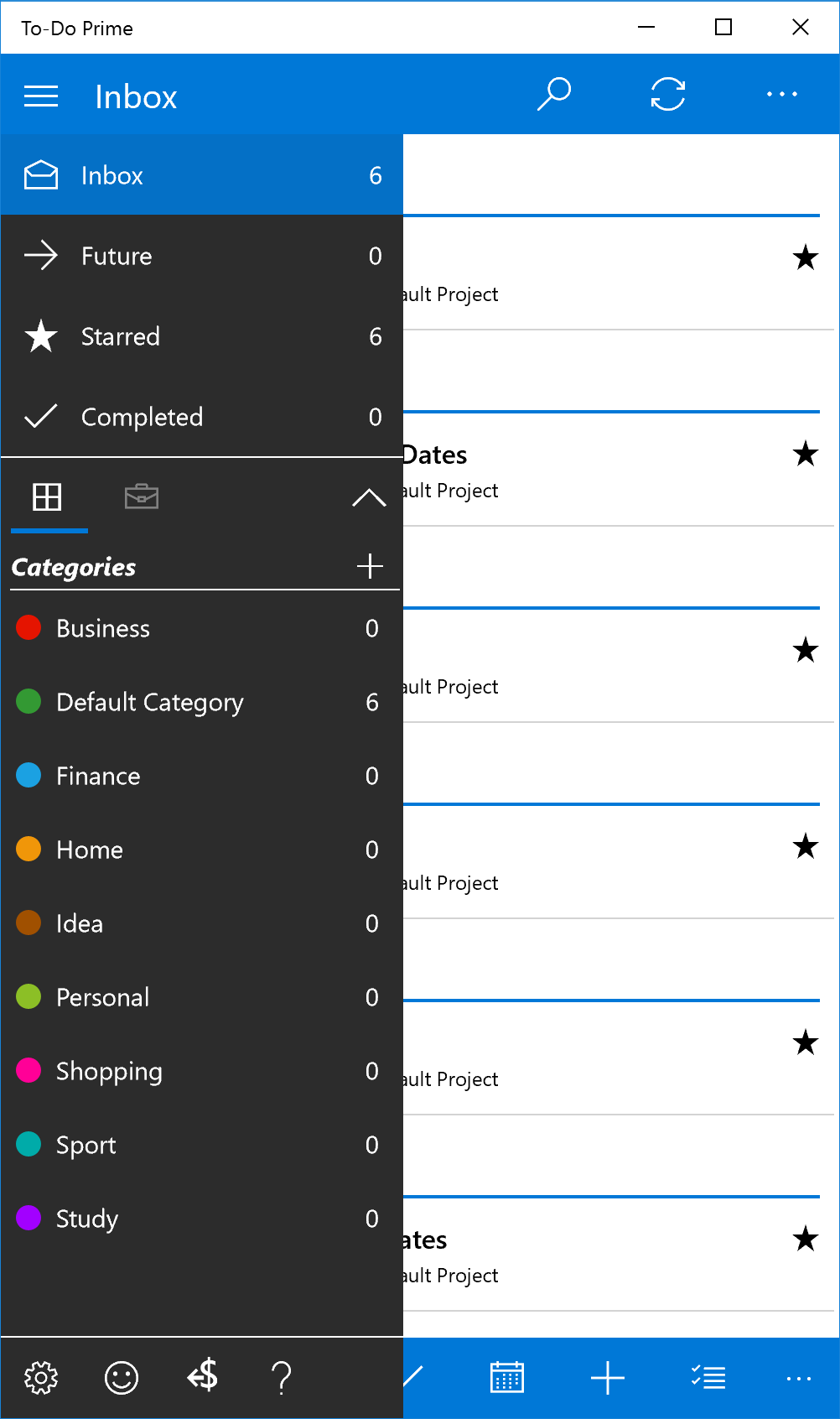
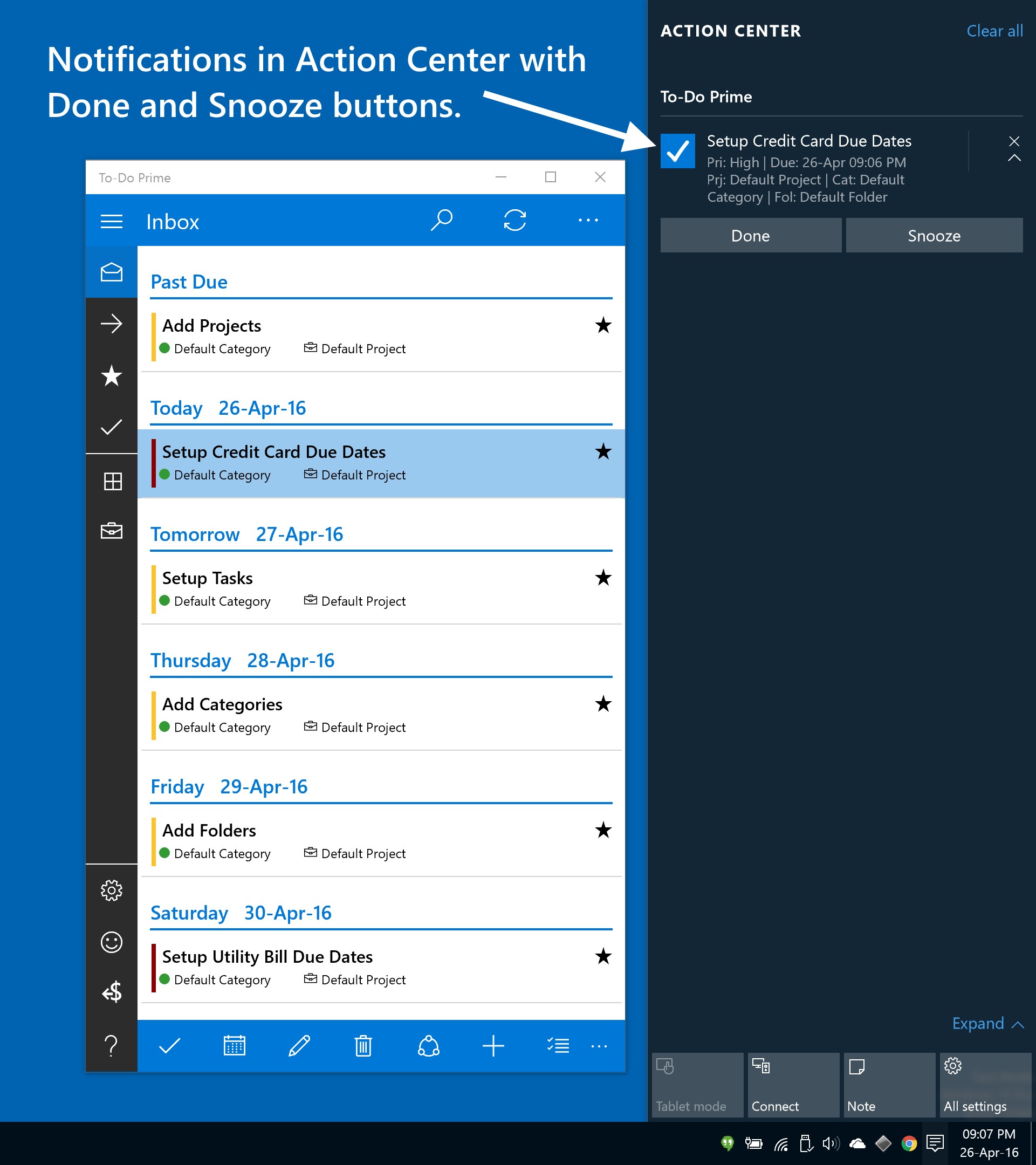
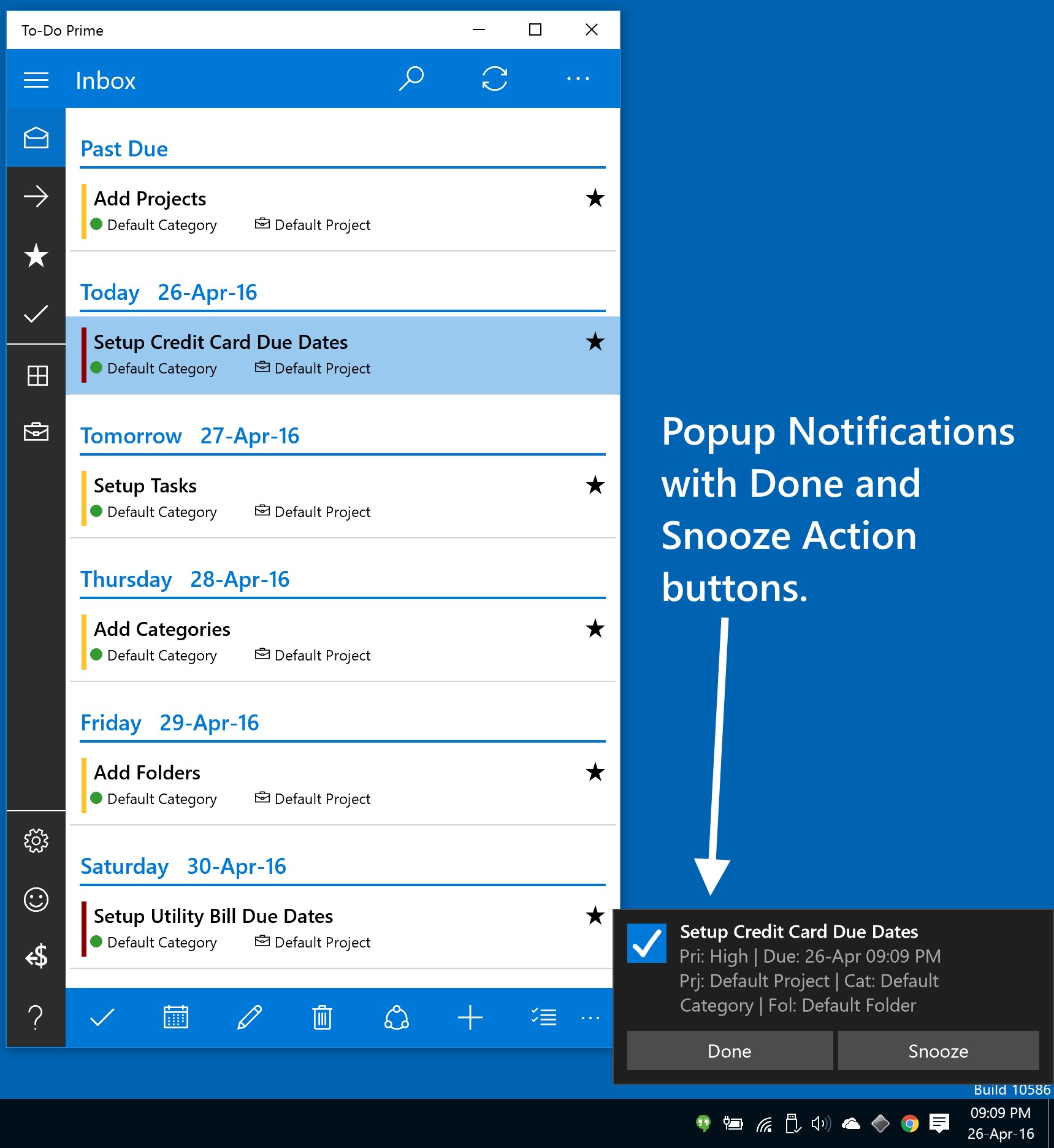
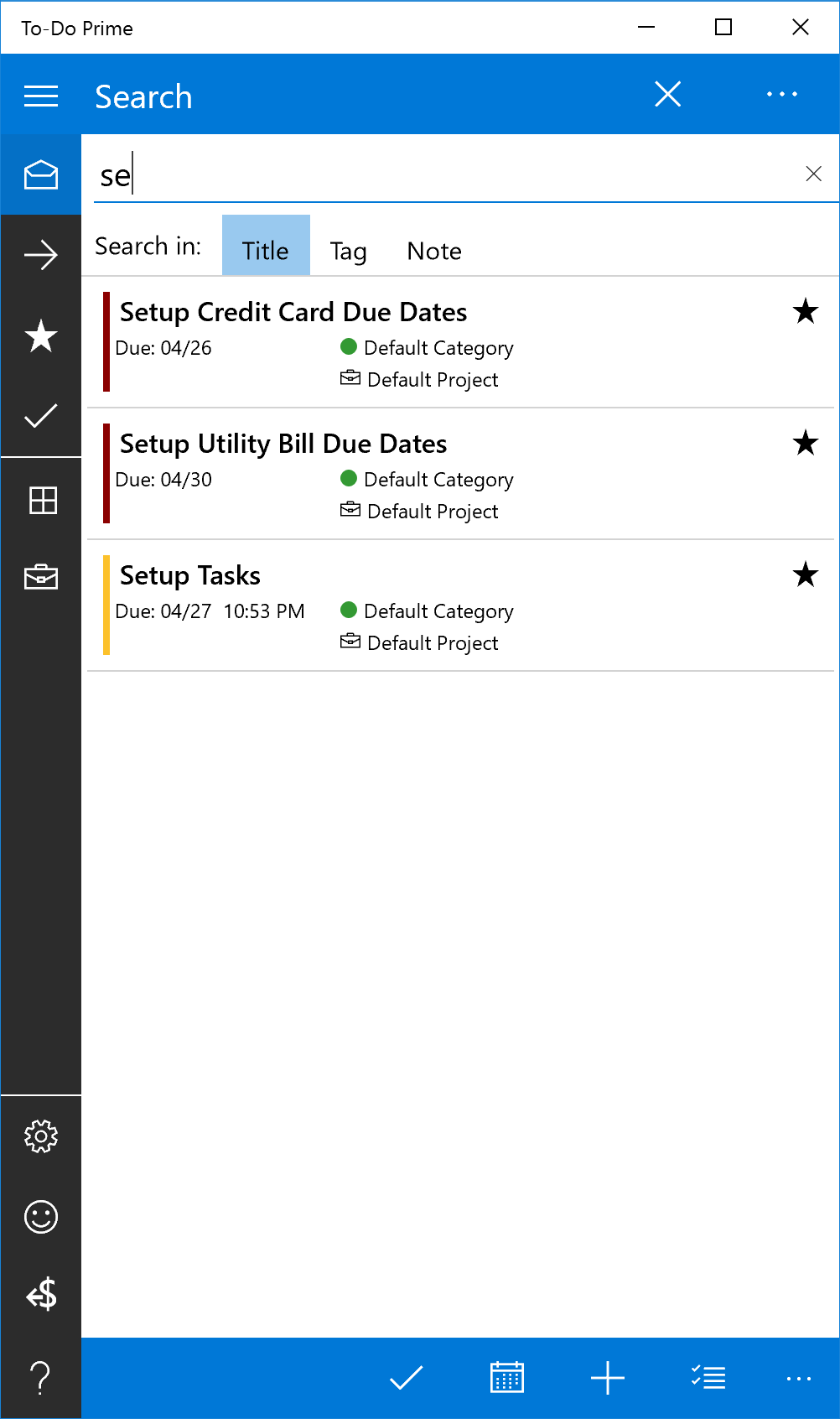
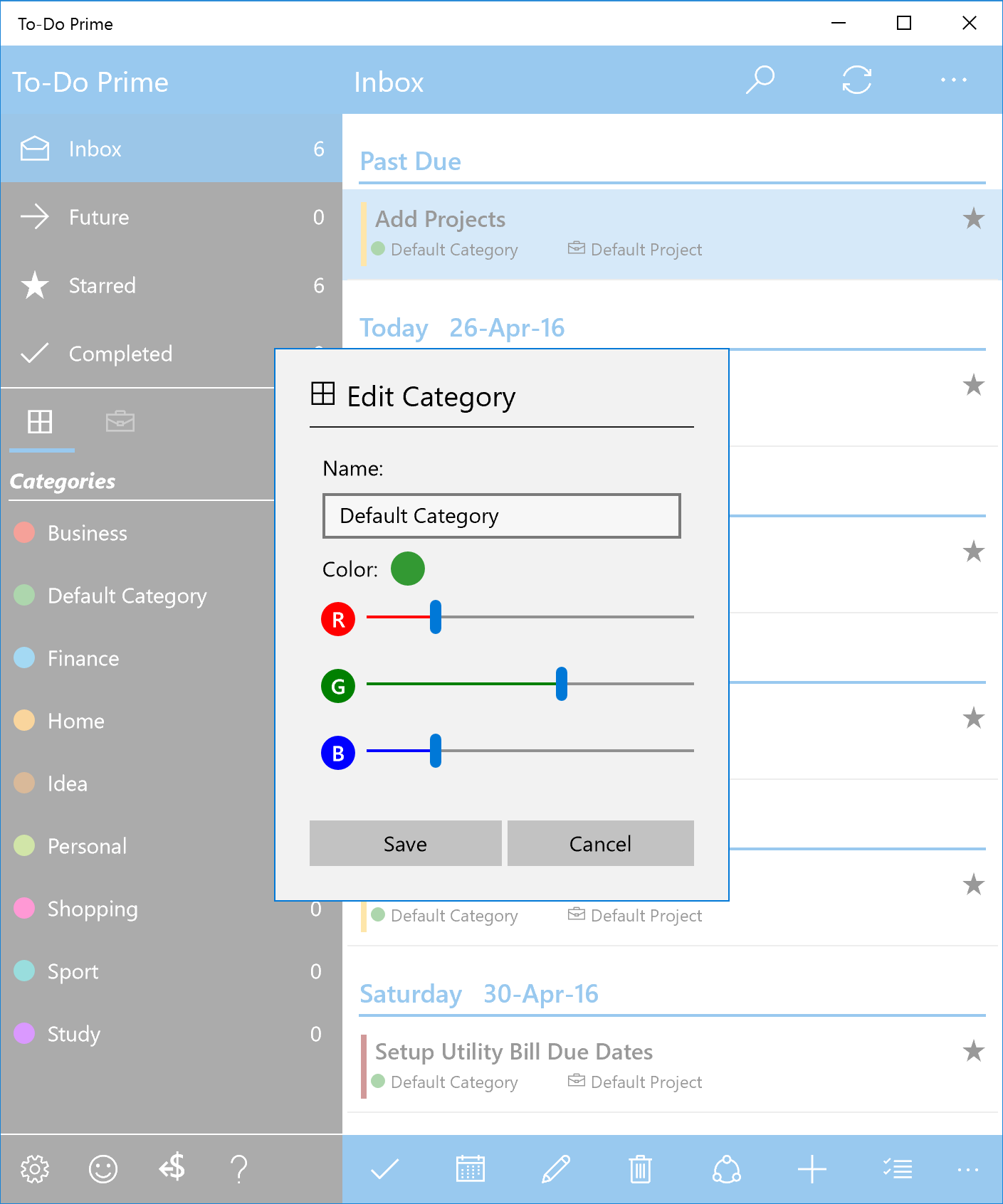
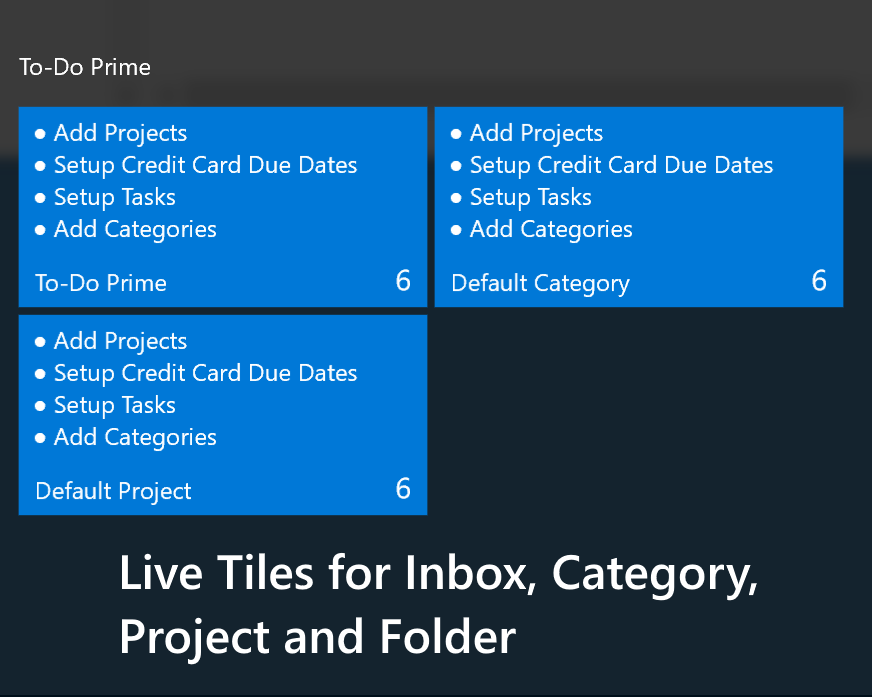
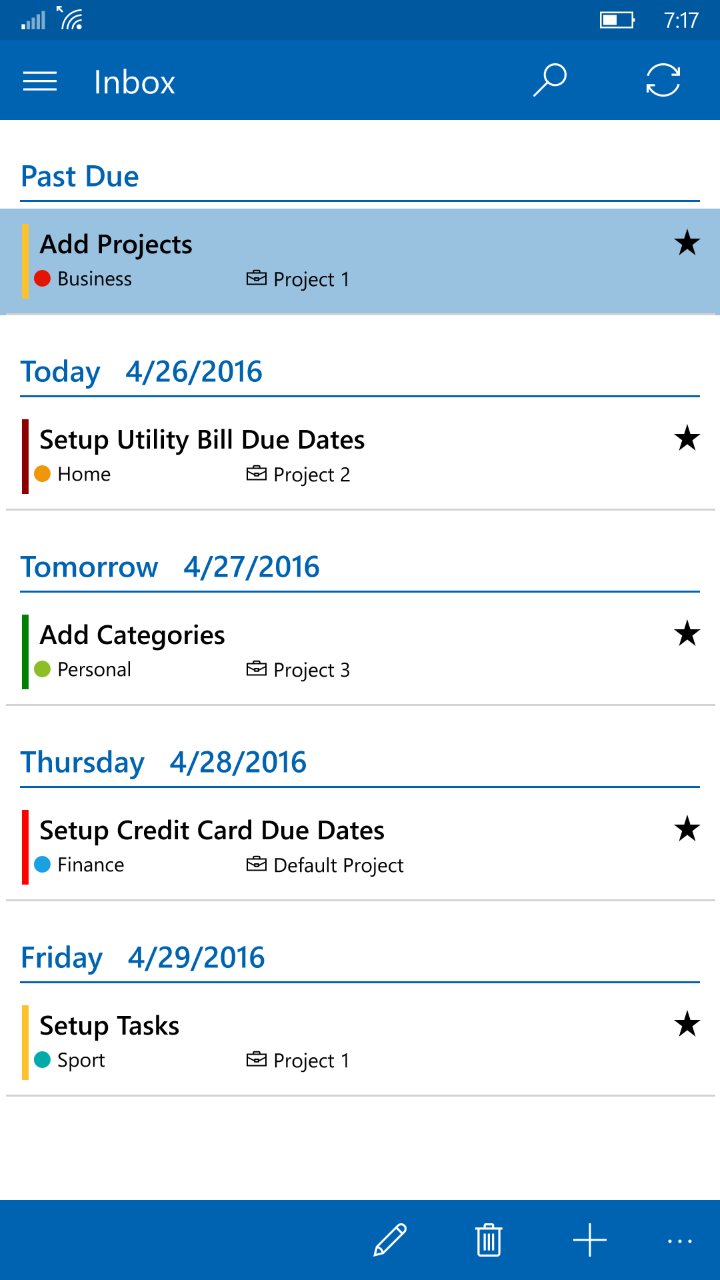
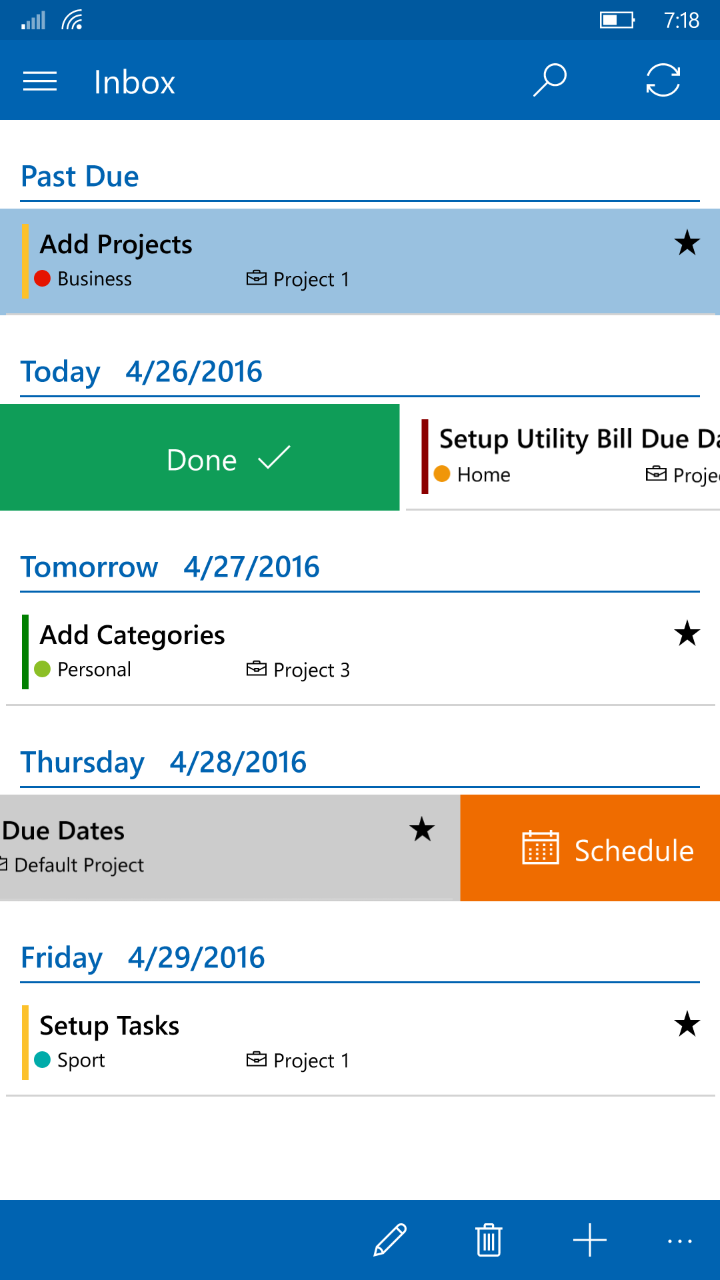
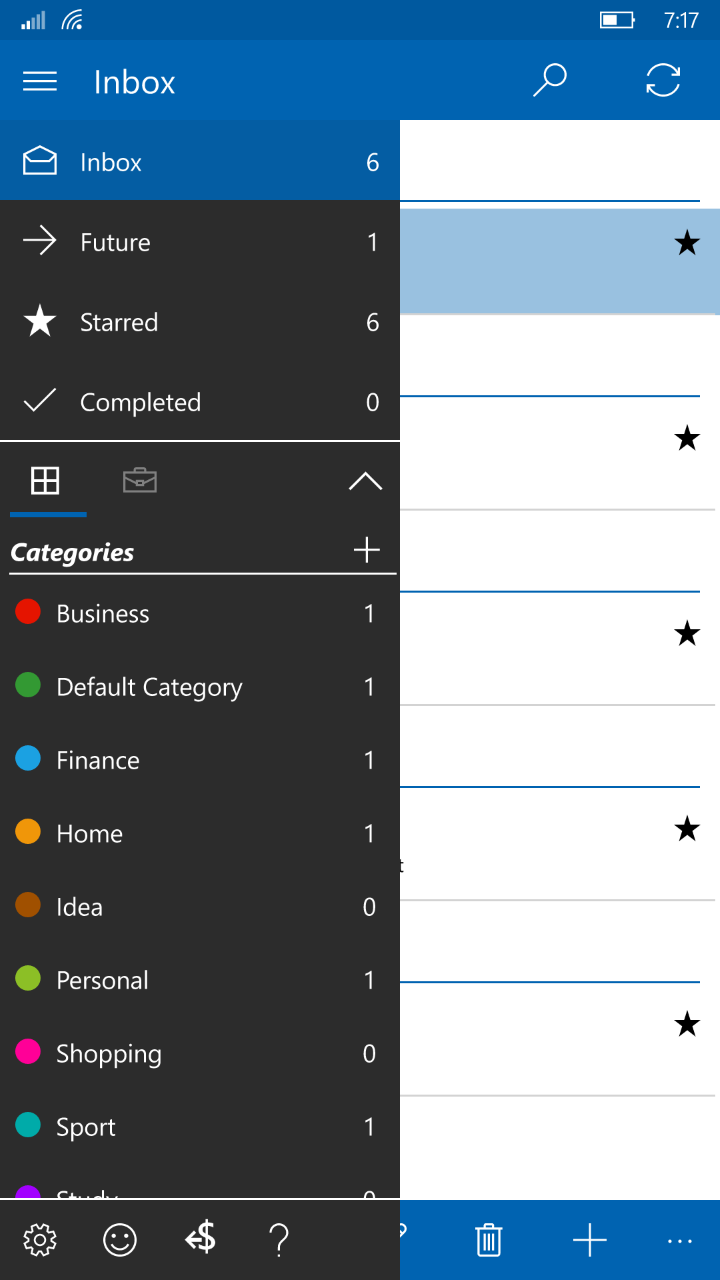
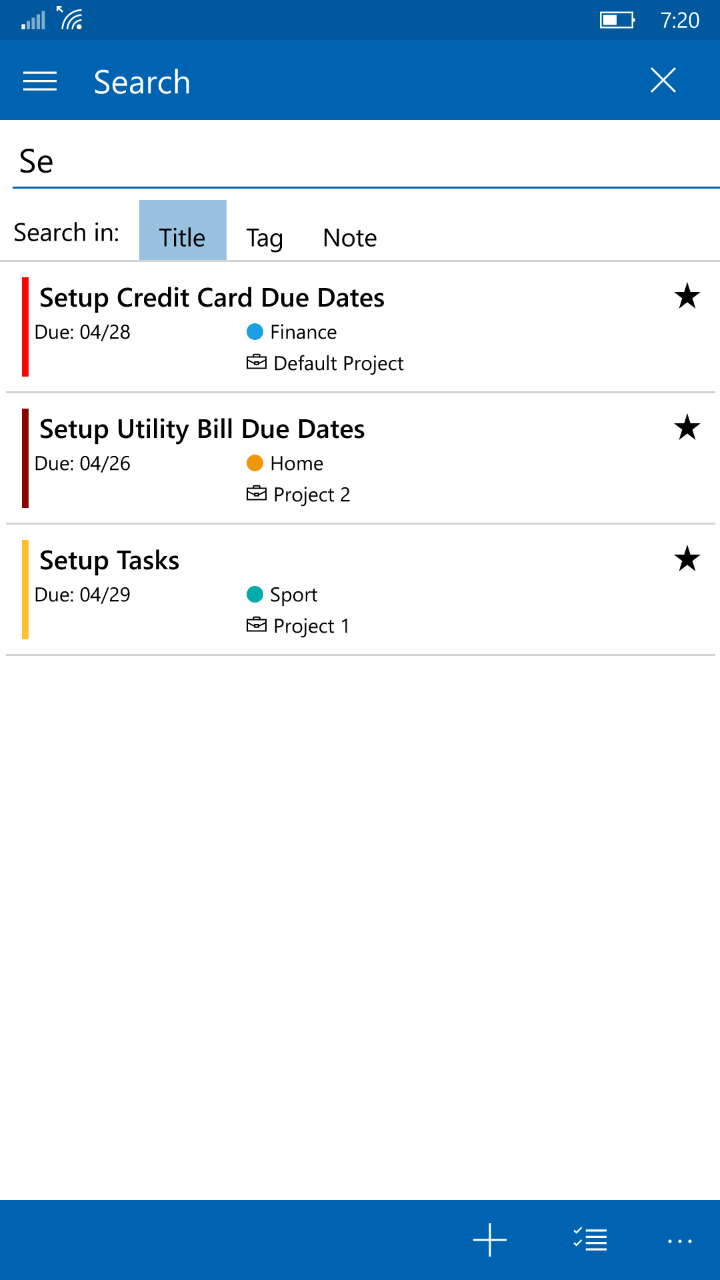
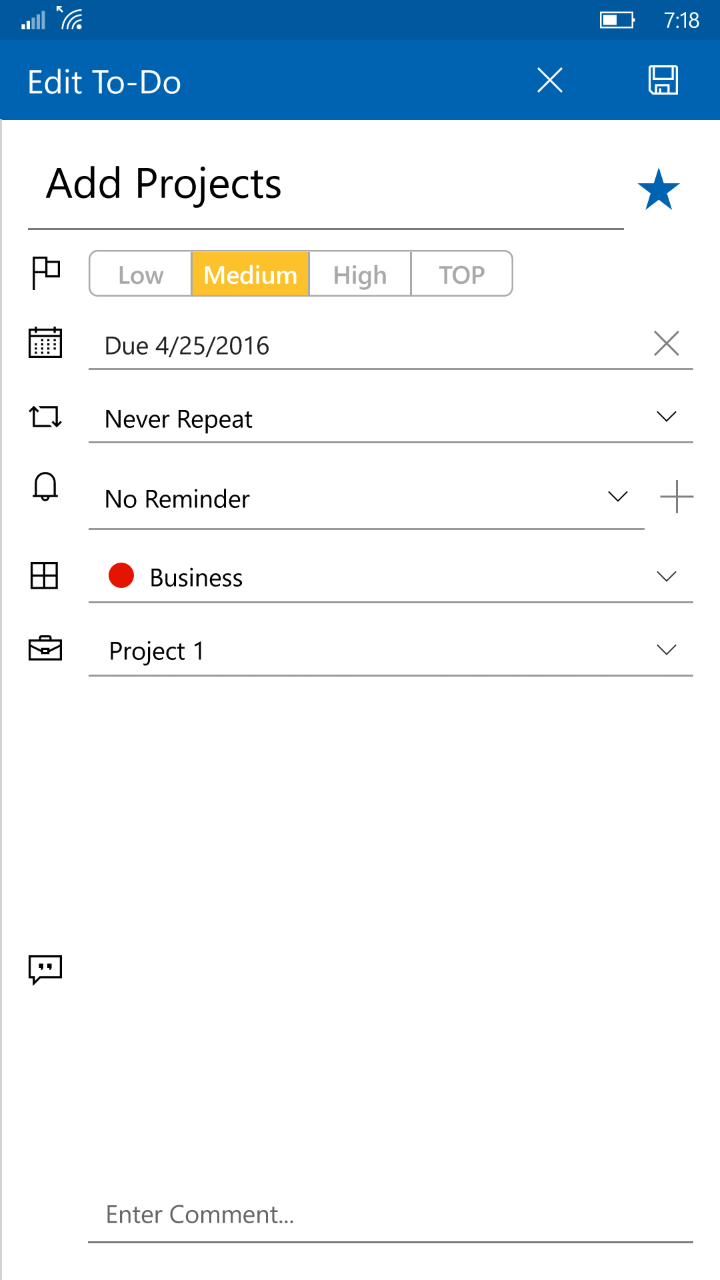
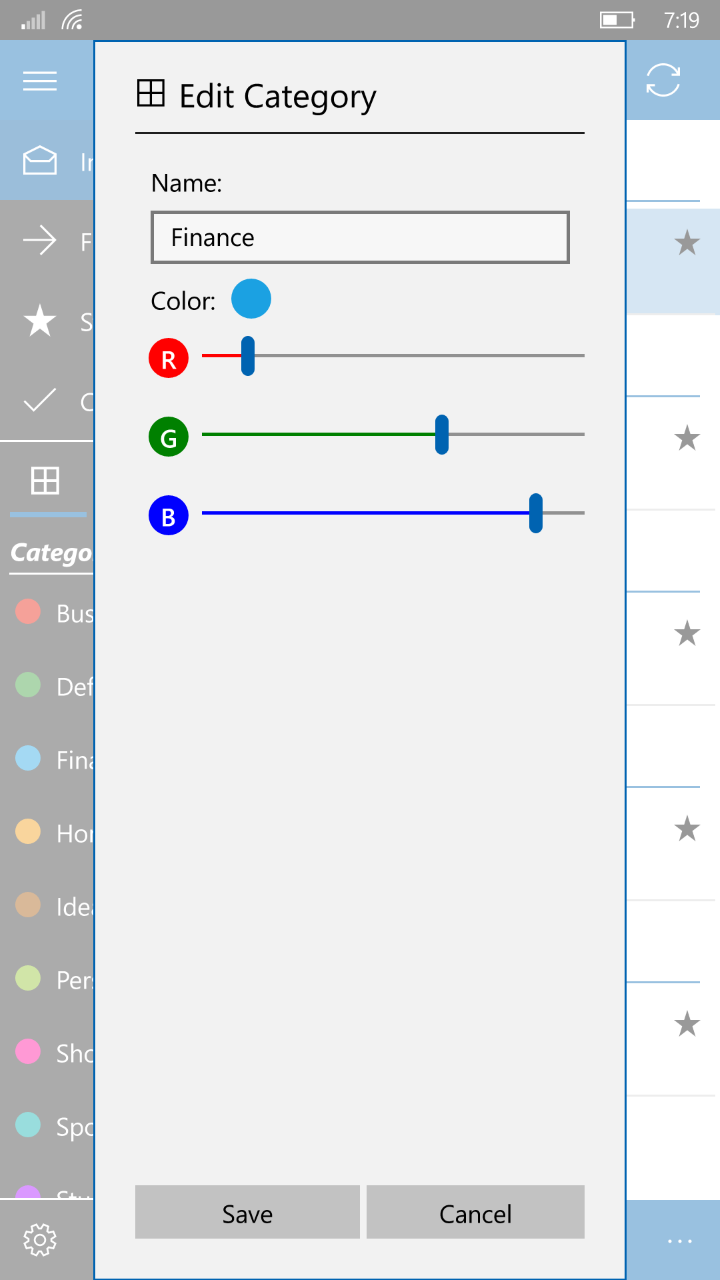
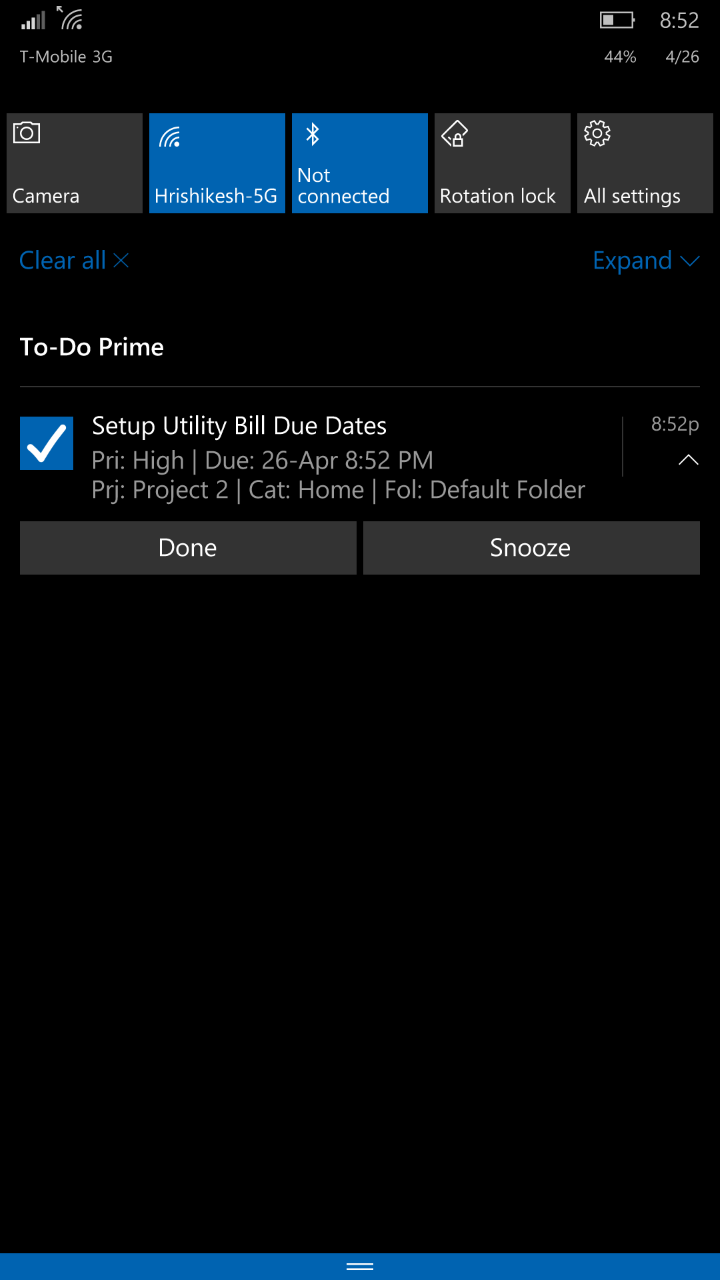
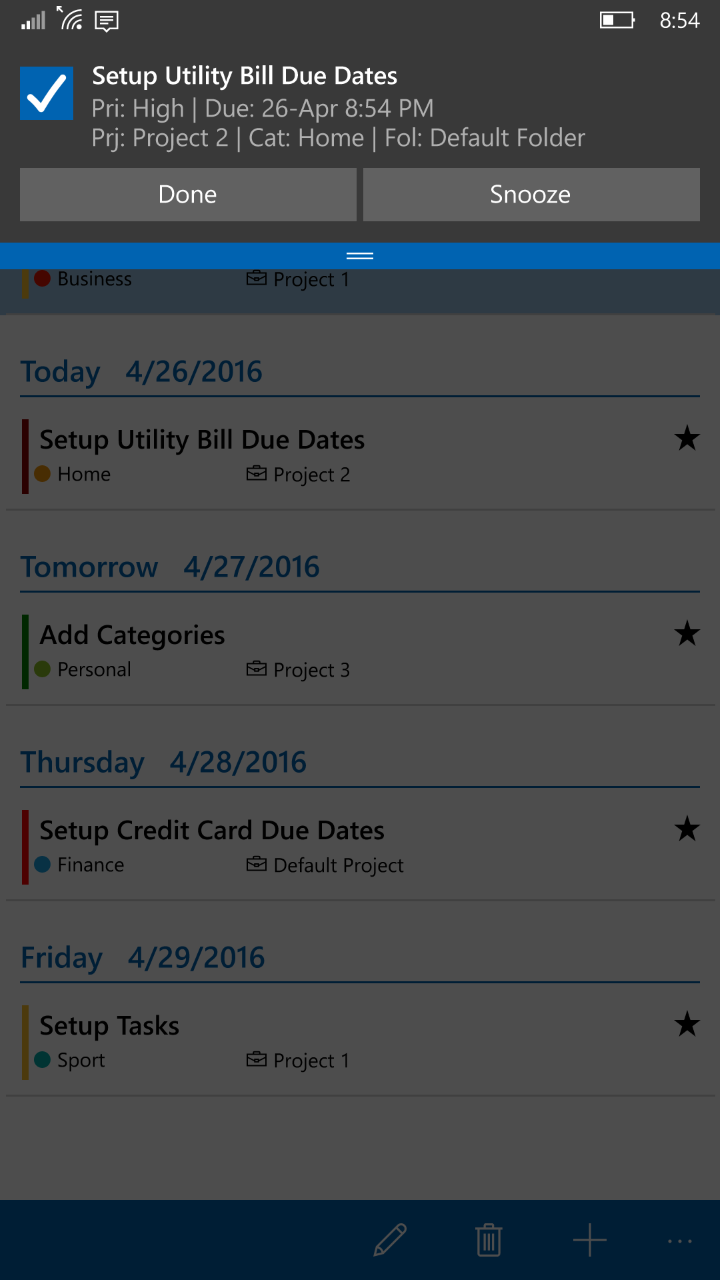
To-Do Prime is a to-do list app that helps keep track of tasks and reminds users through configurable alerts. It syncs across Windows and Hotmail, Outlook.com or Live Calendar, adding tasks as calendar entries. Tasks can be organized into projects, colored categories and folders, scheduled with start and due dates, and set to repeat daily, weekly, monthly or yearly until an end date. Voice notes, priority levels, favorites, search, sorting options and live tiles for categories or filters are also included. Tasks can be backed up to SkyDrive or sent by email.
Show the developer's original descriptionHide the original description
Get organized with this effective and intuitive To-Do Prime app.
This effective to-do list app lets you keep track of everything you need to do and alerts you on set reminders.
Sync to-do's with Windows 10, Windows 8, 8.1 and Windows Phone 8 devices.
1QGS9KQ
If there is a version of this app for iOS/Mac or Windows we don't know about, paste the store link here — we'll auto-detect the store.
How to find the URL:1. Open the app in its store. 2.In the App Store app: tap the Share icon → “Copy Link”. In the browser: copy the URL from the address bar — it contains apps.apple.com/…/id… or apps.microsoft.com/detail/…. 3. Paste it here.
Paste the original link from the Apple App Store or Microsoft Store. We fetch all details automatically.
How to find the URL:
1. Open the app in its store. 2.In the App Store app: tap the Share icon → “Copy Link”. In the browser: copy the URL from the address bar — it contains apps.apple.com/…/id… or apps.microsoft.com/detail/…. 3. Paste it here.
Android apps can only be listed by their developer.