Screenshot appears after consentScreenshot appears after consentScreenshot appears after consentScreenshot appears after consent
Screenshot appears after consentScreenshot appears after consent
Screenshot appears after consentScreenshot appears after consentScreenshot appears after consentScreenshot appears after consentScreenshot appears after consentScreenshot appears after consentScreenshot appears after consentScreenshot appears after consentScreenshot appears after consentScreenshot appears after consent
Summary
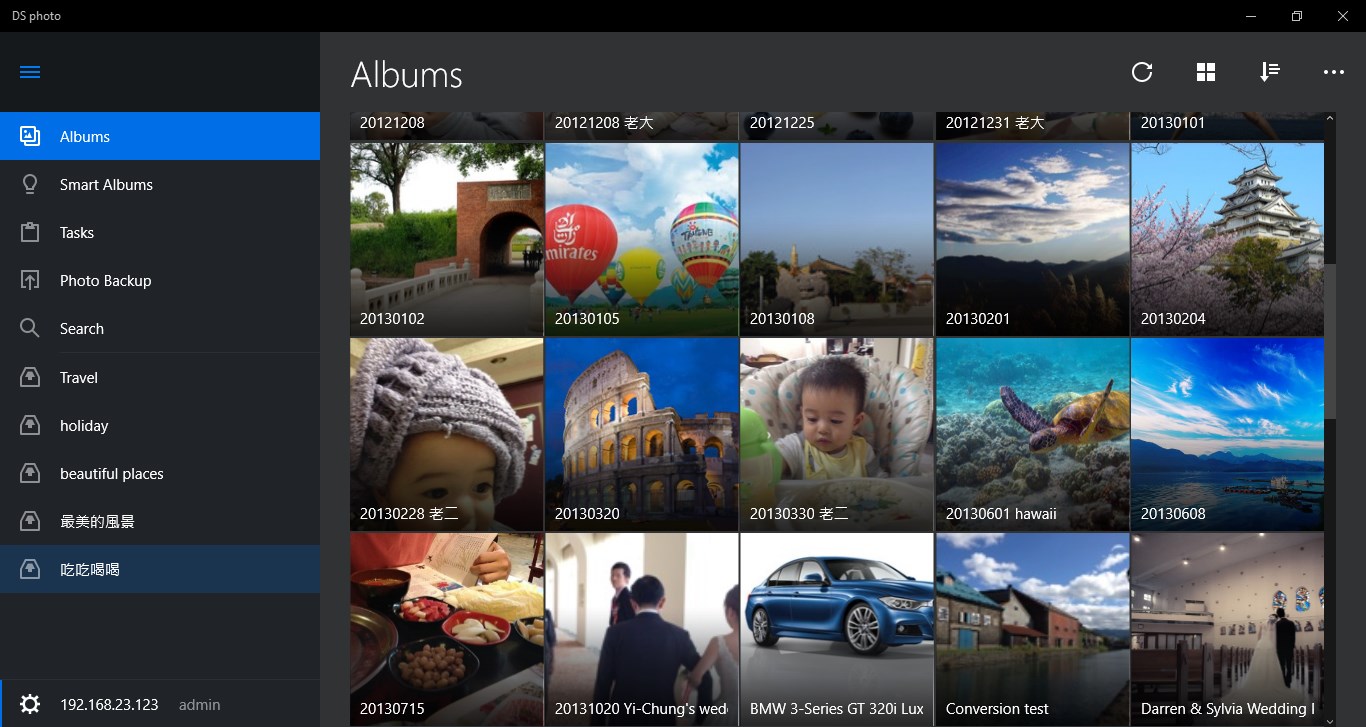
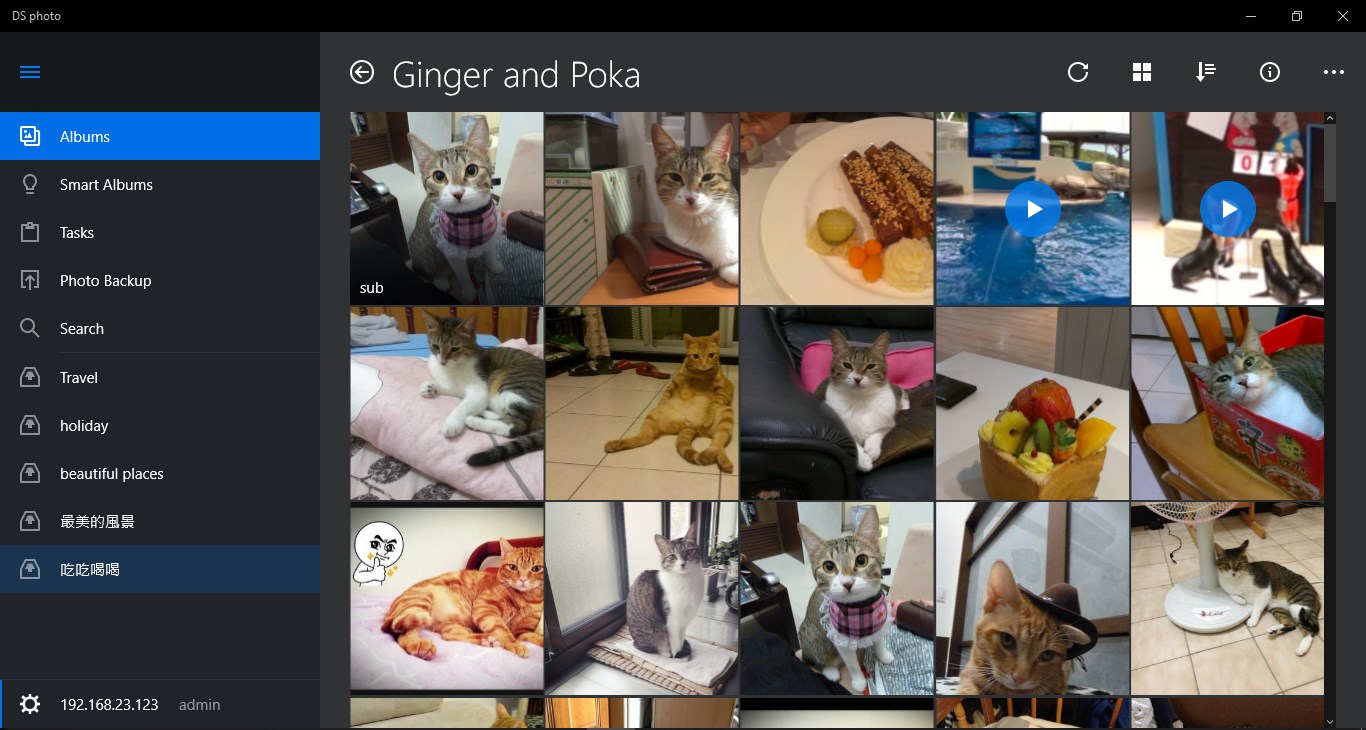
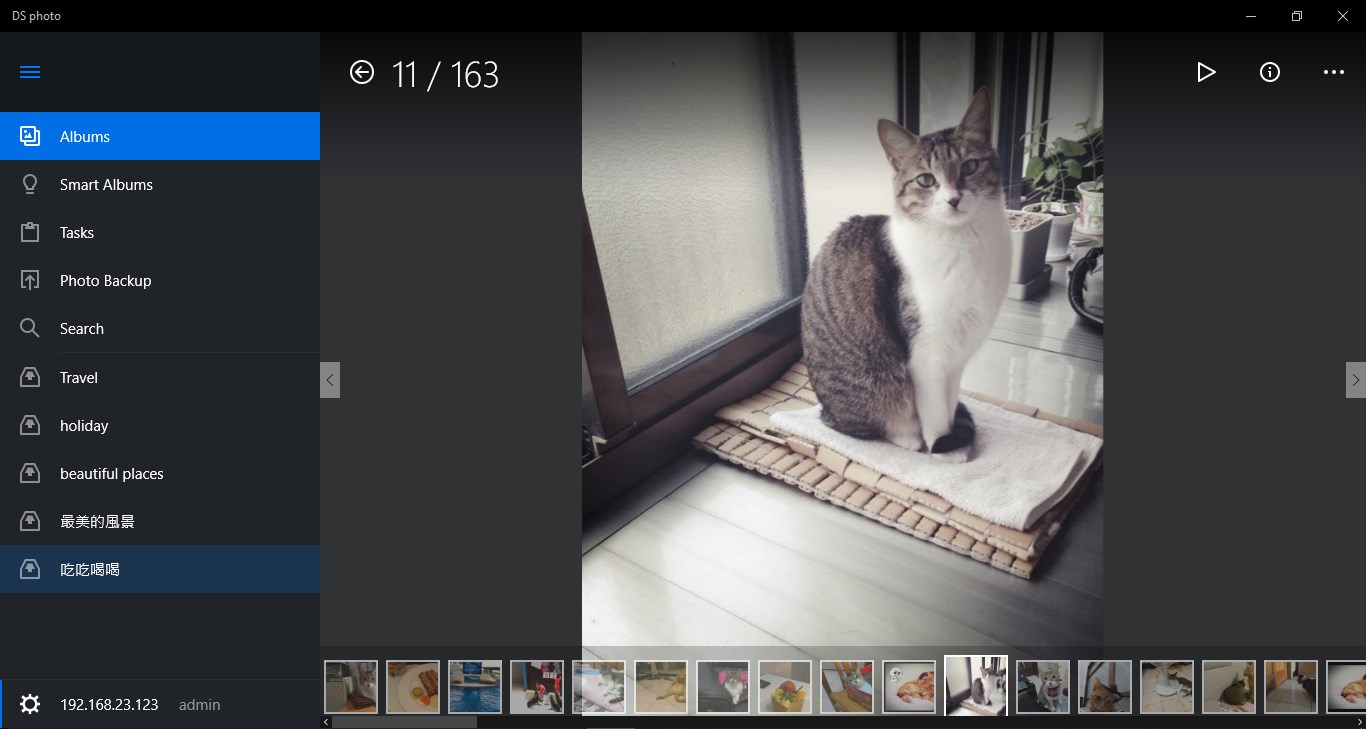
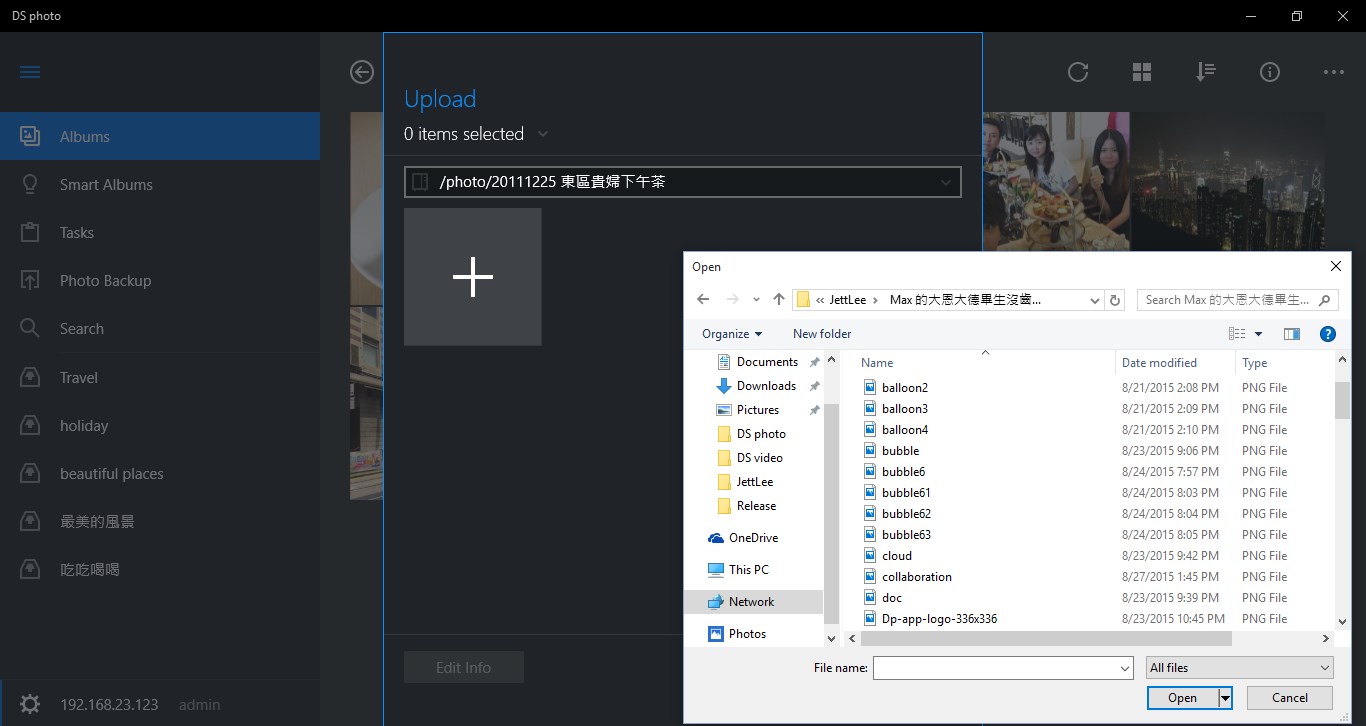
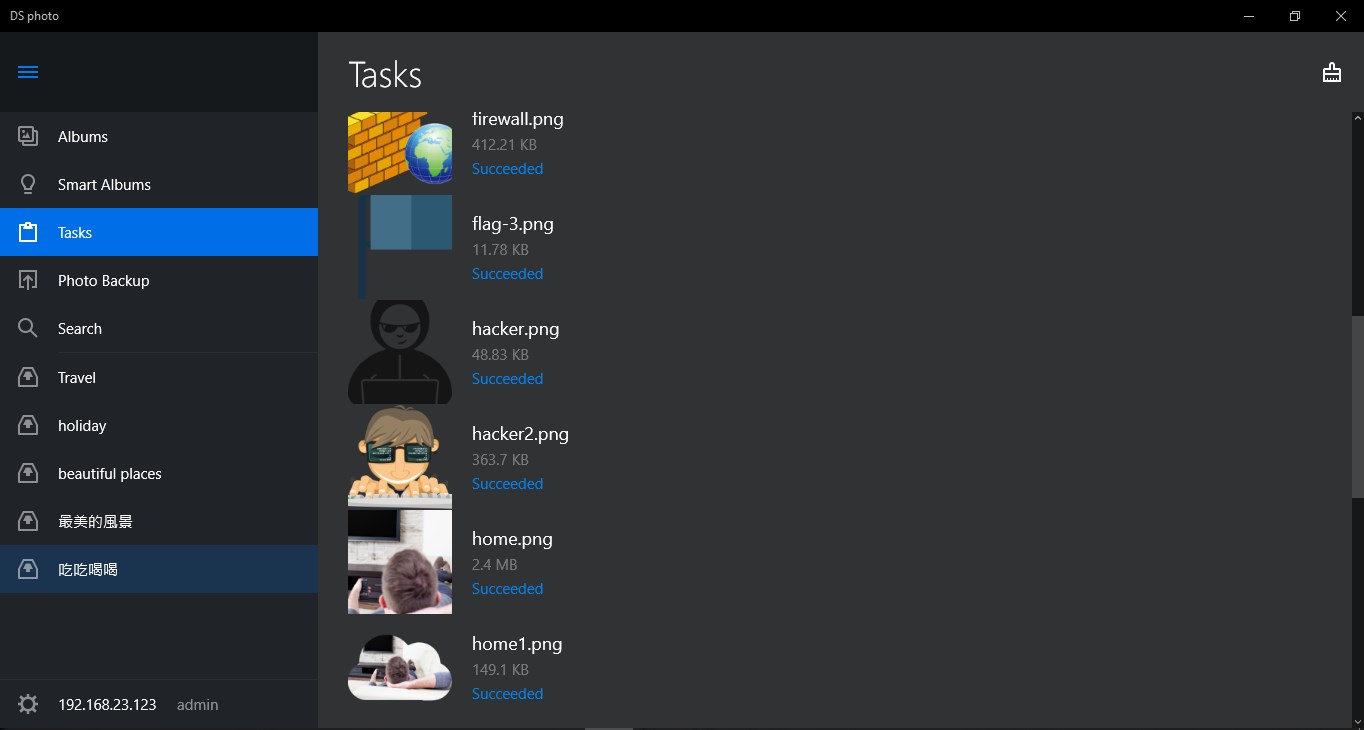
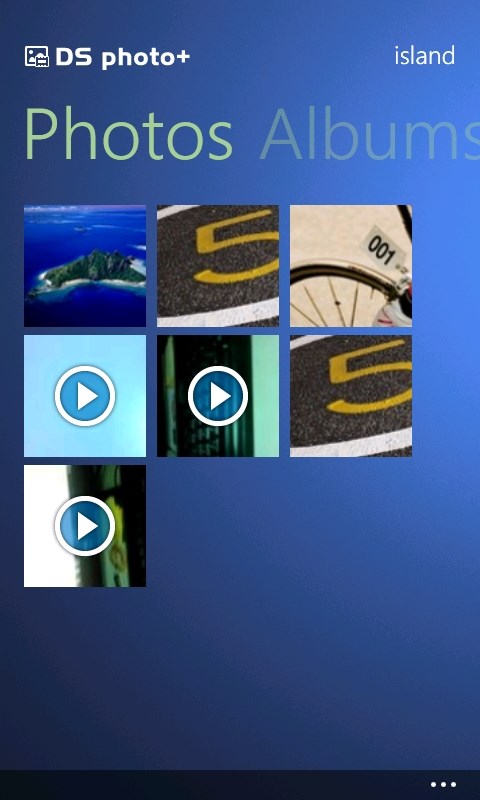
DS photo is a companion app for browsing and managing the photo and video library stored on a Synology NAS running Photo Station. It lets users organize photos into traditional albums, create virtual albums using tags, or browse them in a timeline mode with a simple tap. Picture information can be edited, and photos and videos can be uploaded and downloaded, with comments added to interact with friends in real time. A map view shows where albums or individual photos and videos were taken, and slideshows can be played. Albums can be downloaded to the device for offline viewing.
Show the developer's original descriptionHide the original description
Synology no longer provides software updates for DS photo on Windows Phone (starting May 11, 2018) and Windows UWP (starting May 25, 2020). For more information on the supported platforms of DS photo, please visit Synology’s official website.
**You must own a Synology NAS to run this app and be running Photo Station 6.5.0 to get the complete set of features**
DS photo allows you to easily browse through the photos and videos of your Photo Station library as well as manage it: creating albums, editing picture information, uploading and downloading, all this can be done on the go from your Windows Phone. DS photo also provides comments editing, slideshows as well as a map view to display albums or individual photos/videos to see where they were taken.
Find all detailed features about the app on our website:
www.synology.com > NAS > DSM 5.2 > Mobile Apps > Software Specs
https://www.synology.com/dsm/5.2/software_spec#DSphoto
Paste the original link from the Apple App Store or Microsoft Store. We fetch all details automatically.
How to find the URL:
1. Open the app in its store. 2.In the App Store app: tap the Share icon → “Copy Link”. In the browser: copy the URL from the address bar — it contains apps.apple.com/…/id… or apps.microsoft.com/detail/…. 3. Paste it here.
Android apps can only be listed by their developer.