

Screenshot appears after consentScreenshot appears after consentScreenshot appears after consentScreenshot appears after consent
Summary
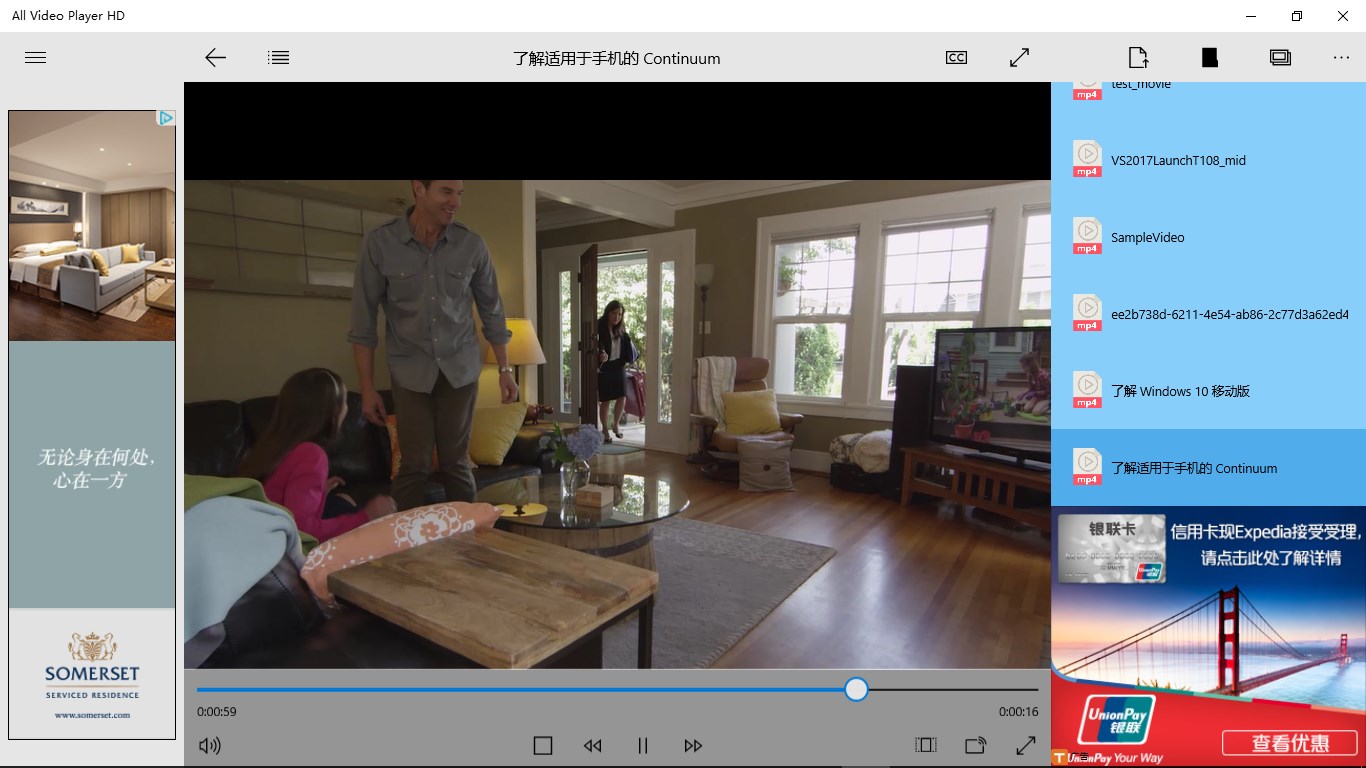
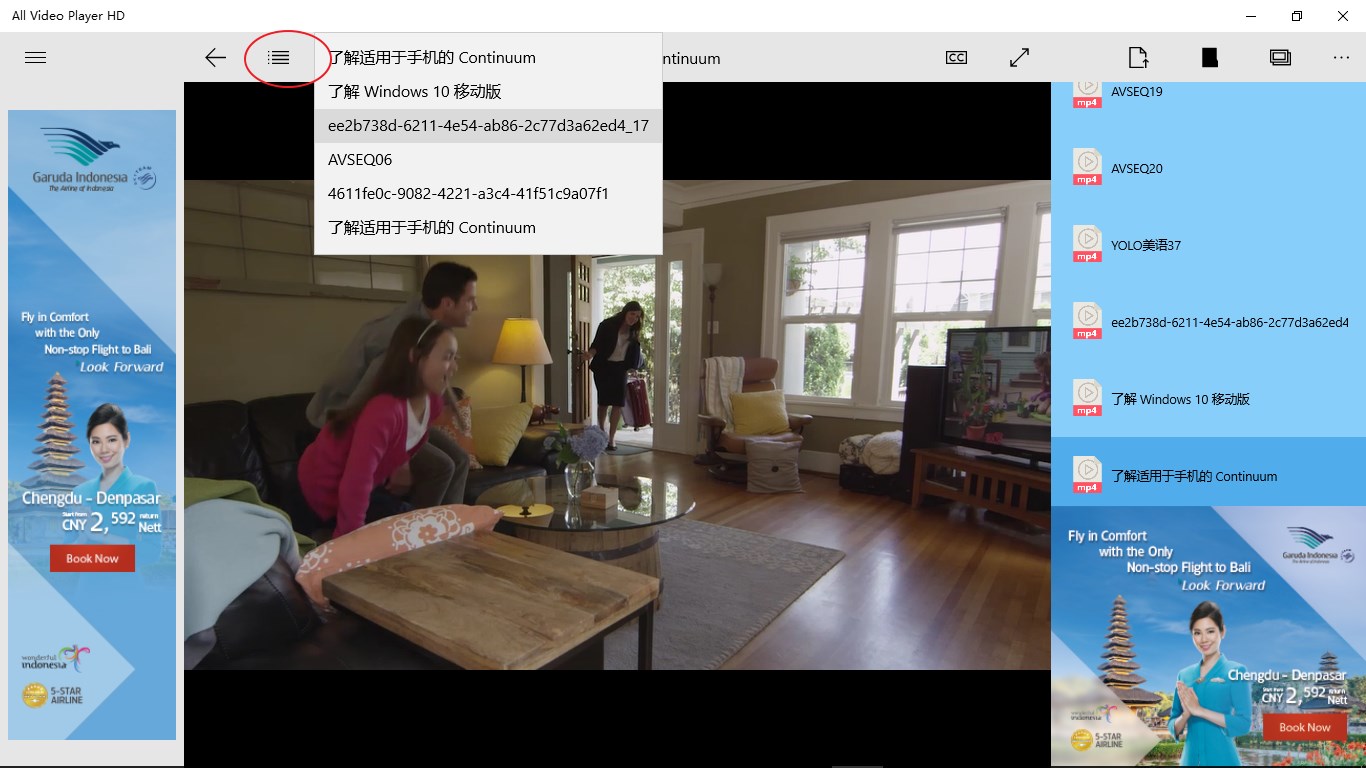
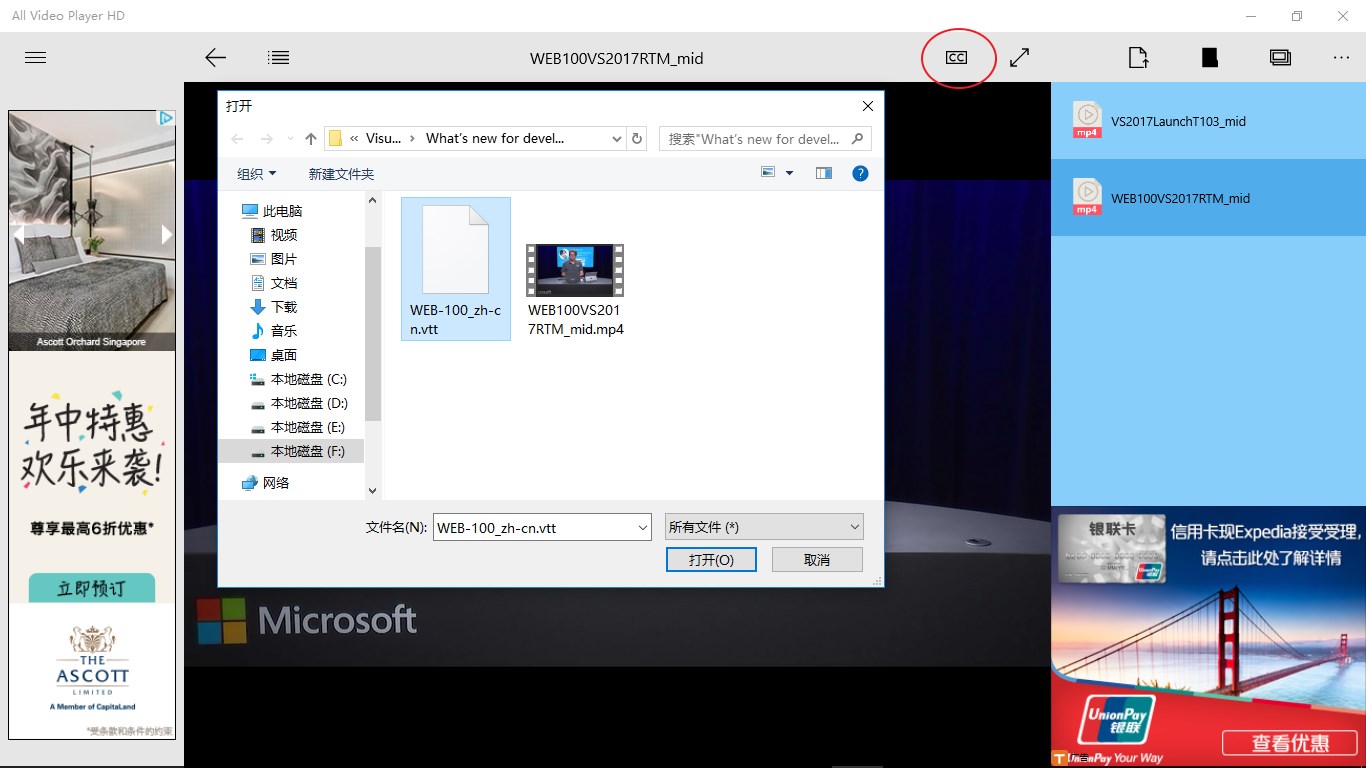
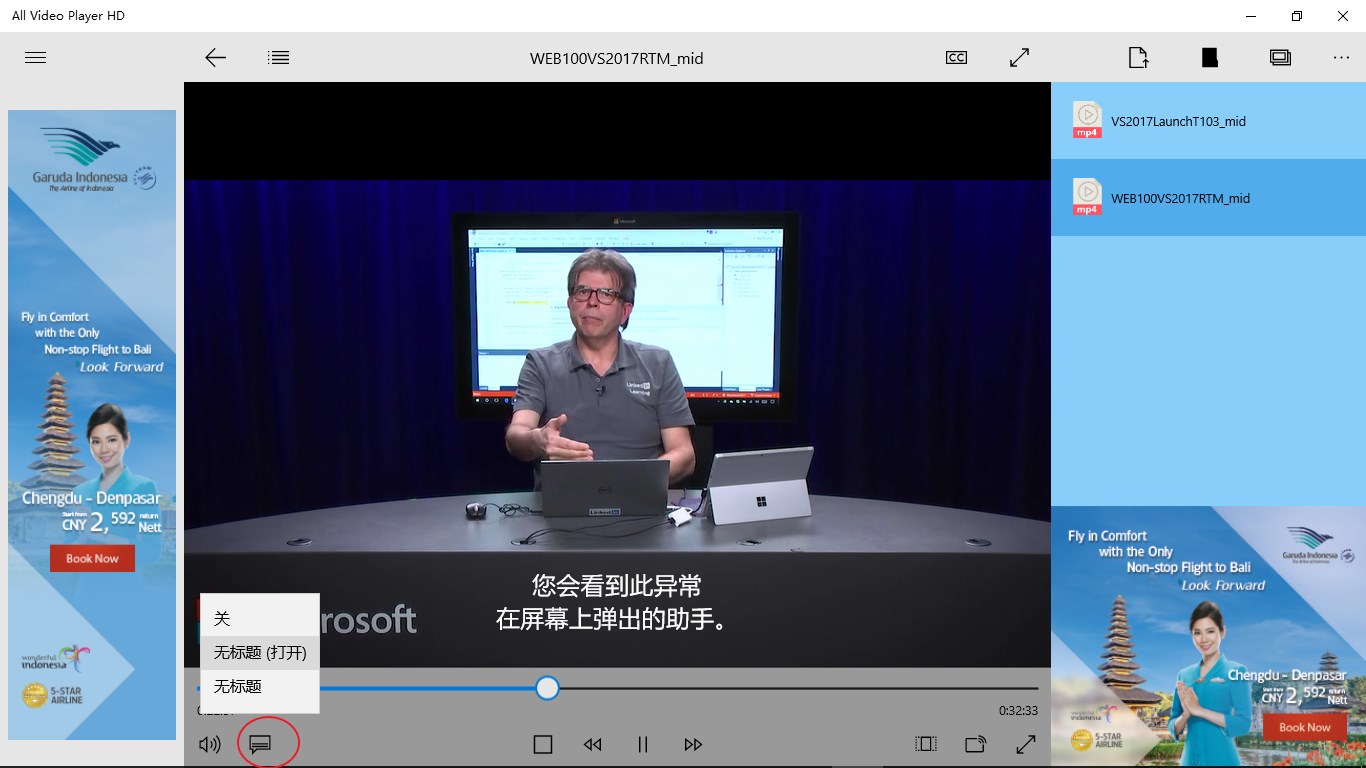
All Video Player HD is a video player supporting a wide range of video formats, including FLV, RMVB, WMV, AVI, MKV, MP4, MOV and WEBM among others. The app supports built-in captions as well as third-party subtitle files. It can open one or several videos at once, including entire folders whose videos play in sequence, and videos can be opened by dragging and dropping them onto the player. A play history keeps track of previously watched videos.
Show the developer's original descriptionHide the original description
A player that supports almost all video formats. Supported video formats include (but are not limited to): FLV, RMVB, WMV, ASF, AVI, 3GP, MPG, MKV, MP4, OGM, MOV, MPEG2, MPEG4, WEBM, RM, VOB, etc. It is lightweight and easy to use and consumes less CPU resources, allowing you to enjoy high-definition video easily.
Supports built-in captions and selects third-party subtitle files.
Supports opening one or more videos at a time.
Supports opening folders, playing all videos of this folder.
Drag and drop to open the video (drag and drop the video to the player to play immediately)
Play history.
Instructions for playing DVDs:
The software can not play DVDs directly, but can play DVDs .vob video files (although the software can automatically load .vob video files.) So, if you use this software to play DVD, you may need to manually select the DVD inside the disc. Vob video file (in VIDEO_TS folder)
If there is a version of this app for iOS/Mac or Windows we don't know about, paste the store link here — we'll auto-detect the store.
How to find the URL:1. Open the app in its store. 2.In the App Store app: tap the Share icon → “Copy Link”. In the browser: copy the URL from the address bar — it contains apps.apple.com/…/id… or apps.microsoft.com/detail/…. 3. Paste it here.
Paste the original link from the Apple App Store or Microsoft Store. We fetch all details automatically.
How to find the URL:
1. Open the app in its store. 2.In the App Store app: tap the Share icon → “Copy Link”. In the browser: copy the URL from the address bar — it contains apps.apple.com/…/id… or apps.microsoft.com/detail/…. 3. Paste it here.
Android apps can only be listed by their developer.