
Screenshot appears after consentScreenshot appears after consentScreenshot appears after consentScreenshot appears after consentScreenshot appears after consentScreenshot appears after consentScreenshot appears after consentScreenshot appears after consentScreenshot appears after consentScreenshot appears after consent
Summary
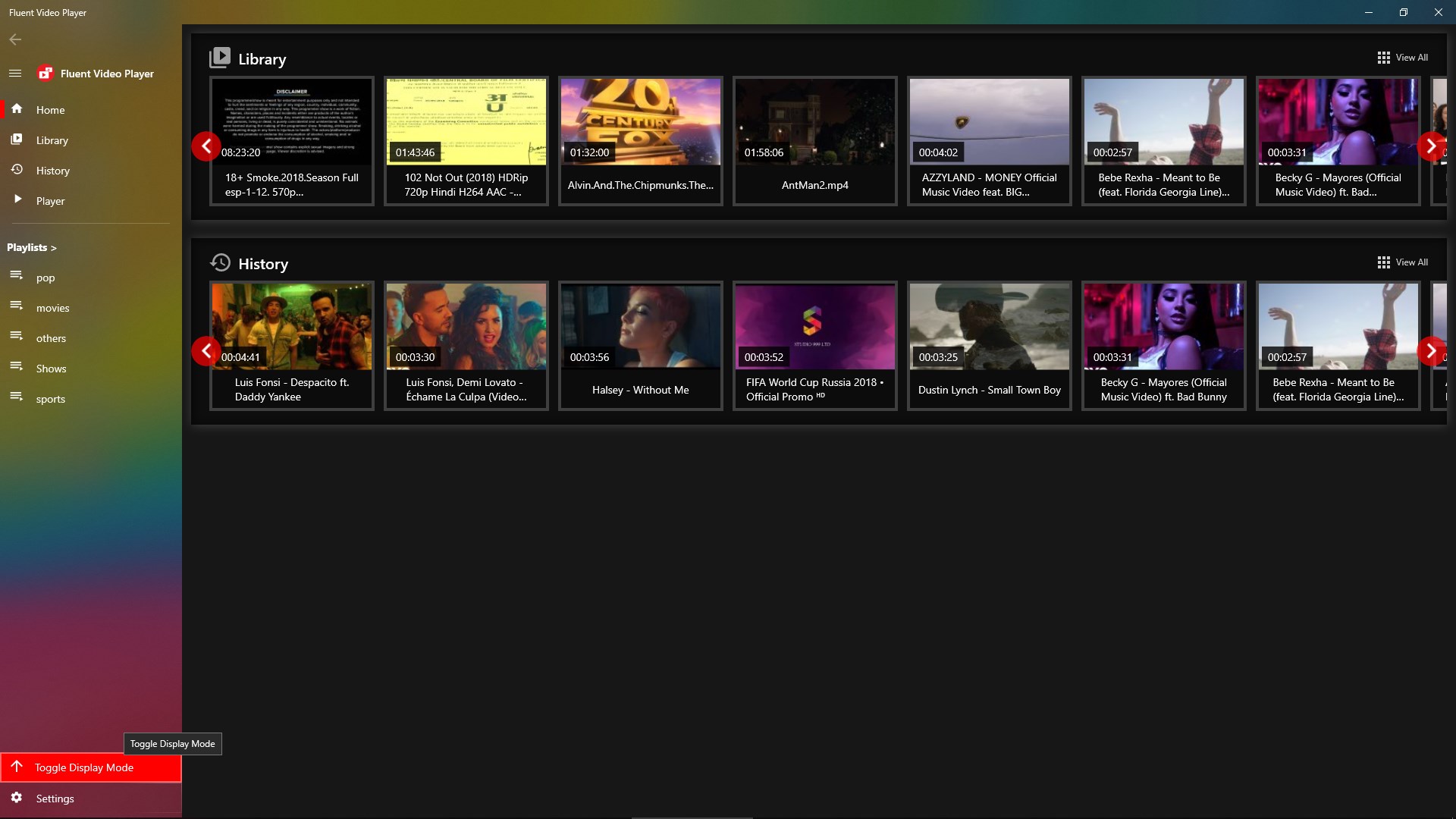
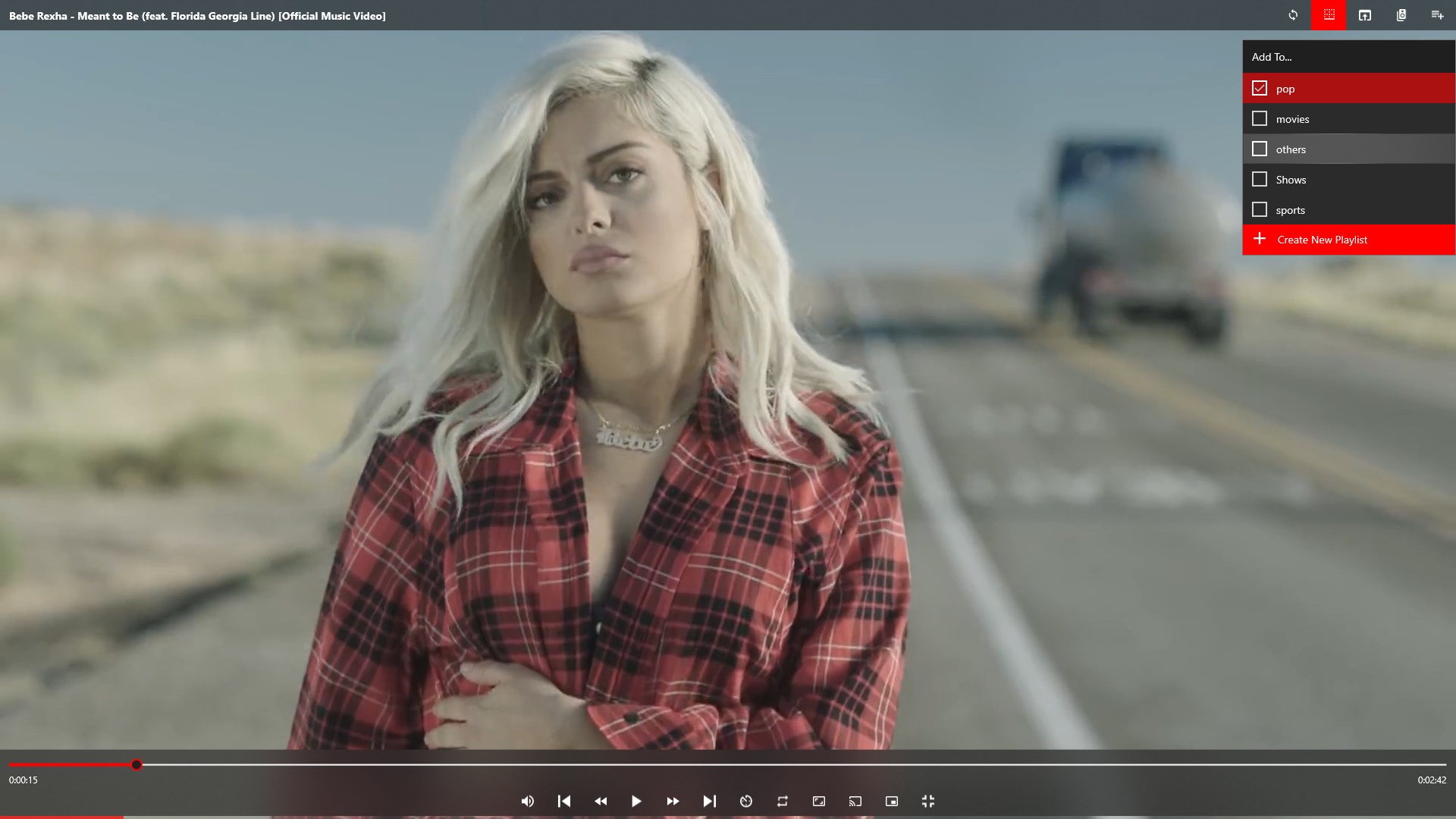
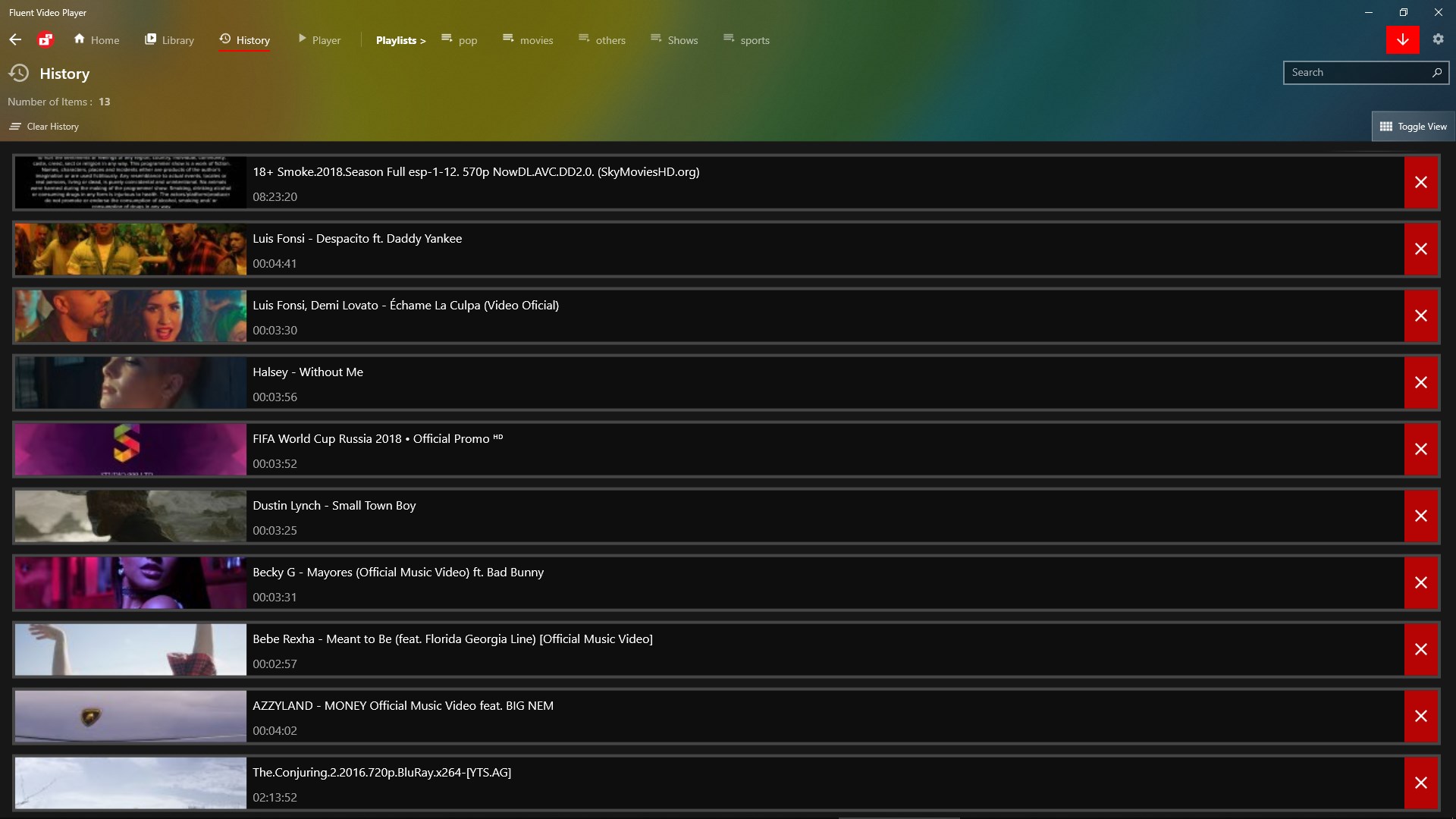
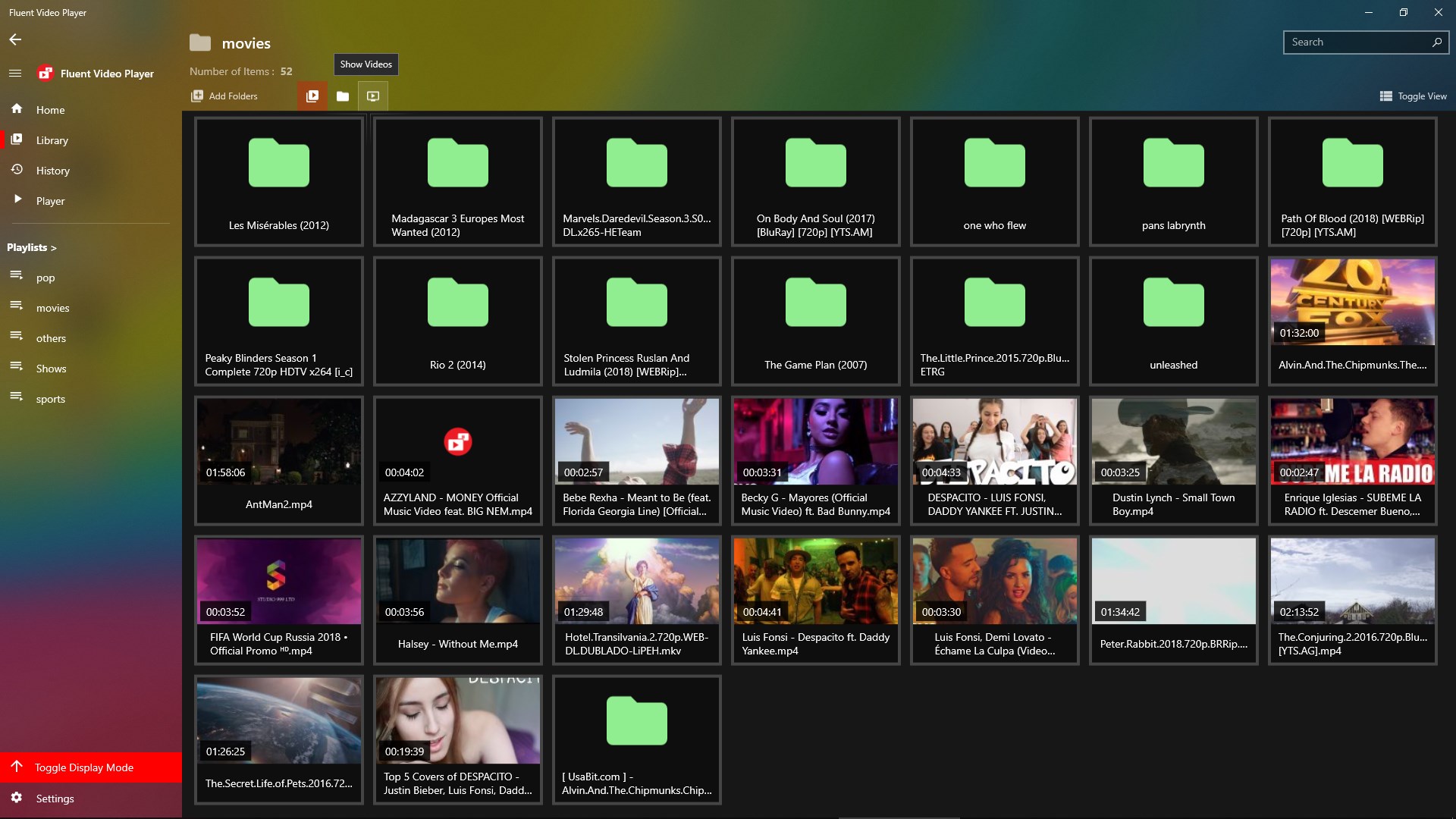
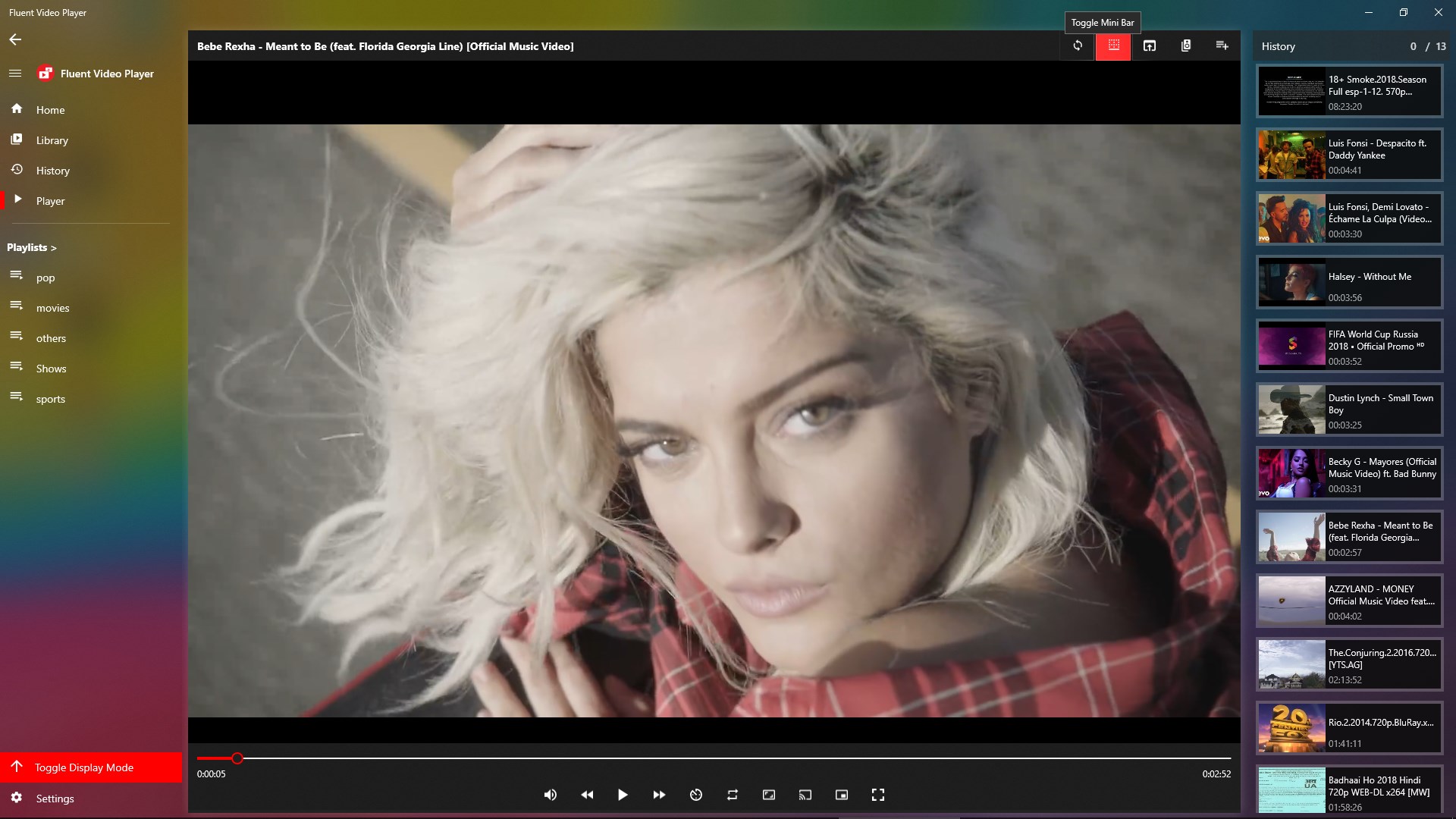
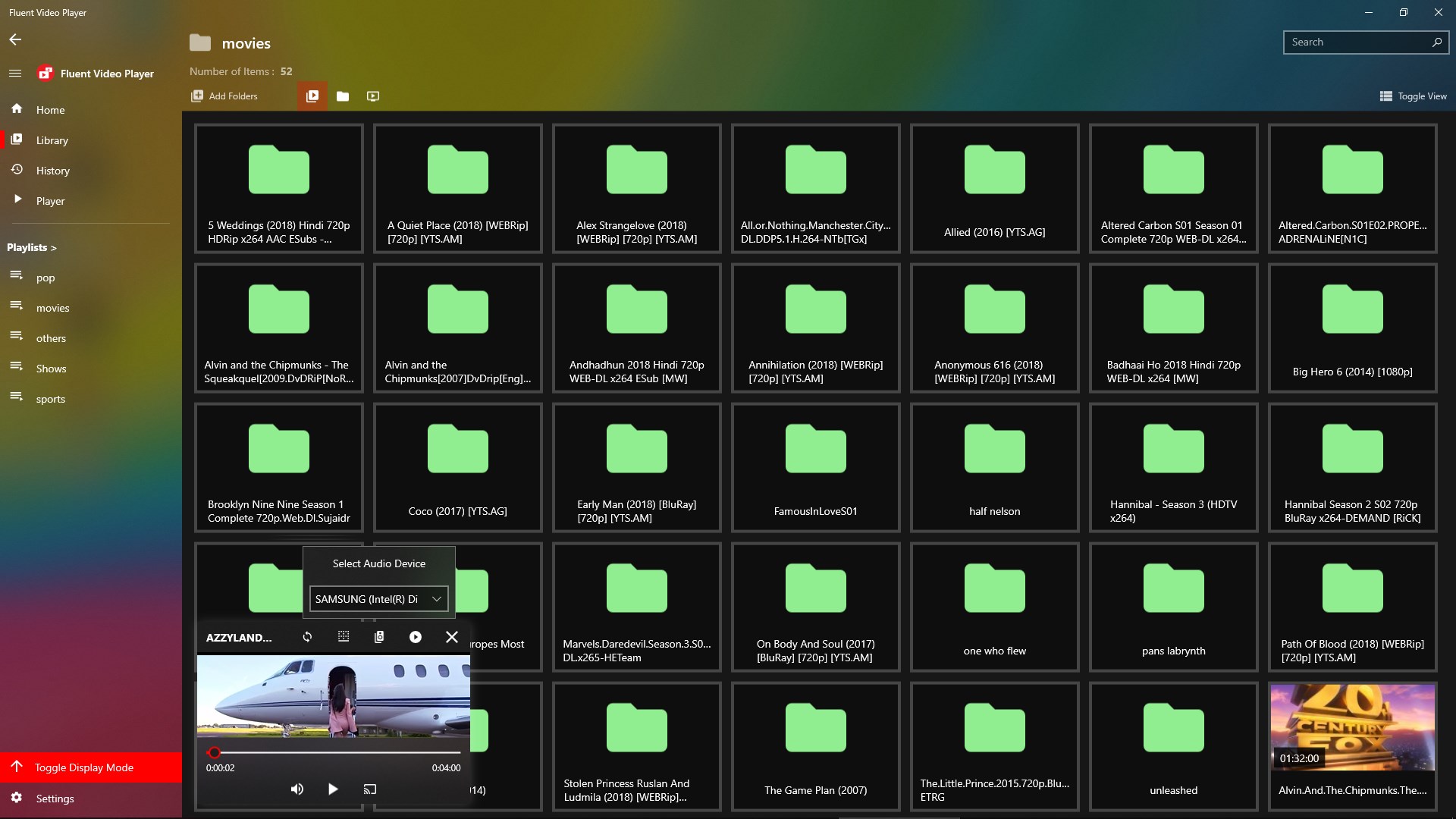
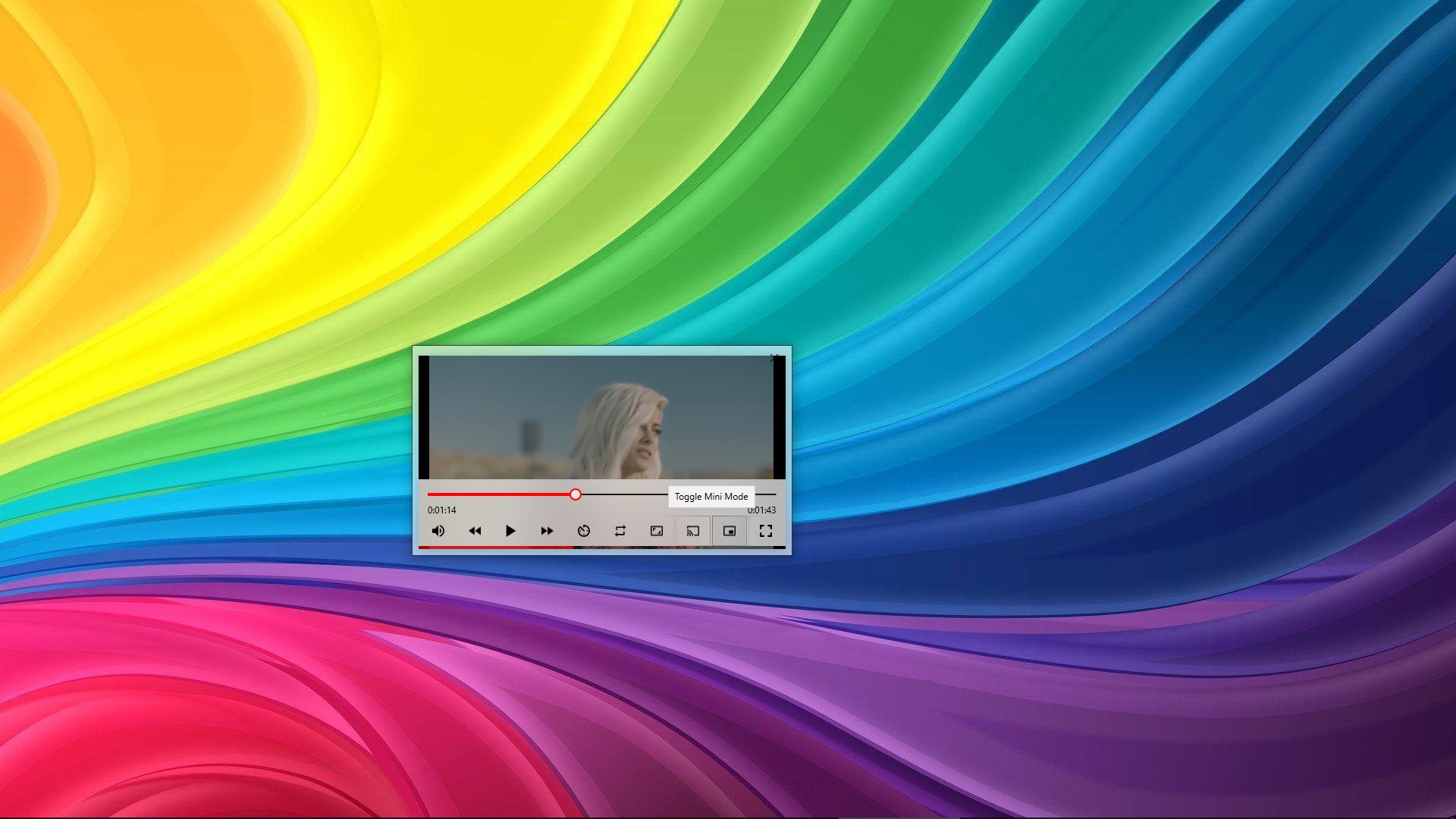
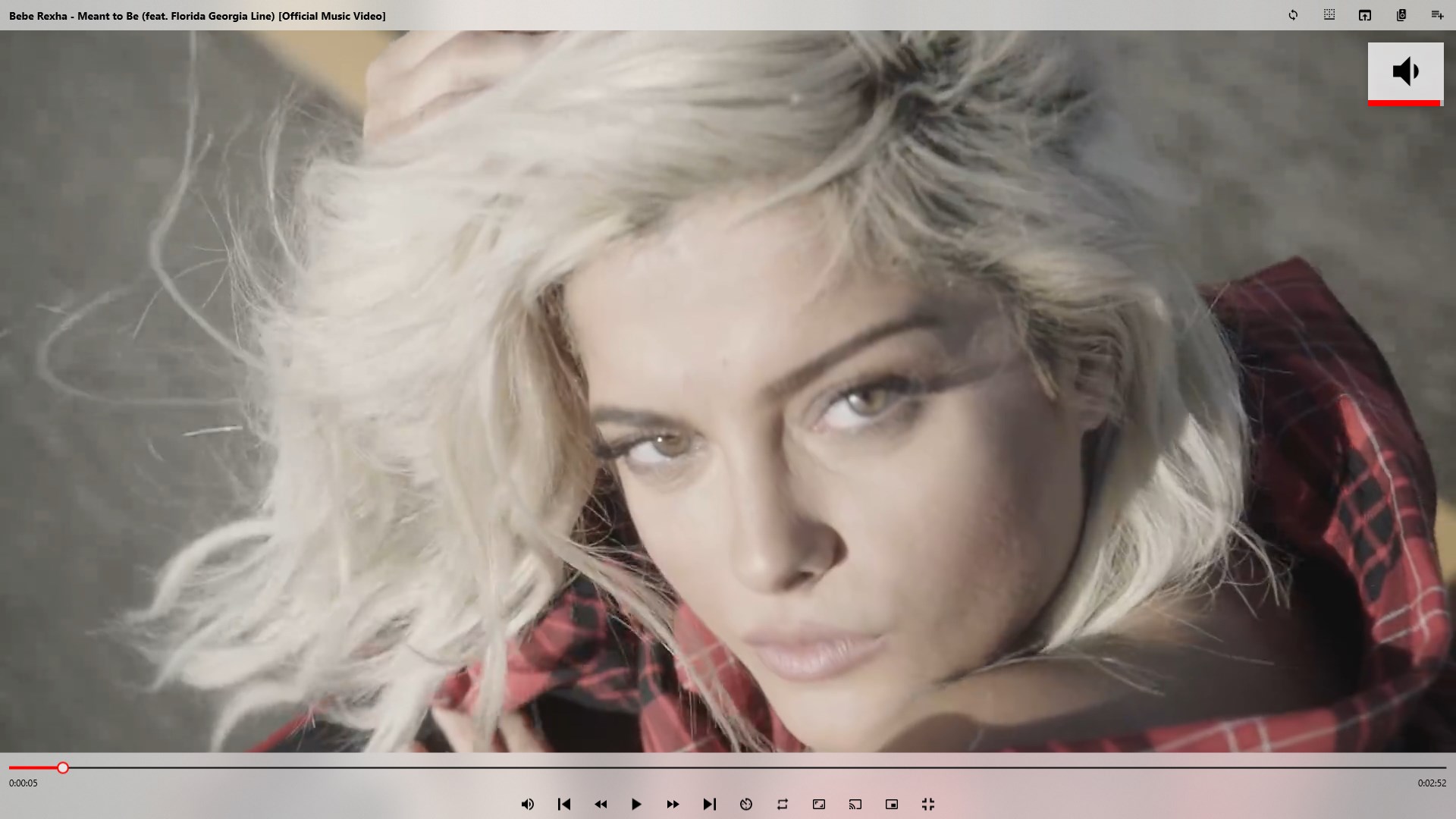
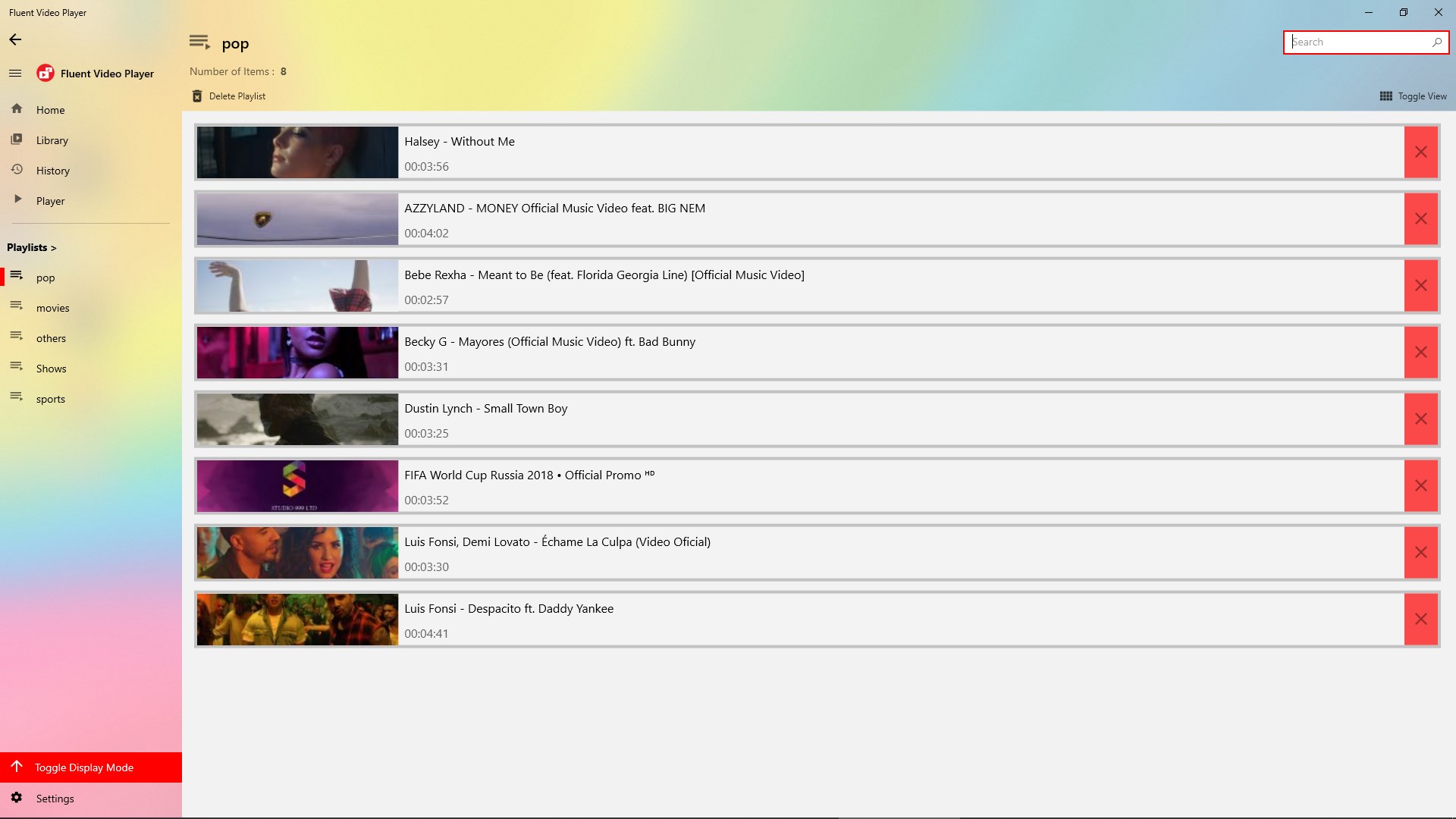
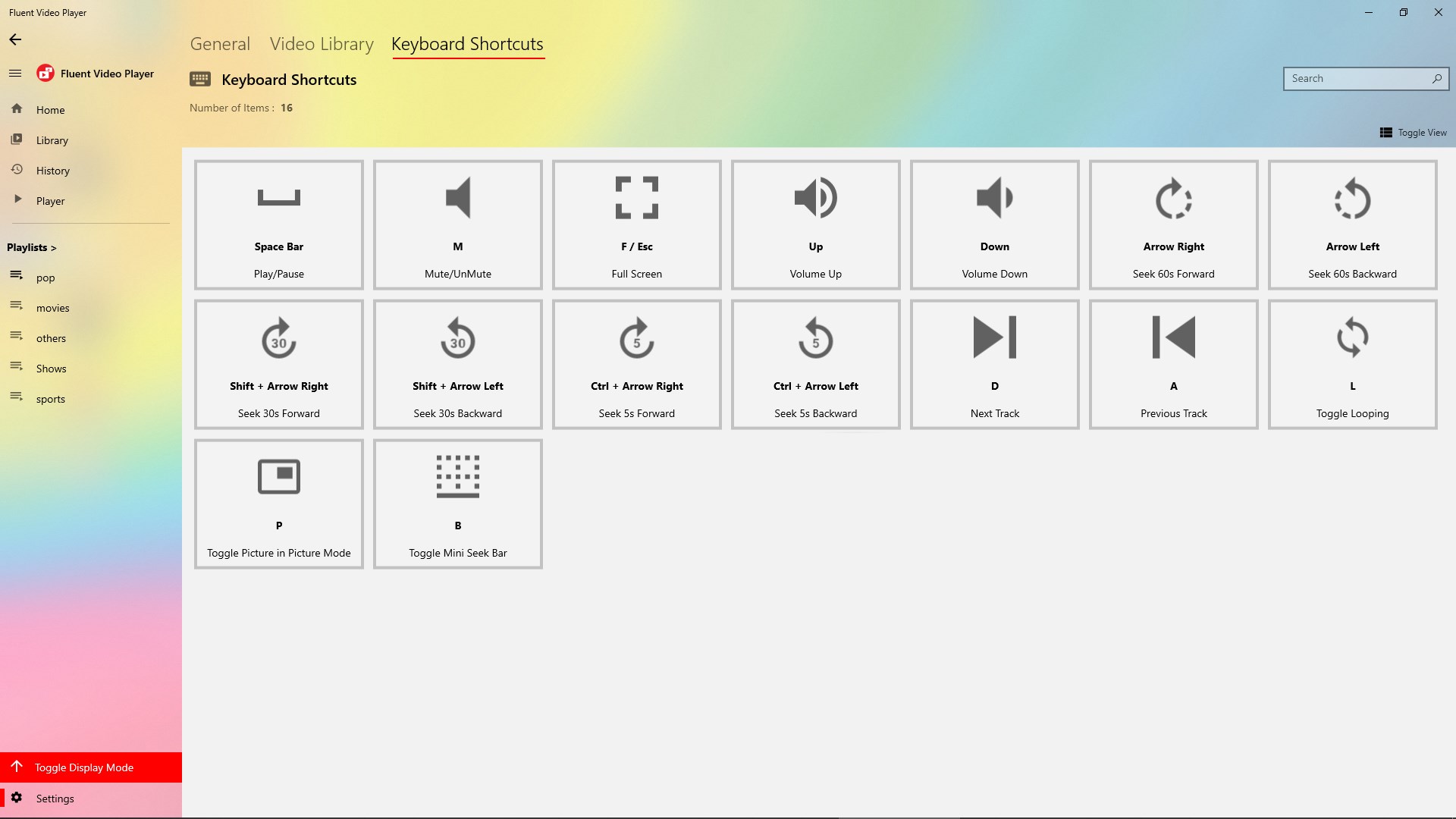
Fluent Video Player is a video player for Windows built with the Fluent Design of Windows 10, able to play all video file formats. It offers a picture-in-picture mini mode that keeps videos playing while browsing the video library. It maintains a history of watched videos and can resume playback from the last position. Users can create playlists of their favourite videos, and keyboard shortcuts adapt within the app. It does not support DVD or Blu-Ray playback.
Show the developer's original descriptionHide the original description
The only Video Player on Windows Store to play all video file formats with new Fluent Design of Windows 10. With adaptive keyboard shortcuts and Picture in Picture ( mini mode ) included as well. History of all watched videos is also maintained along with resuming the videos from last played position. Now with new mini player you can keep exploring your video library and the videos will still keep playing. Make Playlists of your favourite videos. It does not support DVD or Blu-Ray Playback yet.
If there is a version of this app for iOS/Mac or Windows we don't know about, paste the store link here — we'll auto-detect the store.
How to find the URL:1. Open the app in its store. 2.In the App Store app: tap the Share icon → “Copy Link”. In the browser: copy the URL from the address bar — it contains apps.apple.com/…/id… or apps.microsoft.com/detail/…. 3. Paste it here.
Paste the original link from the Apple App Store or Microsoft Store. We fetch all details automatically.
How to find the URL:
1. Open the app in its store. 2.In the App Store app: tap the Share icon → “Copy Link”. In the browser: copy the URL from the address bar — it contains apps.apple.com/…/id… or apps.microsoft.com/detail/…. 3. Paste it here.
Android apps can only be listed by their developer.