
Screenshot appears after consentScreenshot appears after consentScreenshot appears after consentScreenshot appears after consentScreenshot appears after consentScreenshot appears after consentScreenshot appears after consentScreenshot appears after consentScreenshot appears after consentScreenshot appears after consentScreenshot appears after consentScreenshot appears after consentScreenshot appears after consentScreenshot appears after consentScreenshot appears after consent
Summary
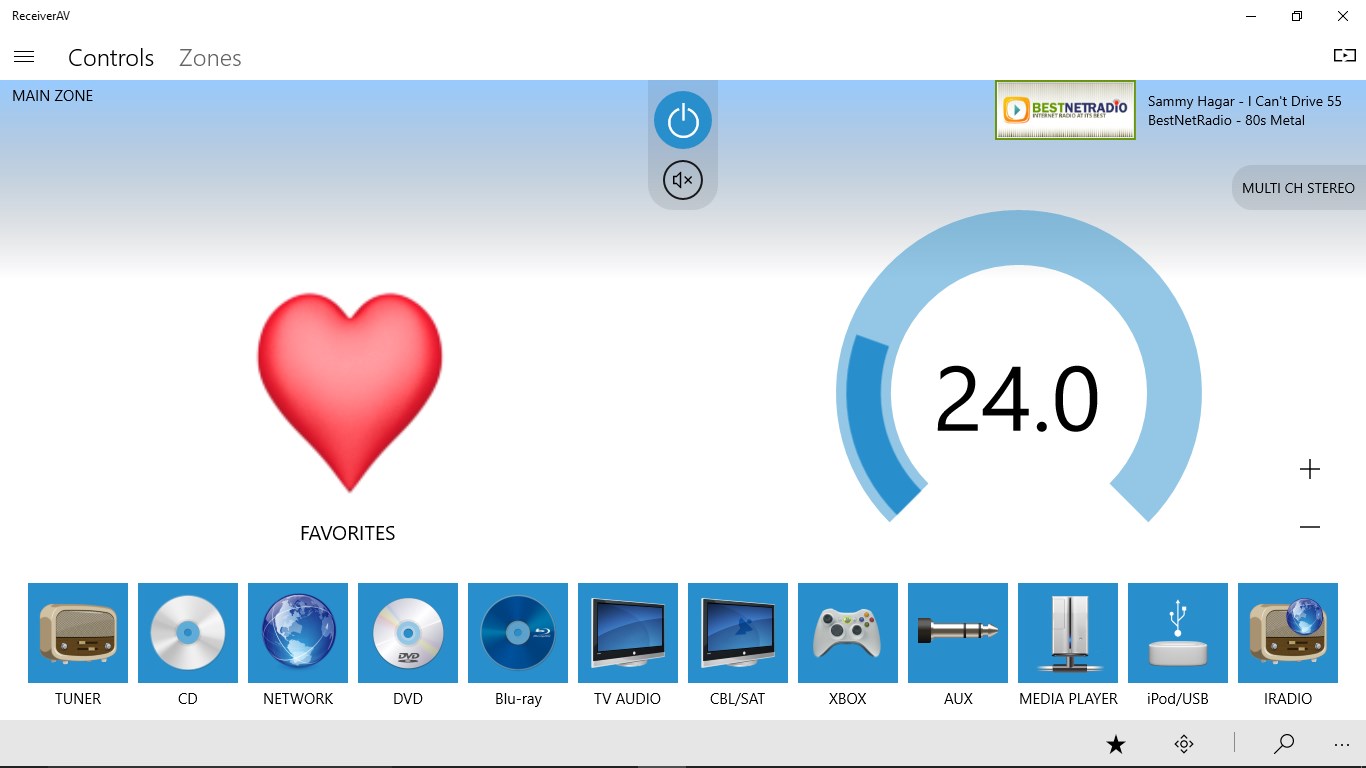
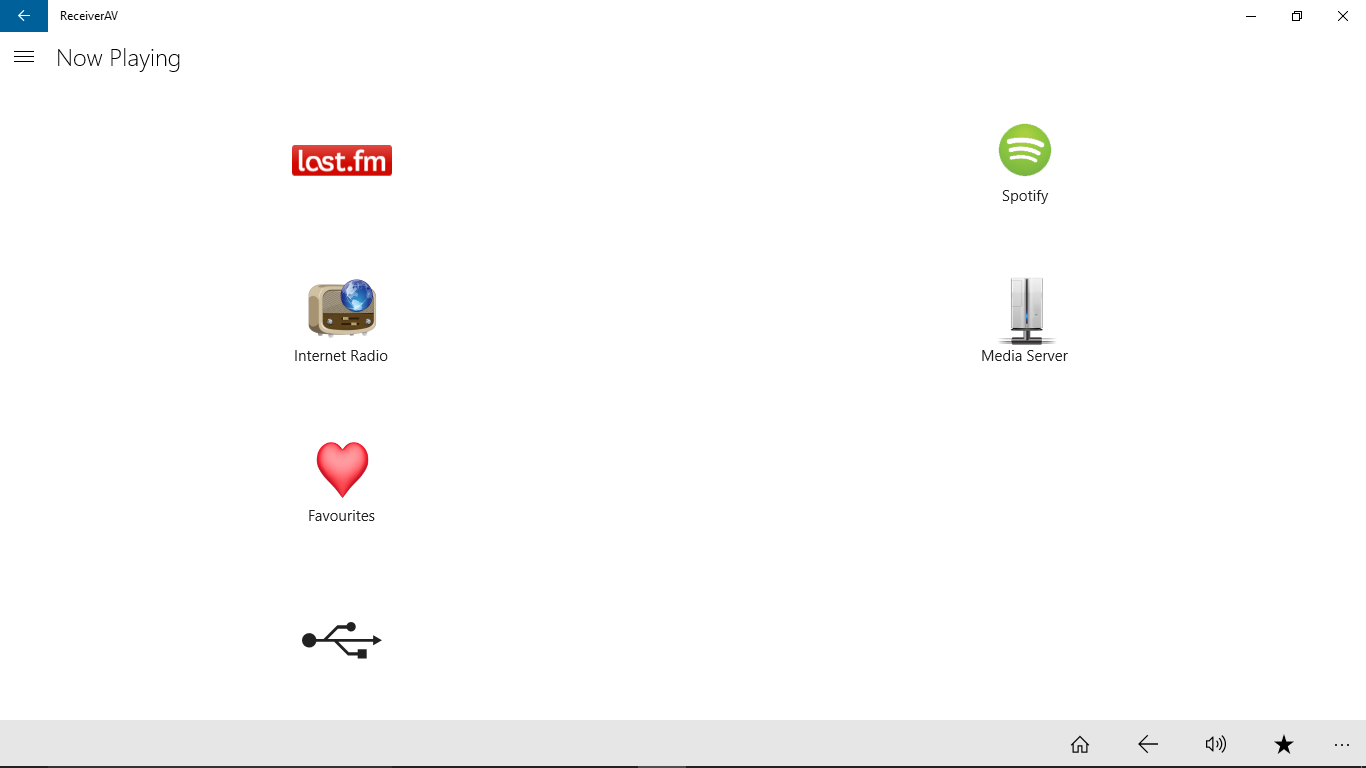
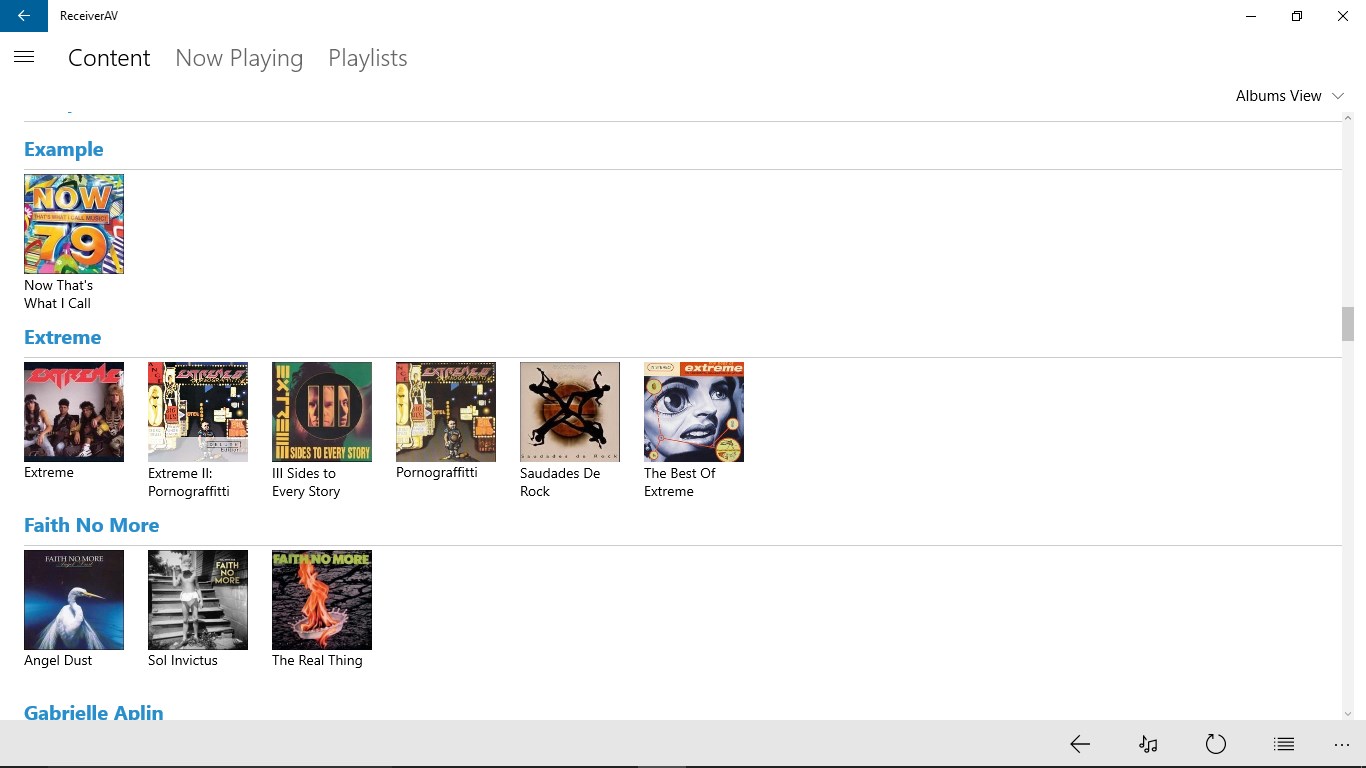
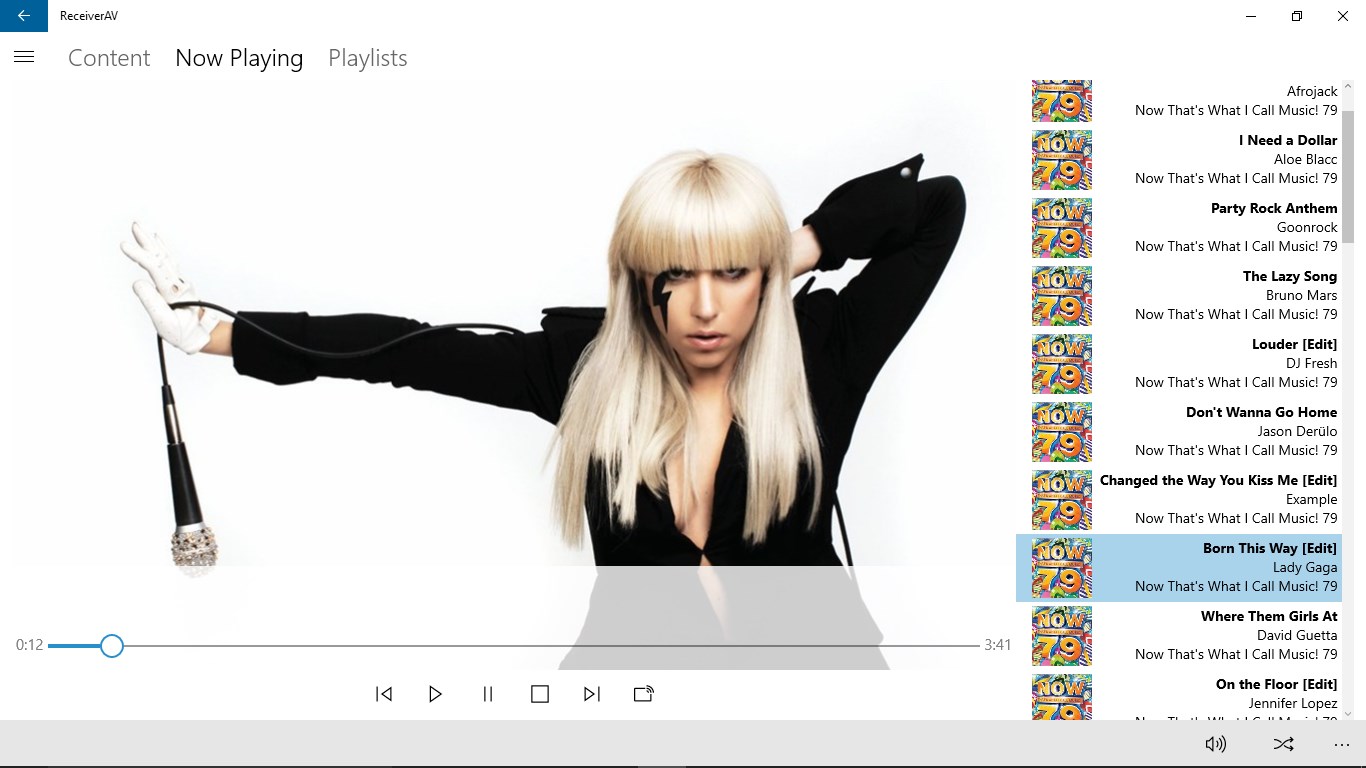
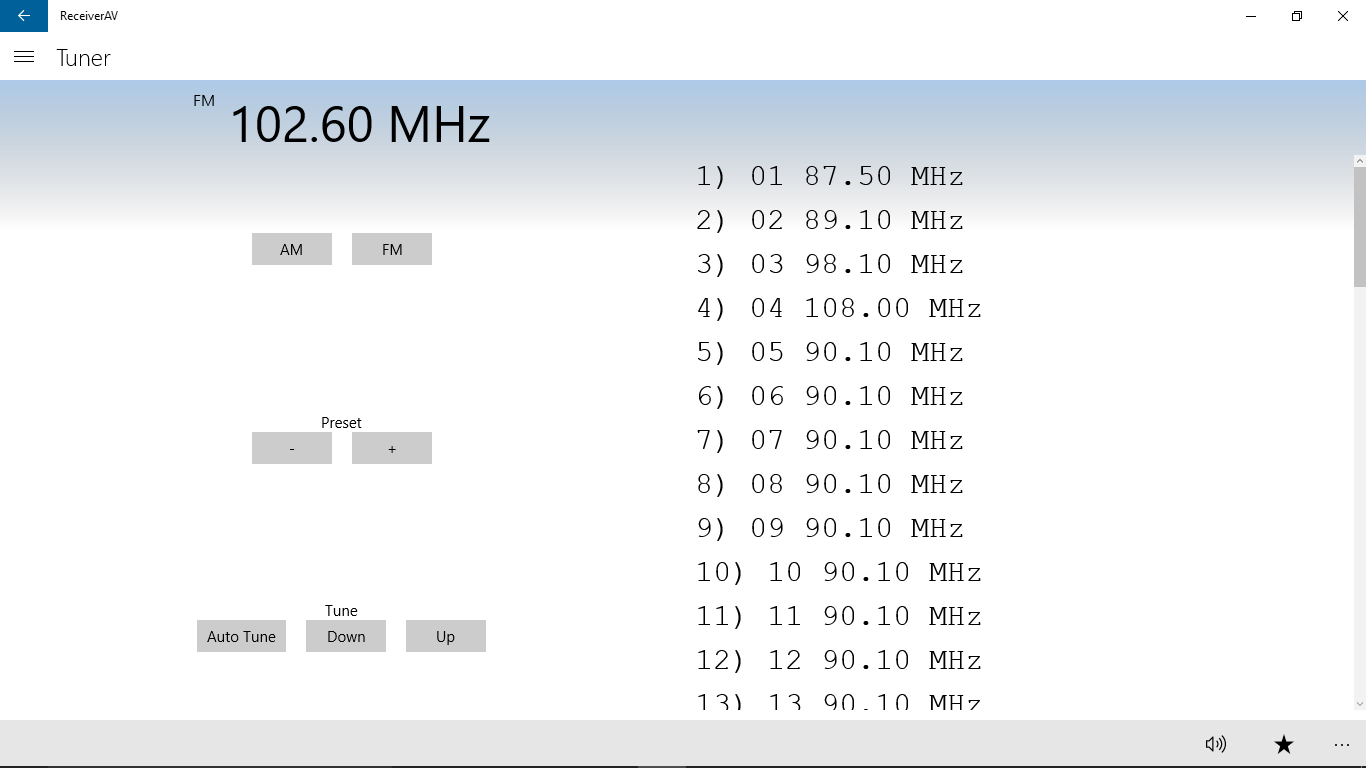
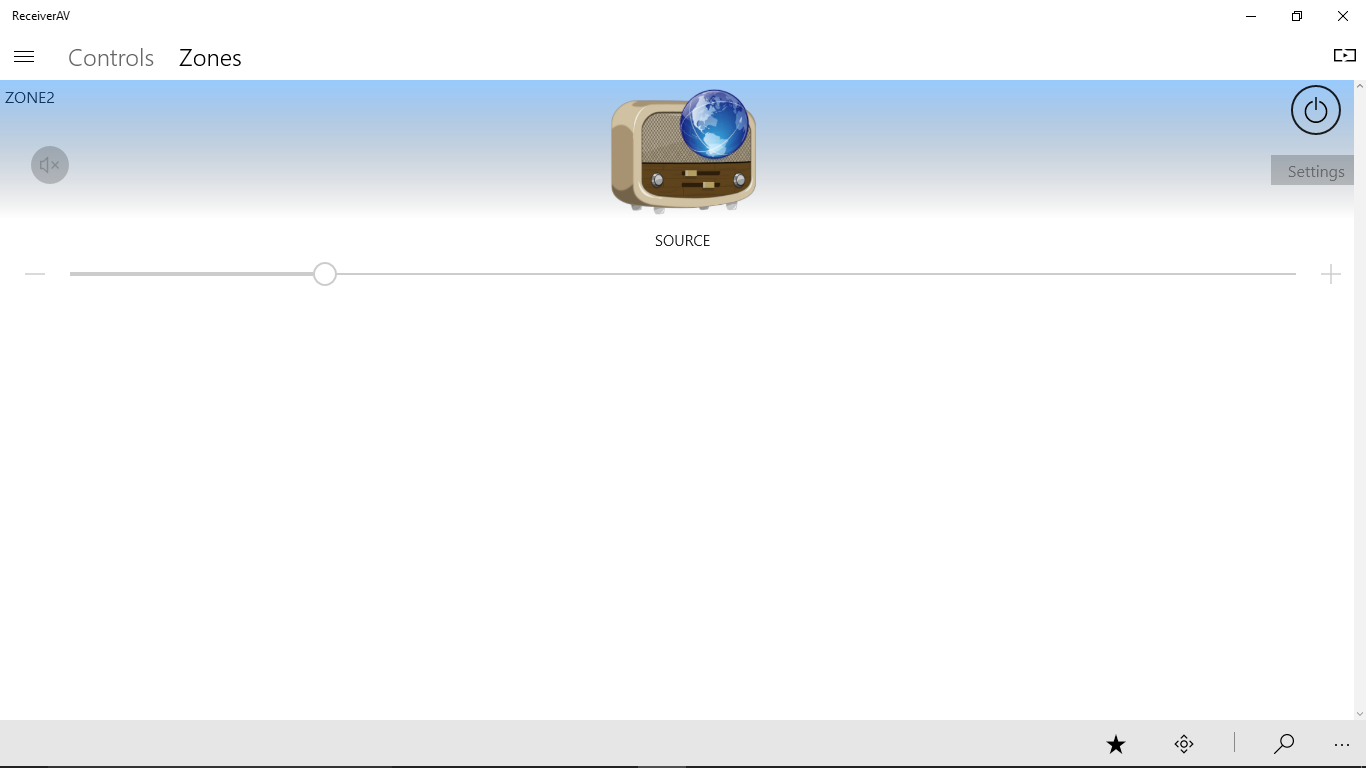
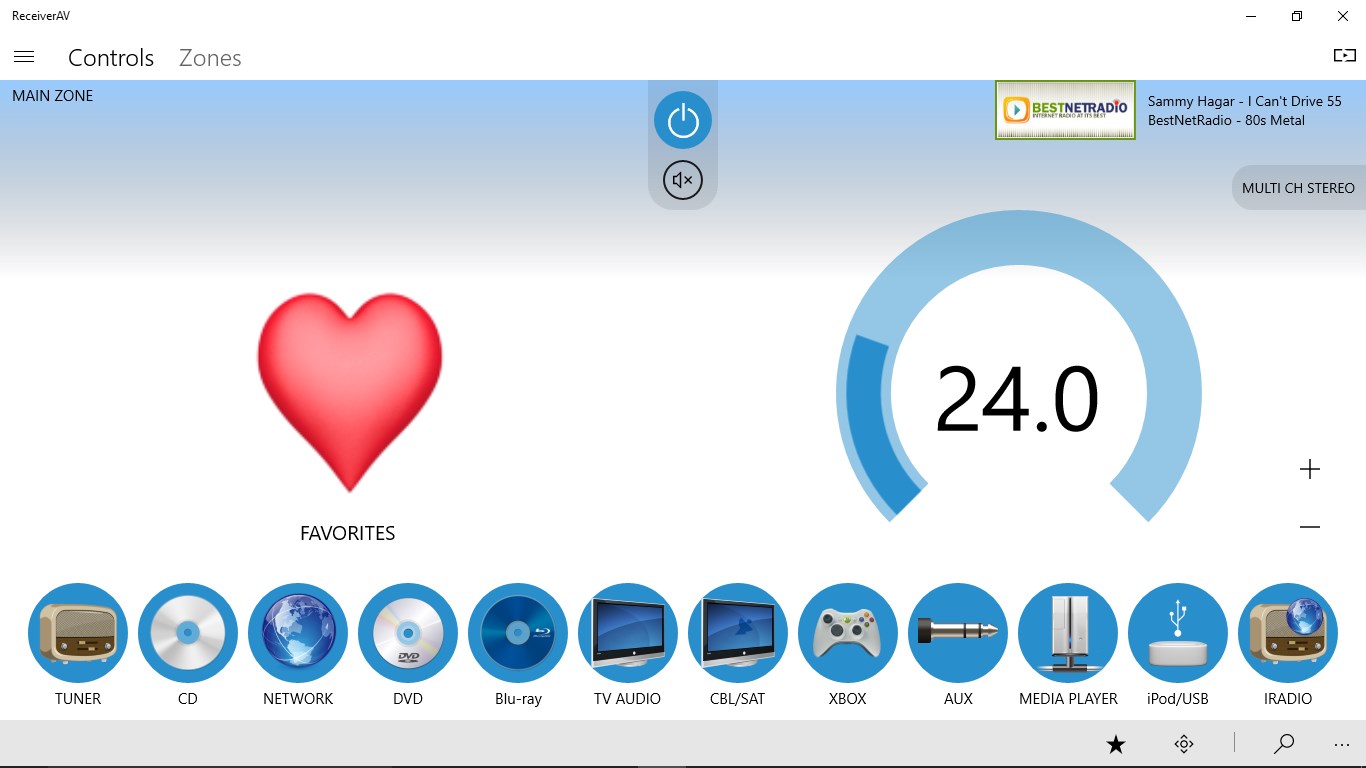
ReceiverAV is a remote control app for Denon and Marantz home receivers, letting the device be operated over wifi or network instead of the original remote. It supports the common functions of these receivers and now also includes basic support for some Yamaha devices. Compatibility depends on the receiver supporting network control, and a trial feature allows testing compatibility with a specific device beforehand. The app does not work with HEOS devices.
Show the developer's original descriptionHide the original description
ReceiverAV enables you to control via wifi or network a Denon/Marantz home receiver and its common functions from this universal app. Now includes basic support for some Yamaha devices also.
No more having to find the original remote for common tasks.
Tested using a Denon AVR-1912/AVR-X2000 & AVR-X2300 but works with many more as long as your receiver supports network control. Please make sure you keep the app updated to receive the best compatibility.
Please give the trial feature a go first to test compatibility with your device.
Sorry this app is not compatible with HEOS devices.
Please email if you are having any issues or have any suggestions/feedback
This application is not affiliated with Denon or Marantz.
Denon and Marantz are registered trademarks of D&M Holdings, Inc.
If there is a version of this app for iOS/Mac or Windows we don't know about, paste the store link here — we'll auto-detect the store.
How to find the URL:1. Open the app in its store. 2.In the App Store app: tap the Share icon → “Copy Link”. In the browser: copy the URL from the address bar — it contains apps.apple.com/…/id… or apps.microsoft.com/detail/…. 3. Paste it here.
Paste the original link from the Apple App Store or Microsoft Store. We fetch all details automatically.
How to find the URL:
1. Open the app in its store. 2.In the App Store app: tap the Share icon → “Copy Link”. In the browser: copy the URL from the address bar — it contains apps.apple.com/…/id… or apps.microsoft.com/detail/…. 3. Paste it here.
Android apps can only be listed by their developer.