

PDF scanner : Scanning and OCR
Scan documents and convert to editable files with OCR AI summary
Screenshots
Summary
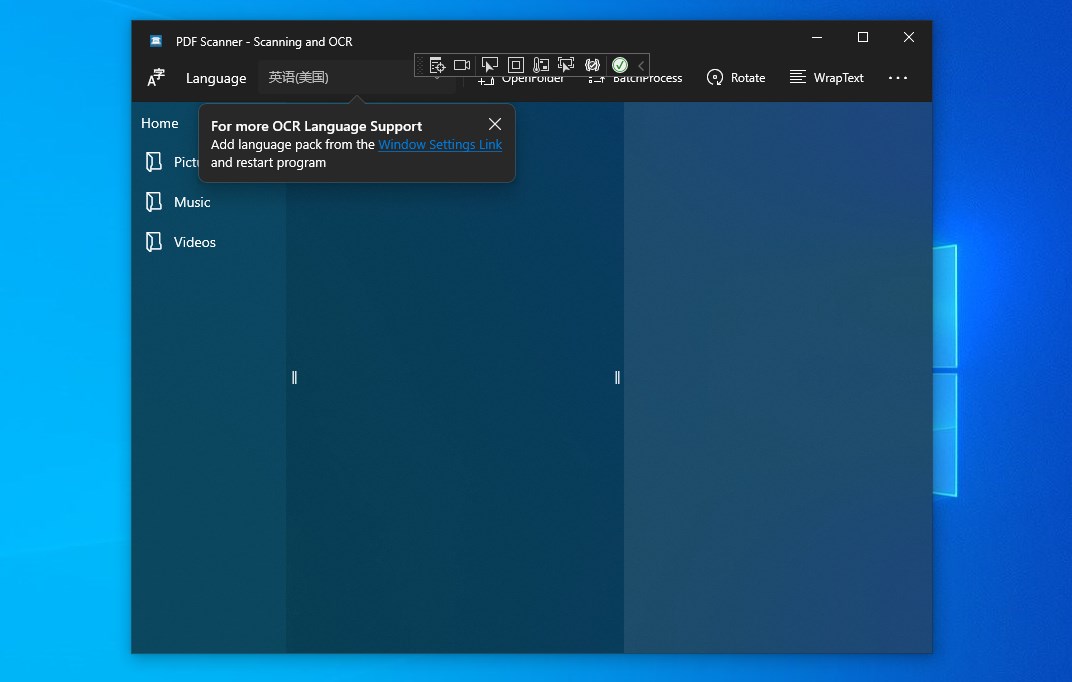
PDF scanner : Scanning and OCR is a tool for turning paper documents into digital files, complete with built-in text recognition, creating, saving and organizing paper documents as digital files. Paper documents, PDFs and photos of text can be converted into editable and searchable files, with accurate conversion of PDFs, document images and scans, and the resulting text can be edited, searched, shared, archived and copied for reuse without manual reformatting. Through OCR, scanned or text-based PDF files can be converted directly into Word or TXT files while keeping the original page layout and elements intact.
Show the developer's original descriptionHide the original description
This application can turn your device into a powerful scanner that recognizes text automatically (OCR) and allows you to create, save, and organize your paper documents as a digital file.
It can easily convert paper documents, PDF and text digital photos into editable and searchable files, and accurately convert PDF, document images and scans. You can edit, search, share, archive, and copy the information in the document for reuse and reference without manually clicking or reformatting, thus saving time and effort.
When performing OCR, you can directly convert a scanned or text PDF file into a word or txt file, so you can accurately retain the original page elements and layout in other PDF files, and copy the text as you choose.
Technical details about PDF scanner
PDF scanner in the rankings
Manage app
Are you on the developer team behind PDF scanner?
Verify yourself and manage your listing on Most Voted Apps.
Verify PDF scanner for free
Verification usually takes only a few minutes.
Similar apps to PDF scanner
 PDF Scanner App, OCR: Docutain
Scan documents as PDF, organize them and make text
 PDF Document Scanner
Scan documents and create, edit multi-page PDF files
 FineReader: PDF Scanner & OCR
Scan documents, convert to text via OCR and share them
 Photo Scan : Manage PDF, OCR & QR Code
Manage PDFs, extract text from photos and scan QR codes
 Doc Scan PDF Scanner
Scan documents and images, save as PDF or image format
 SCAN ACE · PDF Scanner App
Scan, edit and manage documents with OCR