

Screenshot Snipping Tool

Take, edit and share screenshots instantly AI summary
Rank 1800
0 Up Votes, 0 Down Votes
▲
0
▼
Screenshot Snipping Tool is not available on Android and Apple — or is it? Submit URL
Screenshots
Screenshot 1 of Screenshot Snipping Tool on WindowsScreenshot
appears after consent
Screenshot 2 of Screenshot Snipping Tool on WindowsScreenshot
appears after consent
Screenshot 3 of Screenshot Snipping Tool on WindowsScreenshot
appears after consent
Screenshot 4 of Screenshot Snipping Tool on WindowsScreenshot
appears after consent
Screenshot 5 of Screenshot Snipping Tool on WindowsScreenshot
appears after consent
Screenshot 6 of Screenshot Snipping Tool on WindowsScreenshot
appears after consent
Summary
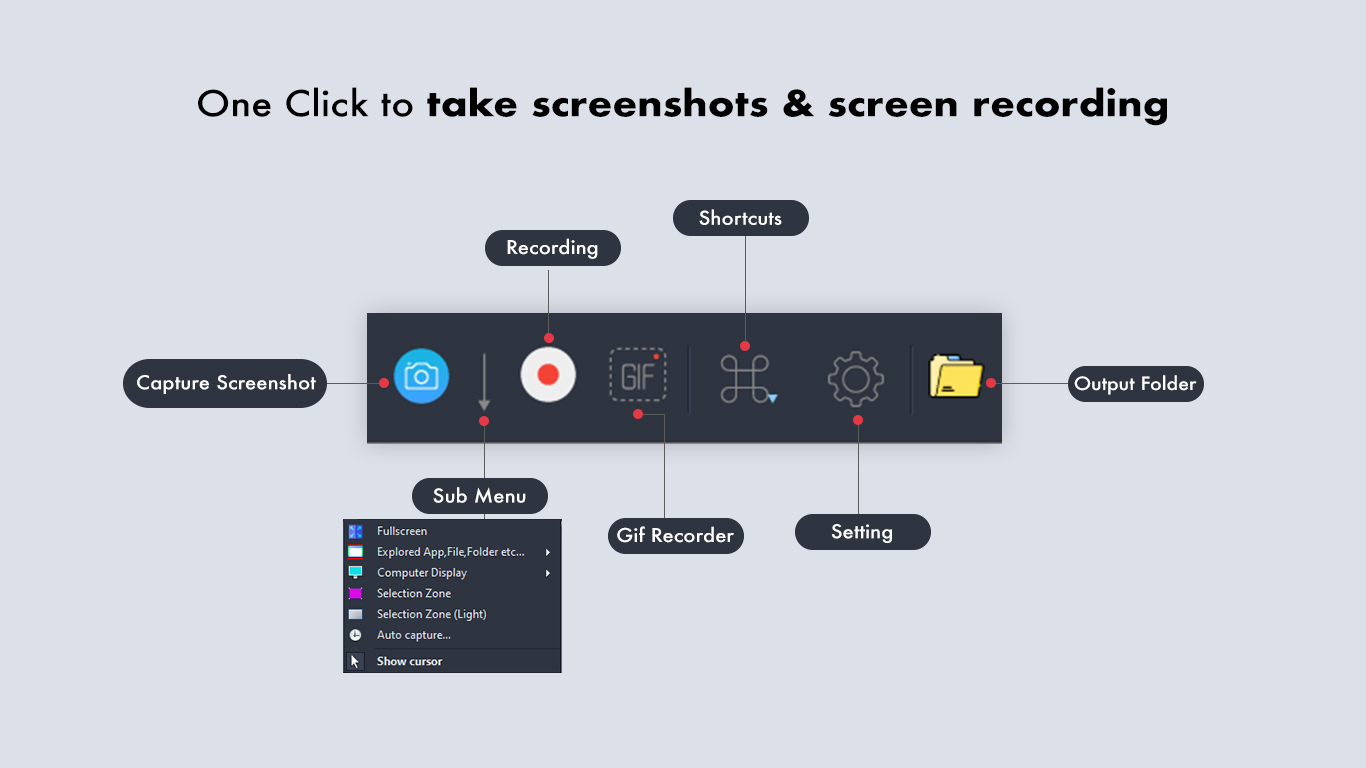
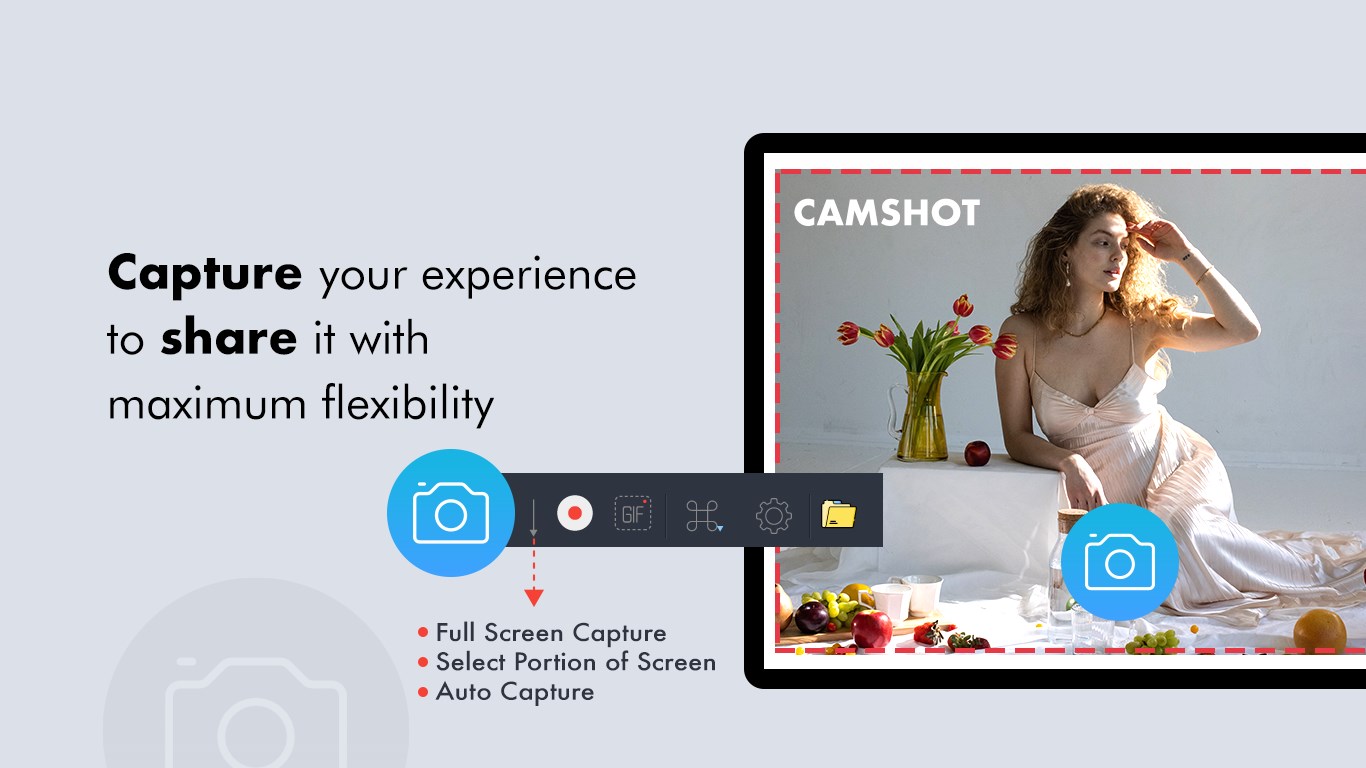
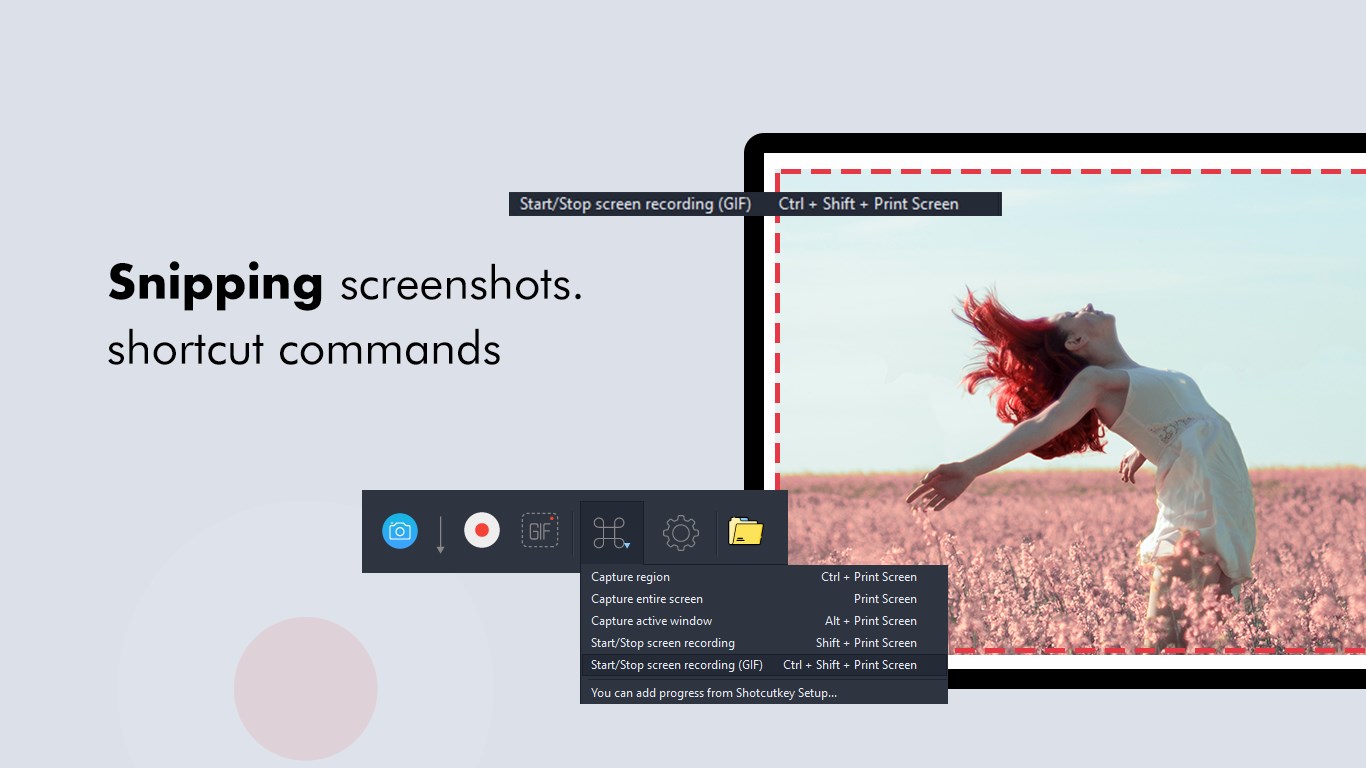
Screenshot Snipping Tool is a screenshot editor that opens an overlay after a screenshot is taken, allowing the captured image to be cropped, edited and shared right away. It lets the user cut any portion of the screen with a tap and share the result on platforms such as Facebook and Instagram. The app allows setting a custom save path for screenshots and displays each capture so the user can choose to save or discard it. Captured screenshots can be trimmed, and all past screenshots can be browsed and edited from a history view.
Show the developer's original descriptionHide the original description
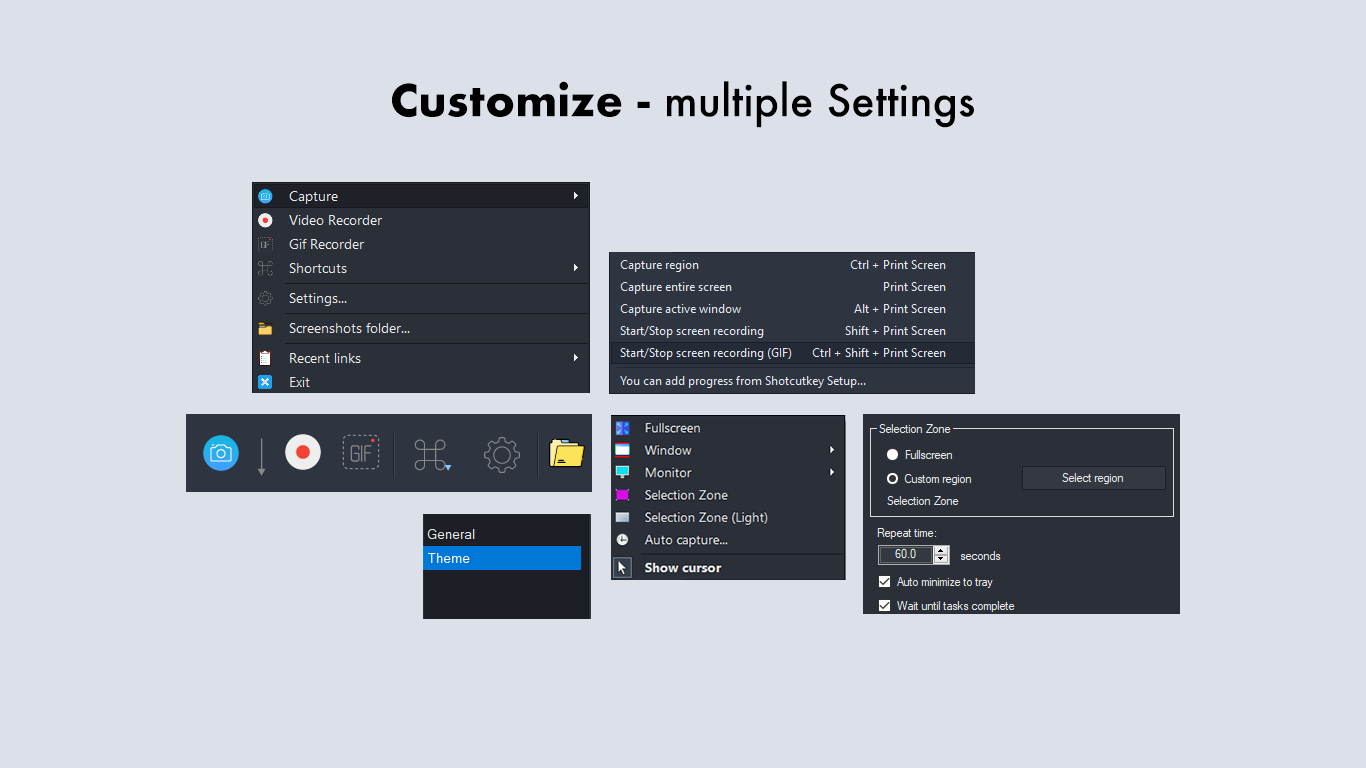
Did you ever think of snipping something off your phone/tab screen and sharing it with someone? Tutorial: https://queenloftapps.com/screenshot-snipping-tool-tutorial/ This application comes with a nice feature with which you can cut any portion of your screen with just a tap and share it on Facebook, Instagram and more. This app opens an overlay after creating a screenshot. You can crop, edit and share (or save) this screenshot immediately after taking it. Features: - Share Screenshots - Set the path to save the screenshot - Screenshot display, you can decide to save or discard screenshots - Trim the captured screenshots - Browse and edit all history screenshots Download and start taking screenshots. Find us: Web: https://queenloftapps.com Facebook: https://www.facebook.com/queenloftapps Instagram: https://www.instagram.com/queenloft/ Twitter: @queenloftapps Email: pinnaclebell@hotmail.com How to use: https://queenloftapps.com/screenshot-snipping-tool-tutorial/
Technical details about Screenshot Snipping Tool
Category
Age Rating
Price
Size
14,1 MB
Last updated in Microsoft Store
2026-05-30
App Store Rating
2.9 ★
Devices
Screenshot Snipping Tool in the rankings
Manage app

Are you on the developer team behind Screenshot Snipping Tool?

Verify yourself and manage your listing on Most Voted Apps.

Verify Screenshot Snipping Tool for free
Verification usually takes only a few minutes.
Similar apps to Screenshot Snipping Tool