

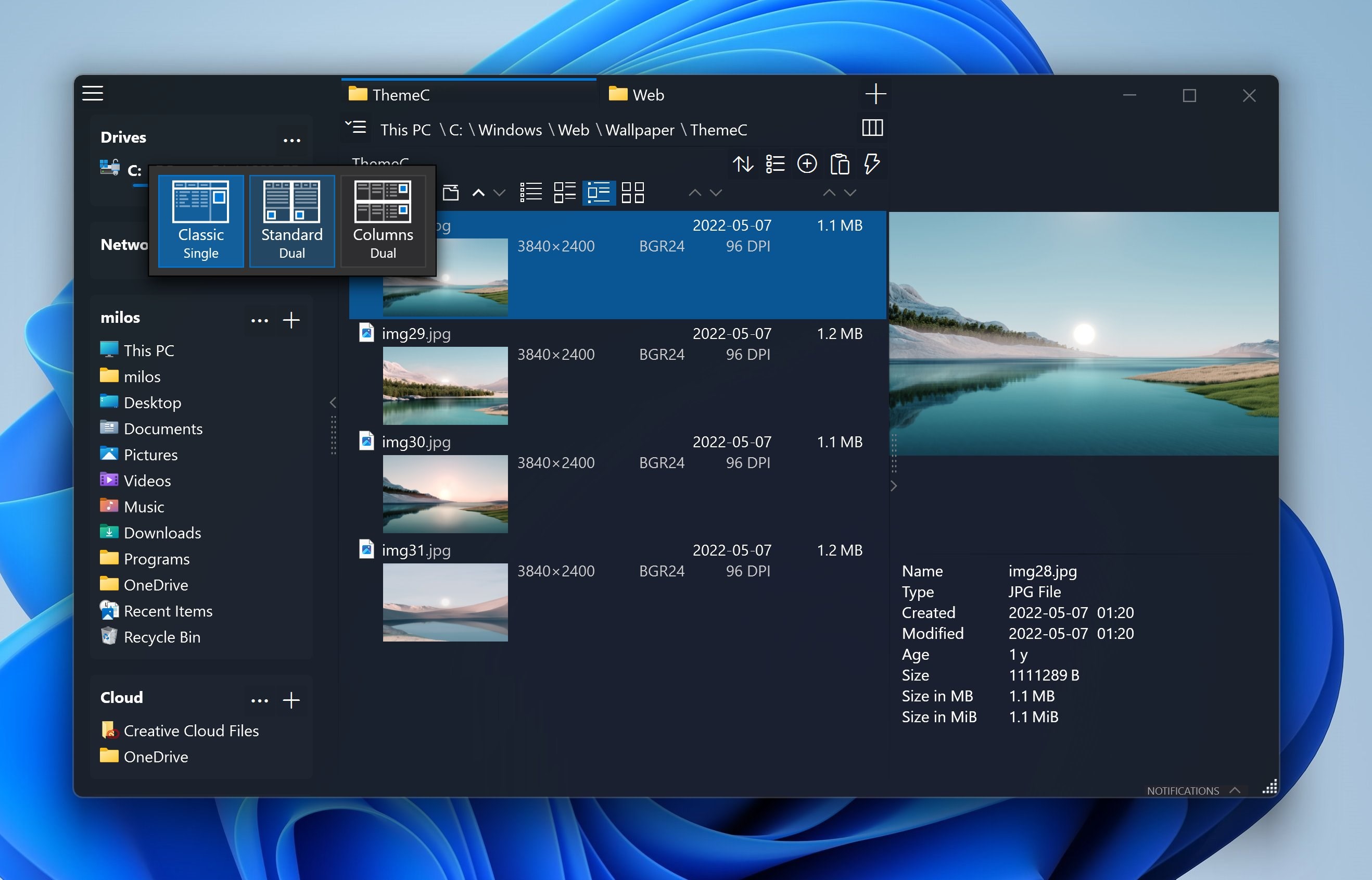

Screenshots
Summary
OneCommander is a dual-pane file manager for Windows 10/11, featuring tabs and a columns view similar to macOS Finder for navigating deep folder trees. It includes built-in preview for images, videos, audio and documents, along with color tags, file-age coloring and favorites organized into projects. A copy and move queue supports batch file operations and advanced renaming, including RegEx, with long path support and custom dark and light themes with editable icons. It suits power users, developers, photographers and anyone who has outgrown File Explorer, and is free for home use, ad-free, with commercial use requiring a license.
Show the developer's original descriptionHide the original description
Fast dual-pane file manager for Windows 10/11 with tabs, preview and color tags. Free for home use, no ads
Key features
• Dual-pane layout with tabs – copy and compare folders without opening new windows
• Columns view like macOS Finder – fly through deep folder trees
• Built-in preview (Space) for images, videos, audio and documents
• Color tags, file-age coloring and favorites organized in projects
• Copy/move queue, batch file operations and advanced renaming (incl. RegEx)
• Long path support
• Custom dark/light themes and editable icons
OneCommander is used by power users, developers, photographers and anyone who has outgrown the limitations of File Explorer.
Commercial use requires a license purchase
This program does NOT collect or transmit personal data (Microsoft Store has a bug not saving this selection properly)
Technical details about OneCommander
OneCommander in the rankings
Manage app
Are you on the developer team behind OneCommander?
Verify yourself and manage your listing on Most Voted Apps.
Verify OneCommander for free
Verification usually takes only a few minutes.
Similar apps to OneCommander
 Commander One: File Manager
Dual-pane file manager with tabs and dark mode
 Metro Commander Pro
Manage files and folders with dual-pane interface
 Files App
Modern file manager with tabs, dual-pane and archive support
 QSpace
Multi-pane file manager with tabs, color themes
 Clover: Window & File Manager
File manager with tabs, multiple panes and bookmark groups
 Total File Commander Pro
Search, manage files and handle archives