spacedesk

Turn a Windows device into an extra display for your PC AI summary
Rank 1874
0 Up Votes, 0 Down Votes
▲
0
▼
Screenshots
iPhone iPad Windows
Screenshot 1 of spacedesk on iPhoneScreenshot
appears after consent
Screenshot 2 of spacedesk on iPhoneScreenshot
appears after consent
Screenshot 3 of spacedesk on iPhoneScreenshot
appears after consent
Screenshot 4 of spacedesk on iPhoneScreenshot
appears after consent
Screenshot 5 of spacedesk on iPhoneScreenshot
appears after consent
Summary
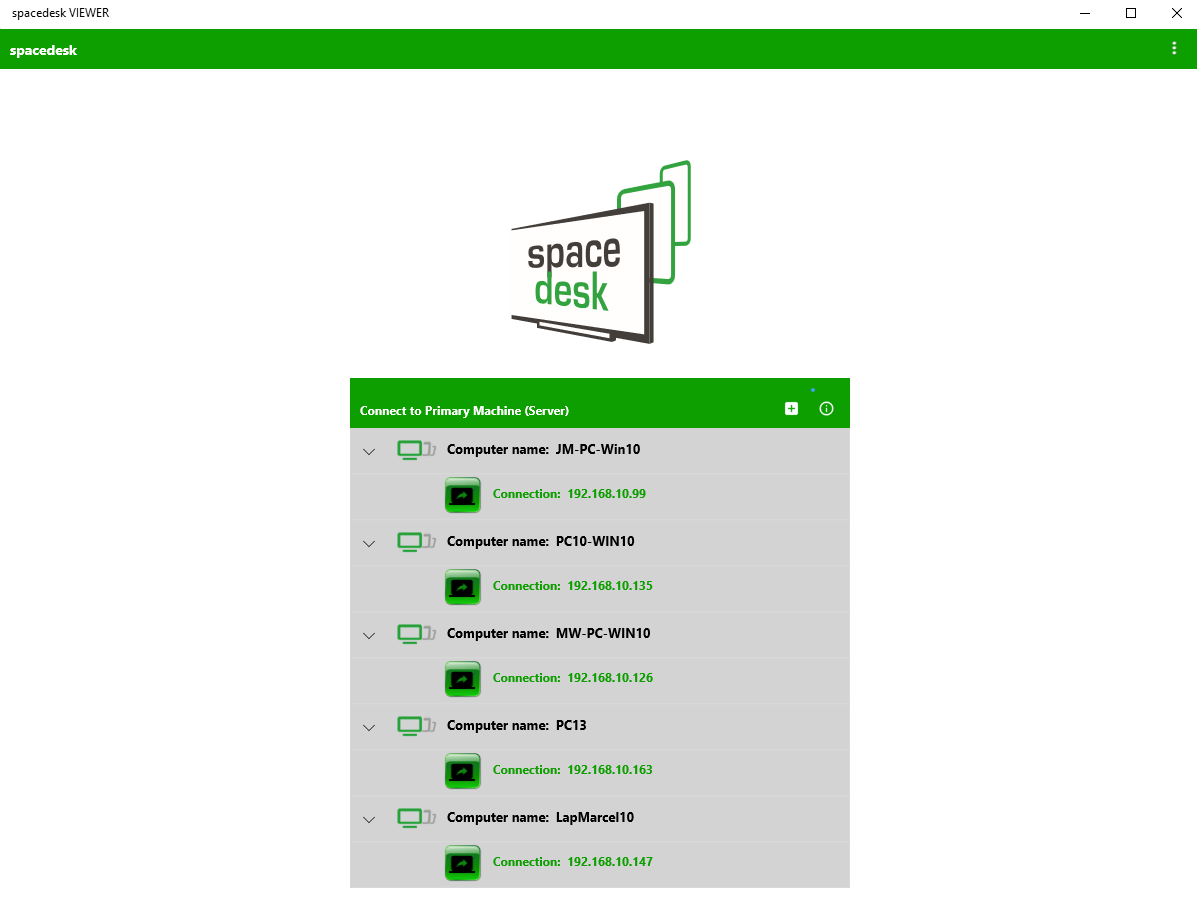
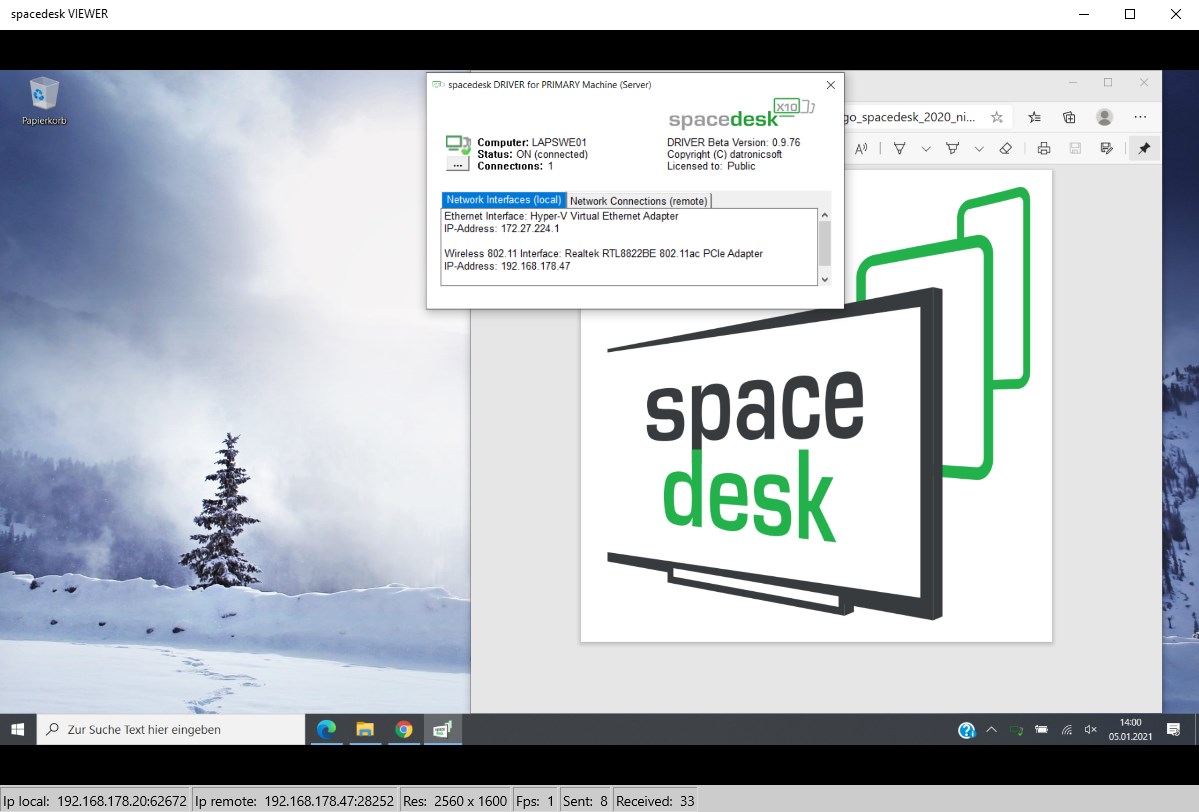
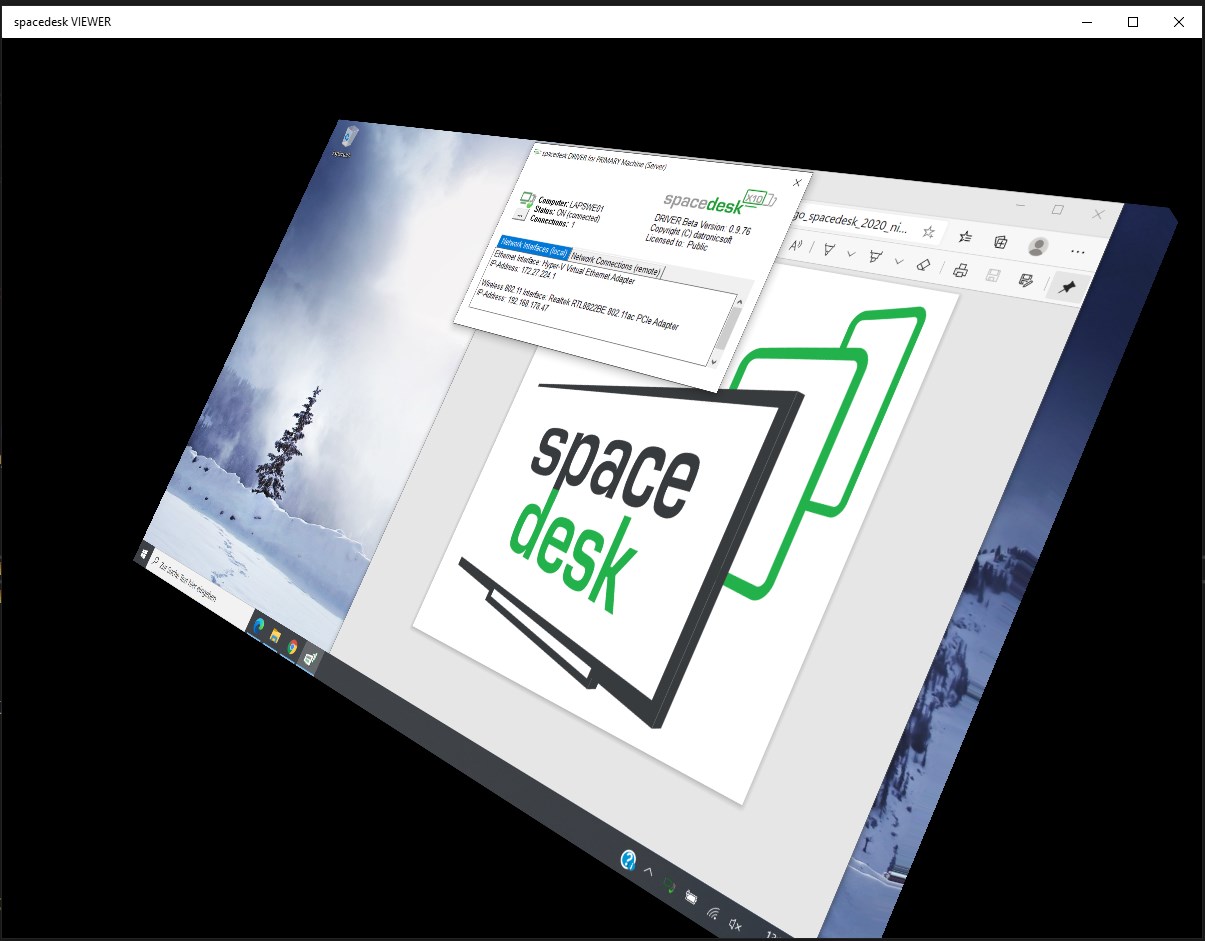
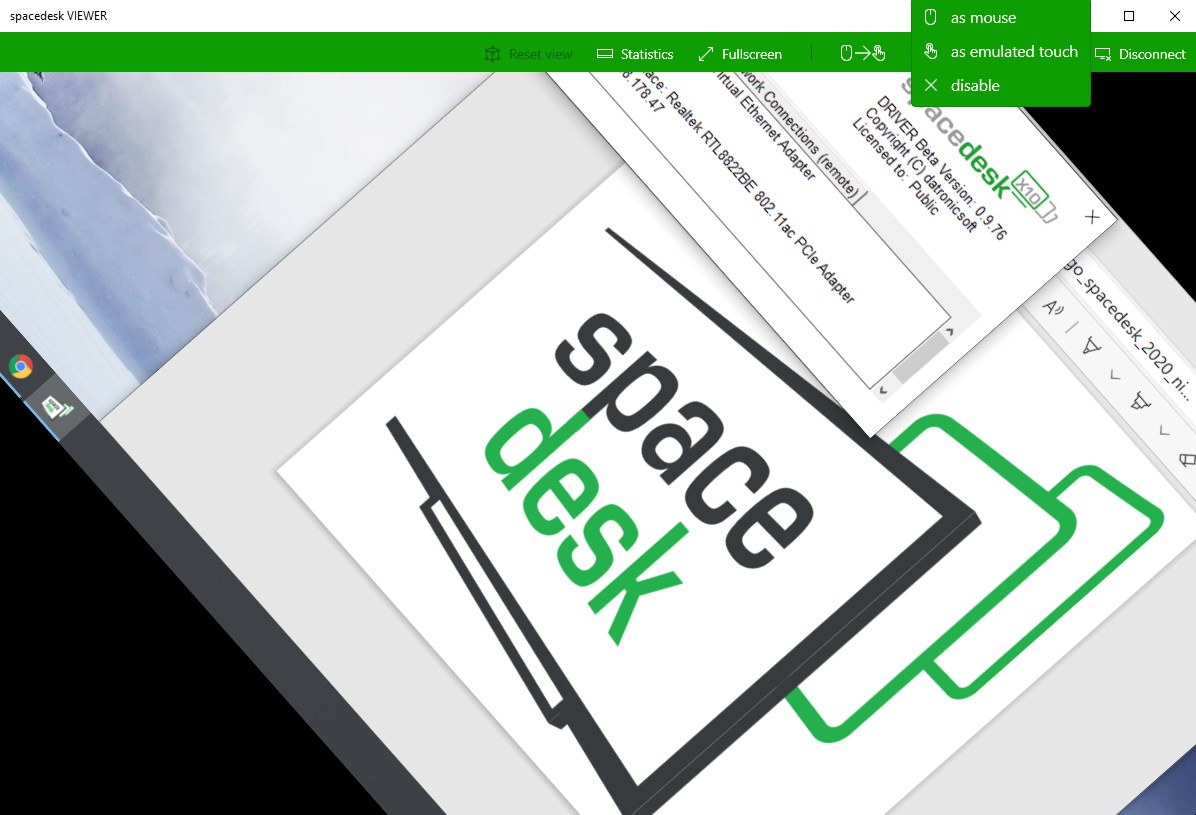
spacedesk is a remote display app that turns a Windows phone, tablet or secondary device into an extra screen for a Windows PC. It extends or duplicates the primary computer's desktop, supporting dual and multi-monitor setups. The connection works over LAN, WiFi, USB tethering or mobile hotspot, without requiring internet access. It offers touchscreen and touchpad input for controlling the extended desktop, along with mouse pointer and stylus pen support. Landscape and portrait viewing options are available. The Windows primary machine requires spacedesk driver software installed separately, and Macs are not supported as the primary device.
Show the developer's original descriptionHide the original description
Turns windows desktop, windows phone or Surface tablet into an advanced extra display for Windows PC and Surface tablets. Windows Desktop screen content is shown on Windows device display. - Windows Desktop Extension (x10-sion) - Windows Desktop Duplication (screen mirroring/cloning) Instruction manual, documentation and detailed setup: https://spacedesk.net/user-manual Quick Guide: 1. Install spacedesk DRIVER software for Windows Primary PC (server). Download: https://www.spacedesk.net 2. Install this app - spacedesk (remote display) app for Secondary Machine (client). 3. Open spacedesk (remote display) app and connect to your Windows Primary PC (server).  Network connection: Server and client must be on the same LAN and/or WAN.  Alternative connections:  - via Mobile Hotspot  - via USB Tethering  Note: Does NOT need internet connection! The Primary Machine (Windows network display server)... ...runs Windows 10, Windows 8.1, Windows 8, or Windows 7. Macs are not supported. Dual monitor and multi monitor configurations are supported. Needs spacedesk drivers installed. Download: https://www.spacedesk.net The Secondary Machine or Device (Windows network display client)... ...is a windows desktop, windows phone, Surface tablet or device running the spacedesk Windows app. The network... ...connects Windows Primary Machine to Secondary Machine or Device over LAN (Local Area Network e.g. Ethernet) and/or WLAN (Wireless Local Area Network). Network connection can be wired or over WiFi. TCP/IP network protocol is required. Need more help? Please visit: https://www.spacedesk.net instruction manual: https://spacedesk.net/user-manual support forum: https://forum.spacedesk.ph facebook: https://www.facebook.com/pages/spacedesk/330909083726073 Youtube: https://www.youtube.com/watch?v=YkWZSwBD-XY Similar wireless display technology alternatives: AirPlay Miracast WiDi
Technical details about spacedesk
Category
Age Rating
Price
Size
6,4 MB
Last updated in Microsoft Store
2026-07-30
App Store Rating
4.2 ★
spacedesk in the rankings
Manage app

Are you on the developer team behind spacedesk?

Verify yourself and manage your listing on Most Voted Apps.

Verify spacedesk for free
Verification usually takes only a few minutes.
Similar apps to spacedesk