


Installer for APK Mobile Apps
Installs APK files from PC to Android devices via ADB AI summary
Screenshots
Summary
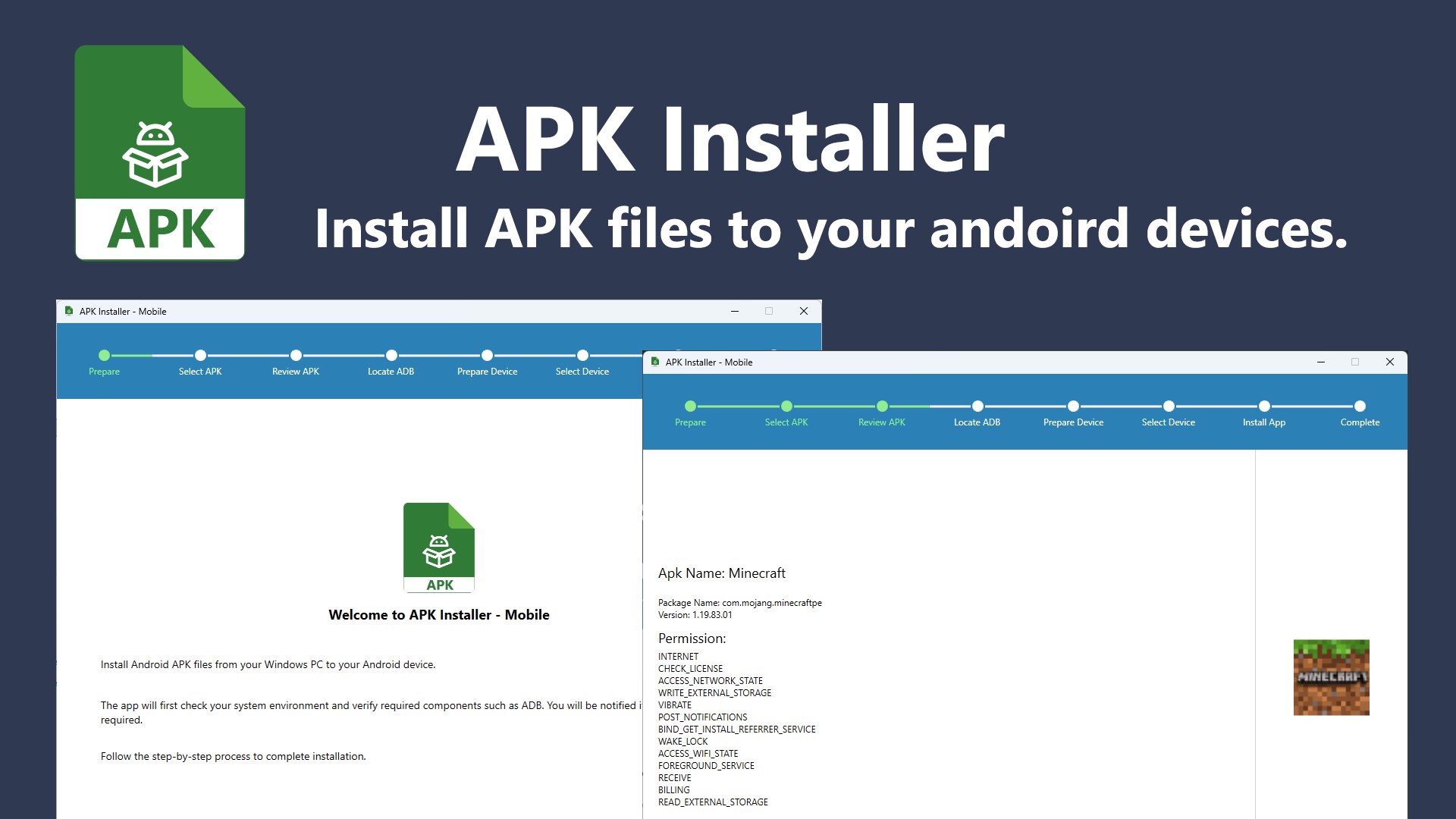
Installer for APK Mobile Apps is a tool for installing Android app packages from a Windows PC onto an Android device. It opens app packages to display the app name, icon, version number, permissions and other details, and supports the formats apk, xapk, apkm and apks. It detects connected Android devices, connects to a selected device, and installs supported Android app packages.
Show the developer's original descriptionHide the original description
Installer for APK Mobile Apps helps you install Android™ app packages from your Windows PC to your Android device.
ADB (Android Debug Bridge) is required to install Android apps on your device and is not included with this app. APK Installer will check whether ADB is available on your system and prompt you to locate the adb.exe file if needed before continuing.
License: The free version provides a trial that allows one successful installation of a supported app package. Upgrade to the Premium version to unlock unlimited installations. Thank you for your support.
Features:
- Open Android app packages to view app name, icon, version number, permissions, and other details
- Supports formats: .apk, .xapk, .apkm, and .apks
- Clearly displays the current installation status
- Detects connected Android devices
- Connects to a selected Android device
- Installs supported Android app packages
Technical details about Installer for APK Mobile Apps
Installer for APK Mobile Apps in the rankings
Manage app
Are you on the developer team behind Installer for APK Mobile Apps?
Verify yourself and manage your listing on Most Voted Apps.
Verify Installer for APK Mobile Apps for free
Verification usually takes only a few minutes.
Similar apps to Installer for APK Mobile Apps
 APK Mobile App Installer
Install APK files from Windows onto Android devices
 APK App Installer for Mobile
Install APK files to Android devices via USB or Wi-Fi
 EZ APK App Installer
Install APK files to Android devices via USB or Wi-Fi
 App Installer (Mobile) - WinUI 3
Install Android apps via double-click without manual ADB