

Screenshot appears after consentScreenshot appears after consentScreenshot appears after consentScreenshot appears after consentScreenshot appears after consentScreenshot appears after consentScreenshot appears after consentScreenshot appears after consent
Summary
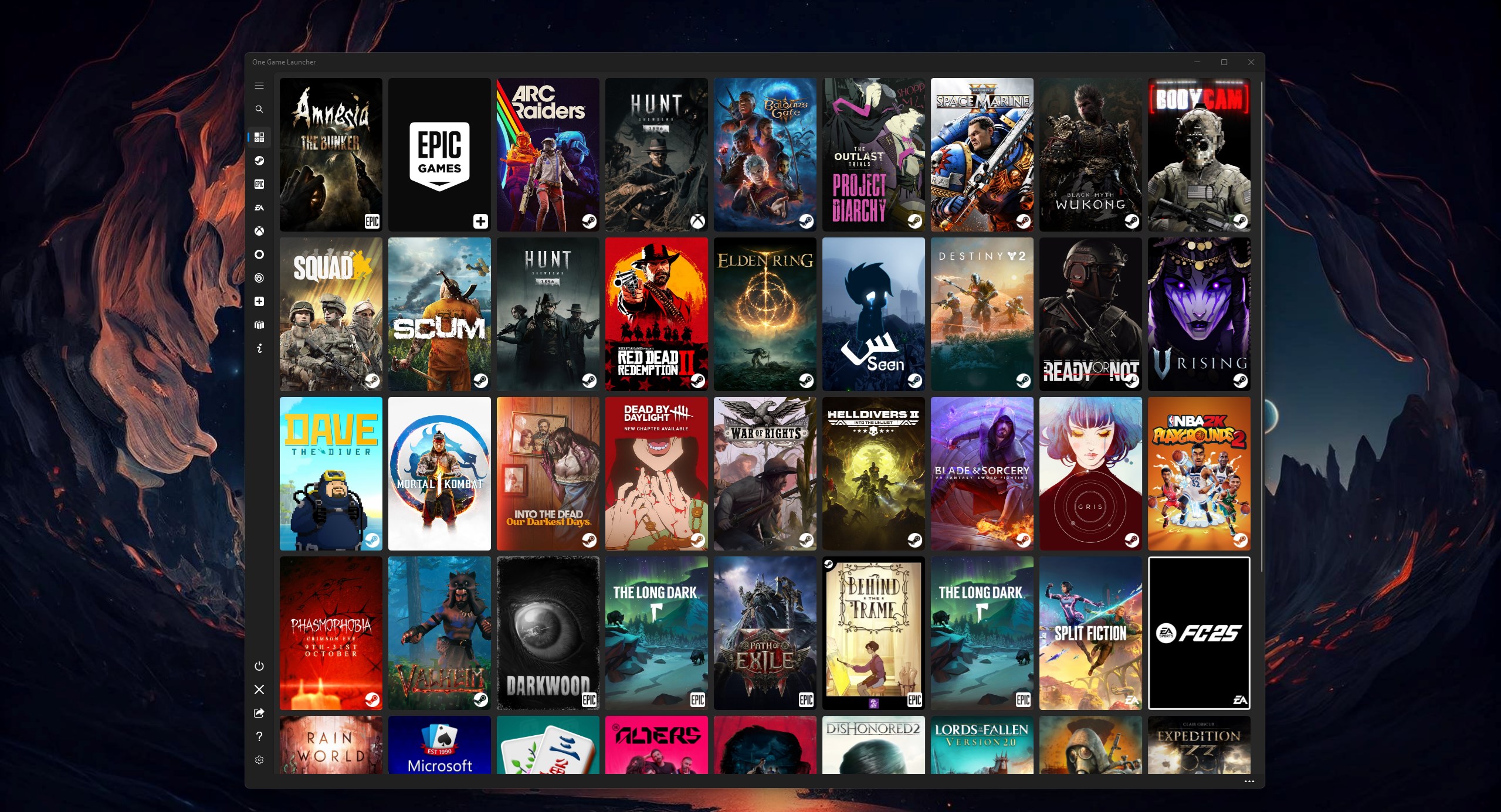
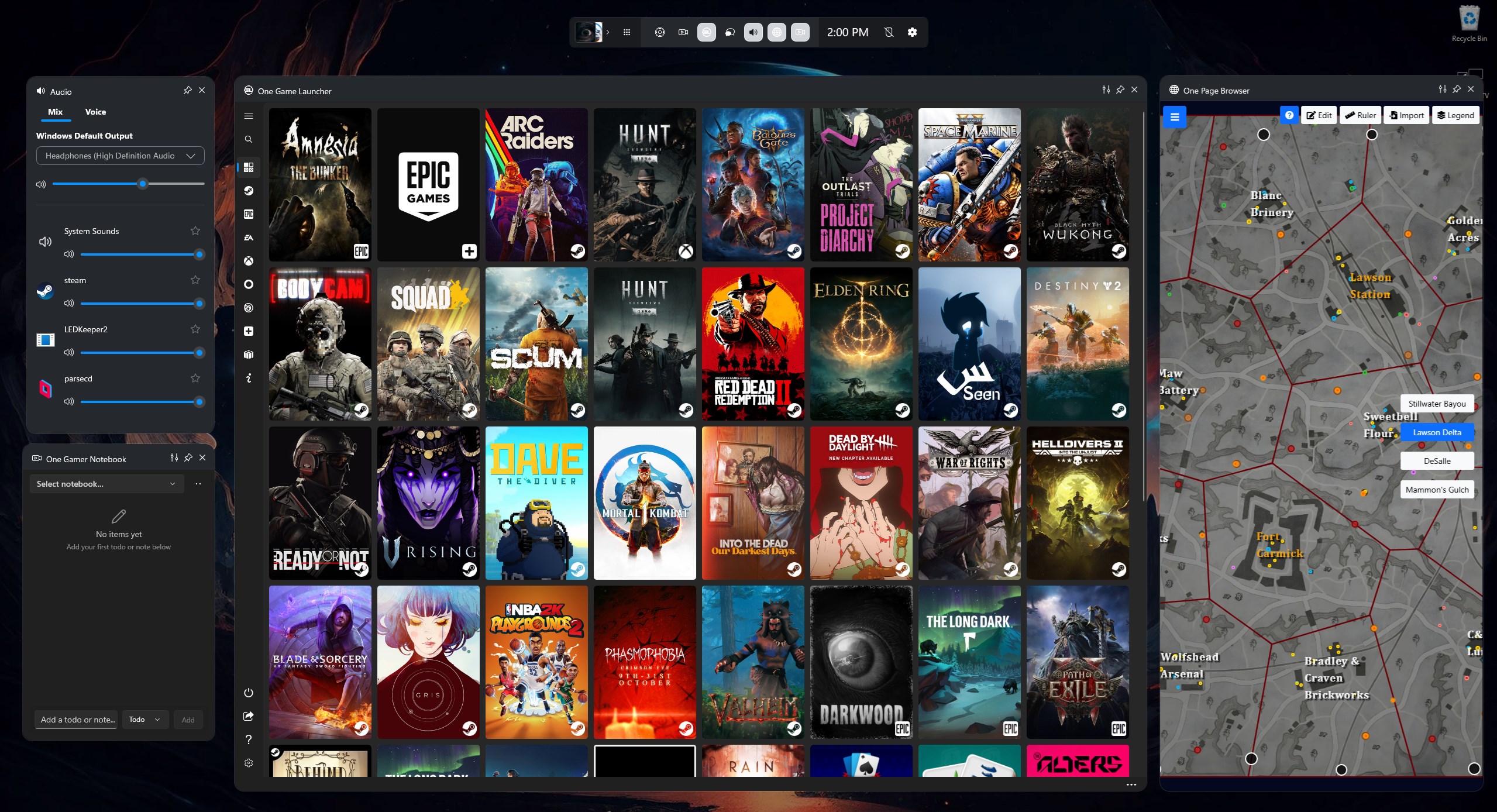
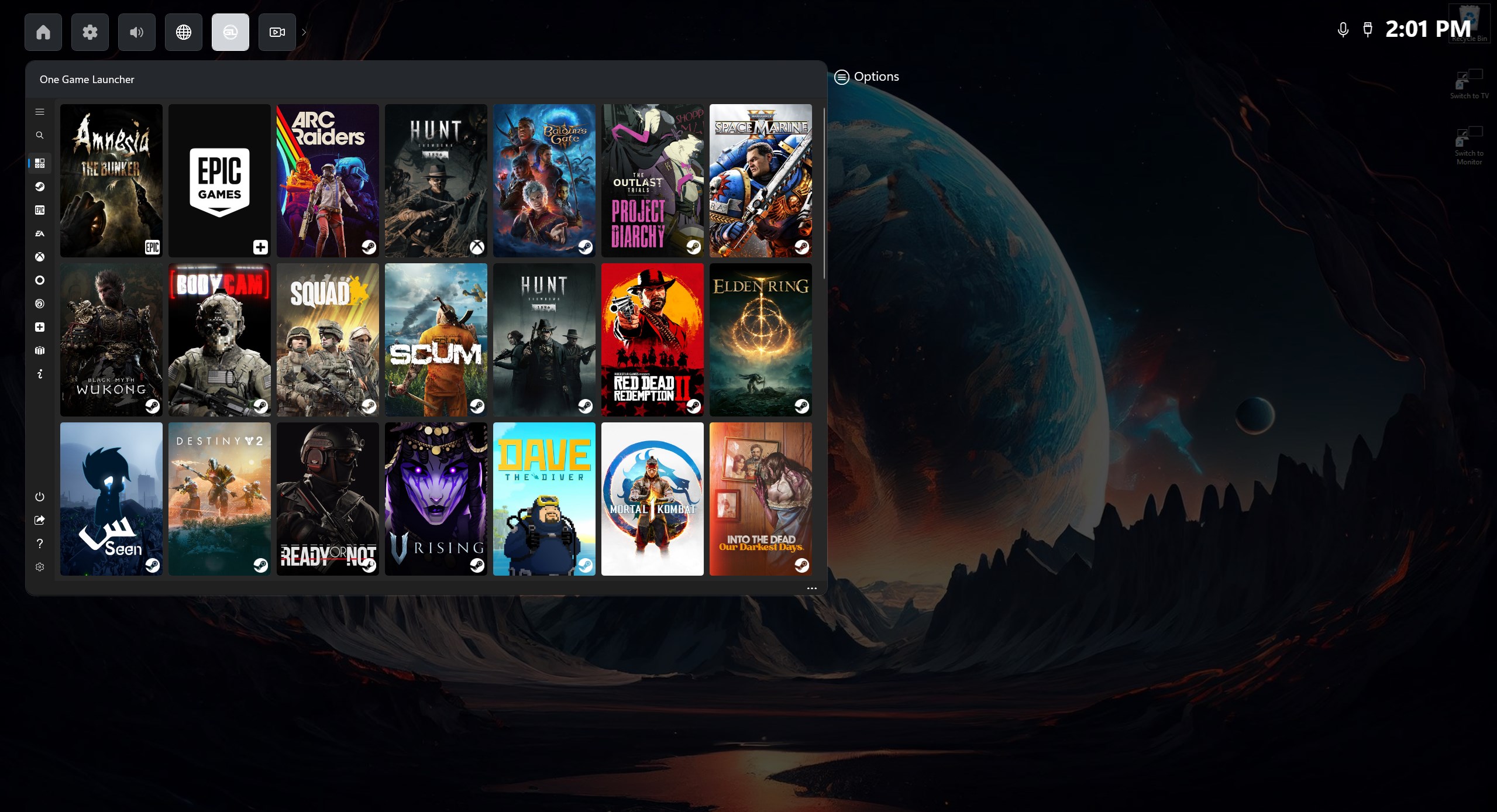
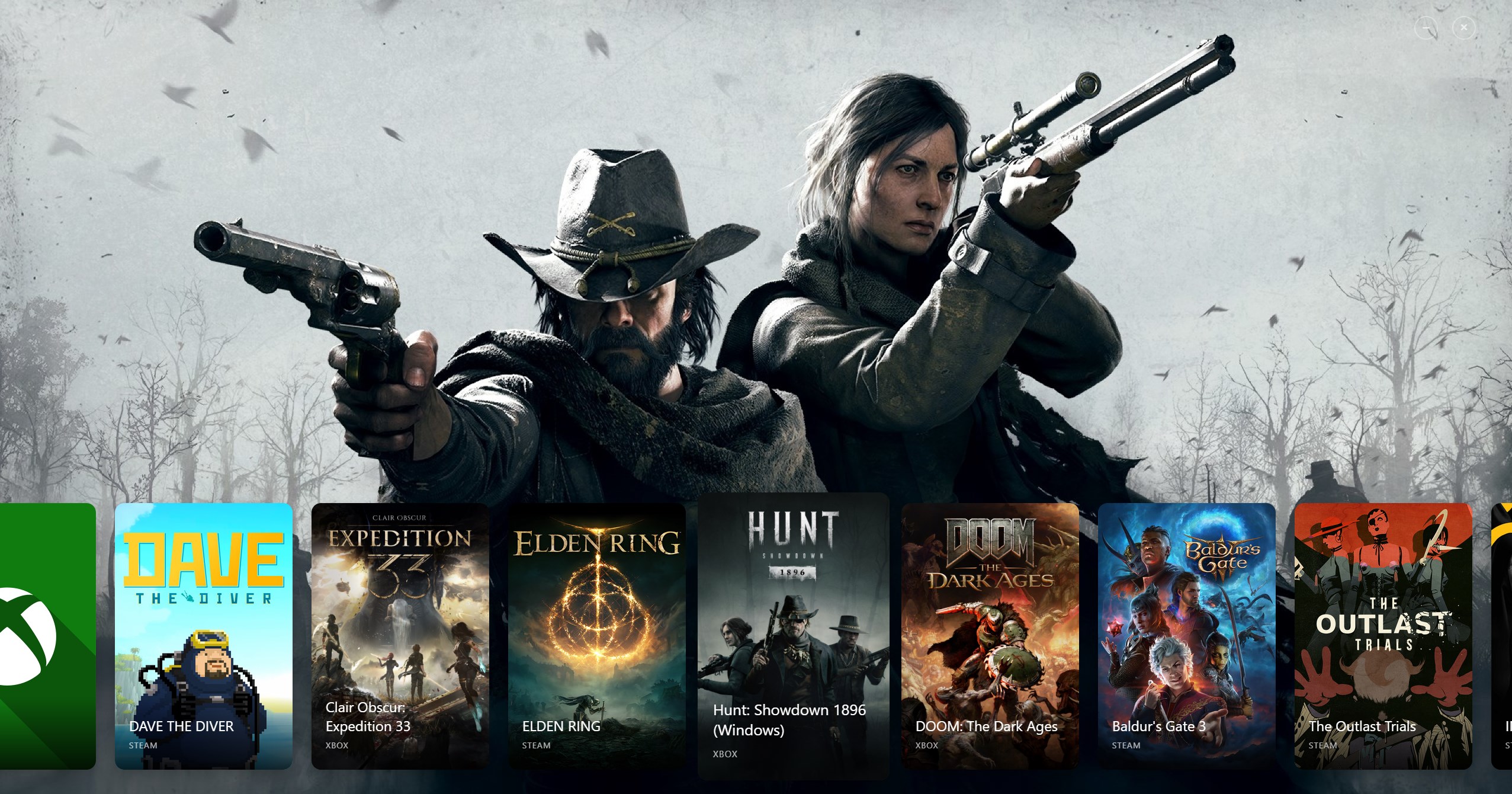
One Game Launcher is a game launcher that gathers a user's game library in one centralized place accessible by gamepad or keyboard and mouse. It supports game stores such as Steam, Epic, EA, Origin, GOG, Ubisoft, Battle.net and Xbox for PC, and allows manually adding any game, app or url. Games can be opened through the Game Bar widget, the desktop app, or the start menu, and can be launched and navigated using a gamepad, including remote launching. The MYUI feature allows creation of custom themes, even by asking Microsoft Copilot AI, while mouse control via gamepad covers actions lacking native gamepad support.
Show the developer's original descriptionHide the original description
One Game Launcher provides a centralized place for your game library easily accessible by gamepad or keyboard & mouse.
OGL is available as the game bar widget (compact and desktop mode) and regular app from the start menu.
It supports various game stores such as Steam, Epic, EA, Origin, GOG, Ubisoft, Battle.net, Xbox(PC), and more.
It also provides an option to add any game/app/url manually and launch games remotely.
MYUI feature enables the creation of custom themes effortlessly, even by simply asking Microsoft Copilot AI. Design your personalized experience with ease and creativity!
One Game Launcher brings the console gaming experience to PC. The application can be launched by the gamepad hotkey combination.
It also allows the user to open the Game Bar overlay by pressing the Xbox button on the controller, or Win+G on the keyboard, and launch a game via the One Game Launcher widget.
Games can be launched with the gamepad (RB & LB are supported for comfortable navigation among pages).
One Game Launcher also provides mouse control with gamepad for simple actions where gamepad is not supported.
It also allows to open the app or the start menu by gamepad keys combination (macros).
Reddit: r/OneGameLauncher
If there is a version of this app for iOS/Mac or Windows we don't know about, paste the store link here — we'll auto-detect the store.
How to find the URL:1. Open the app in its store. 2.In the App Store app: tap the Share icon → “Copy Link”. In the browser: copy the URL from the address bar — it contains apps.apple.com/…/id… or apps.microsoft.com/detail/…. 3. Paste it here.
Paste the original link from the Apple App Store or Microsoft Store. We fetch all details automatically.
How to find the URL:
1. Open the app in its store. 2.In the App Store app: tap the Share icon → “Copy Link”. In the browser: copy the URL from the address bar — it contains apps.apple.com/…/id… or apps.microsoft.com/detail/…. 3. Paste it here.
Android apps can only be listed by their developer.