Screenshot appears after consentScreenshot appears after consentScreenshot appears after consentScreenshot appears after consentScreenshot appears after consentScreenshot appears after consentScreenshot appears after consentScreenshot appears after consent
Screenshot appears after consentScreenshot appears after consentScreenshot appears after consentScreenshot appears after consentScreenshot appears after consentScreenshot appears after consentScreenshot appears after consentScreenshot appears after consent
Screenshot appears after consentScreenshot appears after consentScreenshot appears after consentScreenshot appears after consentScreenshot appears after consentScreenshot appears after consentScreenshot appears after consentScreenshot appears after consent
Screenshot appears after consentScreenshot appears after consentScreenshot appears after consentScreenshot appears after consentScreenshot appears after consentScreenshot appears after consentScreenshot appears after consentScreenshot appears after consentScreenshot appears after consentScreenshot appears after consentScreenshot appears after consentScreenshot appears after consentScreenshot appears after consentScreenshot appears after consentScreenshot appears after consentScreenshot appears after consent
Summary
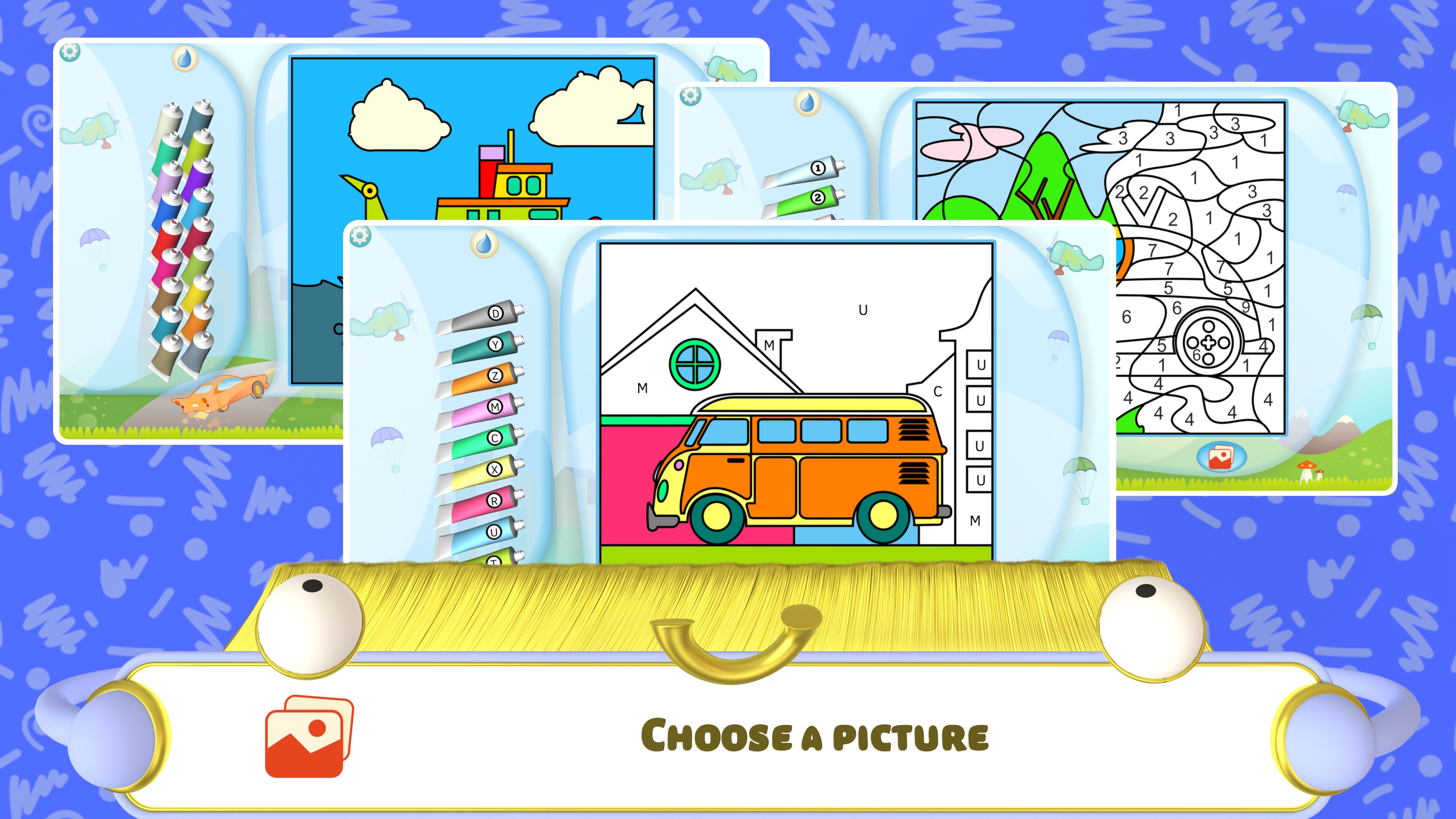
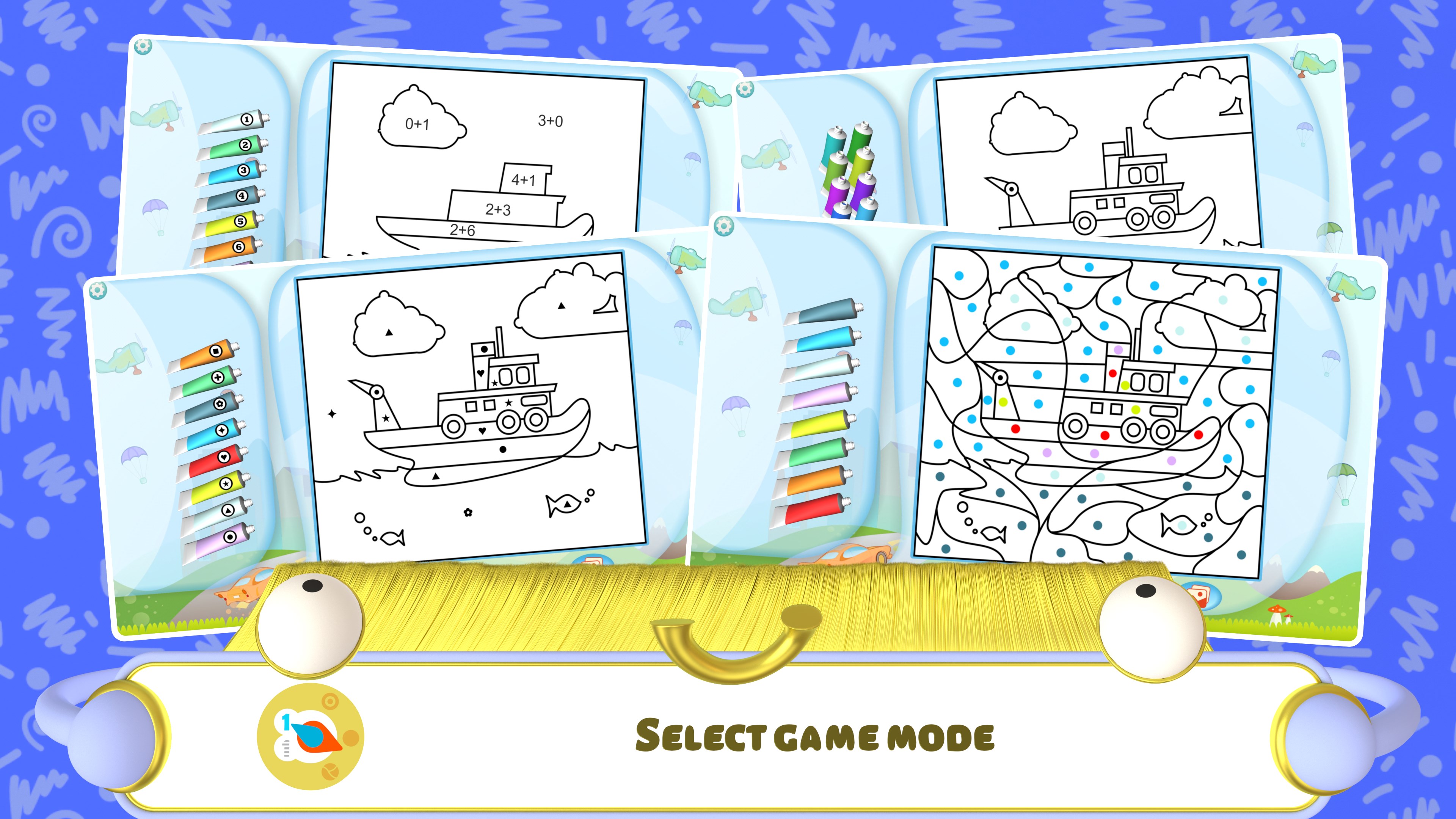
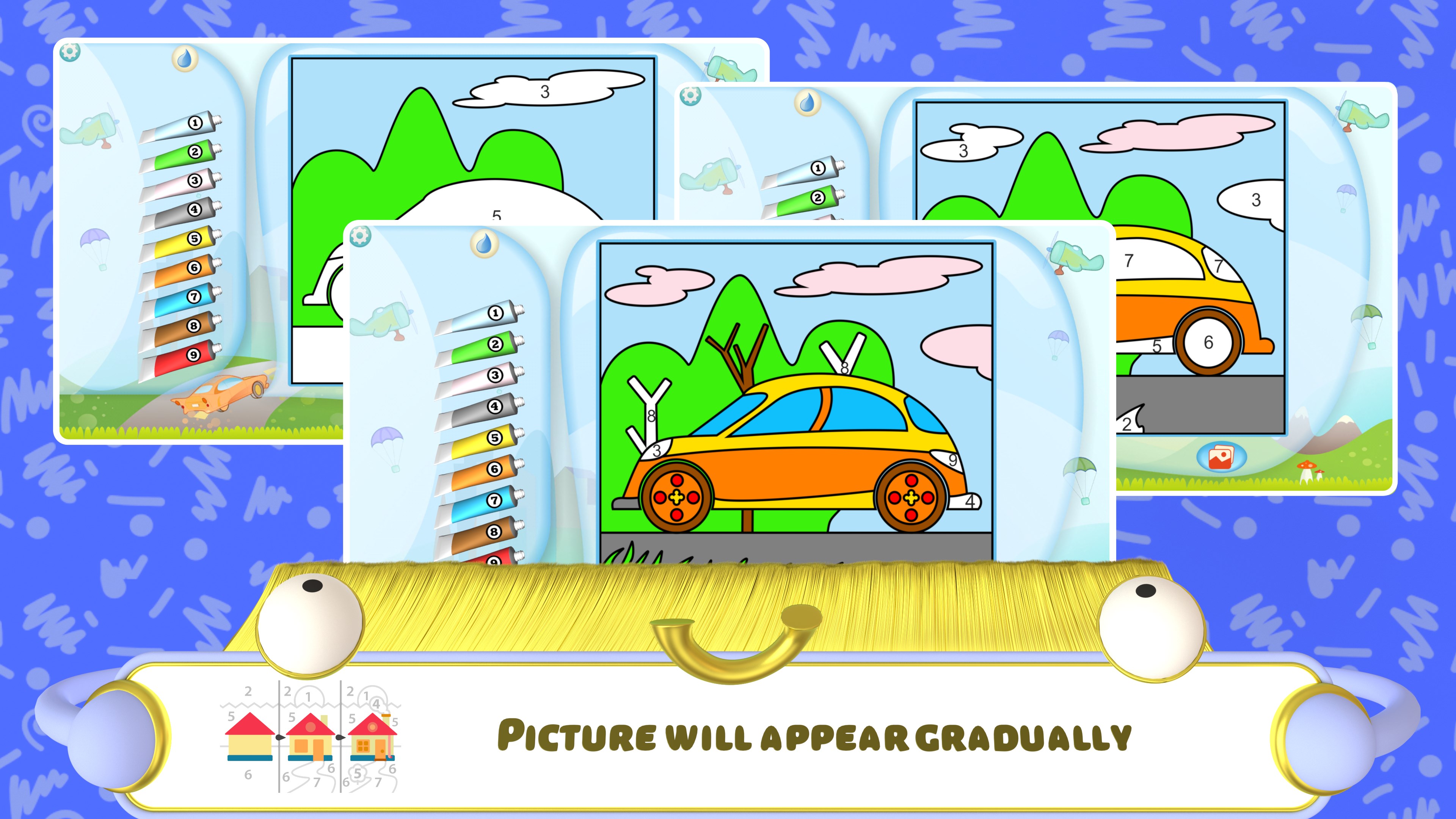
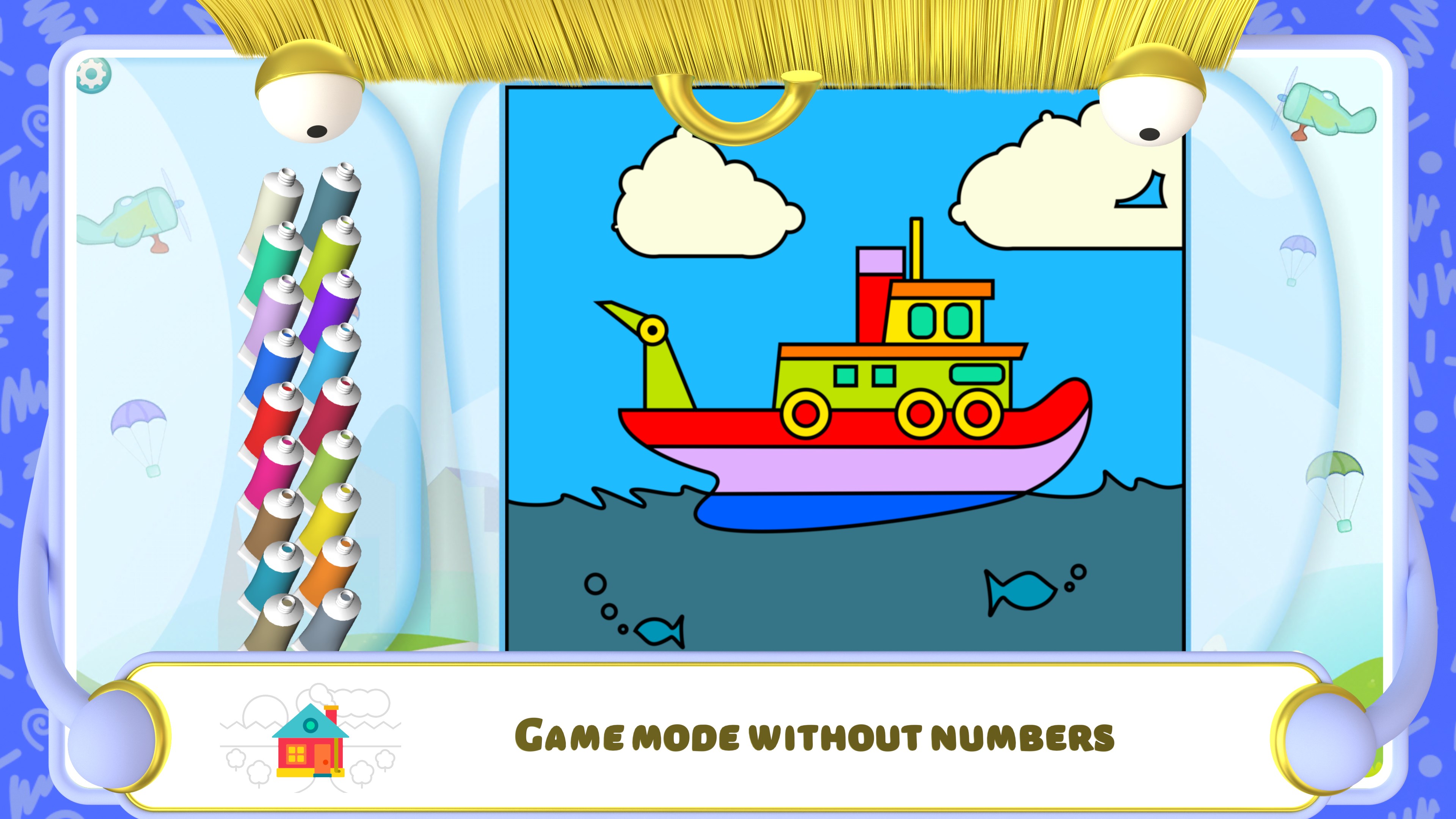
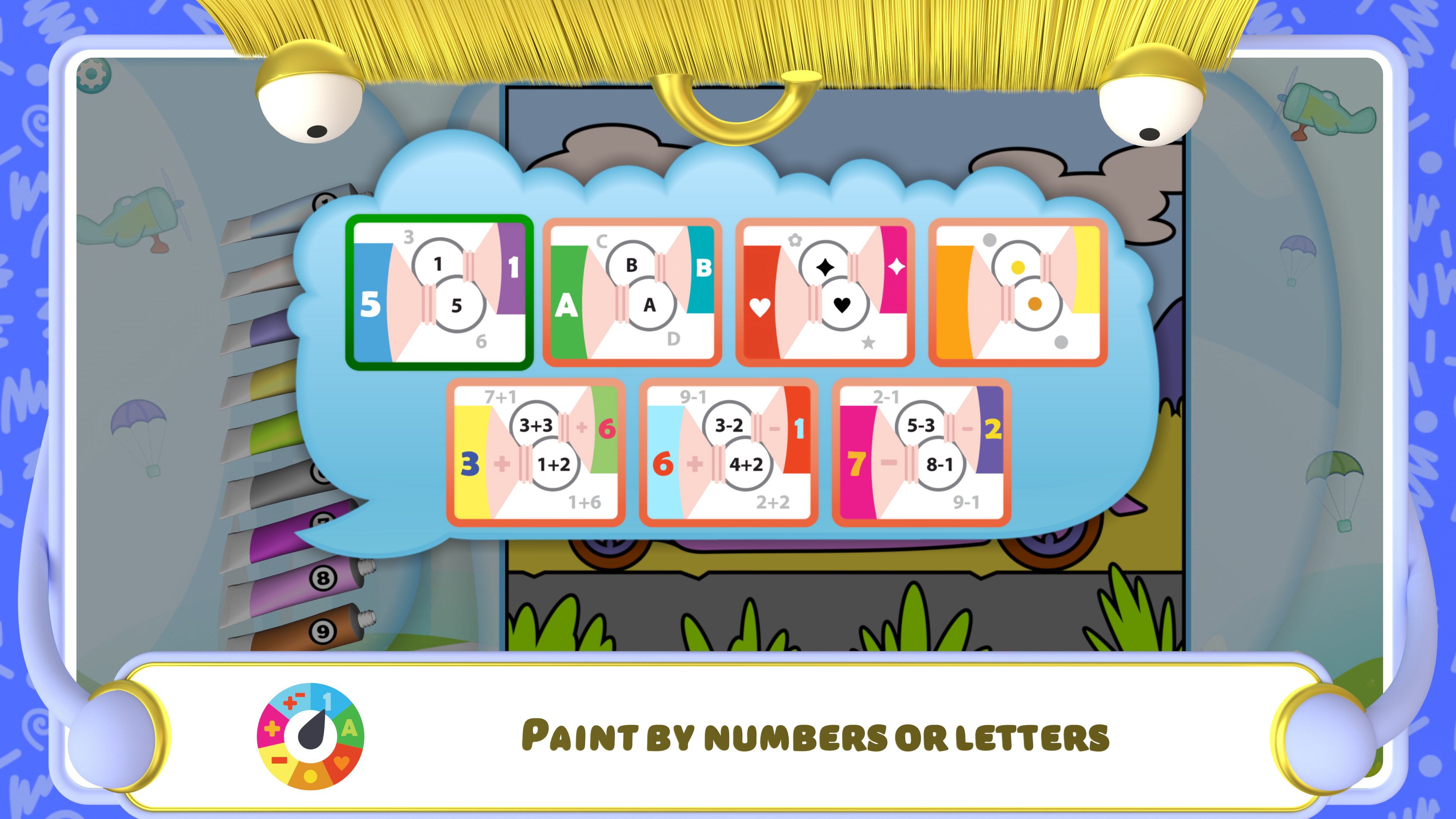
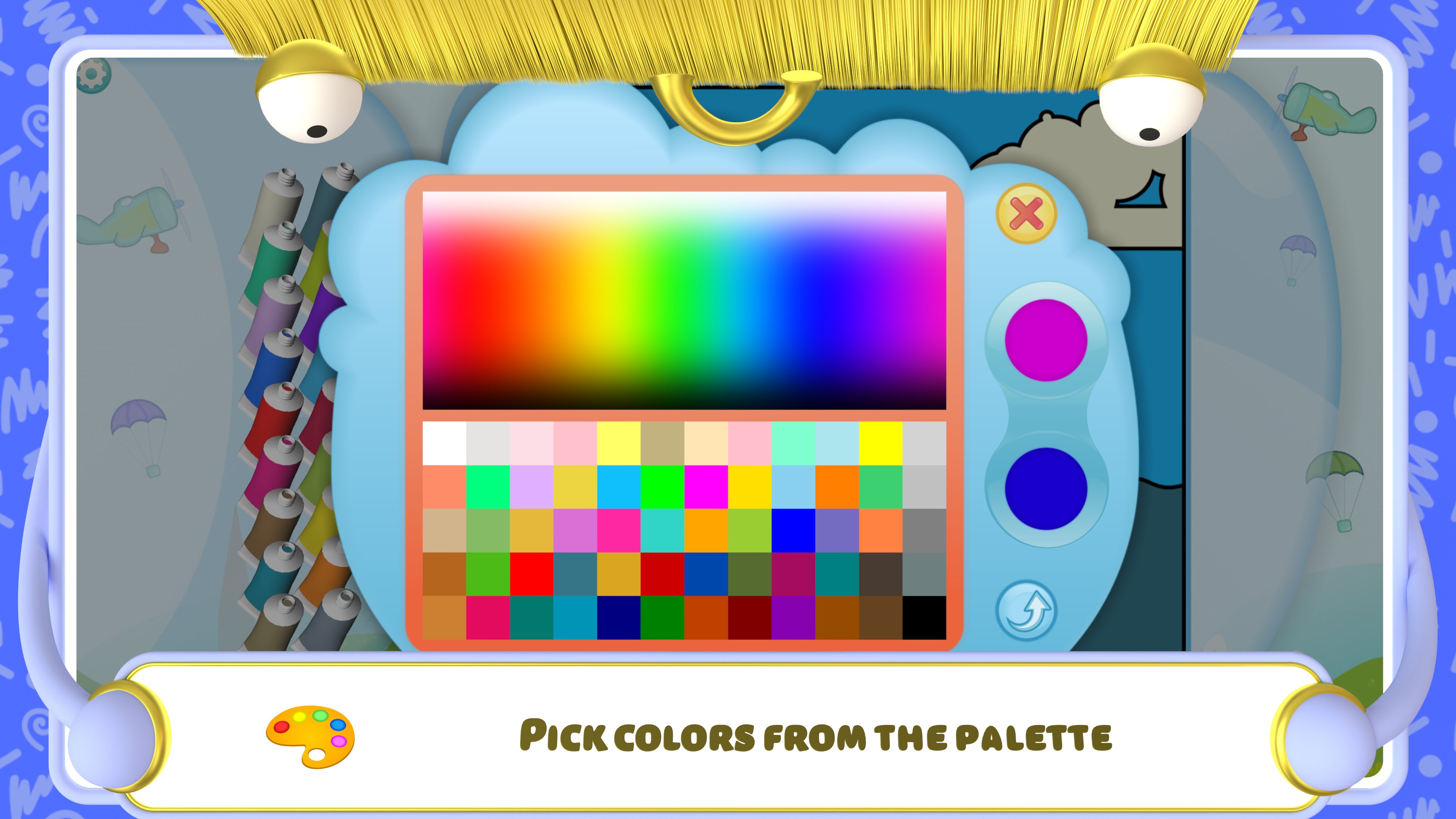
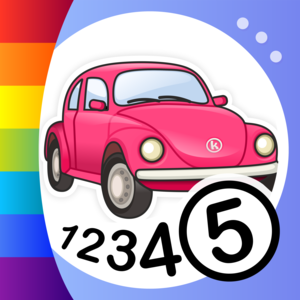
Color by Numbers - Cars is a coloring app for children featuring car pictures to paint in favorite colors. Children color by numbers, matching shapes to the correct number, which helps them memorize numbers while the images stay correctly colored. Pictures can also be colored according to geometrical figures and pictograms, suiting children learning the alphabet and preparing for primary school. A more complex mode divides pictures into many elements and lets older children solve addition and subtraction tasks before coloring, practicing mental arithmetic. All preset colors can be changed through a color palette.
Show the developer's original descriptionHide the original description
There’s a car so suit any boy’s taste – once he’s found one, he can color it in with his favorite colors.
Paint by numbers - an interactive coloring book for children. This mathematical game teaches children to recognize numbers and solve simple mathematical examples. In addition, this program develops memory, attention, imagination, and logical abilities.
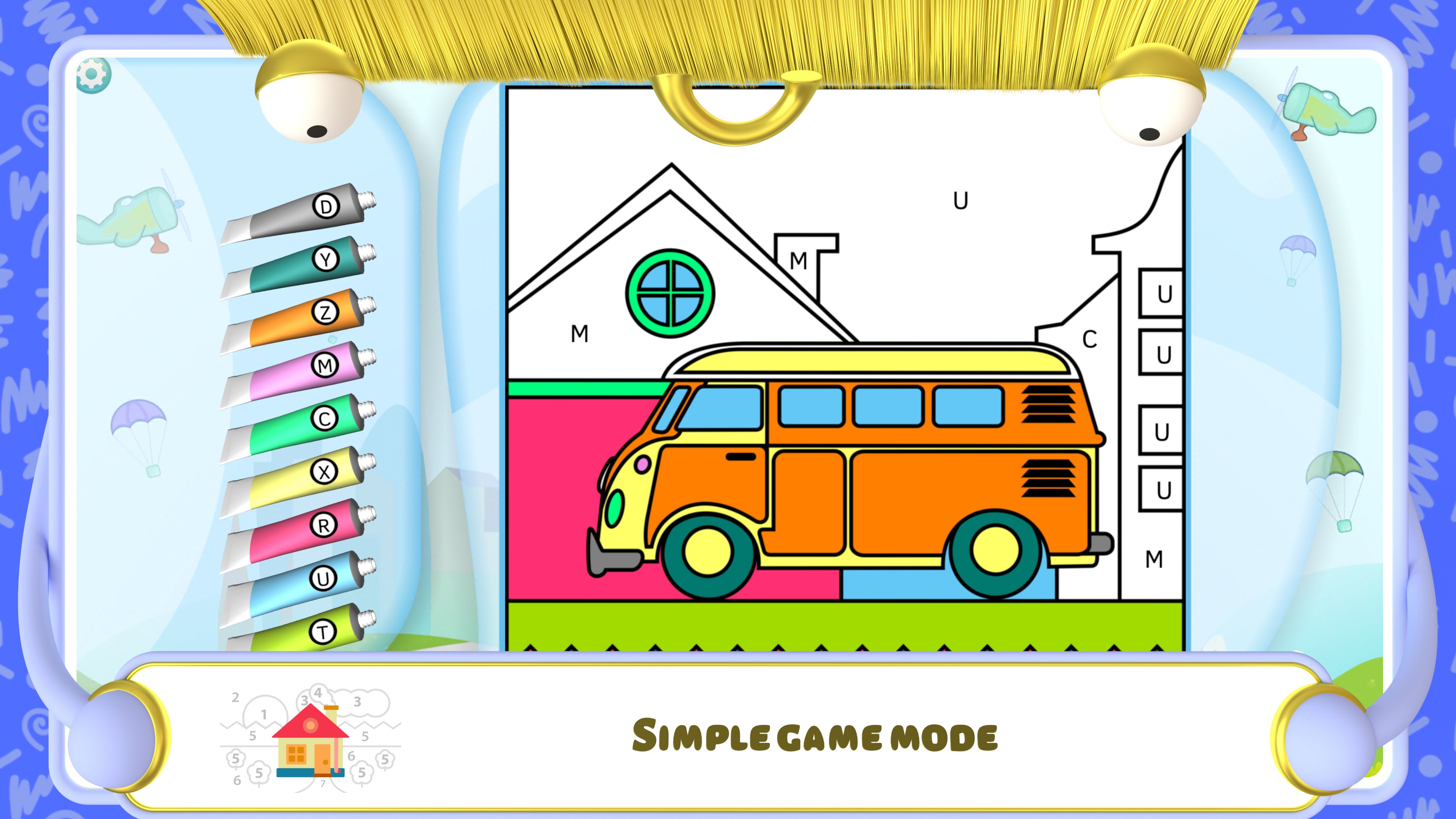
Boys and girls of all ages love to color. The simple coloring mode is suitable for the smallest of children, including those of kindergarten and preschool age. These include simple and recognizable images that are easy to color. If the child selects the wrong shape, then they will be prompted with the correct number. Therefore, the picture will always be colored correctly, and the child will quickly memorize the numbers. Children can choose to color by geometrical figures and pictograms in addition to numbers. A child can easily distinguish a square from a circle, diamond, and triangle.
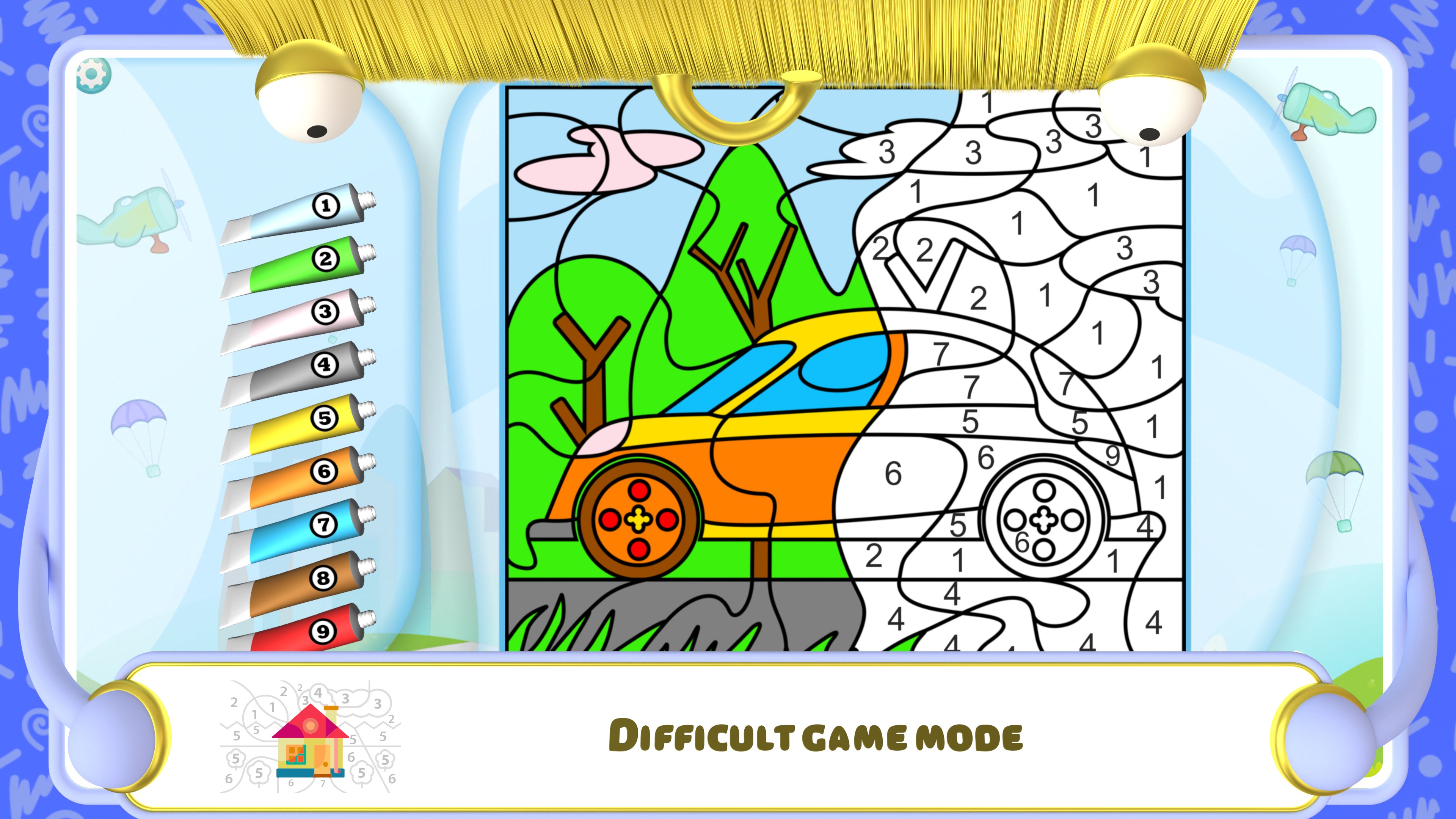
School-age children will enjoy the complex coloring mode. Here the picture is divided into a large number of elements, thus making it difficult at first to determine what it depicts. Older children can complicate the task by adding addition and subtraction tasks. Now children will need to solve the examples and choose the correct answers in order to color the picture. This will teach the child how to quickly do arithmetic in their mind.
Those who are learning the alphabet can choose to color by letter. Coloring by letters will be useful for children preparing to enter primary school.
To make the coloring process more interesting and fun, you can change any of the preset colors. To do this, press and hold the jar of paint and a palette will open. Then you can choose your favorite color. Thus, all the shaded areas of the image can be changed in the coloring by number mode. You can have fun by changing the color scheme to suit your taste. Try the program right now!
If there is a version of this app for iOS/Mac or Windows we don't know about, paste the store link here — we'll auto-detect the store.
How to find the URL:1. Open the app in its store. 2.In the App Store app: tap the Share icon → “Copy Link”. In the browser: copy the URL from the address bar — it contains apps.apple.com/…/id… or apps.microsoft.com/detail/…. 3. Paste it here.
Paste the original link from the Apple App Store or Microsoft Store. We fetch all details automatically.
How to find the URL:
1. Open the app in its store. 2.In the App Store app: tap the Share icon → “Copy Link”. In the browser: copy the URL from the address bar — it contains apps.apple.com/…/id… or apps.microsoft.com/detail/…. 3. Paste it here.
Android apps can only be listed by their developer.






 Animals - Color by Numbers
Paint by numbers with math tasks for children
 Pixel Art - Color by number coloring book
Color pictures by numbers in various designs
 Art Book: Paint Color by Number
Paint by numbers with mandalas, animals and art designs
 Numbers: Make Spreadsheets
Create and edit spreadsheets with templates
 Kids Coloring Fun
Coloring pages for learning letters, animals and objects
 Puzzle Kids - Jigsaw Puzzles
Educational puzzle games teaching shapes and patterns