Screenshot appears after consentScreenshot appears after consent
Summary
Zip & RAR. is a file compression and extraction tool designed for archive management. It supports numerous formats including RAR, ZIP, 7z, XZ, BZIP2, GZIP, ISO, TAR, CAB, DMG and dozens of others. Users can open, browse, preview and extract archives through a simple interface, and preview file contents beforehand to extract only the files or folders they need. The app offers AES-256 encryption for creating password-protected archives, and includes a built-in tool for converting RAR files to ZIP format. The current version is a free trial with limited uses, and full functionality requires a subscription or a one-time lifetime purchase.
Show the developer's original descriptionHide the original description
Unzip – A Powerful and Efficient Compression & Extraction Tool
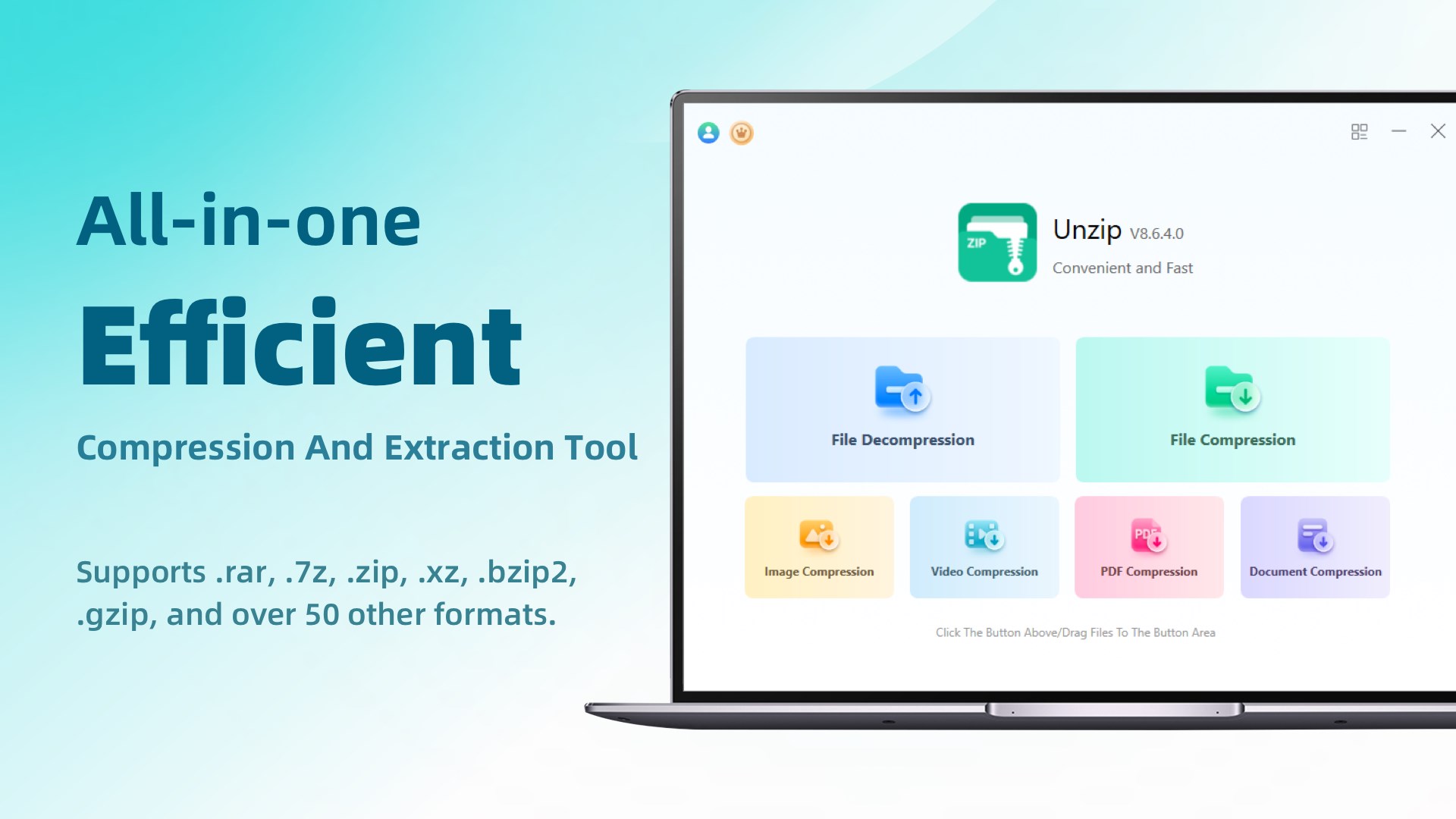
Unzip is a feature-rich and high-performance compression and extraction tool, making it an ideal alternative to WinRAR, WinZip, 7-Zip, Bandizip, and 360 Compression. Designed for speed and convenience, Unzip improves extraction efficiency by 30% compared to traditional compression software, ensuring a smoother file management experience. Whether for everyday office use or professional data management, Unzip enables users to handle all compression and extraction tasks with ease and efficiency.
Broad Compatibility with Various Compression Formats
Unzip supports almost all common compression formats, including:
RAR, 7z, ZIP, XZ, BZIP2, GZIP, WIM, ARJ, CAB, CHM, CPIO, CramFS, DEB, DMG, FAT, HFS, ISO, LZH, LZMA, MBR, MSI, NSIS, NTFS, RPM, SquashFS, UDF, VHD, WIM, XAR, Z, and many more. As a reliable alternative to WinRAR, WinZip, 7-Zip, Bandizip, and 360 Compression, Unzip ensures stable and efficient compression and extraction for all file formats, making file management easier than ever.
Key Features & Highlights
✅ Smart Archive Management – Open, browse, preview, and extract archive files with an intuitive and user-friendly interface.
✅ Multi-Format Extraction – Seamlessly supports RAR, ZIP, 7z, ISO, TAR, Gzip, Bzip2, XZ, and other mainstream formats, handling complex archives effortlessly.
✅ User-Friendly Graphical Interface – A clean and simple UI design allows users to get started instantly without any learning curve.
✅ Secure File Encryption – Features AES-256 encryption, enabling users to create password-protected archives for enhanced data security.
✅ Built-in RAR Conversion Tool – Easily convert RAR files to ZIP format to accommodate different usage scenarios.
✅ Selective Extraction – Preview file contents before extraction and extract only the necessary files or folders, eliminating redundancy and improving efficiency.
Whether for everyday file management, office document handling, or professional data storage, Unzip is your ultimate assistant, making compression and extraction faster, safer, and smarter!
⚠️ The current version is a free trial edition, which has a limited number of free file extraction and compression uses. If you are satisfied with the product, you can purchase in-app services to unlock the full range of features. You can choose to subscribe monthly, quarterly, or annually, and fees will be automatically deducted from your Microsoft account at renewal. Alternatively, you can opt for a lifetime membership, which requires a one-time payment for permanent access.
If there is a version of this app for iOS/Mac or Windows we don't know about, paste the store link here — we'll auto-detect the store.
How to find the URL:1. Open the app in its store. 2.In the App Store app: tap the Share icon → “Copy Link”. In the browser: copy the URL from the address bar — it contains apps.apple.com/…/id… or apps.microsoft.com/detail/…. 3. Paste it here.
Paste the original link from the Apple App Store or Microsoft Store. We fetch all details automatically.
How to find the URL:
1. Open the app in its store. 2.In the App Store app: tap the Share icon → “Copy Link”. In the browser: copy the URL from the address bar — it contains apps.apple.com/…/id… or apps.microsoft.com/detail/…. 3. Paste it here.
Android apps can only be listed by their developer.



 RAR, 7z & Zip Extractor
Extract and manage archive files
 ZIP RAR & 7Z
Open and extract archives in multiple formats
 Total Zip: Rar, Zip and 7Z Extractor
Open, extract and create archives
 ZIP Unzip - RAR & 7Z File Compressor
Open, compress and encrypt ZIP, RAR and 7Z archives
 Rar Zip Extractor Pro
Create and extract archives in various formats
 Zip Opener
Extract compressed files like ZIP, RAR and 7Z