Screenshot appears after consentScreenshot appears after consentScreenshot appears after consentScreenshot appears after consentScreenshot appears after consentScreenshot appears after consentScreenshot appears after consentScreenshot appears after consentScreenshot appears after consentScreenshot appears after consentScreenshot appears after consentScreenshot appears after consentScreenshot appears after consent
Summary
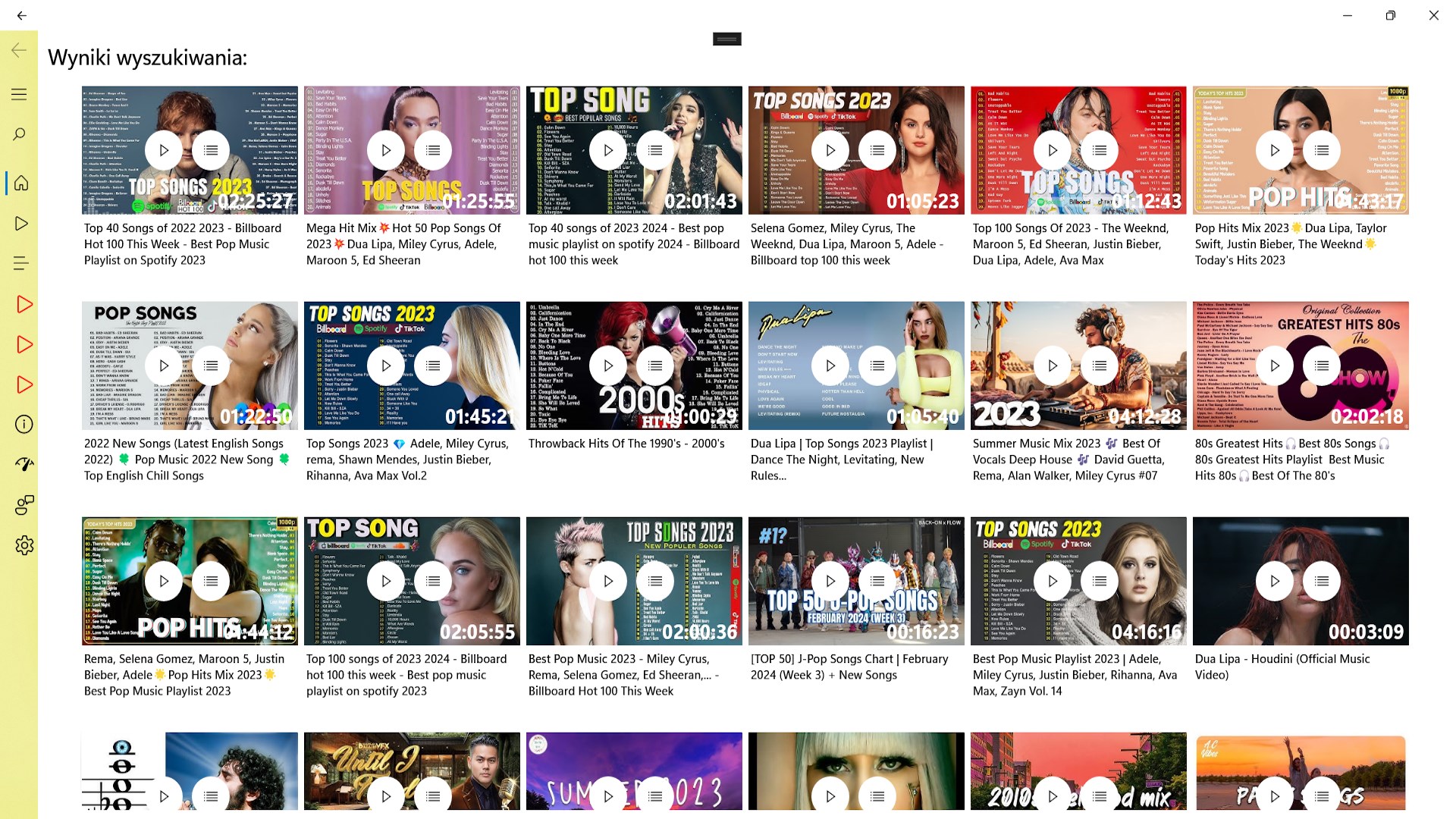
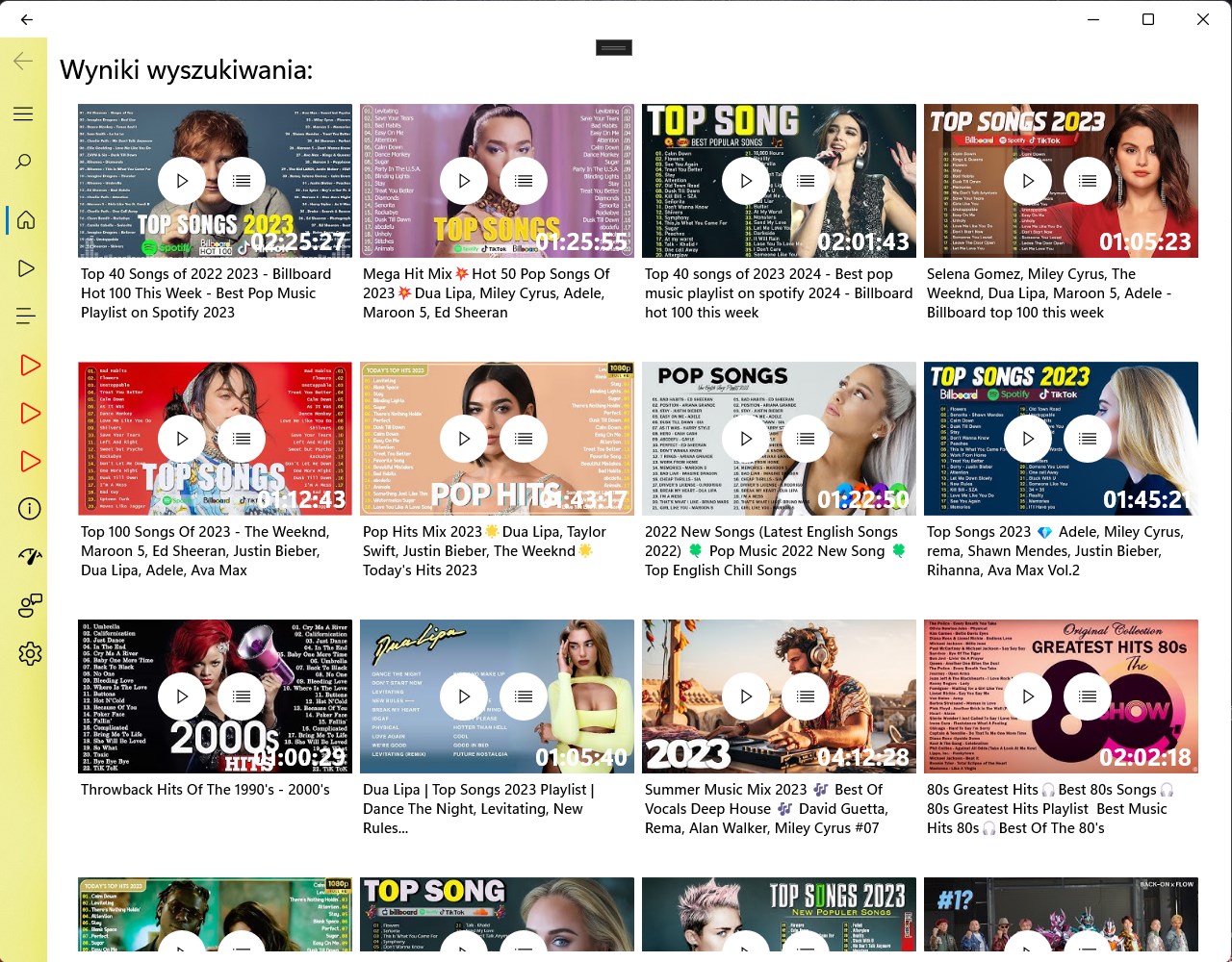
Sound - Mp3 - Music player is a music player for Windows that streams and downloads songs and videos while also playing local files. It lets you search millions of songs, albums and videos with instant streaming, saving them as MP3, M4A or MP4 for offline listening. It scans your music and video libraries, folders or entire drives to build a personal collection. Create, reorder and manage playlists, and choose between a full player, mini player, or a resizable floating window. Additional features include synced lyrics and a sleep timer. The app is free, with a premium version removing ads and unlocking unlimited downloads.
Show the developer's original descriptionHide the original description
Sound - MP3 - Music Player: stream, download and play music and videos offline
Sound - MP3 - Music Player is a free music player and downloader for Windows 11 and Windows 10. Search millions of songs and videos, stream them instantly, save them as MP3, M4A or MP4 for offline listening, build playlists and play your own music collection from any folder or drive. One app for online streaming, offline music and local files.
KEY FEATURES
Search and stream
- Search millions of songs, albums, artists and videos with instant results
- Explore tab with fresh music suggestions every day
- Video and audio mode: watch the video or play audio only
Download for offline listening
- Save songs as MP3 or M4A and videos as MP4
- Choose quality: low, medium or high
- Downloaded tracks play from disk automatically, no internet needed
Music from your computer
- Scan your Music and Videos libraries, any folder or a whole drive
- Saved scan locations with one-click update and a "scan everything" button
- Automatic detection of new or removed files, with a separate tab for each location
- Sort by title, location, date, size or quality and add files to playlists in bulk
Playlists
- Create, rename and delete playlists, move tracks between them
- Drag and drop to reorder, play the whole playlist with one click
- Shuffle and repeat modes
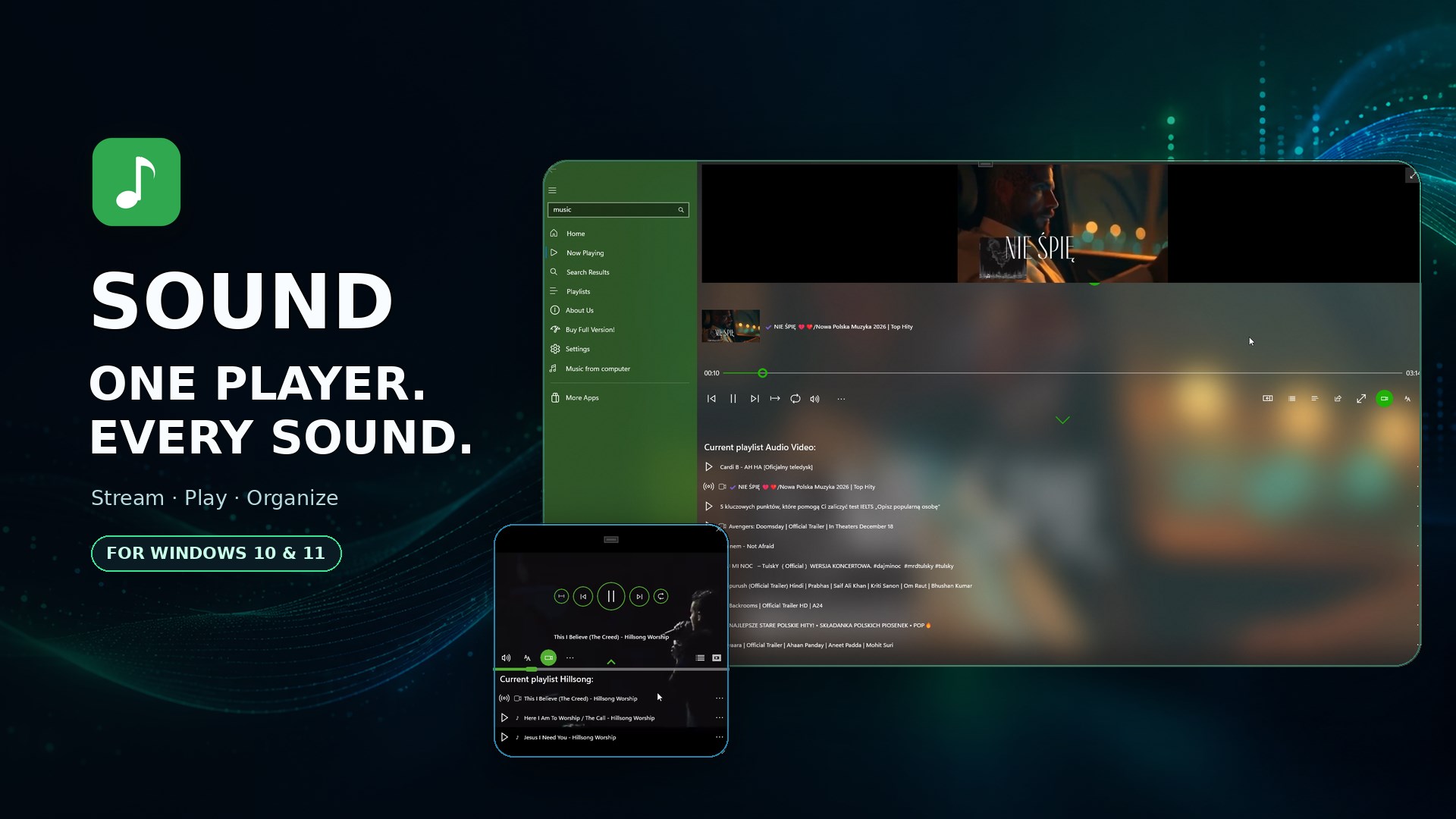
Three ways to play
- Full player with album art and audio visualizer
- Mini player that stays on top of other windows
- Player 2: a separate, freely resizable floating window with its own playlist
More
- Synced lyrics for the current track
- Sleep timer (15, 30, 45 or 60 minutes)
- Playback speed control
- Background playback with media keys and Windows media controls
- Dark and light theme with a custom accent color
- Interface in 14 languages: English, Polish, German, Spanish, French, Italian, Portuguese, Russian, Turkish, Arabic, Hindi, Indonesian, Simplified and Traditional Chinese
PREMIUM
Unlock the full version to remove ads and enjoy unlimited downloads and all playback features. A one-time purchase or subscription, your choice.
WHY USERS CHOOSE SOUND - MP3 - MUSIC PLAYER
Fast, lightweight and built for Windows: native design, smooth video playback and an offline mode that works even without a connection. Whether you want a Tube-style streaming experience, an MP3 downloader or a classic local music player for your own files, this is the one app that does all three.
Download Sound - MP3 - Music Player for free and start listening.
Note: the app contains optional in-app purchases for premium features.
If there is a version of this app for iOS/Mac or Windows we don't know about, paste the store link here — we'll auto-detect the store.
How to find the URL:1. Open the app in its store. 2.In the App Store app: tap the Share icon → “Copy Link”. In the browser: copy the URL from the address bar — it contains apps.apple.com/…/id… or apps.microsoft.com/detail/…. 3. Paste it here.
Paste the original link from the Apple App Store or Microsoft Store. We fetch all details automatically.
How to find the URL:
1. Open the app in its store. 2.In the App Store app: tap the Share icon → “Copy Link”. In the browser: copy the URL from the address bar — it contains apps.apple.com/…/id… or apps.microsoft.com/detail/…. 3. Paste it here.
Android apps can only be listed by their developer.





 Player
Play videos and music in over 200 formats
 Music Downloader
Download and convert music and videos to MP3 or MP4
 MP3Skill - MP3 Music & Video Downloader
Download and convert music and videos to MP3 format
 ST MP3 & MP4 Video Downloader
Download YouTube videos and music as MP3 or MP4
 Player for Media
Play videos and music including YouTube, SoundCloud
 YouPlay - Video & Music Player
Watch, subscribe to and play videos in the background