

Screenshot appears after consentScreenshot appears after consentScreenshot appears after consentScreenshot appears after consentScreenshot appears after consentScreenshot appears after consentScreenshot appears after consentScreenshot appears after consent
Summary
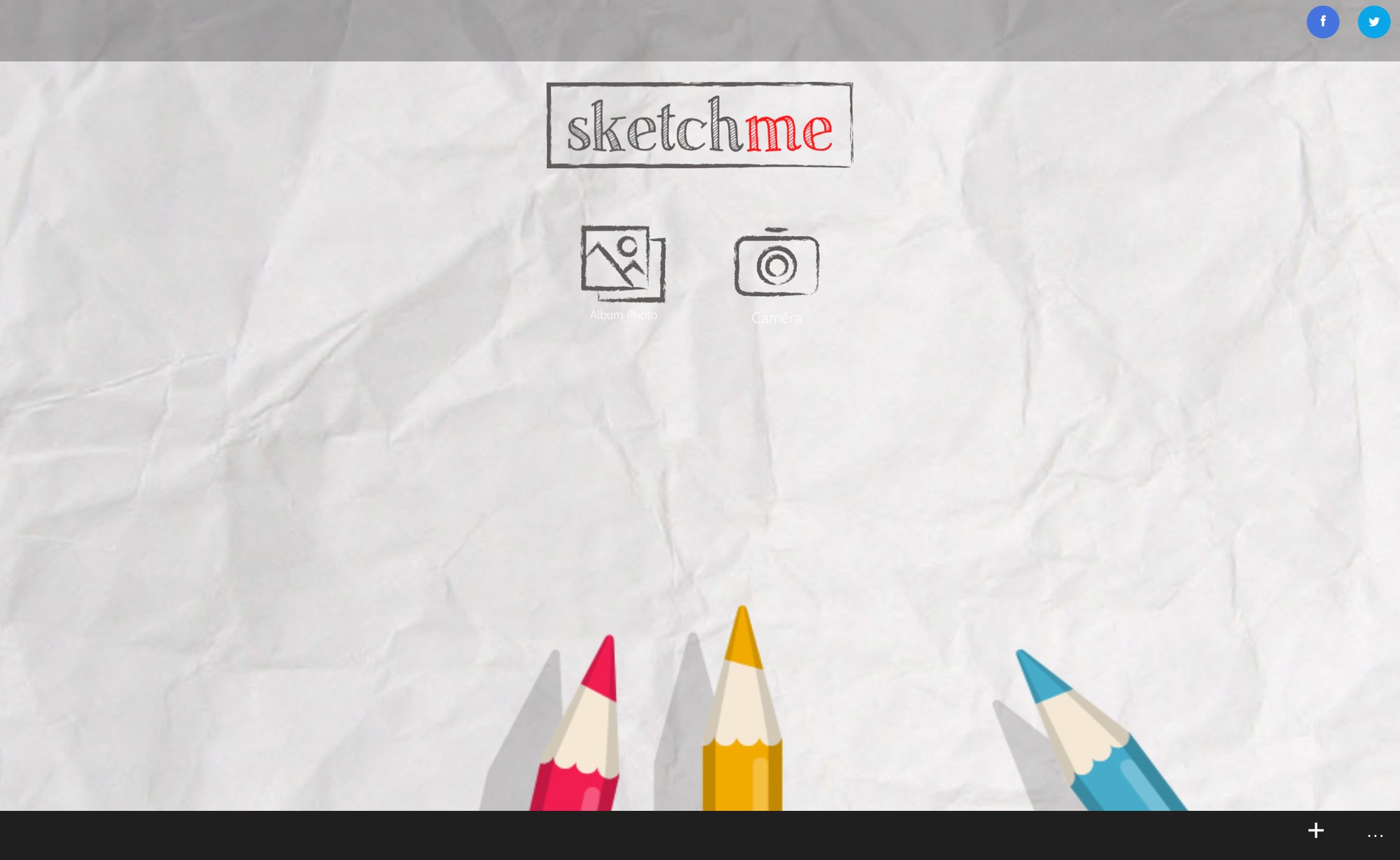
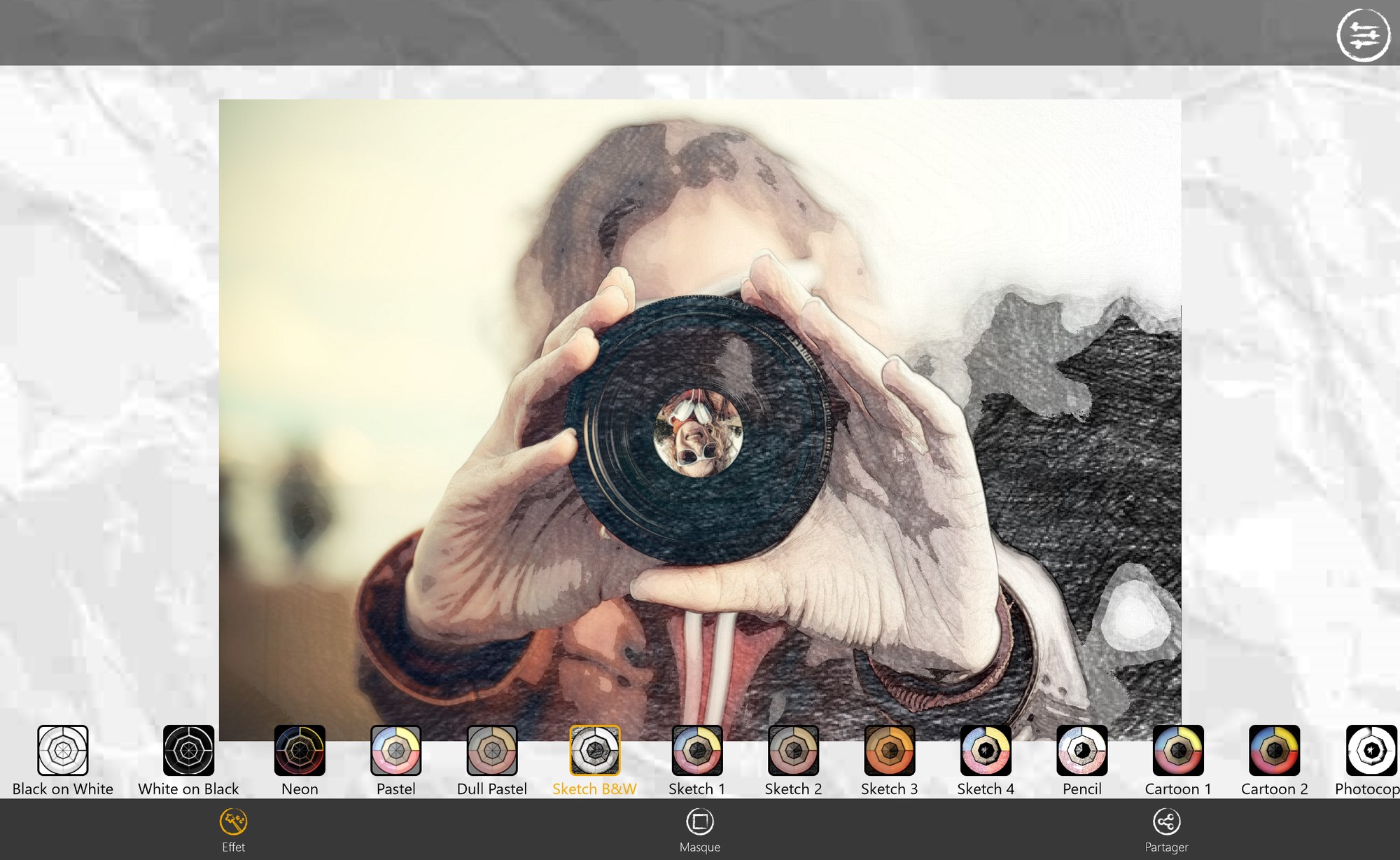
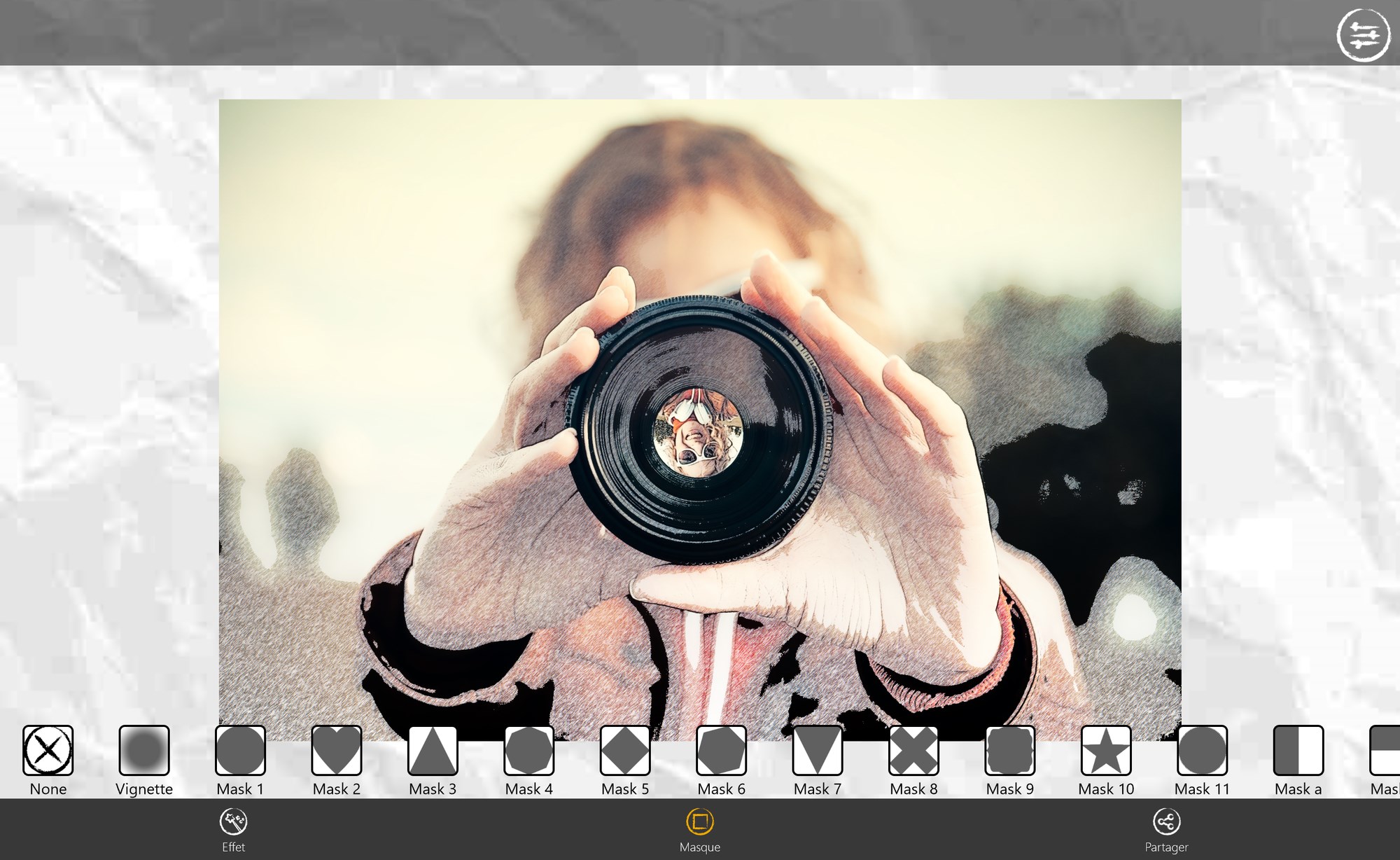
Sketch Me! is an application for photo editing that turns pictures into drawings, cartoons or sketches with a single tap. It offers a range of effects including black strokes, white strokes, pastel, pencil sketch, color sketch, cartoon, stamp, halftone and hatching. Edge strength and opacity can be adjusted, along with contrast, brightness and saturation. Finished creations can be saved to the camera roll or shared with friends through Facebook, Twitter and Email.
Show the developer's original descriptionHide the original description
Turn your photos into drawing, cartoons or sketch images in one click to create instant works of art.
Different effects easy to use with full control. Save your creations and share them with your friends through Facebook, Twitter, and Email.
Features:
★ Different effects (black strokes, white strokes, pastel, pencil sketch, color sketch, cartoon, stamp, halftone, hatching, ...)
★ Edge strength, and opacity adjustment
★ Contrast, brightness, saturation adjustment
★ Save or share the result with your friends
You like Sketch Me!? Please give us 5 stars! Your feedback is very important to our work.
Help us to improve Sketch Me! by sending your bugs or requests on contact@xnview.com
Facebook: http://www.facebook.com/xnview
Twitter: http://www.twitter.com/xnview
G+: http://plus.google.com/+xnview/
If there is a version of this app for iOS/Mac or Windows we don't know about, paste the store link here — we'll auto-detect the store.
How to find the URL:1. Open the app in its store. 2.In the App Store app: tap the Share icon → “Copy Link”. In the browser: copy the URL from the address bar — it contains apps.apple.com/…/id… or apps.microsoft.com/detail/…. 3. Paste it here.
Paste the original link from the Apple App Store or Microsoft Store. We fetch all details automatically.
How to find the URL:
1. Open the app in its store. 2.In the App Store app: tap the Share icon → “Copy Link”. In the browser: copy the URL from the address bar — it contains apps.apple.com/…/id… or apps.microsoft.com/detail/…. 3. Paste it here.
Android apps can only be listed by their developer.