
Screenshot appears after consentScreenshot appears after consentScreenshot appears after consent
Summary
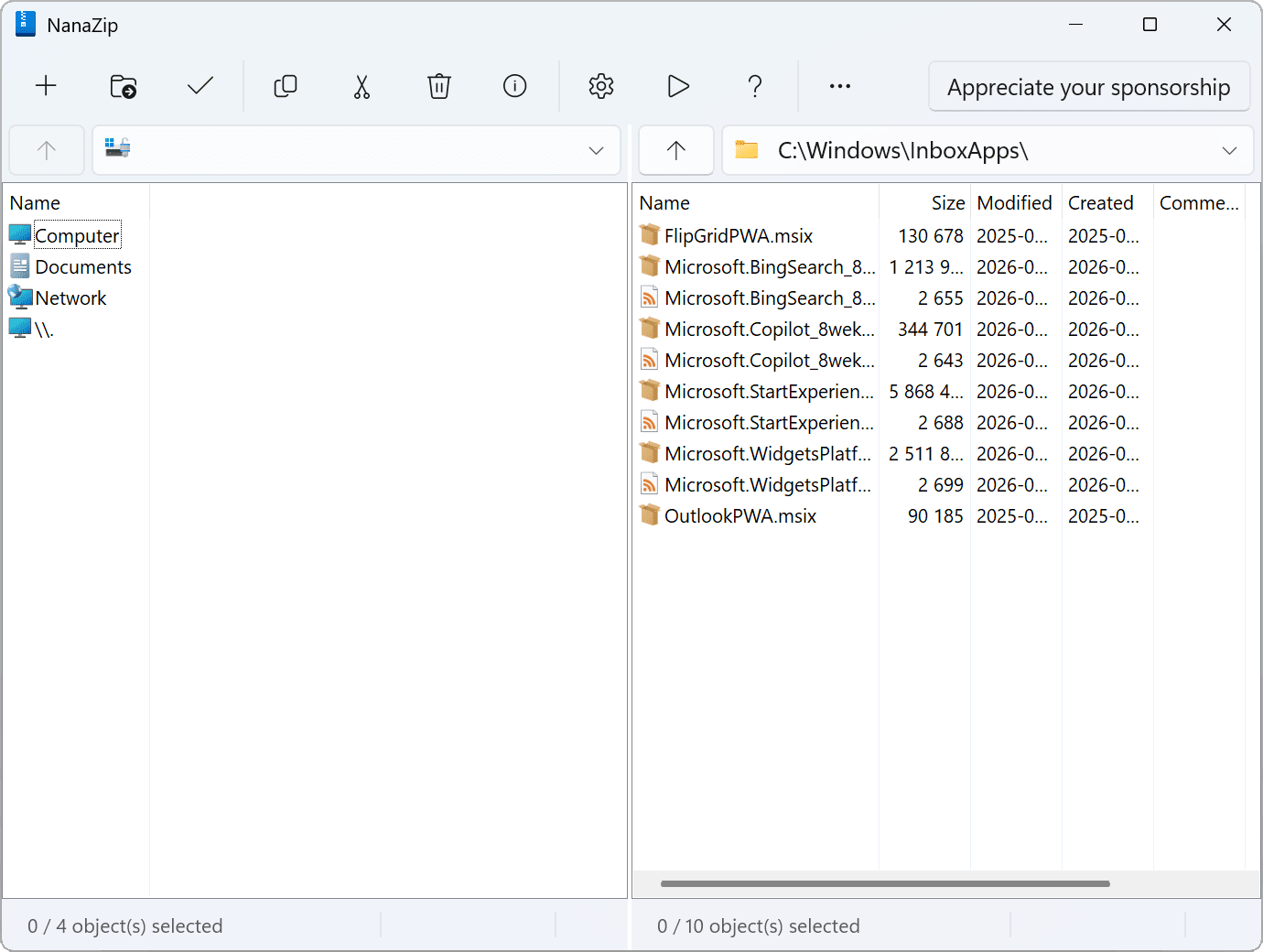
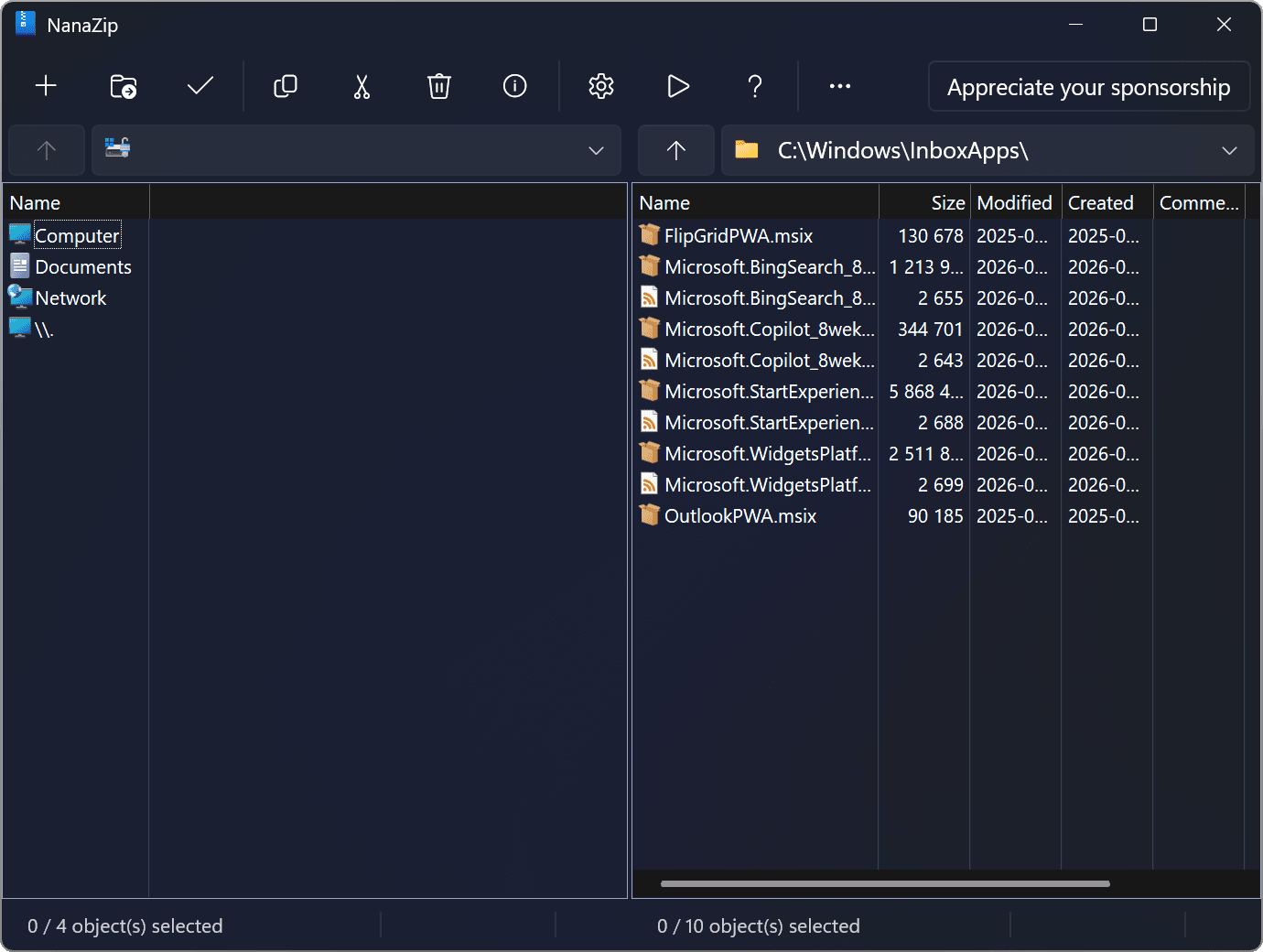
NanaZip is an open source file archiver designed for the modern Windows experience, forked from the source code of 7-Zip. It allows users to compress and extract archive files on Windows. The project maintains official pages on GitHub, Microsoft Store, My Digital Life Forums, SourceForge, and Windows App Community, and describes itself as a community-friendly open-source project. Development can be sponsored through the NanaZip Sponsor Edition, which is free for contributors to the NanaZip source code repository and otherwise offered as a way to support the project.
Show the developer's original descriptionHide the original description
NanaZip is an open source file archiver intended for the modern Windows experience, forked from the source code of well-known open source file archiver 7-Zip.
If you want to sponsor the development of NanaZip, please read the document of NanaZip Sponsor Edition at https://github.com/M2Team/NanaZip/blob/main/Documents/SponsorEdition.md. It's free for all NanaZip source code repository contributors.
In general, NanaZip Sponsor Edition is more like contributor's edition, but we provide a way to buy the honor and make someone look like a source code contributor, because NanaZip is always a community-friendly open-source project.
Besides NanaZip.org, NanaZip's official project pages are only hosted on GitHub, Microsoft Store, My Digital Life Forums, SourceForge, and Windows App Community.
If there is a version of this app for iOS/Mac or Windows we don't know about, paste the store link here — we'll auto-detect the store.
How to find the URL:1. Open the app in its store. 2.In the App Store app: tap the Share icon → “Copy Link”. In the browser: copy the URL from the address bar — it contains apps.apple.com/…/id… or apps.microsoft.com/detail/…. 3. Paste it here.
Paste the original link from the Apple App Store or Microsoft Store. We fetch all details automatically.
How to find the URL:
1. Open the app in its store. 2.In the App Store app: tap the Share icon → “Copy Link”. In the browser: copy the URL from the address bar — it contains apps.apple.com/…/id… or apps.microsoft.com/detail/…. 3. Paste it here.
Android apps can only be listed by their developer.