Screenshot appears after consentScreenshot appears after consentScreenshot appears after consentScreenshot appears after consentScreenshot appears after consentScreenshot appears after consent
Summary
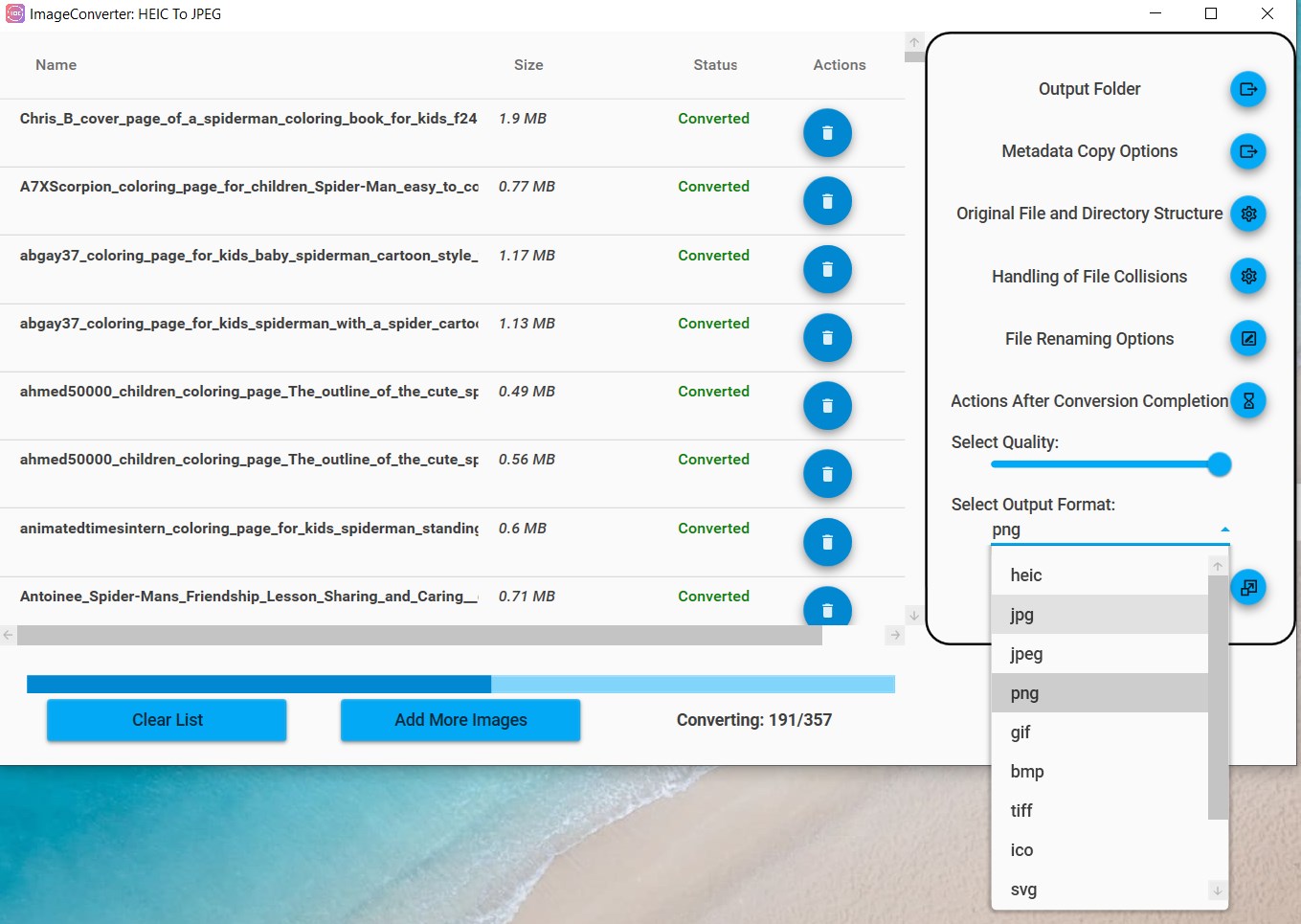
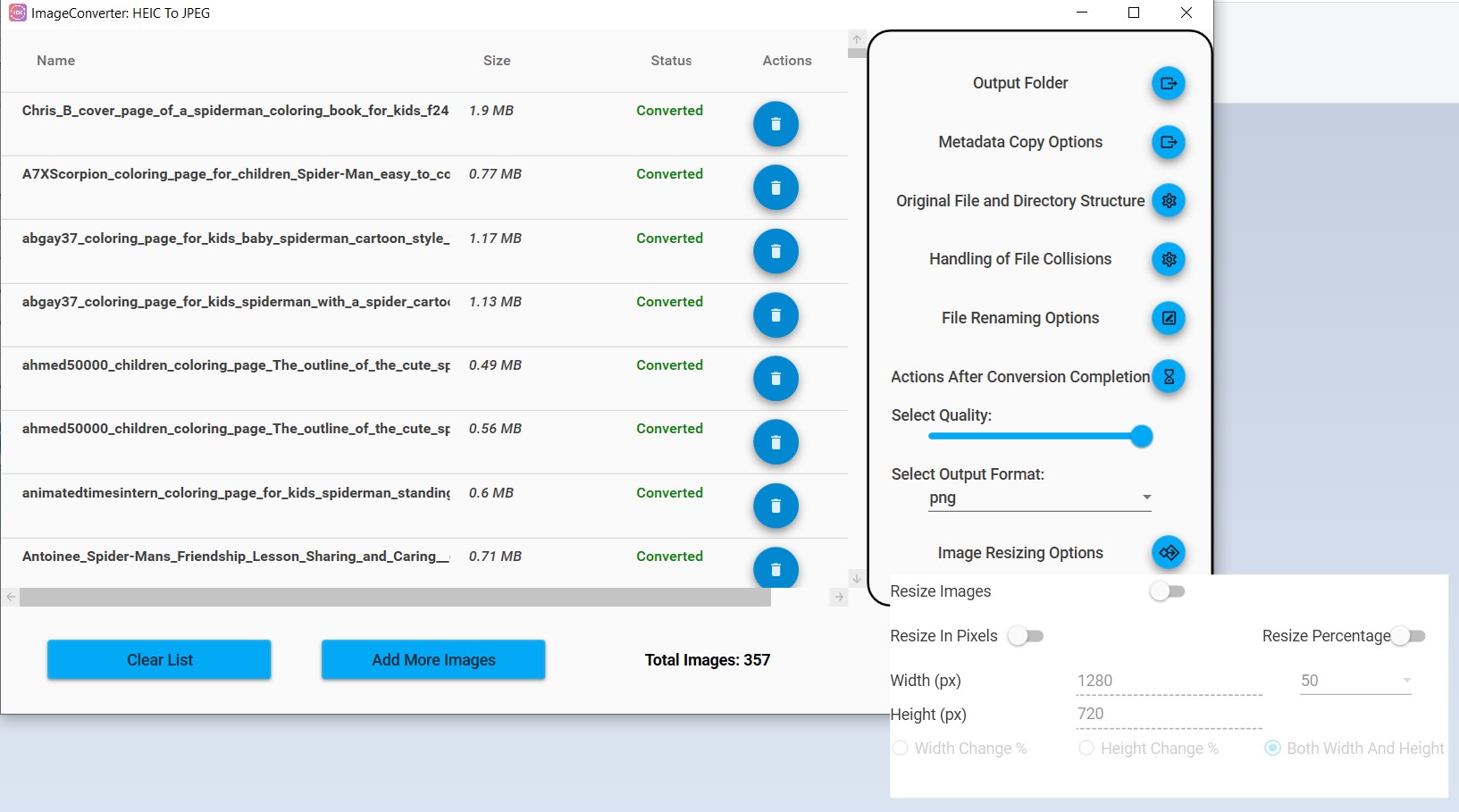
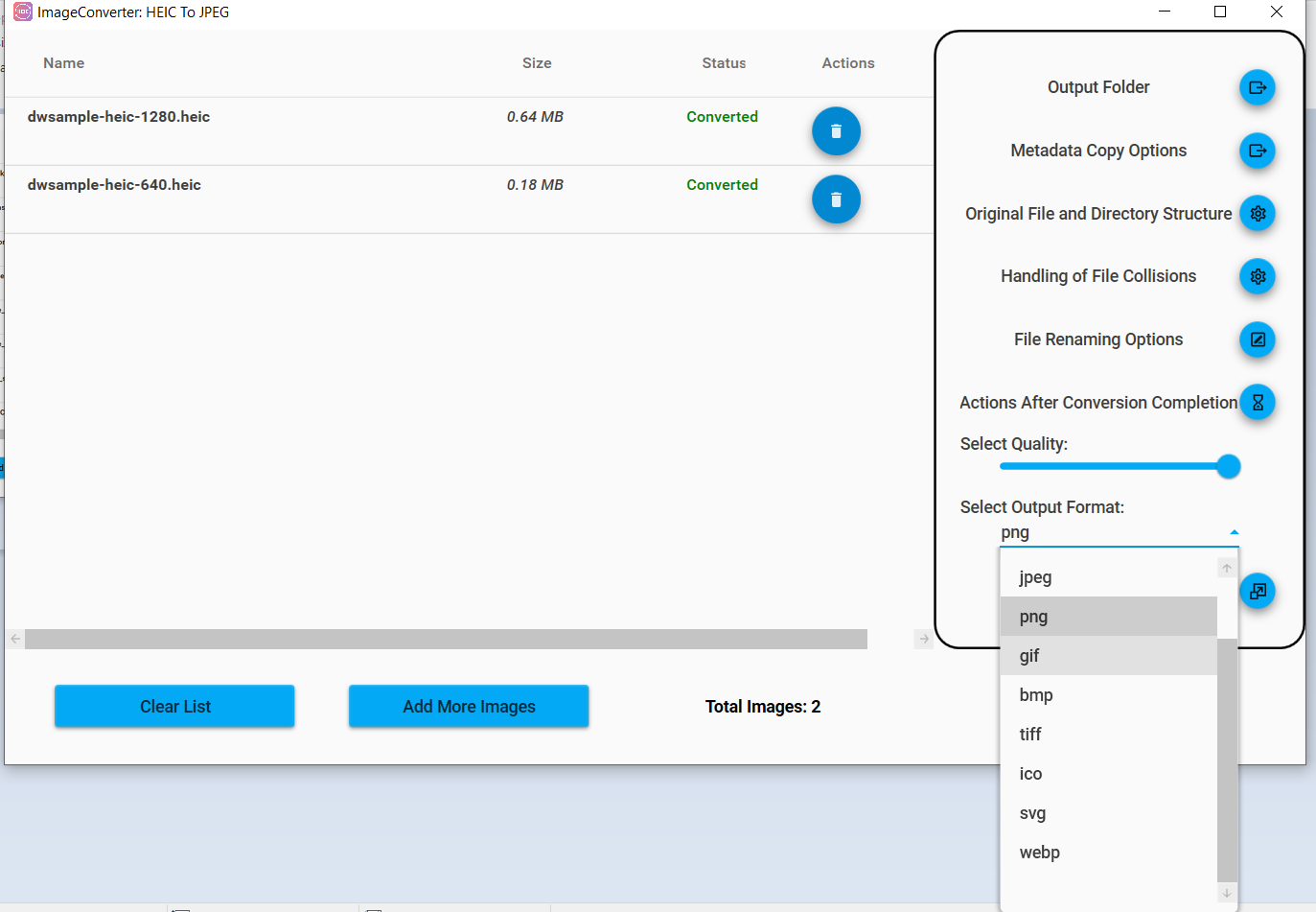
Pro Image Converter: HEIC to JPEG is an image conversion app supporting formats including HEIC, HEIF, JPG, JPEG, PNG, GIF, BMP, TIFF, ICO, SVG and WEBP, with particular strength in converting HEIC and HEIF files from Apple devices into more widely usable formats. Images can be uploaded individually or as a whole folder for batch processing, and conversion settings such as quality, size and resolution can be adjusted before starting. Converted images can be saved to the device or shared directly by email, social media or other sharing options.
Show the developer's original descriptionHide the original description
Unleash the full potential of image conversion with the Pro Image Converter: HEIC to JPEG app. This innovative tool supports a variety of image formats including HEIC, HEIF, JPG, JPEG, PNG, GIF, BMP, TIFF, ICO, SVG, and WEBP. With a particular emphasis on HEIC and HEIF formats, it provides a streamlined and efficient solution for all your image conversion needs.
To use this app, simply follow these easy steps:
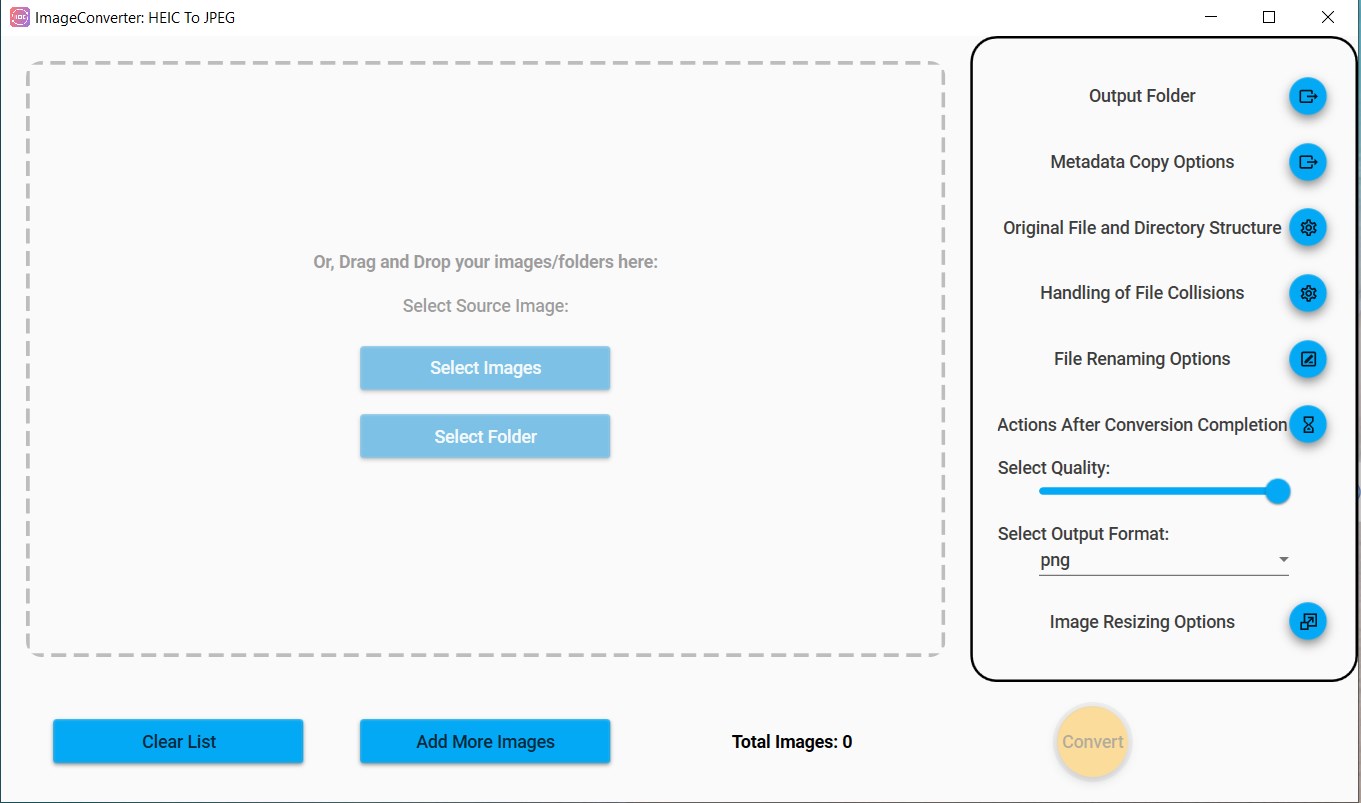
Open the App: Start by launching the Pro Image Converter app. Its intuitive and user-friendly interface makes navigation a breeze.
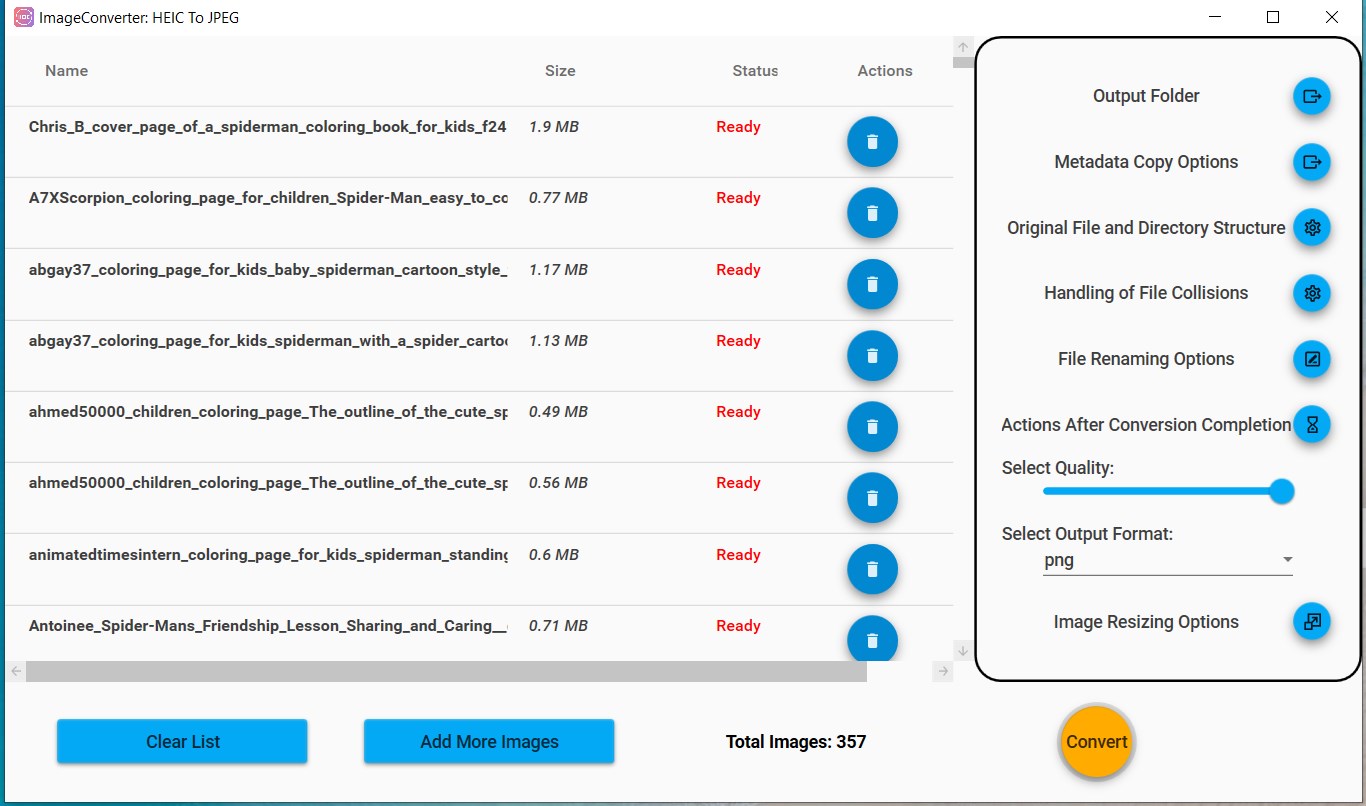
Upload Images: Click on the "Upload" or "Add" button to import the images you want to convert. You can choose files individually or select an entire folder for batch processing.
Choose the Output Format: After uploading, select the desired output format from the drop-down list. While the app supports a wide array of formats, its core strength lies in flawless conversion of HEIC and HEIF files.
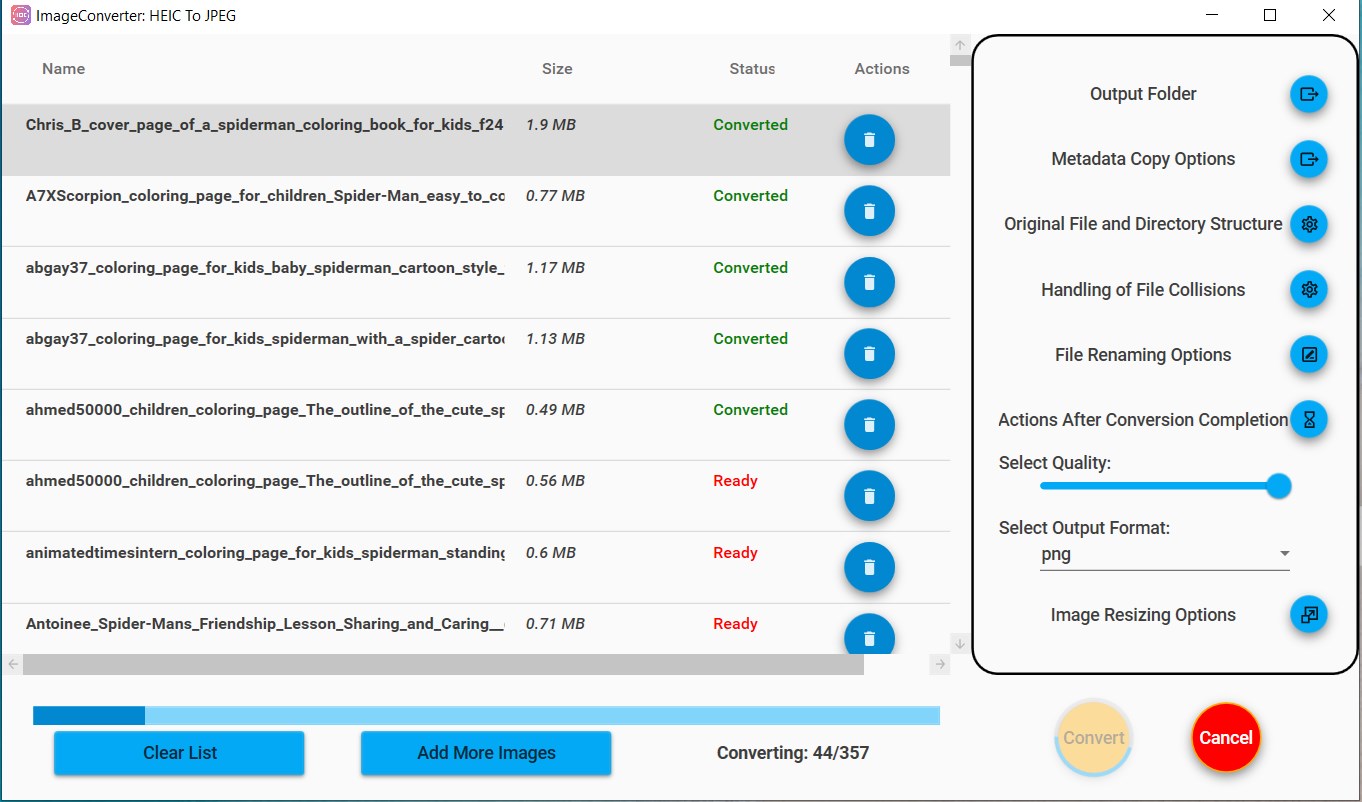
Set Conversion Parameters: If needed, adjust the settings according to your preference. This may include image quality, size, resolution, and other parameters.
Start Conversion: Once you're happy with the settings, click on "Convert". The app swiftly processes your images without compromising on quality.
Save and Share: After conversion, you can easily save the images to your preferred location. Share your images directly from the app via email, social media, or other sharing options available on your device.
Pro Image Converter: HEIC to JPEG app sets itself apart by focusing on the HEIC and HEIF formats, which are commonly used by Apple devices but can be difficult to open on other platforms. With this app, you can effortlessly convert your iPhone's HEIC photos into more accessible formats like JPEG or PNG.
In addition to its robust conversion abilities, this app also offers features such as image resizing making it a comprehensive tool for all your image-related tasks. It maintains the original quality of your images while offering you the flexibility to customize settings to your liking.
Beyond its extensive format support and impressive conversion speed, the Pro Image Converter app upholds user privacy. No image uploaded is stored or shared, ensuring that your files remain secure throughout the conversion process.
The Pro Image Converter: HEIC to JPEG app is a versatile, high-quality, and secure solution for converting images in a variety of formats. Whether you're a photographer needing to batch convert images, or a casual user looking to make your HEIC photos accessible across devices, this app makes the process quick and painless.
With the Pro Image Converter: HEIC to JPEG app, you can say goodbye to the hassle of dealing with incompatible image formats. Experience efficient, secure, and high-quality image conversion today!
Play Store URL for "Pro Image Converter: HEIC to JPEG"
If there is a version of this app for iOS/Mac or Windows we don't know about, paste the store link here — we'll auto-detect the store.
How to find the URL:1. Open the app in its store. 2.In the App Store app: tap the Share icon → “Copy Link”. In the browser: copy the URL from the address bar — it contains apps.apple.com/…/id… or apps.microsoft.com/detail/…. 3. Paste it here.
Paste the original link from the Apple App Store or Microsoft Store. We fetch all details automatically.
How to find the URL:
1. Open the app in its store. 2.In the App Store app: tap the Share icon → “Copy Link”. In the browser: copy the URL from the address bar — it contains apps.apple.com/…/id… or apps.microsoft.com/detail/…. 3. Paste it here.
Android apps can only be listed by their developer.



 HEIC to JPEG - The HEIC to JPG Converter
Convert HEIC photos to JPEG, PNG and other formats
 HEIC Convert Pro - Image Converter
Convert HEIC and HEIF images to JPG or PNG in batches
 HEIC Converter - Any Image Convert
Convert HEIC/HEIF images to PNG, JPG or TIFF
 HEIC Converter | Heic to JPG
Convert HEIC images to JPG locally on device
 HEIC to JPEG
Convert HEIC/HEIF locally to JPEG, PNG and other formats
 HEIC Converter- HEIC to JPG & Photo Viewer, Printer
Convert, view and print HEIC images to JPG, PNG or BMP