Screenshot appears after consentScreenshot appears after consentScreenshot appears after consent
Summary
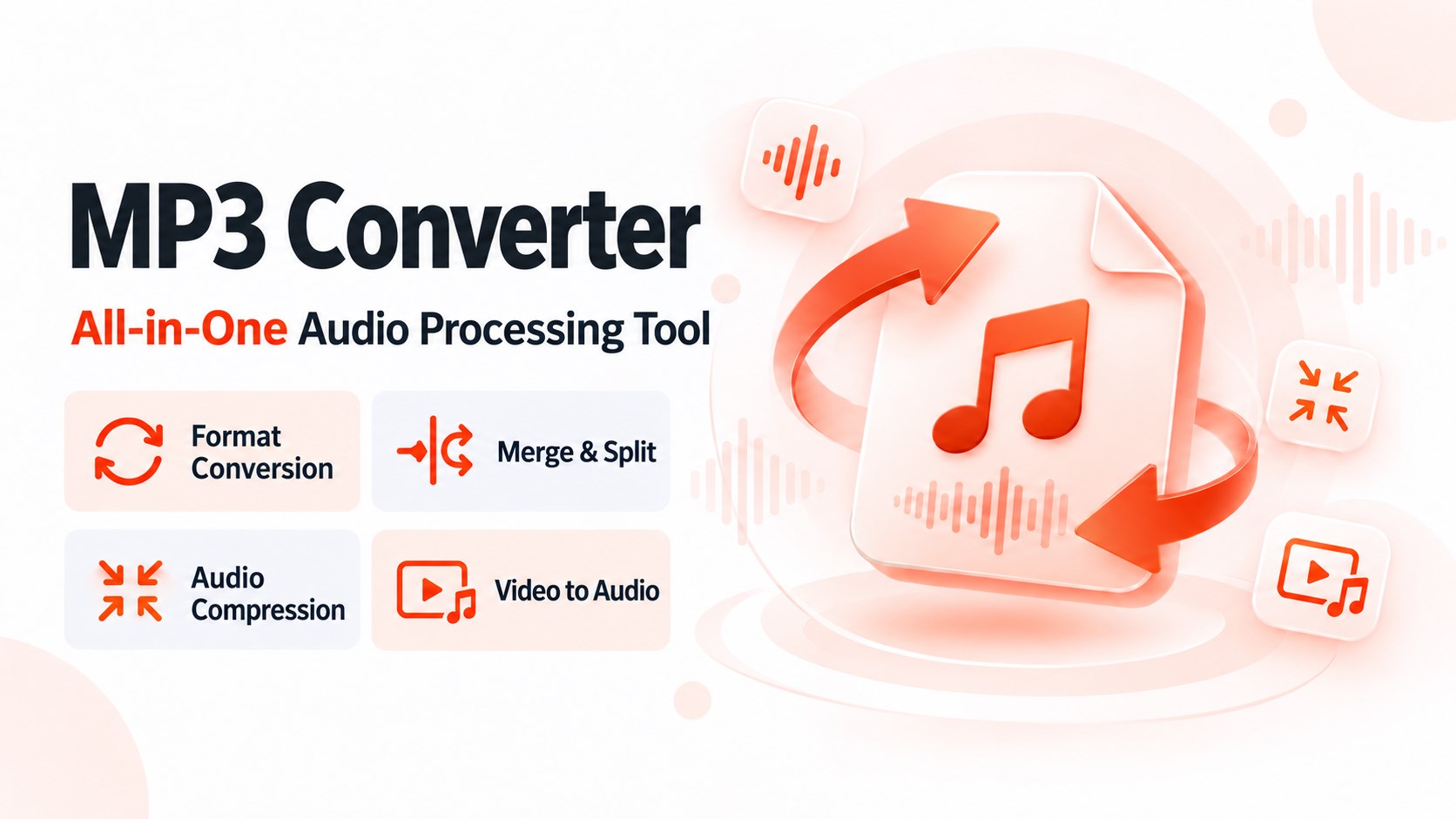
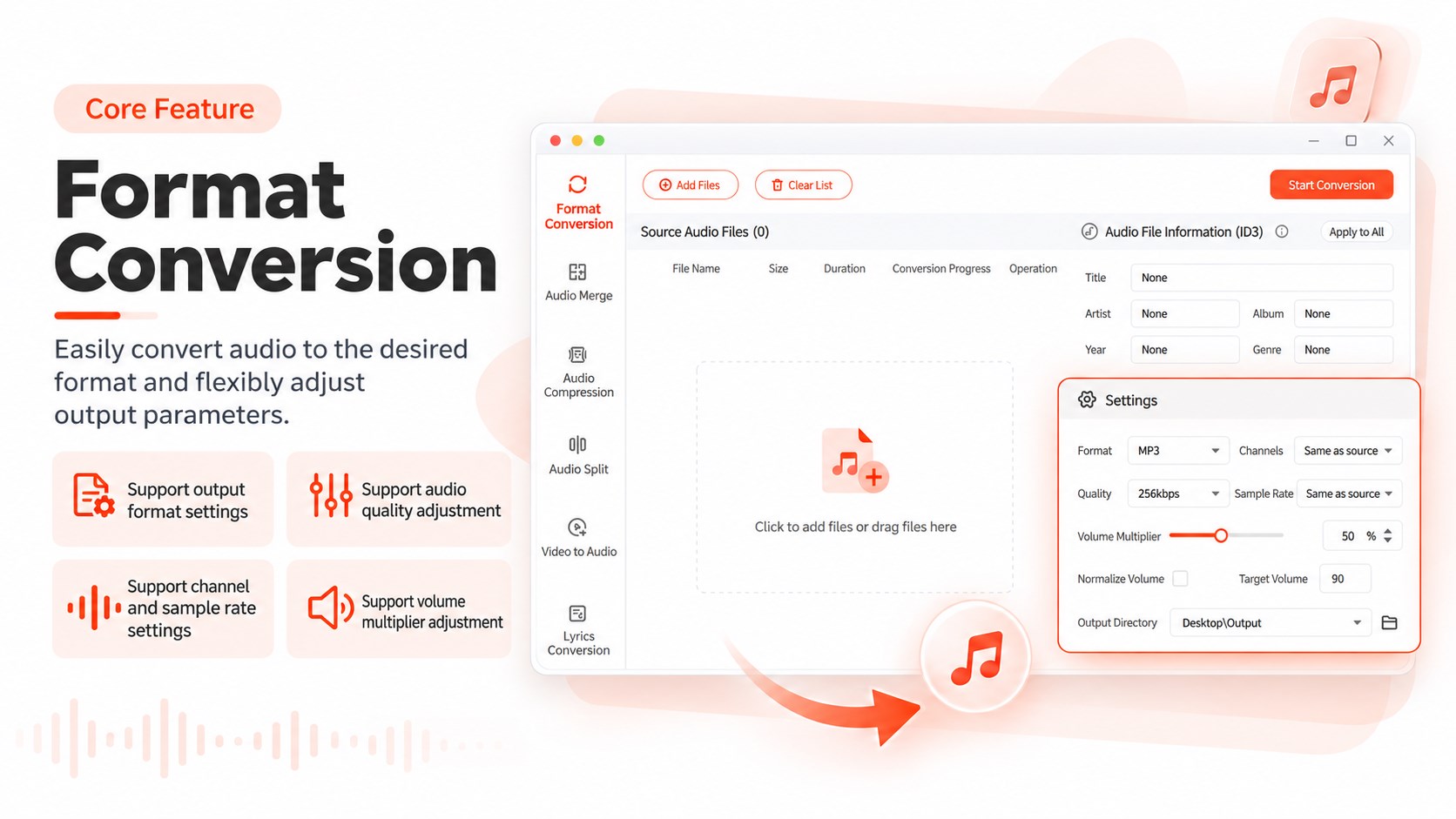
MP3 Converter – Video to MP3 & Audio Extractor is a media conversion app for turning video into audio, extracting sound tracks from videos, and converting common audio and media formats. It converts MP4 videos to MP3 when only the sound is needed, and extracts music, speech, dialogue, or narration from videos as separate audio files. It supports formats such as MP3, AAC, WAV, WMA, AVI, MKV and MP4, and also converts between audio formats, for example MP3 to WAV. Conversion requires only selecting a file and output format, without complicated settings, and file name and save location can be set manually for easier organization.
Show the developer's original descriptionHide the original description
🎵 MP3 Converter is a simple media conversion tool for turning video into audio, extracting sound from videos, and converting commonly used audio and media formats.
Want to save only the music, speech, narration, dialogue, or other sound from a video? Need to convert MP4 to MP3 or change an audio file to another format? Choose your file and output format and start converting without complicated setup.
✅ Key Features
🎬 Video to Audio
Extract music, dialogue, narration, speech, and other audio from a video and save it as a separate audio file.
🔄 MP4 to MP3
Convert MP4 videos to MP3 when you only need the audio track and do not need to keep the full video.
🎧 Audio Extraction
Extract sound from videos, music videos, recordings, and other supported video files. Save the audio separately so it is easier to play, organize, or use later.
📁 Multiple Media Formats
Work with common formats including MP3, AAC, WAV, WMA, AVI, MKV, and MP4. Choose an available output format based on your file and how you plan to use it.
🔁 Audio Format Conversion
MP3 Converter is not limited to extracting audio from video. You can also convert between supported audio formats, such as MP3 to WAV.
⚡ Simple Conversion
No complicated settings are required. Select a file, choose the output format, and start converting.
💾 Custom Output Settings
Set the output file name and save location so converted files are easier to organize and find.
📌 Useful For
✅ Converting MP4 videos to MP3 audio files
✅ Turning video into audio and keeping only the sound
✅ Extracting music, speech, dialogue, or narration from videos
✅ Saving an audio track from a video as a separate file
✅ Converting MP3 to WAV or another supported audio format
✅ Changing file formats for different apps, devices, or everyday uses
🧭 How It Works
Select the video, audio, or media file you want to convert.
Choose the output format you need.
Set the file name and save location.
Start the conversion and save the finished file.
The workflow stays straightforward whether you are converting MP4 to MP3, extracting audio from a video, or handling everyday audio and media format conversions.
🚀 Whether you need MP4 to MP3 conversion, video-to-audio conversion, audio extraction, or common format conversion, MP3 Converter brings these everyday tools together in one place.
Play Store URL for "MP3 Converter – Video to MP3 & Audio Extractor"
If there is a version of this app for iOS/Mac or Windows we don't know about, paste the store link here — we'll auto-detect the store.
How to find the URL:1. Open the app in its store. 2.In the App Store app: tap the Share icon → “Copy Link”. In the browser: copy the URL from the address bar — it contains apps.apple.com/…/id… or apps.microsoft.com/detail/…. 3. Paste it here.
Paste the original link from the Apple App Store or Microsoft Store. We fetch all details automatically.
How to find the URL:
1. Open the app in its store. 2.In the App Store app: tap the Share icon → “Copy Link”. In the browser: copy the URL from the address bar — it contains apps.apple.com/…/id… or apps.microsoft.com/detail/…. 3. Paste it here.
Android apps can only be listed by their developer.



 My MP3 Converter
Convert audio and video files to MP3
 Video to MP3 Converter Extractor
Extract audio from videos, trim and merge clips
 Audio Converter - Mp3 Converter
Quickly convert audio formats and extract audio from video
 MP4 to MP3 Video Converter Pro
Converts video and audio files between numerous formats
 My MP4 to MP3 Converter
Convert MP4 files to MP3 format
 Video Converter‘
Convert video and audio files between formats