
Screenshot appears after consentScreenshot appears after consentScreenshot appears after consent
Summary
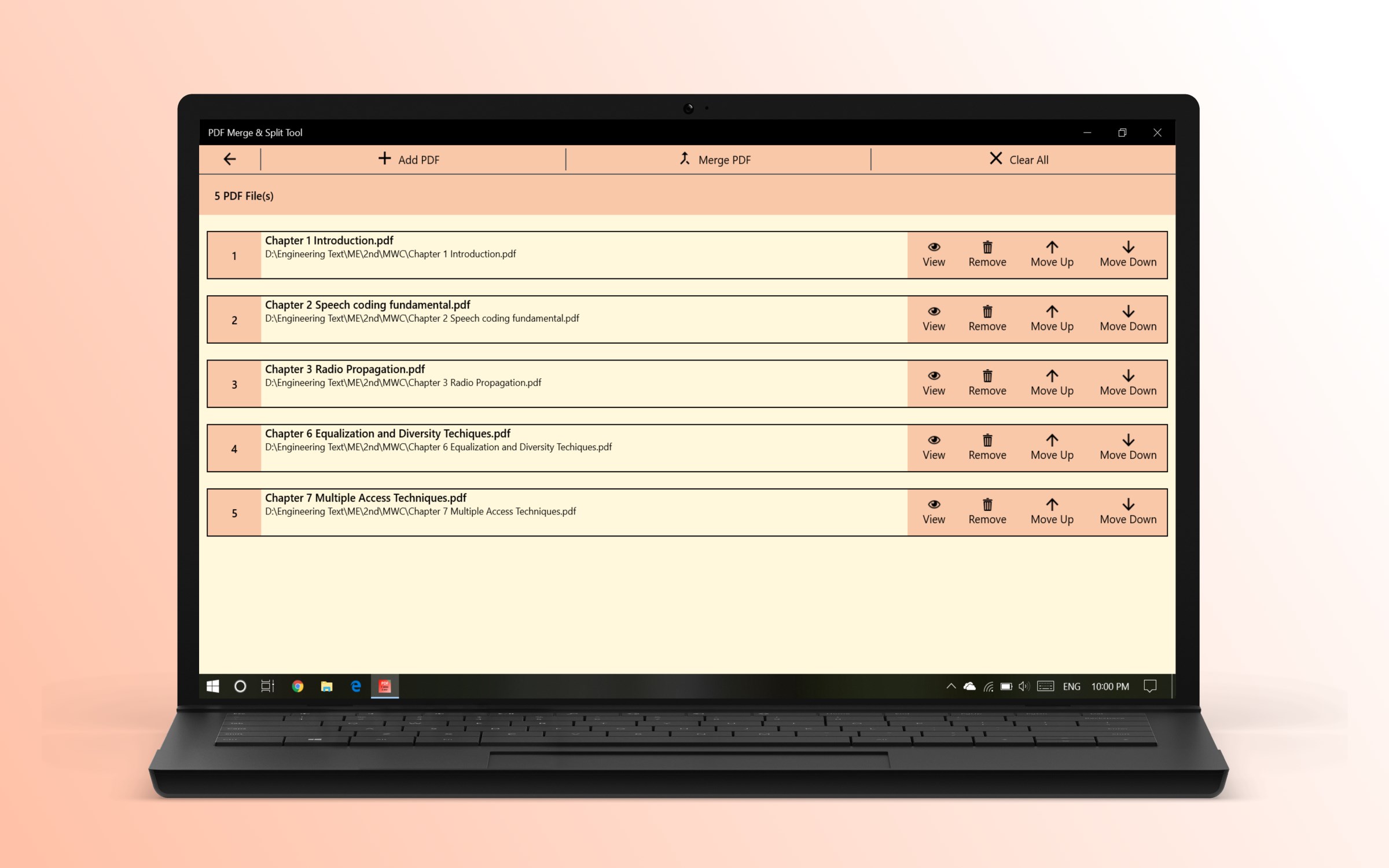
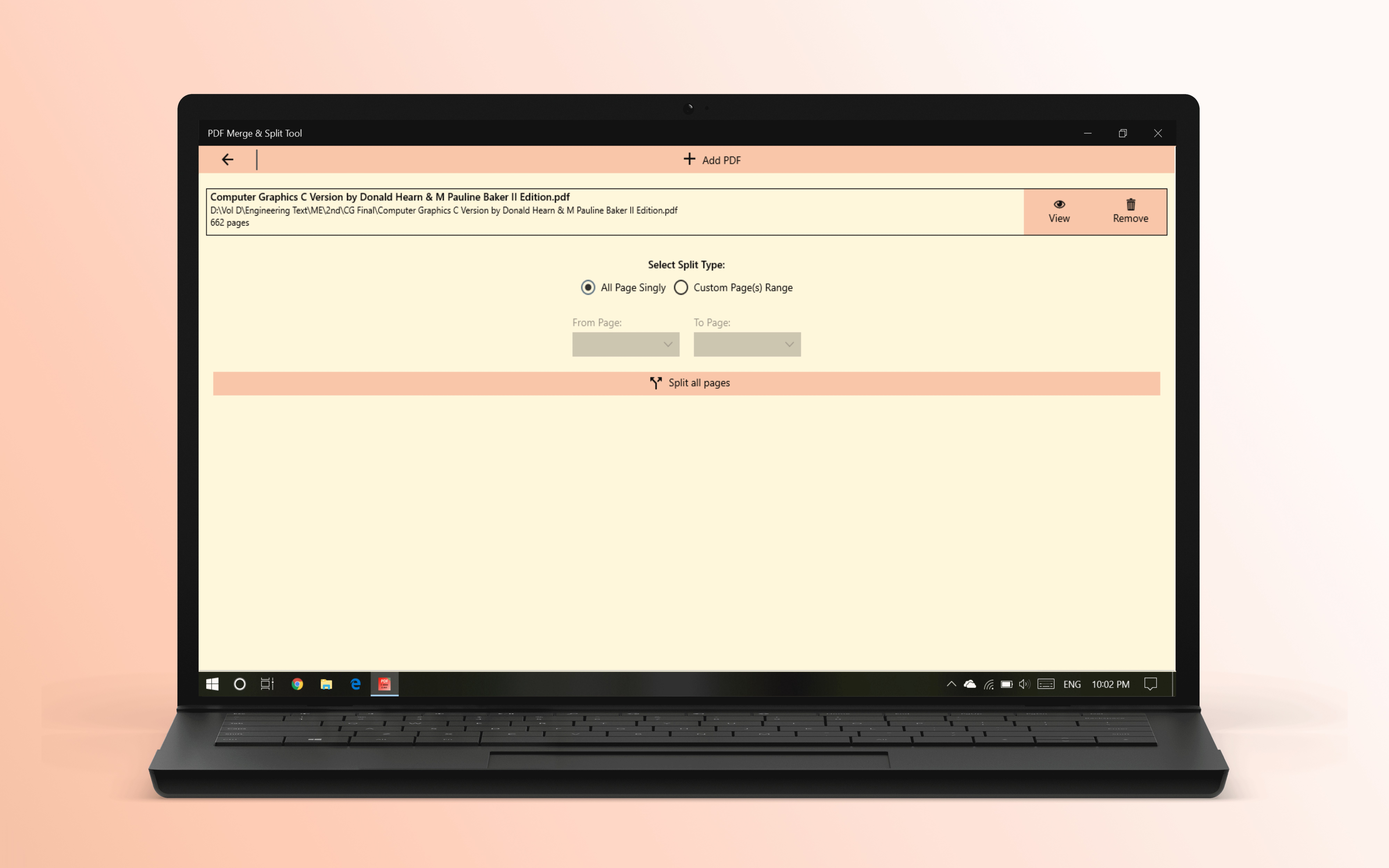
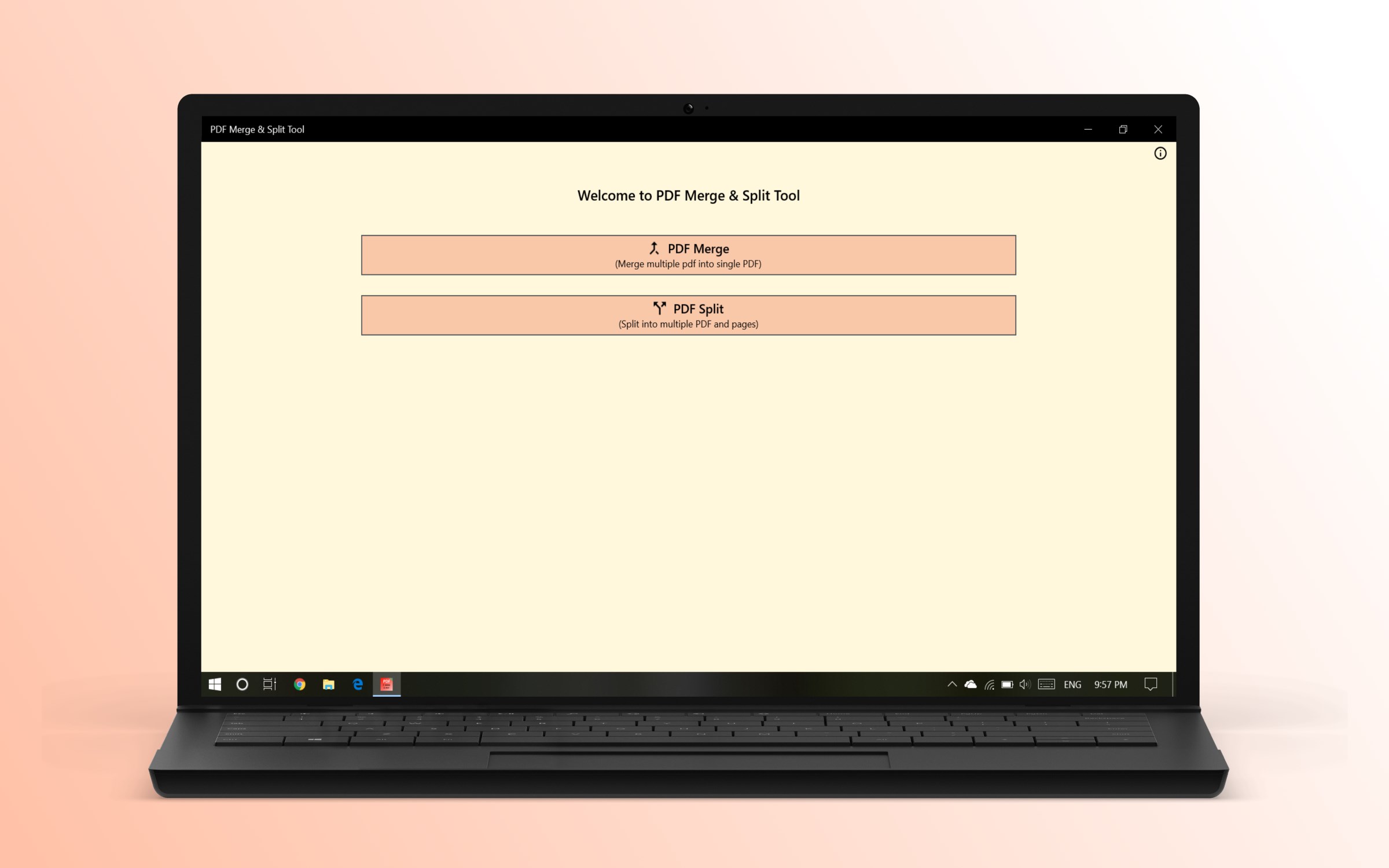
PDF Merge & Split Tool is a PDF editing app for merging and splitting PDF documents. It allows merging and splitting files in just two clicks by browsing files and selecting the merge or split action. There is no limit on file size or number of files. The app supports arranging the sequence of files when merging PDFs. According to the provider, merging happens without internet usage, making the process fast and secure. The app is purchased once for lifetime access on the Windows store.
Show the developer's original descriptionHide the original description
It is an extremely easy, blazing-fast, and highly secure app to merge and split your PDF document.
# Features
- Unlimited size and files
- Extremely easy to use no instruction is needed!
- No internet usage to merge so very secure and fast
- Continuous updates, new features
- PDF Merge sequence arrangement
You can merge and split your files in just two clicks, first browse files and simply click merge/split file. Thousands of other users love our service. Buy once and get lifetime access to the perfect PDF merge/split app on the Windows store.
If there is a version of this app for iOS/Mac or Windows we don't know about, paste the store link here — we'll auto-detect the store.
How to find the URL:1. Open the app in its store. 2.In the App Store app: tap the Share icon → “Copy Link”. In the browser: copy the URL from the address bar — it contains apps.apple.com/…/id… or apps.microsoft.com/detail/…. 3. Paste it here.
Paste the original link from the Apple App Store or Microsoft Store. We fetch all details automatically.
How to find the URL:
1. Open the app in its store. 2.In the App Store app: tap the Share icon → “Copy Link”. In the browser: copy the URL from the address bar — it contains apps.apple.com/…/id… or apps.microsoft.com/detail/…. 3. Paste it here.
Android apps can only be listed by their developer.