Screenshot appears after consentScreenshot appears after consentScreenshot appears after consentScreenshot appears after consentScreenshot appears after consentScreenshot appears after consentScreenshot appears after consentScreenshot appears after consent
Summary
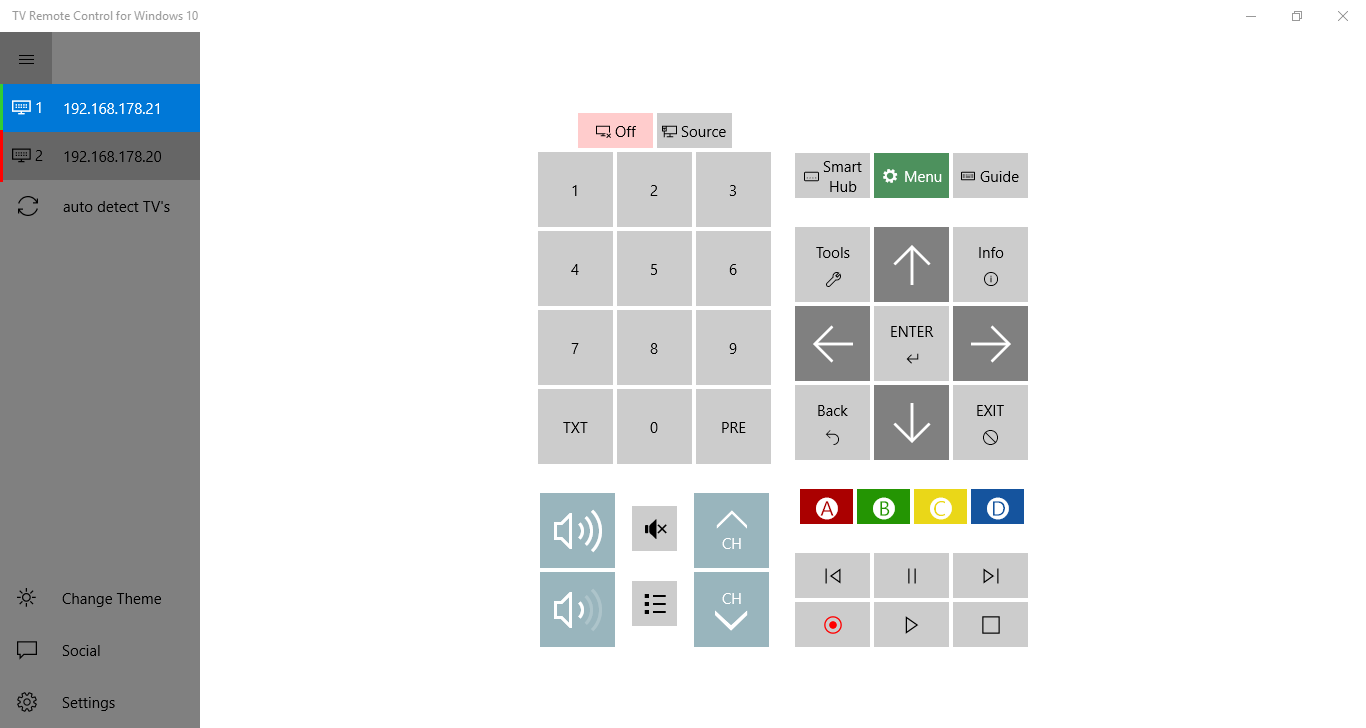
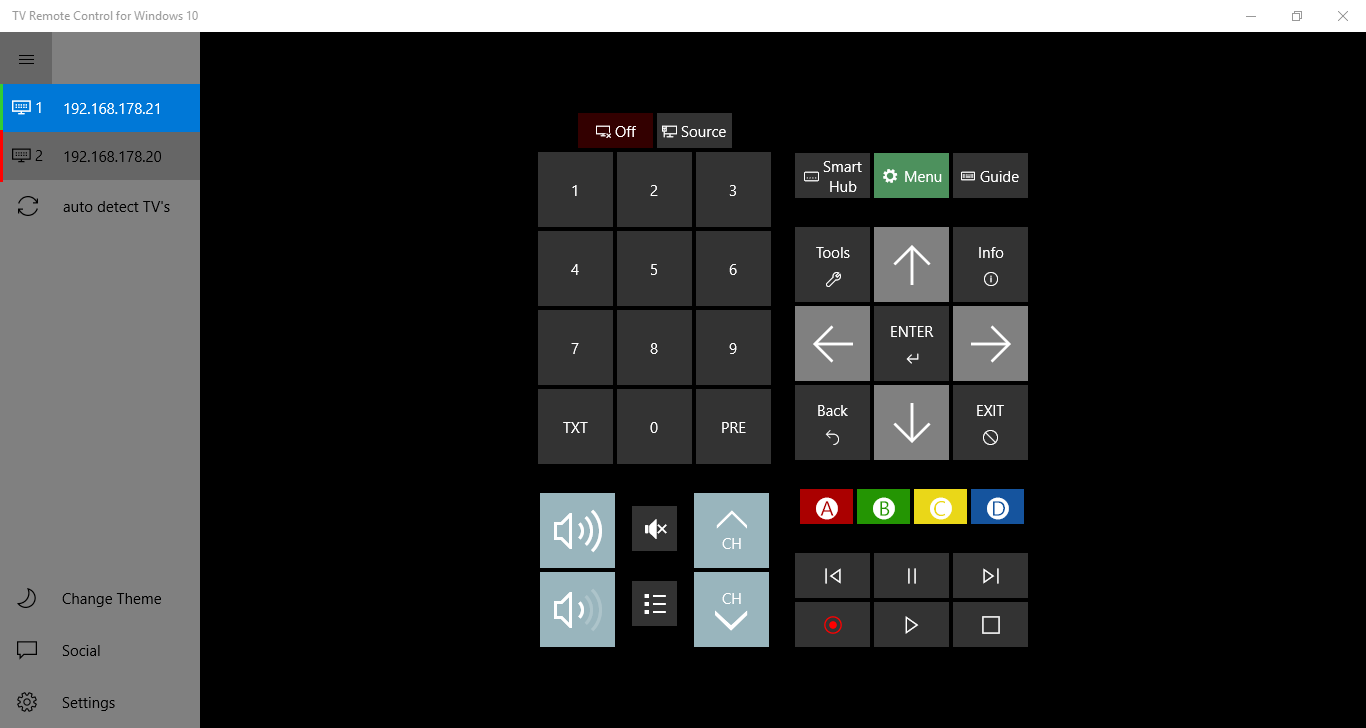
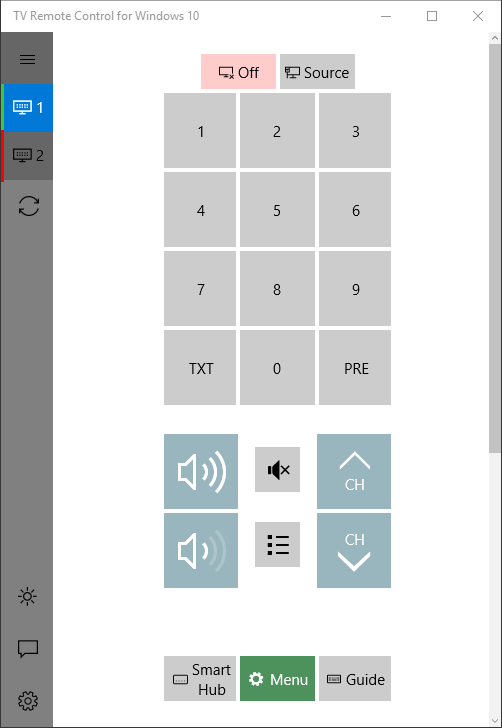
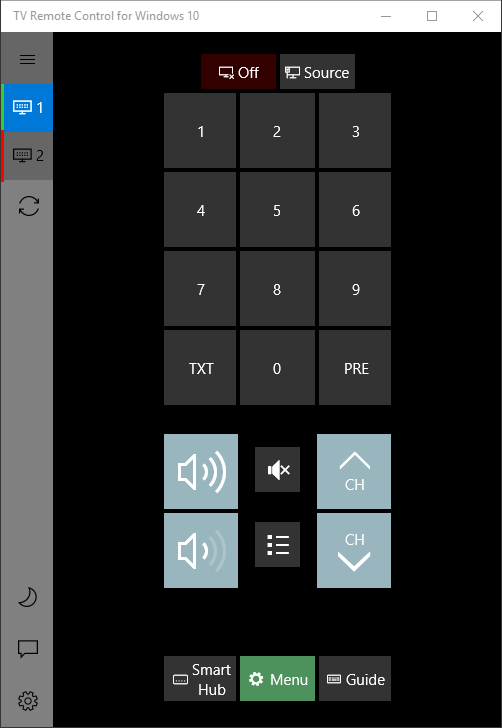
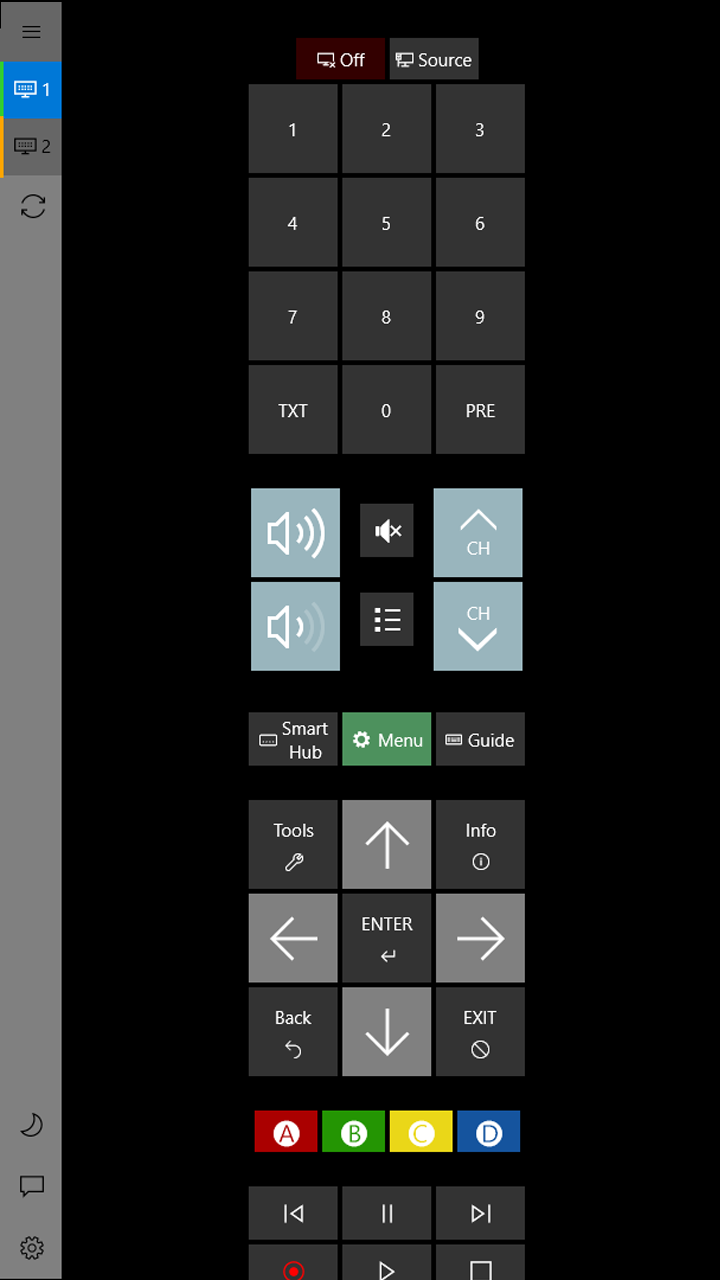
TV Remote Control for Windows 10 is an app that lets you interact with your Samsung Smart TV. It reproduces all the functions of a classic TV remote and allows control of multiple devices without a visible connection to the television. The connection is established over the local network, which according to the provider keeps all data private.
Show the developer's original descriptionHide the original description
With this app you can interact with your Samsung Smart TV. This app offers you all the functions of your classic tv remote with the advantage of controlling multiple devices and even without visible connection to your tv.
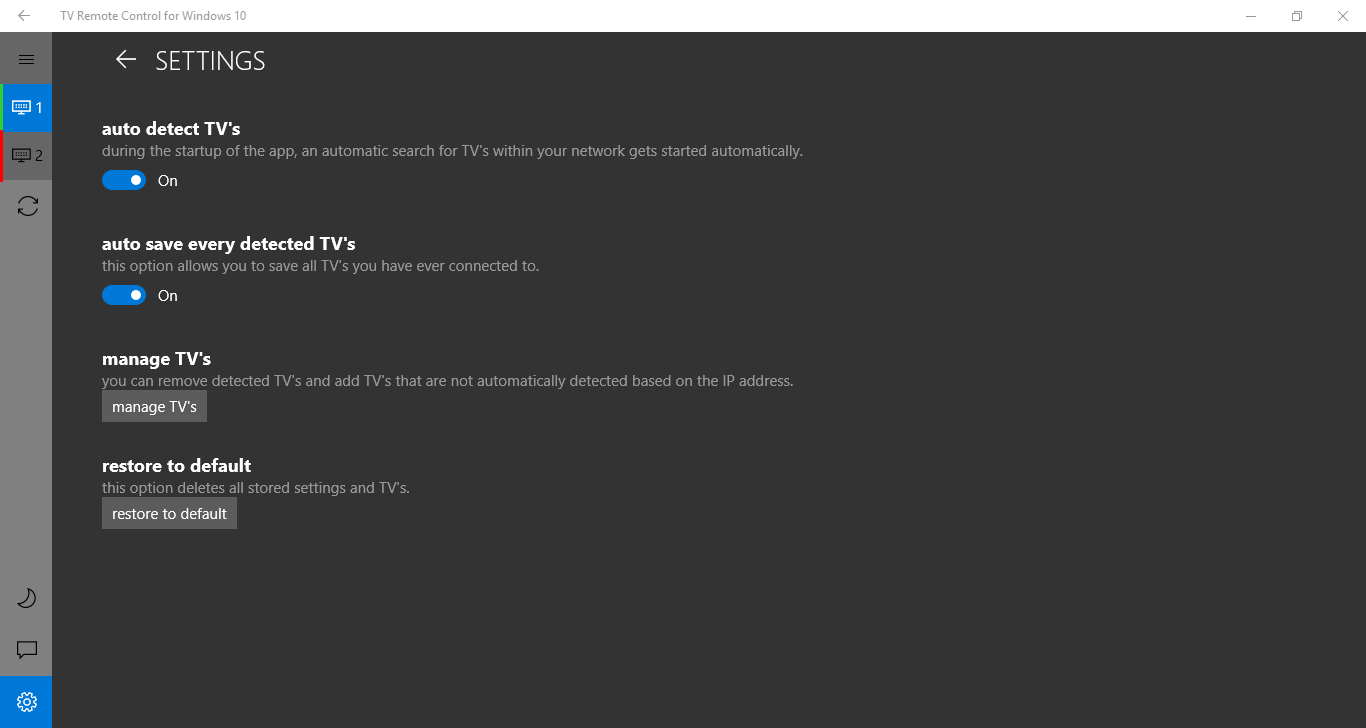
The connection is set up via the local network so all data kept private just to you.
Technical details about TV Remote Control for Windows 10
Play Store URL for "TV Remote Control for Windows 10"
If there is a version of this app for iOS/Mac or Windows we don't know about, paste the store link here — we'll auto-detect the store.
How to find the URL:1. Open the app in its store. 2.In the App Store app: tap the Share icon → “Copy Link”. In the browser: copy the URL from the address bar — it contains apps.apple.com/…/id… or apps.microsoft.com/detail/…. 3. Paste it here.
Paste the original link from the Apple App Store or Microsoft Store. We fetch all details automatically.
How to find the URL:
1. Open the app in its store. 2.In the App Store app: tap the Share icon → “Copy Link”. In the browser: copy the URL from the address bar — it contains apps.apple.com/…/id… or apps.microsoft.com/detail/…. 3. Paste it here.
Android apps can only be listed by their developer.