Screenshot appears after consentScreenshot appears after consentScreenshot appears after consent
Summary
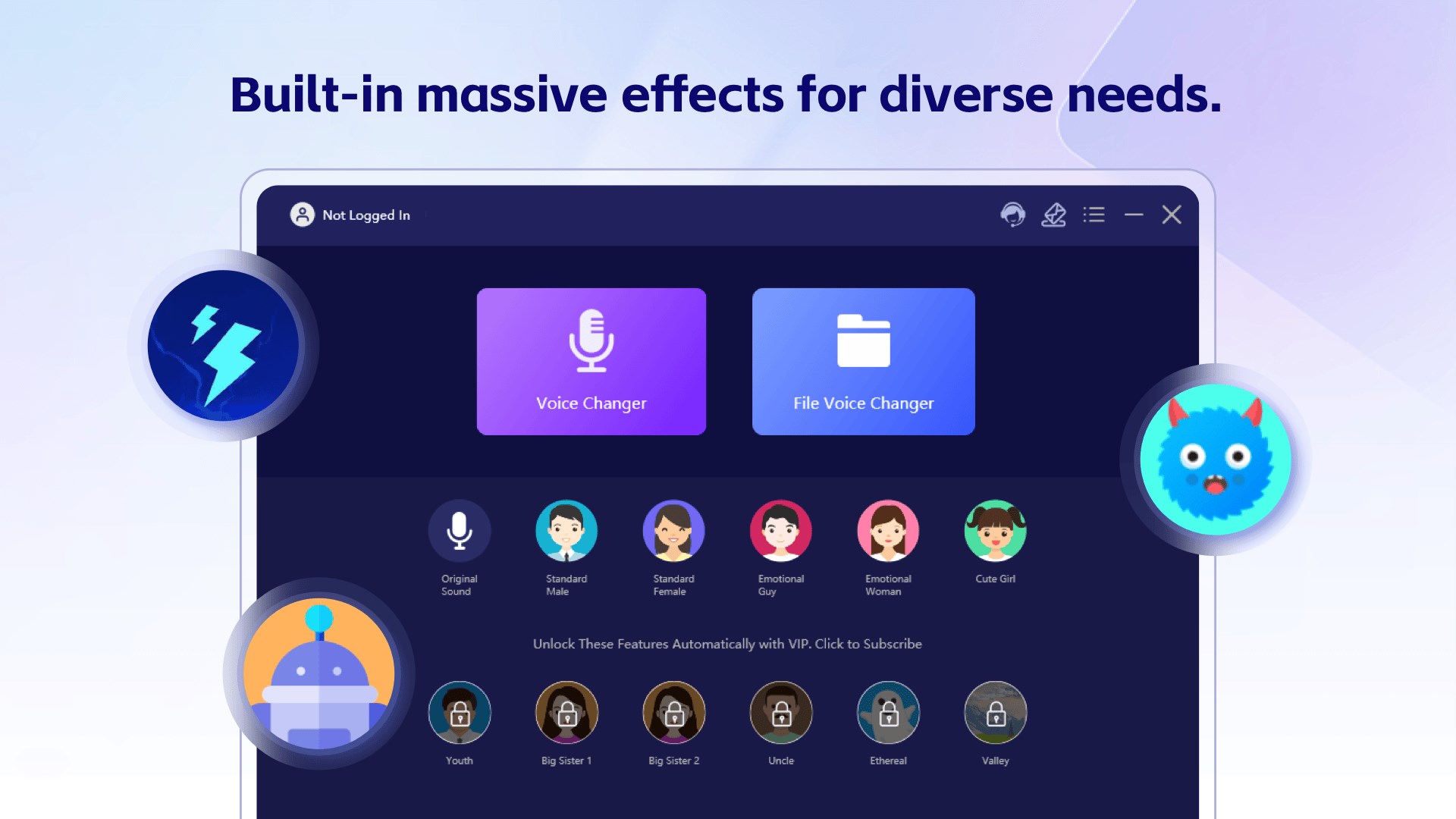
Voice Changer - Change Voice is a voice-changing app that transforms the user's voice using a variety of sound effects and presets. It offers cartoon voices, male and female voices, and other funny voice styles suited to casual chats, gaming, recordings, and videos. A chat voice changer and mic voice changer apply effects in real time during online communication, while a dedicated game voice changer makes voice chats more entertaining. The app can also process imported audio files, applying voice effects without complex editing steps. It is free to use with some effects included, and full functionality can be unlocked through a subscription or one-time purchase.
Show the developer's original descriptionHide the original description
Change Your Voice on PC
Voice Changer is a simple voice changer with effects for PC. Change your voice instantly with your microphone, or apply voice effects and audio effects to recorded audio, videos, and audio files.
Voice Changer for Chat, Gaming, and Streaming
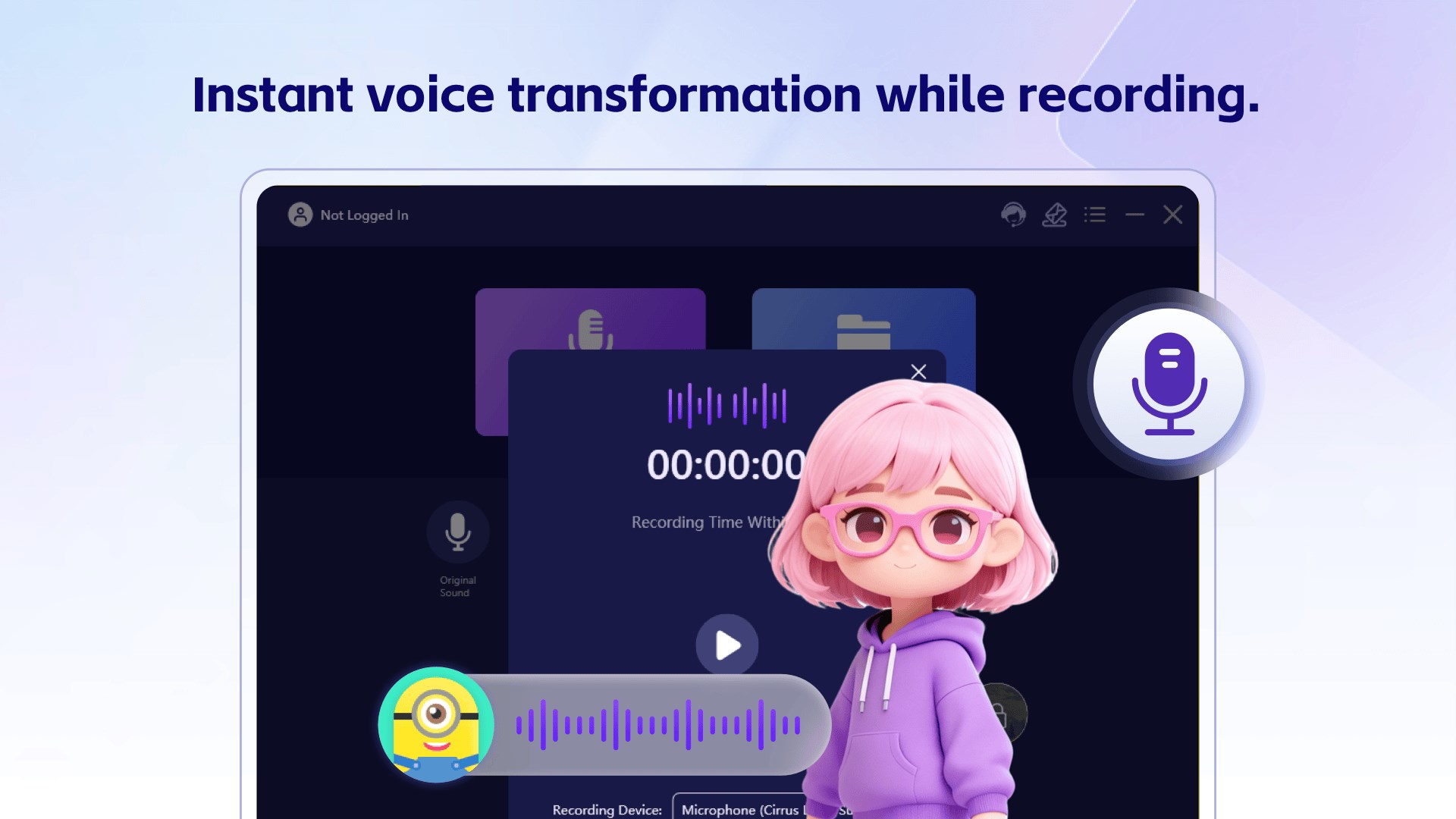
Use the chat voice changer for online conversations and the game voice changer for in-game voice chat. The mic voice changer works in real time for gaming, streaming, and everyday calls.
Cartoon, Male, Female, and Funny Voice Effects
Choose cartoon voice, male voice, female voice, funny voice, and other voice packs. Try different voice styles and make conversations, games, and recordings more entertaining.
Audio Changer for Audio and Video Files
Import recordings, videos, and other audio files. Use the audio changer, file voice changer, or video voice changer to apply voice changing effects in a few clicks.
Easy Voice Changer for PC
With a simple interface and a selection of voice changer effects, Voice Changer helps you change voice quickly for chat, games, recording, and everyday use.
⚠️ The current version is a free purchase version, which includes some voice changing effects. If you are satisfied with the product, you can experience the full product functionality by purchasing related services in the app; you can choose to subscribe the software monthly or annually, which will be deducted from your Microsoft account during the renewal time; you can also choose Buy a permanent membership, one-time payment, permanent use.
If there is a version of this app for iOS/Mac or Windows we don't know about, paste the store link here — we'll auto-detect the store.
How to find the URL:1. Open the app in its store. 2.In the App Store app: tap the Share icon → “Copy Link”. In the browser: copy the URL from the address bar — it contains apps.apple.com/…/id… or apps.microsoft.com/detail/…. 3. Paste it here.
Paste the original link from the Apple App Store or Microsoft Store. We fetch all details automatically.
How to find the URL:
1. Open the app in its store. 2.In the App Store app: tap the Share icon → “Copy Link”. In the browser: copy the URL from the address bar — it contains apps.apple.com/…/id… or apps.microsoft.com/detail/…. 3. Paste it here.
Android apps can only be listed by their developer.




 Voicemod
Change voice and sounds in real-time for gaming
 Text to Speech - Text Reader
Convert text into natural-sounding speech
 Just Press Record
Record audio, transcribe speech and sync across devices
 Microsoft Clipchamp
Edit videos quickly with AI voiceovers and auto captions
 Transcribe - Speech to Text
Convert audio and voice messages to text
 Fluent Translator X
Translate text between more than 150 languages with audio