

Screenshot appears after consentScreenshot appears after consentScreenshot appears after consentScreenshot appears after consentScreenshot appears after consentScreenshot appears after consentScreenshot appears after consentScreenshot appears after consentScreenshot appears after consentScreenshot appears after consentScreenshot appears after consentScreenshot appears after consentScreenshot appears after consentScreenshot appears after consentScreenshot appears after consentScreenshot appears after consent
Summary
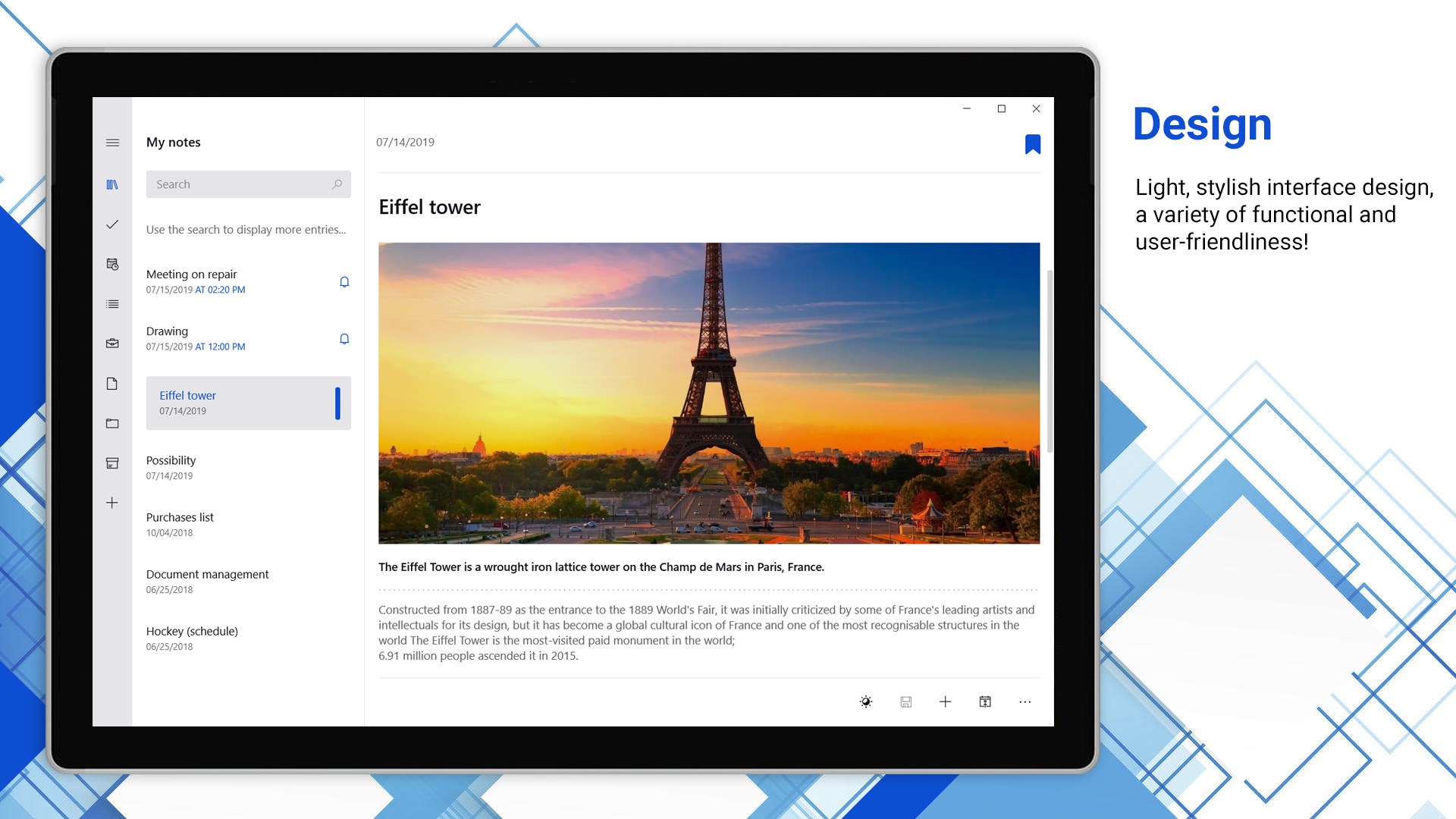
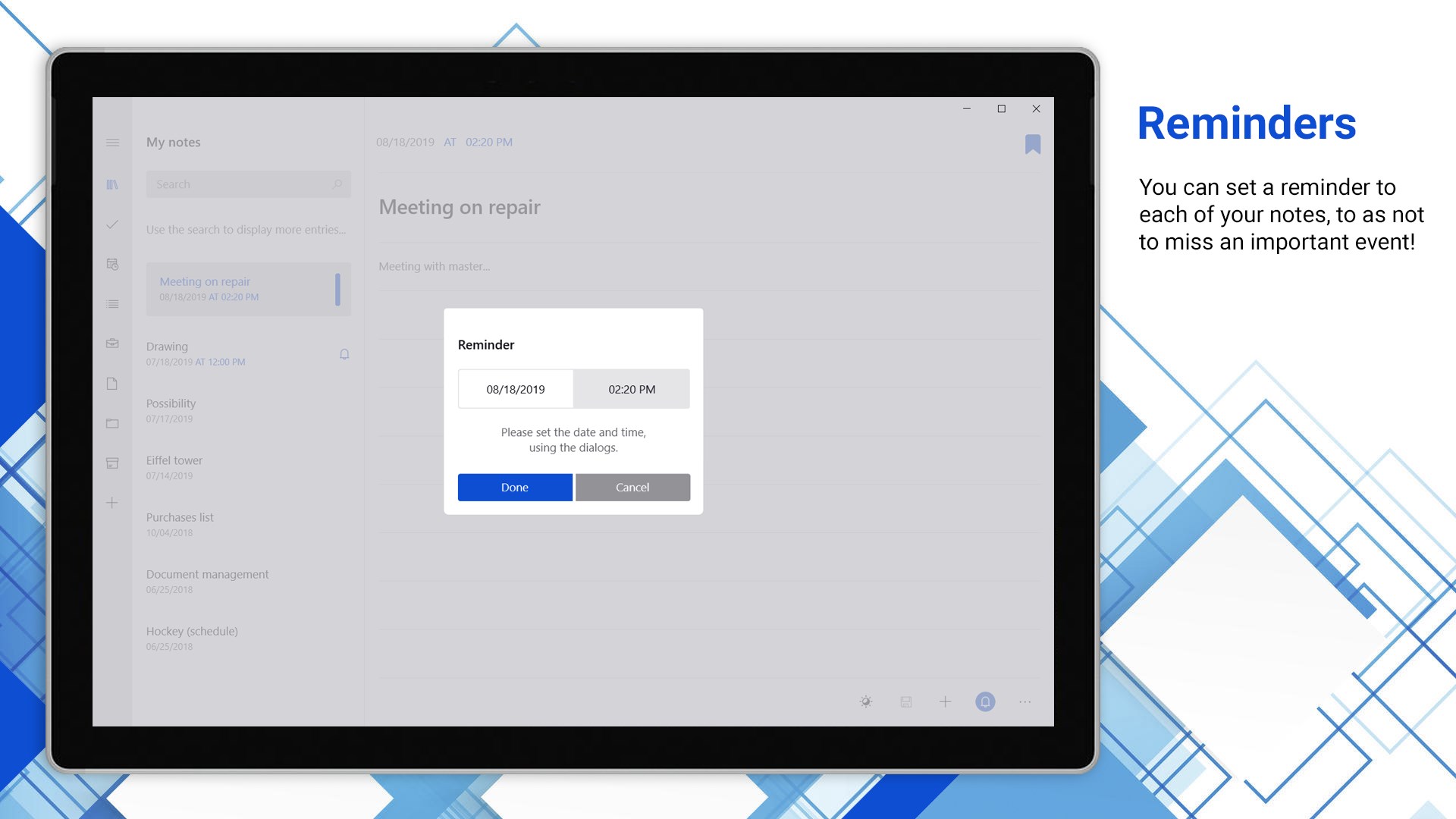
To write (notes, notepad) is a note-taking app for creating bulleted and task lists, audio recordings, photos, drawings and reminders within the same service. Notes can be organized into custom folders with password protection, and multiple notes can be worked on at the same time. Data syncs across devices with a Microsoft account, and the app supports search, sorting, printing and backup. It offers gesture control on touch screens, adaptive theme changes based on lighting conditions, and optional password authorization with recovery support. No registration is required to start using the app.
Show the developer's original descriptionHide the original description
To write is a multifunctional app for notes creating!
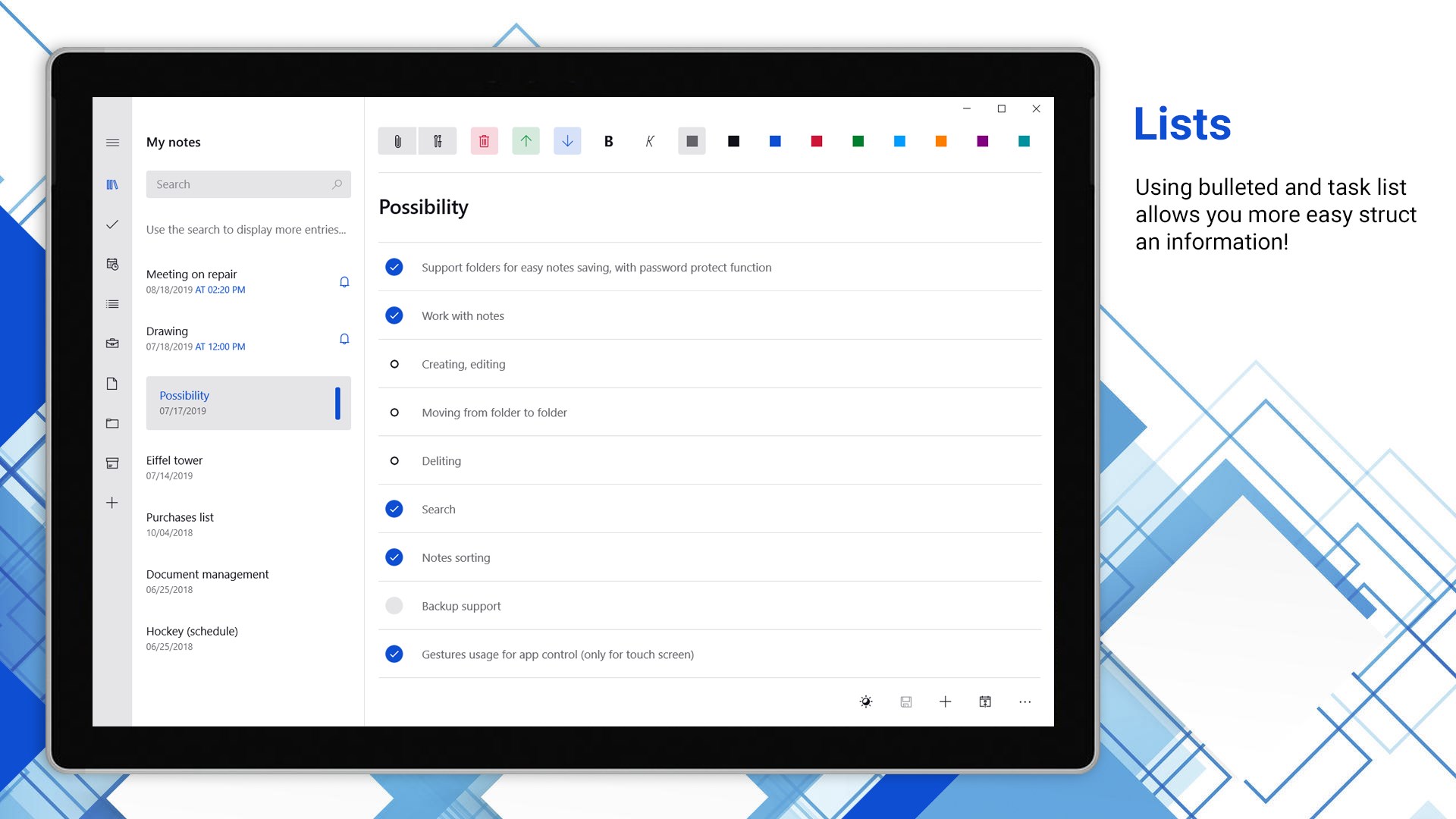
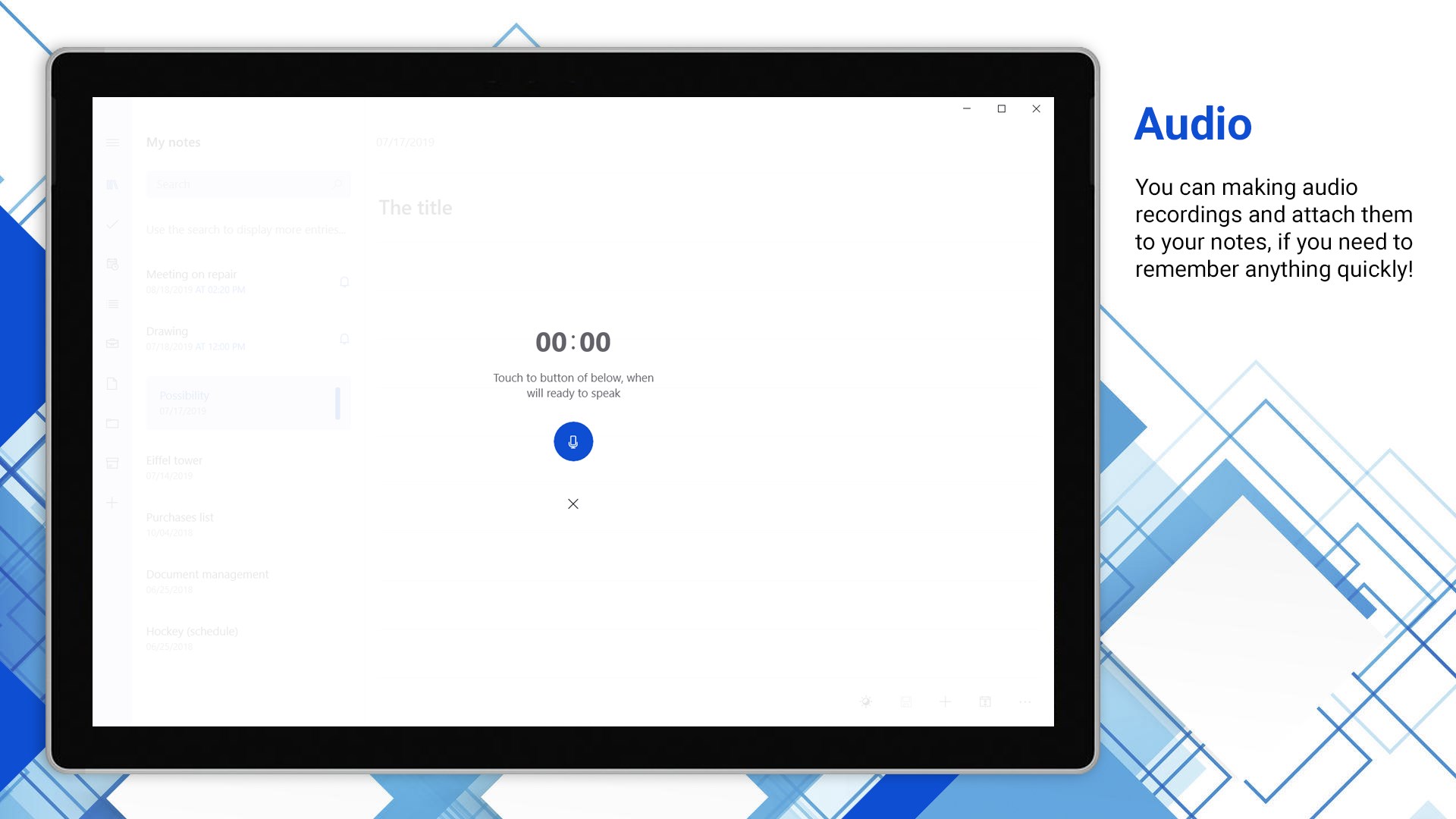
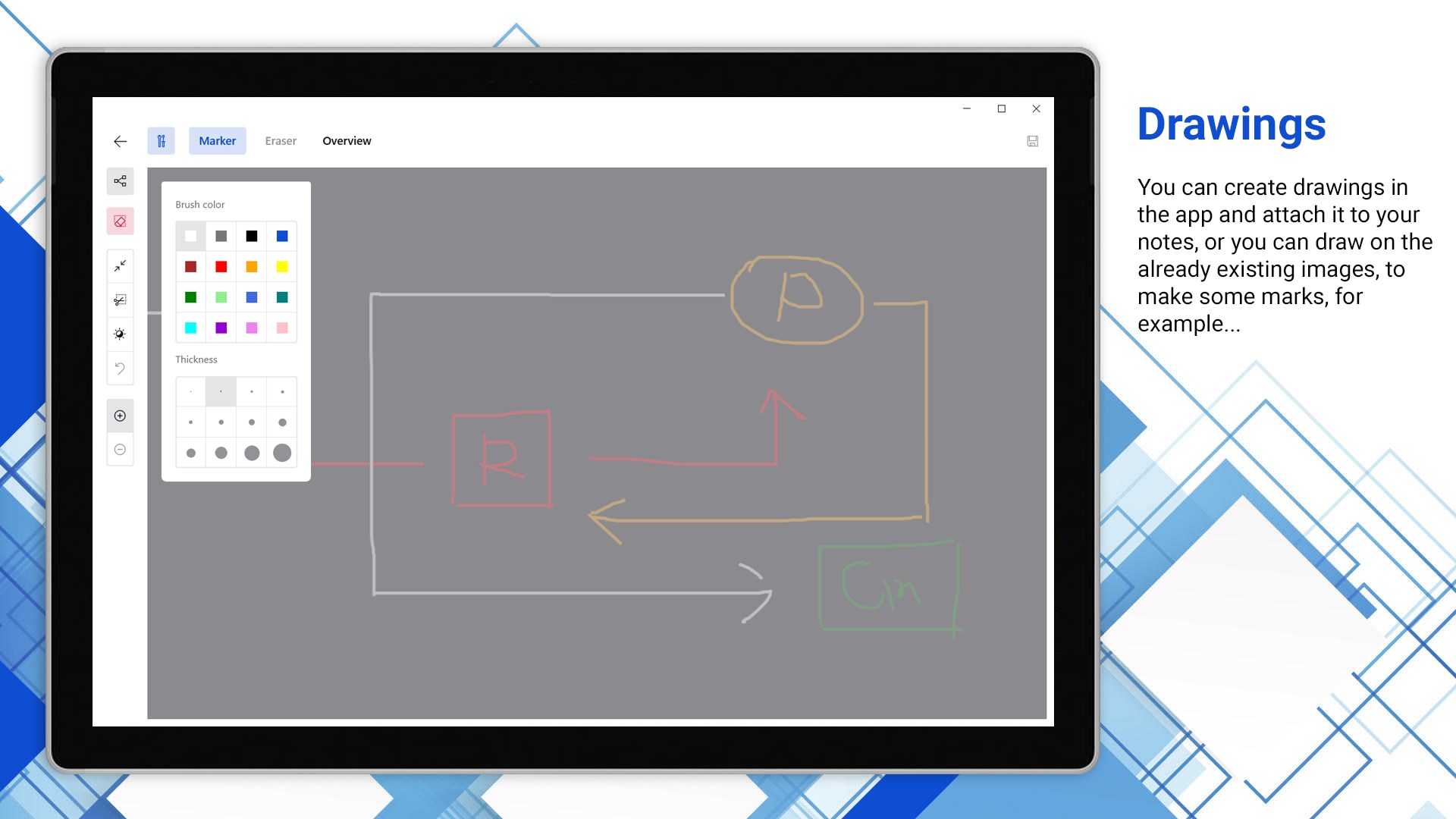
Bulleted and task lists, audio recordings, photos, drawings, reminders and much more, within the same service!
No registration, authentication, etc. By opening the application you can immediately get to work!
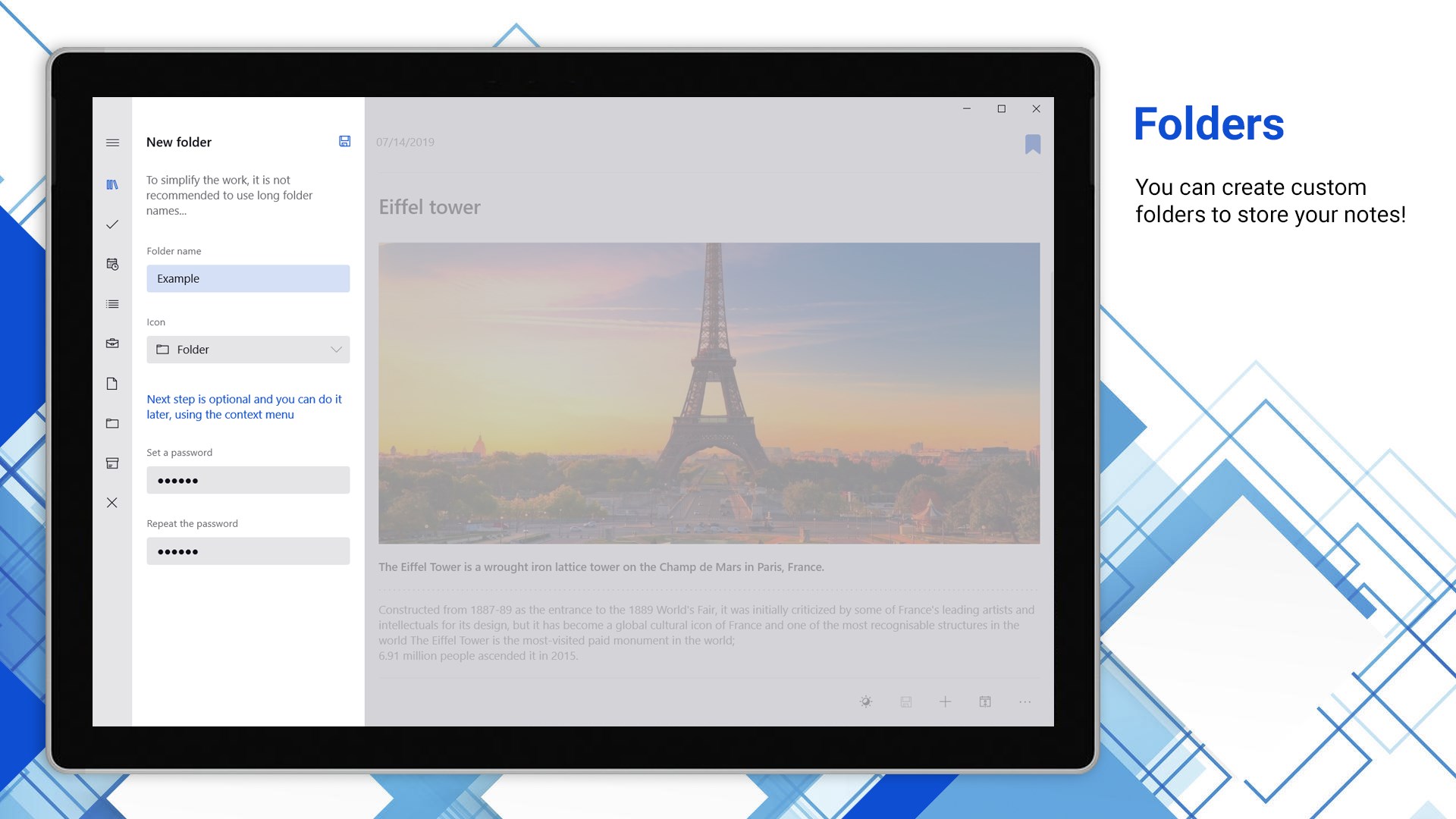
- Ability to creating custom folders to storing your notes, with a password protection ability!
- Full work with notes (creating, editing, moving, deleting and etc.)
- Ability to work with multiple notes at the same time
- Data synchronization between all your devices (Microsoft account need)
- Search
- Print support
- Sorting
- Backup support
- Gestures usage for the app control (only for touch screen)
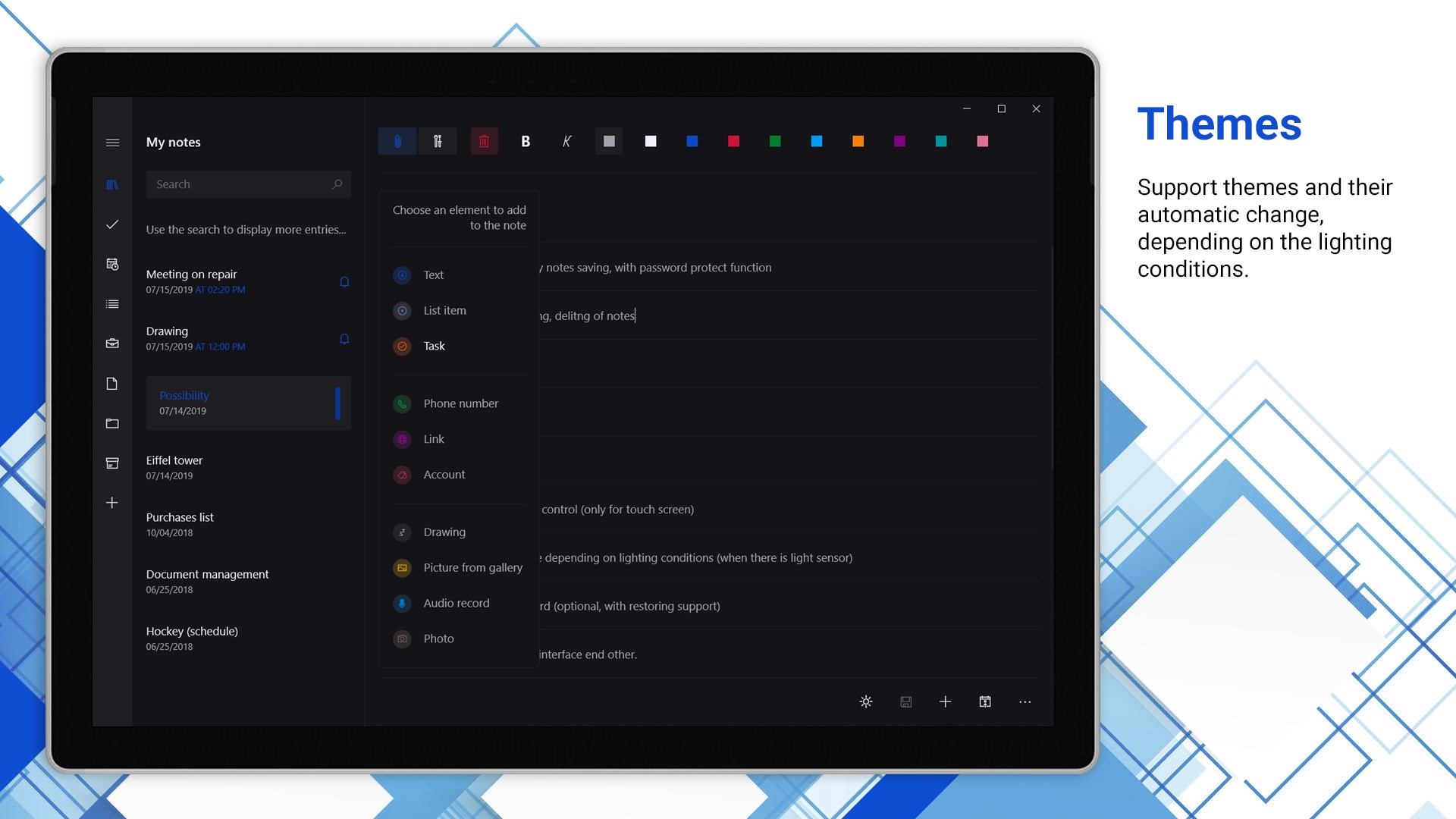
- Adaptive theme change, depending on lighting conditions (if there is light sensor)
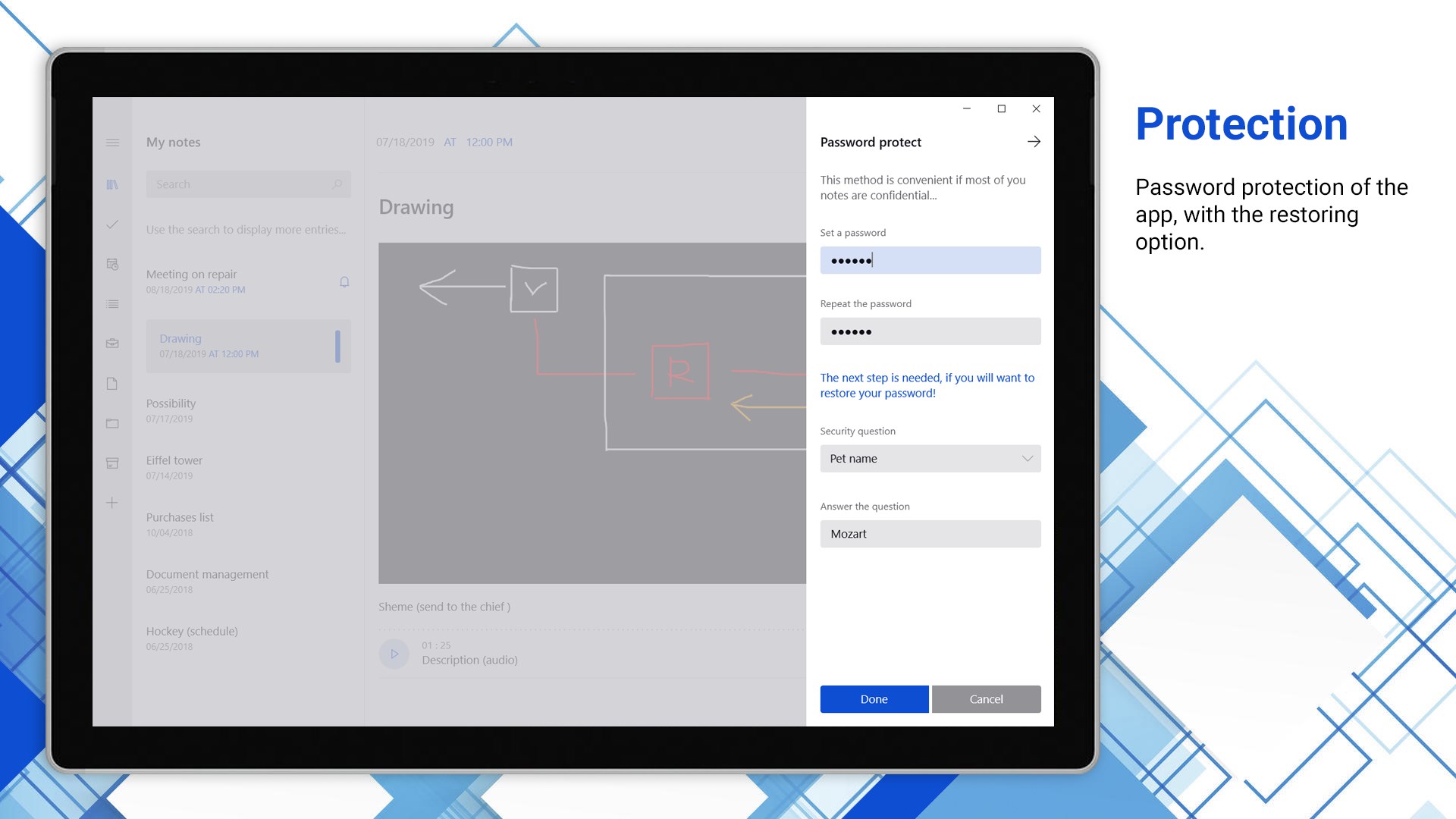
- Authorization by password (optional, with recovery support)
- Flexible settings of the interface and other...
If there is a version of this app for iOS/Mac or Windows we don't know about, paste the store link here — we'll auto-detect the store.
How to find the URL:1. Open the app in its store. 2.In the App Store app: tap the Share icon → “Copy Link”. In the browser: copy the URL from the address bar — it contains apps.apple.com/…/id… or apps.microsoft.com/detail/…. 3. Paste it here.
Paste the original link from the Apple App Store or Microsoft Store. We fetch all details automatically.
How to find the URL:
1. Open the app in its store. 2.In the App Store app: tap the Share icon → “Copy Link”. In the browser: copy the URL from the address bar — it contains apps.apple.com/…/id… or apps.microsoft.com/detail/…. 3. Paste it here.
Android apps can only be listed by their developer.