Screenshot appears after consentScreenshot appears after consentScreenshot appears after consentScreenshot appears after consentScreenshot appears after consentScreenshot appears after consentScreenshot appears after consentScreenshot appears after consentScreenshot appears after consentScreenshot appears after consent
Summary
Corel PaintShop Pro is a photo editing and graphic design program for editing images and creating visual compositions. It offers cropping, resizing, restoration and adjustments such as contrast, clarity and white balance, along with precise object selection and RAW image editing. Graphic design features include non-destructive layers and masks, typography tools, vector illustration tools and built-in templates for collages and ads. AI-based tools allow changing or blurring backgrounds, enlarging images through upsampling, and applying stylized effects. It supports various file formats including Photoshop PSD files and graphics tablets.
Show the developer's original descriptionHide the original description
Sign-up for a subscription and get your FIRST MONTH FREE! Try PaintShop Pro, the professional, affordable, all-in-one photo editor.
Get all the color and brightness you’ve been missing! Edit photos like a pro and create impressive graphic designs.
WHY EDIT WITH PAINTSHOP PRO?
Powerful photo editing
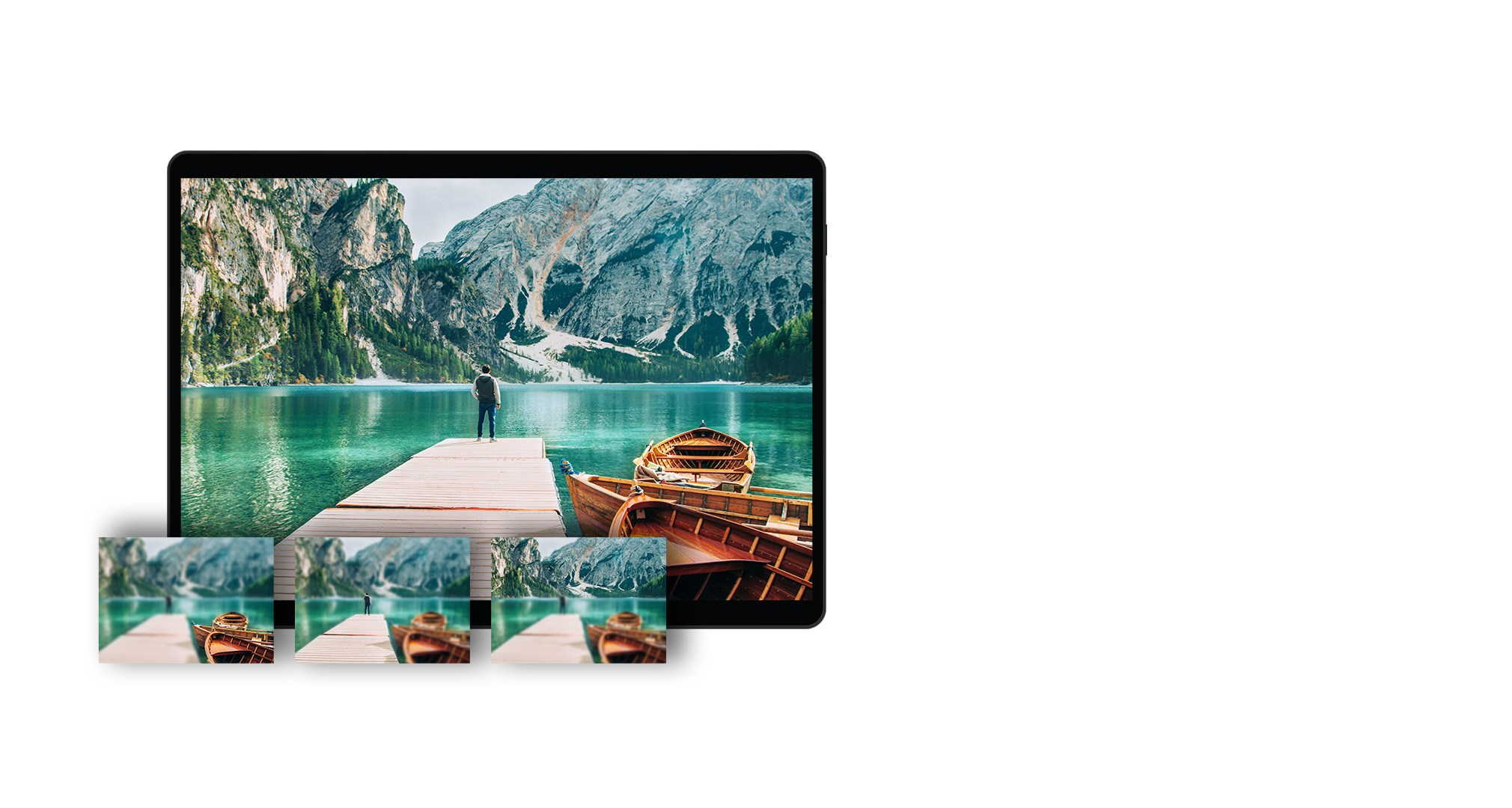
- Crop, resize, restore, repair
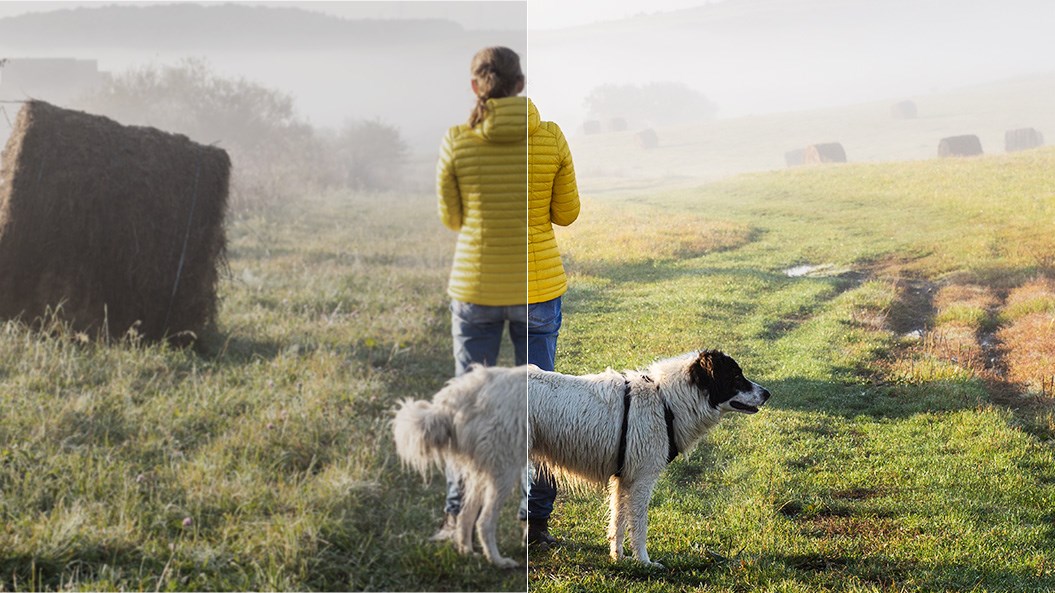
- Adjust contrast, clarity, white balance and more
- Select objects with extreme precision
- Create stunning HDR photos by combining multiple exposures.
- Powerful RAW image editing
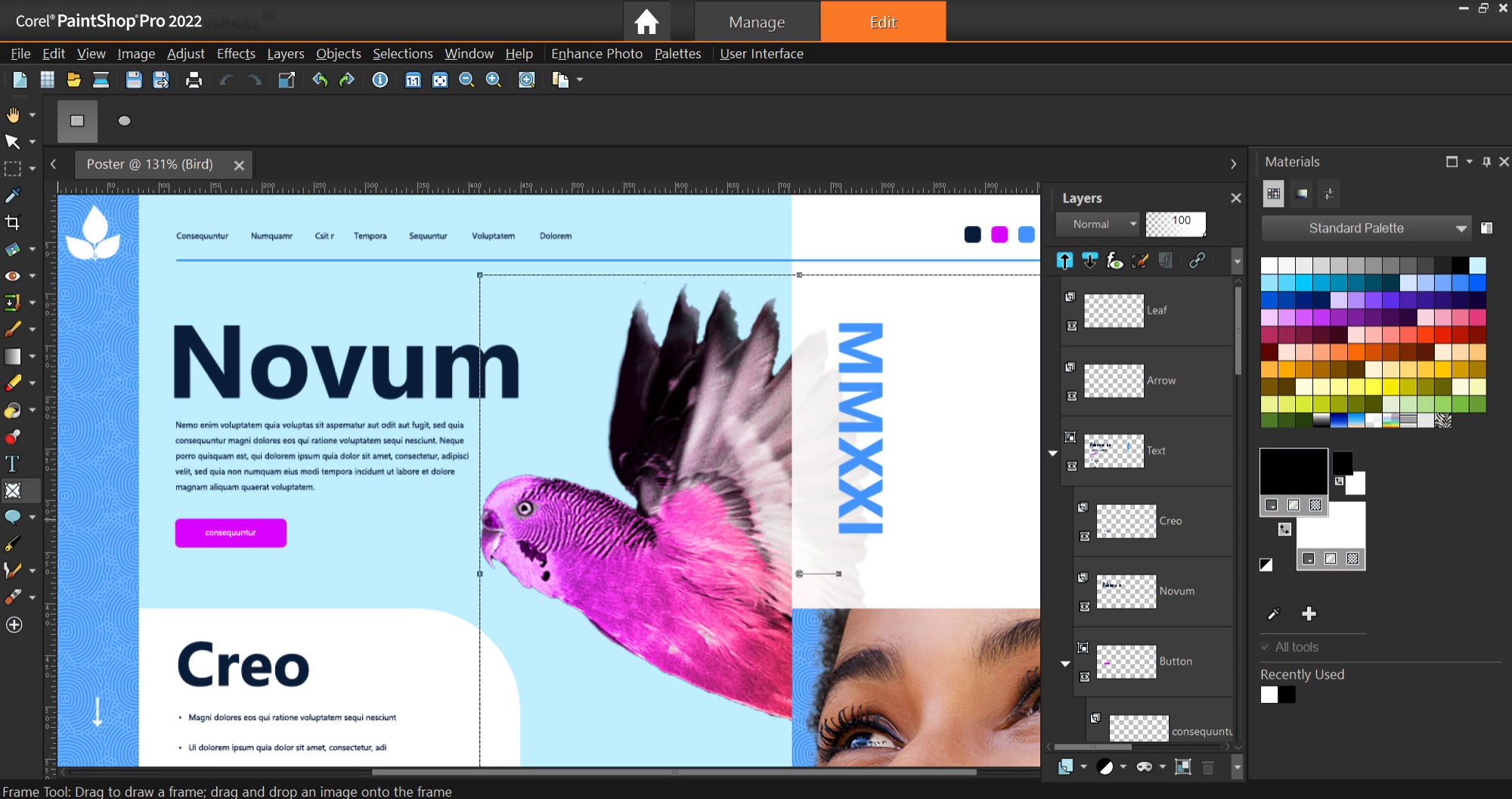
Creative graphic design
- Design composites with non-destructive layers and masks
- Combine text and images with a complete set of typography tools
- Draw with vector illustration tools, patterns, gradients, and more.
- Make collages, digital ads and more, with built-in templates
Smart solutions
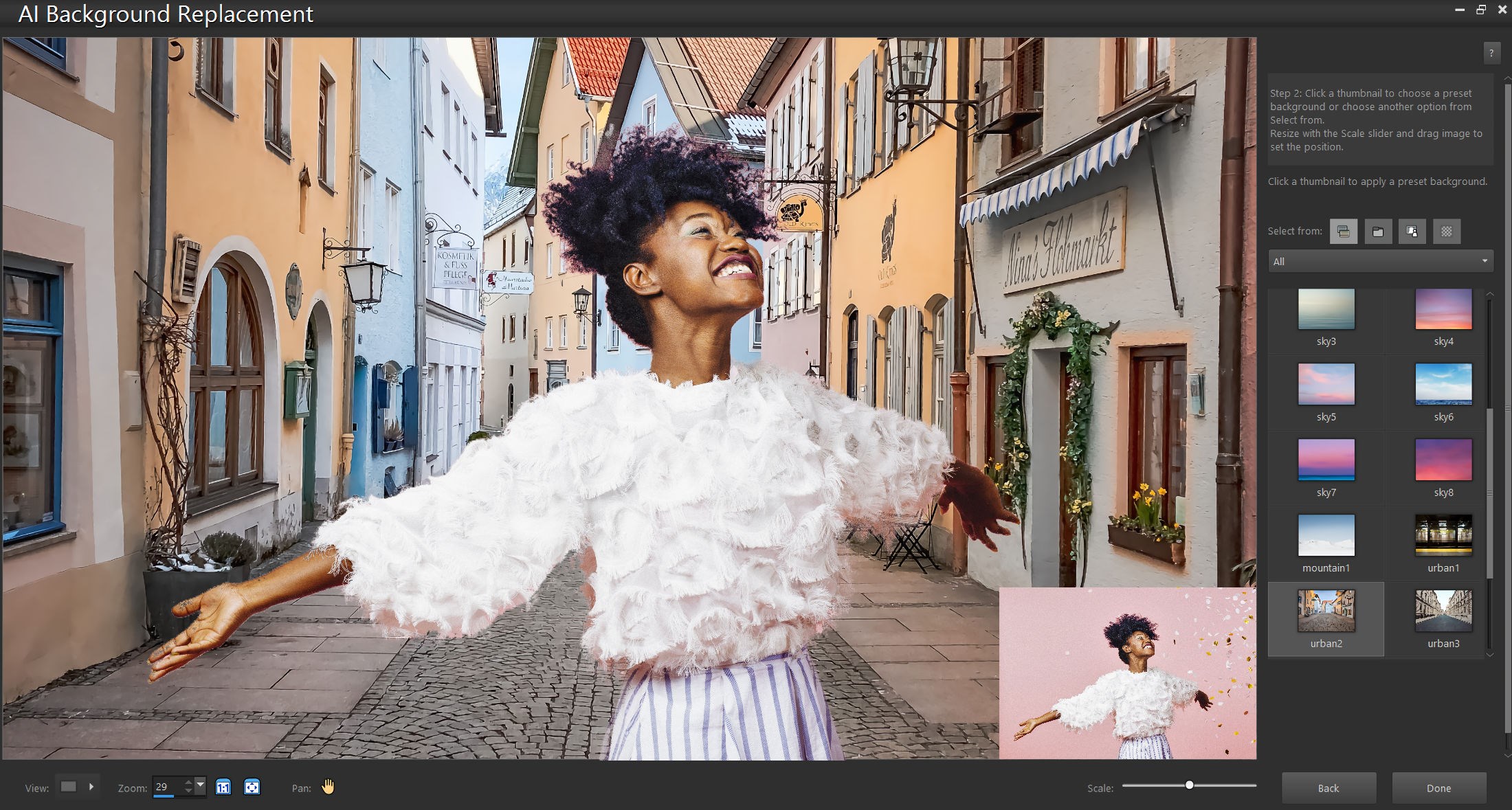
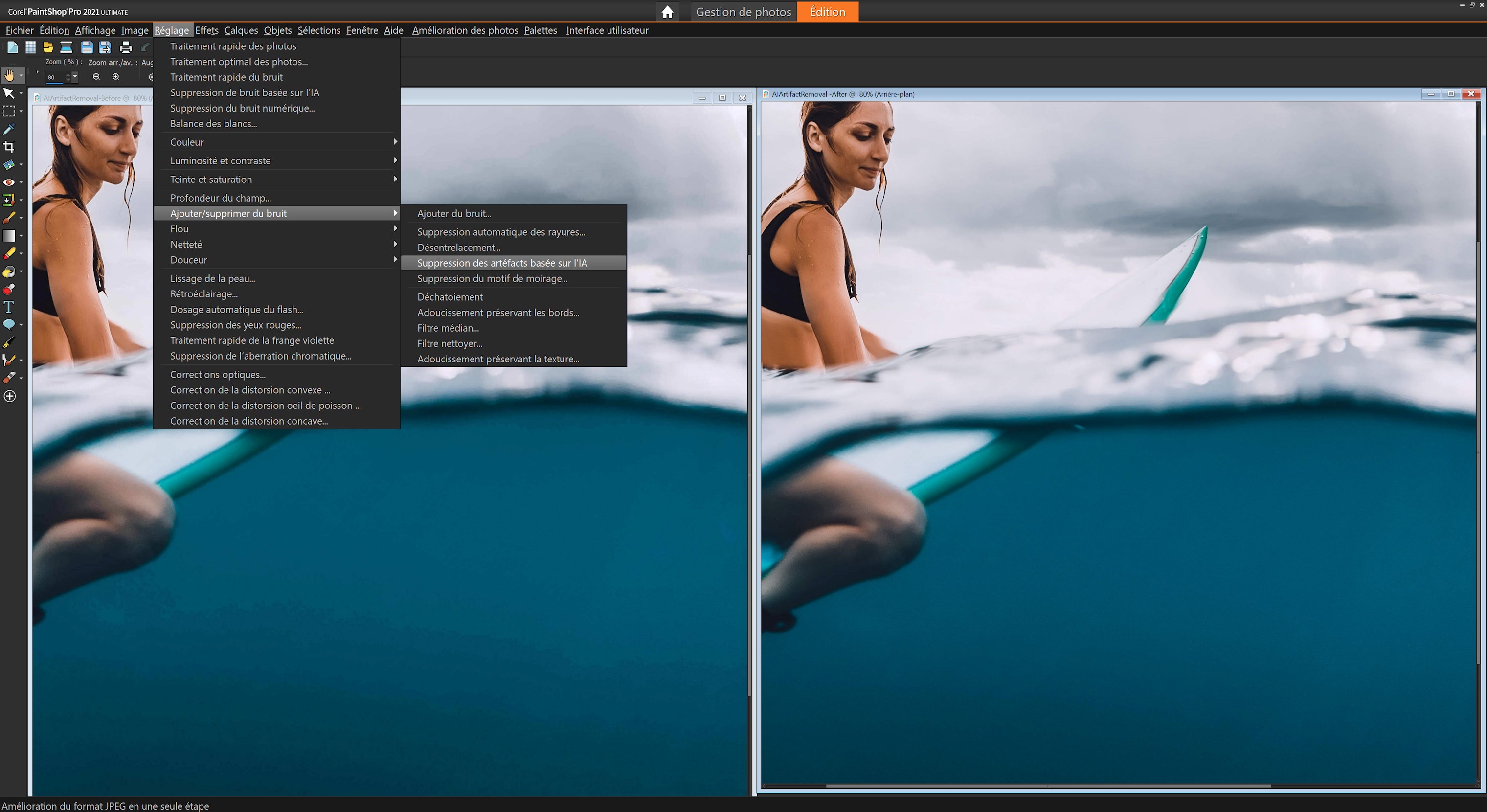
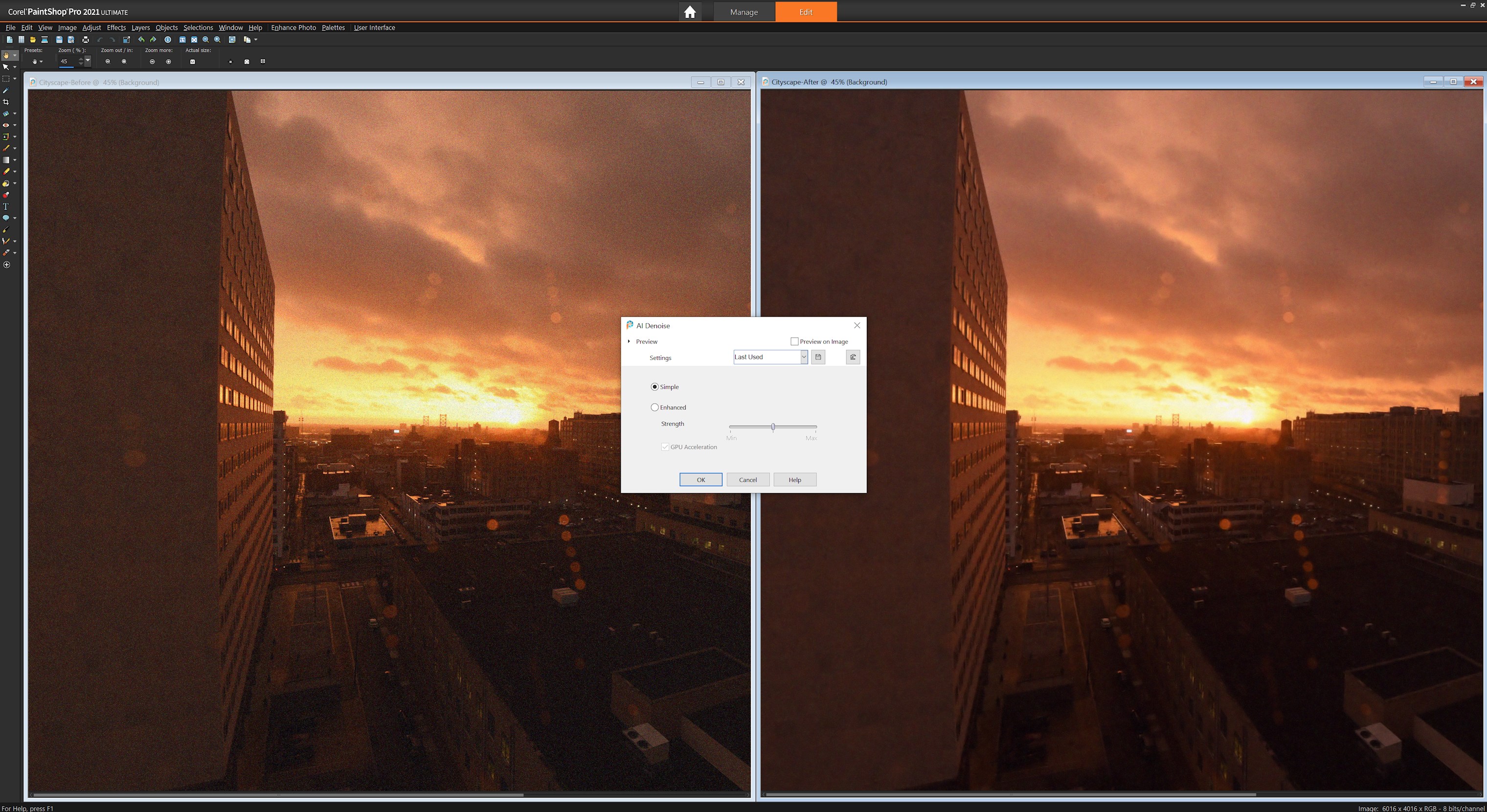
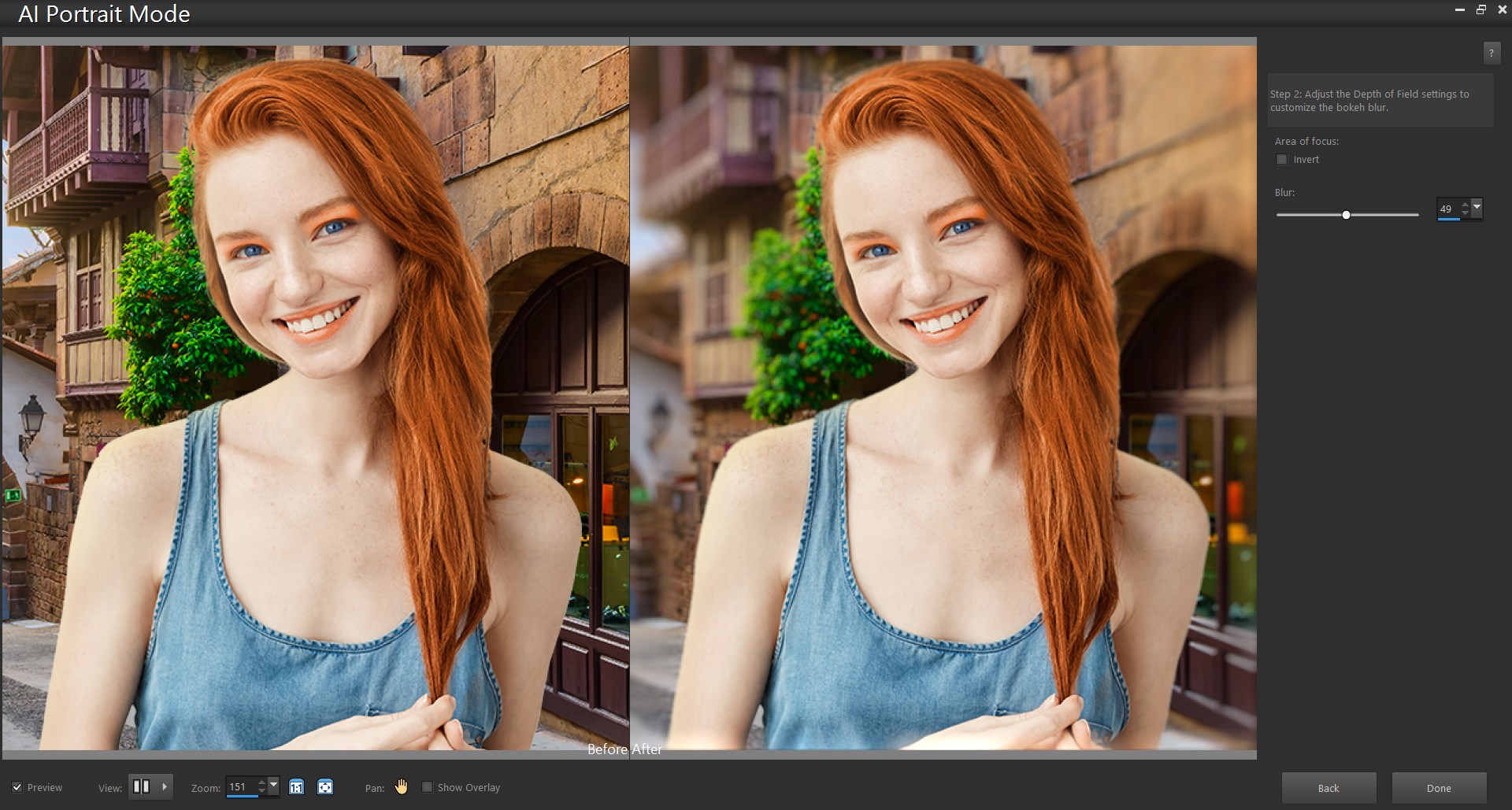
- Change or blur backgrounds with AI technology
- Enlarge an image with AI Upsampling
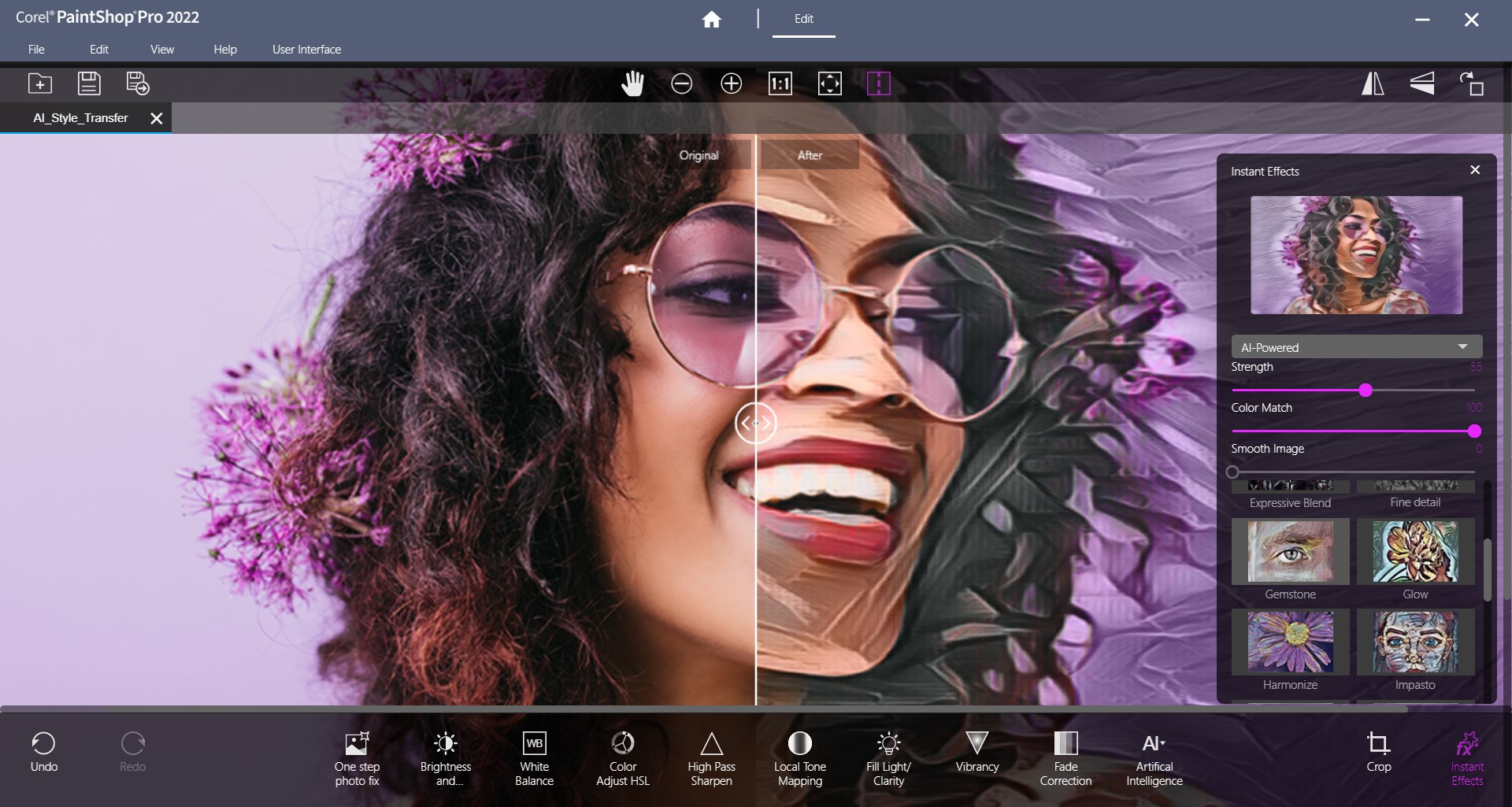
- Create stylized images with AI Style Transfer
- Remove flaws or objects and automatically fill areas with content-aware tools
- Remove red-eye, blemishes and even-out skin tones with Makeover tools
- Try hundreds of effects and presets for every kind of look imaginable
Compatibility and flexibility
- Easily import, save, and export in a variety of supported file formats including Photoshop PSD files
- Support for 64-bit versions of third-party plugins, such as Topaz Labs, Nik Collection by DxO, Adobe and more
- Get support for all of the latest mainstream and WinTab-aware graphics tablets for drawing and painting
- Access to learning content, tips and how-tos right from within the program
Subscription options
With a subscription, this software is always up-to-date and will always be supported and updated for the latest platforms, devices, and technologies.
You can use the software, save and output your work as long as your subscription is active.
Choose between a monthly subscription and an annual subscription option that offers additional cost savings.
If there is a version of this app for iOS/Mac or Windows we don't know about, paste the store link here — we'll auto-detect the store.
How to find the URL:1. Open the app in its store. 2.In the App Store app: tap the Share icon → “Copy Link”. In the browser: copy the URL from the address bar — it contains apps.apple.com/…/id… or apps.microsoft.com/detail/…. 3. Paste it here.
Paste the original link from the Apple App Store or Microsoft Store. We fetch all details automatically.
How to find the URL:
1. Open the app in its store. 2.In the App Store app: tap the Share icon → “Copy Link”. In the browser: copy the URL from the address bar — it contains apps.apple.com/…/id… or apps.microsoft.com/detail/…. 3. Paste it here.
Android apps can only be listed by their developer.



 Adobe Photoshop Elements 2025
Edit, retouch and enhance photos with AI tools
 Photomator – Photo Editor
Professional photo editing with AI-powered tools
 Adobe Lightroom
Edit photos with AI filters and retouching tools
 Picsart Photo Editor
Edit, generate and design photos and videos with AI
 Fotor - Photo Editor & Design
Edit and design photos and videos with AI tools
 Snapseed: Photo Editor, Camera
Professional photo editing with smart masking and film looks