
Screenshot appears after consentScreenshot appears after consentScreenshot appears after consentScreenshot appears after consent
Summary
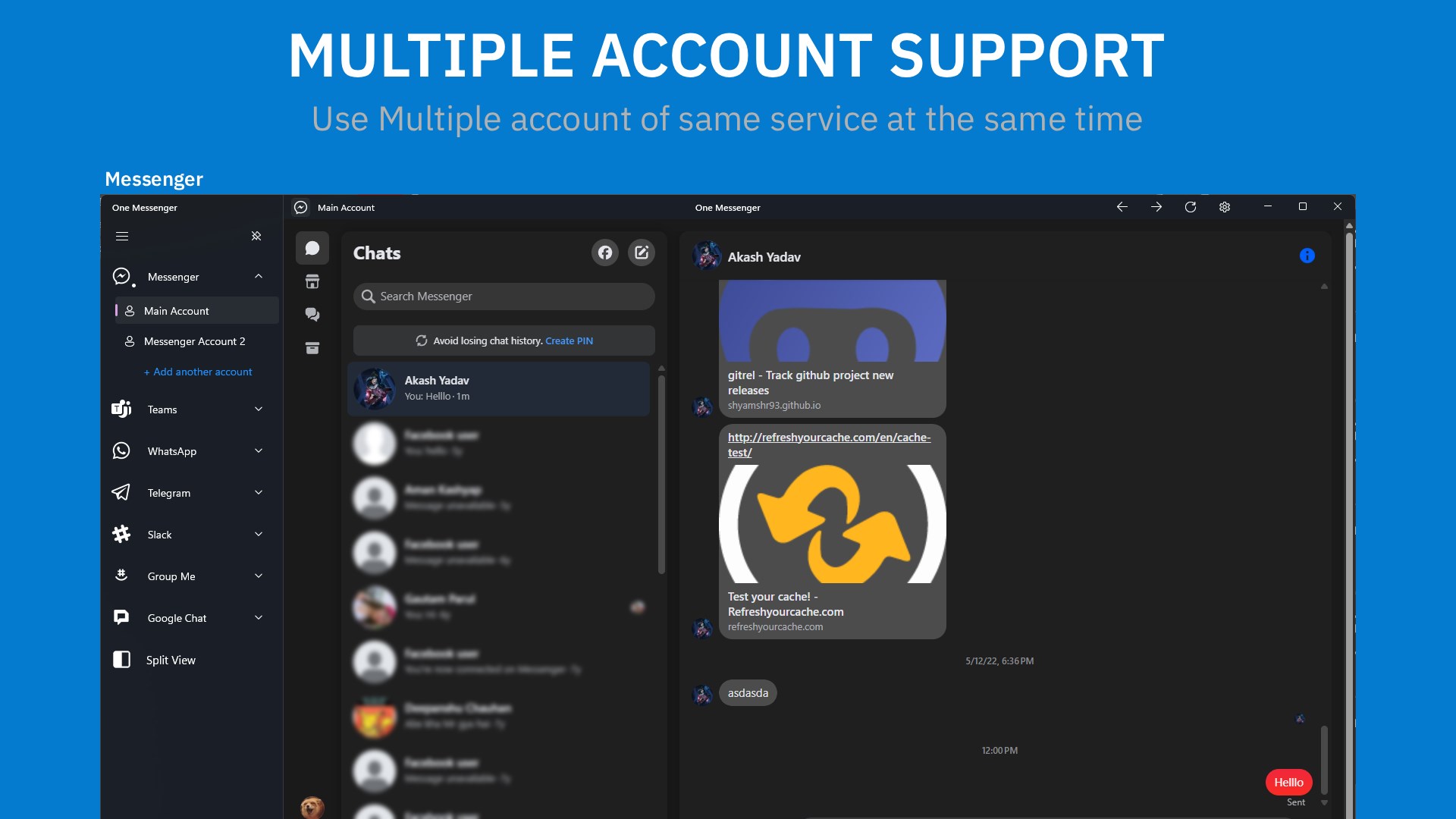
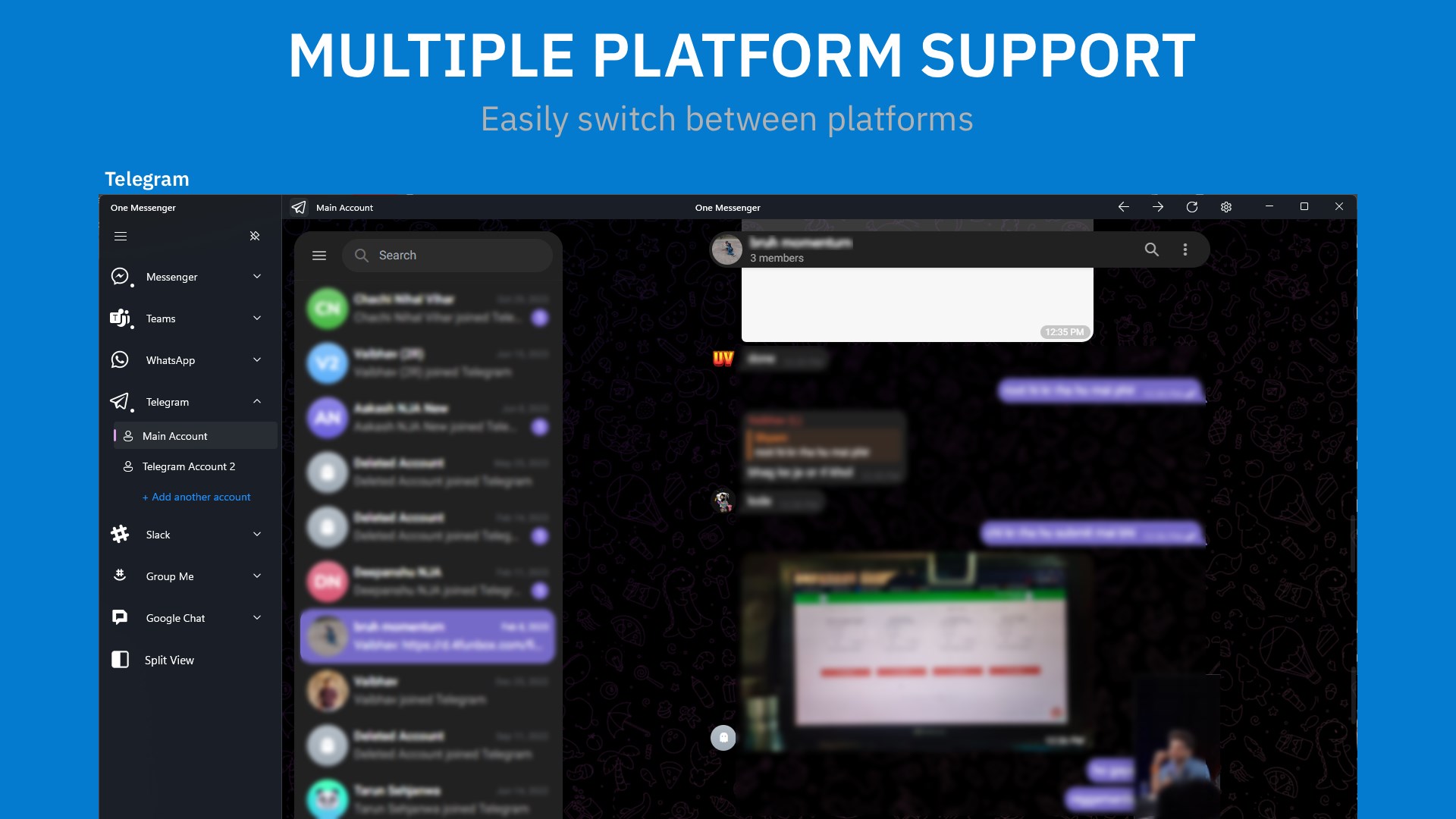
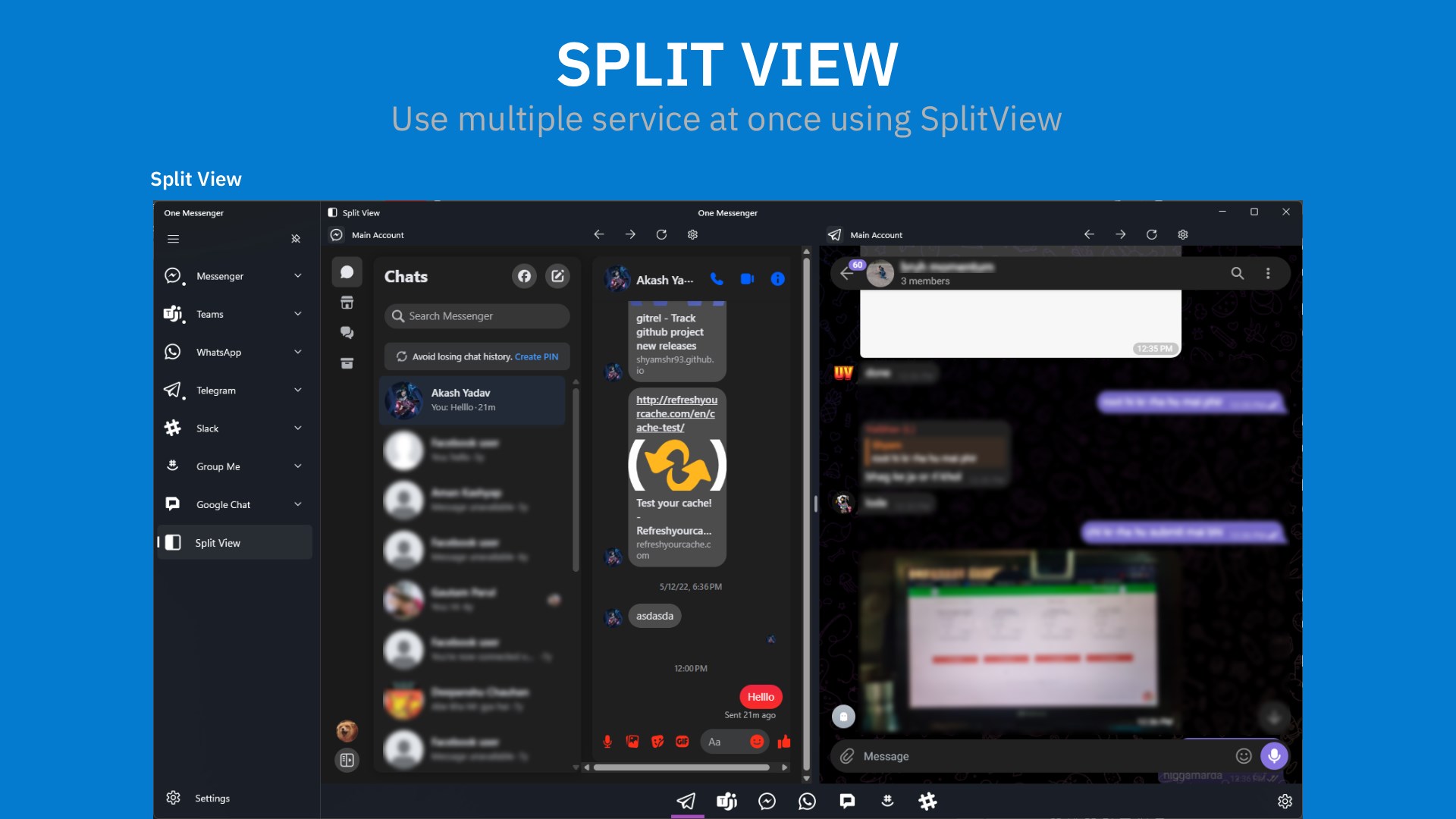
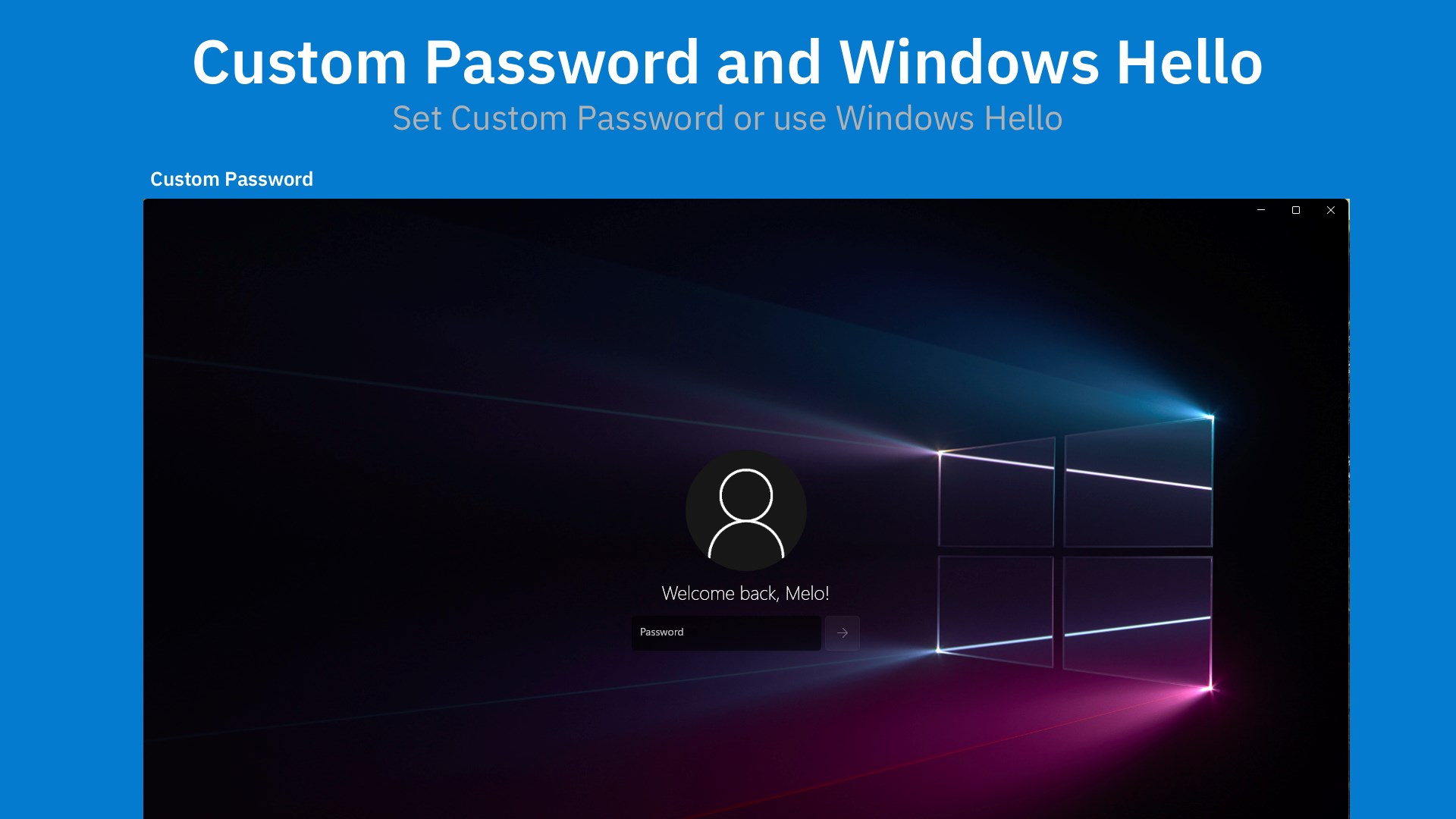
One Messenger - All in one with multi account is a communication app that brings services like Messenger, Discord, Google Chat, Teams and Slack together in one place. It supports multiple accounts on the same service, so different accounts of one platform can be used side by side. It offers dark mode with Fluent Design, built-in downloads for files and media, and a split view for multitasking. Windows Hello and password protection add extra security, and according to the provider, the app runs in a sandboxed environment with no hidden tracking. It is free to use with ads, and a one-time purchase removes ads or unlocks premium features such as advanced account support.
Show the developer's original descriptionHide the original description
Tired of switching between apps just to keep up with friends, family, and work?
With One Messenger, you can bring all your favorite messaging services – Messenger, Discord, Google Chat, Teams, Slack, and more – together in one beautiful, secure app. (Requires .NET Desktop Runtime)
It also comes with Multi account support which means you can use your different accounts of same platform without any problem.
Why you’ll love One Messenger
⦁ Multi account for the same service support.
⦁ All-in-one convenience – chat with everyone from one app.
⦁ Dark Mode & Fluent Design – clean, modern, and easy on your eyes.
⦁ Better Privacy Protection.
⦁ Windows Hello & password protection for extra security.
⦁ Built-in downloads for files and media.
⦁ Split view for multitasking power users.
Safer and more private.
Unlike web apps, One Messenger runs in a sandboxed environment. That means no hidden tracking, and your data is always stored securely on your device.
Free to try – upgrade if you love it
One Messenger is free to use with ads. You can remove ads or unlock premium features like advanced account support with a simple one-time purchase.
✨ Give it a try today – simplify your messaging and enjoy a faster, safer, and more personal way to chat.
Learn more : https://www.definestudio.in/one-messenger
Play Store URL for "One Messenger - All in one with multi account"
If there is a version of this app for iOS/Mac or Windows we don't know about, paste the store link here — we'll auto-detect the store.
How to find the URL:1. Open the app in its store. 2.In the App Store app: tap the Share icon → “Copy Link”. In the browser: copy the URL from the address bar — it contains apps.apple.com/…/id… or apps.microsoft.com/detail/…. 3. Paste it here.
Paste the original link from the Apple App Store or Microsoft Store. We fetch all details automatically.
How to find the URL:
1. Open the app in its store. 2.In the App Store app: tap the Share icon → “Copy Link”. In the browser: copy the URL from the address bar — it contains apps.apple.com/…/id… or apps.microsoft.com/detail/…. 3. Paste it here.
Android apps can only be listed by their developer.