
Screenshot appears after consentScreenshot appears after consentScreenshot appears after consentScreenshot appears after consentScreenshot appears after consentScreenshot appears after consentScreenshot appears after consentScreenshot appears after consent
Summary
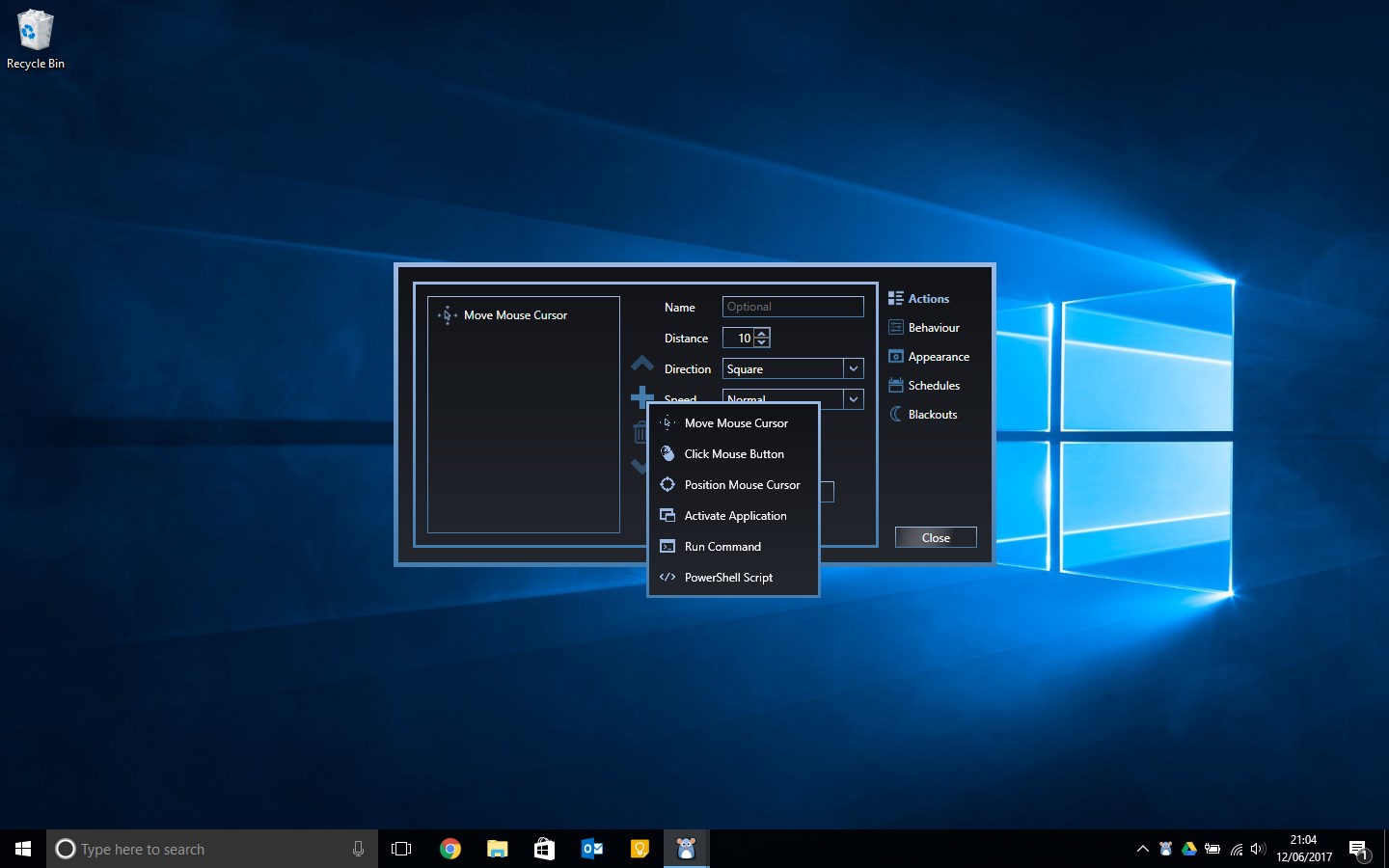
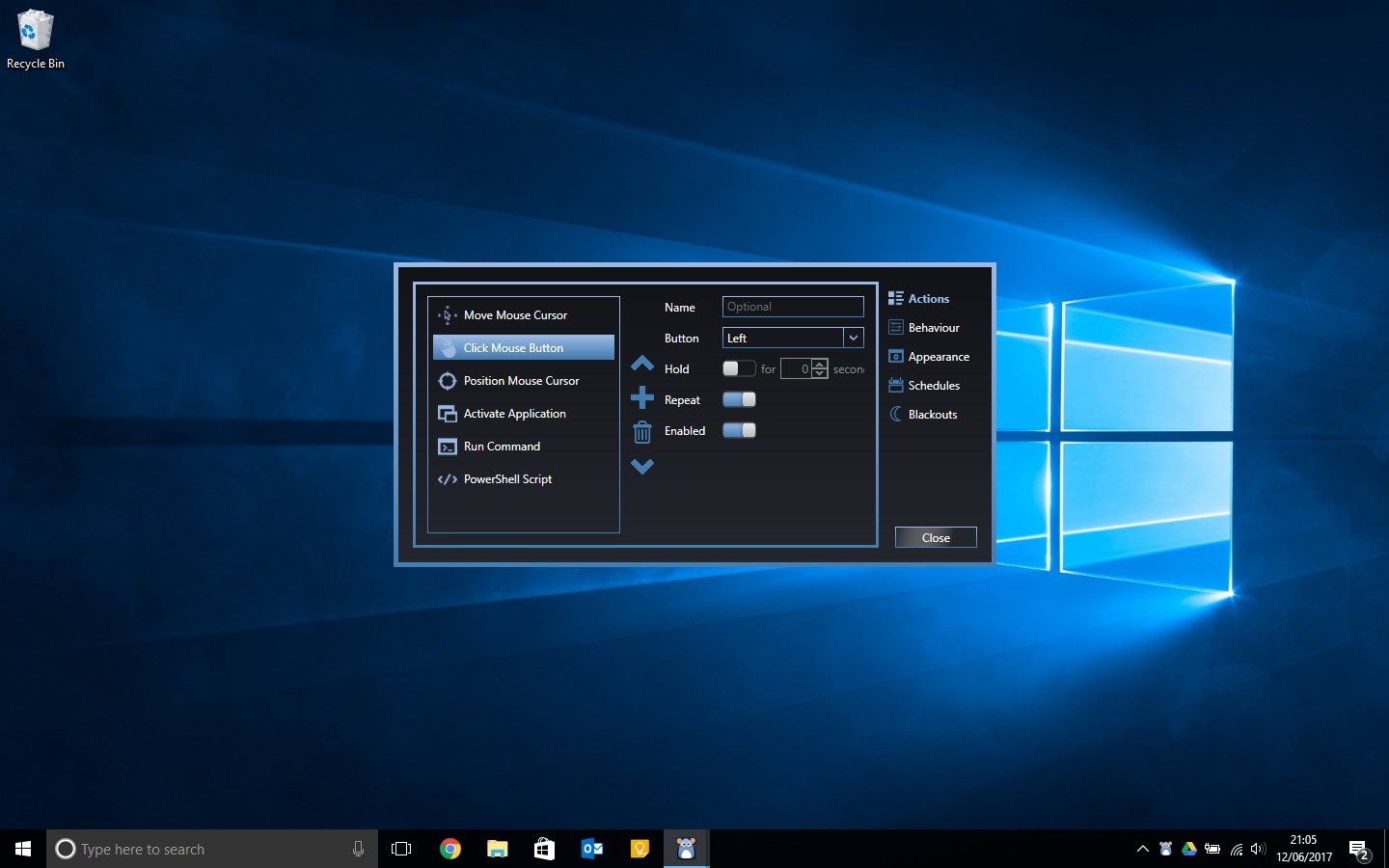
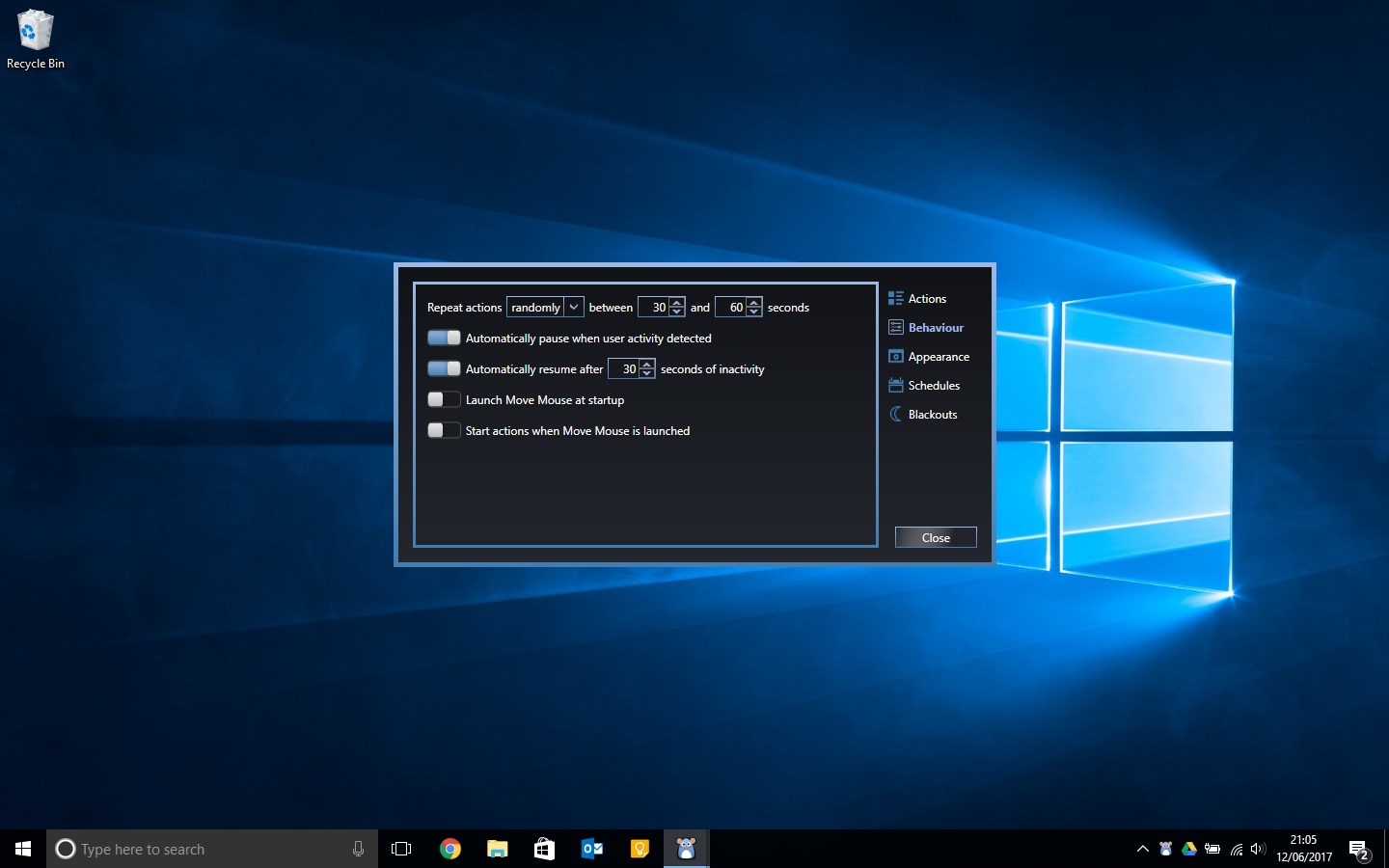
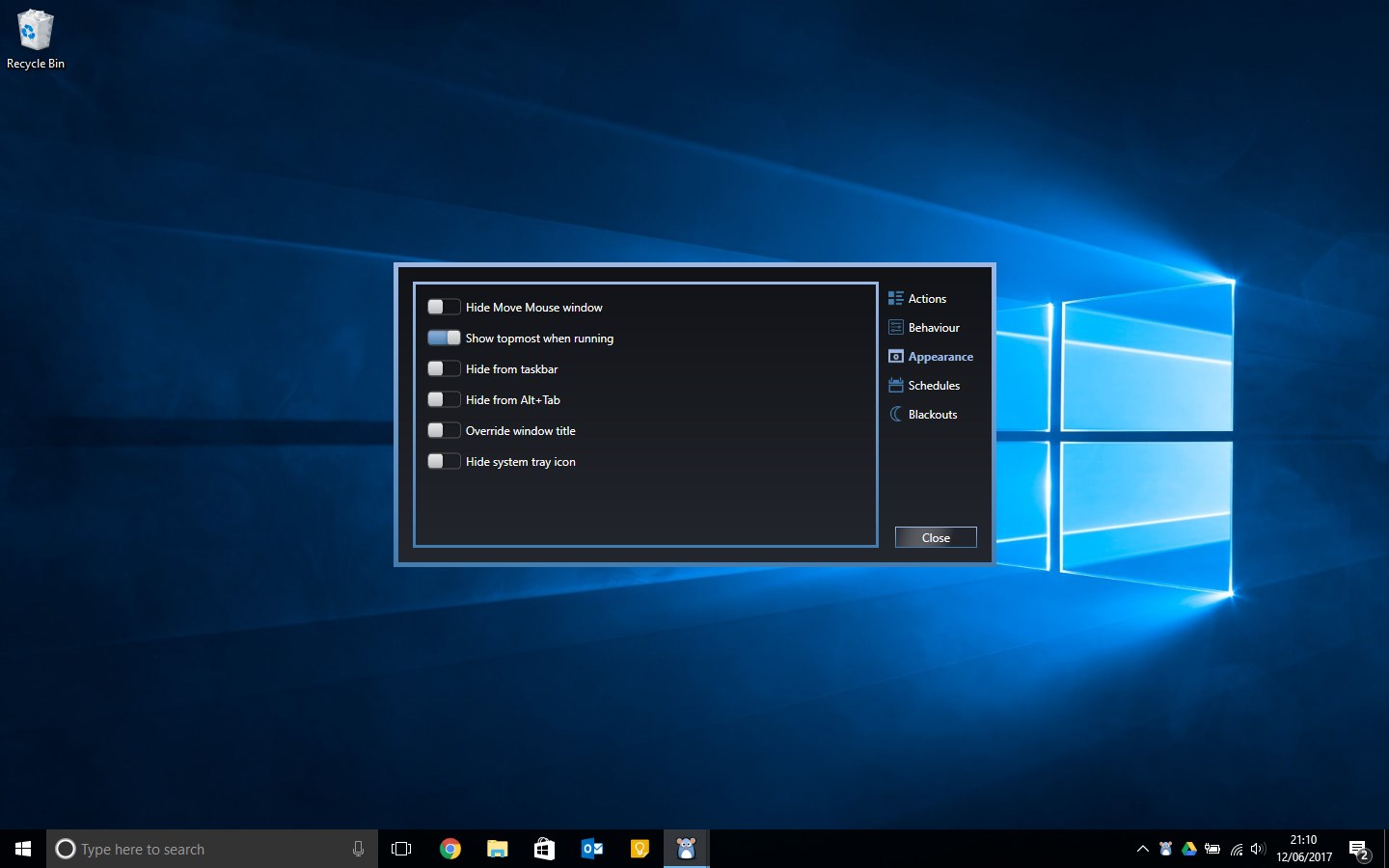
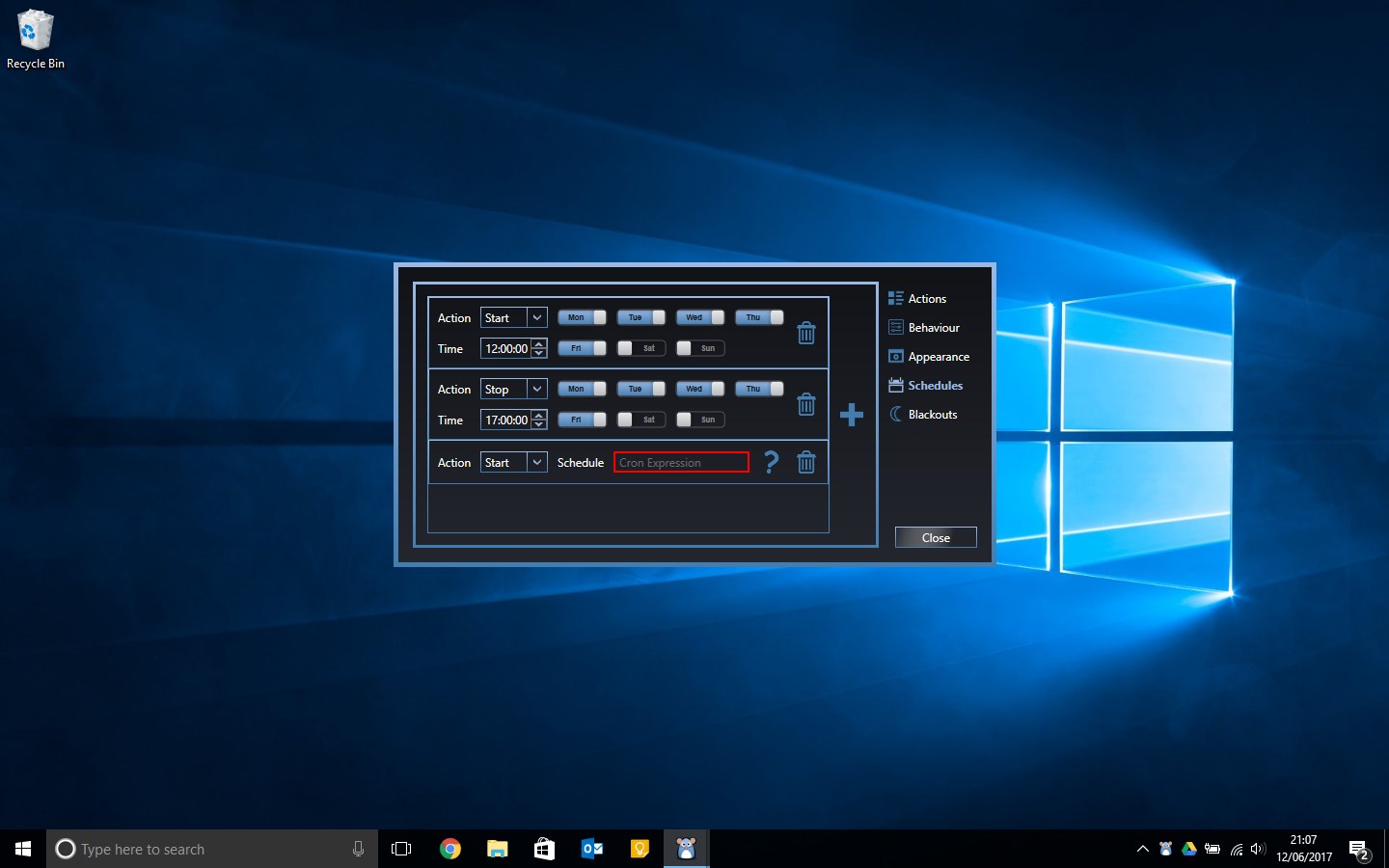
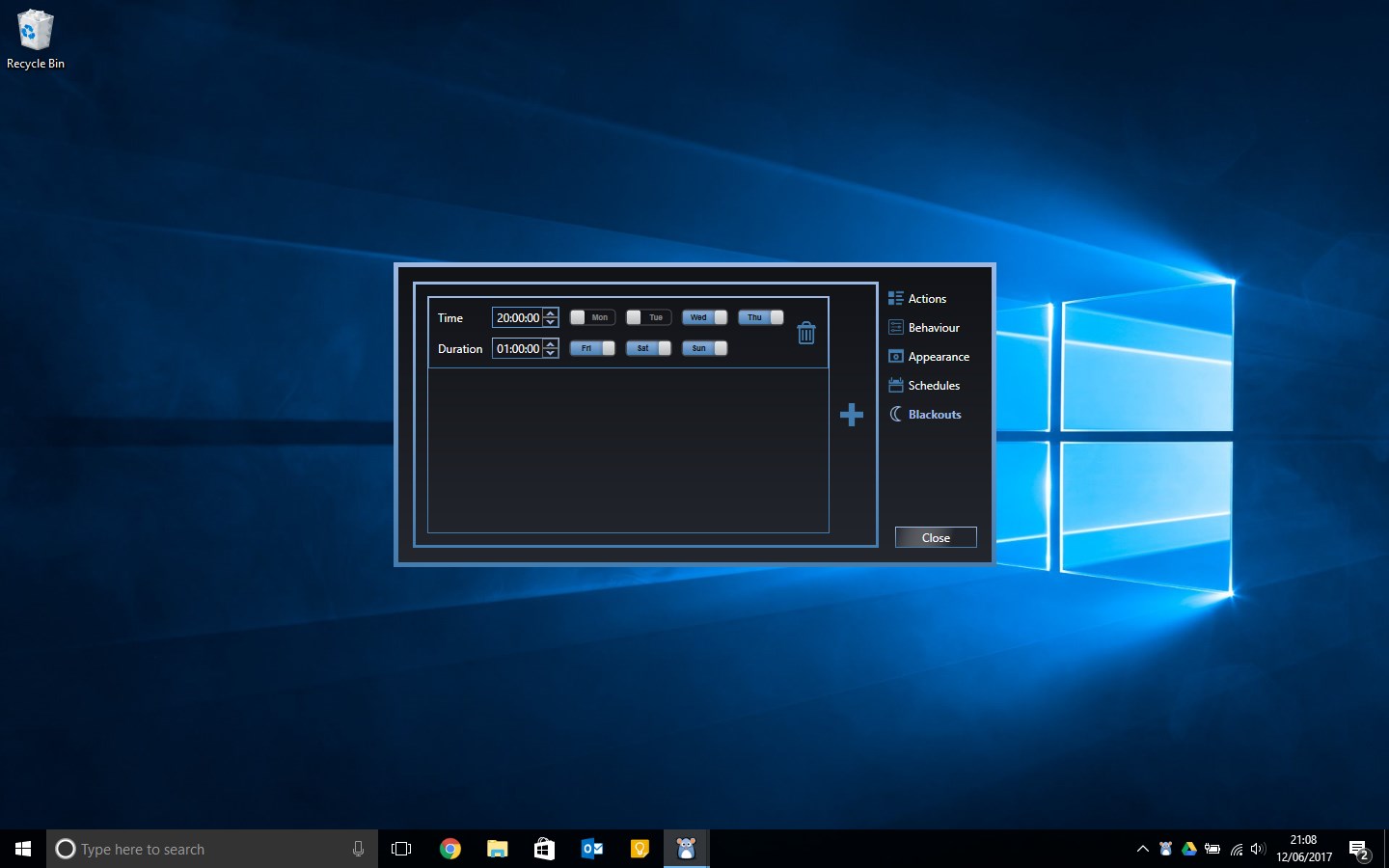
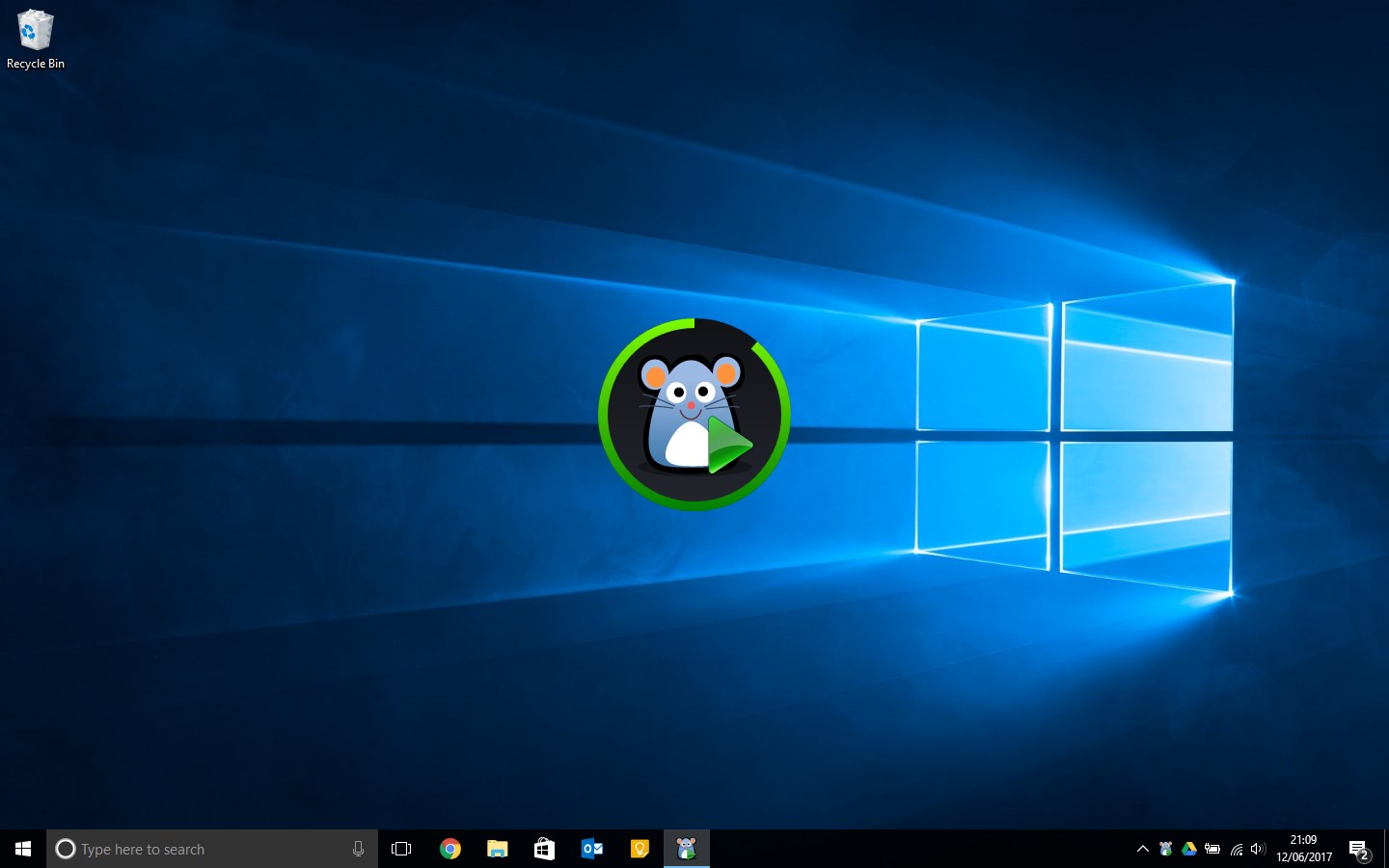
Move Mouse is a utility that simulates user activity in order to keep a computer or remote session awake. It can move the mouse or perform clicks at set intervals to prevent a machine from going idle, which is useful for keeping a remote work session active or for keeping a device awake during a long running process. Beyond basic mouse movement, it supports running PowerShell scripts, setting schedules and defining blackout windows, allowing a customized setup tailored to different situations.
Show the developer's original descriptionHide the original description
A simple utility that can be used to simulate user activity.
Maybe you work from home and want to keep your remote session alive whilst you're away from your machine? Maybe you have a long running process that you want your machine to stay awake for? Move Mouse can be deployed in whole host of situations to assist you.
Actions can range from a simple mouse move or click every few seconds, to PowerShell scripts, schedules and blackout windows that allow you to build a highly customisable experience.
https://twitter.com/movemouse
If there is a version of this app for iOS/Mac or Windows we don't know about, paste the store link here — we'll auto-detect the store.
How to find the URL:1. Open the app in its store. 2.In the App Store app: tap the Share icon → “Copy Link”. In the browser: copy the URL from the address bar — it contains apps.apple.com/…/id… or apps.microsoft.com/detail/…. 3. Paste it here.
Paste the original link from the Apple App Store or Microsoft Store. We fetch all details automatically.
How to find the URL:
1. Open the app in its store. 2.In the App Store app: tap the Share icon → “Copy Link”. In the browser: copy the URL from the address bar — it contains apps.apple.com/…/id… or apps.microsoft.com/detail/…. 3. Paste it here.
Android apps can only be listed by their developer.